Master iPhone Screen Mirroring
Complete Guide to Wireless Display, Casting, and Streaming on Your Apple Device
Struggling to get your iPhone screen to display on your TV, projector, or computer?
207 pages9 chaptersJul 10, 2026iPhone
About this book
Screen mirroring should be simple, but confusing settings, compatibility issues, and connection problems often derail the process. This comprehensive guide cuts through the complexity and shows you exactly how to mirror your iPhone wirelessly to any compatible device. Whether you're presenting at work, streaming entertainment, gaming, or simply extending your display, you'll learn the step-by-step setup process, understand which technology works best for your situation, and master the troubleshooting techniques that resolve 90% of common problems. Discover advanced features you didn't know existed, optimize your network for lag-free performance, and protect your privacy while mirroring. With clear explanations, practical examples, and real-world scenarios, this book transforms screen mirroring from a frustrating mystery into an effortless skill you'll use daily.
Table of contents
- IntroductionWhy Screen Mirroring Matters in Today's World, What You'll Learn in This Book, How to Use This GuideRead below
- Chapter 1: Understanding Screen Mirroring FundamentalsWhat Is Screen Mirroring and How Does It Work?, Mirroring vs. Casting: Understanding the Difference, Real-World Benefits and Use Cases
- Chapter 2: Mirroring Technologies and ProtocolsAirPlay: Apple's Native Mirroring Solution, Bluetooth and Other Wireless Standards, HDMI and Wired Connection Alternatives, Choosing the Right Protocol for Your Needs
- Chapter 3: Device Compatibility and RequirementsiPhone Models and iOS Version Requirements, Compatible Receiving Devices and Displays, How to Check Your Device Compatibility
- Chapter 4: Setting Up Your Network for MirroringWiFi Network Requirements and Optimization, Configuring Your Network for Optimal Performance, Bandwidth and Connection Stability, 5GHz vs. 2.4GHz: Which Band to Use
- Chapter 5: Step-by-Step Setup GuidePreparing Your iPhone and Receiving Device, Initiating Your First Mirroring Connection, Establishing an AirPlay Connection, Alternative Connection Methods
- Chapter 6: Troubleshooting Common IssuesResolving Connection and Discovery Issues, Fixing Lag, Latency, and Performance Problems, Addressing Audio Sync and Sound Problems, Preventing Unexpected Disconnections
- Chapter 7: Advanced Mirroring FeaturesMulti-Display and Extended Display Modes, Optimizing Mirroring for Gaming, Professional Presentations and Workflows
- Chapter 8: Security and Privacy ConsiderationsUnderstanding Security Risks When Mirroring, Protecting Sensitive Information During Mirroring, Privacy Best Practices and Safe Mirroring Habits
- Chapter 9: Maintenance and OptimizationRegular Maintenance Tasks for Reliable Mirroring, Managing Software Updates and Compatibility, Ongoing Performance Optimization Strategies
- ConclusionYou've Mastered Screen Mirroring, Next Steps and Continued Learning
- Frequently Asked Questions
- Glossary of Terms
Introduction
Picture this: you're about to present a project to your team, and you want to walk everyone through the slides on your iPhone. You tap a few settings, expect your screen to appear on the conference room TV, and instead you get a spinning wheel, an error message, or nothing at all. Or maybe you're trying to stream a video to your living room TV and the image keeps stuttering, the audio falls out of sync, or the connection drops every few minutes. These frustrations are incredibly common, and they happen to people who are otherwise very comfortable with technology.
Screen mirroring is one of those features that sounds straightforward on paper. Your iPhone sends its display to a bigger screen. Simple, right? In practice, though, it involves a web of interacting factors: your Wi-Fi network, the receiving device's firmware, the version of iOS on your phone, the specific protocol being used, and a handful of settings that are easy to overlook. When any one of those factors is off, the whole experience can fall apart. That's exactly why so many people give up on mirroring after a few failed attempts and assume it just doesn't work well.
This book exists to change that. Whether you're an iPhone user who has never successfully mirrored your screen, someone who gets it working occasionally but can't figure out why it fails other times, or a person who wants to push beyond the basics and use mirroring for professional presentations, gaming, or multi-display setups, this guide covers all of it. The goal is to give you a clear, complete understanding of how screen mirroring works, what makes it succeed, and what to do when it doesn't. By the time you finish, mirroring your iPhone will feel less like guesswork and more like a reliable tool you reach for every day.
The chapters ahead move from foundational concepts to advanced techniques in a logical sequence. Each section builds on the last, so even if you're tempted to skip ahead to a specific problem, spending a few minutes on the earlier chapters will give you the context that makes the later material much more useful. That said, the guide is also designed to work as a reference. If you run into a specific issue six months from now, you can flip directly to the relevant section and find what you need without rereading everything from the start.
Why Screen Mirroring Matters in Today's World
The way people use their phones has changed dramatically over the past decade. The iPhone is no longer just a communication device. It's a camera, a productivity hub, a gaming console, a presentation tool, and an entertainment center. As the phone has taken on more roles, the need to share its screen with a larger display has grown right alongside it. Screen mirroring bridges the gap between the small screen in your pocket and the larger displays that make certain tasks far more effective.
In professional settings, the impact is especially clear. Remote and hybrid work has made it common for people to join meetings from home, a coffee shop, or a hotel room. When your laptop isn't available or isn't practical, being able to mirror your iPhone to a TV or monitor means you can still run a polished presentation, review documents with a colleague, or demonstrate an app to a client. According to a 2023 survey by Statista, over 57% of knowledge workers reported using a mobile device as their primary work tool at least part of the time.[1] For those users, screen mirroring is a practical necessity, not a luxury.
Entertainment is another major driver. Streaming services like Netflix, Apple TV+, and YouTube are increasingly consumed on mobile devices first. Mirroring lets you take that content from a 6-inch screen to a 65-inch TV without needing a separate streaming device or smart TV app. Families use it to watch videos together. Travelers use it to turn a hotel TV into a personal streaming setup. Gamers use it to play mobile titles on a bigger display with better visibility and a more immersive experience.
Education has also embraced screen mirroring in meaningful ways. Teachers mirror their iPhones to classroom projectors to demonstrate apps, annotate documents in real time, or show student work to the whole class. Students use it to present projects without needing to transfer files to a classroom computer. The flexibility of being able to share exactly what's on your phone, live and in real time, opens up possibilities that weren't practical just a few years ago.
Beyond work and entertainment, there are everyday personal uses that often go unnoticed until you try them. Sharing vacation photos on a TV during a family gathering, walking a parent through a new app by mirroring your screen to their monitor, or following a cooking tutorial on a kitchen TV while your hands are busy are all simple but genuinely useful applications. Screen mirroring, when it works well, quietly improves a surprising number of daily situations.
The technology has also matured significantly. Early versions of AirPlay were finicky and limited. Today, with AirPlay 2, a well-configured network, and a compatible receiving device, mirroring can be nearly seamless. The challenge is no longer whether the technology is capable. The challenge is knowing how to set it up correctly and how to diagnose the issues that still arise. That's the gap this book is designed to close.
What You'll Learn in This Book
This guide covers screen mirroring from the ground up, starting with the core concepts and working through to advanced techniques. Each chapter focuses on a specific layer of the mirroring experience, so you build a complete picture rather than a collection of disconnected tips. Here's a clear overview of what each part of the book covers and what you'll be able to do after reading it.
Chapters 1 and 2 lay the foundation. You'll learn exactly what screen mirroring is, how it differs from casting (a distinction that matters more than most people realize), and which technologies are involved. You'll get a clear explanation of AirPlay, Bluetooth, HDMI, and other protocols, along with guidance on choosing the right one for your specific situation. Understanding these fundamentals prevents a lot of the confusion that leads to failed setups.
Chapter 3 covers compatibility. Not every iPhone and not every receiving device supports every mirroring method. This chapter walks you through which iPhone models and iOS versions support which features, which TVs, projectors, computers, and streaming sticks work with AirPlay, and how to quickly check whether your specific devices are compatible before you spend time trying to connect them.
Chapter 4 focuses on your network. This is the chapter most guides skip, and it's often the reason mirroring fails. You'll learn what Wi-Fi requirements actually matter, how to configure your router for better mirroring performance, what bandwidth you need for different types of content, and why the 5GHz band almost always outperforms 2.4GHz for mirroring tasks.
Chapter 5 is the step-by-step setup guide. This is where everything comes together in practical, numbered instructions. You'll walk through preparing both your iPhone and your receiving device, initiating your first connection, establishing an AirPlay session, and using alternative methods when AirPlay isn't available. Screenshots and specific menu paths are referenced throughout so you're never guessing where to tap.
Chapter 6 tackles troubleshooting. This chapter alone is worth the price of the book for anyone who has struggled with mirroring. It covers the most common problems in a systematic way:
- Devices not discovering each other on the network
- Lag, stuttering, and performance degradation
- Audio that's out of sync with the video
- Connections that drop unexpectedly after a few minutes
Chapter 7 moves into advanced territory. You'll explore multi-display setups, learn how to optimize mirroring specifically for gaming (where latency is critical), and discover how professionals use iPhone mirroring in presentations and workflows. These techniques go well beyond what most users know is possible.
Chapters 8 and 9 round out the book with security, privacy, and maintenance. You'll understand the real risks of mirroring on public or unfamiliar networks, learn how to protect sensitive content during a session, and build a simple maintenance routine that keeps your mirroring setup reliable over time. These chapters are especially important for anyone who mirrors in professional or semi-public environments.
By the end of this book, you'll have a complete toolkit. You'll know how to set up mirroring from scratch, how to optimize it for your specific use case, how to fix it when something goes wrong, and how to use it safely. That combination of knowledge is what separates someone who occasionally gets mirroring to work from someone who uses it confidently every day.
How to Use This Guide
This book is designed to work in two different ways depending on what you need right now. If you're new to screen mirroring or have had repeated frustrations with it, reading from start to finish is the best approach. The chapters are sequenced so that each one builds on the previous, and the concepts introduced early on make the later chapters significantly easier to follow. Skipping ahead can work, but you may find yourself missing context that explains why a particular step matters.
If you already have some experience with mirroring and you're here to solve a specific problem or learn a specific technique, the book works equally well as a reference. The chapter and section structure is designed to make it easy to navigate directly to what you need. The table of contents is detailed enough that you can identify the right section quickly. Each section is also written to be reasonably self-contained, with references back to earlier chapters when a concept needs more background.
A few practical suggestions for getting the most out of this guide:
- Have your devices nearby. The most effective way to learn mirroring is to follow along in real time. When a chapter walks through a setup process, try it on your actual iPhone and receiving device as you read. Hands-on practice cements the steps far better than reading alone.
- Note your specific devices and iOS version. Some steps vary slightly depending on your iPhone model, iOS version, or the type of receiving device you're using. Knowing your setup in advance helps you apply the instructions accurately.
- Use the troubleshooting chapter as a checklist. When something goes wrong, resist the urge to randomly try fixes. Chapter 6 is organized as a diagnostic process. Working through it systematically saves time and usually identifies the problem faster than trial and error.
- Revisit the security chapter before mirroring in new environments. If you're about to mirror at a hotel, conference center, or client's office, a quick review of Chapter 8 takes only a few minutes and can prevent real problems.
Throughout the book, you'll find several recurring elements designed to make the content more useful. Step-by-step instructions are formatted as numbered lists so you can follow along without losing your place. Practical examples illustrate how concepts apply in real situations, from a teacher setting up a classroom projector to a traveler connecting to a hotel TV. Troubleshooting tips appear within chapters when a particular step is known to cause problems, not just in the dedicated troubleshooting chapter.
It's also worth noting what this book assumes about your starting point. It's written for iPhone users with intermediate technical knowledge. That means it assumes you're comfortable navigating iOS settings, connecting to Wi-Fi networks, and installing apps. It does not assume you have any prior knowledge of screen mirroring, networking protocols, or AirPlay. If a technical term is introduced, it's explained in plain language. There's also a glossary at the back of the book for quick reference when you encounter a term and want a concise definition.
The examples and instructions in this book are based on iOS 17 and the current generation of AirPlay 2-compatible devices. Apple updates iOS regularly, and while the core concepts remain consistent across versions, specific menu names or settings paths may shift slightly with new releases. When that happens, the underlying logic described in each chapter will still guide you to the right place, even if the exact label has changed. Checking the iOS version on your device before you start is a good habit, and the compatibility chapter covers which versions support which features in detail.
One final note before diving in: screen mirroring is genuinely useful, and it's more accessible than most people realize once the setup is understood. The goal of this book isn't to make you an expert in wireless networking or Apple's engineering decisions. The goal is to make you confident and capable with a tool that can meaningfully improve how you work, present, and enjoy content. That's an achievable outcome, and the chapters ahead are designed to get you there as directly as possible.
The best technology is the kind you stop thinking about because it just works. This guide is about getting screen mirroring to that point: reliable, predictable, and genuinely useful in your daily life.
Notes
Introduction
- 1. Statista Research Department, Mobile device usage in the workplace, Statista, 2023
This is the end of the free sample. The full book has 9 chapters.
Want this book written for you?
Tell us your goals and background, and get your own version of this book, tailored by AI to you.


Benefits of AI-tailored books
- Read one book, not ten:
- all the iPhone knowledge you need, gathered into a single book.
- Save days of learning:
- tell us your goals, choose your topics, and the whole book is built around them.
- Learn effortlessly:
- iPhone book written for your specific background and expertise.
- Understand at a glance:
- includes charts, tables, timelines, checklists, decision trees, and more.
- Stay current:
- written the day you order it, not years ago.
- Trust what you read:
- every book is checked for accuracy, with real research when your subject needs it.
Create your unique book in 3 steps
- 1. Select your focus
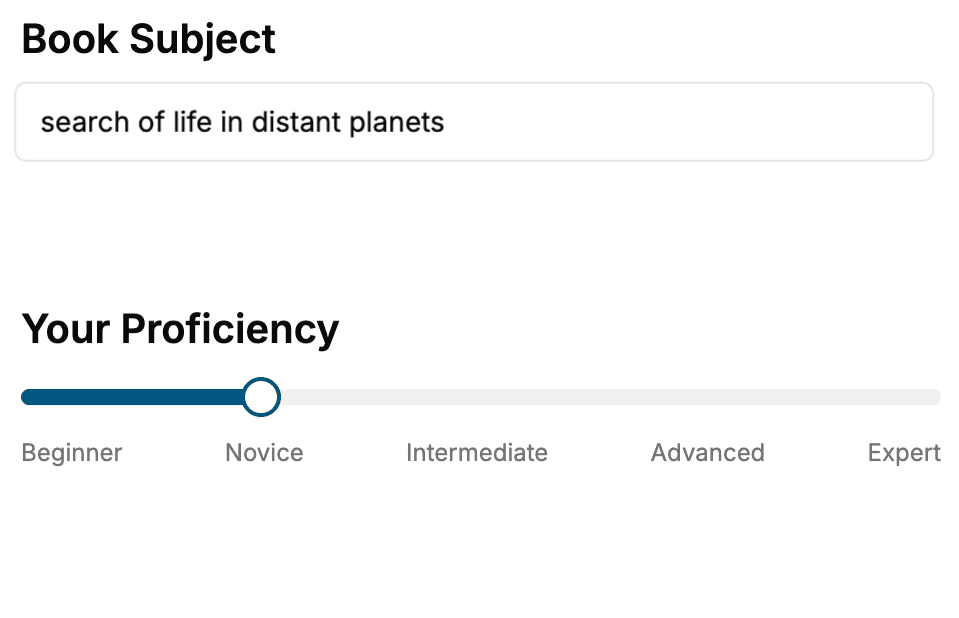
Select the focus of your iPhone book and share your background
- 2. Personalize your book
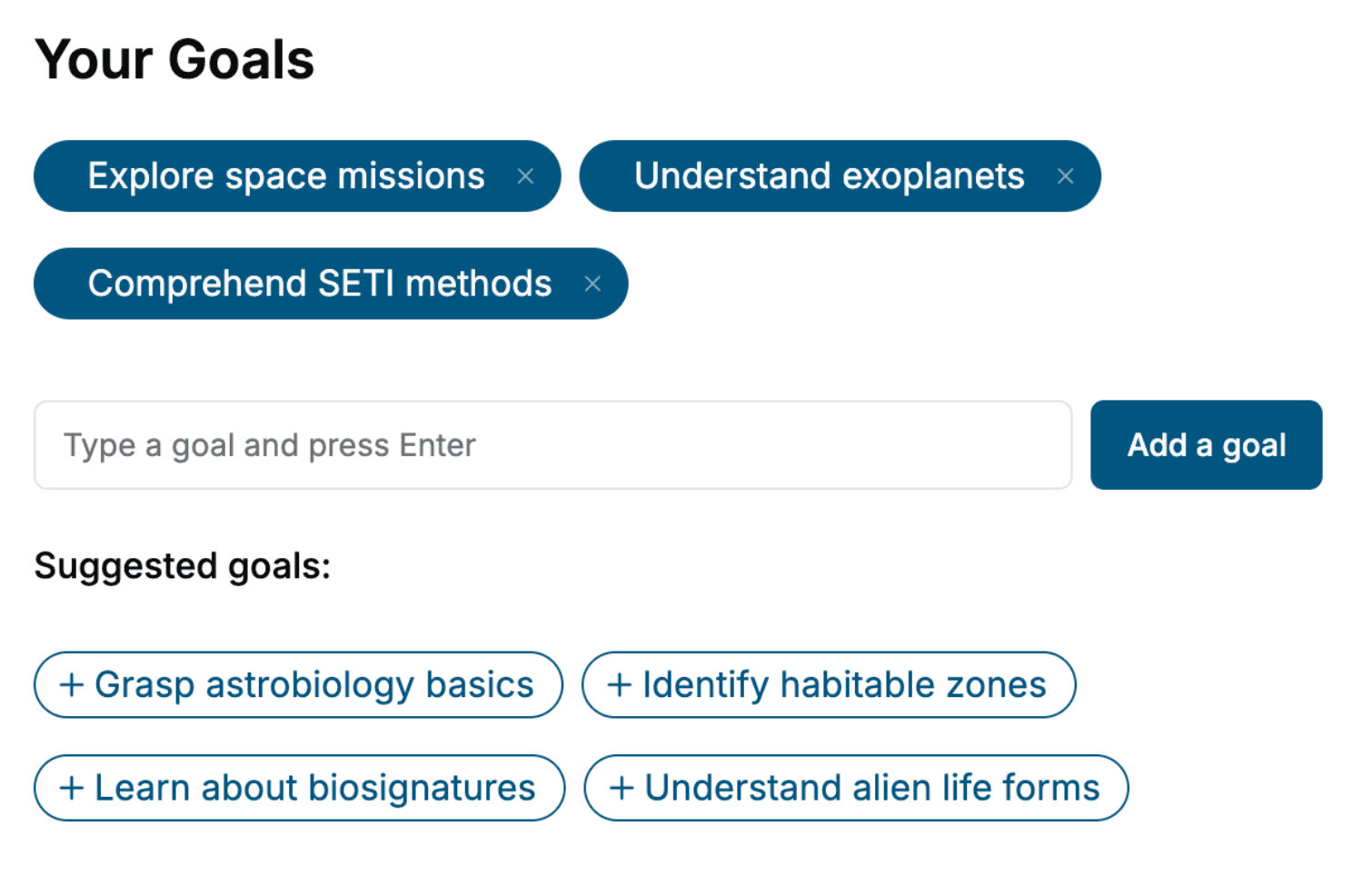
Specify your goals and choose sub-topics to include
- 3. Get your tailored book
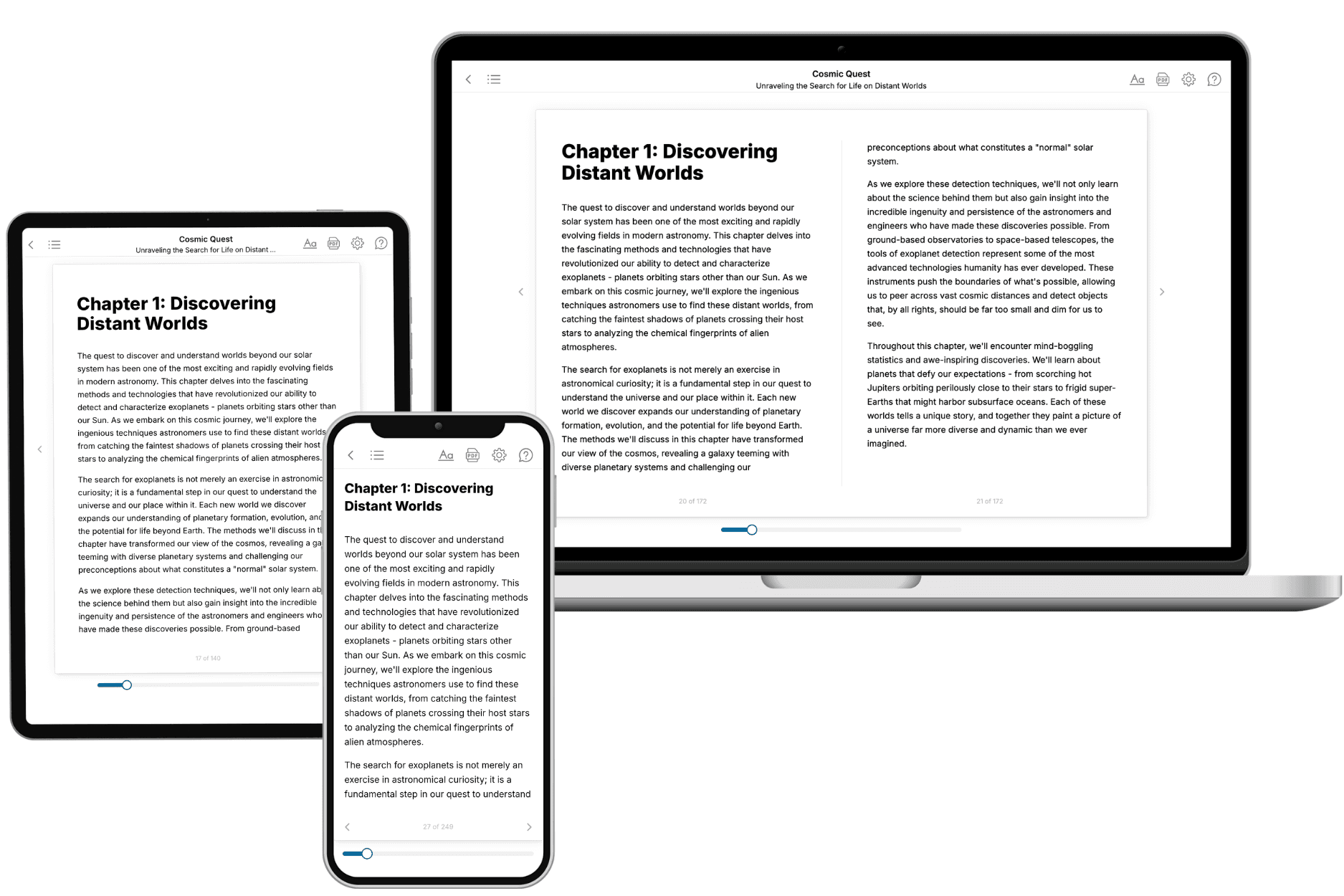
Your book is ready in 10 minutes. Read it online, download as EPUB or PDF, or send to Kindle.
Frequently asked questions
- What is TailoredRead?
TailoredRead creates complete, full-length nonfiction ebooks, written specifically for you. Tell us what you want to learn and why, and TailoredRead writes you a complete ebook on it, with charts, tables, and diagrams throughout. Read it online, on Kindle, or on any e-reader, or download it as a PDF or EPUB. Every book is written fresh the day you order it.
- How is the book tailored to me?
Before anything is written, you answer a few short questions about your goals, your background, and the topics you care about. Your book is then planned around your answers: written at your level, focused on your goals, and covering the topics you chose, instead of the one-size-fits-all book a store sells everyone.
- Will it read like generic AI content?
No. Your book isn't a chat transcript: it's planned chapter by chapter before a single word is written, told in a clear book voice, and explains ideas visually with charts, tables, and diagrams. After writing, every book goes through an editorial pass that polishes chapters so the book reads consistent from start to finish. Judge for yourself: browse thousands of sample books on our Explore Books page.
- How accurate is the content?
Our AI first checks whether your subject needs live research. Niche and fast-moving subjects are researched before writing, and the book plan and chapters are grounded in what it finds. After writing, every book goes through a quality pass that checks its facts and consistency, and researched books list their sources in a Notes section at the back.
- How long is the book?
You choose the length: Comprehensive (250-300 pages), Detailed (150-200 pages), Essential (70-100 pages), or Short (30-50 pages).
- Does the book include visuals?
Yes. Every book includes charts, tables, and diagrams: timelines, checklists, step-by-step guides, decision trees, comparison tables, matrices, and bar charts. A typical book includes dozens of these visual elements.
- Can I read it on Kindle? What formats can I download?
Yes. Every book can be read in our online reader or downloaded as a PDF or EPUB. The EPUB can be opened with Kindle, Apple Books, Kobo, and any e-reader. The Commercial and Author licenses also include an editable Word (DOCX) and Markdown download.
- How much does it cost?
About the price of a regular ebook. The exact price depends on your book's length and complexity, from $2 for the shortest books to $35 for the most comprehensive, and it's shown when you review your book, before you commit to anything. Each book is a one-time purchase, yours to keep, no subscription. Licenses that let you share, teach, or publish your book range from $35.99 to $49.99.
- Can I preview the book before purchasing?
Before you pay, you'll see what your book will cover: the title, a detailed description, the estimated length, and the complete chapter-by-chapter table of contents, so you know what you're getting before you decide. The full text itself is written after you purchase.
- How long does it take to create a book?
About 10 minutes. You can start reading the opening chapters while the rest is still being written.