Master Your iPhone Files
The Complete Guide to Organizing, Finding, and Managing Everything on Your Device
Are you spending precious minutes searching for files on your iPhone, or struggling to keep your documents organized?
191 pages9 chaptersMay 13, 2026iOS
About this book
Your iPhone is more powerful than you think—it's a complete file management system waiting to be mastered. This guide walks you through everything from setting up the Files app to creating automated workflows that handle file tasks for you. You'll discover how to organize documents logically, leverage cloud storage effectively, use smart search techniques to find anything instantly, and automate repetitive file management tasks. Whether you're managing work documents, creative projects, or personal files, you'll learn practical strategies that eliminate digital clutter and boost your productivity. Stop wasting time hunting for files and start working smarter with your iPhone.
Table of contents
- IntroductionWhy iPhone File Management Matters, What You'll Learn in This Book, How to Use This GuideRead below
- Chapter 1: The Files App FundamentalsUnderstanding the Files App Interface, Navigating Locations and Storage, Essential Features You Need to Know
- Chapter 2: Building Your Folder StructurePlanning Your Folder Hierarchy, Creating and Organizing Folders, Naming Conventions That Work, Best Practices for Long-Term Organization
- Chapter 3: Mastering Cloud Storage IntegrationiCloud Drive: Apple's Native Solution, Google Drive, Dropbox, and OneDrive, Syncing Strategies Across Devices, Optimizing Storage and Managing Limits
- Chapter 4: Understanding File Types and FormatsCommon File Types on iPhone, Compatibility and Format Conversion, Managing Documents, Images, and Media
- Chapter 5: Advanced Search and File RetrievalMastering Search Techniques, Using Tags and Metadata Effectively, Leveraging Spotlight for Quick Access, Finding Lost or Forgotten Files
- Chapter 6: Automating File Management with ShortcutsIntroduction to the Shortcuts App, Creating File Management Automations, Practical Workflow Examples
- Chapter 7: Sharing and Collaborative File ManagementMethods for Sharing Files Securely, Collaborative Editing and Real-Time Updates, Managing Permissions and Access Control, Best Practices for Secure Sharing
- Chapter 8: Maintenance, Backup, and Data ProtectionRegular Maintenance Routines, Backup Strategies and Recovery, Protecting Your Files and Privacy
- Chapter 9: Troubleshooting Common IssuesResolving Sync and Access Issues, Addressing Storage and Performance Problems, Recovery Solutions for Deleted Files
- ConclusionKey Takeaways and Next Steps
- Quick Reference Guide
Introduction
Think about the last time you needed a file on your iPhone and couldn't find it. Maybe it was a PDF someone emailed you three weeks ago, a photo you saved from a website, or a document you were sure you'd stored somewhere safe. You tapped around, scrolled through apps, checked your email again, and eventually gave up or started over from scratch. That frustration is more common than you might think, and it costs real time every single day. The good news is that it's entirely preventable.
Your iPhone is not just a phone or a camera. It's a fully capable file management system that most people barely scratch the surface of. Apple's Files app, combined with iCloud Drive, powerful search tools, and automation features, gives you everything you need to organize, find, and manage your digital life with confidence. The problem isn't the hardware or the software. The problem is that nobody ever sat down and showed you how to use it properly. That's exactly what this book does.
This guide was built for iPhone users who already know the basics but want to go further. You're not a beginner, but you're also not getting the most out of what your device can do. Whether you're managing work documents, creative projects, personal records, or a mix of everything, the strategies in these pages will help you build a system that actually works. You'll stop losing files, stop wasting time, and start feeling genuinely in control of your digital space. That shift, from reactive to organized, changes how you work and how you feel about your device.
Each chapter in this book tackles a specific piece of the file management puzzle. You'll move from understanding the fundamentals of the Files app all the way through to automating repetitive tasks with the Shortcuts app. Along the way, you'll find concrete examples, step-by-step instructions, and practical frameworks you can apply immediately. This isn't theory for its own sake. Every concept connects directly to something you can do today to make your iPhone work better for you.
Why iPhone File Management Matters
File management might not sound exciting, but the impact of doing it well is very real. Research from McKinsey Global Institute found that workers spend an average of 1.8 hours per day searching for and gathering information.[1] Even if your personal number is a fraction of that, the time adds up fast. Fifteen minutes a day searching for files equals more than 90 hours a year. That's over two full work weeks spent just looking for things that should already be at your fingertips.
The iPhone has become a primary work device for millions of people. A 2023 survey by Statista found that over 57% of global web traffic now comes from mobile devices, and professionals increasingly rely on their phones to review contracts, edit documents, share presentations, and manage projects on the go.[2] When your file system is disorganized, every one of those tasks takes longer and creates more stress than it needs to.
Poor file organization also creates real risks beyond wasted time. Files stored in the wrong place can be accidentally deleted. Important documents shared without proper access controls can end up in the wrong hands. Backups that aren't set up correctly mean that a lost or broken phone could wipe out months of work. These aren't edge cases. They happen to careful, intelligent people who simply never built a proper system for managing their files.
On the flip side, good file management creates a kind of quiet confidence. When you know exactly where everything is, you can respond faster, work more efficiently, and hand off files to colleagues or clients without scrambling. You stop dreading the question "Can you send me that document?" because you know you can find it in seconds. That confidence compounds over time as your system grows and your habits become second nature.
The iPhone's file management ecosystem has also grown significantly more powerful in recent years. iOS 16 and iOS 17 brought meaningful improvements to the Files app, including better folder management, enhanced search capabilities, and deeper integration with third-party cloud services.[3] Many of these features go unnoticed because they aren't prominently advertised. This book surfaces those hidden capabilities and shows you how to put them to work.
It's also worth noting that file management on iPhone is different from file management on a desktop computer. The mobile environment has its own quirks: apps store files in their own sandboxes, cloud syncing happens in the background, and the interface is touch-based rather than mouse-driven. Understanding those differences is the first step toward working with your iPhone's strengths rather than fighting against its limitations. Once you understand how the system is designed, everything else becomes much easier to navigate.
A well-organized file system isn't a luxury. It's the foundation of a productive digital life. When your files are in order, your thinking becomes clearer, your work moves faster, and your device feels like a tool rather than a source of frustration.
What You'll Learn in This Book
This book covers the full spectrum of iPhone file management, from the basics of the Files app to advanced automation workflows. Each chapter builds on the previous one, so by the time you reach the end, you'll have a complete, working system rather than a collection of disconnected tips. Here's a clear picture of what each section covers and what you'll be able to do after reading it.
Chapter 1: The Files App Fundamentals. Most iPhone users open the Files app occasionally but never explore it deeply. This chapter gives you a thorough tour of the interface, explains how storage locations work, and introduces the core features that make the app genuinely useful. You'll learn how to navigate between iCloud Drive, on-device storage, and connected services, and you'll understand how files move between these locations.
Chapter 2: Building Your Folder Structure. A good folder structure is the backbone of any organized file system. This chapter walks you through how to plan a logical hierarchy that fits your life, how to create and name folders effectively, and how to maintain that structure over time. You'll see real examples of folder systems that work for different types of users, from freelancers to students to business professionals.
Chapter 3: Mastering Cloud Storage Integration. iCloud Drive is Apple's native cloud solution, but it's not the only option. This chapter covers how to connect Google Drive, Dropbox, and OneDrive to your Files app, how to sync files across your iPhone, iPad, and Mac, and how to manage storage limits so you never run out of space at the wrong moment.
Chapter 4: Understanding File Types and Formats. Not all files behave the same way on iPhone. PDFs, Word documents, images, audio files, and ZIP archives each have their own quirks. This chapter explains the most common file types you'll encounter, how to handle compatibility issues, and how to convert files when you need a different format. You'll also learn the best ways to manage large media files without clogging up your storage.
The remaining chapters cover the more advanced territory that separates casual users from true power users:
- Chapter 5 dives into search techniques, tagging, metadata, and Spotlight, so you can find any file in seconds regardless of where it's stored.
- Chapter 6 introduces the Shortcuts app and shows you how to automate repetitive file tasks, from saving email attachments to renaming batches of files automatically.
- Chapter 7 covers sharing and collaboration, including how to share files securely, manage permissions, and work on documents with others in real time.
- Chapter 8 focuses on maintenance, backup, and data protection, giving you a routine that keeps your iPhone running smoothly and your files safe.
- Chapter 9 tackles troubleshooting, covering the most common sync problems, storage issues, and recovery options when something goes wrong.
By the end of this book, you'll have a complete toolkit for managing files on your iPhone. More importantly, you'll have the understanding to adapt that toolkit as your needs change and as Apple continues to update iOS. The goal isn't just to teach you a set of steps. It's to give you a mental model of how iPhone file management works so you can solve new problems on your own.
You'll also find a Quick Reference Guide at the back of the book. This is a condensed summary of the most important shortcuts, gestures, and tips from every chapter. Once you've read through the full guide, the Quick Reference becomes your go-to resource for a fast reminder without having to flip through pages. Think of it as the cheat sheet you actually want to keep.
Throughout the book, you'll encounter practical examples drawn from realistic scenarios. A freelance designer organizing client project files. A small business owner managing invoices and contracts. A student keeping research papers and lecture notes in order. These examples aren't hypothetical fluff. They're designed to show you exactly how the concepts apply in situations you're likely to recognize from your own life.
How to Use This Guide
This book is designed to be read from start to finish, at least the first time through. Each chapter builds on concepts introduced in earlier chapters, so jumping straight to Chapter 6 on automation without understanding the Files app basics from Chapter 1 might leave you confused about why certain steps work the way they do. That said, once you've read the whole book, it works just as well as a reference guide you can dip into whenever you need a refresher on a specific topic.
The best way to get value from this guide is to read with your iPhone in hand. When a chapter introduces a new feature or technique, try it immediately. Don't wait until you've finished reading to start experimenting. The concepts in this book are straightforward enough that you can follow along in real time, and hands-on practice is far more effective than reading alone. If a step doesn't work exactly as described, that's useful information too. iOS versions vary slightly, and working through a small discrepancy teaches you more than a smooth run-through would.
Each chapter ends with a set of key takeaways that summarize the most important points. If you're short on time, you can skim these summaries to decide which chapters deserve your full attention first. For most readers, Chapters 1, 2, and 5 will deliver the biggest immediate impact because they cover the foundational skills that everything else depends on. Start there if you want quick wins before diving into the more advanced material.
Pay special attention to the sections marked with practical examples and step-by-step instructions. These are the most actionable parts of the book, and they're written to be followed directly on your device. Some readers find it helpful to read a section once for understanding and then go back through it a second time while actually performing the steps on their iPhone. That two-pass approach works especially well for the automation chapter, where the Shortcuts app can feel unfamiliar at first.
A note on iOS versions: this book was written with iOS 17 as the primary reference point, but the core concepts apply to iOS 15 and iOS 16 as well. If you're running an older version of iOS, most of what you read here will still apply, though some menu names or interface details may look slightly different on your screen. Apple's interface design is consistent enough that you should be able to find the equivalent feature even if it's in a slightly different location. When in doubt, a quick search in your iPhone's Settings app or Apple's support website will point you in the right direction.
Don't feel pressure to implement everything at once. File management is a system, and systems take time to build. A realistic approach is to focus on one chapter per week, implement the changes it recommends, and let those habits settle before moving on. After two months, you'll have a fully functioning system that feels natural rather than forced. Trying to overhaul everything in a single weekend often leads to burnout and abandoned systems. Slow and steady genuinely wins this particular race.
If you're already using some of the tools mentioned in this book, such as iCloud Drive or the Shortcuts app, you don't need to start from scratch. The goal is to build on what you already have, not to tear it down and rebuild. Read the relevant chapters with an eye toward what you can add or improve rather than what you need to replace. Even experienced iPhone users consistently find techniques in these pages that they hadn't considered before.
Finally, treat this book as a starting point rather than a final word. Apple updates iOS every year, and new features appear regularly. The principles of good file management, logical organization, consistent naming, reliable backups, and smart search, don't change even when the specific tools do. Once you understand the principles, you'll be able to adapt to new features and updates without needing a new guide every time. That adaptability is the real skill this book is trying to build. Everything else is just the vehicle for getting you there.
The goal of this guide is simple: by the time you finish it, your iPhone should feel like a well-organized workspace rather than a cluttered drawer. Every file in its place, every search returning the right result, and every repetitive task handled automatically. That's not an impossible standard. It's exactly what a well-configured iPhone can deliver.
Notes
Introduction
This is the end of the free sample. The full book has 9 chapters.
Want this book written for you?
Tell us your goals and background, and get your own version of this book, tailored by AI to you.


Benefits of AI-tailored books
- Read one book, not ten:
- all the iOS knowledge you need, gathered into a single book.
- Save days of learning:
- tell us your goals, choose your topics, and the whole book is built around them.
- Learn effortlessly:
- iOS book written for your specific background and expertise.
- Understand at a glance:
- includes charts, tables, timelines, checklists, decision trees, and more.
- Stay current:
- written the day you order it, not years ago.
- Trust what you read:
- every book is checked for accuracy, with real research when your subject needs it.
Create your unique book in 3 steps
- 1. Select your focus
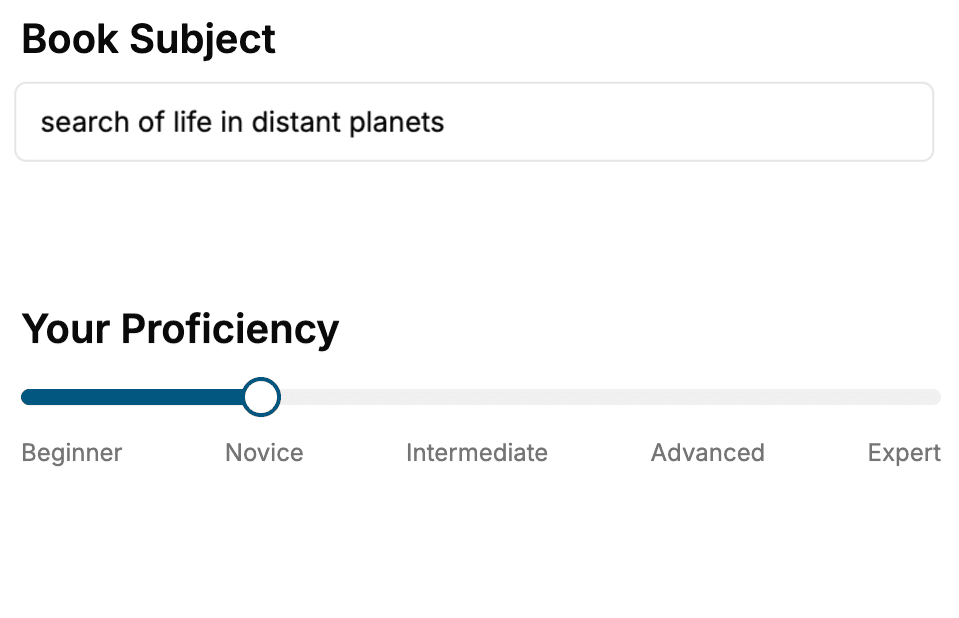
Select the focus of your iOS book and share your background
- 2. Personalize your book
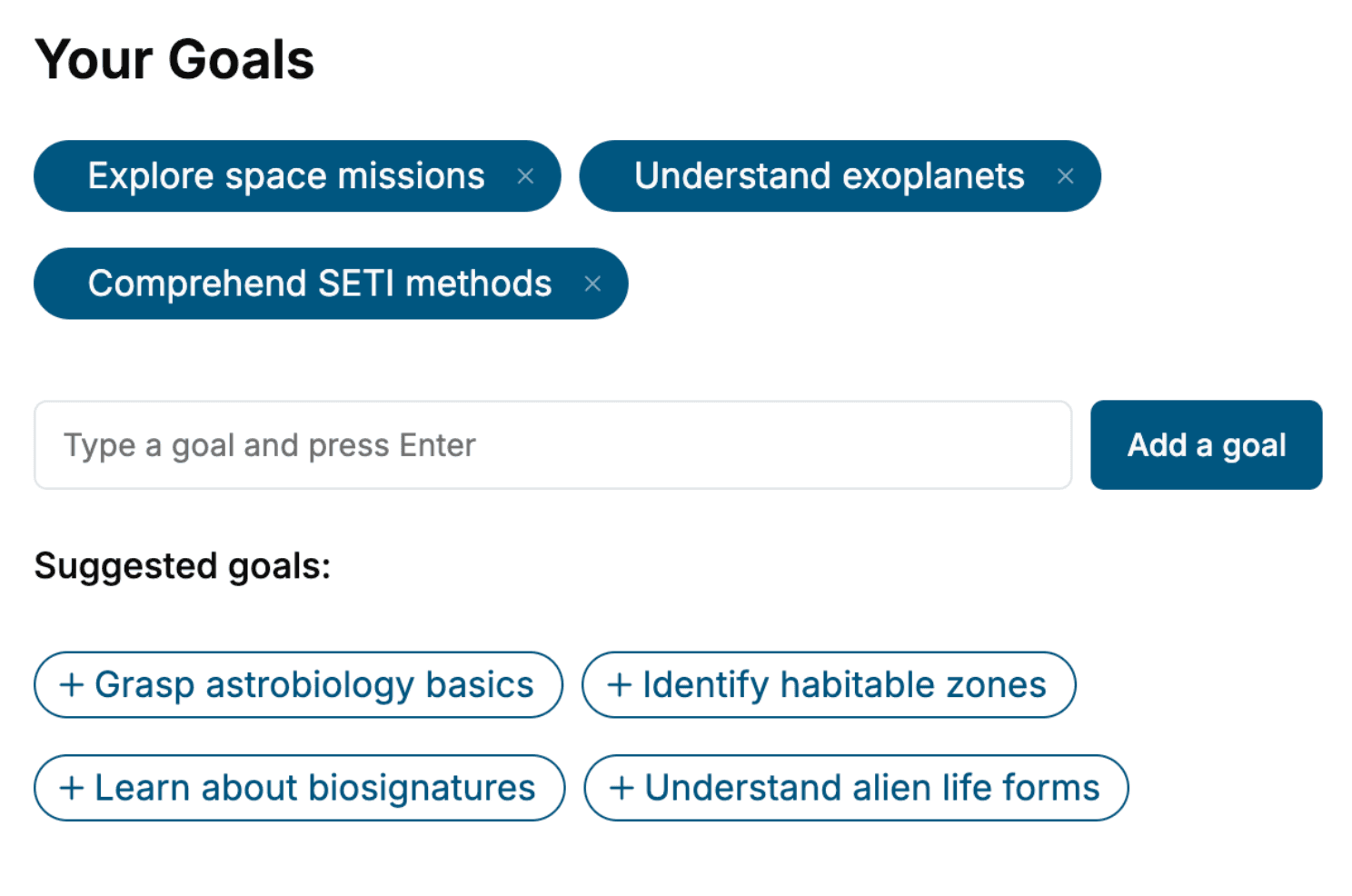
Specify your goals and choose sub-topics to include
- 3. Get your tailored book
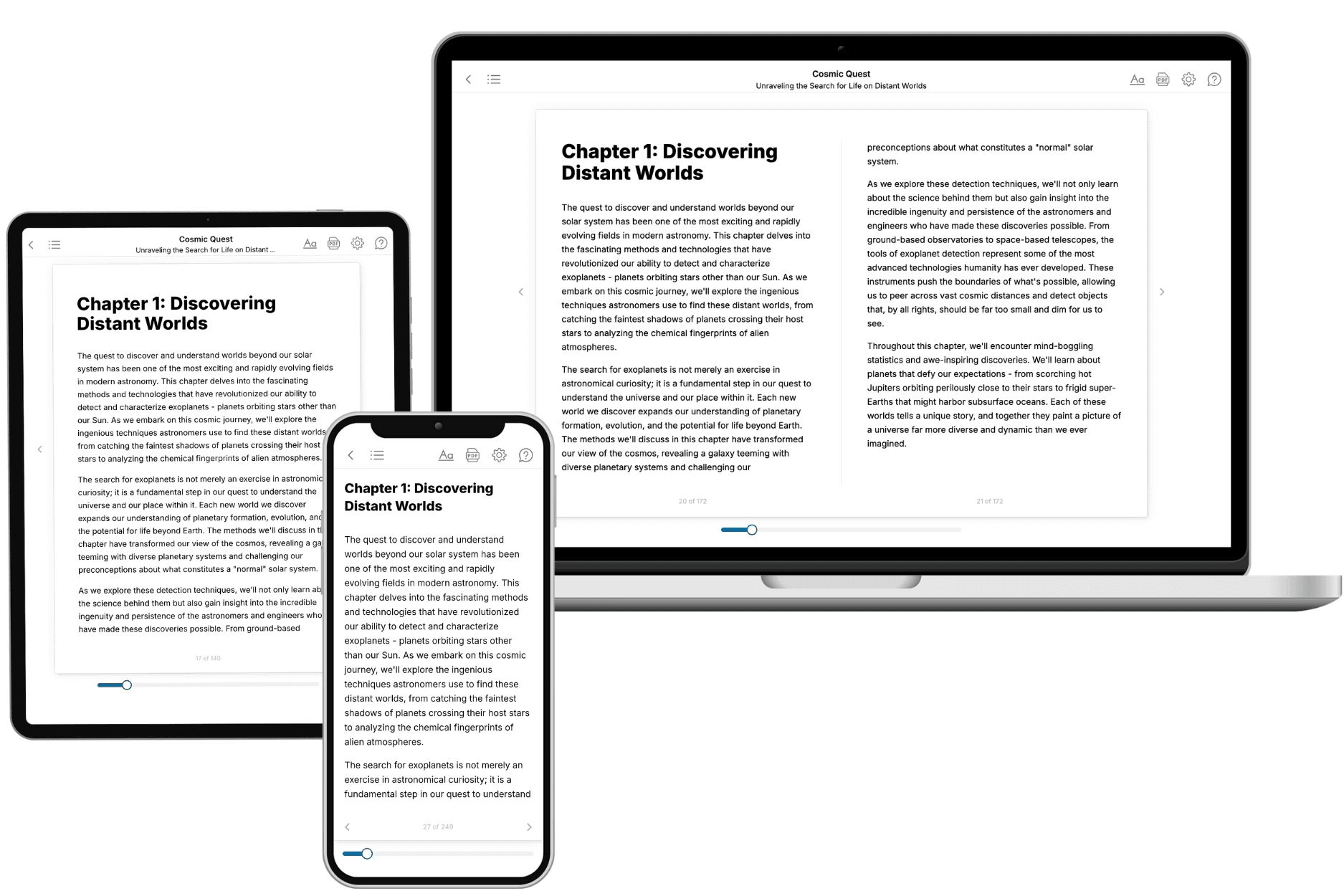
Your book is ready in 10 minutes. Read it online, download as EPUB or PDF, or send to Kindle.
Frequently asked questions
- What is TailoredRead?
TailoredRead creates complete, full-length nonfiction ebooks, written specifically for you. Tell us what you want to learn and why, and TailoredRead writes you a complete ebook on it, with charts, tables, and diagrams throughout. Read it online, on Kindle, or on any e-reader, or download it as a PDF or EPUB. Every book is written fresh the day you order it.
- How is the book tailored to me?
Before anything is written, you answer a few short questions about your goals, your background, and the topics you care about. Your book is then planned around your answers: written at your level, focused on your goals, and covering the topics you chose, instead of the one-size-fits-all book a store sells everyone.
- Will it read like generic AI content?
No. Your book isn't a chat transcript: it's planned chapter by chapter before a single word is written, told in a clear book voice, and explains ideas visually with charts, tables, and diagrams. After writing, every book goes through an editorial pass that polishes chapters so the book reads consistent from start to finish. Judge for yourself: browse thousands of sample books on our Explore Books page.
- How accurate is the content?
Our AI first checks whether your subject needs live research. Niche and fast-moving subjects are researched before writing, and the book plan and chapters are grounded in what it finds. After writing, every book goes through a quality pass that checks its facts and consistency, and researched books list their sources in a Notes section at the back.
- How long is the book?
You choose the length: Comprehensive (250-300 pages), Detailed (150-200 pages), Essential (70-100 pages), or Short (30-50 pages).
- Does the book include visuals?
Yes. Every book includes charts, tables, and diagrams: timelines, checklists, step-by-step guides, decision trees, comparison tables, matrices, and bar charts. A typical book includes dozens of these visual elements.
- Can I read it on Kindle? What formats can I download?
Yes. Every book can be read in our online reader or downloaded as a PDF or EPUB. The EPUB can be opened with Kindle, Apple Books, Kobo, and any e-reader. The Commercial and Author licenses also include an editable Word (DOCX) and Markdown download.
- How much does it cost?
About the price of a regular ebook. The exact price depends on your book's length and complexity, from $2 for the shortest books to $35 for the most comprehensive, and it's shown when you review your book, before you commit to anything. Each book is a one-time purchase, yours to keep, no subscription. Licenses that let you share, teach, or publish your book range from $35.99 to $49.99.
- Can I preview the book before purchasing?
Before you pay, you'll see what your book will cover: the title, a detailed description, the estimated length, and the complete chapter-by-chapter table of contents, so you know what you're getting before you decide. The full text itself is written after you purchase.
- How long does it take to create a book?
About 10 minutes. You can start reading the opening chapters while the rest is still being written.