Asynchronous Programming for .NET Framework 2.0
Threading, task management and event-driven techniques explained
Struggling with slow, unresponsive applications?
253 pages13 chaptersJan 19, 2025Software Development
About this book
Asynchronous programming is the key to unlocking smooth, efficient software. This comprehensive guide demystifies the complexities of asynchronous programming in the context of .NET Framework 2.0. You'll learn how to harness the power of asynchronous operations to create responsive, scalable applications that maximize performance. Dive deep into the world of threading, task management, and event-driven programming. Discover how to implement asynchronous patterns effectively, avoid common pitfalls, and optimize your code for peak efficiency. With practical examples and step-by-step tutorials, you'll gain the skills to tackle even the most challenging asynchronous scenarios. By the end of this journey, you'll have the knowledge and confidence to design and implement robust asynchronous solutions. Elevate your software development skills and create applications that stand out in today's fast-paced digital landscape.
Table of contents
- IntroductionThe Importance of Asynchronous Programming, Book Overview and How to Use It, Asynchronous Programming in the .NET Framework 2.0 Context, Prerequisites and SetupRead below
- Chapter 1: Fundamentals of Asynchronous ProgrammingSynchronous vs. Asynchronous Execution, Threading Basics, Concurrency and Parallelism, Benefits and Challenges of Asynchronous Programming
- Chapter 2: Threading in .NET Framework 2.0The Thread Class, Using the ThreadPool, Thread Synchronization Techniques, Ensuring Thread Safety
- Chapter 3: Asynchronous Programming PatternsAsynchronous Delegates, Event-based Asynchronous Pattern (EAP), Asynchronous Programming Model (APM), Task-based Asynchronous Pattern (TAP)
- Chapter 4: Asynchronous I/O OperationsAsynchronous File I/O, Asynchronous Network I/O, Working with Asynchronous Streams, I/O Completion Ports
- Chapter 5: Maintaining UI ResponsivenessUsing BackgroundWorker, Invoke and BeginInvoke Methods, Asynchronous UI Updates, Implementing Progress Reporting
- Chapter 6: Exception Handling in Asynchronous CodeChallenges of Asynchronous Exceptions, Exception Propagation in Async Methods, Using Try-Catch in Asynchronous Code, Dealing with Unhandled Exceptions
- Chapter 7: Cancellation and Timeout HandlingWorking with Cancellation Tokens, Implementing Timeouts, Graceful Cancellation Techniques, Resource Cleanup on Cancellation
- Chapter 8: Asynchronous Data AccessAsynchronous ADO.NET Operations, Asynchronous Entity Framework Queries, Implementing Asynchronous Caching, Asynchronous Data Access Patterns
- Chapter 9: Asynchronous Web ServicesMaking Asynchronous Web Requests, Building Asynchronous Web APIs, Asynchronous WCF Services, Real-time Communication with SignalR
- Chapter 10: Advanced Asynchronous PatternsProducer-Consumer Pattern, Publish-Subscribe Pattern, Asynchronous Lazy Initialization, Advanced Asynchronous Caching Techniques
- Chapter 11: Testing Asynchronous CodeUnit Testing Asynchronous Methods, Mocking Asynchronous Dependencies, Integration Testing of Asynchronous Systems, Performance Testing Asynchronous Code
- Chapter 12: Debugging Asynchronous CodeTools for Debugging Asynchronous Code, Common Asynchronous Programming Bugs, Detecting and Resolving Deadlocks, Performance Profiling of Asynchronous Code
- Chapter 13: Best Practices and OptimizationAsynchronous Design Principles, Performance Tuning Techniques, Scalability Considerations, Asynchronous Anti-patterns to Avoid
- ConclusionThe Future of Asynchronous Programming, Continuous Learning and Improvement
- AppendixAsynchronous Programming Cheat Sheet, Additional Resources and References
Introduction
Welcome to "Mastering Asynchronous Programming: A Comprehensive Guide for .NET Framework 2.0 Developers." This book is designed to be your companion on the journey to becoming proficient in asynchronous programming techniques within the context of .NET Framework 2.0. As a software developer with intermediate experience in this framework, you're about to embark on an exciting path that will significantly enhance your skills and transform the way you approach software development.
Asynchronous programming is not just a buzzword or a passing trend; it's a fundamental paradigm shift in how we create efficient, responsive, and scalable applications. In today's fast-paced digital world, where users expect instant responses and seamless experiences, the ability to write asynchronous code is no longer a luxury—it's a necessity. This book will equip you with the knowledge and tools to meet these expectations and elevate your software development skills to new heights.
Throughout this comprehensive guide, we'll explore the intricacies of asynchronous programming, from its basic concepts to advanced implementation strategies. You'll learn how to harness the power of threading, manage tasks effectively, and create event-driven applications that can handle multiple operations concurrently. We'll delve into the specific features and capabilities of .NET Framework 2.0 that support asynchronous operations, ensuring that you can make the most of the tools at your disposal.
But this book is more than just a theoretical exploration. It's designed to be practical, actionable, and immediately applicable to your work. You'll find numerous code examples, real-world scenarios, and hands-on exercises that will help you internalize the concepts and techniques we discuss. By the time you finish this book, you'll not only understand asynchronous programming—you'll be able to implement it confidently in your own projects.
As we begin this journey together, remember that mastering asynchronous programming is a process. It requires patience, practice, and a willingness to think differently about how your code operates. But the rewards are immense. You'll be able to create applications that are more responsive, more efficient, and more capable of handling the complex demands of modern software users.
So, let's dive in and start exploring the world of asynchronous programming. Your path to creating faster, more efficient, and more responsive applications starts here.
The Importance of Asynchronous Programming
In the realm of software development, few skills are as crucial and transformative as asynchronous programming. As applications grow in complexity and users demand ever-faster response times, the ability to write efficient, non-blocking code has become a cornerstone of modern software engineering. Asynchronous programming is not just a technique; it's a paradigm shift that fundamentally changes how we approach problem-solving in software development.
At its core, asynchronous programming allows a program to initiate a potentially long-running task and still be able to be responsive to other events while that task runs, rather than having to wait until that task has finished. This concept might seem simple, but its implications are profound. In a world where milliseconds matter, the difference between synchronous and asynchronous code can be the difference between an application that feels sluggish and unresponsive and one that feels snappy and professional.
Consider, for a moment, the typical user experience of a web application. When a user clicks a button to load data, they expect an immediate response. In a synchronous model, if that data takes several seconds to load, the entire application would freeze, leaving the user frustrated and wondering if something has gone wrong. With asynchronous programming, however, the application can acknowledge the user's action immediately, begin loading the data in the background, and allow the user to continue interacting with other parts of the application while they wait. This not only improves the perceived performance of your application but also enhances user satisfaction and engagement.
The importance of asynchronous programming extends far beyond just improving user experience, though that alone would be reason enough to master it. Asynchronous code is also crucial for scalability. In server-side applications, asynchronous programming allows a single server to handle many more concurrent connections, as it's not tied up waiting for I/O operations to complete. This can lead to significant cost savings and improved performance at scale. A study by Microsoft found that implementing asynchronous programming in their ASP.NET applications led to a 35% reduction in server hardware costs while simultaneously improving response times[1].
Moreover, asynchronous programming is essential for creating responsive user interfaces in desktop applications. Without it, long-running operations would freeze the UI, leading to a poor user experience. By leveraging asynchronous techniques, you can ensure that your application remains responsive even when performing complex calculations or I/O operations. This is particularly crucial in .NET Framework 2.0, where many of the more modern async/await patterns are not available, making a solid understanding of asynchronous programming principles even more vital.
Asynchronous programming also plays a critical role in improving overall system resource utilization. In a synchronous model, a thread remains idle while waiting for an I/O operation to complete, wasting valuable CPU cycles. Asynchronous programming allows that thread to be used for other tasks during that wait time, significantly improving the efficiency of your application. This is especially important in scenarios with limited resources, such as mobile devices or IoT applications.
Furthermore, as we move towards more distributed and cloud-based architectures, the importance of asynchronous programming only grows. Microservices, serverless functions, and other modern architectural patterns often rely heavily on asynchronous communication to function effectively. By mastering asynchronous programming, you're not just improving your current applications—you're preparing yourself for the future of software development.
It's worth noting that the benefits of asynchronous programming come with their own set of challenges. Asynchronous code can be more complex to write, debug, and reason about. Issues like race conditions, deadlocks, and callback hell can trip up even experienced developers. However, these challenges are far outweighed by the benefits, and with proper understanding and techniques (which we'll cover extensively in this book), they can be effectively managed.
In the context of .NET Framework 2.0, understanding asynchronous programming is particularly crucial. While newer versions of .NET have introduced more sophisticated async patterns, the principles and techniques you'll learn for .NET 2.0 form the foundation of all asynchronous programming in .NET. Mastering these concepts will not only make you more effective in your current work but will also give you a deeper understanding of how asynchronous operations work under the hood in more modern frameworks.
As we progress through this book, you'll see how asynchronous programming can be applied to various aspects of software development, from file I/O and network operations to user interfaces and web services. You'll learn how to write code that's not only more efficient and responsive but also more scalable and maintainable. The skills you'll gain will be applicable across a wide range of projects and will set you apart as a developer who can tackle complex, performance-critical applications with confidence.
In conclusion, the importance of asynchronous programming in modern software development cannot be overstated. It's a fundamental skill that can dramatically improve the performance, responsiveness, and scalability of your applications. As we embark on this journey to master asynchronous programming in .NET Framework 2.0, remember that you're not just learning a set of techniques—you're adopting a new way of thinking about software development that will serve you well throughout your career. The path ahead may be challenging at times, but the rewards, both in terms of the quality of your code and your value as a developer, are immense. Let's begin this exciting journey into the world of asynchronous programming.
Book Overview and How to Use It
"Mastering Asynchronous Programming: A Comprehensive Guide for .NET Framework 2.0 Developers" is designed to be your go-to resource for understanding and implementing asynchronous programming techniques in the context of .NET Framework 2.0. This book is structured to take you on a journey from the fundamentals of asynchronous programming to advanced techniques and best practices. Whether you're looking to improve the performance of your applications, create more responsive user interfaces, or simply deepen your understanding of how asynchronous operations work, this book has something for you.
The book is divided into several key sections, each building upon the knowledge gained in the previous chapters. We start with an introduction to the core concepts of asynchronous programming, ensuring that you have a solid foundation to build upon. From there, we delve into the specifics of threading in .NET Framework 2.0, exploring the Thread class, ThreadPool, and various synchronization techniques. This section is crucial for understanding how asynchronous operations are managed at a low level in .NET.
As we progress, you'll learn about different asynchronous programming patterns, including the Asynchronous Programming Model (APM) and the Event-based Asynchronous Pattern (EAP), which are particularly relevant in the context of .NET Framework 2.0. We'll explore how to implement these patterns effectively and when to use each one. You'll also discover how to perform asynchronous I/O operations, a critical skill for improving the performance of applications that deal with file or network operations.
One of the key challenges in asynchronous programming is maintaining a responsive user interface while performing background operations. We dedicate an entire chapter to this topic, covering techniques like using the BackgroundWorker component and properly updating the UI from background threads. This knowledge is essential for creating applications that feel smooth and responsive to users.
As you progress through the book, we'll tackle more advanced topics such as exception handling in asynchronous code, cancellation and timeout handling, and asynchronous data access. These chapters will equip you with the skills to handle real-world scenarios and edge cases that often arise in asynchronous programming.
To ensure that you can apply your newfound knowledge effectively, we include chapters on testing and debugging asynchronous code. These skills are crucial for maintaining and troubleshooting asynchronous applications, which can sometimes behave in unexpected ways. You'll learn techniques for unit testing asynchronous methods, mocking asynchronous dependencies, and using debugging tools effectively.
The book concludes with a comprehensive look at best practices and optimization techniques for asynchronous programming. This final section will help you refine your skills and avoid common pitfalls, ensuring that you can write efficient, scalable, and maintainable asynchronous code.
To get the most out of this book, we recommend following these guidelines:
- Read the chapters in order: Each chapter builds upon the concepts introduced in previous chapters. While you can certainly jump to specific topics of interest, reading from start to finish will provide the most comprehensive understanding.
- Practice the examples: Throughout the book, you'll find numerous code examples and exercises. Don't just read these – implement them yourself. Hands-on practice is crucial for internalizing the concepts of asynchronous programming.
- Experiment and explore: Once you understand a concept, try to apply it in different scenarios. Experiment with the code, modify the examples, and see how changes affect the behavior of your asynchronous operations.
- Refer back as needed: Asynchronous programming can be complex, and you may need to revisit certain concepts as you progress. Don't hesitate to jump back to earlier chapters to refresh your understanding.
- Use the appendix: The appendix contains a handy cheat sheet and additional resources. Refer to these as you work through the book and in your future projects.
- Apply to real-world projects: As you learn new concepts, think about how you can apply them to your current or future projects. Real-world application is the best way to solidify your understanding.
Remember, mastering asynchronous programming is a journey. Don't be discouraged if some concepts seem challenging at first. With practice and persistence, you'll find that these techniques become second nature, and you'll be able to write efficient, responsive asynchronous code with confidence.
As you work through the book, you'll notice that we've included numerous case studies and real-world examples. These are designed to illustrate how asynchronous programming principles are applied in practical scenarios. For instance, you'll see how a simple file reading operation can be transformed into an efficient asynchronous process, potentially saving seconds of wait time for large files. We'll also explore how a web service can handle multiple requests concurrently, dramatically improving its throughput.
Each chapter concludes with a summary of key points and a set of review questions. These are not just formalities – they're designed to help you reinforce your understanding and identify any areas that might need further study. Take the time to go through these carefully; they can be invaluable in ensuring you've grasped the core concepts before moving on.
Throughout the book, you'll find "Deep Dive" sections that explore certain topics in greater detail. These are optional but highly recommended for those who want to gain a deeper understanding of the underlying mechanisms of asynchronous programming. They often include lower-level details or advanced scenarios that, while not necessary for everyday use, can be incredibly valuable when you need to optimize performance or debug complex issues.
We've also included "Common Pitfalls" sections in many chapters. These highlight frequent mistakes or misunderstandings that developers encounter when working with asynchronous code. By being aware of these pitfalls, you can avoid them in your own work and save yourself hours of debugging time.
As you progress through the book, you'll be building a sample application that demonstrates many of the concepts we discuss. This project-based approach allows you to see how different asynchronous techniques come together in a real-world scenario. By the end of the book, you'll have a fully functional, asynchronous application that you can use as a reference for your future projects.
Finally, we encourage you to engage with the broader developer community as you learn. Join forums, participate in discussions, and share your experiences. Asynchronous programming can be challenging, and sometimes the best insights come from discussing problems and solutions with fellow developers.
Remember, the goal of this book is not just to teach you the syntax of asynchronous programming in .NET Framework 2.0, but to help you think asynchronously. By the time you finish this book, you should be able to look at any problem and instinctively consider whether an asynchronous approach would be beneficial.
So, are you ready to begin your journey into the world of asynchronous programming? Let's get started with the first chapter, where we'll lay the groundwork for everything that follows. Your path to creating faster, more efficient, and more responsive applications starts here.
Asynchronous Programming in the .NET Framework 2.0 Context
As we embark on our journey to master asynchronous programming, it's crucial to understand the specific context in which we'll be working: .NET Framework 2.0. This version of the framework, while not the most recent, provides a solid foundation for understanding asynchronous concepts and implementing effective asynchronous solutions. In fact, many of the principles and patterns you'll learn in this context form the basis for asynchronous programming in later versions of .NET.
.NET Framework 2.0, released in 2005, introduced several key features that made asynchronous programming more accessible and powerful. While it may lack some of the more modern async/await syntax found in later versions, it provides robust tools for creating asynchronous applications. Understanding these tools and how to use them effectively is crucial for any developer working with this version of the framework.
One of the primary mechanisms for asynchronous programming in .NET Framework 2.0 is the Asynchronous Programming Model (APM). This model, also known as the IAsyncResult pattern, is based on the Begin/End method pairs. When you call a Begin method, it immediately returns an IAsyncResult object, allowing your code to continue executing while the asynchronous operation runs in the background. When the operation completes, you call the corresponding End method to retrieve the results.
Here's a simple example of how this might look in practice:
public void ReadFileAsync(string filePath)
{
    FileStream fs = new FileStream(filePath, FileMode.Open, FileAccess.Read, FileShare.Read, 4096, true);
    byte[] buffer = new byte[4096];
    IAsyncResult asyncResult = fs.BeginRead(buffer, 0, buffer.Length, new AsyncCallback(ReadCompleted), fs);
}

private void ReadCompleted(IAsyncResult asyncResult)
{
    FileStream fs = (FileStream)asyncResult.AsyncState;
    int bytesRead = fs.EndRead(asyncResult);
    // Process the read data
    fs.Close();
}
In this example, we initiate an asynchronous file read operation using BeginRead. The ReadCompleted method is called when the operation finishes, where we call EndRead to get the results. This pattern allows our application to remain responsive while performing I/O operations.
Another key feature for asynchronous programming in .NET Framework 2.0 is the ThreadPool class. The ThreadPool manages a pool of worker threads that can be used to execute tasks asynchronously. This is particularly useful for CPU-bound operations or when you need to perform multiple operations concurrently. Here's a simple example:
public void PerformAsyncOperation()
{
    ThreadPool.QueueUserWorkItem(new WaitCallback(DoWork));
    Console.WriteLine("Work queued. Main thread continues...");
}

private void DoWork(object state)
{
    // Perform some time-consuming operation
    Thread.Sleep(5000);  // Simulating work
    Console.WriteLine("Async operation completed.");
}
In this case, we're queuing a work item to the ThreadPool, which will execute our DoWork method asynchronously. This allows the main thread to continue execution immediately, improving the responsiveness of our application.
.NET Framework 2.0 also introduced the BackgroundWorker component, which provides a simple way to run an operation on a separate thread and report progress or completion to the main thread. This is particularly useful for Windows Forms applications where you need to perform long-running operations without freezing the UI. Here's a basic example:
private BackgroundWorker _worker = new BackgroundWorker();

public Form1()
{
    InitializeComponent();
    _worker.DoWork += worker_DoWork;
    _worker.RunWorkerCompleted += worker_RunWorkerCompleted;
}

private void StartButton_Click(object sender, EventArgs e)
{
    _worker.RunWorkerAsync();
}

private void worker_DoWork(object sender, DoWorkEventArgs e)
{
    // Perform time-consuming operation
    Thread.Sleep(5000);  // Simulating work
}

private void worker_RunWorkerCompleted(object sender, RunWorkerCompletedEventArgs e)
{
    MessageBox.Show("Operation completed!");
}
This example demonstrates how to use BackgroundWorker to perform a long-running operation without blocking the UI thread, and then update the UI when the operation completes.
While these tools provide powerful capabilities for asynchronous programming, they also come with their own set of challenges. One of the primary difficulties in .NET Framework 2.0 is managing the complexity of asynchronous code. Without the async/await keywords available in later versions, developers need to be more explicit about managing asynchronous flow and error handling.
For instance, exception handling in asynchronous code can be tricky. Exceptions thrown in asynchronous operations won't automatically propagate to the calling thread. Instead, you need to explicitly check for and handle exceptions when completing asynchronous operations. Here's an example of how you might handle exceptions with the APM pattern:
private void ReadCompleted(IAsyncResult asyncResult)
{
    FileStream fs = (FileStream)asyncResult.AsyncState;
    try
    {
        int bytesRead = fs.EndRead(asyncResult);
        // Process the read data
    }
    catch (Exception ex)
    {
        // Handle the exception
        Console.WriteLine("An error occurred: " + ex.Message);
    }
    finally
    {
        fs.Close();
    }
}
Another challenge in .NET Framework 2.0 is managing the lifecycle of asynchronous operations. Without built-in support for cancellation tokens, implementing cancellable asynchronous operations requires careful management of flags and checks. Similarly, implementing timeouts for asynchronous operations often involves using additional Timer objects or manual checks.
Despite these challenges, the asynchronous programming capabilities in .NET Framework 2.0 are robust and can be used to create highly efficient and responsive applications. Throughout this book, we'll explore techniques for overcoming these challenges and leveraging the full power of asynchronous programming in this context.
It's worth noting that while we're focusing on .NET Framework 2.0, many of the concepts and patterns you'll learn are foundational and continue to be relevant in modern .NET development. Understanding how these lower-level asynchronous mechanisms work will give you a deeper appreciation for the abstractions provided by newer versions of .NET, and will make you a more effective developer regardless of which version you're working with.
As we progress through this book, we'll dive deeper into each of these concepts, exploring best practices, common pitfalls, and advanced techniques for asynchronous programming in .NET Framework 2.0. We'll cover topics such as proper thread synchronization, efficient use of the ThreadPool, implementing asynchronous patterns in your own classes, and much more.
Remember, while the syntax and tools available in .NET Framework 2.0 may seem more complex compared to modern async/await patterns, they provide a powerful foundation for creating efficient, scalable, and responsive applications. By mastering these concepts, you'll not only be able to write better code in .NET Framework 2.0, but you'll also gain a deeper understanding of asynchronous programming principles that will serve you well throughout your career as a developer.
Prerequisites and Setup
Before we dive into the intricacies of asynchronous programming in .NET Framework 2.0, it's essential to ensure that you have the right tools and environment set up. This section will guide you through the prerequisites and the setup process, ensuring that you're fully prepared to follow along with the examples and exercises in this book.
First and foremost, you'll need a development environment that supports .NET Framework 2.0. While this version of the framework is quite old, it's still possible to develop for it using more modern tools. Here are the key components you'll need:
- Visual Studio: Ideally, you should use Visual Studio 2005 or 2008, as these versions were designed to work with .NET Framework 2.0. However, you can also use newer versions of Visual Studio (up to Visual Studio 2019) with some additional configuration.
- .NET Framework 2.0 SDK: This provides the necessary libraries and tools for developing applications targeting .NET Framework 2.0.
- Windows Operating System: While .NET Framework 2.0 applications can run on various versions of Windows, for development purposes, it's recommended to use Windows 7 or later.
If you're using a newer version of Visual Studio, you'll need to take a few extra steps to ensure compatibility with .NET Framework 2.0:
- Install the .NET Framework 2.0 targeting pack. This allows newer versions of Visual Studio to target .NET Framework 2.0.
- When creating a new project, make sure to select .NET Framework 2.0 as the target framework.
- Be aware that some features in newer versions of Visual Studio may not be available when targeting .NET Framework 2.0.
Here's a step-by-step guide to setting up your development environment:
- Download and install Visual Studio. If you're using a newer version, make sure to include the ".NET desktop development" workload during installation.
- Download and install the .NET Framework 2.0 SDK from the Microsoft website.
- If you're using a newer version of Visual Studio, download and install the .NET Framework 2.0 targeting pack.
- Open Visual Studio and create a new project. Select "Console Application" or "Windows Forms Application" depending on the type of application you want to create.
- In the project properties, ensure that the target framework is set to .NET Framework 2.0.
Once you have your development environment set up, it's a good idea to test it by creating a simple application. Here's a basic console application you can use to verify your setup:
using System;
using System.Threading;

class Program
{
    static void Main()
    {
        Console.WriteLine("Starting asynchronous operation...");

        ThreadPool.QueueUserWorkItem(new WaitCallback(DoWork));

        Console.WriteLine("Main thread continues...");
        Thread.Sleep(2000);  // Wait for the async operation to complete
        Console.WriteLine("Main thread ending.");
        Console.ReadLine();
    }

    static void DoWork(object state)
    {
        Thread.Sleep(1000);  // Simulate work
        Console.WriteLine("Asynchronous operation completed.");
    }
}
If you can compile and run this program successfully, and see output indicating that the main thread continues while the asynchronous operation is running, then your environment is correctly set up for asynchronous programming in .NET Framework 2.0.
In addition to the development environment, there are a few other tools and resources that you might find helpful:
- A good text editor: While Visual Studio is excellent for development, having a lightweight text editor like Notepad++ or Visual Studio Code can be useful for quickly viewing and editing code snippets.
- Version control system: Git is highly recommended for managing your code and tracking changes as you work through the examples in this book.
- Performance profiling tools: Tools like dotTrace or the built-in Visual Studio Profiler can be invaluable for analyzing the performance of your asynchronous code.
- Documentation: Keep the .NET Framework 2.0 documentation handy. While online resources for this specific version might be limited, Microsoft still maintains documentation for older versions of the framework.
It's also worth noting that while we'll be focusing on .NET Framework 2.0, the principles of asynchronous programming we'll be discussing are foundational and largely applicable to later versions of .NET as well. If you have the opportunity, it can be beneficial to set up environments for multiple .NET versions to compare and contrast the implementation of asynchronous patterns across different framework versions.
As we progress through the book, we'll be building increasingly complex examples. It's a good idea to create a dedicated folder or solution for the book's projects, keeping your work organized and easily accessible. Consider setting up a GitHub repository to track your progress and share your work with others if you wish.
Remember, the goal is not just to run the examples, but to understand and experiment with them. Don't hesitate to modify the code, try different approaches, and see how changes affect the behavior of your asynchronous operations. This hands-on experimentation is crucial for truly mastering asynchronous programming concepts.
Lastly, while not strictly necessary, having a multi-core processor can be beneficial when working with asynchronous and parallel programming. It allows you to more easily observe and test the behavior of concurrent operations. However, don't worry if you don't have access to such hardware – all the concepts we'll discuss can be understood and implemented on any modern computer.
With your development environment set up and these resources at your disposal, you're now ready to begin your journey into the world of asynchronous programming in .NET Framework 2.0. In the next chapter, we'll start by exploring the fundamental concepts of asynchronous programming, laying the groundwork for everything that follows. Let's get started!
Notes
Introduction
- 1. Stephen Cleary, Async Performance: Understanding the Gains, Microsoft Developer Blog, 2013
This is the end of the free sample. The full book has 13 chapters.
Want this book written for you?
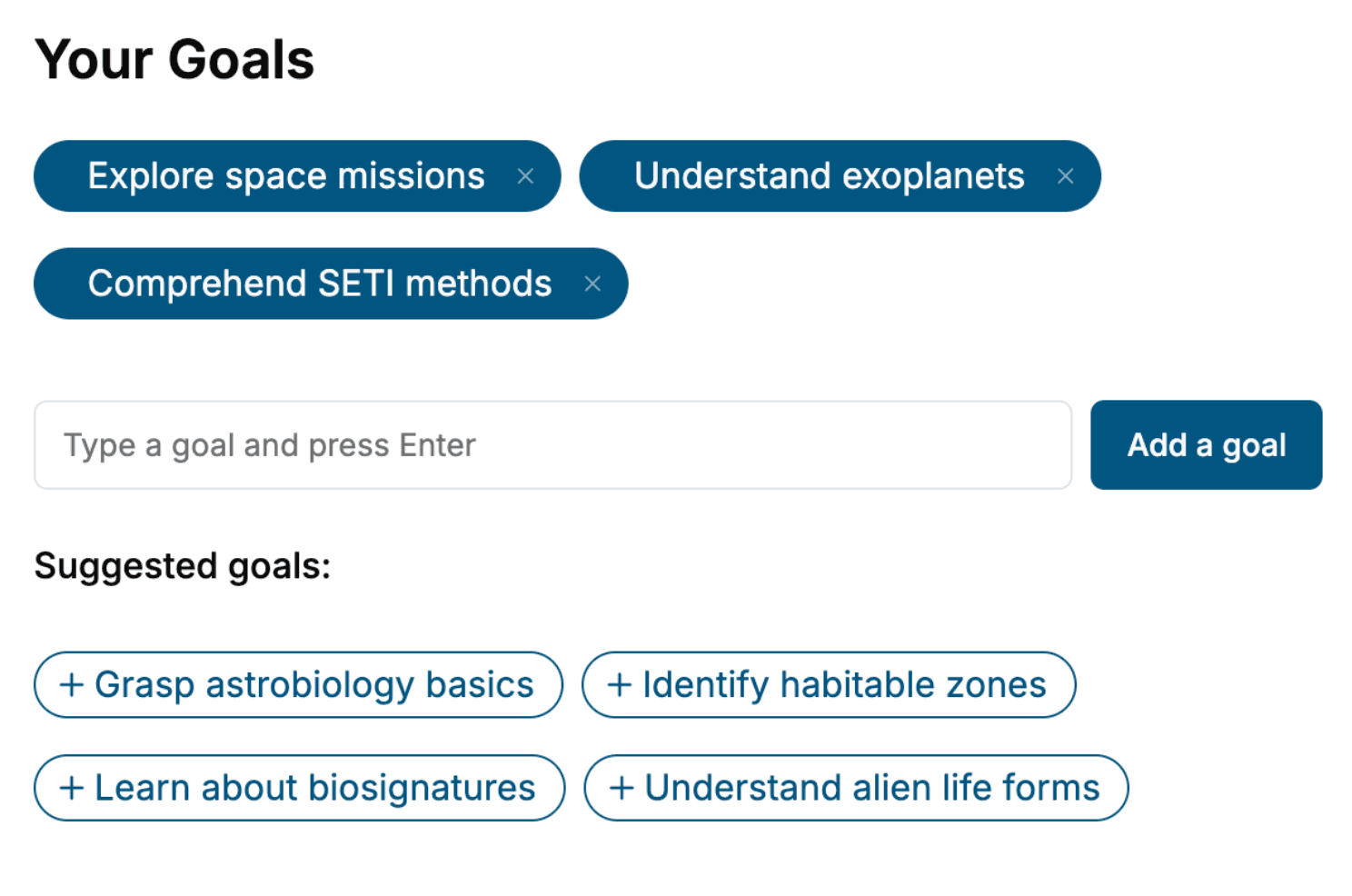
Tell us your goals and background, and get your own version of this book, tailored by AI to you.






Benefits of AI-tailored books
- Read one book, not ten:
- all the Software Development knowledge you need, gathered into a single book.
- Save days of learning:
- tell us your goals, choose your topics, and the whole book is built around them.
- Learn effortlessly:
- Software Development book written for your specific background and expertise.
- Understand at a glance:
- includes charts, tables, timelines, checklists, decision trees, and more.
- Stay current:
- written the day you order it, not years ago.
- Trust what you read:
- every book is checked for accuracy, with real research when your subject needs it.
Create your unique book in 3 steps
- 1. Select your focus
Select the focus of your Software Development book and share your background
- 2. Personalize your book
Specify your goals and choose sub-topics to include
- 3. Get your tailored book
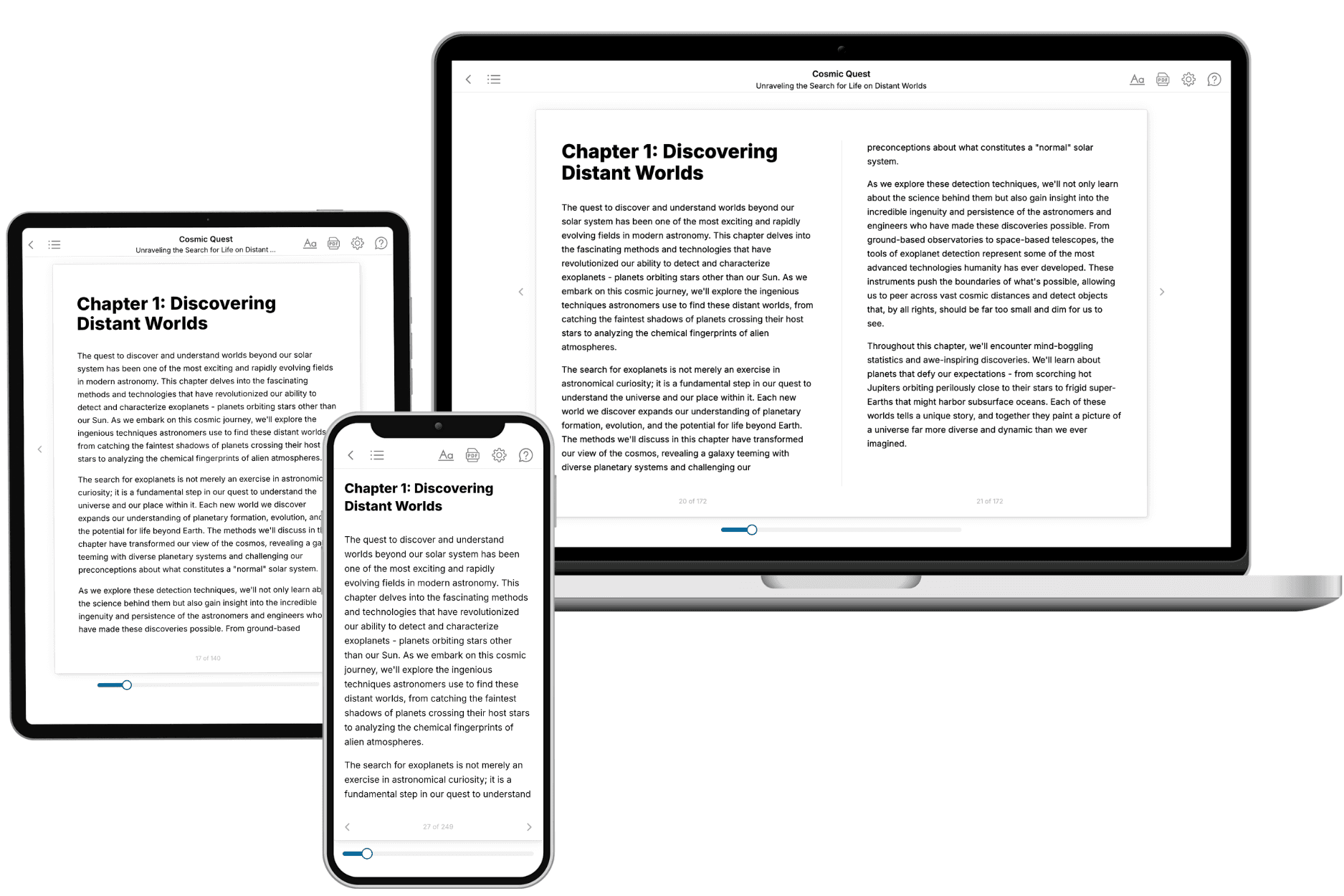
Your book is ready in 10 minutes. Read it online, download as EPUB or PDF, or send to Kindle.

Frequently asked questions
- What is TailoredRead?
TailoredRead creates complete, full-length nonfiction ebooks, written specifically for you. Tell us what you want to learn and why, and TailoredRead writes you a complete ebook on it, with charts, tables, and diagrams throughout. Read it online, on Kindle, or on any e-reader, or download it as a PDF or EPUB. Every book is written fresh the day you order it.
- How is the book tailored to me?
Before anything is written, you answer a few short questions about your goals, your background, and the topics you care about. Your book is then planned around your answers: written at your level, focused on your goals, and covering the topics you chose, instead of the one-size-fits-all book a store sells everyone.
- Will it read like generic AI content?
No. Your book isn't a chat transcript: it's planned chapter by chapter before a single word is written, told in a clear book voice, and explains ideas visually with charts, tables, and diagrams. After writing, every book goes through an editorial pass that polishes chapters so the book reads consistent from start to finish. Judge for yourself: browse thousands of sample books on our Explore Books page.
- How accurate is the content?
Our AI first checks whether your subject needs live research. Niche and fast-moving subjects are researched before writing, and the book plan and chapters are grounded in what it finds. After writing, every book goes through a quality pass that checks its facts and consistency, and researched books list their sources in a Notes section at the back.
- How long is the book?
You choose the length: Comprehensive (250-300 pages), Detailed (150-200 pages), Essential (70-100 pages), or Short (30-50 pages).
- Does the book include visuals?
Yes. Every book includes charts, tables, and diagrams: timelines, checklists, step-by-step guides, decision trees, comparison tables, matrices, and bar charts. A typical book includes dozens of these visual elements.
- Can I read it on Kindle? What formats can I download?
Yes. Every book can be read in our online reader or downloaded as a PDF or EPUB. The EPUB can be opened with Kindle, Apple Books, Kobo, and any e-reader. The Commercial and Author licenses also include an editable Word (DOCX) and Markdown download.
- How much does it cost?
About the price of a regular ebook. The exact price depends on your book's length and complexity, from $2 for the shortest books to $35 for the most comprehensive, and it's shown when you review your book, before you commit to anything. Each book is a one-time purchase, yours to keep, no subscription. Licenses that let you share, teach, or publish your book range from $35.99 to $49.99.
- Can I preview the book before purchasing?
Before you pay, you'll see what your book will cover: the title, a detailed description, the estimated length, and the complete chapter-by-chapter table of contents, so you know what you're getting before you decide. The full text itself is written after you purchase.
- How long does it take to create a book?
About 10 minutes. You can start reading the opening chapters while the rest is still being written.