Mastering Automatic1111 Stable Diffusion
A Comprehensive Guide for Creative Professionals
Dive into the world of AI-powered creativity with "Mastering Automatic1111 Stable Diffusion: A Comprehensive Guide for Creative Professionals." This groundbreaking book is tailored for graphic designers, video editors, photographers, and visual artists looking to harness the power of Stable Diffusion to revolutionize their creative process.
284 pages14 chaptersOct 9, 2024AI and Machine Learning
About this book
From mastering prompt engineering to exploring advanced techniques like ControlNet and Lora training, this guide covers every aspect of Automatic1111 Stable Diffusion. Learn how to create stunning visuals, streamline your workflow, and push the boundaries of AI-assisted art creation. Whether you're looking to enhance your brand designs, create captivating slideshows, or venture into AI-powered video content, this book provides step-by-step guidance to elevate your skills. Discover how to train custom models, optimize your prompts, and leverage Stable Diffusion for a wide range of creative applications. With a focus on practical, hands-on learning, "Mastering Automatic1111 Stable Diffusion" is your ultimate companion in navigating the exciting intersection of AI and creative design. Unlock your full potential and stay ahead in the rapidly evolving world of AI-assisted creativity.
Table of contents
- IntroductionThe AI Revolution in Creative Industries, Overview of Stable Diffusion, How to Use This Book, Getting Started with Automatic1111Read below
- Chapter 1: Fundamentals of Stable DiffusionCore Concepts of Stable Diffusion, Navigating the Automatic1111 Interface, Basic Image Generation, Understanding Different SD Models
- Chapter 2: Mastering Prompt EngineeringPrompt Writing Basics, Advanced Prompt Syntax, Effective Use of Negative Prompts, Style and Artist Keywords, Creating Reusable Prompt Templates
- Chapter 3: ControlNet TechniquesIntroduction to ControlNet, Pose Estimation and Control, Working with Depth Maps, Edge Detection and Line Art, Integrating ControlNet into Your Workflow
- Chapter 4: Lora Training EssentialsUnderstanding Lora Models, Preparing Your Dataset, The Lora Training Process, Fine-tuning and Optimization, Applying Lora Models in Automatic1111
- Chapter 5: Dreambooth EssentialsUnderstanding Dreambooth, Setting Up for Dreambooth Training, The Dreambooth Training Process, Fine-tuning Dreambooth Models, Using Dreambooth Models in Automatic1111
- Chapter 6: Inpainting StrategiesBasics of Inpainting, Creating Effective Masks, Advanced Inpainting Techniques, Exploring Outpainting, Integrating Inpainting into Your Workflow
- Chapter 7: SD Model MergingUnderstanding Model Merging, Model Merging Techniques, Tools for Model Merging, Testing and Refining Merged Models
- Chapter 8: Img2Img MasteryBasics of Image-to-Image, Understanding Denoising Strength, Advanced Img2Img Techniques, Style Transfer with Img2Img, Incorporating Img2Img into Your Workflow
- Chapter 9: Upscaling MethodsBasics of Image Upscaling, Different Upscaling Models, Using Hires Fix, Integrating Upscaling into Your Workflow
- Chapter 10: SD Animation BasicsUnderstanding SD Animation, Keyframe and Interpolation Techniques, Tools for SD Animation, Rendering and Exporting Animations
- Chapter 11: SD Workflow OptimizationBatch Processing Techniques, Automating with Scripts, Managing System Resources, Integrating SD into Existing Workflows
- Chapter 12: AI Art CompositionPrinciples of AI Art Composition, Layout and Design in AI Art, Color Theory for AI-Generated Images, Visual Storytelling with AI
- Chapter 13: SD for Brand IdentityMaintaining Brand Consistency with SD, AI-Assisted Logo Generation, Creating Brand Assets with SD, Incorporating SD into Brand Guidelines
- Chapter 14: Textual InversionUnderstanding Textual Inversion, Training Textual Inversion Models, Applying Textual Inversion in SD, Integrating Textual Inversion into Workflows
- ConclusionFuture Trends in AI Art, The Importance of Continuous Learning, Final Thoughts and Encouragement
- Glossary
- Further Resources
Introduction
Welcome to "Mastering Automatic1111 Stable Diffusion: A Comprehensive Guide for Creative Professionals." This book is your gateway to unlocking the immense potential of AI-powered creativity, specifically tailored for graphic designers, video editors, photographers, and visual artists who are eager to revolutionize their creative process. As we embark on this journey together, we'll explore the fascinating world of Stable Diffusion, a cutting-edge AI technology that has the power to transform the way we approach visual content creation.
In this introduction, we'll set the stage for your learning adventure, providing you with a solid foundation to build upon as you progress through the book. We'll begin by examining the AI revolution that's reshaping creative industries, giving you a broader context for the tools and techniques you're about to master. Then, we'll dive into an overview of Stable Diffusion, helping you understand its place in the AI art generation landscape. We'll also guide you through the structure of this book, ensuring you can make the most of the wealth of information it contains. Finally, we'll get you started with Automatic1111, the powerful interface that will be your primary tool for harnessing the capabilities of Stable Diffusion.
As we progress through this introduction and the subsequent chapters, remember that the world of AI art generation is constantly evolving. The skills and knowledge you gain from this book will serve as a springboard, enabling you to adapt and grow alongside these exciting technologies. So, let's begin our exploration of Stable Diffusion and unlock new realms of creative possibility!
The AI Revolution in Creative Industries
The creative landscape is undergoing a profound transformation, driven by the rapid advancements in artificial intelligence. This AI revolution is not just a fleeting trend; it's a fundamental shift that's reshaping how we conceive, create, and distribute visual content. From graphic design to video production, from photography to digital art, AI tools are opening up new possibilities and challenging our traditional notions of creativity.
At the heart of this revolution is the concept of human-AI collaboration. Rather than replacing human creativity, AI is augmenting and enhancing it, providing artists and designers with powerful tools to expand their creative horizons. This collaboration is leading to the emergence of new artistic styles, more efficient workflows, and the ability to realize complex visual concepts with unprecedented ease.
One of the most significant impacts of AI in creative industries is the democratization of high-quality content creation. Tools like Stable Diffusion are making it possible for individuals and small teams to produce visual assets that previously would have required substantial resources and specialized skills. This leveling of the playing field is fostering innovation and allowing a more diverse range of voices to contribute to the visual landscape.
In the realm of graphic design, AI is revolutionizing everything from logo creation to layout design. Designers can now generate multiple concepts rapidly, explore unconventional ideas, and fine-tune their work with AI assistance. This not only speeds up the design process but also pushes the boundaries of what's visually possible. For instance, AI-generated patterns and textures can add unique elements to designs that might be time-consuming or challenging to create manually.
Video editing and production are also being transformed by AI. From automated color grading to AI-powered visual effects, editors now have tools that can significantly reduce the time and effort required for complex tasks. AI can assist in everything from content analysis for easier editing to generating realistic backgrounds or even entire scenes. This is particularly game-changing for smaller production teams or individual content creators who can now achieve high-quality results with limited resources.
In photography, AI is making waves in various aspects of the craft. From AI-powered image enhancement and restoration to style transfer and creative editing, photographers are finding new ways to express their vision. AI tools can help in removing unwanted elements from photos, generating realistic extensions to images, or even creating entirely new, photorealistic scenes based on textual descriptions.
The world of digital art has perhaps seen the most dramatic impact from AI. Tools like Stable Diffusion are enabling artists to create stunning visuals that blend the boundaries between different art forms. Artists can now generate base concepts quickly, experiment with styles and compositions effortlessly, and even train AI models on their own artistic style to create unique, personalized tools.
However, this AI revolution also brings challenges and ethical considerations. Questions about authorship, originality, and the value of human creativity in an AI-assisted world are being hotly debated. There are concerns about the potential homogenization of visual styles and the impact on jobs in creative industries. As we delve deeper into AI-powered creativity, it's crucial to engage with these issues thoughtfully and develop frameworks for responsible use of these powerful tools.
Despite these challenges, the potential benefits of AI in creative industries are immense. AI tools are not just about automation or efficiency; they're about expanding the realm of what's creatively possible. They're allowing creators to focus more on high-level creative decisions while offloading some of the technical execution to AI. This shift is leading to more experimentation, faster iteration, and the ability to bring even the most ambitious creative visions to life.
As we stand at the cusp of this AI revolution in creative industries, it's an exciting time to be a creator. The tools at our disposal are more powerful than ever, and the possibilities are limited only by our imagination. By embracing these technologies and learning to work alongside AI, we can push the boundaries of creativity and usher in a new era of visual innovation.
Overview of Stable Diffusion
Stable Diffusion represents a significant leap forward in the field of AI-powered image generation. Developed by Stability AI, it's an open-source deep learning model that has quickly become one of the most popular and versatile tools for creating high-quality, detailed images from text descriptions. But what exactly is Stable Diffusion, and how does it fit into the broader landscape of AI art generation?
At its core, Stable Diffusion is a type of generative AI model known as a text-to-image diffusion model. It works by gradually transforming random noise into a coherent image based on a text prompt. This process, known as the diffusion process, involves iteratively refining the image, removing noise step by step until a clear, detailed picture emerges. What sets Stable Diffusion apart is its ability to produce high-quality images with relatively low computational requirements, making it accessible to a wide range of users.
One of the key strengths of Stable Diffusion is its versatility. It can generate a vast array of image types, from photorealistic scenes to abstract art, from character designs to landscapes, and everything in between. This flexibility makes it an invaluable tool for creative professionals across various disciplines. Whether you're a graphic designer looking to generate concept art, a video editor seeking unique visual elements, or a digital artist exploring new styles, Stable Diffusion offers a powerful set of capabilities.
Another significant aspect of Stable Diffusion is its open-source nature. This means that the model's code is publicly available, allowing developers and researchers to study, modify, and improve upon it. This openness has led to a vibrant community of users and developers who are constantly pushing the boundaries of what's possible with the technology. It has also resulted in a wide array of tools, interfaces, and extensions built around Stable Diffusion, further enhancing its capabilities and ease of use.
Stable Diffusion's ability to understand and interpret complex text prompts is one of its most powerful features. Users can describe detailed scenes, specific artistic styles, or complex concepts, and the model will attempt to generate an image that matches that description. This opens up exciting possibilities for creative exploration, allowing users to quickly visualize ideas or generate inspiration for projects.
Beyond simple text-to-image generation, Stable Diffusion also supports a range of advanced techniques. These include image-to-image transformations, where an existing image can be used as a starting point and modified based on a text prompt. This is particularly useful for tasks like style transfer or generating variations on a theme. Another powerful feature is inpainting, which allows users to selectively regenerate parts of an image, enabling fine-grained control over the output.
It's important to note that while Stable Diffusion is incredibly powerful, it's not a magic solution that will instantly turn anyone into a master artist. Like any tool, its effectiveness depends on the skill and creativity of the user. Understanding how to craft effective prompts, how to guide the model towards desired outcomes, and how to integrate Stable Diffusion outputs into a broader creative workflow are all crucial skills that this book will help you develop.
As we explore Stable Diffusion throughout this book, we'll delve into its various capabilities, learning how to leverage its strengths and work around its limitations. We'll explore techniques for fine-tuning the model to your specific needs, methods for achieving consistent results, and strategies for integrating Stable Diffusion into your existing creative workflows.
It's also worth noting that Stable Diffusion, like other AI art generation tools, raises important ethical and legal questions. Issues around copyright, the nature of creativity, and the potential impact on traditional art forms are all topics of ongoing debate. As we work with these tools, it's crucial to engage with these issues thoughtfully and develop responsible practices for AI-assisted art creation.
In the rapidly evolving field of AI art generation, Stable Diffusion stands out as a powerful, flexible, and accessible tool. Its combination of high-quality output, versatility, and open-source nature makes it an excellent choice for creative professionals looking to incorporate AI into their work. As we proceed through this book, you'll gain a deep understanding of Stable Diffusion and how to harness its capabilities to enhance your creative process and push the boundaries of what's possible in your chosen field.
How to Use This Book
"Mastering Automatic1111 Stable Diffusion" is designed to be a comprehensive guide that caters to both beginners and more experienced users of AI art generation tools. To help you navigate this wealth of information and make the most of your learning journey, it's important to understand the structure of the book and how to approach its content effectively. This section will guide you through the book's organization and provide strategies for maximizing your learning experience.
The book is structured in a progressive manner, starting with fundamental concepts and gradually moving towards more advanced techniques. Each chapter builds upon the knowledge and skills developed in previous sections, creating a cohesive learning path. However, the modular nature of the chapters also allows you to focus on specific areas of interest or skip to more advanced topics if you already have a solid foundation in the basics.
We begin with an introduction to the core concepts of Stable Diffusion and the Automatic1111 interface. These early chapters are crucial for building a strong foundation, even if you have some experience with other AI art tools. They cover essential topics like understanding the diffusion process, navigating the user interface, and basic image generation techniques. For beginners, these chapters will provide a gentle introduction to the world of AI art generation. More experienced users may find new insights or alternative perspectives that enhance their existing knowledge.
As we progress, we delve into more specialized topics such as prompt engineering, ControlNet techniques, Lora training, and advanced image manipulation methods like inpainting and img2img transformations. These chapters are designed to expand your toolkit and give you fine-grained control over the image generation process. They include practical exercises and real-world examples to help you apply these techniques to your own projects.
Throughout the book, you'll find several recurring elements designed to enhance your learning:
- Practical Exercises: Each chapter includes hands-on exercises that allow you to immediately apply what you've learned. These range from simple prompts to more complex projects that integrate multiple techniques.
- Tips and Tricks: Look for highlighted boxes containing insider tips, shortcuts, and best practices that can significantly improve your workflow and results.
- Case Studies: Real-world examples demonstrate how professionals in various fields are using Stable Diffusion in their work, providing inspiration and practical insights.
- Technical Deep Dives: For those interested in the underlying technology, we provide optional sections that explore the technical aspects of Stable Diffusion in greater depth.
- Ethical Considerations: Throughout the book, we discuss the ethical implications of AI art generation, encouraging thoughtful and responsible use of these powerful tools.
To get the most out of this book, we recommend the following approach:
- Read through each chapter sequentially, even if you're tempted to jump ahead to more advanced topics. The foundational knowledge will be crucial for fully understanding later concepts.
- Complete the practical exercises as you encounter them. Hands-on experience is invaluable for cementing your understanding and developing intuition for working with Stable Diffusion.
- Experiment freely. While the book provides structured learning, don't be afraid to explore and try out your own ideas. Some of the most exciting discoveries come from unexpected experiments.
- Take notes and bookmark sections you find particularly useful. You'll likely want to refer back to specific techniques or tips as you work on your own projects.
- Join online communities related to Stable Diffusion and AI art. Sharing your work, asking questions, and engaging with other creators can greatly enhance your learning experience.
- Regularly revisit earlier chapters as you progress. You'll often find that concepts click in new ways as you gain more experience and context.
Remember that learning to master Stable Diffusion is an ongoing process. The field of AI art generation is rapidly evolving, with new techniques and capabilities emerging regularly. This book provides a solid foundation and a comprehensive overview of current best practices, but staying curious and continuing to experiment and learn will be key to your long-term success with this technology.
As you work through the book, keep your own creative goals in mind. While we cover a wide range of techniques and applications, focus on those that align most closely with your personal or professional objectives. Whether you're looking to streamline your design workflow, create unique assets for video production, or explore new frontiers in digital art, tailor your learning journey to support those goals.
Finally, don't be discouraged if you don't achieve perfect results immediately. Working with AI art generation tools involves a learning curve, and even experienced users often go through multiple iterations to achieve their desired outcomes. Embrace the process of experimentation and refinement, and remember that each attempt is an opportunity to learn and improve your skills.
By approaching this book with curiosity, persistence, and a willingness to experiment, you'll be well on your way to mastering Automatic1111 Stable Diffusion and unlocking new realms of creative possibility. Let's begin this exciting journey into the world of AI-assisted art creation!
Getting Started with Automatic1111
Automatic1111 is a powerful and user-friendly interface for Stable Diffusion, offering a wide range of features and customization options. In this section, we'll guide you through the process of setting up Automatic1111 and introduce you to its basic functionality. This will serve as your starting point for exploring the vast possibilities of Stable Diffusion.
First, let's discuss what Automatic1111 is and why it's become such a popular choice among Stable Diffusion users. Automatic1111 is an open-source web UI for Stable Diffusion, created by a developer with the username AUTOMATIC1111. It provides a comprehensive set of tools and options for working with Stable Diffusion, all accessible through an intuitive browser-based interface. Some key features that make Automatic1111 stand out include:
- Support for multiple Stable Diffusion models
- A wide range of sampling methods and parameters
- Advanced features like inpainting, outpainting, and img2img
- Integration with extensions and custom scripts
- Regular updates and improvements from an active community
To get started with Automatic1111, you'll need to follow these general steps:
- System Requirements: Ensure your computer meets the minimum requirements. While Stable Diffusion can run on CPUs, a CUDA-compatible NVIDIA GPU with at least 4GB of VRAM is recommended for reasonable performance.
- Install Python: Automatic1111 requires Python 3.10.6 or higher. Download and install it from the official Python website if you haven't already.
- Download Automatic1111: Clone or download the Automatic1111 repository from GitHub. You can find the latest version and installation instructions on the official repository page.
- Install Dependencies: Run the provided installation script to set up the necessary dependencies. This process may take some time depending on your internet connection and system specifications.
- Download a Stable Diffusion Model: You'll need at least one Stable Diffusion model to get started. There are various models available, each with its own strengths and characteristics.
- Launch Automatic1111: Run the start script provided in the repository. This will launch the web UI, which you can access through your web browser.
Once you have Automatic1111 up and running, you'll be greeted by its main interface. Let's take a brief tour of the key elements you'll be working with:
- Text Prompt: This is where you'll enter your text descriptions for image generation. The quality and specificity of your prompts play a crucial role in the output you receive.
- Negative Prompt: Here, you can specify elements you don't want to appear in the generated image. This is a powerful tool for refining your results.
- Sampling Method: Automatic1111 offers various sampling methods, each with its own characteristics. We'll explore these in depth in later chapters.
- Sampling Steps: This determines how many iterations the diffusion process goes through. Higher values generally result in more detailed images but take longer to generate.
- Batch Count and Batch Size: These settings allow you to generate multiple images in one go, which is useful for exploring variations.
- CFG Scale: This controls how closely the image adheres to your prompt. Higher values produce images more tightly linked to the prompt but may reduce overall image quality.
- Seed: This value initializes the random number generator. Using the same seed with the same settings will produce the same image, allowing for reproducibility.
To generate your first image, start with a simple prompt. For example, try entering "a serene landscape with mountains and a lake" into the text prompt field. Leave the other settings at their default values for now, and click the "Generate" button. After a short processing time, you should see your first AI-generated image appear!
As you become more familiar with the interface, you'll discover additional tabs and options for more advanced techniques like inpainting, img2img transformations, and upscaling. We'll explore these in detail in later chapters, but feel free to experiment with them as you get comfortable with the basic functionality.
Remember, the key to mastering Automatic1111 and Stable Diffusion is experimentation. Don't be afraid to try different prompts, adjust settings, and see how they affect the output. Each generation is an opportunity to learn and refine your technique.
In the next chapters, we'll dive deeper into the various features of Automatic1111 and explore advanced techniques for creating stunning AI-generated art. But for now, take some time to familiarize yourself with the interface, generate a few images, and start to get a feel for the incredible potential of Stable Diffusion. Welcome to the exciting world of AI-assisted creativity!
This is the end of the free sample. The full book has 14 chapters.
Want this book written for you?
Tell us your goals and background, and get your own version of this book, tailored by AI to you.






Benefits of AI-tailored books
- Read one book, not ten:
- all the AI and Machine Learning knowledge you need, gathered into a single book.
- Save days of learning:
- tell us your goals, choose your topics, and the whole book is built around them.
- Learn effortlessly:
- AI and Machine Learning book written for your specific background and expertise.
- Understand at a glance:
- includes charts, tables, timelines, checklists, decision trees, and more.
- Stay current:
- written the day you order it, not years ago.
- Trust what you read:
- every book is checked for accuracy, with real research when your subject needs it.
Create your unique book in 3 steps
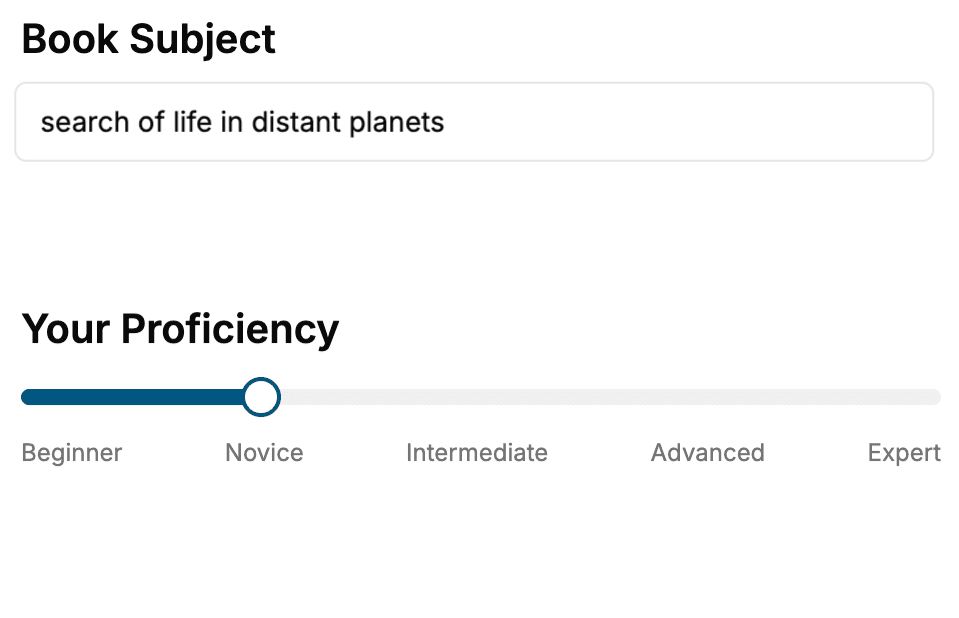
- 1. Select your focus
Select the focus of your AI and Machine Learning book and share your background
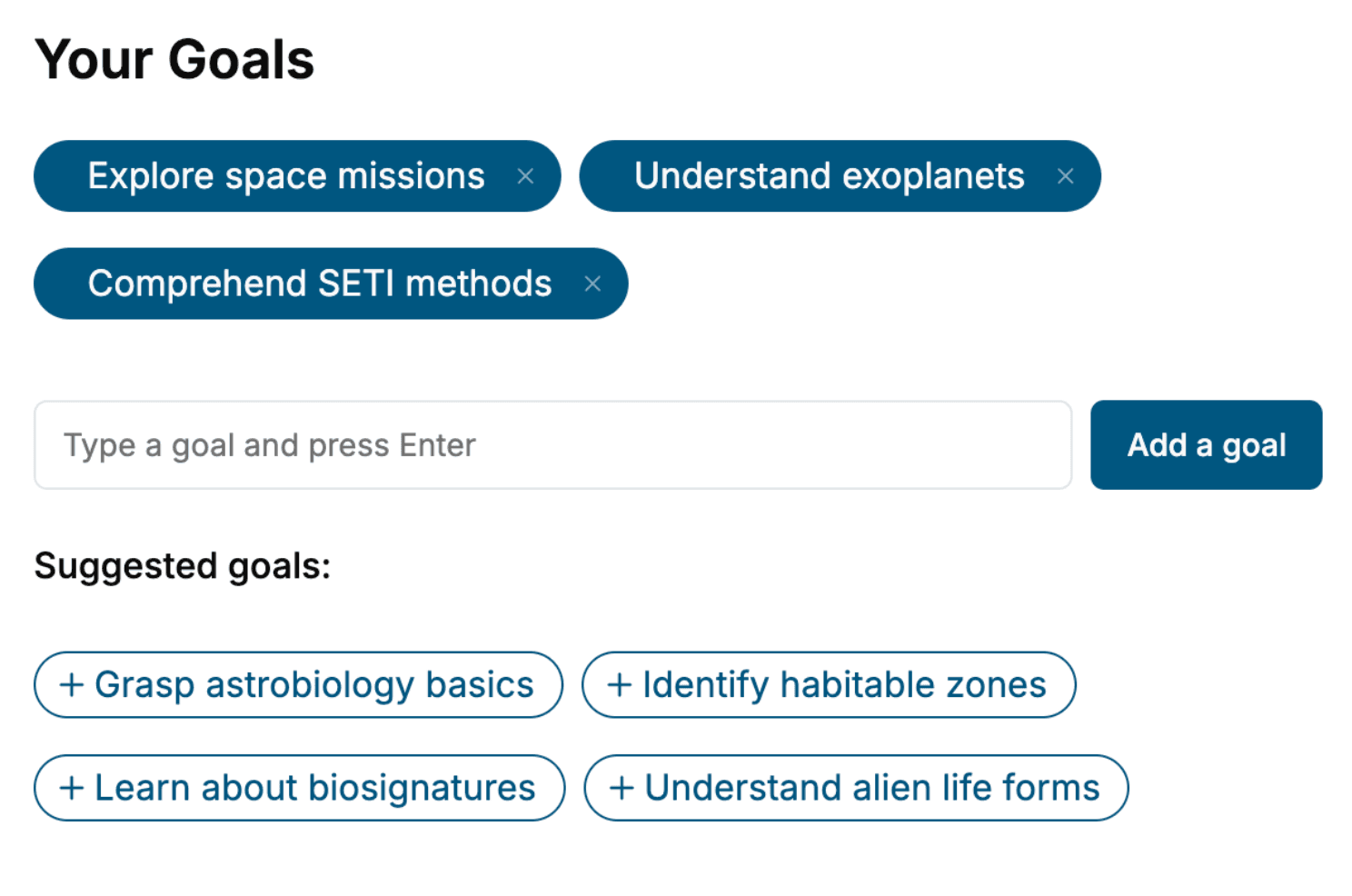
- 2. Personalize your book
Specify your goals and choose sub-topics to include
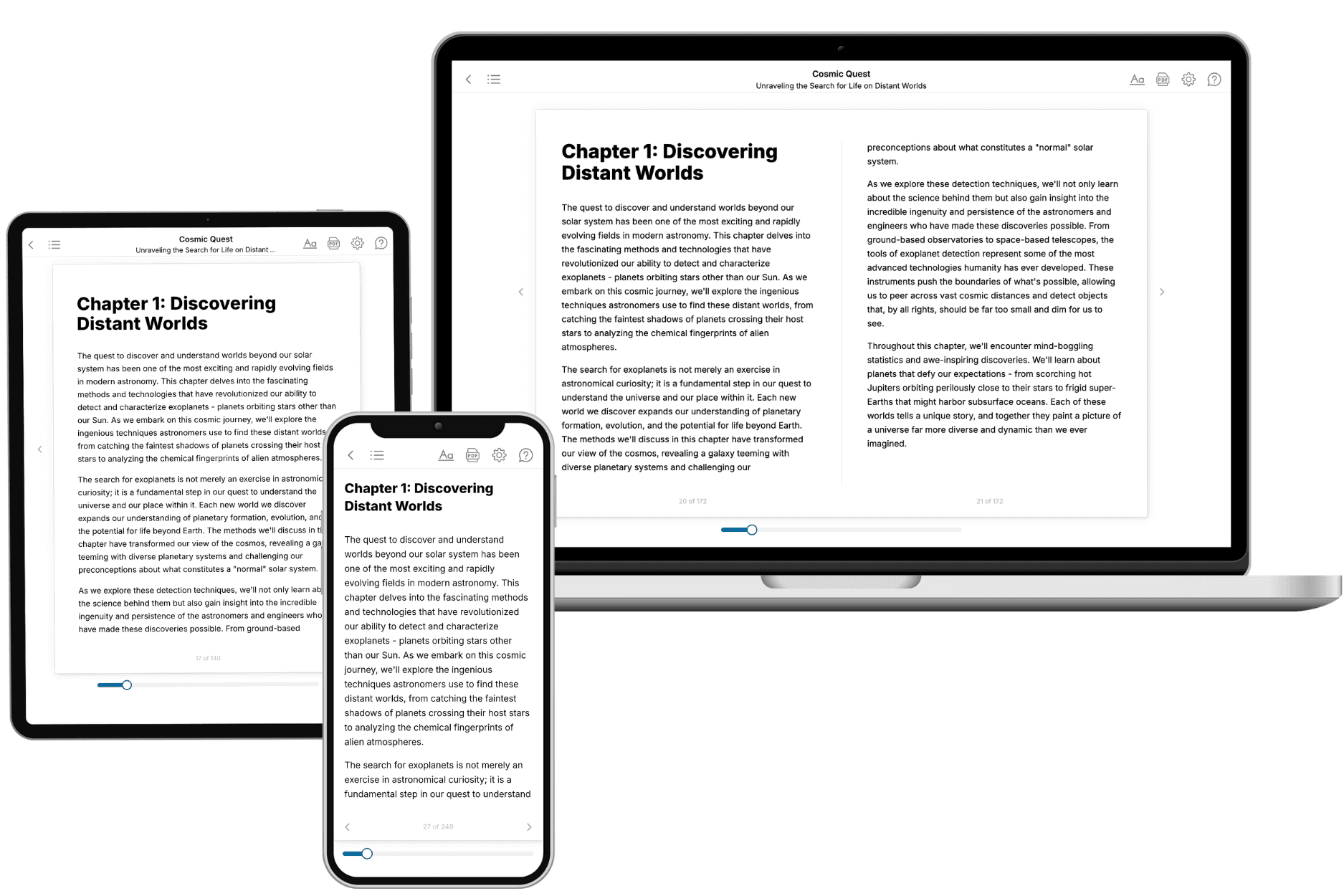
- 3. Get your tailored book
Your book is ready in 10 minutes. Read it online, download as EPUB or PDF, or send to Kindle.
Frequently asked questions
- What is TailoredRead?
TailoredRead creates complete, full-length nonfiction ebooks, written specifically for you. Tell us what you want to learn and why, and TailoredRead writes you a complete ebook on it, with charts, tables, and diagrams throughout. Read it online, on Kindle, or on any e-reader, or download it as a PDF or EPUB. Every book is written fresh the day you order it.
- How is the book tailored to me?
Before anything is written, you answer a few short questions about your goals, your background, and the topics you care about. Your book is then planned around your answers: written at your level, focused on your goals, and covering the topics you chose, instead of the one-size-fits-all book a store sells everyone.
- Will it read like generic AI content?
No. Your book isn't a chat transcript: it's planned chapter by chapter before a single word is written, told in a clear book voice, and explains ideas visually with charts, tables, and diagrams. After writing, every book goes through an editorial pass that polishes chapters so the book reads consistent from start to finish. Judge for yourself: browse thousands of sample books on our Explore Books page.
- How accurate is the content?
Our AI first checks whether your subject needs live research. Niche and fast-moving subjects are researched before writing, and the book plan and chapters are grounded in what it finds. After writing, every book goes through a quality pass that checks its facts and consistency, and researched books list their sources in a Notes section at the back.
- How long is the book?
You choose the length: Comprehensive (250-300 pages), Detailed (150-200 pages), Essential (70-100 pages), or Short (30-50 pages).
- Does the book include visuals?
Yes. Every book includes charts, tables, and diagrams: timelines, checklists, step-by-step guides, decision trees, comparison tables, matrices, and bar charts. A typical book includes dozens of these visual elements.
- Can I read it on Kindle? What formats can I download?
Yes. Every book can be read in our online reader or downloaded as a PDF or EPUB. The EPUB can be opened with Kindle, Apple Books, Kobo, and any e-reader. The Commercial and Author licenses also include an editable Word (DOCX) and Markdown download.
- How much does it cost?
About the price of a regular ebook. The exact price depends on your book's length and complexity, from $2 for the shortest books to $35 for the most comprehensive, and it's shown when you review your book, before you commit to anything. Each book is a one-time purchase, yours to keep, no subscription. Licenses that let you share, teach, or publish your book range from $35.99 to $49.99.
- Can I preview the book before purchasing?
Before you pay, you'll see what your book will cover: the title, a detailed description, the estimated length, and the complete chapter-by-chapter table of contents, so you know what you're getting before you decide. The full text itself is written after you purchase.
- How long does it take to create a book?
About 10 minutes. You can start reading the opening chapters while the rest is still being written.