Mastering the CSS Box Model
A Developer's Guide to Precise Layouts and Efficient Styling
Level up your web development skills by mastering the CSS Box Model.
253 pages13 chaptersDec 25, 2024Web Development
About this book
This comprehensive guide takes you on a deep dive into one of the most fundamental concepts in CSS3, empowering you to create pixel-perfect layouts with confidence and efficiency. You'll gain a thorough understanding of how elements are rendered on web pages, learning to manipulate margins, borders, padding, and content areas with precision. Through practical examples and hands-on exercises, you'll discover how to leverage the Box Model to solve common layout challenges and create responsive designs that work across various devices and screen sizes. By the end of this book, you'll have the knowledge and skills to implement complex layouts with ease, optimize your CSS for better performance, and write cleaner, more maintainable code. Whether you're building simple websites or complex web applications, mastering the CSS Box Model will elevate your styling capabilities and make you a more valuable asset in any development team.
Table of contents
- IntroductionThe Importance of the CSS Box Model, Book Overview and How to Use It, Prerequisites and SetupRead below
- Chapter 1: Understanding the Box Model BasicsWhat is the CSS Box Model?, The Content Area, Padding: Creating Space Within, Borders: Defining Boundaries, Margins: Spacing Between Elements
- Chapter 2: The Box-Sizing PropertyContent-Box: The Default Behavior, Border-Box: A More Intuitive Approach, Changing the Box-Sizing Property, Box-Sizing Inheritance and Best Practices
- Chapter 3: Width and Height in the Box ModelSetting Element Dimensions, Using Min and Max Dimensions, Percentage-Based Dimensions, Viewport Units for Responsive Sizing
- Chapter 4: A Deep Dive into MarginsMargin Shorthand Notation, Working with Negative Margins, Centering with Margin Auto, Understanding Margin Collapse
- Chapter 5: Advanced Padding TechniquesPadding Shorthand Notation, Using Percentage-Based Padding, Padding and Performance Considerations, Clever Padding Tricks for Layout
- Chapter 6: Mastering BordersBorder Styles and Properties, Creating Rounded Corners with Border-Radius, Using Border Images for Complex Designs, Implementing Multiple Borders
- Chapter 7: Box Model and Layout SystemsBox Model in Flexbox Layouts, Box Model in CSS Grid Layouts, Float and Clear Properties, Positioning and the Box Model
- Chapter 8: The Box Model in Responsive DesignUsing Media Queries with the Box Model, Creating Fluid Layouts, Mobile-First Approach and the Box Model, Responsive Images within the Box Model
- Chapter 9: Debugging Box Model IssuesUsing Browser Developer Tools, Common Box Model Issues and Solutions, Techniques for Efficient Debugging, CSS Reset and Normalize for Consistent Box Models
- Chapter 10: Performance Optimization and the Box ModelUnderstanding Reflow and Repaint, Writing Efficient CSS Selectors, Hardware Acceleration and the Box Model, Techniques for Reducing Paint Areas
- Chapter 11: Animating the Box ModelCSS Transitions and the Box Model, Keyframe Animations for Box Model Properties, Performance Considerations in Animations, Practical Animation Examples
- Chapter 12: Advanced Box Model TechniquesCreating Multi-Column Layouts, Implementing Masonry Layouts, Achieving Equal Height Columns, Creating a Sticky Footer
- Chapter 13: The Future of the Box ModelUpcoming CSS Properties and Their Impact, Evolving Layout Models and the Box Model, Browser Support and Adoption Trends, Staying Updated with CSS Specifications
- ConclusionKey Takeaways, Next Steps in Your CSS Journey
- AppendixBox Model Cheatsheet, Additional Resources and Tools
Introduction
Welcome to "Mastering the CSS Box Model: A Developer's Guide to Precise Layouts and Efficient Styling." This comprehensive guide is designed to take your web development skills to the next level by providing an in-depth exploration of one of the most fundamental concepts in CSS3: the Box Model. Whether you're building simple websites or complex web applications, a thorough understanding of the Box Model is essential for creating precise, efficient, and responsive layouts that work across various devices and screen sizes.
As an intermediate web developer or designer with a solid foundation in CSS, you're likely familiar with the basic concepts of styling and layout. However, the Box Model is a topic that often requires deeper exploration to fully grasp its intricacies and potential. This book aims to bridge that gap, offering a detailed look at how elements are rendered on web pages and how you can manipulate their properties to achieve pixel-perfect designs.
Throughout this book, you'll gain insights into the four key components of the Box Model: content, padding, border, and margin. You'll learn how these elements interact with each other and with other CSS properties to create the final layout of your web pages. By mastering these concepts, you'll be able to write cleaner, more maintainable CSS code, solve complex layout challenges with ease, and optimize your websites for better performance and user experience.
The journey ahead is filled with practical examples, hands-on exercises, and real-world scenarios that will help you apply your newfound knowledge to your own projects. From understanding the nuances of box-sizing to exploring advanced techniques for responsive design, this book covers a wide range of topics that will enhance your CSS skills and make you a more valuable asset in any development team.
So, prepare to dive deep into the world of the CSS Box Model. By the time you finish this book, you'll have the knowledge and confidence to implement complex layouts with precision, create more efficient stylesheets, and tackle even the most challenging design requirements. Let's begin this exciting journey to mastering one of the cornerstones of modern web development.
The Importance of the CSS Box Model
The CSS Box Model is not just another concept in web development; it's the foundation upon which all web layouts are built. Understanding the Box Model is crucial for anyone who wants to create visually appealing, functionally sound, and responsive web designs. At its core, the Box Model describes how every element on a web page is rendered as a rectangular box, with content, padding, border, and margin areas that can be manipulated to control the element's size and position.
One of the primary reasons the Box Model is so important is its role in creating predictable layouts. When you understand how the Box Model works, you can accurately calculate the total width and height of elements, ensuring that they fit perfectly within their parent containers and alongside other elements. This predictability is essential for creating grid systems, aligning elements, and maintaining consistent spacing throughout your designs.
Moreover, the Box Model is intrinsically linked to responsive web design. In today's multi-device world, websites need to adapt seamlessly to various screen sizes and resolutions. A solid grasp of the Box Model allows you to create fluid layouts that adjust gracefully to different viewport dimensions. You'll learn how to use percentage-based dimensions, viewport units, and media queries in conjunction with the Box Model to create truly responsive designs that look great on everything from large desktop monitors to small mobile screens.
The Box Model also plays a crucial role in website performance. By understanding how browsers render elements based on the Box Model, you can optimize your CSS to reduce unnecessary reflows and repaints, leading to smoother animations and faster-loading pages. This knowledge becomes particularly valuable when working on large-scale projects or high-traffic websites where every millisecond of load time counts.
Furthermore, mastering the Box Model enhances your problem-solving skills as a developer. Many layout issues and browser inconsistencies can be traced back to misunderstandings or misapplications of the Box Model. By developing a deep understanding of how elements are sized and positioned, you'll be better equipped to diagnose and fix layout problems quickly and efficiently. This skill is invaluable in both development and debugging processes, saving you time and frustration in the long run.
The Box Model's importance extends beyond just layout and positioning. It's also fundamental to creating engaging user interfaces and interactions. For instance, understanding how to manipulate padding and margins allows you to create clickable areas that are appropriately sized for touch interfaces. Knowledge of borders and their properties enables you to design buttons, form elements, and other interactive components that provide clear visual feedback to users.
Additionally, the Box Model is not an isolated concept; it interacts with and influences many other aspects of CSS. For example, it's closely tied to positioning schemes (like relative, absolute, and fixed positioning), float layouts, and modern layout techniques like Flexbox and Grid. A thorough understanding of the Box Model provides the foundation needed to effectively use these more advanced CSS features.
In the context of modern web development frameworks and methodologies, the Box Model remains as relevant as ever. Whether you're working with CSS-in-JS solutions, utility-first CSS frameworks, or traditional stylesheets, the principles of the Box Model underpin how elements are sized and spaced. This universal applicability makes it a timeless skill that will serve you well regardless of the specific tools or frameworks you use in your projects.
Lastly, understanding the Box Model is crucial for effective communication within development teams. When discussing layouts and design implementations with colleagues, having a shared understanding of the Box Model ensures that everyone is on the same page. This common language facilitates clearer communication, smoother collaboration, and more efficient problem-solving in team environments.
As you progress through this book, you'll discover that the Box Model is not just a set of rules to memorize, but a powerful tool that gives you precise control over your layouts. By the end, you'll see how this fundamental concept empowers you to create more sophisticated, efficient, and maintainable CSS code, elevating the quality of your web development projects.
Book Overview and How to Use It
"Mastering the CSS Box Model" is structured to provide a comprehensive and practical understanding of the Box Model, starting from the basics and progressing to advanced techniques and real-world applications. This book is designed to be both a learning tool and a reference guide, allowing you to either read it from cover to cover or jump to specific sections as needed. Here's an overview of what you can expect from each chapter and how to make the most of this book.
The book begins with an introduction to the fundamental concepts of the Box Model, ensuring that you have a solid foundation before diving into more complex topics. Chapter 1, "Understanding the Box Model Basics," covers the essential components of the Box Model: content, padding, border, and margin. This chapter sets the stage for everything that follows, so even if you're familiar with these concepts, it's worth reviewing to ensure you haven't missed any crucial details.
As you progress, you'll encounter more specific and advanced topics. Chapter 2 delves into the box-sizing property, a crucial concept for creating predictable layouts. Chapters 3 through 6 explore each component of the Box Model in greater detail, providing in-depth knowledge and practical techniques for working with width, height, margins, padding, and borders. These chapters are packed with examples and best practices that you can immediately apply to your projects.
The middle section of the book focuses on how the Box Model interacts with various layout systems and responsive design techniques. Chapter 7 covers the Box Model in the context of different layout approaches, including Flexbox and Grid. Chapter 8 is dedicated to responsive design, showing you how to create fluid and adaptive layouts using the Box Model principles. These chapters are particularly valuable for understanding how the Box Model fits into modern web development practices.
The latter part of the book addresses practical concerns that you'll face in real-world development. Chapter 9 covers debugging techniques, helping you identify and solve common Box Model issues. Chapter 10 focuses on performance optimization, a critical skill for creating efficient websites. Chapter 11 explores animations, demonstrating how to create smooth, performant animations using Box Model properties. Chapter 12 presents advanced techniques for solving complex layout challenges, while Chapter 13 looks to the future of CSS and how it might affect the Box Model.
Throughout the book, you'll find practical examples, code snippets, and exercises that reinforce the concepts being discussed. It's highly recommended that you follow along with these examples, experimenting with the code and observing the results in your browser. This hands-on approach will help solidify your understanding and give you practical experience in applying Box Model concepts.
Each chapter also includes best practices and common pitfalls to watch out for. Pay special attention to these sections, as they encapsulate lessons learned from real-world development experiences and can help you avoid common mistakes. Additionally, you'll find "Deep Dive" sections that explore certain topics in greater detail. These are perfect for when you want to gain a more thorough understanding of a particular concept.
To get the most out of this book, consider the following approach:
- Read through each chapter sequentially, as later chapters build on concepts introduced earlier.
- Take time to experiment with the code examples provided. Try modifying the code to see how changes affect the layout.
- Complete the exercises at the end of each chapter to reinforce your learning.
- Use the book as a reference guide when working on your own projects. The detailed table of contents and index will help you quickly find relevant information.
- Revisit chapters as needed. Some concepts may become clearer as you gain more experience and context.
Remember, learning the Box Model is not just about memorizing properties and values; it's about understanding how these elements work together to create layouts. As you progress through the book, try to think about how you can apply these concepts to your own projects or how they might solve design challenges you've encountered in the past.
The Appendix at the end of the book provides additional resources, including a Box Model cheatsheet and links to useful tools and further reading. These resources can be invaluable as you continue to develop your skills beyond the scope of this book.
Lastly, don't hesitate to experiment and push the boundaries of what you learn here. The Box Model is a powerful tool, and combining it with your creativity can lead to innovative and elegant solutions to complex layout problems. By the time you finish this book, you'll have a comprehensive understanding of the CSS Box Model and the confidence to tackle any layout challenge that comes your way.
Prerequisites and Setup
Before diving into the intricacies of the CSS Box Model, it's important to ensure that you have the necessary foundation and tools to make the most of this book. While "Mastering the CSS Box Model" is designed for intermediate web developers and designers, a quick review of the prerequisites and recommended setup will help you get started on the right foot.
First and foremost, you should have a solid understanding of HTML and CSS basics. This includes knowledge of HTML structure, common tags, and how to link CSS files to HTML documents. You should be comfortable with basic CSS selectors, properties, and values. If you need a refresher on these topics, there are numerous online resources and tutorials available that can quickly bring you up to speed.
In terms of CSS knowledge, you should be familiar with:
- Basic selectors (element, class, ID)
- Common properties for styling text and backgrounds
- The concept of the cascade and specificity
- Basic layout properties (display, position)
- Units of measurement in CSS (px, em, rem, %, etc.)
As for the development environment, you'll need the following tools:
- A modern web browser: Chrome, Firefox, Safari, or Edge are all suitable. It's recommended to have at least two different browsers installed for testing purposes.
- A text editor or Integrated Development Environment (IDE): Popular choices include Visual Studio Code, Sublime Text, Atom, or WebStorm. Choose one you're comfortable with or that your team uses.
- Browser Developer Tools: These come built-in with modern browsers and will be crucial for inspecting and debugging your CSS. Familiarize yourself with how to open and use the developer tools in your chosen browser.
To follow along with the examples and exercises in this book, you'll need to set up a basic project structure. Create a new directory for your project and include the following files:
- index.html: This will be your main HTML file.
- styles.css: This is where you'll write your CSS code.
<!DOCTYPE html>
<html lang="en">
<head>
    <meta charset="UTF-8">
    <meta name="viewport" content="width=device-width, initial-scale=1.0">
    <title>CSS Box Model Practice</title>
    <link rel="stylesheet" href="styles.css">
</head>
<body>
    <!-- Your content will go here -->
</body>
</html>
As you work through the book, you'll be adding elements to this HTML file and styling them in the CSS file. It's recommended to create separate HTML and CSS files for each chapter or major concept to keep your experiments organized.
Additionally, consider setting up a version control system like Git to track changes to your code. This will allow you to experiment freely and revert changes if needed. If you're not familiar with Git, there are many online resources available to help you get started.
For some of the more advanced topics covered later in the book, you might need additional tools or setup:
- A local development server: This can be as simple as using the Live Server extension in Visual Studio Code, or setting up a more robust solution like Node.js with Express.
- CSS preprocessor: While not required, familiarity with a preprocessor like Sass or Less can be helpful for some of the more advanced techniques we'll discuss.
- Performance measurement tools: For the chapter on performance optimization, you might want to familiarize yourself with tools like Lighthouse or WebPageTest.
Lastly, approach this book with a mindset of experimentation and curiosity. The CSS Box Model can sometimes behave in unexpected ways, and the best way to understand it is through hands-on practice. Don't be afraid to modify the examples, try out different property values, and see how they affect the layout. Keep your browser's developer tools open as you work, and use them to inspect elements and make real-time changes to your CSS.
Remember, mastering the CSS Box Model is a journey. It takes time and practice to fully grasp all its nuances and applications. Be patient with yourself, and don't hesitate to revisit earlier chapters if you need to reinforce your understanding of a concept. With the right setup and mindset, you're now ready to embark on this journey to becoming a CSS Box Model expert. Let's get started!
This is the end of the free sample. The full book has 13 chapters.
Want this book written for you?
Tell us your goals and background, and get your own version of this book, tailored by AI to you.






Benefits of AI-tailored books
- Read one book, not ten:
- all the Web Development knowledge you need, gathered into a single book.
- Save days of learning:
- tell us your goals, choose your topics, and the whole book is built around them.
- Learn effortlessly:
- Web Development book written for your specific background and expertise.
- Understand at a glance:
- includes charts, tables, timelines, checklists, decision trees, and more.
- Stay current:
- written the day you order it, not years ago.
- Trust what you read:
- every book is checked for accuracy, with real research when your subject needs it.
Create your unique book in 3 steps
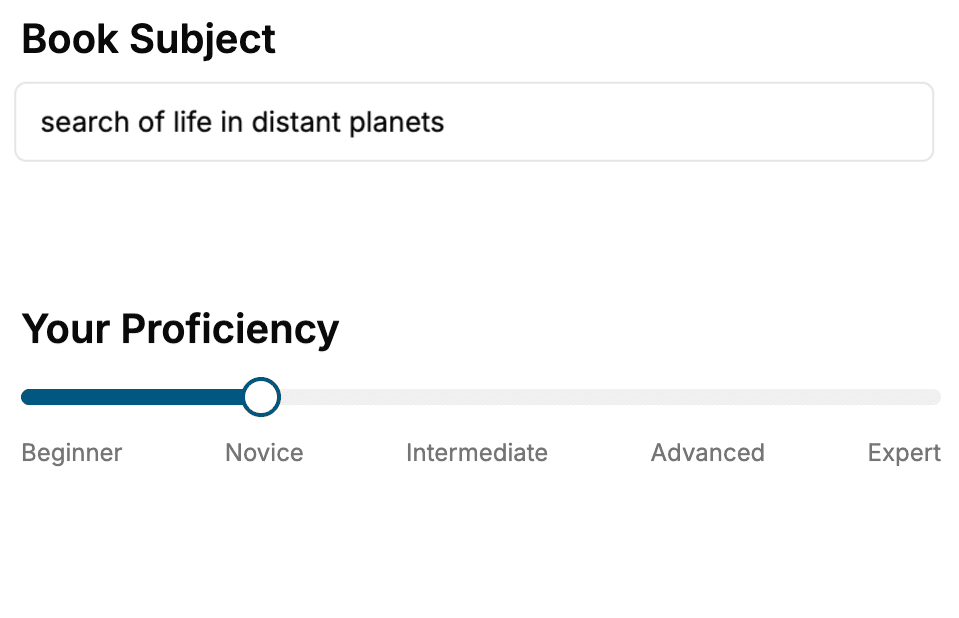
- 1. Select your focus
Select the focus of your Web Development book and share your background
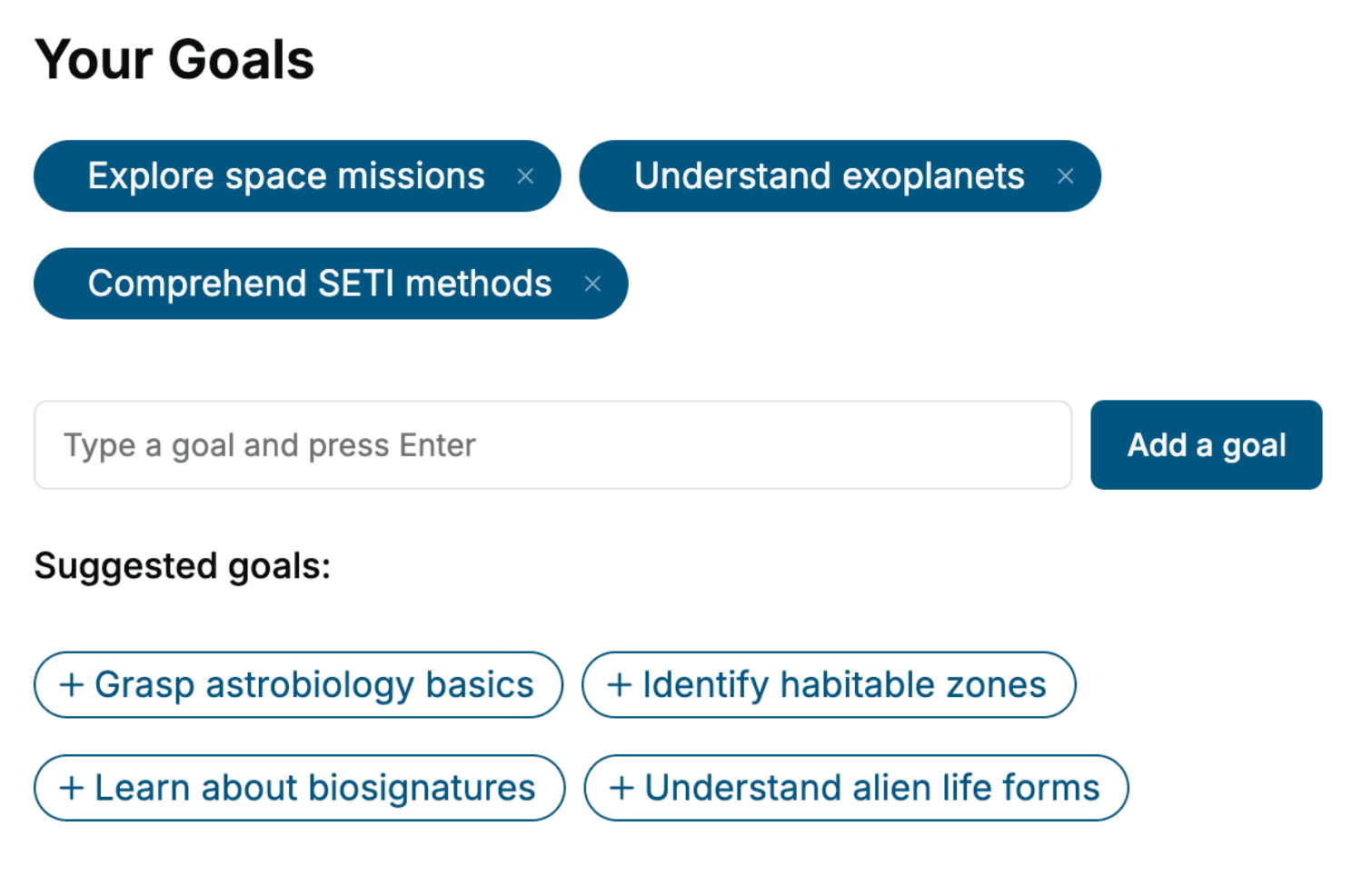
- 2. Personalize your book
Specify your goals and choose sub-topics to include
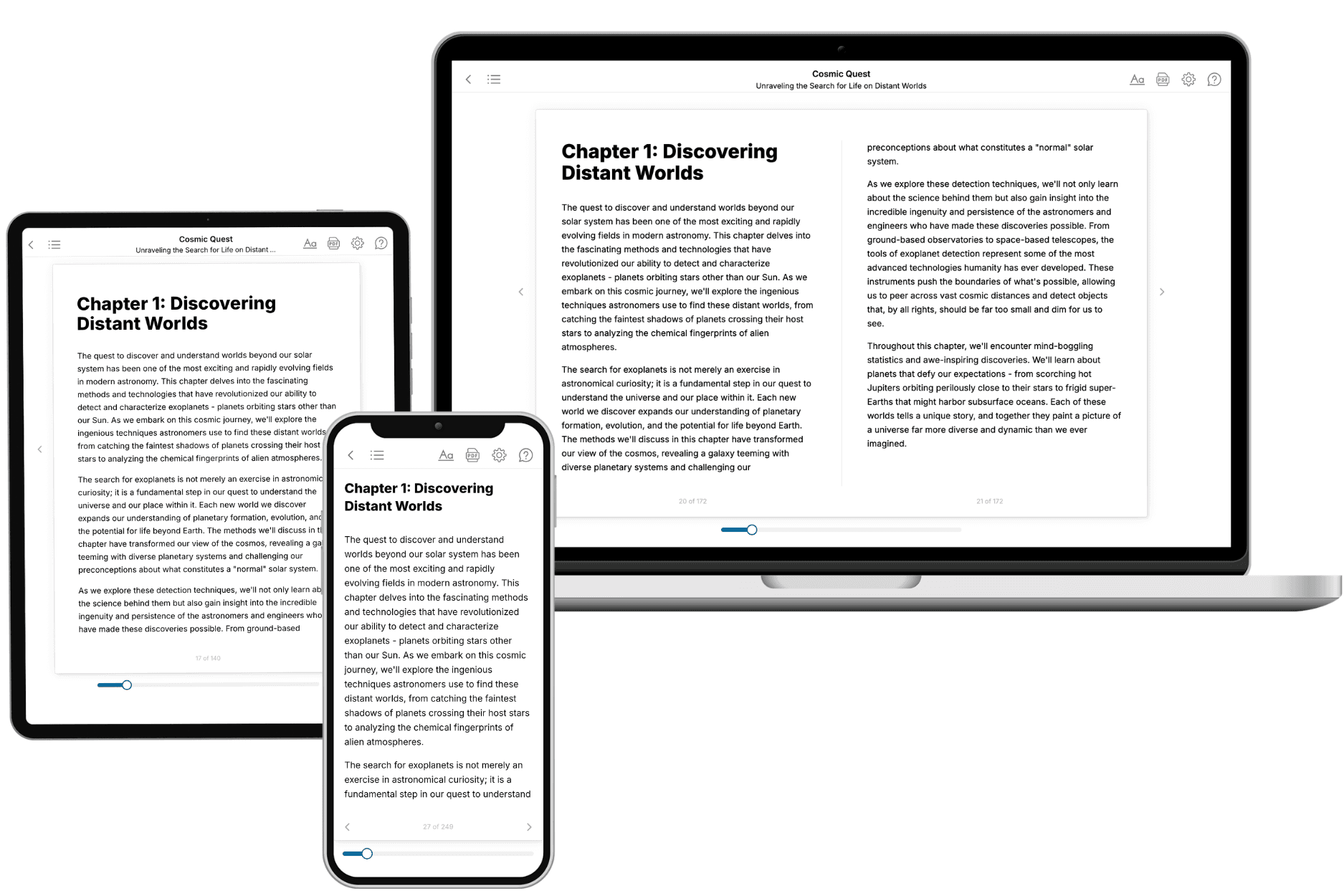
- 3. Get your tailored book
Your book is ready in 10 minutes. Read it online, download as EPUB or PDF, or send to Kindle.
Frequently asked questions
- What is TailoredRead?
TailoredRead creates complete, full-length nonfiction ebooks, written specifically for you. Tell us what you want to learn and why, and TailoredRead writes you a complete ebook on it, with charts, tables, and diagrams throughout. Read it online, on Kindle, or on any e-reader, or download it as a PDF or EPUB. Every book is written fresh the day you order it.
- How is the book tailored to me?
Before anything is written, you answer a few short questions about your goals, your background, and the topics you care about. Your book is then planned around your answers: written at your level, focused on your goals, and covering the topics you chose, instead of the one-size-fits-all book a store sells everyone.
- Will it read like generic AI content?
No. Your book isn't a chat transcript: it's planned chapter by chapter before a single word is written, told in a clear book voice, and explains ideas visually with charts, tables, and diagrams. After writing, every book goes through an editorial pass that polishes chapters so the book reads consistent from start to finish. Judge for yourself: browse thousands of sample books on our Explore Books page.
- How accurate is the content?
Our AI first checks whether your subject needs live research. Niche and fast-moving subjects are researched before writing, and the book plan and chapters are grounded in what it finds. After writing, every book goes through a quality pass that checks its facts and consistency, and researched books list their sources in a Notes section at the back.
- How long is the book?
You choose the length: Comprehensive (250-300 pages), Detailed (150-200 pages), Essential (70-100 pages), or Short (30-50 pages).
- Does the book include visuals?
Yes. Every book includes charts, tables, and diagrams: timelines, checklists, step-by-step guides, decision trees, comparison tables, matrices, and bar charts. A typical book includes dozens of these visual elements.
- Can I read it on Kindle? What formats can I download?
Yes. Every book can be read in our online reader or downloaded as a PDF or EPUB. The EPUB can be opened with Kindle, Apple Books, Kobo, and any e-reader. The Commercial and Author licenses also include an editable Word (DOCX) and Markdown download.
- How much does it cost?
About the price of a regular ebook. The exact price depends on your book's length and complexity, from $2 for the shortest books to $35 for the most comprehensive, and it's shown when you review your book, before you commit to anything. Each book is a one-time purchase, yours to keep, no subscription. Licenses that let you share, teach, or publish your book range from $35.99 to $49.99.
- Can I preview the book before purchasing?
Before you pay, you'll see what your book will cover: the title, a detailed description, the estimated length, and the complete chapter-by-chapter table of contents, so you know what you're getting before you decide. The full text itself is written after you purchase.
- How long does it take to create a book?
About 10 minutes. You can start reading the opening chapters while the rest is still being written.