Mastering CSS Clipping
Create Stunning Visual Effects and Precise Element Control with Clip-Path and Clip-Rect
Most developers think CSS clipping is just for hiding overflow or creating simple circular images.
176 pages8 chaptersJun 24, 2026CSS
About this book
In reality, it's one of the most powerful tools in modern CSS that remains largely untapped. Many developers struggle to create sophisticated visual effects, resort to heavy image assets, or write unnecessary JavaScript when elegant CSS clipping solutions exist. This book reveals how to harness clip-path, clip-rect, and mask properties to create stunning designs with precision and performance. You'll learn the mathematical foundations behind clipping coordinates, master each CSS shape function, and discover how to combine clipping with animations for dynamic effects. Through practical examples and real-world use cases—from hero sections and navigation menus to data visualizations and interactive components—you'll gain the confidence to implement advanced visual designs. Whether you're building responsive websites, creating engaging user interfaces, or optimizing performance, this comprehensive guide transforms clipping from an obscure feature into an essential part of your development toolkit.
Table of contents
- IntroductionWhy CSS Clipping Matters in Modern Web Development, What You'll Learn in This Book, How to Use This Book Effectively, Prerequisites and AssumptionsRead below
- Chapter 1: Fundamentals of CSS ClippingWhat Is CSS Clipping and How Does It Work?, Clipping vs. Masking vs. Overflow: Understanding the Differences, Browser Support and Compatibility Considerations, Performance Benefits of Using Clipping
- Chapter 2: The Clip-Path Property: Your Primary ToolUnderstanding Clip-Path Syntax and Values, Mastering the Coordinate System, Working with Units, Percentages, and Responsive Values, Clip-Path vs. Legacy Clip Property
- Chapter 3: CSS Shape Functions for ClippingThe Inset Function: Creating Rectangular Clips, The Circle Function: Circular and Radial Clipping, The Ellipse Function: Oval and Custom Shapes, The Polygon Function: Creating Complex Custom Shapes
- Chapter 4: Advanced Clipping TechniquesCombining Multiple Clipping Paths, Animating Clipped Elements with Transitions and Keyframes, Combining Clipping with CSS Transforms, Using Tools and Generators to Create Complex Paths
- Chapter 5: Practical Design Patterns and Use CasesCreating Dynamic Hero Sections with Clipping, Building Interactive Navigation and Menu Effects, Advanced Image Effects and Hover States, Using Clipping for Data Visualization and Charts
- Chapter 6: Responsive Clipping and Mobile OptimizationCreating Responsive Clip-Path Values, Mobile-First Clipping Strategies, Testing and Debugging Clipping Across Devices
- Chapter 7: Fallbacks, Polyfills, and Cross-Browser SolutionsDetecting Clipping Support with Feature Detection, Implementing Graceful Degradation Strategies, JavaScript Alternatives and Polyfill Solutions, Testing Your Fallback Implementations
- Chapter 8: Performance Optimization and Best PracticesMeasuring and Optimizing Clipping Performance, Leveraging GPU Acceleration with Clipping, CSS Clipping Best Practices and Common Pitfalls, Debugging Clipping Issues with Browser DevTools
- ConclusionRecap of Key Concepts, Your Next Steps in Mastering CSS Clipping
- Appendix: Quick Reference GuideClip-Path Syntax Quick Reference, Browser Compatibility Chart, Useful Tools, Resources, and Further Learning
Introduction
There is a moment that almost every front-end developer knows well. You are staring at a design mockup, and the designer has created something genuinely beautiful: a hero section with a bold diagonal cut, a profile image cropped into a hexagon, or a navigation bar where the active state slides in with a sharp geometric reveal. Your first instinct is to reach for an image editor, a JavaScript library, or a stack of absolutely positioned div elements. The idea that pure CSS could handle this cleanly feels almost too good to be true. That gap between what you think CSS can do and what it actually can do is exactly where this book lives.
CSS clipping has been part of the web platform for longer than most developers realize, but it has only recently matured into something genuinely powerful and production-ready. The clip-path property, combined with CSS shape functions like polygon(), circle(), ellipse(), and inset(), gives you precise, mathematical control over which parts of an element are visible. No extra markup. No image assets. No JavaScript. Just CSS doing exactly what it was designed to do: describe how things look on screen. The result is cleaner code, faster pages, and visual effects that would have required significant engineering effort just a few years ago.
This book is built around a simple premise: clipping is one of the most underutilized tools in modern CSS, and learning it properly separates developers who can implement designs from developers who can own them. Whether you are building a marketing site, a web application, or a component library, the techniques covered here will expand what you consider possible. You will move from copying clip-path values off Stack Overflow to understanding exactly why those values work and how to write your own from scratch. That shift in understanding changes everything about how you approach visual problems in CSS.
Why CSS Clipping Matters in Modern Web Development
The web has always been a visual medium, but the tools available to developers for creating sophisticated visuals have evolved dramatically. In the early days, complex shapes meant sliced images, transparent PNGs, and elaborate table layouts. Then CSS gave us borders, gradients, and box shadows. Today, properties like clip-path push the boundary further, enabling shapes and effects that previously required either a graphics editor or a canvas-based JavaScript solution. Understanding clipping is not just a nice-to-have skill; it is increasingly a baseline expectation for developers working on modern, design-forward projects.
One of the most compelling reasons to learn CSS clipping is performance. Every image asset you eliminate from a design is one fewer HTTP request, one fewer file for the browser to decode, and one fewer dependency that can slow down your page. A diagonal section divider that a designer exports as a 200KB PNG can be replaced with four lines of CSS using clip-path: polygon(). The CSS version renders instantly, scales perfectly to any screen size, and costs nothing in terms of network bandwidth. At scale, across a site with dozens of such elements, these savings add up significantly.
Clipping also matters because of what it enables in terms of animation and interactivity. Because clip-path is animatable in CSS, you can transition between shapes smoothly using nothing but transition or @keyframes. A button that reveals its hover state with a geometric wipe, a card that expands with a clipped reveal animation, or a loading indicator built from animated polygon shapes: all of these are achievable with CSS alone. The browser can often hand these animations off to the GPU, making them silky smooth even on lower-powered devices.
There is also a broader professional argument for mastering clipping. Design trends have moved decisively toward bold, geometric layouts. Diagonal sections, asymmetric grids, and custom-shaped image frames are everywhere in modern web design. Developers who cannot implement these patterns without reaching for workarounds are at a disadvantage. Those who can implement them cleanly, responsively, and with proper fallbacks are genuinely more valuable to their teams and clients. This is not about showing off; it is about having the right tool for the job and knowing how to use it.
Consider a concrete example. A popular design pattern for SaaS landing pages involves a hero section where the background image or color block is cut at a diagonal angle, creating a sense of depth and motion. Without clipping knowledge, a developer might implement this with an SVG background image, a rotated pseudo-element, or a JavaScript-driven canvas. With clip-path: polygon(0 0, 100% 0, 100% 85%, 0 100%), the same effect takes one line of CSS and works responsively out of the box. That is the kind of practical leverage that makes clipping worth learning thoroughly.
Finally, CSS clipping matters because the web platform is moving in this direction regardless. The CSS Shapes specification, the path() function for SVG-based clipping, and the growing integration between CSS and SVG all point toward a future where complex visual control is handled natively in stylesheets. Getting ahead of this curve now means you will be building on a solid foundation as these capabilities expand, rather than scrambling to catch up when they become standard practice.
What You'll Learn in This Book
This book is organized to take you from foundational understanding to confident, production-ready implementation. It does not assume you already know anything about clipping, but it does assume you are comfortable with CSS in general. Each chapter builds on the previous one, so concepts introduced early are reinforced and extended as you progress. By the time you finish, you will have a complete mental model of how clipping works and a toolkit of practical patterns you can apply immediately.
The first part of the book covers the fundamentals. You will learn exactly what clipping is at a technical level, how the browser processes clip paths, and how clipping differs from related concepts like masking and overflow hiding. This conceptual grounding is important because it prevents the kind of trial-and-error frustration that comes from using a tool without understanding it. You will also get a clear picture of browser support and learn how to think about performance from the very beginning.
From there, the book moves into the core syntax and shape functions that make clip-path so powerful. You will learn:
- How the coordinate system works and why percentage-based values behave the way they do
- The
inset()function for rectangular clips with optional rounded corners - The
circle()andellipse()functions for radial shapes - The
polygon()function for creating any custom shape imaginable - How to use the legacy
clipproperty and when it still applies
Each shape function gets dedicated coverage with worked examples, common use cases, and the mathematical reasoning behind the values. You will not just memorize syntax; you will understand it well enough to adapt it on the fly.
The advanced chapters tackle animation, transforms, and combining techniques. Animating clip paths requires some specific knowledge about how browsers interpolate between shapes, and there are rules you need to follow to make transitions work smoothly. You will learn those rules, see them applied in real examples, and understand what to do when an animation does not behave as expected. The chapter on combining clipping with CSS transforms opens up a whole new range of effects that neither technique could achieve alone.
A significant portion of the book is dedicated to real-world design patterns. This is where theory meets practice. You will work through concrete implementations of:
- Diagonal and angled hero sections for landing pages
- Geometric image frames and hover effects for portfolios and galleries
- Interactive navigation effects using animated clip paths
- Data visualization components like progress bars and chart elements built with clipping
These are not toy examples. They are the kinds of components you would actually build for a client or employer, and they are presented with the full context of responsive behavior and accessibility considerations.
The final chapters address the practical realities of production deployment. Responsive clipping requires specific strategies to ensure your shapes scale correctly across screen sizes. Cross-browser compatibility, while much better than it used to be, still requires thoughtful fallback planning. Performance optimization ensures your clipped elements do not introduce jank or layout thrashing. And debugging techniques give you the tools to diagnose problems quickly when something does not look right. These chapters transform you from someone who can write clip-path values into someone who can ship them confidently.
Throughout the book, you will also find references to tools and generators that can accelerate your workflow. Tools like Clippy and the Firefox DevTools shape editor let you create and preview clip paths visually, which is invaluable when working with complex polygons. Knowing when to use these tools and when to write values by hand is itself a skill, and the book covers both approaches.
How to Use This Book Effectively
This book is designed to be read sequentially, especially for the first time through. The chapters are structured so that each one builds on concepts established in the previous ones. If you skip ahead to the animation chapter without reading the coordinate system section, you will likely find yourself confused about why certain transitions work and others do not. The foundational chapters are not padding; they contain the mental models that make everything else click into place.
That said, once you have read the book once, it works equally well as a reference. The appendix includes a quick-reference guide to clip-path syntax, a browser compatibility chart, and a curated list of tools and resources. When you are in the middle of a project and need to quickly recall the syntax for ellipse() or check which browsers support a particular feature, you can go straight to those pages without re-reading the full chapters.
The most important habit to develop while reading this book is writing code alongside the text. CSS clipping is a visual skill, and reading about it is only half the learning. Every time a new concept or example is introduced, open a browser, create a simple HTML file, and try it yourself. Change the values. Break it intentionally. See what happens when you use pixel values instead of percentages, or when you add more points to a polygon. This kind of active experimentation accelerates understanding far more than passive reading.
A useful setup for working through the examples is a simple local development environment with live reload. Tools like VS Code with the Live Server extension or a CodePen account work perfectly. You do not need a build system or a framework. A plain HTML file with a style tag is all you need for most of the examples in this book. Keeping things simple lets you focus on the CSS itself rather than the tooling around it.
A practical approach: after reading each subchapter, close the book and try to recreate the main example from memory. If you get stuck, look back at the relevant section. This retrieval practice is one of the most effective learning techniques available, and it works especially well for syntax-heavy topics like CSS properties.
Pay particular attention to the common pitfalls and troubleshooting sections throughout the book. These are drawn from real problems that developers encounter when working with clipping in production. Knowing about these issues in advance means you will recognize them immediately if they appear in your own work, rather than spending hours debugging something that has a well-known solution. The debugging chapter near the end of the book is especially worth bookmarking for future reference.
If you are working through this book as part of a team or study group, consider assigning different design patterns from the practical chapters to different members and then reviewing each other's implementations. Clipping often has multiple valid solutions for the same visual problem, and seeing how others approach the same challenge is a great way to expand your thinking. Code review focused specifically on clip-path implementations can surface techniques and optimizations that you might not discover on your own.
Finally, do not feel pressure to master every technique before moving on. Some of the advanced polygon work and animation combinations are genuinely complex, and it is normal to need to revisit those sections multiple times. The goal is not to memorize everything in one pass. It is to build a solid enough foundation that you can look at a design challenge, recognize that clipping is the right tool, and know where to look for the specific technique you need. That practical confidence is the real outcome this book is designed to deliver.
Prerequisites and Assumptions
This book is written for intermediate web developers and front-end engineers. It assumes you already have a working knowledge of HTML and CSS and that you are comfortable with the box model, positioning, flexbox or grid layout, and basic CSS selectors. You do not need to be an expert in all of these areas, but you should be able to write a styled webpage from scratch without needing to look up fundamental syntax. If you are still learning the basics of CSS, it is worth spending some time with introductory resources before diving into this material.
Specifically, the following concepts are used throughout the book without detailed explanation, because they are treated as assumed knowledge:
- The CSS box model: understanding how margin, border, padding, and content areas relate to each other
- CSS positioning: the difference between
static,relative,absolute,fixed, andstickypositioning - CSS units: familiarity with
px,%,em,rem,vw, andvh - CSS transitions and animations: basic understanding of
transitionproperty and@keyframessyntax - Browser DevTools: ability to inspect elements, view computed styles, and use the console
You do not need prior knowledge of SVG, though a basic familiarity with SVG coordinate systems will make some sections easier to follow. The book introduces SVG concepts where they are relevant to clipping, particularly when discussing the path() function and SVG-based clip paths. These sections include enough context to be understandable even if you have never written SVG before, but having seen SVG markup before will help.
JavaScript knowledge is not required for the core content of this book. The vast majority of techniques covered are pure CSS. However, the chapter on JavaScript alternatives and polyfills does include some JavaScript code for developers who need to support older browsers or implement more complex interactive behaviors. That code is explained clearly, but you will get more out of it if you have at least a basic reading knowledge of JavaScript. Understanding what a function does and how to call it is sufficient; you do not need to be a JavaScript developer.
No specific framework or build tool is required. All examples in this book are written in plain CSS and HTML. If you are working in a React, Vue, or Angular project, the CSS values and techniques translate directly; you just apply them within your component styles rather than in a standalone stylesheet. The book occasionally notes where framework-specific considerations might apply, but it does not assume any particular development environment beyond a modern browser and a text editor.
One assumption worth stating explicitly: this book assumes you are building for modern browsers as your primary target. The browser compatibility chapter covers fallback strategies for older browsers, but the main content is written with the assumption that your users are on reasonably current versions of Chrome, Firefox, Safari, or Edge. If you are required to support Internet Explorer 11, some of the techniques in this book will not be available to you without polyfills, and the compatibility chapter will be especially important reading. For most modern web projects, however, browser support for clip-path is strong enough that you can use it with confidence.[1]
Finally, this book assumes you care about code quality and maintainability, not just getting something to look right on screen. The techniques presented here are chosen not just because they work, but because they are readable, maintainable, and appropriate for production codebases. Where there are trade-offs between a clever shortcut and a more explicit approach, the book will explain both and help you make an informed choice. The goal is to make you a better developer, not just someone who knows a few new CSS tricks.
If you meet these prerequisites and share these values, you are in exactly the right place. CSS clipping is a genuinely rewarding area to master, and the skills you build here will show up in your work in ways that are immediately visible and professionally meaningful. The pages ahead are dense with practical knowledge, worked examples, and the kind of hard-won insight that only comes from building real things with these techniques. Let's get into it.
Notes
Introduction
This is the end of the free sample. The full book has 8 chapters.
Want this book written for you?
Tell us your goals and background, and get your own version of this book, tailored by AI to you.


Benefits of AI-tailored books
- Read one book, not ten:
- all the CSS knowledge you need, gathered into a single book.
- Save days of learning:
- tell us your goals, choose your topics, and the whole book is built around them.
- Learn effortlessly:
- CSS book written for your specific background and expertise.
- Understand at a glance:
- includes charts, tables, timelines, checklists, decision trees, and more.
- Stay current:
- written the day you order it, not years ago.
- Trust what you read:
- every book is checked for accuracy, with real research when your subject needs it.
Create your unique book in 3 steps
- 1. Select your focus
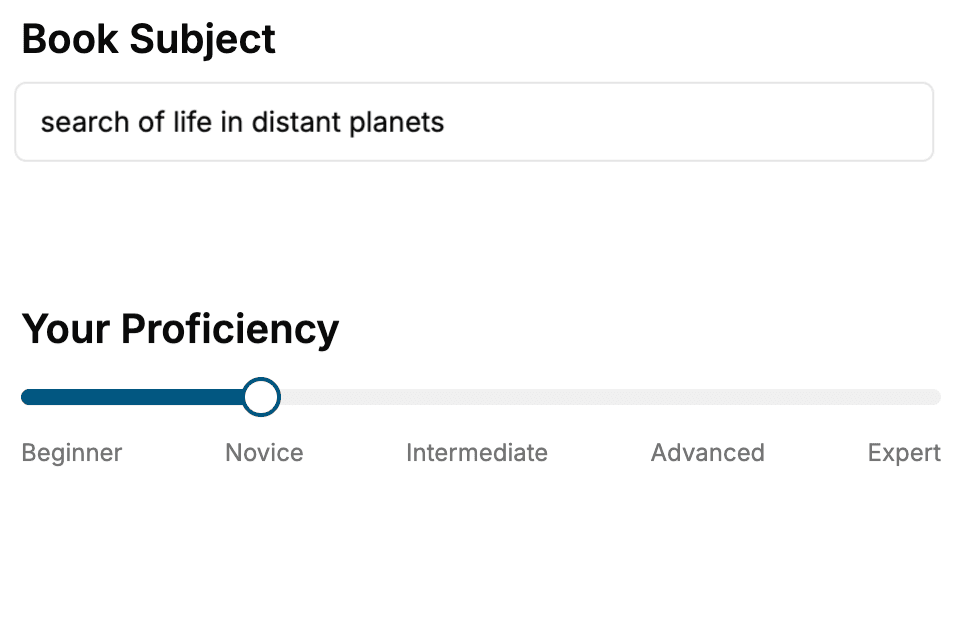
Select the focus of your CSS book and share your background
- 2. Personalize your book
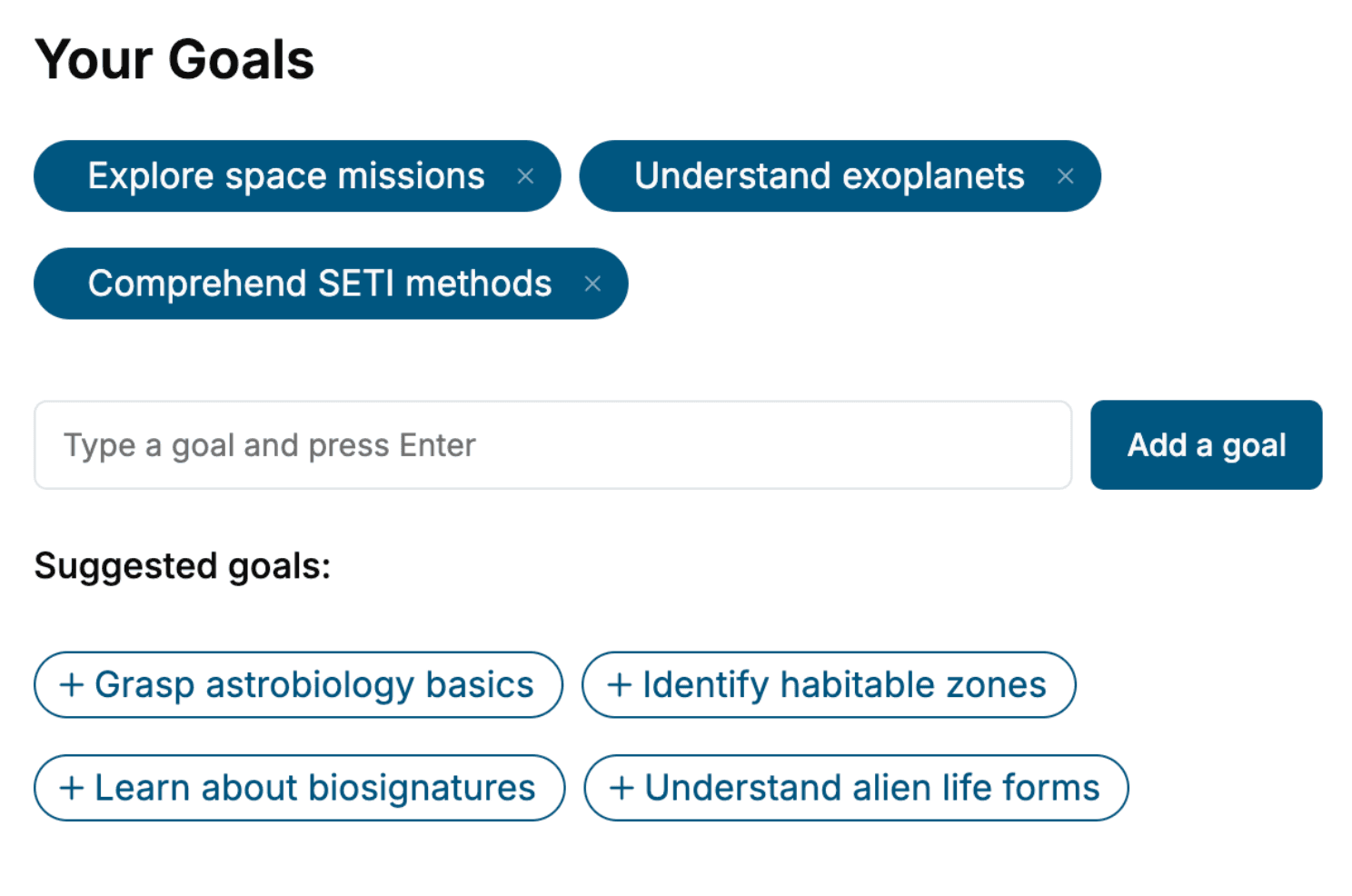
Specify your goals and choose sub-topics to include
- 3. Get your tailored book
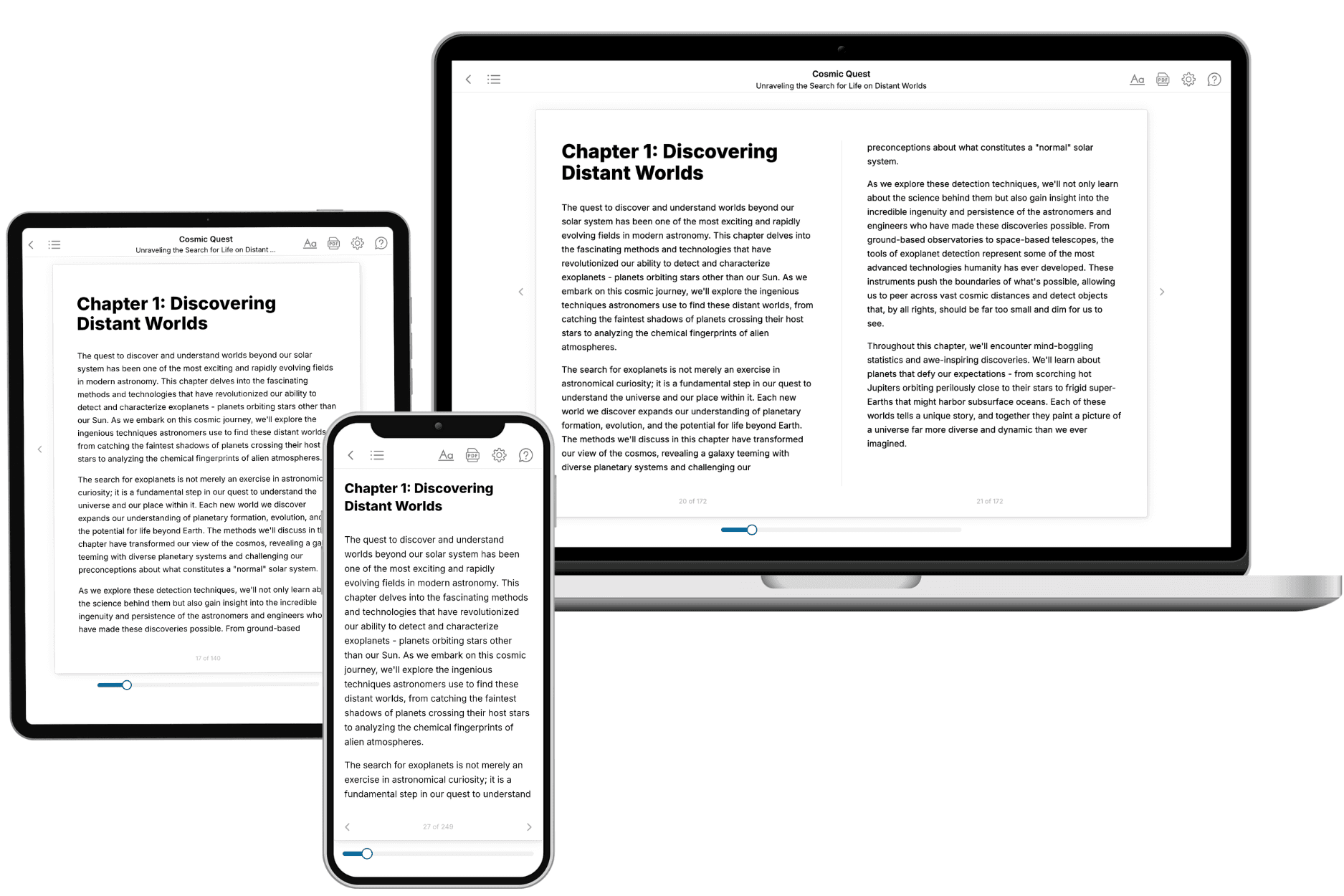
Your book is ready in 10 minutes. Read it online, download as EPUB or PDF, or send to Kindle.
Frequently asked questions
- What is TailoredRead?
TailoredRead creates complete, full-length nonfiction ebooks, written specifically for you. Tell us what you want to learn and why, and TailoredRead writes you a complete ebook on it, with charts, tables, and diagrams throughout. Read it online, on Kindle, or on any e-reader, or download it as a PDF or EPUB. Every book is written fresh the day you order it.
- How is the book tailored to me?
Before anything is written, you answer a few short questions about your goals, your background, and the topics you care about. Your book is then planned around your answers: written at your level, focused on your goals, and covering the topics you chose, instead of the one-size-fits-all book a store sells everyone.
- Will it read like generic AI content?
No. Your book isn't a chat transcript: it's planned chapter by chapter before a single word is written, told in a clear book voice, and explains ideas visually with charts, tables, and diagrams. After writing, every book goes through an editorial pass that polishes chapters so the book reads consistent from start to finish. Judge for yourself: browse thousands of sample books on our Explore Books page.
- How accurate is the content?
Our AI first checks whether your subject needs live research. Niche and fast-moving subjects are researched before writing, and the book plan and chapters are grounded in what it finds. After writing, every book goes through a quality pass that checks its facts and consistency, and researched books list their sources in a Notes section at the back.
- How long is the book?
You choose the length: Comprehensive (250-300 pages), Detailed (150-200 pages), Essential (70-100 pages), or Short (30-50 pages).
- Does the book include visuals?
Yes. Every book includes charts, tables, and diagrams: timelines, checklists, step-by-step guides, decision trees, comparison tables, matrices, and bar charts. A typical book includes dozens of these visual elements.
- Can I read it on Kindle? What formats can I download?
Yes. Every book can be read in our online reader or downloaded as a PDF or EPUB. The EPUB can be opened with Kindle, Apple Books, Kobo, and any e-reader. The Commercial and Author licenses also include an editable Word (DOCX) and Markdown download.
- How much does it cost?
About the price of a regular ebook. The exact price depends on your book's length and complexity, from $2 for the shortest books to $35 for the most comprehensive, and it's shown when you review your book, before you commit to anything. Each book is a one-time purchase, yours to keep, no subscription. Licenses that let you share, teach, or publish your book range from $35.99 to $49.99.
- Can I preview the book before purchasing?
Before you pay, you'll see what your book will cover: the title, a detailed description, the estimated length, and the complete chapter-by-chapter table of contents, so you know what you're getting before you decide. The full text itself is written after you purchase.
- How long does it take to create a book?
About 10 minutes. You can start reading the opening chapters while the rest is still being written.