Mastering CSS Forms
Build Beautiful, Accessible, and Functional Web Forms with Modern CSS Techniques
Create stunning, user-friendly web forms that work flawlessly across all devices and browsers.
207 pages10 chaptersMar 7, 2026CSS
About this book
This comprehensive guide teaches you how to leverage modern CSS to build forms that are not only visually appealing but also accessible, performant, and maintainable. You'll move beyond basic styling to master advanced techniques including responsive layouts, custom form controls, validation states, and interactive feedback mechanisms. Whether you're styling simple contact forms or complex multi-step applications, you'll discover practical patterns and real-world solutions that you can implement immediately. Learn how to combine CSS Grid and Flexbox for flexible layouts, use CSS custom properties for consistent theming, and implement accessibility best practices that ensure your forms work for everyone. This book bridges the gap between design and development, giving you the skills to create forms that users actually enjoy filling out.
Table of contents
- IntroductionWhy CSS Forms Matter in Modern Web Development, What You'll Learn in This Book, How to Use This Guide, Prerequisites and AssumptionsRead below
- Chapter 1: Form Fundamentals and HTML StructureBuilding Semantic HTML Forms, Understanding Form Elements and Their Purposes, Accessibility as a Foundation
- Chapter 2: CSS Basics for Form StylingResetting and Normalizing Form Styles, Box Model and Spacing in Forms, Typography and Readability
- Chapter 3: Responsive Form LayoutsUsing Flexbox for Form Layouts, CSS Grid for Complex Form Structures, Mobile-First Form Design
- Chapter 4: Styling Input Fields and ControlsText Inputs and Textarea Styling, Custom Checkboxes and Radio Buttons, Styling Select Dropdowns
- Chapter 5: Focus States and User InteractionImplementing Visible Focus Indicators, Hover and Active States, Disabled and Read-Only States
- Chapter 6: Validation and Error MessagingCSS Pseudo-Classes for Validation, Styling Error Messages and Alerts, Visual Feedback for Valid Inputs
- Chapter 7: Advanced CSS Form TechniquesCSS Custom Properties for Form Theming, Pseudo-Elements for Enhanced Styling, Animations and Transitions in Forms
- Chapter 8: Accessibility Best PracticesProper Label Association and Visibility, Color Contrast and Visual Clarity, Optimizing for Screen Readers
- Chapter 9: Performance and Browser CompatibilityOptimizing Rendering Performance, Cross-Browser Compatibility Strategies, Testing Forms Across Devices
- Chapter 10: Real-World Form PatternsBuilding Contact Forms, Login and Registration Forms, Multi-Step and Wizard Forms
- ConclusionKey Takeaways, Your Next Steps
- Additional Resources and References
Introduction
Forms are everywhere on the web. Every time you log into an app, search for a product, sign up for a newsletter, or complete a checkout, you're interacting with a form. Despite being one of the most common elements in web development, forms are also one of the most frequently neglected when it comes to design and styling. Many developers treat form styling as an afterthought, slapping on a few basic CSS rules and calling it done. The result is often a clunky, frustrating experience that drives users away before they ever hit the submit button.
The gap between a poorly styled form and a well-crafted one is enormous, and it shows in the numbers. Research from the Baymard Institute found that the average large-scale e-commerce site can increase its conversion rate by over 35% through better checkout form design alone.[1] That's not a small improvement. It's the difference between a business that thrives and one that struggles, all because of how a form looks and behaves. Good form design isn't just about aesthetics. It's about guiding users through a process with clarity, confidence, and ease.
This book exists because form styling deserves serious attention. Modern CSS has evolved dramatically over the past several years, giving developers powerful tools like CSS Grid, Flexbox, custom properties, and a rich set of pseudo-classes that make it possible to build forms that are beautiful, accessible, and highly functional without relying on heavy JavaScript libraries or complex frameworks. The techniques in this book are practical, grounded in real-world use cases, and designed to be applied immediately in your own projects. Whether you're building a simple contact form or a complex multi-step registration wizard, the principles here will serve you well.
Throughout these chapters, you'll find a consistent emphasis on three pillars: visual quality, accessibility, and performance. These aren't competing priorities. When approached thoughtfully, they reinforce each other. A form that's accessible is usually clearer and easier to use for everyone. A form that performs well tends to be leaner and better structured. And a form that looks great is often one that has been carefully considered from the user's perspective. This book will show you how to hold all three priorities at once.
Why CSS Forms Matter in Modern Web Development
Think about the last time you abandoned a form online. Maybe the fields were too small on your phone. Maybe the error messages were confusing. Maybe the submit button looked broken or the layout fell apart on a narrow screen. You probably didn't think much about it. You just left. That's exactly the problem. Bad form experiences are invisible to the people who build them but painfully obvious to the people who use them.
Forms are the primary mechanism through which users take action on the web. They're how people create accounts, make purchases, send messages, apply for jobs, and complete countless other meaningful tasks. When a form fails, the entire interaction fails. No amount of beautiful landing page design can compensate for a checkout form that confuses or frustrates users at the critical moment of conversion. CSS is the tool that shapes that experience, and using it well is a genuine competitive advantage.
The stakes are especially high because forms are often the most technically complex elements to style consistently. Unlike a heading or a paragraph, form elements like <select>, <input type="checkbox">, and <input type="range"> come with heavy browser-default styling that varies significantly across platforms. What looks polished in Chrome might look broken in Safari. What works on a desktop might be unusable on a touchscreen. Taming these inconsistencies requires a deliberate, informed approach to CSS.
Beyond visual consistency, there's the matter of accessibility. An estimated 1.3 billion people worldwide live with some form of disability.[2] Many of them rely on assistive technologies like screen readers, keyboard navigation, or high-contrast display modes to use the web. Forms that are styled without accessibility in mind can become completely unusable for these users. CSS plays a direct role in accessibility through focus indicators, color contrast, visible labels, and error states. Getting these right isn't optional. It's a fundamental responsibility of modern web development.
Modern CSS also opens up creative possibilities that simply didn't exist a few years ago. CSS custom properties allow you to build fully themeable form systems that can switch between light and dark modes with a single variable change. The :focus-visible pseudo-class lets you show focus rings only when they're needed, improving visual cleanliness without sacrificing keyboard accessibility. CSS Grid makes it trivial to build complex multi-column form layouts that reflow gracefully on smaller screens. These aren't niche tricks. They're mainstream techniques that belong in every front-end developer's toolkit.
There's also a professional dimension worth acknowledging. Developers who understand form styling deeply are more valuable to their teams and clients. Forms touch nearly every part of a web application, from authentication to data entry to settings management. A developer who can build forms that are visually polished, accessible, and cross-browser compatible is solving real problems that affect real users and real business outcomes. This book is designed to help you become that developer.
A well-designed form doesn't just collect data. It builds trust, reduces friction, and guides users toward completing the actions that matter most to them and to your product.
It's also worth noting that form styling is an area where small improvements compound quickly. Fixing a focus state here, improving an error message there, making a layout responsive on mobile. Each change is relatively small, but together they create a dramatically better experience. You don't need to rebuild everything from scratch to see meaningful results. The techniques in this book are designed to be applied incrementally, so you can start improving your forms right away.
What You'll Learn in This Book
This book is structured as a progressive journey from fundamentals to advanced techniques. It starts with the HTML and semantic structure that forms the foundation of any well-styled form, then moves through layout, individual element styling, interaction states, validation, and finally into real-world patterns you can use directly in your projects. Each chapter builds on the previous one, but they're also designed to stand alone as references when you need to revisit a specific topic.
In the early chapters, you'll establish a solid foundation by understanding how form elements work semantically and why that matters for both accessibility and CSS targeting. You'll learn how to reset and normalize browser default styles in a way that gives you a clean slate without breaking accessibility. You'll also explore the box model as it applies specifically to form elements, which behaves differently than you might expect in several important cases.
The layout chapters cover two of the most powerful tools in modern CSS: Flexbox and CSS Grid. You'll see how each one applies to different form scenarios, with concrete examples showing when to use which approach. A simple single-column contact form has different layout needs than a complex settings panel with multiple columns and grouped fields. You'll learn to recognize those differences and choose the right tool for each situation.
A significant portion of the book focuses on individual form controls, because each one presents its own styling challenges. Here's a preview of what's covered:
- Text inputs and textareas: Consistent sizing, padding, border styling, and placeholder text treatment
- Checkboxes and radio buttons: Building fully custom controls using CSS alone, without hiding native accessibility
- Select dropdowns: Taming one of the most notoriously difficult elements to style cross-browser
- Focus and interaction states: Creating visible, attractive focus indicators that work for keyboard and mouse users alike
- Disabled and read-only states: Communicating non-interactive states clearly without sacrificing usability
Validation and error messaging get their own dedicated chapter because they're so critical to user experience and so often done poorly. You'll learn how to use CSS pseudo-classes like :valid, :invalid, and :user-invalid to provide real-time visual feedback. You'll also learn how to style error messages and success states in ways that are clear, accessible, and visually consistent with the rest of your form design.
The advanced techniques chapter dives into CSS custom properties for form theming, pseudo-elements for decorative and functional enhancements, and animations and transitions that add polish without creating distraction. These techniques are where form styling starts to feel genuinely sophisticated, and they're more approachable than you might think once you have the fundamentals in place.
Accessibility gets a dedicated deep-dive chapter that goes beyond the basics. You'll explore proper label association, color contrast requirements, and specific techniques for optimizing forms for screen readers. This chapter is informed by WCAG 2.1 guidelines and real-world testing practices, giving you a practical framework rather than just a list of rules to follow.
The book closes with a chapter on real-world form patterns, where everything comes together in three complete, production-ready examples: a contact form, a login and registration flow, and a multi-step wizard form. These examples are annotated with explanations of every key decision, so you can understand not just what the code does but why it was written that way.
How to Use This Guide
This book is designed to be flexible. If you're new to form styling and want a comprehensive foundation, reading it cover to cover in order is the best approach. Each chapter introduces concepts that later chapters build on, and the progression from fundamentals to advanced techniques is intentional. You'll get the most out of the material by following that path the first time through.
If you already have some experience with form styling and are looking to fill specific gaps, the book works equally well as a reference. Each chapter is self-contained enough that you can jump directly to the topic you need. Looking for help with custom checkbox styling? Go straight to Chapter 4. Need to understand CSS validation pseudo-classes? Chapter 6 has you covered. The table of contents is detailed enough to help you find exactly what you're looking for.
Throughout the book, you'll find code examples for every technique discussed. These examples are written to be clear and focused, showing the specific concept being explained without unnecessary complexity. Here's an example of the kind of focused snippet you'll encounter throughout the chapters:
/* A clean, accessible focus style for text inputs */
input[type="text"]:focus-visible {
  outline: 2px solid #005fcc;
  outline-offset: 2px;
  border-color: #005fcc;
}
The best way to learn from these examples is to type them out yourself rather than just reading them. Copying and pasting code is fine for reference, but actually writing it forces you to engage with each property and value in a way that builds genuine understanding. Try modifying the examples too. Change a color, adjust a spacing value, swap a layout approach. Breaking things intentionally is one of the fastest ways to understand how CSS works.
Each chapter ends with a summary of key points and, where appropriate, a set of practical exercises or challenges. These aren't mandatory, but they're worth doing if you want to solidify what you've learned. The exercises are designed to be completed in 15 to 30 minutes and produce something tangible you can add to a personal reference library or portfolio.
Pay special attention to the accessibility notes scattered throughout the book. These are marked clearly and highlight moments where a CSS decision has direct implications for users with disabilities. It can be tempting to skip these sections if accessibility isn't your primary focus right now, but the guidance there often improves the experience for all users, not just those using assistive technology. Accessible design is almost always better design.
Finally, don't feel pressure to implement every technique in every project. The goal of this book is to expand your toolkit, not to prescribe a single way of doing things. Some projects call for minimal, clean form styling. Others benefit from rich animations and custom controls. Understanding the full range of what's possible lets you make informed choices rather than defaulting to whatever you already know.
Prerequisites and Assumptions
This book is written for intermediate web developers and front-end engineers who already have a working knowledge of HTML and CSS. You don't need to be an expert, but you should be comfortable with the basics before diving in. Specifically, it's assumed that you understand how CSS selectors work, how the cascade and specificity operate, and how to apply styles to HTML elements. If those concepts feel shaky, spending a few hours reviewing them first will make everything in this book much easier to follow.
On the HTML side, you should be familiar with common form elements like <input>, <label>, <select>, <textarea>, and <button>. You don't need deep expertise in HTML form attributes or browser validation behavior, because those topics are covered in the early chapters. But knowing what these elements are and roughly how they're used will help you move through the foundational material more quickly.
Some familiarity with Flexbox is helpful but not required. The layout chapters explain Flexbox and CSS Grid concepts as they apply to forms, with enough context that you can follow along even if you haven't used them extensively before. If you've used Flexbox for basic layouts like navigation bars or card grids, you'll find the form-specific applications straightforward to pick up.
No JavaScript knowledge is required for this book. The focus is entirely on CSS, and the techniques covered here are intentionally CSS-only wherever possible. There are a few places where JavaScript would be needed to complete a full implementation (such as multi-step form navigation), and those are noted clearly. But the CSS techniques themselves stand on their own, and you can apply them regardless of what JavaScript framework or library you're using, or whether you're using one at all.
Here's a quick checklist of what you should be comfortable with before starting:
- Writing CSS selectors including class, ID, attribute, and pseudo-class selectors
- Understanding the CSS box model (margin, border, padding, content)
- Using browser developer tools to inspect and debug CSS
- Writing basic HTML form markup with
<input>,<label>, and<form>elements - Understanding what CSS specificity is and how it affects which styles are applied
No specific development environment is required. All the examples in this book work in any modern browser and can be written in a plain text editor. If you prefer to work in a local development environment with a build tool, that's perfectly fine, but it's not necessary. Tools like CodePen or JSFiddle work well for experimenting with the examples if you want a quick, frictionless way to try things out without setting up a project.
One assumption worth stating explicitly: this book assumes you care about building things that work well for real users. That means taking accessibility seriously, thinking about mobile users, and writing CSS that's maintainable over time. If you're looking for quick hacks or shortcuts that look good in screenshots but fall apart in practice, this isn't that kind of book. The techniques here are designed to hold up in production, across browsers, and for users of all abilities. That's a higher bar, but it's the right one to aim for.
With those foundations in place, you're ready to get started. The first chapter dives into HTML form structure and semantics, which might feel like familiar territory, but there's more depth there than most developers realize. Understanding why certain HTML patterns exist and how browsers interpret them is what separates developers who style forms from developers who truly master them. That distinction starts on the very next page.
This is the end of the free sample. The full book has 10 chapters.
Want this book written for you?
Tell us your goals and background, and get your own version of this book, tailored by AI to you.


Benefits of AI-tailored books
- Read one book, not ten:
- all the CSS knowledge you need, gathered into a single book.
- Save days of learning:
- tell us your goals, choose your topics, and the whole book is built around them.
- Learn effortlessly:
- CSS book written for your specific background and expertise.
- Understand at a glance:
- includes charts, tables, timelines, checklists, decision trees, and more.
- Stay current:
- written the day you order it, not years ago.
- Trust what you read:
- every book is checked for accuracy, with real research when your subject needs it.
Create your unique book in 3 steps
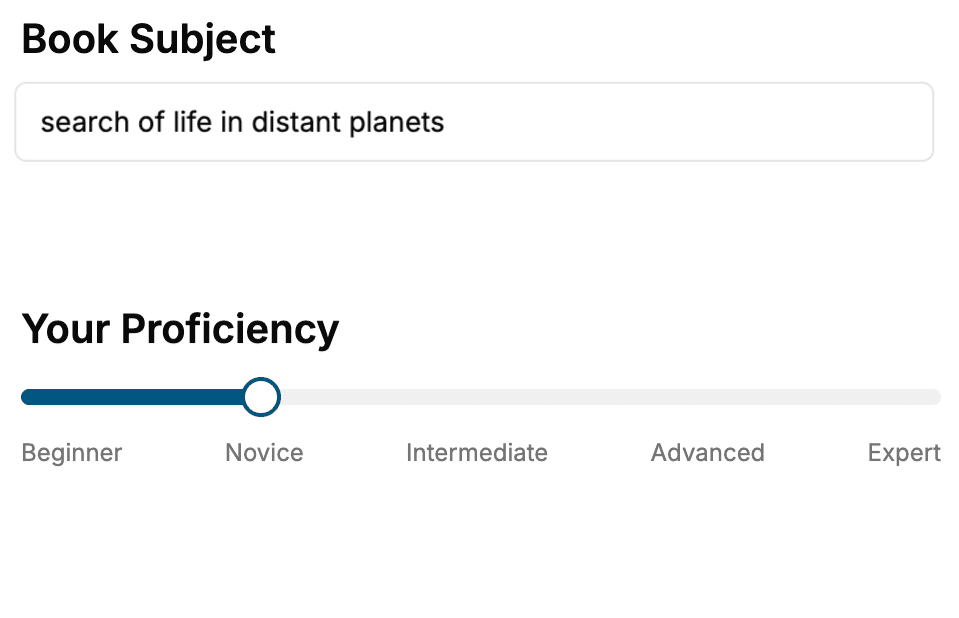
- 1. Select your focus
Select the focus of your CSS book and share your background
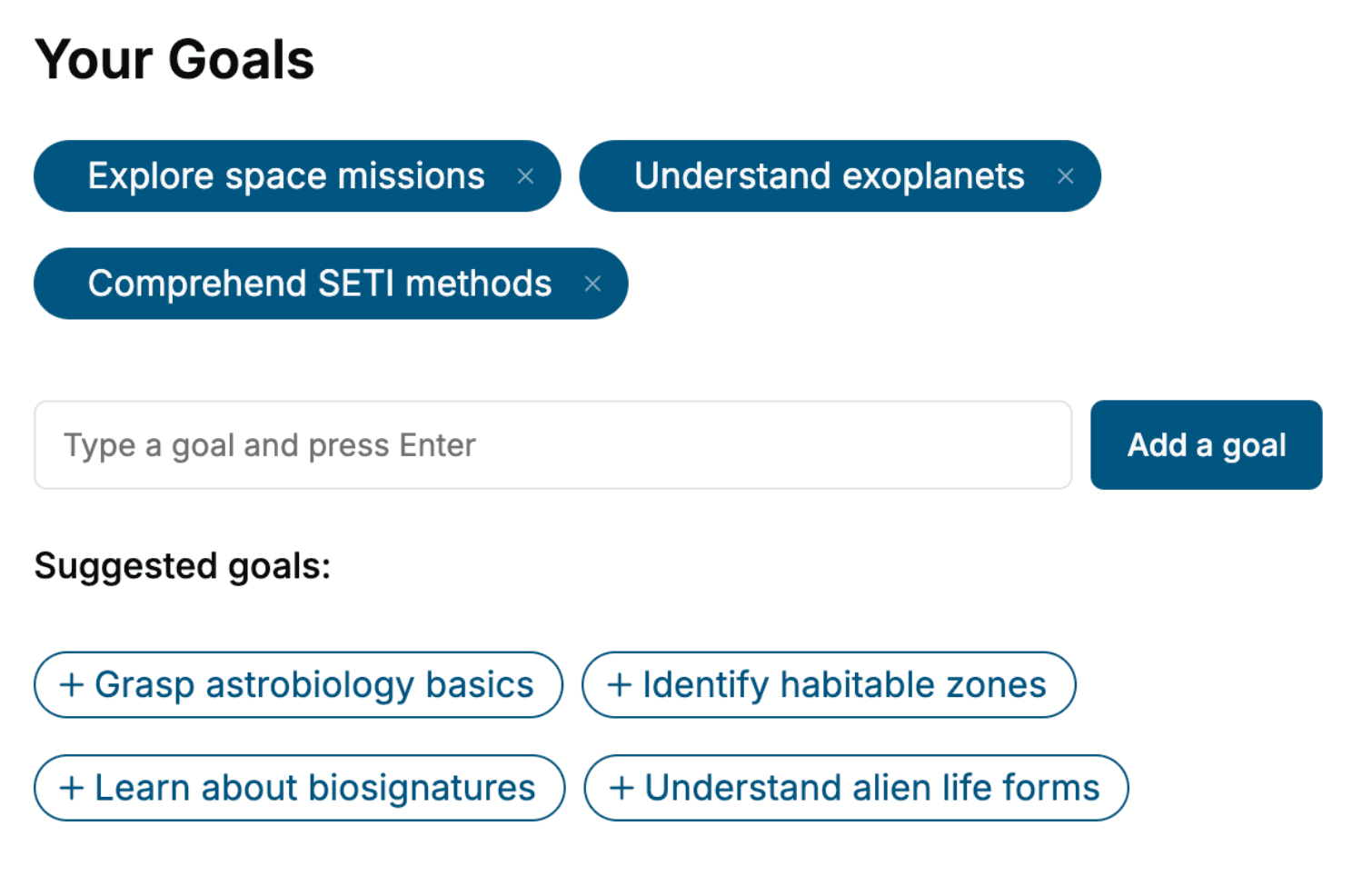
- 2. Personalize your book
Specify your goals and choose sub-topics to include
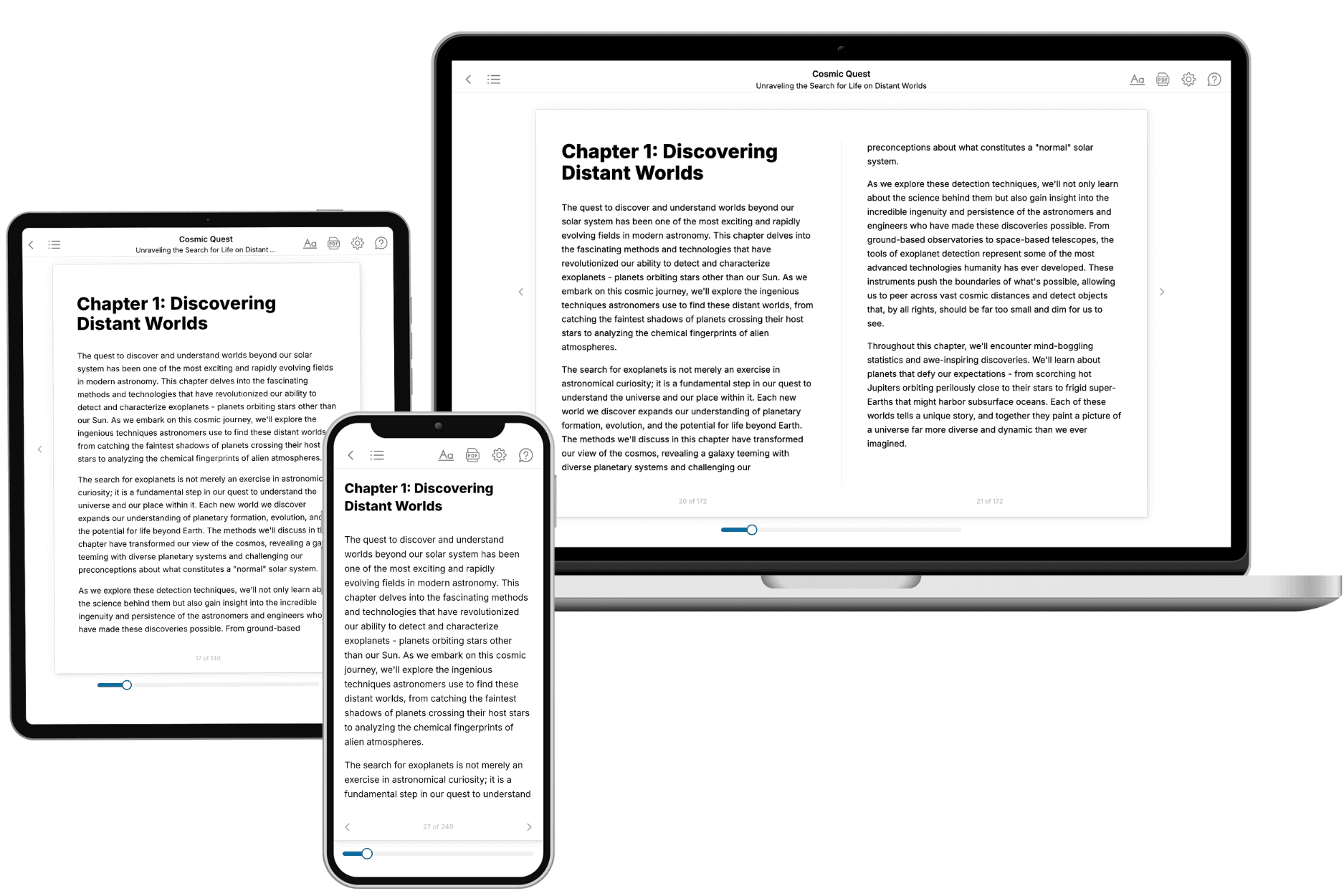
- 3. Get your tailored book
Your book is ready in 10 minutes. Read it online, download as EPUB or PDF, or send to Kindle.
Frequently asked questions
- What is TailoredRead?
TailoredRead creates complete, full-length nonfiction ebooks, written specifically for you. Tell us what you want to learn and why, and TailoredRead writes you a complete ebook on it, with charts, tables, and diagrams throughout. Read it online, on Kindle, or on any e-reader, or download it as a PDF or EPUB. Every book is written fresh the day you order it.
- How is the book tailored to me?
Before anything is written, you answer a few short questions about your goals, your background, and the topics you care about. Your book is then planned around your answers: written at your level, focused on your goals, and covering the topics you chose, instead of the one-size-fits-all book a store sells everyone.
- Will it read like generic AI content?
No. Your book isn't a chat transcript: it's planned chapter by chapter before a single word is written, told in a clear book voice, and explains ideas visually with charts, tables, and diagrams. After writing, every book goes through an editorial pass that polishes chapters so the book reads consistent from start to finish. Judge for yourself: browse thousands of sample books on our Explore Books page.
- How accurate is the content?
Our AI first checks whether your subject needs live research. Niche and fast-moving subjects are researched before writing, and the book plan and chapters are grounded in what it finds. After writing, every book goes through a quality pass that checks its facts and consistency, and researched books list their sources in a Notes section at the back.
- How long is the book?
You choose the length: Comprehensive (250-300 pages), Detailed (150-200 pages), Essential (70-100 pages), or Short (30-50 pages).
- Does the book include visuals?
Yes. Every book includes charts, tables, and diagrams: timelines, checklists, step-by-step guides, decision trees, comparison tables, matrices, and bar charts. A typical book includes dozens of these visual elements.
- Can I read it on Kindle? What formats can I download?
Yes. Every book can be read in our online reader or downloaded as a PDF or EPUB. The EPUB can be opened with Kindle, Apple Books, Kobo, and any e-reader. The Commercial and Author licenses also include an editable Word (DOCX) and Markdown download.
- How much does it cost?
About the price of a regular ebook. The exact price depends on your book's length and complexity, from $2 for the shortest books to $35 for the most comprehensive, and it's shown when you review your book, before you commit to anything. Each book is a one-time purchase, yours to keep, no subscription. Licenses that let you share, teach, or publish your book range from $35.99 to $49.99.
- Can I preview the book before purchasing?
Before you pay, you'll see what your book will cover: the title, a detailed description, the estimated length, and the complete chapter-by-chapter table of contents, so you know what you're getting before you decide. The full text itself is written after you purchase.
- How long does it take to create a book?
About 10 minutes. You can start reading the opening chapters while the rest is still being written.