Mastering CSS Pseudo-elements
Advanced Styling Techniques for Modern Web Development
Discover how to harness the full power of CSS pseudo-elements to create sophisticated, efficient web designs.
176 pages8 chaptersFeb 10, 2026CSS
About this book
This comprehensive guide takes you beyond basic styling to show you how ::before, ::after, and other pseudo-elements can solve real-world design challenges without cluttering your HTML. You'll learn practical techniques for building decorative elements, enhancing forms, creating interactive components, and implementing responsive patterns—all while keeping your code clean and maintainable. Through clear explanations, practical examples, and hands-on patterns, you'll understand when and how to use pseudo-elements effectively, avoid common mistakes, and integrate them seamlessly with modern CSS frameworks like Grid and Flexbox. Whether you're building tooltips, breadcrumbs, or complex visual effects, this book equips you with the knowledge to write more elegant, performant CSS that impresses both users and fellow developers.
Table of contents
- IntroductionWhy Pseudo-elements Matter in Modern CSS, What You'll Learn in This Book, How to Use This Book EffectivelyRead below
- Chapter 1: Understanding CSS Pseudo-elements FundamentalsWhat Are Pseudo-elements and How Do They Work?, Pseudo-elements vs. Pseudo-classes: Key Differences, Browser Compatibility and Vendor Prefixes, Syntax Rules and Best Practices
- Chapter 2: The ::before and ::after Pseudo-elementsHow ::before and ::after Work, Mastering the Content Property, Positioning and Styling Generated Content, Practical Examples and Use Cases
- Chapter 3: Advanced Pseudo-element TechniquesCreating Layering Effects with Multiple Pseudo-elements, Animations and Transitions with Pseudo-elements, Gradients, Shadows, and Visual Effects, Building Complex Shapes Without Images
- Chapter 4: Pseudo-elements with Modern Layout SystemsUsing Pseudo-elements with Flexbox, Pseudo-elements in CSS Grid Layouts, Responsive Design Patterns with Pseudo-elements
- Chapter 5: Building Interactive ComponentsCreating Tooltips and Popovers, Breadcrumbs and Navigation Enhancements, Advanced Form Styling with Pseudo-elements, Interactive States and Hover Effects
- Chapter 6: Performance and OptimizationReducing DOM Complexity with Pseudo-elements, Rendering Performance Considerations, Optimization Best Practices and Patterns
- Chapter 7: Common Pitfalls and TroubleshootingCommon Mistakes and How to Avoid Them, Debugging Pseudo-element Issues, Cross-browser Solutions and Fallbacks
- Chapter 8: Real-world Projects and Case StudiesProject: Building Decorative Design Elements, Project: Creating Interactive UI Components, Project: Implementing Responsive Design Patterns, Lessons Learned and Key Takeaways
- ConclusionRecap of Key Concepts, Next Steps in Your CSS Journey
- Appendix: Quick Reference GuideComplete Pseudo-elements Reference, Browser Support Chart, Essential Code Snippets and Templates
Introduction
CSS pseudo-elements represent one of the most powerful yet underutilized features in modern web development. These virtual elements allow you to create sophisticated visual effects, add decorative content, and solve complex layout challenges without adding a single extra line of HTML. For intermediate developers looking to elevate their styling skills, mastering pseudo-elements opens up a world of possibilities that can transform how you approach front-end development. The ability to generate content dynamically through CSS alone reduces DOM complexity, improves maintainability, and creates cleaner separation between structure and presentation.
Despite their power, pseudo-elements often remain mysterious to many developers who have moved beyond CSS basics but haven't fully explored what these tools can accomplish. You might have used ::before and ::after for simple decorative touches, but the true potential extends far beyond adding icons or clearing floats. Modern web applications demand efficient, performant solutions that don't sacrifice visual sophistication, and pseudo-elements deliver exactly that. They enable you to build tooltips, breadcrumbs, complex shapes, animated effects, and interactive components with minimal code overhead.
This book bridges the gap between basic CSS knowledge and advanced pseudo-element mastery. Whether you're building enterprise applications, crafting marketing websites, or developing component libraries, the techniques you'll learn here will make your stylesheets more elegant, your HTML cleaner, and your development workflow more efficient. You'll discover how pseudo-elements integrate seamlessly with modern layout systems like Flexbox and Grid, how they enhance performance by reducing DOM nodes, and how they solve real-world design challenges that would otherwise require JavaScript or additional markup. By the end of this journey, you'll approach styling problems with a new perspective, seeing opportunities to leverage pseudo-elements where you previously might have reached for extra HTML elements or complex JavaScript solutions.
Why Pseudo-elements Matter in Modern CSS
The modern web development landscape demands efficiency at every level. Every DOM node you add to a page carries a cost in terms of memory consumption, rendering performance, and maintenance overhead. Pseudo-elements provide an elegant solution by creating virtual elements that exist only in the rendering layer, not in the actual document structure. When you use ::before or ::after, you're essentially getting free elements that don't increase your DOM tree size, don't require JavaScript manipulation, and don't add complexity to your HTML semantics. This approach aligns perfectly with the principle of separation of concerns, keeping presentational details firmly in your stylesheets where they belong.
Consider a common scenario: you need to add decorative quotation marks around testimonials throughout your site. The traditional approach might involve wrapping each testimonial in additional HTML elements or inserting the quotation marks directly into your content. Both approaches create problems. Extra HTML clutters your markup and makes it harder to maintain, while hardcoded decorative characters pollute your content with presentational details. With pseudo-elements, you can solve this elegantly in CSS alone, applying consistent styling across all testimonials while keeping your HTML clean and semantic. This pattern repeats across countless design challenges, from adding icons to navigation items to creating complex visual separators between content sections.
Performance considerations make pseudo-elements even more compelling in today's mobile-first world. Research shows that reducing DOM complexity directly improves rendering performance, especially on lower-powered devices[1]. When you replace ten decorative <span> elements with five pseudo-elements, you're cutting DOM nodes in half while achieving the same visual result. The browser has fewer elements to track, style calculations become faster, and repaints require less work. These improvements might seem marginal on a single component, but they compound across an entire application. A large-scale web application might contain thousands of opportunities to replace real DOM nodes with pseudo-elements, resulting in measurable performance gains.
Beyond performance, pseudo-elements enable design patterns that would be difficult or impossible to achieve otherwise. Creating layered visual effects, building complex shapes without images, and implementing sophisticated hover states all become straightforward when you understand how to leverage these tools effectively. For example, you can create a button with multiple layered backgrounds, animated borders, and dynamic content indicators using just the button element itself plus its ::before and ::after pseudo-elements. This approach keeps your HTML minimal while giving you three distinct layers to work with for styling purposes.
The maintainability benefits deserve special attention. When decorative elements live in your CSS rather than your HTML, updating designs becomes dramatically simpler. Imagine you've built a site with hundreds of card components, each featuring a decorative corner accent. If those accents are HTML elements, changing their design requires updating templates, potentially across multiple files or components. If they're pseudo-elements, you modify a few lines of CSS and every instance updates automatically. This centralization of presentational logic reduces bugs, speeds up development, and makes your codebase more resilient to design changes.
Pseudo-elements also play a crucial role in responsive design strategies. You can show, hide, or transform pseudo-element content based on viewport size without touching your HTML structure. A navigation menu might display full text labels on desktop but switch to icon-only buttons on mobile, with the icons provided entirely through pseudo-elements. This flexibility allows you to adapt your interface to different contexts while maintaining a single, clean HTML structure. The alternative—duplicating elements and showing or hiding them with media queries—creates unnecessary DOM bloat and complicates your markup.
Accessibility considerations further highlight the value of pseudo-elements when used appropriately. Decorative content that serves no semantic purpose should not clutter your HTML or confuse screen readers. By placing purely visual elements in CSS through pseudo-elements, you keep your HTML focused on meaningful content and structure. Screen readers ignore CSS-generated content by default (unless explicitly included with appropriate ARIA attributes), which means decorative flourishes don't interfere with the experience for users relying on assistive technologies. This natural separation between content and decoration makes your sites more accessible without requiring extra effort.
The integration of pseudo-elements with modern CSS features creates powerful synergies. CSS Grid and Flexbox treat pseudo-elements as first-class grid items or flex children, allowing you to incorporate them into sophisticated layouts. CSS custom properties (variables) can control pseudo-element content and styling, enabling dynamic theming systems. CSS animations and transitions work seamlessly with pseudo-elements, creating smooth visual effects without JavaScript. These combinations unlock advanced techniques that would require significantly more code and complexity using traditional approaches. Understanding pseudo-elements isn't just about learning an isolated CSS feature—it's about mastering a fundamental tool that enhances your entire CSS toolkit.
What You'll Learn in This Book
This book provides a comprehensive journey from pseudo-element fundamentals to advanced real-world applications. You'll start by building a solid foundation in Chapter 1, where you'll understand exactly what pseudo-elements are, how they differ from pseudo-classes, and the syntax rules that govern their use. This foundation includes critical knowledge about browser compatibility, vendor prefixes, and the specific quirks you need to navigate for cross-browser consistency. You'll learn why the double-colon syntax (::before) differs from the single-colon version (:before), when each is appropriate, and how to write future-proof code that works across all modern browsers.
Chapter 2 dives deep into the workhorses of pseudo-element styling: ::before and ::after. You'll master the content property, which is essential for making these pseudo-elements visible and useful. The chapter covers everything from inserting simple text strings to using attribute values, counters, and even Unicode characters for icons. You'll learn positioning techniques that let you place pseudo-elements precisely where you need them, whether that's overlaying the parent element, sitting beside it, or creating complex layered effects. Practical examples throughout this chapter demonstrate real-world applications like adding icons to links, creating custom list markers, building decorative borders, and implementing clearfix patterns.
Advanced techniques take center stage in Chapter 3, where you'll discover how to push pseudo-elements to their limits. This chapter explores creating multiple visual layers using both ::before and ::after together, implementing smooth animations and transitions, and building complex shapes like triangles, ribbons, and geometric patterns without any images. You'll learn how to use gradients, box shadows, and transforms with pseudo-elements to create sophisticated visual effects. Specific examples include creating animated loading spinners, building CSS-only ribbons and badges, implementing parallax-style effects, and designing custom checkbox and radio button styles that work across browsers.
Chapter 4 bridges pseudo-elements with modern layout systems, showing you how these tools work within Flexbox and CSS Grid contexts. You'll discover that pseudo-elements participate fully in flex and grid layouts, acting as flex items or grid children just like regular elements. This chapter provides practical patterns for using pseudo-elements to create flexible spacing systems, build responsive navigation components, and implement complex grid-based designs. You'll learn specific techniques like using pseudo-elements as grid area placeholders, creating flexible dividers that adapt to content, and building responsive card layouts with decorative elements that reposition themselves based on viewport size.
Building interactive components is the focus of Chapter 5, where theory meets practice in creating real UI elements. You'll build fully functional tooltips using only CSS and pseudo-elements, implement breadcrumb navigation with automatic separators, enhance form inputs with floating labels and validation indicators, and create sophisticated hover effects for buttons and cards. Each component comes with complete code examples and explanations of the techniques involved. You'll understand not just how to build these components, but why certain approaches work better than others, including considerations for accessibility, performance, and maintainability.
Performance and optimization receive dedicated attention in Chapter 6. You'll learn specific strategies for using pseudo-elements to reduce DOM complexity, understand the rendering performance implications of different pseudo-element techniques, and discover best practices for writing efficient pseudo-element styles. This chapter includes concrete measurements showing how pseudo-elements impact page load times and rendering performance, along with guidelines for when to use pseudo-elements versus when alternative approaches might be more appropriate. You'll also learn about paint and composite layers, how pseudo-elements affect them, and techniques for optimizing animations and transitions.
Chapter 7 addresses the practical challenges you'll encounter when working with pseudo-elements in production environments. This troubleshooting guide covers common mistakes like forgetting the content property, positioning issues, z-index problems, and specificity conflicts. You'll learn debugging techniques specific to pseudo-elements, including browser DevTools strategies for inspecting and modifying pseudo-element styles. The chapter also provides cross-browser solutions for known compatibility issues and fallback strategies for older browsers. Real-world scenarios demonstrate how to diagnose and fix problems you're likely to encounter in your own projects.
The book concludes with Chapter 8, featuring complete real-world projects that integrate everything you've learned. You'll build a decorative hero section with layered backgrounds and animated elements, create a fully functional interactive UI component library, and implement responsive design patterns that adapt seamlessly across devices. Each project includes step-by-step instructions, complete code, and detailed explanations of the decisions made along the way. These projects serve as templates you can adapt for your own work, demonstrating professional-grade techniques used in production websites. The chapter ends with key takeaways and lessons learned, helping you internalize the principles that make pseudo-element usage effective.
How to Use This Book Effectively
This book is designed for intermediate developers who already understand CSS fundamentals like selectors, the box model, positioning, and basic layout techniques. You should be comfortable reading CSS code, understand how specificity works, and have experience building websites or web applications. If you're familiar with concepts like Flexbox and Grid, you'll get even more value from the later chapters, though the book provides enough context to follow along if these are newer to you. The book assumes you have a code editor, a modern web browser with developer tools, and the ability to create HTML and CSS files for experimentation.
The chapters build progressively, with each one introducing concepts that later chapters expand upon. For the best learning experience, work through the book sequentially rather than jumping around. Chapter 1's foundational knowledge is essential for understanding the techniques in later chapters, and the progression from basic to advanced ensures you develop a complete mental model of how pseudo-elements work. That said, if you're already familiar with pseudo-element basics, you might skim Chapter 1 and focus more attention on Chapters 3 through 8, where advanced techniques and real-world applications take center stage.
Active learning produces the best results with technical material. Don't just read the code examples—type them out yourself, experiment with modifications, and observe what happens when you change values. Create a dedicated project folder for working through the book's examples, and build a personal reference library of techniques you find particularly useful. When you encounter a new concept, try applying it to a real problem from your own work. This practice of connecting book knowledge to practical application accelerates learning and helps you retain information more effectively. Consider keeping a notebook or digital document where you record insights, questions, and ideas for how you might use specific techniques.
The code examples throughout the book are designed to be practical and production-ready, not just theoretical demonstrations. Each example includes enough context to understand what problem it solves and why the approach works. You'll find both complete code snippets you can use directly and conceptual examples that illustrate specific principles. When you see a technique that interests you, take time to understand not just the syntax but the underlying logic. Ask yourself questions like: Why is this property necessary? What would happen if I removed this line? How could I adapt this for a different use case? This deeper engagement transforms passive reading into active learning.
Browser developer tools are essential companions to this book. Modern browsers like Chrome, Firefox, and Safari include excellent DevTools for inspecting and modifying CSS, including pseudo-elements. As you work through examples, open your browser's DevTools, inspect the pseudo-elements you create, and experiment with changing their properties in real-time. This hands-on exploration helps you understand how different CSS properties interact and builds intuition for debugging issues. The book includes specific DevTools tips in Chapter 7, but you'll benefit from using these tools throughout your learning journey.
Pay special attention to the practical examples and real-world projects. These sections demonstrate how pseudo-element techniques combine to solve actual design challenges you'll encounter in professional work. When you reach the project chapters, allocate enough time to build the complete projects rather than just reading through them. The process of implementing a full component or design pattern reveals nuances and challenges that aren't apparent from reading alone. If you get stuck, refer back to earlier chapters for foundational concepts, and don't hesitate to experiment with variations on the provided solutions.
Consider your learning style and adapt your approach accordingly. If you learn best by seeing the big picture first, you might read through an entire chapter quickly to understand the overall concepts, then return to work through examples in detail. If you prefer step-by-step learning, take each section slowly, ensuring you understand each concept before moving forward. Some readers benefit from creating visual references like mind maps or flowcharts that connect different pseudo-element techniques. Others prefer building a personal code library with commented examples they can reference later. Choose strategies that align with how you learn best.
The book includes footnotes and references to additional resources where appropriate. These citations point to authoritative sources, browser documentation, and research that supports the techniques and recommendations presented. While you don't need to follow every reference immediately, they provide valuable context and opportunities for deeper exploration. If a particular topic especially interests you, the references offer pathways to learn more. Building the habit of consulting official documentation and authoritative sources makes you a more effective developer beyond just pseudo-elements.
Finally, remember that mastery comes through practice and repetition. After completing the book, revisit challenging sections, rebuild projects from memory, and look for opportunities to apply pseudo-element techniques in your daily work. The goal isn't to memorize every example but to develop intuition for when and how pseudo-elements can solve problems elegantly. Over time, you'll find yourself naturally reaching for these tools when appropriate, writing cleaner HTML, and creating more maintainable stylesheets. Keep this book as a reference, returning to specific chapters when you encounter relevant challenges in your projects. The techniques you'll learn here will serve you throughout your career as a web developer, growing more valuable as you discover new ways to apply them.
Notes
Introduction
- 1. Ilya Grigorik, High Performance Browser Networking, O'Reilly Media, 2013
This is the end of the free sample. The full book has 8 chapters.
Want this book written for you?
Tell us your goals and background, and get your own version of this book, tailored by AI to you.


Benefits of AI-tailored books
- Read one book, not ten:
- all the CSS knowledge you need, gathered into a single book.
- Save days of learning:
- tell us your goals, choose your topics, and the whole book is built around them.
- Learn effortlessly:
- CSS book written for your specific background and expertise.
- Understand at a glance:
- includes charts, tables, timelines, checklists, decision trees, and more.
- Stay current:
- written the day you order it, not years ago.
- Trust what you read:
- every book is checked for accuracy, with real research when your subject needs it.
Create your unique book in 3 steps
- 1. Select your focus
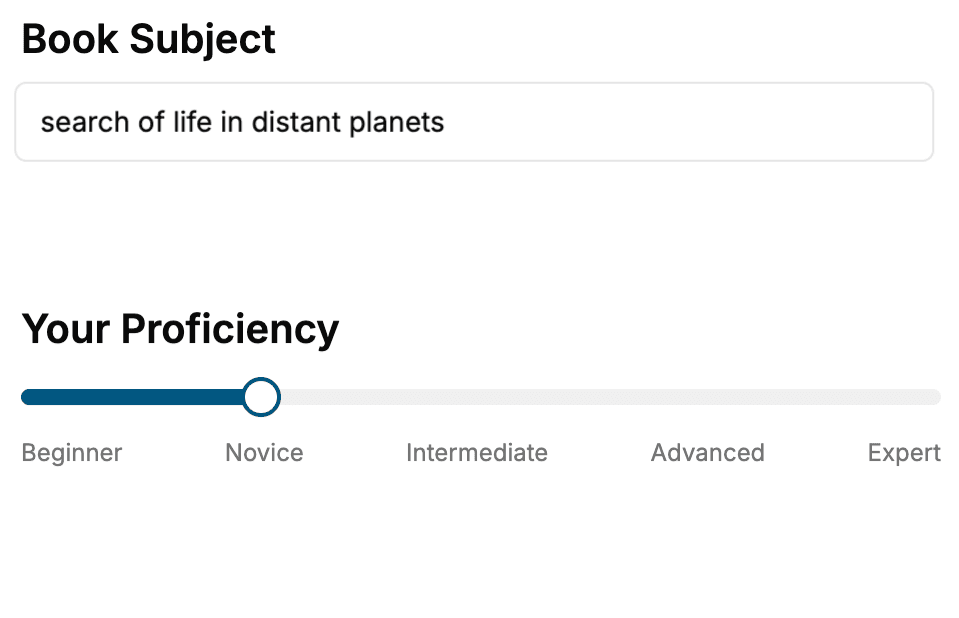
Select the focus of your CSS book and share your background
- 2. Personalize your book
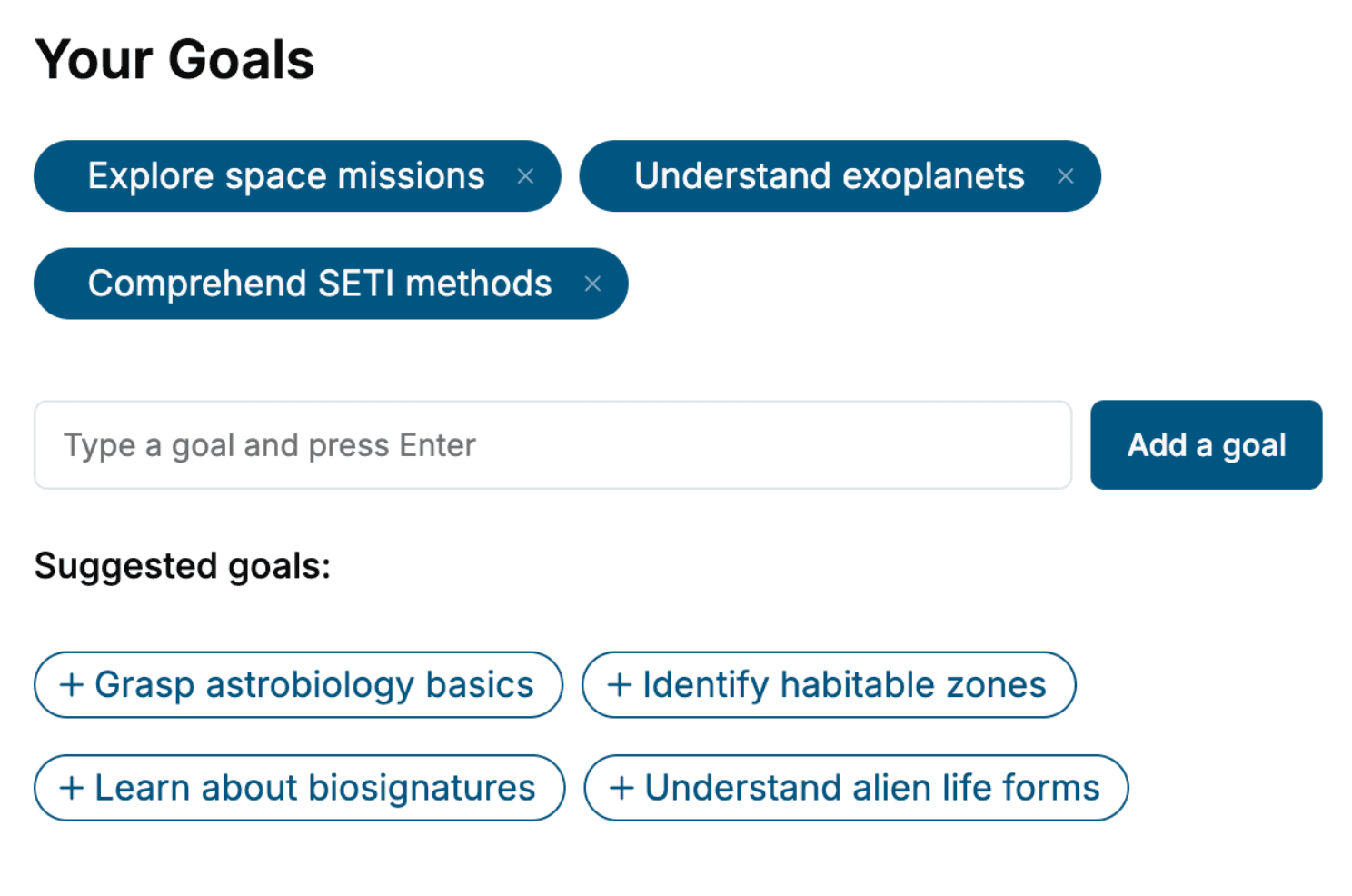
Specify your goals and choose sub-topics to include
- 3. Get your tailored book
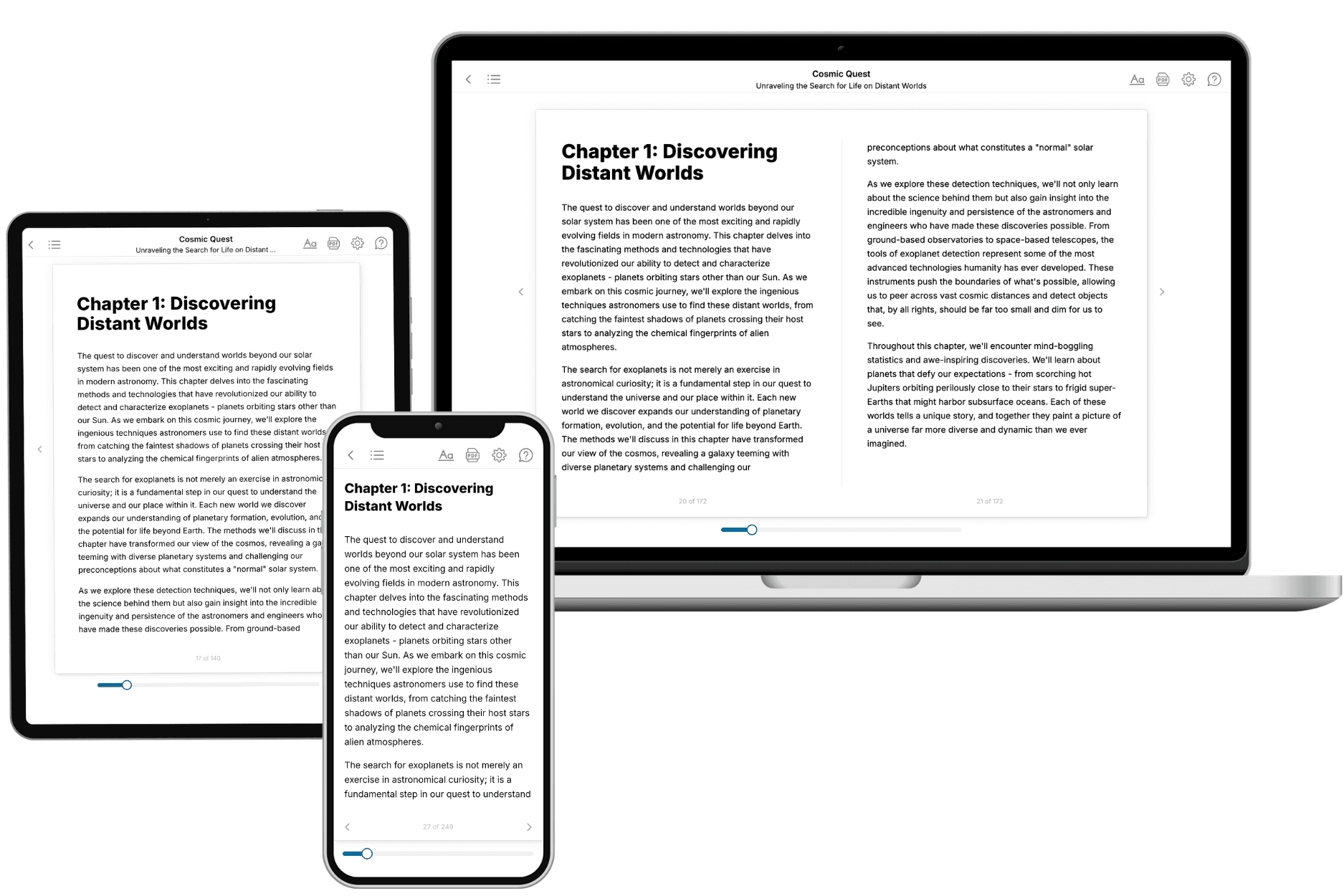
Your book is ready in 10 minutes. Read it online, download as EPUB or PDF, or send to Kindle.
Frequently asked questions
- What is TailoredRead?
TailoredRead creates complete, full-length nonfiction ebooks, written specifically for you. Tell us what you want to learn and why, and TailoredRead writes you a complete ebook on it, with charts, tables, and diagrams throughout. Read it online, on Kindle, or on any e-reader, or download it as a PDF or EPUB. Every book is written fresh the day you order it.
- How is the book tailored to me?
Before anything is written, you answer a few short questions about your goals, your background, and the topics you care about. Your book is then planned around your answers: written at your level, focused on your goals, and covering the topics you chose, instead of the one-size-fits-all book a store sells everyone.
- Will it read like generic AI content?
No. Your book isn't a chat transcript: it's planned chapter by chapter before a single word is written, told in a clear book voice, and explains ideas visually with charts, tables, and diagrams. After writing, every book goes through an editorial pass that polishes chapters so the book reads consistent from start to finish. Judge for yourself: browse thousands of sample books on our Explore Books page.
- How accurate is the content?
Our AI first checks whether your subject needs live research. Niche and fast-moving subjects are researched before writing, and the book plan and chapters are grounded in what it finds. After writing, every book goes through a quality pass that checks its facts and consistency, and researched books list their sources in a Notes section at the back.
- How long is the book?
You choose the length: Comprehensive (250-300 pages), Detailed (150-200 pages), Essential (70-100 pages), or Short (30-50 pages).
- Does the book include visuals?
Yes. Every book includes charts, tables, and diagrams: timelines, checklists, step-by-step guides, decision trees, comparison tables, matrices, and bar charts. A typical book includes dozens of these visual elements.
- Can I read it on Kindle? What formats can I download?
Yes. Every book can be read in our online reader or downloaded as a PDF or EPUB. The EPUB can be opened with Kindle, Apple Books, Kobo, and any e-reader. The Commercial and Author licenses also include an editable Word (DOCX) and Markdown download.
- How much does it cost?
About the price of a regular ebook. The exact price depends on your book's length and complexity, from $2 for the shortest books to $35 for the most comprehensive, and it's shown when you review your book, before you commit to anything. Each book is a one-time purchase, yours to keep, no subscription. Licenses that let you share, teach, or publish your book range from $35.99 to $49.99.
- Can I preview the book before purchasing?
Before you pay, you'll see what your book will cover: the title, a detailed description, the estimated length, and the complete chapter-by-chapter table of contents, so you know what you're getting before you decide. The full text itself is written after you purchase.
- How long does it take to create a book?
About 10 minutes. You can start reading the opening chapters while the rest is still being written.