Mastering CSS Shapes
Create Dynamic, Responsive Layouts with Modern CSS Shape Techniques
Create stunning, non-rectangular web layouts that captivate your audience.
191 pages9 chaptersMay 20, 2026CSS
About this book
This comprehensive guide teaches you how to master CSS shapes—the modern CSS features that let you break free from traditional box-model constraints and design with curves, polygons, and custom paths. You'll learn to implement shape-outside for text wrapping, clip-path for creative masking, and mask-image for advanced visual effects. Discover how to combine shapes with responsive design principles to create layouts that adapt beautifully across all devices. Through practical examples and real-world projects, you'll understand performance considerations, browser compatibility, and accessibility best practices. Whether you're building magazine-style layouts, creating interactive components, or designing cutting-edge user interfaces, this book provides the knowledge and techniques you need to implement CSS shapes effectively. Move beyond rectangular thinking and unlock new creative possibilities in your web design work.
Table of contents
- IntroductionWhy CSS Shapes Matter in Modern Web Design, What You'll Learn in This Book, How to Use This Book Effectively, Prerequisites and AssumptionsRead below
- Chapter 1: Understanding CSS Shapes FundamentalsBreaking Free from Rectangular Constraints, The CSS Shapes Specification Overview, Browser Support and Compatibility Landscape, Types of Shapes You Can Create
- Chapter 2: Shape-Outside: Wrapping Content Around ShapesShape-Outside Property Basics, Creating Circles and Ellipses, Building Complex Polygons, Using Inset and Shape Margins
- Chapter 3: Clip-Path: Masking and Clipping ContentClip-Path Property Fundamentals, Clipping with Basic Shapes, Advanced Polygon Clipping Techniques, Animating and Transitioning Clipped Paths
- Chapter 4: Mask-Image: Advanced Visual EffectsMask-Image Property Overview, Using Images for Masking, Creating Masks with Gradients, Combining Multiple Mask Properties
- Chapter 5: Responsive Shapes and LayoutsIntegrating Shapes with Flexbox, Combining Shapes with CSS Grid, Mobile-First Shape Design, Using Media Queries with Shapes
- Chapter 6: Performance Optimization and Best PracticesUnderstanding Rendering Performance, Optimization Techniques for Shapes, Debugging and Testing Shapes, Best Practices Summary
- Chapter 7: Accessibility and Semantic HTML with ShapesAccessibility Principles for Shaped Content, Maintaining Semantic HTML Structure, Using ARIA Attributes Effectively, Testing Accessibility with Shapes
- Chapter 8: Real-World Projects and Case StudiesBuilding Magazine-Style Layouts, Creating Interactive Shape-Based Components, Designing Creative Portfolio Websites, Analyzing Real-World Shape Implementations
- Chapter 9: Advanced Techniques and Future PossibilitiesIntegrating SVG with CSS Shapes, Dynamically Generating Shapes with JavaScript, Emerging CSS Shape Features, Future Trends in Shape-Based Design
- ConclusionKey Takeaways, Your Next Steps
- Appendix: Quick Reference GuideCSS Shapes Syntax Reference, Browser Compatibility Table, Useful Resources and Tools
Introduction
The web has always been a rectangular place. Every element you place on a page sits inside a box. Every image, every paragraph, every button occupies a neat, four-cornered space. For decades, this was simply the nature of the medium, and designers worked within those constraints with remarkable creativity. But somewhere along the way, the box model stopped feeling like a foundation and started feeling like a cage. The good news is that modern CSS has handed you the key to unlock it.
CSS shapes represent one of the most exciting and underused areas of modern front-end development. With properties like shape-outside, clip-path, and mask-image, you can create layouts where text flows around a circle, images are clipped into hexagons, and content follows the contours of a custom polygon. These are not tricks or hacks. They are well-specified, broadly supported CSS features that are ready for production use right now. Yet many developers have never moved beyond the basics, often because the learning curve feels steep or the documentation feels scattered.
This book exists to change that. Whether you have dabbled with clip-path before or you are hearing about shape-outside for the first time, the goal here is to take you from foundational understanding to confident, real-world implementation. You will learn not just how these properties work in isolation, but how to combine them with responsive design systems, optimize them for performance, and apply them in ways that are accessible to every user. By the end, you will have a complete toolkit for building layouts that genuinely stand out.
Throughout these pages, you will find practical code examples, real-world scenarios, and honest discussions about browser support and trade-offs. The focus is always on what you can actually build and ship, not just what looks impressive in a demo. CSS shapes are a creative tool, but they are also an engineering one, and this book treats them as both.
Why CSS Shapes Matter in Modern Web Design
Look at any popular print magazine and you will immediately notice something that most websites lack: visual flow. Text wraps around images in organic, interesting ways. Photographs bleed into the page at angles. Content breathes and moves in directions that feel intentional and alive. Print designers have had these tools for centuries. Web designers, until relatively recently, had to fake them or abandon them entirely.
The visual monotony of rectangular web layouts is not just an aesthetic problem. Research into visual attention and reading behavior consistently shows that varied layouts hold attention longer and improve content recall.[1] When every page looks like a stack of boxes, users develop what designers call banner blindness, a tendency to tune out predictable visual patterns. Shapes break that pattern. They create visual interest that draws the eye and guides it through the content in a more deliberate way.
Beyond aesthetics, CSS shapes solve real layout problems. Consider a profile page where a circular avatar sits next to a biography. Without shape-outside, the text forms a rectangular block beside the image, leaving awkward white space in the corners. With a single CSS declaration, the text flows around the circle naturally, filling that space and creating a much more polished result. This is not decoration for its own sake. It is better use of available space.
The business case for shapes is also worth considering. In a crowded digital landscape, visual differentiation matters. A portfolio site that uses creative clipping and flowing layouts communicates design sophistication immediately. A marketing page that uses diagonal sections and organic image shapes feels more modern and premium than one built entirely from rectangles. These impressions happen in milliseconds, and they influence whether a visitor stays or leaves.
Browser support for CSS shapes has reached a point where hesitation is no longer justified. As of 2024, shape-outside has over 96% global browser support, and clip-path is supported across all major browsers including Chrome, Firefox, Safari, and Edge.[2] The days of treating these as experimental features are over. They are stable, performant, and ready for production.
Perhaps most importantly, CSS shapes represent a shift in how you think about layout. Once you internalize the idea that content does not have to live inside a rectangle, your entire approach to design problems changes. You start seeing possibilities that were invisible before. That shift in perspective is one of the most valuable things this book can offer you.
The web is not a printed page, but it can learn from one. CSS shapes bring the organic, flowing quality of editorial design into the browser, without sacrificing the flexibility and responsiveness that make the web unique.
What You'll Learn in This Book
This book is organized as a progressive journey. It starts with the fundamentals and builds toward advanced techniques, real-world projects, and future possibilities. Each chapter is designed to stand on its own as a reference, but reading them in order will give you the strongest foundation. Here is a clear picture of what each part of the book covers and what you will be able to do after working through it.
Chapter 1 lays the groundwork by explaining the CSS Shapes specification, the box model constraints you are moving beyond, and the landscape of browser support. You will come away with a clear mental model of what CSS shapes are, how they fit into the broader CSS ecosystem, and which tools are available to you.
Chapters 2, 3, and 4 form the technical core of the book. Chapter 2 covers shape-outside in depth, teaching you how to wrap text around circles, ellipses, polygons, and image-based shapes. Chapter 3 dives into clip-path, showing you how to clip elements into custom shapes and animate those clips for interactive effects. Chapter 4 explores mask-image, the most powerful and flexible of the three, enabling gradient fades, image-based masks, and complex layered visual effects.
Chapter 5 connects shapes to responsive design. You will learn how to use shapes alongside Flexbox and CSS Grid, how to design mobile-first with shapes in mind, and how to use media queries to adapt your shapes across different screen sizes. This chapter is where theory meets the real constraints of production development.
Chapters 6 and 7 address two concerns that are easy to overlook when you are excited about a new technique: performance and accessibility. Chapter 6 explains how browsers render shapes, which operations are expensive, and how to optimize your implementations. Chapter 7 covers how to ensure that shaped layouts remain navigable and understandable for users who rely on screen readers or keyboard navigation.
Chapter 8 puts everything together through real-world projects. You will build a magazine-style article layout, create interactive shape-based UI components, and design a portfolio page that uses shapes as a core visual element. These projects are designed to be practical starting points you can adapt for your own work.
Chapter 9 looks ahead. It covers SVG integration with CSS shapes, dynamic shape generation with JavaScript, and emerging CSS features that will expand what is possible in the near future. The appendix provides a quick-reference guide to syntax, browser compatibility tables, and a curated list of tools and resources.
By the time you finish this book, you will be able to:
- Implement
shape-outside,clip-path, andmask-imagewith confidence in real projects - Build responsive layouts that use shapes without breaking on mobile devices
- Animate and transition shapes to create engaging micro-interactions
- Optimize shape-heavy pages for rendering performance
- Ensure your shaped layouts meet accessibility standards
- Combine CSS shapes with SVG and JavaScript for advanced effects
How to Use This Book Effectively
This book is designed to be read actively, not passively. The most effective way to work through it is with a code editor open alongside the text. Every concept introduced comes with a code example, and the best way to understand those examples is to type them out, run them in a browser, and then experiment with changing the values. Reading about a polygon shape is useful. Watching it change in real time as you adjust coordinates is transformative.
If you are new to CSS shapes entirely, reading the chapters in order is strongly recommended. The concepts build on each other in meaningful ways. Understanding how shape-outside works with floats, for example, makes the mental model for clip-path much easier to grasp. Skipping ahead can leave gaps that make later chapters harder to follow.
If you already have some experience with one or more of these properties, you can use the book more selectively. Each chapter opens with a clear statement of what it covers, so you can quickly identify which sections are new territory for you and which are review. The appendix at the back is designed specifically for experienced developers who want a fast reference without re-reading full chapters.
For the project chapters in Chapter 8, set aside dedicated time to build the examples from scratch rather than copying the finished code. The process of building reveals questions and edge cases that reading alone does not. When something does not work as expected, that is not a failure. It is the most valuable learning moment in the entire process. Chapter 6 on debugging will help you work through those moments systematically.
A few practical recommendations for getting the most out of your reading sessions:
- Use a modern browser with DevTools open. Chrome and Firefox both have excellent CSS shape visualization tools that show you the shape boundaries directly on the element.
- Keep a personal code sandbox. A tool like CodePen or a local HTML file works perfectly. Build each example as you encounter it and save the ones you find most useful.
- Read the footnotes. The citations and references throughout the book point to specifications, research, and tools that will deepen your understanding beyond what any single book can cover.
- Revisit chapters after completing projects. Many concepts click more fully after you have tried to apply them in a real context.
The code examples in this book use plain HTML and CSS without any build tools or preprocessors. This keeps the focus on the CSS shapes concepts themselves rather than on tooling. In your own projects, you can absolutely use Sass, PostCSS, or any other workflow you prefer. The underlying CSS properties work the same regardless of how you author them.
Finally, do not rush. CSS shapes are a topic where depth of understanding pays off more than speed of coverage. A developer who truly understands how clip-path coordinates work will be able to solve problems that a developer who only memorized a few examples cannot. Take the time to understand the why behind each technique, not just the how.
The goal is not to finish this book. The goal is to finish this book and immediately know how to apply what you have learned. Pace yourself accordingly.
Prerequisites and Assumptions
This book is written for intermediate web developers and front-end engineers. It assumes you already have a working knowledge of HTML and CSS and that you are comfortable with the fundamentals of the box model, positioning, and layout. You do not need to be an expert, but you should be able to write a basic webpage from scratch and understand what properties like display, position, float, and overflow do without needing to look them up.
Specifically, the following knowledge areas are assumed throughout the book:
- CSS Box Model: You understand
margin,padding,border, andcontentareas and how they interact. - CSS Floats: You know what a float does and how it affects document flow. This is particularly important for Chapter 2, since
shape-outsideonly works on floated elements. - Flexbox and Grid basics: You have used
display: flexanddisplay: gridbefore, even if you are not deeply familiar with all their properties. - CSS Units: You are comfortable with pixels, percentages,
em,rem, and viewport units likevwandvh. - Basic CSS selectors: You can write class selectors, ID selectors, pseudo-classes, and combinators without difficulty.
You do not need any JavaScript knowledge to follow most of this book. Chapter 9 includes a section on dynamically generating shapes with JavaScript, and that section assumes basic familiarity with DOM manipulation and event listeners. If JavaScript is not your strong suit, you can skip that section without losing the thread of the rest of the book.
SVG knowledge is helpful but not required. Chapter 9 also covers SVG integration with CSS shapes, and a basic understanding of SVG syntax will make that chapter easier to follow. If you have never worked with SVG before, a quick primer on SVG paths and basic shapes will be enough preparation. The Mozilla Developer Network has an excellent beginner's guide to SVG that you can read in an afternoon.[3]
No specific development environment is required. All examples in this book can be run in any modern browser without a build step. A simple text editor and a browser are all you technically need. That said, using a code editor with CSS syntax highlighting and autocompletion, such as Visual Studio Code, will make the experience significantly more comfortable. The browser DevTools in Chrome or Firefox are referenced frequently throughout the book, so familiarity with opening and using those tools is assumed.
One assumption worth stating explicitly: this book assumes you care about building things that work well for real users, not just things that look impressive in screenshots. That means performance and accessibility are treated as first-class concerns throughout, not afterthoughts. If you are the kind of developer who skips those sections, this book will gently but persistently push back on that habit. The most beautiful shape-based layout in the world is a failure if it is slow to render or impossible to navigate with a keyboard.
If you find that some of the foundational CSS concepts referenced in early chapters feel unfamiliar, that is a signal worth paying attention to. Taking a few hours to review those fundamentals before diving in will make the rest of the book significantly more productive. A strong foundation in standard CSS is the single best preparation for mastering CSS shapes, because shapes are not a replacement for that foundation. They are an extension of it.
With all of that said, the bar for entry here is not intimidatingly high. If you have built a few websites, understand how CSS layout works at a basic level, and are curious about pushing your skills further, you are exactly the right reader for this book. The techniques covered here are genuinely learnable, and the payoff in terms of what you can build is well worth the investment. Let's get started.
Notes
Introduction
- 1. W. Lidwell and others, Universal Principles of Design, Rockport Publishers, 2010
- 2. MDN Web Docs, "CSS Shapes browser compatibility data," Mozilla Developer Network, 2024
- 3. MDN Web Docs, "SVG Tutorial," Mozilla Developer Network, 2024
This is the end of the free sample. The full book has 9 chapters.
Want this book written for you?
Tell us your goals and background, and get your own version of this book, tailored by AI to you.






Benefits of AI-tailored books
- Read one book, not ten:
- all the CSS knowledge you need, gathered into a single book.
- Save days of learning:
- tell us your goals, choose your topics, and the whole book is built around them.
- Learn effortlessly:
- CSS book written for your specific background and expertise.
- Understand at a glance:
- includes charts, tables, timelines, checklists, decision trees, and more.
- Stay current:
- written the day you order it, not years ago.
- Trust what you read:
- every book is checked for accuracy, with real research when your subject needs it.
Create your unique book in 3 steps
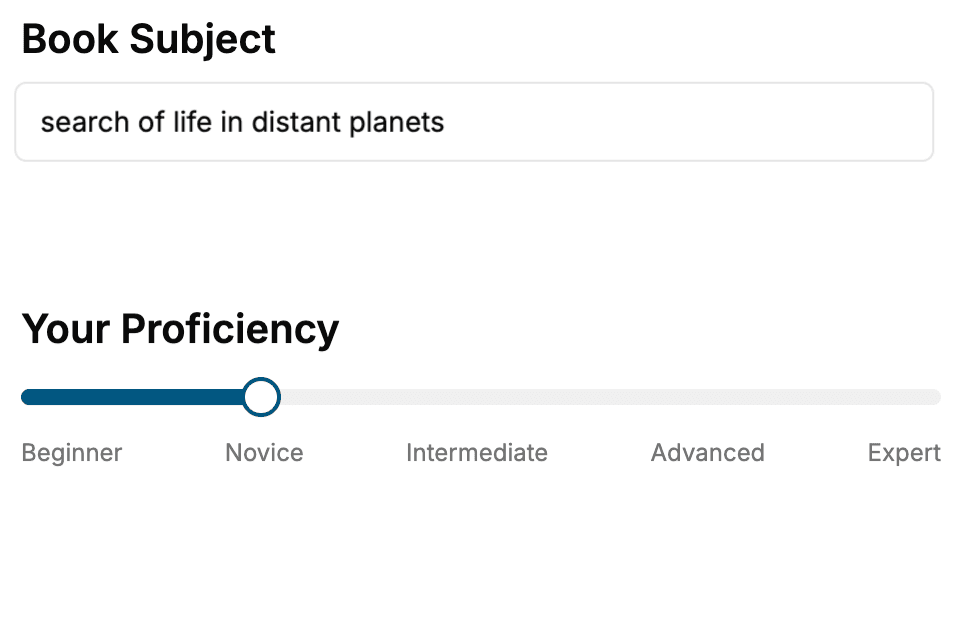
- 1. Select your focus
Select the focus of your CSS book and share your background
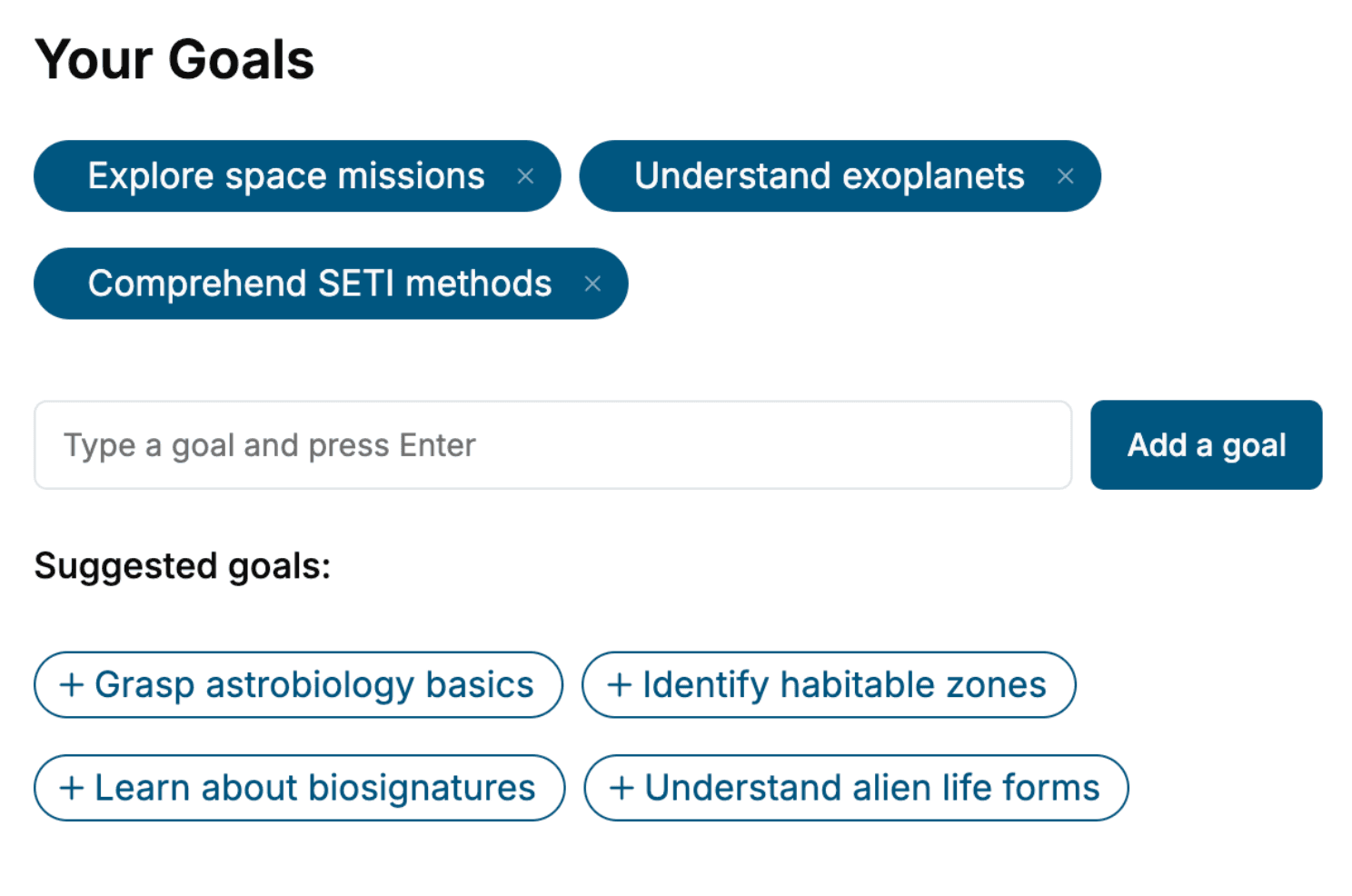
- 2. Personalize your book
Specify your goals and choose sub-topics to include
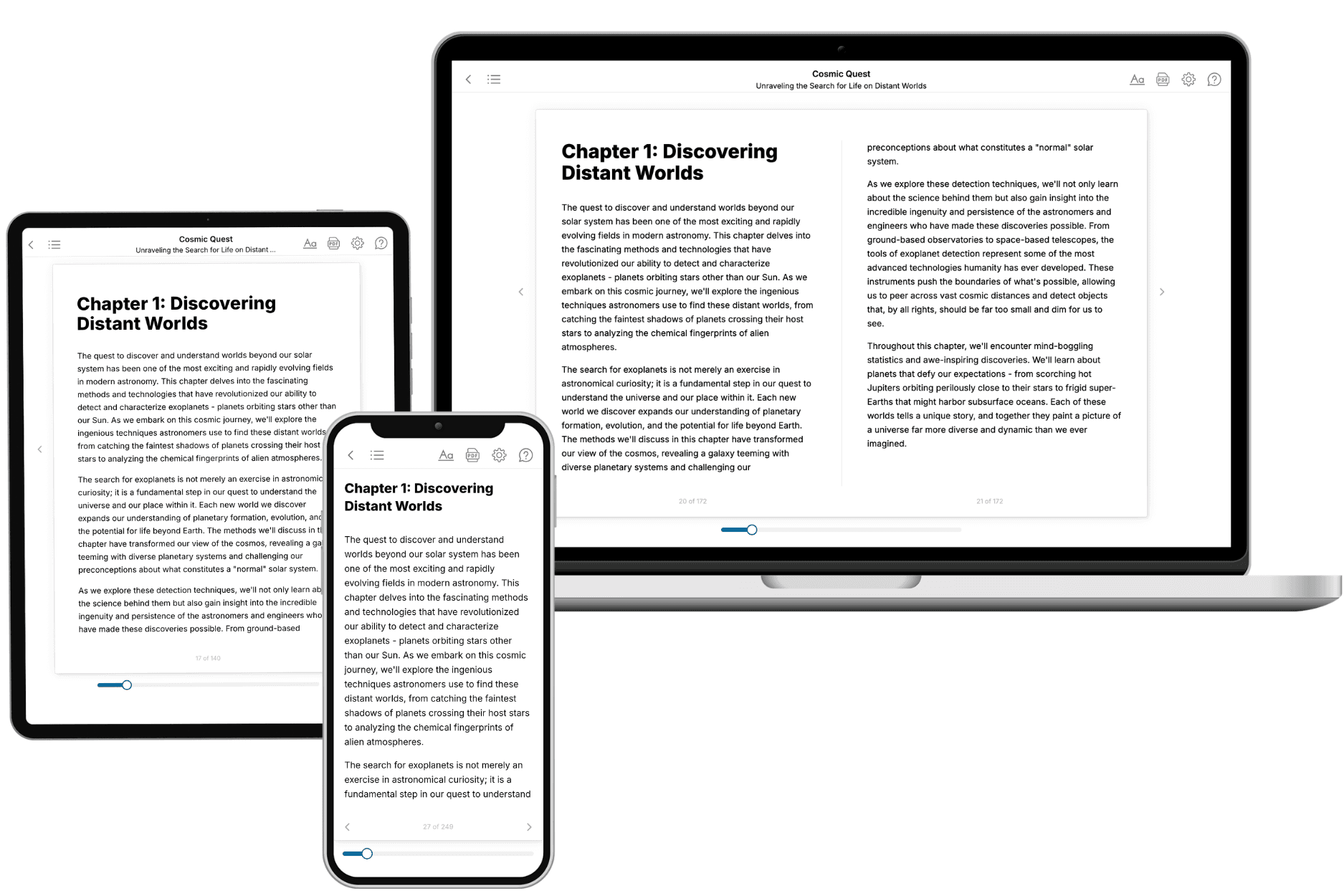
- 3. Get your tailored book
Your book is ready in 10 minutes. Read it online, download as EPUB or PDF, or send to Kindle.
Frequently asked questions
- What is TailoredRead?
TailoredRead creates complete, full-length nonfiction ebooks, written specifically for you. Tell us what you want to learn and why, and TailoredRead writes you a complete ebook on it, with charts, tables, and diagrams throughout. Read it online, on Kindle, or on any e-reader, or download it as a PDF or EPUB. Every book is written fresh the day you order it.
- How is the book tailored to me?
Before anything is written, you answer a few short questions about your goals, your background, and the topics you care about. Your book is then planned around your answers: written at your level, focused on your goals, and covering the topics you chose, instead of the one-size-fits-all book a store sells everyone.
- Will it read like generic AI content?
No. Your book isn't a chat transcript: it's planned chapter by chapter before a single word is written, told in a clear book voice, and explains ideas visually with charts, tables, and diagrams. After writing, every book goes through an editorial pass that polishes chapters so the book reads consistent from start to finish. Judge for yourself: browse thousands of sample books on our Explore Books page.
- How accurate is the content?
Our AI first checks whether your subject needs live research. Niche and fast-moving subjects are researched before writing, and the book plan and chapters are grounded in what it finds. After writing, every book goes through a quality pass that checks its facts and consistency, and researched books list their sources in a Notes section at the back.
- How long is the book?
You choose the length: Comprehensive (250-300 pages), Detailed (150-200 pages), Essential (70-100 pages), or Short (30-50 pages).
- Does the book include visuals?
Yes. Every book includes charts, tables, and diagrams: timelines, checklists, step-by-step guides, decision trees, comparison tables, matrices, and bar charts. A typical book includes dozens of these visual elements.
- Can I read it on Kindle? What formats can I download?
Yes. Every book can be read in our online reader or downloaded as a PDF or EPUB. The EPUB can be opened with Kindle, Apple Books, Kobo, and any e-reader. The Commercial and Author licenses also include an editable Word (DOCX) and Markdown download.
- How much does it cost?
About the price of a regular ebook. The exact price depends on your book's length and complexity, from $2 for the shortest books to $35 for the most comprehensive, and it's shown when you review your book, before you commit to anything. Each book is a one-time purchase, yours to keep, no subscription. Licenses that let you share, teach, or publish your book range from $35.99 to $49.99.
- Can I preview the book before purchasing?
Before you pay, you'll see what your book will cover: the title, a detailed description, the estimated length, and the complete chapter-by-chapter table of contents, so you know what you're getting before you decide. The full text itself is written after you purchase.
- How long does it take to create a book?
About 10 minutes. You can start reading the opening chapters while the rest is still being written.