Mastering CSS Tables
A Comprehensive Guide to Building Responsive, Accessible, and Beautiful Data Displays
Are you still struggling with tables that break on mobile devices or look outdated compared to modern web designs?
207 pages10 chaptersOct 17, 2025CSS
About this book
CSS tables remain one of the most misunderstood aspects of web development, yet they're essential for displaying structured data effectively. This comprehensive guide takes you beyond basic table styling to master the full spectrum of CSS table techniques. You'll discover how to create responsive tables that adapt gracefully to any screen size, implement accessibility features that make your data usable for everyone, and apply advanced styling techniques that transform plain tables into polished, professional interfaces. Whether you're building dashboards, data grids, or complex layouts, you'll learn when to use traditional tables versus modern alternatives like CSS Grid. With practical examples, real-world solutions, and performance optimization strategies, you'll gain the confidence to tackle any table-related challenge. Stop fighting with table layouts and start creating data displays that are both beautiful and functional.
Table of contents
- IntroductionWhy Tables Still Matter in Modern Web Development, What You'll Learn in This Book, How to Use This Book EffectivelyRead below
- Chapter 1: Table Fundamentals and the CSS Box ModelUnderstanding HTML Table Structure and Semantics, CSS Display Properties: table, table-row, and table-cell, The Unique Table Box Model and Spacing Rules, Border Collapse vs Border Separate Models
- Chapter 2: Essential Table Styling TechniquesTypography and Text Alignment in Tables, Borders, Padding, and Cell Spacing, Colors, Backgrounds, and Visual Hierarchy, Zebra Striping and Alternating Row Styles
- Chapter 3: Advanced Visual Design PatternsInteractive Hover and Focus States, Sticky Headers and Fixed Columns, Sortable Tables and Visual Indicators, Custom Scrollbars and Overflow Handling
- Chapter 4: Responsive Table Design StrategiesUnderstanding Mobile Table Challenges, Horizontal Scrolling and Container Techniques, Stacked and Card-Based Layouts for Small Screens, Progressive Disclosure and Data Prioritization
- Chapter 5: Accessibility and Semantic MarkupProper Semantic HTML for Tables, ARIA Attributes and Screen Reader Support, Keyboard Navigation and Focus Management, Captions, Summaries, and Descriptive Text
- Chapter 6: Tables vs Modern Layout MethodsWhen to Use Tables vs CSS Grid or Flexbox, Using display: table for Non-Table Elements, CSS Grid as a Table Alternative
- Chapter 7: Complex Table StructuresWorking with Colspan and Rowspan, Nested Tables and Hierarchical Data, Table Groups: thead, tbody, and tfoot, Column Groups and Column-Specific Styling
- Chapter 8: Performance OptimizationHandling Large Tables and Data Sets, Virtual Scrolling and Lazy Loading Techniques, Efficient CSS Selectors for Tables, Pagination and Data Chunking Strategies
- Chapter 9: Cross-Browser CompatibilityUnderstanding Browser-Specific Behaviors, Progressive Enhancement Strategies, Fallback Techniques for Older Browsers
- Chapter 10: Real-World Table ImplementationsBuilding Data Dashboards and Analytics Tables, Creating Pricing and Comparison Tables, Editable Tables and Form Integration, Calendar and Schedule Layouts
- ConclusionKey Takeaways and Best Practices, Next Steps in Your CSS Journey
- AppendixComplete CSS Table Properties Reference, Browser Support Tables, Additional Resources and Tools
Introduction
Tables have been part of the web since its earliest days, yet they remain one of the most challenging aspects of modern web development. You've probably encountered the frustration: a perfectly styled table that looks great on desktop suddenly becomes an unusable mess on mobile devices. Or perhaps you've spent hours trying to align cells properly, only to have borders behave unexpectedly across different browsers. These challenges aren't signs of poor development skills—they're the natural result of tables having unique CSS behaviors that differ fundamentally from other HTML elements.
The relationship between developers and tables has evolved dramatically over the past two decades. In the late 1990s and early 2000s, tables were misused for entire page layouts, leading to bloated code and accessibility nightmares. The backlash was so strong that many developers began avoiding tables altogether, even for their legitimate purpose: displaying tabular data. Today, we've reached a more balanced understanding. Tables are essential tools when used appropriately, but mastering them requires knowledge that goes beyond basic HTML and CSS fundamentals.
Modern web applications demand sophisticated data displays. Whether you're building analytics dashboards, e-commerce product comparisons, or administrative interfaces, you need tables that are responsive, accessible, and visually polished. The challenge isn't just making tables look good—it's creating experiences that work seamlessly across devices, remain usable for people with disabilities, and perform efficiently with large datasets. This book provides the comprehensive knowledge you need to meet these challenges head-on, transforming tables from a source of frustration into a powerful tool in your development arsenal.
Why Tables Still Matter in Modern Web Development
Despite the rise of modern layout techniques like CSS Grid and Flexbox, tables remain irreplaceable for specific use cases. The fundamental reason is semantic meaning: when you have genuinely tabular data—information organized in rows and columns with relationships between headers and cells—HTML tables provide the correct semantic structure. Screen readers and other assistive technologies rely on this semantic markup to help users navigate and understand data relationships. A pricing comparison with features listed in rows and plans in columns is tabular data. A calendar showing days and events is tabular data. Financial reports, sports statistics, and product specifications all benefit from proper table markup.
The business case for mastering tables is compelling. Consider a typical e-commerce platform displaying product comparison tables. Research shows that well-designed comparison tables can increase conversion rates by helping customers make informed decisions quickly[1]. However, if those tables break on mobile devices—where over 60% of web traffic now originates—you're potentially losing more than half your customers at a critical decision point. The same principle applies to administrative dashboards, where users need to scan large datasets efficiently, or documentation sites where API reference tables must be both comprehensive and navigable.
Tables also present unique technical challenges that make them worth studying in depth. Unlike standard block elements, tables follow special layout algorithms that can seem counterintuitive. The table box model handles borders, padding, and spacing differently than you might expect. Cell widths interact in complex ways, sometimes ignoring your explicit width declarations. Understanding these behaviors isn't just academic knowledge—it's practical expertise that saves hours of debugging and enables you to create robust, predictable layouts.
The responsive design challenge adds another layer of complexity. A table with eight columns might work perfectly on a 27-inch monitor but becomes completely unusable on a smartphone screen. Simply shrinking the table isn't a solution—text becomes unreadable and horizontal scrolling creates a poor user experience. You need strategic approaches that maintain data integrity while adapting to different contexts. This might involve progressive disclosure, where less critical columns hide on smaller screens, or complete layout transformations that stack data vertically for mobile viewing.
Performance considerations make table expertise even more valuable. Large tables with hundreds or thousands of rows can cause significant performance problems if not handled correctly. Browser rendering engines must calculate table layouts, which becomes computationally expensive with complex structures. Inefficient CSS selectors targeting table cells can slow down page rendering noticeably. Understanding how to optimize table performance—through techniques like virtual scrolling, efficient selectors, and strategic use of CSS properties—directly impacts user experience and application scalability.
Accessibility requirements have become increasingly important, both ethically and legally. Many organizations now face requirements to meet WCAG (Web Content Accessibility Guidelines) standards, and tables are often a compliance pain point. Proper table accessibility goes far beyond adding a few header attributes. It involves understanding how screen readers announce table content, implementing keyboard navigation patterns, providing appropriate ARIA attributes for complex structures, and ensuring that visual styling doesn't interfere with assistive technology. These skills aren't optional extras—they're fundamental requirements for professional web development.
The evolution of CSS itself has created new possibilities for table styling. Modern CSS features like custom properties, advanced selectors, and new pseudo-classes enable sophisticated table designs that were previously impossible or required JavaScript. Sticky positioning allows headers to remain visible during scrolling. CSS Grid can create table-like layouts with more flexibility. Container queries promise even better responsive solutions. Staying current with these capabilities while understanding when traditional table elements remain the better choice requires comprehensive knowledge of both old and new approaches.
Finally, tables matter because data matters. We live in an increasingly data-driven world where presenting information clearly and effectively is a competitive advantage. Whether you're building internal tools for data analysts, customer-facing dashboards, or content-rich documentation, your ability to create excellent table experiences directly impacts how effectively users can understand and act on information. Mastering tables isn't about learning an outdated technology—it's about mastering a fundamental skill for communicating structured information on the web.
What You'll Learn in This Book
This book takes you on a comprehensive journey from table fundamentals to advanced techniques, building your expertise systematically. You'll start by understanding the unique characteristics of the table box model and how CSS display properties like table, table-row, and table-cell work. This foundation is crucial because tables don't behave like standard block or inline elements. You'll learn why borders sometimes appear doubled, how cell spacing actually works, and why certain CSS properties seem to have no effect on table elements. These fundamentals prevent countless hours of frustration and trial-and-error debugging.
The book progresses through essential styling techniques that transform basic tables into polished, professional interfaces. You'll discover how to implement effective typography and alignment strategies that improve readability. Border and spacing techniques will become clear, including the critical difference between border-collapse: collapse and border-collapse: separate models. You'll learn to create visual hierarchy through strategic use of color and backgrounds, and implement popular patterns like zebra striping that significantly improve data scanning efficiency. Each technique includes practical examples showing both the CSS code and the resulting visual effect.
Advanced visual design patterns receive thorough coverage, enabling you to create interactive, modern table experiences. You'll implement hover effects that highlight rows or columns as users explore data. Sticky headers and fixed columns will keep context visible during scrolling—a crucial feature for large datasets. You'll learn to create sortable table interfaces with appropriate visual indicators, and handle overflow situations gracefully with custom scrollbar styling. These advanced techniques separate amateur table implementations from professional-grade solutions that users genuinely enjoy using.
Responsive design strategies form a major focus, addressing one of the most challenging aspects of table development. You'll explore multiple approaches to mobile table design, understanding the tradeoffs of each:
- Horizontal scrolling techniques that maintain table structure while allowing mobile users to pan across columns
- Stacked layouts that transform tables into card-based designs for small screens
- Progressive disclosure patterns that hide less critical columns on smaller viewports
- Hybrid approaches that combine multiple strategies based on data characteristics
Accessibility receives dedicated attention throughout the book, not as an afterthought but as an integral part of table design. You'll learn the proper semantic HTML structure for tables, including when and how to use elements like <thead>, <tbody>, <tfoot>, and <caption>. ARIA attributes for complex table structures will become clear, along with their appropriate use cases. You'll implement keyboard navigation patterns that allow users to move through table data efficiently without a mouse. The accessibility chapter provides practical testing strategies so you can verify that your tables work correctly with screen readers and other assistive technologies.
The book addresses a critical decision point that many developers struggle with: when to use tables versus modern layout alternatives. You'll gain clear criteria for choosing between HTML tables, CSS Grid, and Flexbox based on your specific use case. The display: table property and its related values receive thorough explanation, showing how you can apply table layout algorithms to non-table elements when appropriate. You'll understand the semantic implications of these choices and learn to balance technical flexibility with accessibility requirements.
Complex table structures that often cause confusion receive detailed treatment. Working with colspan and rowspan attributes becomes straightforward when you understand the underlying layout algorithms. Nested tables and hierarchical data presentation techniques are covered with practical examples. Column groups and column-specific styling—often overlooked features—are explained with use cases showing their value. You'll learn to handle edge cases and browser quirks that arise with complex structures, armed with solutions that work reliably across different environments.
Performance optimization techniques ensure your tables remain fast and responsive even with large datasets. You'll learn to identify performance bottlenecks specific to tables and apply targeted solutions. Virtual scrolling and lazy loading techniques are explained with implementation guidance. CSS selector efficiency for tables receives special attention, as inefficient selectors can cause noticeable slowdowns. Pagination and data chunking strategies are covered with examples showing how to balance user experience with technical performance. These optimization techniques are essential for building scalable applications that handle real-world data volumes.
Cross-browser compatibility challenges and solutions are addressed throughout the book. You'll understand browser-specific behaviors that affect table rendering and learn progressive enhancement strategies that ensure basic functionality everywhere while providing enhanced experiences in modern browsers. Fallback techniques for older browsers are covered pragmatically, helping you make informed decisions about browser support based on your user base. The appendix includes comprehensive browser support tables for various CSS properties and techniques.
Real-world implementation examples bring everything together, showing how to apply the techniques you've learned to common scenarios:
- Data dashboards and analytics tables with sorting, filtering, and interactive features
- Pricing and comparison tables optimized for conversion and decision-making
- Editable tables integrated with forms for data entry interfaces
- Calendar and schedule layouts that leverage table structure for time-based data
How to Use This Book Effectively
This book is designed for intermediate web developers who already have foundational CSS knowledge. You should be comfortable with basic CSS syntax, selectors, and the box model for standard elements. Familiarity with HTML structure and semantic markup is assumed. If you can build a basic webpage with styled content, you have the prerequisites needed. The book builds on this foundation to develop specialized expertise in table styling, so you won't find explanations of fundamental CSS concepts like what a class selector is or how to link a stylesheet.
The chapter structure follows a logical progression from fundamentals to advanced techniques, but you don't necessarily need to read linearly. If you're facing a specific challenge—like making an existing table responsive—you can jump directly to Chapter 4 on responsive design strategies. However, if you encounter unfamiliar concepts, the earlier chapters provide the foundational knowledge needed to understand advanced techniques fully. Cross-references throughout the book help you navigate to related topics when deeper understanding would be beneficial. The comprehensive index and table of contents make it easy to use the book as a reference resource.
Each chapter includes practical code examples that you can experiment with directly. The most effective way to learn is by doing, so set up a simple HTML file where you can test the examples as you read. Modify the code, break things intentionally, and observe what happens. This hands-on experimentation builds intuition about how table CSS works in practice, not just in theory. Many concepts that seem abstract when reading become immediately clear when you see them in action in your browser. The book's examples are designed to be self-contained and easy to test without complex setup requirements.
Pay special attention to the blockquoted examples and code blocks throughout each chapter. These aren't just illustrations—they're carefully chosen to demonstrate specific concepts or common patterns. When you encounter a code example, take time to understand each line and how it contributes to the overall effect. The comments in code blocks highlight important details and explain non-obvious choices. If something doesn't work as expected when you test it, that's valuable learning—debugging is where deep understanding develops. The troubleshooting tips scattered throughout chapters address common issues you might encounter.
The book uses several conventions to help you navigate different types of information:
- Bold text highlights key terms and important concepts you should remember
- Italic text introduces new terminology or provides subtle emphasis
Inline code formattingindicates CSS properties, HTML elements, or specific values- Footnotes provide sources for research claims and additional context without interrupting the main text
- Blockquotes present important examples, notable patterns, or key takeaways worth special attention
Browser testing is crucial when working with tables due to their complex rendering behaviors. As you work through examples, test them in multiple browsers—at minimum, Chrome, Firefox, and Safari. If you support older browsers or specific enterprise environments, test in those as well. The browser compatibility chapter provides guidance on identifying and addressing browser-specific issues, but hands-on testing in your target browsers is irreplaceable. Developer tools in modern browsers are invaluable for inspecting table structure and understanding why certain styles apply or don't apply as expected.
The appendix serves as a quick reference once you've worked through the main content. The complete CSS table properties reference provides a comprehensive list of properties with brief descriptions and browser support information. The browser support tables help you make informed decisions about which techniques you can use based on your browser requirements. The additional resources section points you toward tools, libraries, and further reading that complement the book's content. Bookmark these reference sections for quick access when you're implementing tables in real projects.
Consider creating a personal collection of table patterns as you work through the book. When you encounter a technique that's particularly useful or solves a problem you've faced before, save the code in a snippet library or personal repository. Add notes about when to use each pattern and any customizations you've made. This personal reference becomes increasingly valuable as you apply these techniques in real projects. Many developers find that maintaining such a collection accelerates their work and helps them remember solutions to problems they've solved before.
The book's examples use vanilla CSS without preprocessors or frameworks to ensure maximum clarity and portability. However, the techniques translate easily to Sass, Less, or CSS-in-JS approaches if those are part of your workflow. The fundamental concepts remain the same regardless of how you write your CSS. If you're using a CSS framework like Bootstrap or Tailwind, you'll find that understanding the underlying CSS principles helps you customize framework defaults and solve problems that framework utilities don't address out of the box.
Finally, remember that mastering table styling is an iterative process. You won't absorb everything in a single reading, and that's perfectly normal. Return to chapters as you encounter specific challenges in your work. The book is designed to serve both as a learning resource and as a reference you'll consult repeatedly. As you gain experience implementing tables in real projects, concepts that seemed abstract initially will become concrete and intuitive. The goal isn't to memorize every technique but to develop a mental model of how table CSS works and know where to find solutions when you need them. With this foundation, you'll approach table-related challenges with confidence rather than frustration.
Notes
Introduction
- 1. Baymard Institute, E-Commerce UX Research: Product Comparison Tables, 2019
This is the end of the free sample. The full book has 10 chapters.
Want this book written for you?
Tell us your goals and background, and get your own version of this book, tailored by AI to you.


Benefits of AI-tailored books
- Read one book, not ten:
- all the CSS knowledge you need, gathered into a single book.
- Save days of learning:
- tell us your goals, choose your topics, and the whole book is built around them.
- Learn effortlessly:
- CSS book written for your specific background and expertise.
- Understand at a glance:
- includes charts, tables, timelines, checklists, decision trees, and more.
- Stay current:
- written the day you order it, not years ago.
- Trust what you read:
- every book is checked for accuracy, with real research when your subject needs it.
Create your unique book in 3 steps
- 1. Select your focus
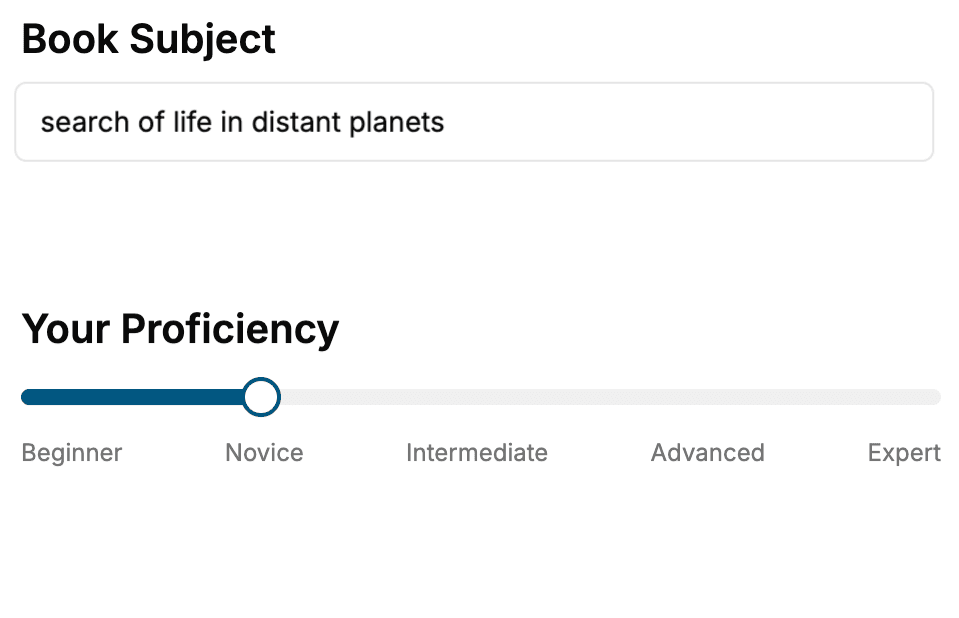
Select the focus of your CSS book and share your background
- 2. Personalize your book
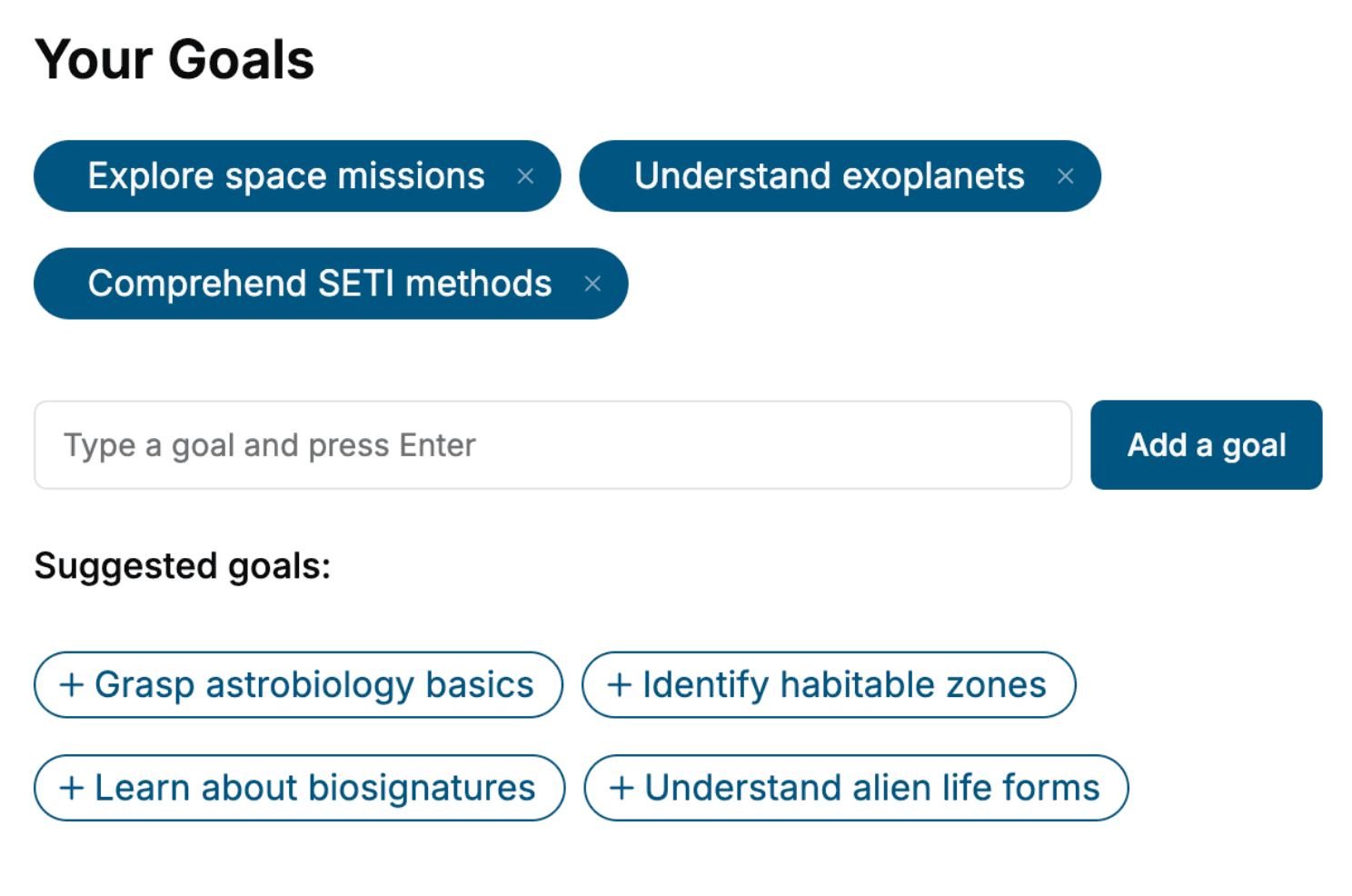
Specify your goals and choose sub-topics to include
- 3. Get your tailored book
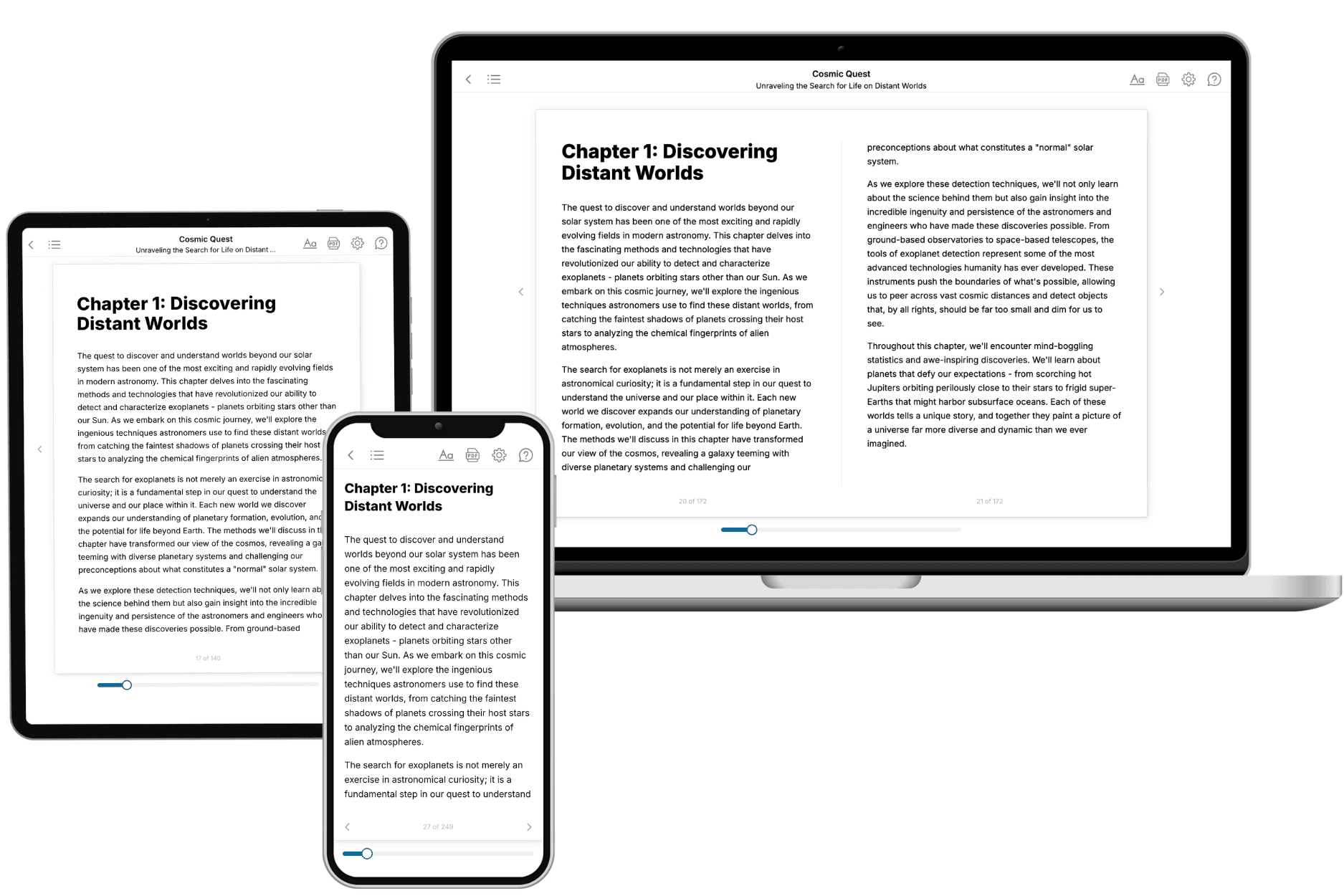
Your book is ready in 10 minutes. Read it online, download as EPUB or PDF, or send to Kindle.
Frequently asked questions
- What is TailoredRead?
TailoredRead creates complete, full-length nonfiction ebooks, written specifically for you. Tell us what you want to learn and why, and TailoredRead writes you a complete ebook on it, with charts, tables, and diagrams throughout. Read it online, on Kindle, or on any e-reader, or download it as a PDF or EPUB. Every book is written fresh the day you order it.
- How is the book tailored to me?
Before anything is written, you answer a few short questions about your goals, your background, and the topics you care about. Your book is then planned around your answers: written at your level, focused on your goals, and covering the topics you chose, instead of the one-size-fits-all book a store sells everyone.
- Will it read like generic AI content?
No. Your book isn't a chat transcript: it's planned chapter by chapter before a single word is written, told in a clear book voice, and explains ideas visually with charts, tables, and diagrams. After writing, every book goes through an editorial pass that polishes chapters so the book reads consistent from start to finish. Judge for yourself: browse thousands of sample books on our Explore Books page.
- How accurate is the content?
Our AI first checks whether your subject needs live research. Niche and fast-moving subjects are researched before writing, and the book plan and chapters are grounded in what it finds. After writing, every book goes through a quality pass that checks its facts and consistency, and researched books list their sources in a Notes section at the back.
- How long is the book?
You choose the length: Comprehensive (250-300 pages), Detailed (150-200 pages), Essential (70-100 pages), or Short (30-50 pages).
- Does the book include visuals?
Yes. Every book includes charts, tables, and diagrams: timelines, checklists, step-by-step guides, decision trees, comparison tables, matrices, and bar charts. A typical book includes dozens of these visual elements.
- Can I read it on Kindle? What formats can I download?
Yes. Every book can be read in our online reader or downloaded as a PDF or EPUB. The EPUB can be opened with Kindle, Apple Books, Kobo, and any e-reader. The Commercial and Author licenses also include an editable Word (DOCX) and Markdown download.
- How much does it cost?
About the price of a regular ebook. The exact price depends on your book's length and complexity, from $2 for the shortest books to $35 for the most comprehensive, and it's shown when you review your book, before you commit to anything. Each book is a one-time purchase, yours to keep, no subscription. Licenses that let you share, teach, or publish your book range from $35.99 to $49.99.
- Can I preview the book before purchasing?
Before you pay, you'll see what your book will cover: the title, a detailed description, the estimated length, and the complete chapter-by-chapter table of contents, so you know what you're getting before you decide. The full text itself is written after you purchase.
- How long does it take to create a book?
About 10 minutes. You can start reading the opening chapters while the rest is still being written.