Mastering CSS Tabs
Build Interactive, Accessible Tab Interfaces from Basics to Advanced Techniques
Most developers treat CSS tabs as a simple styling problem, but this approach leads to inaccessible, fragile components that fail in real-world scenarios.
191 pages10 chaptersJul 8, 2026CSS
About this book
This book reveals why tabs are more complex than they appear and provides a comprehensive roadmap for building them correctly. You'll start with the fundamentals of semantic HTML and accessibility standards, then progress through modern CSS layout techniques, JavaScript integration, and advanced optimization strategies. Each chapter builds on previous concepts, ensuring you understand not just how to build tabs, but why each decision matters. Whether you're creating a simple tabbed interface or a complex multi-level tab system, you'll discover practical patterns, real-world examples, and proven techniques used by professional developers. Learn how to handle edge cases, optimize performance, ensure keyboard accessibility, and maintain code that scales. By the end, you'll have the knowledge and confidence to build tab interfaces that work beautifully for every user, on every device.
Table of contents
- IntroductionWhy Tabs Matter in Modern Web Design, What You'll Learn in This Book, How to Use This Book Effectively, Prerequisites and AssumptionsRead below
- Chapter 1: Understanding Tab ComponentsThe Anatomy of a Tab Component, Common Tab Patterns and Use Cases, When to Use Tabs vs. Other UI Patterns
- Chapter 2: Semantic HTML and Accessibility FoundationsBuilding Semantic Tab Markup, Essential ARIA Attributes for Tabs, Implementing Keyboard Navigation Standards, Testing with Screen Readers
- Chapter 3: CSS Layout Fundamentals for TabsBuilding Tabs with Flexbox, Building Tabs with CSS Grid, Advanced Positioning and Alignment
- Chapter 4: Styling Tab ComponentsStyling Tab Buttons and States, Managing Active, Hover, and Focus States, Creating Clear Visual Indicators, Using CSS Custom Properties for Flexibility
- Chapter 5: JavaScript Integration and InteractivityProgressive Enhancement Principles, Event Handling and Tab Switching, Managing Tab State Effectively
- Chapter 6: Responsive Design for TabsMobile-First Tab Design, Breakpoint Strategy and Layout Shifts, Touch-Friendly Interactions and Gestures, Alternative Patterns for Small Screens
- Chapter 7: Advanced CSS TechniquesSmooth Animations and Transitions, Performance Optimization with CSS Containment, Advanced Selectors and Specificity Management
- Chapter 8: Real-World Tab ImplementationsBuilding Vertical Tab Layouts, Handling Nested and Multi-Level Tabs, Creating Dynamic Tab Systems, Integrating Icons and Media in Tabs
- Chapter 9: Testing, Debugging, and Browser CompatibilityCross-Browser Compatibility Testing, Using Browser DevTools for Tab Debugging, Automated Accessibility Testing
- Chapter 10: Performance Optimization and Best PracticesMeasuring Tab Performance, Optimization Strategies and Techniques, CSS and JavaScript Best Practices for Tabs
- ConclusionKey Takeaways and Next Steps, Resources for Continued Learning
Introduction
Tabs are everywhere on the web. From product pages that organize specifications, reviews, and shipping details, to dashboards that separate analytics views, to documentation sites that show code examples in multiple languages, the tab component is one of the most widely used UI patterns in existence. Yet despite how common they are, tabs are also one of the most frequently misbuilt components in front-end development. Developers reach for a quick solution, get something that looks right visually, and ship it without realizing what they've left broken underneath.
The gap between a tab component that looks functional and one that is functional is wider than most developers expect. A tab that works perfectly with a mouse can be completely unusable for someone navigating with a keyboard. A tab that renders beautifully on a desktop can collapse into an unreadable mess on a phone. A tab built with the wrong HTML structure can confuse screen readers, leaving users who rely on assistive technology with no way to understand or interact with the content. These aren't edge cases. They're common failures that affect real users every day.
This book exists because tabs deserve more than a quick tutorial. They sit at the intersection of HTML semantics, CSS layout, JavaScript behavior, accessibility standards, responsive design, and performance optimization. Getting them right means understanding all of those layers and how they work together. The good news is that once you understand the principles behind a well-built tab component, you'll find that the same thinking applies to many other UI patterns. Tabs are a great teacher. They're complex enough to be interesting, but focused enough to be learnable in a single book.
Whether you're building your first serious tab component or refactoring a legacy implementation that's been causing problems for years, this book will give you a clear, practical path forward. Every concept is grounded in real-world scenarios, and every technique is explained with the reasoning behind it, not just the code. By the time you finish, you won't just know how to build tabs. You'll understand why each decision matters, and you'll be equipped to make the right call even when the requirements get complicated.
Why Tabs Matter in Modern Web Design
The tab pattern solves a fundamental problem in interface design: how do you present multiple distinct sections of content without overwhelming the user or requiring them to navigate to a new page? Tabs answer that question by organizing content into labeled panels, showing one at a time, and letting the user switch between them with a single click or tap. It's a compact, familiar, and efficient solution that users understand intuitively because they've encountered it in physical objects like file folders and binders long before the web existed.
From a user experience perspective, tabs reduce cognitive load by hiding content that isn't immediately relevant. A product page with five tabs for Description, Specifications, Reviews, FAQs, and Shipping keeps the page clean and scannable. Without tabs, all of that content would stack vertically, forcing users to scroll through sections they don't care about to find the one they do. Research on information architecture consistently shows that chunking related content into labeled groups improves both findability and comprehension.[1]
Tabs also matter from a technical standpoint because they represent a category of component that requires coordinated behavior across HTML, CSS, and JavaScript. Unlike a button or a form field, a tab component has multiple interactive elements that must communicate with each other. Clicking one tab must deactivate the others. The correct panel must become visible. Focus must be managed correctly. URL state may need to be updated. Each of these behaviors has to be implemented deliberately, and each one has accessibility implications that can't be ignored.
The stakes are higher than many developers realize. Accessibility failures in tab components are among the most commonly reported issues in web accessibility audits. The WebAIM Million report, which analyzes the top one million websites for accessibility issues, consistently finds that interactive components like tabs are a major source of ARIA misuse and keyboard navigation failures.[2] These aren't abstract compliance concerns. They represent real barriers for users with disabilities who depend on assistive technologies to access the web.
Beyond accessibility, tabs matter because they're a performance-sensitive component. A poorly implemented tab system can cause layout thrashing, unnecessary repaints, and sluggish animations that make an entire page feel slow. On mobile devices, where processing power and battery life are limited, these performance costs are amplified. A tab component that performs well on a high-end desktop might feel janky on a mid-range Android phone, and that's the device a significant portion of your users are likely using.
Finally, tabs matter because they're a maintainability challenge. Tab components tend to grow over time. A simple three-tab interface can evolve into a complex system with dynamic tabs, nested panels, icon integration, and custom animations. If the original implementation wasn't built on solid foundations, that growth becomes painful. Code that was hacked together quickly becomes a source of bugs, inconsistencies, and developer frustration. Building tabs correctly from the start is an investment that pays dividends every time the component needs to change.
Understanding why tabs matter is the first step toward building them well. They're not just a styling exercise. They're a microcosm of everything that makes front-end development challenging and rewarding: the need to balance visual design, technical correctness, user experience, and long-term maintainability all at once.
What You'll Learn in This Book
This book is organized as a progressive journey from fundamentals to advanced techniques. Each chapter builds on the previous one, so concepts introduced early are reinforced and extended as you move forward. Here's a clear picture of what each part of the book covers and what you'll be able to do after reading it.
The first two chapters establish the foundation. Chapter 1 breaks down the anatomy of a tab component, explores common tab patterns, and helps you understand when tabs are the right choice versus when another UI pattern would serve users better. Chapter 2 dives into semantic HTML and accessibility, covering the correct markup structure, essential ARIA attributes like role="tablist", role="tab", and role="tabpanel", keyboard navigation standards, and how to test your implementation with real screen readers. These two chapters are the most important in the book. Everything else depends on getting this foundation right.
Chapters 3 and 4 focus on CSS layout and styling. Chapter 3 covers how to build tab layouts using Flexbox and CSS Grid, replacing older float-based and positioning hacks with modern, flexible approaches. Chapter 4 goes deeper into styling, covering tab button states (active, hover, focus, disabled), visual indicators that communicate state clearly, and how to use CSS custom properties to build tab systems that are easy to theme and maintain. You'll come away with a solid toolkit for creating tab interfaces that look professional and behave predictably.
Chapter 5 covers JavaScript integration, with a strong emphasis on progressive enhancement. You'll learn how to handle tab switching events, manage state effectively, and integrate keyboard navigation in a way that works alongside your CSS rather than fighting it. The chapter also addresses common pitfalls like event delegation, focus management, and URL hash synchronization.
Chapter 6 tackles responsive design, which is where many tab implementations fall apart. You'll learn mobile-first design strategies, breakpoint approaches that prevent awkward layout shifts, touch-friendly interaction patterns, and alternative layouts like accordions and scrollable tab bars that work better than traditional tabs on small screens.
Chapters 7 and 8 move into advanced territory. Chapter 7 covers smooth animations and transitions, CSS containment for performance, and advanced selector strategies for managing specificity in complex tab systems. Chapter 8 applies everything you've learned to real-world implementations: vertical tabs, nested multi-level tabs, dynamic tab systems where tabs are added and removed programmatically, and tabs that integrate icons and media.
The final two chapters focus on quality and optimization. Chapter 9 covers cross-browser testing, using browser DevTools to debug tab behavior, and automated accessibility validation tools. Chapter 10 addresses performance measurement and optimization strategies, along with a consolidated set of best practices that you can apply to any tab project going forward.
By the end of this book, you'll be able to build tab components that are semantically correct, fully accessible, visually polished, responsive across all screen sizes, performant, and maintainable. More importantly, you'll understand the reasoning behind every decision, which means you'll be able to adapt these techniques to new requirements and edge cases that no book can fully anticipate.
How to Use This Book Effectively
This book is designed to be read sequentially, especially if you're new to building tab components seriously. The chapters are structured so that each one introduces concepts that later chapters build on. If you skip Chapter 2 on accessibility and jump straight to Chapter 4 on styling, you'll miss the structural decisions that make the styling choices make sense. That said, if you're an experienced developer who already has a solid grasp of accessibility fundamentals, you can use the table of contents to navigate directly to the topics most relevant to your current project.
Every chapter includes code examples that you should type out and experiment with, not just read. There's a significant difference between understanding code intellectually and understanding it through your hands. When you type an example, modify it, break it, and fix it, you build a kind of muscle memory that reading alone can't provide. Set up a simple local development environment with a text editor and a browser, and work through the examples as you go. You don't need any special tools or frameworks. Plain HTML, CSS, and JavaScript files opened in a browser are all you need for most of this book.
Pay special attention to the "what not to do" examples throughout the book. These are just as important as the correct implementations. Understanding why a particular approach fails, whether it's an accessibility problem, a performance issue, or a maintainability trap, helps you recognize those patterns in existing code and avoid them in new code. Many of the most common tab implementation mistakes are subtle, and seeing them labeled and explained is the fastest way to learn to spot them.
Use the book as a reference after your first read-through. The chapters on accessibility (Chapter 2), responsive design (Chapter 6), and best practices (Chapter 10) are particularly useful to revisit when you're starting a new project or reviewing existing code. Keep a bookmark in Chapter 2 especially. The ARIA attribute requirements and keyboard navigation standards are easy to forget under deadline pressure, and having a quick reference is genuinely useful.
If you're working on a team, consider using this book as a shared resource. Tab components are often built by one developer and maintained by others, and inconsistencies in approach can create real problems over time. Having a shared reference for how tabs should be structured, styled, and tested can reduce those inconsistencies and make code reviews more productive. The best practices chapter in particular is a good candidate for turning into a team style guide or checklist.
Finally, don't be discouraged if some concepts take time to click. Accessibility in particular can feel abstract until you've actually tested your code with a screen reader and experienced firsthand how a poorly structured tab component sounds to someone who can't see the screen. That experience is worth more than any amount of reading. If you have access to a screen reader (NVDA and JAWS are free or low-cost options for Windows; VoiceOver is built into macOS and iOS), use it. It will change how you think about the components you build.
The best way to learn to build accessible components is to experience inaccessible ones from the user's perspective. Spend fifteen minutes navigating a tab interface with only your keyboard and a screen reader, and you'll understand accessibility requirements in a way that no specification document can fully convey.
Approach this book as a conversation rather than a lecture. The goal isn't to memorize techniques but to develop a way of thinking about tab components that lets you make good decisions in any situation. The specific code will change as browsers evolve and new CSS features become available. The underlying principles of semantic structure, accessibility, and progressive enhancement will remain relevant for a long time.
Prerequisites and Assumptions
This book is written for intermediate web developers and front-end engineers. It assumes you already have a working foundation in HTML, CSS, and JavaScript, and that you're comfortable building basic web pages and styling them. You don't need to be an expert, but you should be past the stage of looking up how to write a CSS selector or what a JavaScript event listener is. If those concepts are still unfamiliar, spending a few weeks with a beginner-level resource first will make this book much more productive.
Specifically, here's what you should already be comfortable with before diving in:
- HTML: Writing semantic markup, understanding block vs. inline elements, using attributes correctly, and knowing the difference between structural elements like
<div>,<section>,<nav>, and<button> - CSS: The box model, specificity, selectors (including pseudo-classes like
:hoverand:focus), basic Flexbox, and how to use CSS custom properties (variables) - JavaScript: DOM manipulation, event listeners, basic state management with variables, and familiarity with
querySelectorandclassList - Browser tools: Opening browser DevTools, inspecting elements, and viewing the console
You do not need experience with any specific JavaScript framework. The JavaScript in this book is written in plain, modern JavaScript (ES6+) without dependencies on React, Vue, Angular, or any other library. The principles and patterns covered here apply to any framework, but keeping the examples framework-agnostic makes them more universally useful and easier to adapt to whatever environment you're working in.
You also don't need prior experience with accessibility or ARIA. Chapter 2 introduces accessibility concepts from the ground up, assuming only that you care about building things that work for everyone. If you've never thought seriously about accessibility before, that's fine. This book will give you a solid foundation. If you already have some accessibility knowledge, you'll find that Chapter 2 reinforces and extends what you know in the specific context of tab components.
Some familiarity with CSS Grid is helpful but not required. Chapter 3 introduces Grid in the context of tab layouts, so even if you've only used Flexbox before, you'll be able to follow along. The Grid concepts covered are practical and focused, not exhaustive, so you won't need to have read a dedicated CSS Grid resource first.
One assumption worth naming explicitly: this book assumes you're building for the modern web. The techniques covered here target browsers that support CSS custom properties, Flexbox, Grid, and modern JavaScript. That covers all major browsers released in the last several years, including Chrome, Firefox, Safari, and Edge. Internet Explorer is not a target. If your project requires IE11 support, some techniques in this book will need modification, but the core principles remain valid.
Here's a quick self-assessment to gauge your readiness. If you can look at the following code snippet and understand what it does without needing to look anything up, you're ready for this book:
const tabs = document.querySelectorAll('[role="tab"]');

tabs.forEach(tab => {
  tab.addEventListener('click', () => {
    tabs.forEach(t => t.setAttribute('aria-selected', 'false'));
    tab.setAttribute('aria-selected', 'true');
  });
});
If that code makes sense to you, including the ARIA attribute being set, you're in good shape. If the JavaScript is clear but the aria-selected attribute is unfamiliar, that's perfectly fine. Chapter 2 will explain exactly what it does and why it matters. The point of the self-assessment isn't to gatekeep but to help you calibrate your starting point so you can get the most out of what follows.
One final note on tools and environment: all the examples in this book can be run in any modern browser without a build step or local server. You can create an HTML file, open it in Chrome or Firefox, and follow along immediately. For chapters that involve more complex examples, a free online environment like CodePen or JSFiddle works well if you prefer not to manage local files. The goal is to keep the barrier to experimentation as low as possible, so you can focus on learning rather than on tooling setup.
Notes
Introduction
- 1. P. Morville and L. Rosenfeld, Information Architecture for the World Wide Web (3rd ed.), O'Reilly Media, 2006
- 2. WebAIM, "The WebAIM Million: An annual accessibility analysis of the top 1,000,000 home pages," 2024
This is the end of the free sample. The full book has 10 chapters.
Want this book written for you?
Tell us your goals and background, and get your own version of this book, tailored by AI to you.


Benefits of AI-tailored books
- Read one book, not ten:
- all the CSS knowledge you need, gathered into a single book.
- Save days of learning:
- tell us your goals, choose your topics, and the whole book is built around them.
- Learn effortlessly:
- CSS book written for your specific background and expertise.
- Understand at a glance:
- includes charts, tables, timelines, checklists, decision trees, and more.
- Stay current:
- written the day you order it, not years ago.
- Trust what you read:
- every book is checked for accuracy, with real research when your subject needs it.
Create your unique book in 3 steps
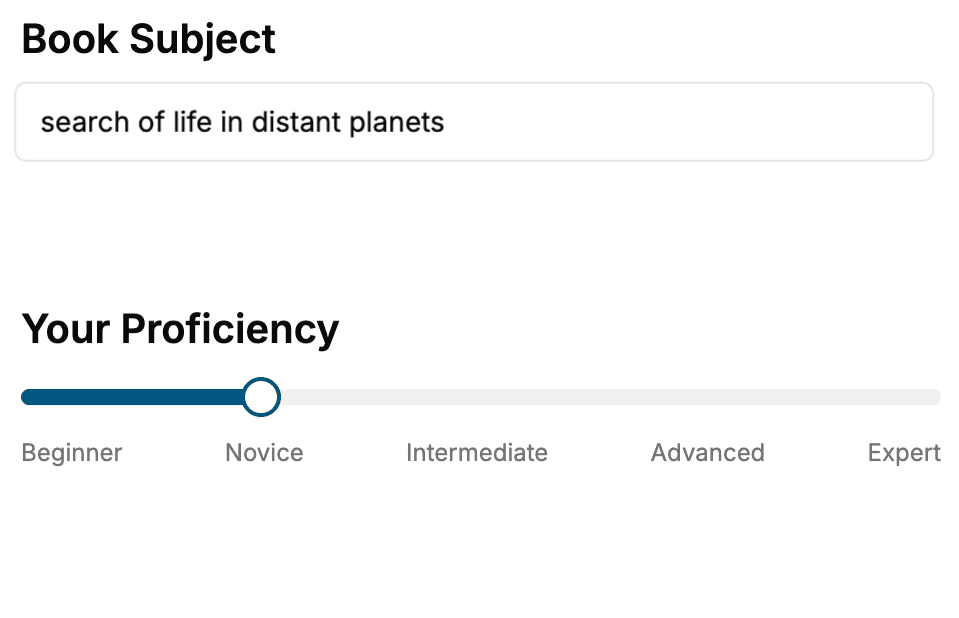
- 1. Select your focus
Select the focus of your CSS book and share your background
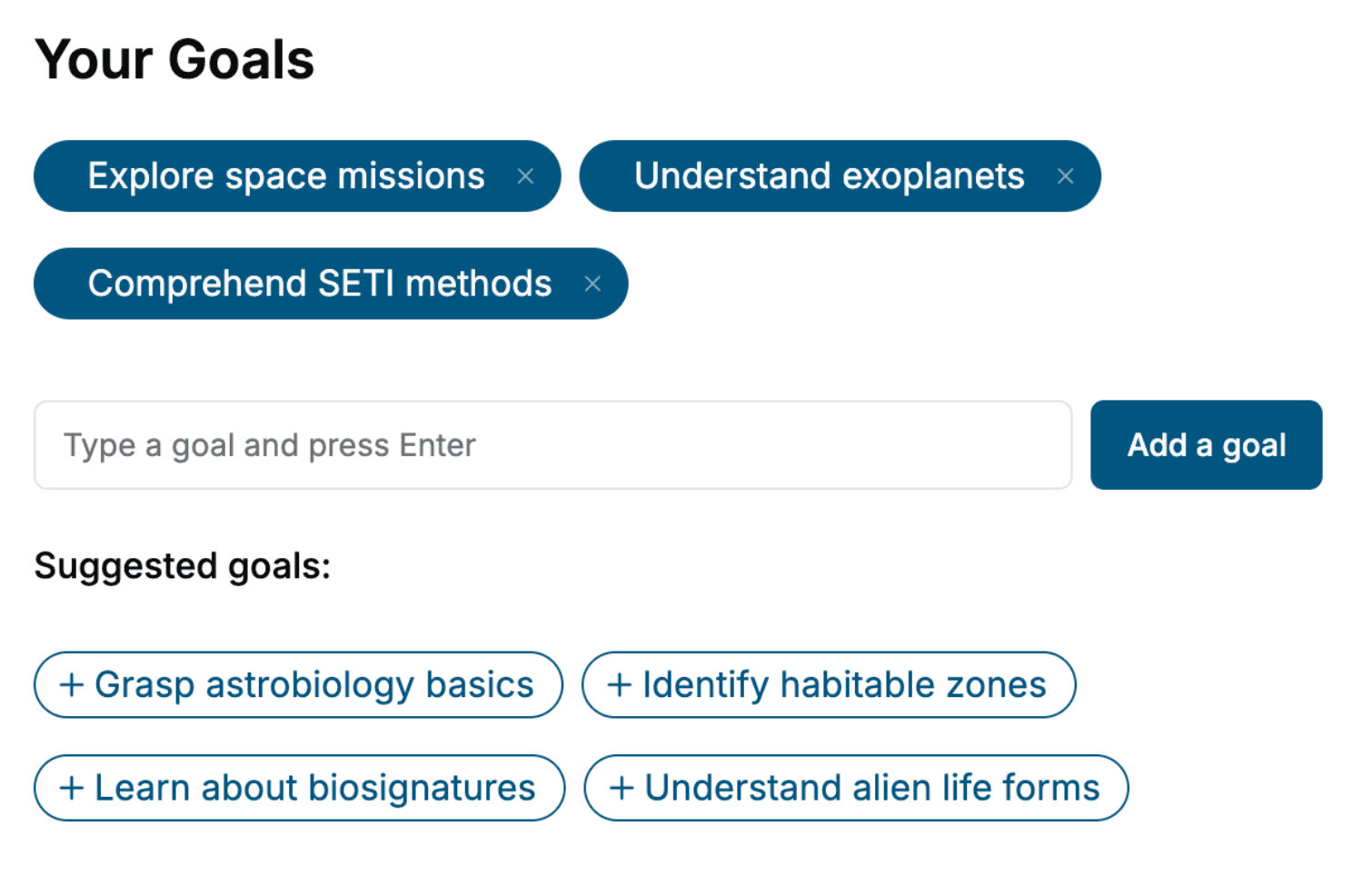
- 2. Personalize your book
Specify your goals and choose sub-topics to include
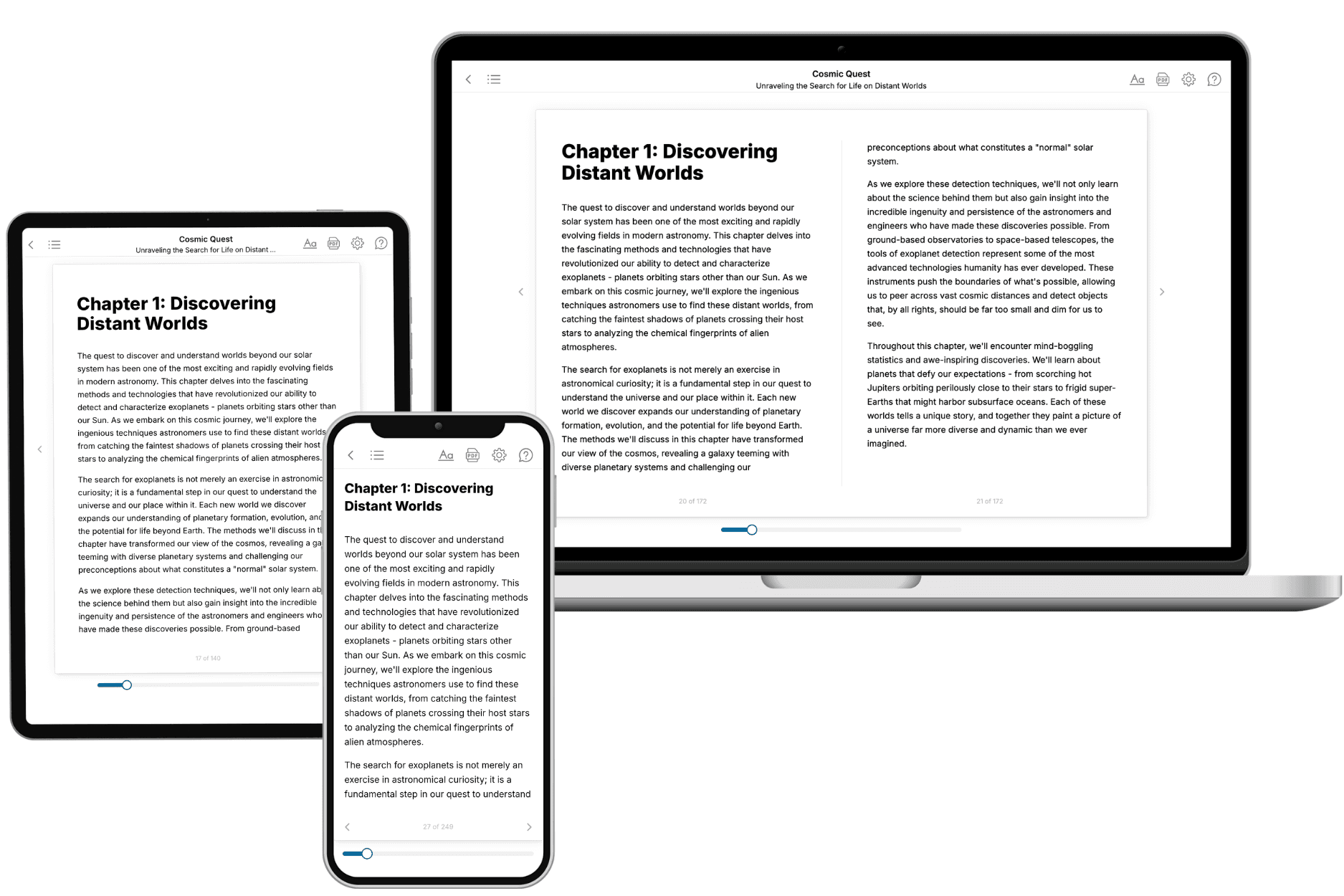
- 3. Get your tailored book
Your book is ready in 10 minutes. Read it online, download as EPUB or PDF, or send to Kindle.
Frequently asked questions
- What is TailoredRead?
TailoredRead creates complete, full-length nonfiction ebooks, written specifically for you. Tell us what you want to learn and why, and TailoredRead writes you a complete ebook on it, with charts, tables, and diagrams throughout. Read it online, on Kindle, or on any e-reader, or download it as a PDF or EPUB. Every book is written fresh the day you order it.
- How is the book tailored to me?
Before anything is written, you answer a few short questions about your goals, your background, and the topics you care about. Your book is then planned around your answers: written at your level, focused on your goals, and covering the topics you chose, instead of the one-size-fits-all book a store sells everyone.
- Will it read like generic AI content?
No. Your book isn't a chat transcript: it's planned chapter by chapter before a single word is written, told in a clear book voice, and explains ideas visually with charts, tables, and diagrams. After writing, every book goes through an editorial pass that polishes chapters so the book reads consistent from start to finish. Judge for yourself: browse thousands of sample books on our Explore Books page.
- How accurate is the content?
Our AI first checks whether your subject needs live research. Niche and fast-moving subjects are researched before writing, and the book plan and chapters are grounded in what it finds. After writing, every book goes through a quality pass that checks its facts and consistency, and researched books list their sources in a Notes section at the back.
- How long is the book?
You choose the length: Comprehensive (250-300 pages), Detailed (150-200 pages), Essential (70-100 pages), or Short (30-50 pages).
- Does the book include visuals?
Yes. Every book includes charts, tables, and diagrams: timelines, checklists, step-by-step guides, decision trees, comparison tables, matrices, and bar charts. A typical book includes dozens of these visual elements.
- Can I read it on Kindle? What formats can I download?
Yes. Every book can be read in our online reader or downloaded as a PDF or EPUB. The EPUB can be opened with Kindle, Apple Books, Kobo, and any e-reader. The Commercial and Author licenses also include an editable Word (DOCX) and Markdown download.
- How much does it cost?
About the price of a regular ebook. The exact price depends on your book's length and complexity, from $2 for the shortest books to $35 for the most comprehensive, and it's shown when you review your book, before you commit to anything. Each book is a one-time purchase, yours to keep, no subscription. Licenses that let you share, teach, or publish your book range from $35.99 to $49.99.
- Can I preview the book before purchasing?
Before you pay, you'll see what your book will cover: the title, a detailed description, the estimated length, and the complete chapter-by-chapter table of contents, so you know what you're getting before you decide. The full text itself is written after you purchase.
- How long does it take to create a book?
About 10 minutes. You can start reading the opening chapters while the rest is still being written.