Mastering CSS Transforms
Create Dynamic, Performant Web Interfaces with Modern Transform Techniques
You know CSS basics and can build functional layouts, but creating those smooth, eye-catching interactions that make modern websites feel alive remains frustratingly out of reach.
238 pages12 chaptersOct 31, 2025CSS
About this book
You've copied transform snippets from Stack Overflow, only to find they behave unpredictably or break in subtle ways you don't understand. CSS transforms are the key to performant, professional-grade visual effects—but mastering them requires more than memorizing syntax. You need to understand how transforms actually work: the coordinate systems, the rendering pipeline, the interaction between 2D and 3D space, and why the order of operations matters so much. This book takes you beyond the basics into practical mastery. You'll discover how to leverage hardware acceleration for buttery-smooth animations, create convincing 3D effects without WebGL, and solve real-world design challenges with elegant transform solutions. Through clear explanations and hands-on examples, you'll build the mental models needed to implement transforms confidently and debug them effectively. Whether you're building interactive UI components, animated illustrations, or immersive web experiences, you'll gain the skills to bring your creative vision to life with clean, performant code.
Table of contents
- IntroductionWhy CSS Transforms Matter, What You'll Learn, How to Use This BookRead below
- Chapter 1: Transform FundamentalsWhat Are CSS Transforms?, The Transform Property and Its Syntax, Understanding Coordinate Systems, Browser Support and Vendor Prefixes
- Chapter 2: 2D Transform FunctionsTranslate: Moving Elements in 2D Space, Scale: Resizing Elements Proportionally, Rotate: Spinning Elements Around a Point, Skew: Creating Slanted Effects
- Chapter 3: Transform Origin and Reference PointsUnderstanding Transform Origin, Setting Custom Origin Points, How Origin Affects Different Transforms
- Chapter 4: Combining Multiple TransformsThe Critical Importance of Transform Order, Chaining Transform Functions, Understanding the Transform Matrix
- Chapter 5: Introduction to 3D TransformsWorking in Three-Dimensional Space, 3D Transform Functions: TranslateZ, RotateX, RotateY, RotateZ, The Perspective Property, Perspective Origin and Viewing Angles
- Chapter 6: Creating 3D Context and DepthTransform-Style: Flat vs Preserve-3D, Backface-Visibility and Hidden Surfaces, Positioning Elements in 3D Space
- Chapter 7: Transforms with Transitions and AnimationsAnimating Transforms with CSS Transitions, Creating Complex Animations with Keyframes, Timing Functions and Easing, Performance Considerations for Animated Transforms
- Chapter 8: Performance and Hardware AccelerationThe Browser Rendering Pipeline, Triggering Hardware Acceleration, Using the Will-Change Property, Common Performance Pitfalls and Solutions
- Chapter 9: Practical Transform PatternsCard Flip Effects, Parallax Scrolling Effects, Interactive Hover Transformations, Loading Indicators and Spinners
- Chapter 10: Responsive and Adaptive TransformsScaling Transforms Across Viewports, Adjusting Transforms with Media Queries, Container Queries and Transform Adaptation
- Chapter 11: Accessibility and User ExperienceRespecting Prefers-Reduced-Motion, Maintaining Focus States with Transforms, Screen Reader Considerations
- Chapter 12: Debugging and TroubleshootingUsing Browser DevTools for Transforms, Common Transform Issues and Fixes, Cross-Browser Compatibility Strategies
- ConclusionKey Takeaways, Continuing Your Transform Journey
- AppendixTransform Function Quick Reference, Transform Property Reference, Additional Resources and Tools
Introduction
You've built websites that work. Your layouts are solid, your responsive designs adapt gracefully across devices, and your CSS is organized and maintainable. But when you encounter those stunning interactive elements on modern websites—cards that flip to reveal content, images that shift with parallax depth, buttons that transform smoothly on hover—you find yourself copying code snippets and hoping they work. Sometimes they do, but often they behave unpredictably. A rotation happens around the wrong point. A 3D effect looks flat. An animation stutters instead of gliding smoothly. You adjust values through trial and error, never quite certain why something works or doesn't.
This frustration stems from a gap between knowing CSS syntax and understanding how transforms actually function. CSS transforms aren't just another set of properties to memorize—they represent a fundamentally different way of manipulating elements in space. They operate in coordinate systems, respect mathematical order of operations, and interact with the browser's rendering pipeline in ways that dramatically affect performance. Without mental models for these underlying concepts, you're left guessing, and your transforms remain fragile and unpredictable. The difference between developers who struggle with transforms and those who wield them confidently isn't talent or experience—it's understanding.
This book bridges that gap. Rather than presenting transforms as a collection of isolated tricks, it builds your understanding from foundational concepts through advanced techniques. You'll learn not just what each transform function does, but why it behaves the way it does, how transforms combine and interact, and how to leverage the browser's rendering engine for optimal performance. By the time you finish, you'll approach transform challenges with confidence, knowing exactly which tools to reach for and how to combine them effectively. You'll debug transform issues systematically rather than randomly adjusting values. Most importantly, you'll be able to implement the sophisticated visual effects that distinguish professional web interfaces from merely functional ones.
Why CSS Transforms Matter
CSS transforms have become essential to modern web development for reasons that extend far beyond aesthetics. While they certainly enable beautiful visual effects, their true value lies in performance, maintainability, and the ability to create sophisticated interactions without JavaScript dependencies. Understanding why transforms matter helps contextualize the investment you're making in learning them thoroughly. These aren't optional decorative features—they're fundamental tools for building competitive web experiences that users have come to expect.
Performance represents the most compelling technical reason to master transforms. When you modify certain CSS properties like width, height, top, or left, you trigger expensive browser operations that recalculate layout and repaint pixels. These operations happen on the CPU and can cause visible stuttering, especially on mobile devices or during complex animations. Transforms, by contrast, can be handled entirely by the GPU through a process called hardware acceleration. When you use transform: translateX(100px) instead of left: 100px, the browser can move the element without recalculating layout or repainting—it simply composites the element's existing texture in a new position. This difference can mean the gap between animations that run at 60 frames per second and those that struggle to reach 30fps[1].
The performance advantage becomes even more pronounced when you consider mobile devices, which now account for the majority of web traffic. Mobile processors have less computational power than desktop machines, but their GPUs are specifically optimized for graphics operations. A transform-based animation that runs smoothly on a phone might stutter badly if implemented with layout-triggering properties. This performance characteristic isn't just about smoothness—it directly impacts battery life, device heat, and ultimately user experience. Sites that leverage transforms appropriately feel responsive and polished, while those that don't feel sluggish and unfinished, even if the visual result appears similar.
Beyond performance, transforms enable effects that would be extremely difficult or impossible to achieve through other CSS properties. Three-dimensional rotations, perspective effects, and complex spatial manipulations require the mathematical transformations that the transform property provides. While you could theoretically recreate some 2D transform effects by manipulating multiple properties simultaneously, doing so would sacrifice performance and require significantly more complex code. Transforms provide a unified, declarative way to describe spatial manipulations that the browser can optimize and execute efficiently.
Transforms also integrate seamlessly with modern CSS features like transitions and animations, creating a powerful toolkit for interaction design. A button that scales slightly and rotates on hover, a card that flips to reveal additional content, a menu that slides in from off-screen—these common patterns become straightforward to implement when you understand transforms. The alternative approaches typically involve JavaScript libraries, which add dependencies, increase bundle sizes, and introduce additional points of failure. With transforms, you can implement sophisticated interactions in pure CSS, keeping your codebase leaner and more maintainable.
The declarative nature of CSS transforms offers another significant advantage: they're easier to reason about and debug than imperative JavaScript animations. When you declare transform: rotate(45deg) scale(1.2), you're describing the desired end state, not the steps to get there. This declarative approach makes your code more readable and maintainable. Other developers (including your future self) can understand the intent at a glance. When combined with CSS transitions, you can create complex, choreographed animations without managing timing, state, or frame-by-frame updates manually.
Finally, transforms have achieved excellent browser support across all modern browsers, including mobile platforms. Unlike cutting-edge CSS features that require careful progressive enhancement, transforms work reliably everywhere your users are. This ubiquity means you can use them confidently in production without elaborate fallbacks or polyfills. The techniques you'll learn in this book aren't experimental or bleeding-edge—they're proven, production-ready tools that power interfaces on millions of websites. Mastering them isn't about chasing trends; it's about gaining fluency with established, essential web platform capabilities.
What You'll Learn
This book takes you on a carefully structured journey from transform fundamentals through advanced techniques and real-world applications. Each chapter builds on previous concepts, developing both your theoretical understanding and practical skills. By the end, you'll have a comprehensive mental model of how transforms work and a toolkit of patterns you can apply immediately to your projects. The progression is designed to match how developers actually learn—starting with concrete, visible effects before diving into the underlying mechanics that make them work.
You'll begin with transform fundamentals, establishing the conceptual foundation everything else builds upon. This includes understanding what transforms actually are (mathematical operations that modify an element's coordinate space), how the transform property syntax works, and the coordinate systems that govern transform behavior. You'll learn why transforms don't affect document flow, how they create new stacking contexts, and what happens in the browser when you apply a transform. These fundamentals might seem abstract initially, but they're essential for predicting how transforms will behave in complex scenarios. Without this foundation, you'll constantly encounter surprising behavior you can't explain.
The exploration of 2D transform functions comes next, covering the four fundamental operations: translate, scale, rotate, and skew. For each function, you'll learn not just the syntax but the practical applications and common pitfalls. You'll discover why translate is preferred over position properties for animations, how scale affects child elements differently than setting width and height, why rotation direction matters, and when skew creates useful effects versus awkward distortions. Through concrete examples, you'll see how each function solves specific design challenges and how to choose the right tool for each situation.
Transform origin represents a critical concept that many developers overlook, leading to transforms that rotate or scale around unexpected points. You'll gain a thorough understanding of how transform origin works, how to set custom origin points using keywords or precise coordinates, and how origin affects each type of transform differently. This knowledge transforms (pun intended) your ability to create predictable, controlled effects. You'll learn to visualize the origin point mentally and set it deliberately rather than discovering through trial and error that your element is rotating around the wrong corner.
Combining multiple transforms introduces complexity that trips up even experienced developers. You'll learn why transform order matters critically—why rotate(45deg) translateX(100px) produces a completely different result than translateX(100px) rotate(45deg). This chapter demystifies transform composition, showing you how to think about chained transforms and predict their combined effect. You'll also get an introduction to the transform matrix, the underlying mathematical representation that the browser uses. While you won't need to write matrix values by hand, understanding what they represent helps you grasp why transforms behave as they do.
Three-dimensional transforms open up a new dimension (literally) of possibilities. You'll learn how 3D space works in CSS, including the Z-axis that extends toward and away from the viewer. The 3D transform functions—translateZ, rotateX, rotateY, and rotateZ—become tools for creating depth and spatial effects. Critically, you'll master the perspective property, which determines how pronounced 3D effects appear. Perspective is often the difference between 3D transforms that look convincingly three-dimensional and those that appear flat or distorted. You'll learn to set perspective values that create the visual depth you're aiming for.
Creating convincing 3D effects requires understanding additional properties that control how elements exist in three-dimensional space. The transform-style property determines whether child elements participate in the parent's 3D space or are flattened. The backface-visibility property controls whether you see the back of an element when it rotates away from you. These properties, combined with careful positioning, enable effects like card flips, 3D carousels, and layered interfaces with genuine depth. You'll learn the patterns that make these effects work reliably across browsers and devices.
Transforms truly come alive when animated. You'll explore how transforms work with CSS transitions for simple, triggered animations and with keyframe animations for complex, choreographed sequences. You'll learn which timing functions create different feels—from linear motion to elastic bounces—and how to choose timing that matches your design intent. Critically, you'll understand the performance implications of animating transforms versus other properties, learning to structure your animations for smooth, efficient execution. This knowledge helps you create animations that enhance rather than degrade user experience.
Performance optimization receives dedicated attention because smooth animations are non-negotiable in modern interfaces. You'll learn how the browser rendering pipeline works, what triggers layout, paint, and composite operations, and why transforms are so efficient. The will-change property, which hints to the browser about upcoming animations, becomes a tool you can use strategically. You'll also learn common performance pitfalls—like animating too many elements simultaneously or triggering layout thrashing—and how to avoid them. This chapter ensures your beautiful transforms don't come at the cost of janky, stuttering performance.
Practical patterns bring everything together, showing you how to implement common design patterns using transforms. Card flips, parallax scrolling, hover effects, and loading indicators become concrete examples you can study, modify, and adapt to your needs. Each pattern includes complete code examples with explanations of why each piece works as it does. These aren't just snippets to copy—they're learning tools that demonstrate how to apply transform concepts to solve real design challenges. You'll see how professional developers structure transform-based components for reliability and maintainability.
Responsive design considerations ensure your transforms work across devices and viewport sizes. You'll learn strategies for scaling transforms proportionally, adjusting them with media queries, and leveraging container queries for component-level adaptation. Transforms that look perfect on desktop can feel excessive or break layouts on mobile, so you'll learn to design with flexibility from the start. This chapter helps you create transforms that enhance experiences across the full spectrum of devices your users employ.
Accessibility and user experience receive the attention they deserve, ensuring your transforms don't exclude users or create uncomfortable experiences. You'll learn to respect the prefers-reduced-motion media query, which allows users to opt out of animations that might trigger motion sensitivity. You'll discover how to maintain focus states and keyboard navigation when elements transform, and how to ensure screen readers convey the right information. These considerations aren't afterthoughts—they're integral to professional, inclusive web development.
Finally, debugging and troubleshooting equip you to solve problems systematically when transforms don't behave as expected. You'll learn to use browser DevTools effectively, including the 3D view and animation inspector. Common issues—like transforms that don't appear, 3D effects that look flat, or animations that stutter—become problems you can diagnose and fix methodically. Cross-browser compatibility strategies ensure your transforms work reliably everywhere, and you'll learn which edge cases require special attention.
How to Use This Book
This book is designed for intermediate web developers who already understand CSS fundamentals like selectors, the box model, positioning, and basic layout techniques. You should be comfortable reading CSS code and understand how properties and values work. You don't need prior experience with transforms—that's what you're here to learn—but you should have the foundational CSS knowledge that allows you to focus on transform-specific concepts rather than basic syntax. If you've built responsive layouts and styled interactive elements, you have the prerequisite knowledge to succeed with this material.
The chapters are structured to build progressively, with each introducing concepts that later chapters assume you understand. For this reason, reading sequentially is recommended, especially if transforms are new to you. The early chapters on 2D transforms and transform origin establish mental models that become essential when you encounter 3D transforms and complex combinations. Skipping ahead might leave you confused about why certain techniques work as they do. That said, if you already have some transform experience, you might skim familiar material and focus on chapters that address your knowledge gaps. The book is written to support both approaches.
Each chapter includes concrete code examples that you should experiment with directly. Reading about transforms builds conceptual understanding, but actually writing transform code and observing the results builds intuition. Set up a simple HTML file or use a tool like CodePen to try the examples as you encounter them. Modify values, change the order of functions, adjust timing—experimentation is how you develop the feel for transforms that makes them second nature. The examples are deliberately simple and focused, making them easy to isolate and manipulate. Don't just read the code; run it, break it, and fix it.
The book uses a consistent format to help you extract information efficiently. Key concepts are introduced with clear definitions before diving into details. Code examples include explanatory comments highlighting important aspects. Common pitfalls are called out explicitly so you can avoid them. When multiple approaches exist for solving a problem, the trade-offs are explained so you can make informed decisions. This structure allows you to read at different speeds depending on your familiarity with each topic—slowing down for new concepts and moving quickly through material you grasp immediately.
Pay special attention to the practical patterns chapter, which demonstrates how transform concepts combine to solve real design challenges. These patterns represent the kind of work you'll actually do with transforms in production. Study not just what the code does but why it's structured as it is. Notice how transform origin is set, why certain functions are ordered as they are, and how performance considerations influence implementation choices. These patterns serve as templates you can adapt to your specific needs, saving you from reinventing solutions to common problems.
The accessibility chapter deserves careful attention even if you're primarily interested in the visual aspects of transforms. Accessibility isn't a separate concern—it's integral to professional web development. The techniques covered there, like respecting motion preferences and maintaining focus states, should become automatic parts of your transform implementations. Users with motion sensitivity, keyboard-only navigation, or screen readers deserve the same quality of experience as everyone else. Building accessibility in from the start is far easier than retrofitting it later.
Use the appendix as a reference once you've worked through the main content. The transform function quick reference and property reference provide concise syntax reminders when you're implementing transforms and need to verify a detail. The additional resources section points you toward tools, documentation, and communities that can support your continued learning. These references are designed for quick consultation rather than linear reading—bookmark them for easy access during development work.
As you progress through the book, you'll encounter concepts that don't fully click immediately. This is normal and expected. Transform behavior, especially in 3D space, can be counterintuitive until you've built sufficient mental models. When something doesn't make sense, try the code example, modify it systematically, and observe how the changes affect the result. Often, hands-on experimentation clarifies concepts that remain abstract when only read about. If a concept still feels unclear after experimentation, mark it and continue—later chapters often provide additional context that makes earlier material suddenly clear.
Consider working through this book with a specific project in mind. Having a concrete goal—like adding card flip interactions to a portfolio site or implementing parallax effects on a landing page—provides motivation and context for the techniques you're learning. You'll naturally focus on the chapters most relevant to your immediate needs while building a foundation for future work. This project-based approach also gives you a portfolio piece that demonstrates your transform skills to potential employers or clients. The best way to prove you've mastered transforms is to show working examples you've built.
Finally, remember that mastery comes through practice, not just reading. This book provides the knowledge and mental models you need, but fluency develops through repeated application. After finishing the book, challenge yourself to implement transforms in your projects even when simpler approaches might work. Build a collection of transform-based components. Recreate effects you see on other sites to understand how they work. Over time, transforms will shift from something you have to think about carefully to tools you reach for instinctively. That's when you'll know you've truly mastered them, and that's when they'll become most valuable to your work as a developer.
Notes
Introduction
This is the end of the free sample. The full book has 12 chapters.
Want this book written for you?
Tell us your goals and background, and get your own version of this book, tailored by AI to you.


Benefits of AI-tailored books
- Read one book, not ten:
- all the CSS knowledge you need, gathered into a single book.
- Save days of learning:
- tell us your goals, choose your topics, and the whole book is built around them.
- Learn effortlessly:
- CSS book written for your specific background and expertise.
- Understand at a glance:
- includes charts, tables, timelines, checklists, decision trees, and more.
- Stay current:
- written the day you order it, not years ago.
- Trust what you read:
- every book is checked for accuracy, with real research when your subject needs it.
Create your unique book in 3 steps
- 1. Select your focus
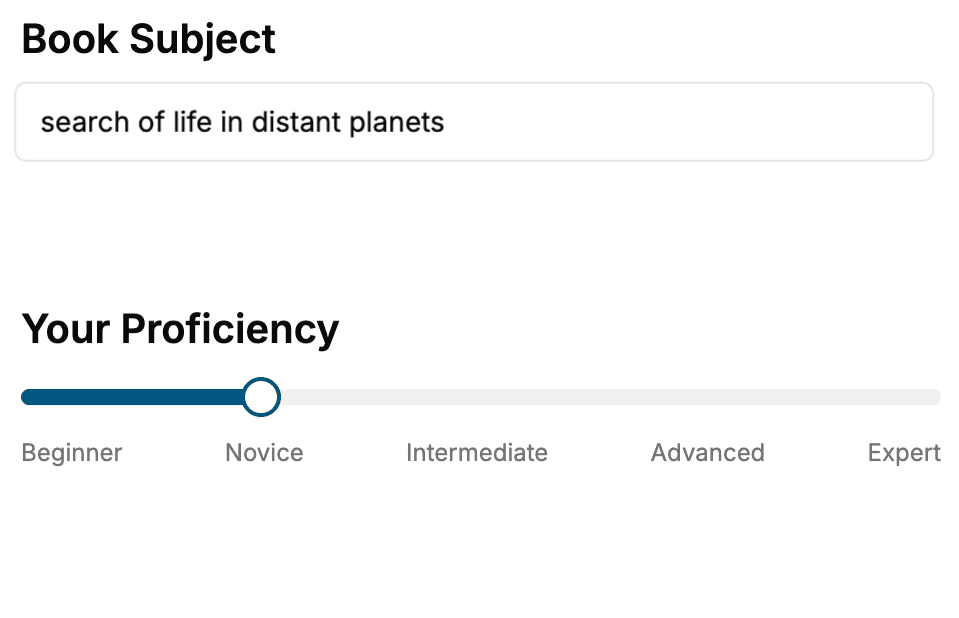
Select the focus of your CSS book and share your background
- 2. Personalize your book
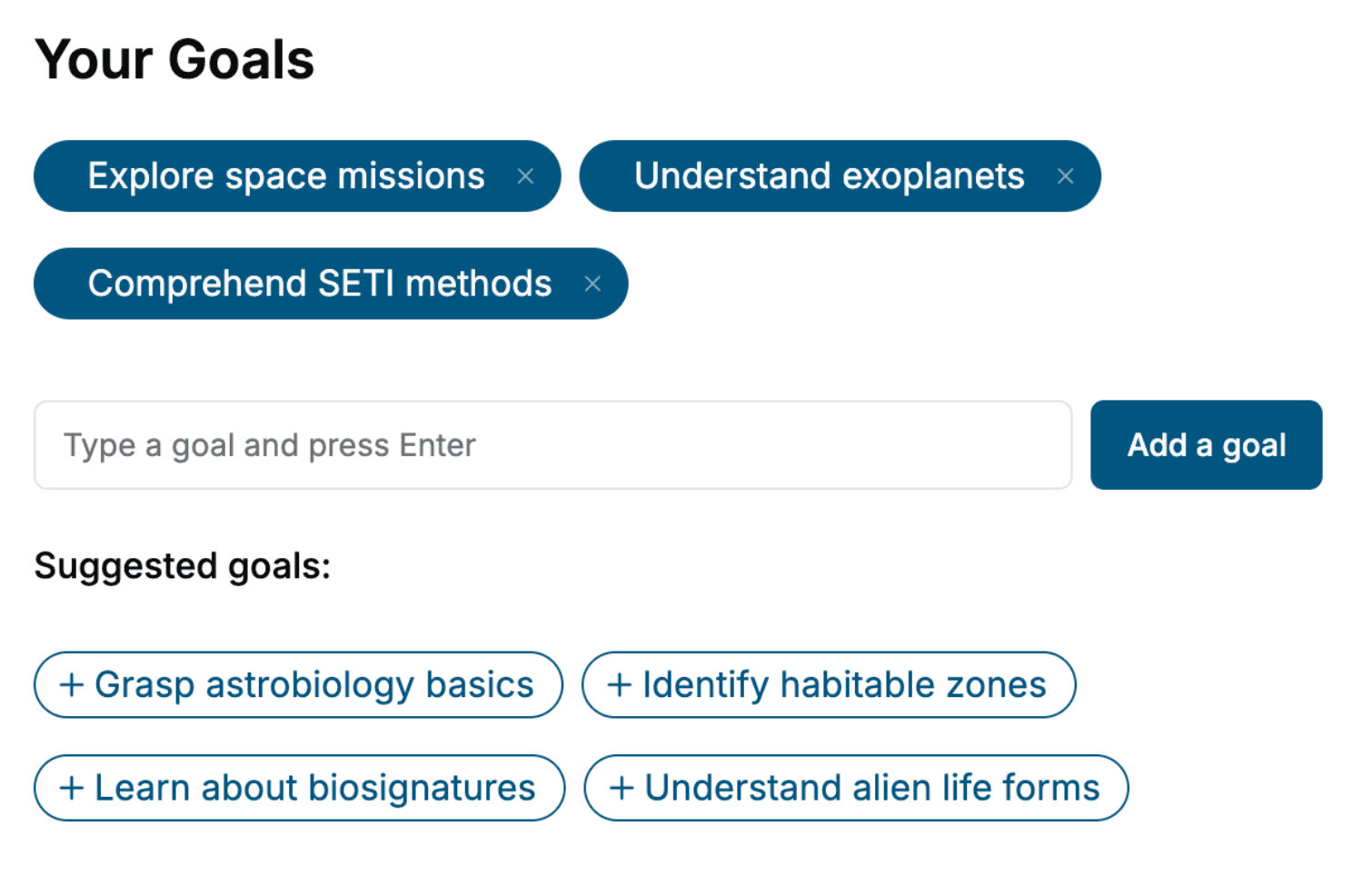
Specify your goals and choose sub-topics to include
- 3. Get your tailored book
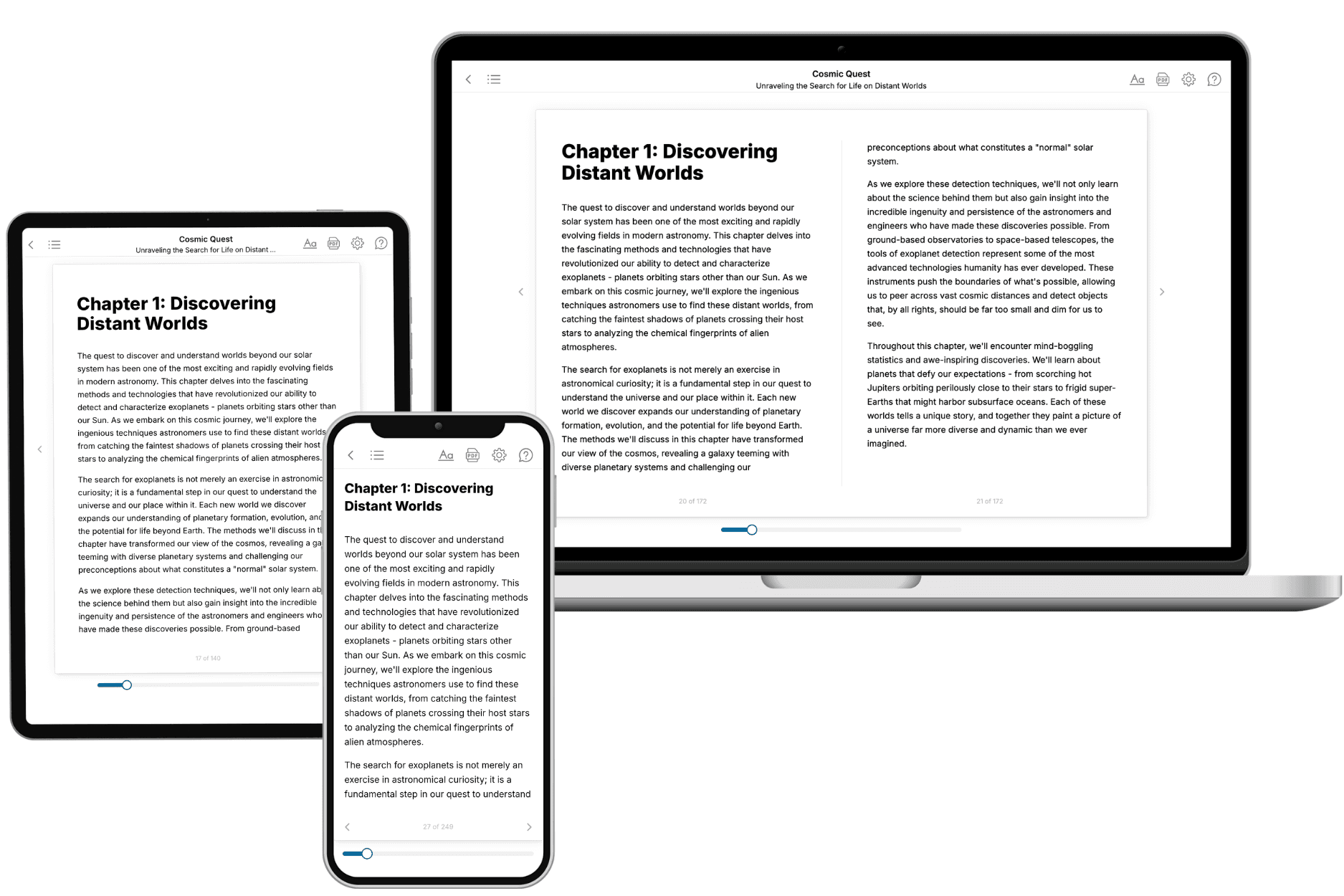
Your book is ready in 10 minutes. Read it online, download as EPUB or PDF, or send to Kindle.
Frequently asked questions
- What is TailoredRead?
TailoredRead creates complete, full-length nonfiction ebooks, written specifically for you. Tell us what you want to learn and why, and TailoredRead writes you a complete ebook on it, with charts, tables, and diagrams throughout. Read it online, on Kindle, or on any e-reader, or download it as a PDF or EPUB. Every book is written fresh the day you order it.
- How is the book tailored to me?
Before anything is written, you answer a few short questions about your goals, your background, and the topics you care about. Your book is then planned around your answers: written at your level, focused on your goals, and covering the topics you chose, instead of the one-size-fits-all book a store sells everyone.
- Will it read like generic AI content?
No. Your book isn't a chat transcript: it's planned chapter by chapter before a single word is written, told in a clear book voice, and explains ideas visually with charts, tables, and diagrams. After writing, every book goes through an editorial pass that polishes chapters so the book reads consistent from start to finish. Judge for yourself: browse thousands of sample books on our Explore Books page.
- How accurate is the content?
Our AI first checks whether your subject needs live research. Niche and fast-moving subjects are researched before writing, and the book plan and chapters are grounded in what it finds. After writing, every book goes through a quality pass that checks its facts and consistency, and researched books list their sources in a Notes section at the back.
- How long is the book?
You choose the length: Comprehensive (250-300 pages), Detailed (150-200 pages), Essential (70-100 pages), or Short (30-50 pages).
- Does the book include visuals?
Yes. Every book includes charts, tables, and diagrams: timelines, checklists, step-by-step guides, decision trees, comparison tables, matrices, and bar charts. A typical book includes dozens of these visual elements.
- Can I read it on Kindle? What formats can I download?
Yes. Every book can be read in our online reader or downloaded as a PDF or EPUB. The EPUB can be opened with Kindle, Apple Books, Kobo, and any e-reader. The Commercial and Author licenses also include an editable Word (DOCX) and Markdown download.
- How much does it cost?
About the price of a regular ebook. The exact price depends on your book's length and complexity, from $2 for the shortest books to $35 for the most comprehensive, and it's shown when you review your book, before you commit to anything. Each book is a one-time purchase, yours to keep, no subscription. Licenses that let you share, teach, or publish your book range from $35.99 to $49.99.
- Can I preview the book before purchasing?
Before you pay, you'll see what your book will cover: the title, a detailed description, the estimated length, and the complete chapter-by-chapter table of contents, so you know what you're getting before you decide. The full text itself is written after you purchase.
- How long does it take to create a book?
About 10 minutes. You can start reading the opening chapters while the rest is still being written.