Mastering CSS3
Build Beautiful, Responsive Websites with Modern Stylesheets
Many developers treat CSS as an afterthought—a necessary evil to make websites look presentable.
191 pages9 chaptersJan 3, 2026CSS
About this book
But CSS3 is far more powerful than most realize. This book reveals how modern stylesheets can be your secret weapon for creating responsive, performant, and visually compelling websites that users love. You'll move beyond basic styling to master layout systems, animations, and advanced techniques that separate amateur designs from professional work. Whether you're building your first responsive site or refining your development skills, you'll discover practical strategies for writing maintainable CSS, leveraging modern browser capabilities, and solving real-world design challenges. By the end, you'll have the confidence and knowledge to tackle any styling problem and create websites that perform beautifully across all devices.
Table of contents
- IntroductionWhy CSS Matters in Modern Web Development, What You'll Learn in This Book, How to Use This Book EffectivelyRead below
- Chapter 1: CSS Fundamentals and the CascadeUnderstanding the Cascade and Specificity, Mastering CSS Selectors, Inheritance and the Box Model
- Chapter 2: Modern Layout Systems: Flexbox and GridFlexbox Essentials and Common Patterns, CSS Grid: Building Complex Layouts, Combining Flexbox and Grid for Powerful Designs
- Chapter 3: Responsive Design and Mobile-First ApproachMedia Queries and Breakpoints, Fluid Typography and Scalable Units, Mobile-First Strategy and Progressive Enhancement
- Chapter 4: Advanced Styling TechniquesCSS Custom Properties (Variables) and Dynamic Styling, Transforms and Transitions for Smooth Interactions, Animations and Keyframes for Complex Effects
- Chapter 5: Colors, Gradients, and Visual EffectsColor Systems and Accessibility, Gradients, Backgrounds, and Layering, Filters and Visual Effects
- Chapter 6: Typography and Text StylingFont Loading and Web Fonts, Advanced Text Properties and Readability, Responsive Typography Strategies
- Chapter 7: Positioning, Stacking, and LayeringPositioning Methods and Use Cases, Z-Index and Stacking Contexts, Overflow, Clipping, and Containment
- Chapter 8: Performance and OptimizationCSS Performance and Rendering Optimization, Code Organization and Maintainability, Using Browser DevTools for Debugging
- Chapter 9: Real-World Projects and PatternsBuilding Responsive Navigation Systems, Creating Reusable Card and Component Patterns, Styling Forms and Interactive Elements
- ConclusionYour Next Steps in CSS Mastery, Staying Current with CSS Evolution
- Appendix: CSS3 Reference and ResourcesQuick Reference: Essential CSS3 Properties, Browser Compatibility and Fallbacks, Further Learning Resources and Tools
Introduction
CSS has come a long way from its humble beginnings as a simple styling language. What started as a way to separate presentation from content has evolved into a sophisticated system capable of creating stunning visual experiences, complex layouts, and smooth animations—all without relying on JavaScript or external libraries. Yet despite these powerful capabilities, many developers still view CSS as unpredictable, frustrating, or merely a necessary step between their HTML structure and the final design. This perception couldn't be further from the truth. Modern CSS3 is a robust, logical system that rewards understanding and practice with unprecedented control over your web designs.
The web development landscape has transformed dramatically over the past decade. Responsive design has shifted from an optional enhancement to an absolute requirement. Users access websites from an ever-expanding array of devices—from smartphones and tablets to desktop monitors and even smart TVs. Your stylesheets must adapt gracefully to all these contexts while maintaining visual consistency and usability. CSS3 provides the tools to meet these challenges head-on, but only if you understand how to wield them effectively. This book bridges the gap between knowing basic CSS syntax and truly mastering the language to create professional, maintainable, and performant websites.
You're not starting from scratch. You already understand CSS basics—selectors, properties, and values. You've probably written hundreds or thousands of lines of CSS. But perhaps you've encountered situations where your styles don't behave as expected, where specificity battles leave you adding !important declarations in frustration, or where creating a responsive layout feels like an exercise in trial and error. This book will transform your relationship with CSS by revealing the underlying principles that govern how styles are applied, how layouts are constructed, and how modern features can simplify what once required complex workarounds. By understanding the "why" behind CSS behavior, you'll gain the confidence to tackle any styling challenge systematically rather than through guesswork.
The journey ahead is both practical and comprehensive. You'll explore the cascade and specificity in depth, master modern layout systems like Flexbox and CSS Grid, implement responsive design strategies that work across all devices, and discover advanced techniques for animations, custom properties, and visual effects. Each concept builds upon the previous one, creating a cohesive understanding of how CSS3 works as an integrated system. More importantly, you'll see these concepts applied to real-world scenarios with concrete examples, actionable advice, and patterns you can immediately implement in your projects. This isn't just theory—it's practical knowledge designed to make you a more effective developer.
Why CSS Matters in Modern Web Development
CSS is the visual language of the web, but its importance extends far beyond aesthetics. Every interaction your users have with a website is mediated through CSS—from the readability of text to the responsiveness of layouts, from the smoothness of animations to the accessibility of interactive elements. When CSS is done well, it becomes invisible; users simply experience a website that works beautifully. When CSS is done poorly, every interaction becomes a source of friction. Buttons that are too small to tap on mobile devices, text that's unreadable against its background, layouts that break at certain screen sizes—these aren't just visual problems, they're usability problems that directly impact whether users can accomplish their goals on your site.
The business case for CSS mastery is compelling. Website performance directly correlates with user engagement and conversion rates. Studies consistently show that users abandon sites that load slowly or don't work properly on their devices. A one-second delay in page load time can reduce conversions by seven percent[1]. Well-optimized CSS contributes significantly to performance—efficient selectors render faster, properly organized stylesheets load more quickly, and understanding how browsers parse and apply styles helps you avoid performance pitfalls. Beyond performance, professional CSS implementation reduces development time in the long run. When your stylesheets are maintainable and predictable, adding new features or making design changes becomes straightforward rather than a delicate operation that might break existing functionality.
Modern CSS3 has fundamentally changed what's possible without JavaScript. Features that once required complex JavaScript libraries—smooth animations, responsive layouts, dynamic styling based on user preferences—can now be accomplished with pure CSS. This shift has several important implications:
- Performance: CSS animations and transitions are hardware-accelerated by browsers, making them smoother and more efficient than JavaScript-based alternatives
- Maintainability: Keeping presentation logic in CSS rather than JavaScript maintains proper separation of concerns and makes your codebase easier to understand
- Accessibility: CSS-based solutions often work better with assistive technologies because they leverage native browser capabilities
- Progressive enhancement: CSS features degrade gracefully, allowing you to provide enhanced experiences for modern browsers while maintaining basic functionality everywhere
The evolution of CSS has also democratized sophisticated design. Creating magazine-quality layouts once required deep expertise in print design software and complex workarounds to translate those designs to the web. CSS Grid has made complex, asymmetric layouts straightforward to implement. Flexbox has eliminated the need for clearfix hacks and float-based layouts. Custom properties enable theming and dynamic styling without preprocessors. These aren't just conveniences—they represent a fundamental shift in how we approach web design, making professional-quality results accessible to developers who understand the underlying principles.
Perhaps most importantly, CSS mastery gives you creative freedom. When you understand how CSS works at a deep level, you're no longer constrained by templates or frameworks. You can look at any design and know how to implement it. You can experiment with new visual approaches without fear that your code will become unmaintainable. You can optimize for performance without sacrificing design quality. This creative confidence is what separates developers who can implement existing designs from those who can push the boundaries of what's possible on the web.
The web platform continues to evolve rapidly, and CSS is at the forefront of that evolution. New features like container queries, cascade layers, and advanced color functions are expanding what's possible. Browser vendors are implementing these features faster than ever before, and the gap between specification and implementation continues to shrink. By building a strong foundation in CSS3 principles now, you're not just learning current best practices—you're developing the mental models that will help you quickly adopt and leverage new features as they become available. Understanding the cascade prepares you for cascade layers. Mastering media queries makes container queries intuitive. Working with RGB and HSL colors gives you the foundation to understand new color spaces like LCH and LAB.
CSS also plays a crucial role in accessibility, an increasingly important consideration for modern web development. Proper use of CSS ensures that your sites work well with screen readers, keyboard navigation, and other assistive technologies. Color contrast, focus indicators, responsive text sizing, and logical document flow all depend on thoughtful CSS implementation. As legal requirements around web accessibility become more stringent and as the web-using population becomes more diverse, understanding how to create accessible designs through CSS isn't optional—it's a core professional competency. This book will help you understand not just how to make things look good, but how to make them work well for everyone.
Finally, CSS matters because it's the bridge between design and development. Whether you work primarily as a designer who codes or a developer who implements designs, CSS is where visual concepts become functional reality. Understanding CSS deeply allows you to have more productive conversations with designers about what's feasible, to suggest alternative approaches that achieve design goals more efficiently, and to implement designs that truly match the original vision. This bridging role makes CSS knowledge valuable regardless of where you sit in the development process—it's a shared language that facilitates collaboration and enables better outcomes.
What You'll Learn in This Book
This book is structured to take you from intermediate CSS knowledge to genuine mastery through a carefully sequenced exploration of concepts, techniques, and practical applications. You'll start by solidifying your understanding of CSS fundamentals—the cascade, specificity, inheritance, and the box model. These aren't just theoretical concepts; they're the foundation that explains why CSS behaves the way it does. When you understand how the cascade determines which styles apply, specificity battles become logical puzzles rather than frustrating mysteries. When you grasp how inheritance works, you can write more efficient stylesheets that leverage the cascade rather than fighting against it.
The heart of modern CSS lies in its layout systems, and you'll gain comprehensive mastery of both Flexbox and CSS Grid. These technologies have revolutionized web layout, but many developers use them superficially, applying properties through trial and error rather than understanding the underlying models. You'll learn:
- How Flexbox's main axis and cross axis determine layout behavior, and how to leverage flex properties for responsive designs
- When to use Flexbox versus Grid, and how to combine them effectively for complex layouts
- How CSS Grid's explicit and implicit grids work, and how to create sophisticated layouts with minimal code
- Practical patterns for common layout challenges like sticky footers, equal-height columns, and responsive navigation
- How to think about layout systematically rather than as a collection of properties to memorize
Responsive design receives extensive coverage because it's no longer optional in modern web development. You'll move beyond basic media queries to understand responsive design as a holistic approach. This includes fluid typography that scales smoothly across screen sizes, responsive images that load efficiently, and layout strategies that adapt gracefully from mobile to desktop. You'll learn the mobile-first methodology and why it produces better results than desktop-first approaches. More importantly, you'll understand how to make decisions about breakpoints based on content rather than device sizes, creating designs that work on devices that don't exist yet.
Advanced styling techniques form another major focus. CSS custom properties (variables) have transformed how we write maintainable CSS, enabling dynamic theming, responsive design patterns, and cleaner code organization. You'll learn how to use custom properties effectively, understanding their scope, inheritance, and how they differ from preprocessor variables. Transforms and transitions bring your designs to life with smooth, performant animations. You'll discover how to create engaging micro-interactions that enhance usability without overwhelming users. Keyframe animations enable more complex effects, and you'll learn when to use them and how to optimize them for performance.
Color and typography receive dedicated attention because they're fundamental to visual design. You'll explore different color systems—RGB, HSL, and newer formats—and learn how to use them effectively. Color accessibility is covered in depth, including contrast ratios and how to ensure your designs work for users with color vision deficiencies. Typography goes beyond choosing fonts; you'll learn about font loading strategies, variable fonts, responsive typography techniques, and how to optimize text for readability across devices. These aren't just aesthetic concerns—they directly impact whether users can effectively consume your content.
Positioning and stacking contexts often confuse developers because they involve understanding how browsers create layers and determine what appears on top. You'll gain clarity on absolute, relative, fixed, and sticky positioning, learning when each is appropriate. Z-index and stacking contexts will make sense once you understand the rules that govern them. You'll also explore overflow, clipping, and containment—properties that control how content behaves when it doesn't fit its container. These concepts are essential for creating modals, dropdowns, tooltips, and other layered interface elements.
Performance and optimization are woven throughout the book but receive focused attention in their own chapter. You'll learn how browsers parse and apply CSS, which selectors are most efficient, and how to structure your stylesheets for optimal performance. Code organization strategies help you write maintainable CSS that scales with your projects. You'll discover how to use browser DevTools effectively for debugging CSS issues, understanding the rendering pipeline, and identifying performance bottlenecks. These skills separate developers who can write CSS from those who can write efficient, professional-grade CSS.
The book concludes with real-world projects that synthesize everything you've learned. You'll build responsive navigation systems that work across devices, create reusable component patterns that maintain consistency across your site, and style forms and interactive elements for optimal usability. These projects aren't just exercises—they're patterns you'll use repeatedly in professional work. Each project includes multiple approaches, discussing the tradeoffs between different solutions and helping you develop the judgment to choose appropriate techniques for different contexts.
Learning Approach: This book emphasizes understanding over memorization. Rather than providing a comprehensive reference of every CSS property (which would quickly become outdated), it focuses on teaching you how CSS works so you can figure out solutions to new problems. You'll develop mental models that help you predict how CSS will behave, debug issues systematically, and learn new features quickly as they're released.
Throughout the book, you'll encounter practical examples drawn from real-world scenarios. These aren't contrived demonstrations—they're the kinds of challenges you'll face in actual projects. You'll see both what to do and what to avoid, learning from common mistakes and understanding why certain approaches work better than others. Code examples are complete and functional, not fragments that leave you guessing about context. Where appropriate, you'll see multiple solutions to the same problem, with discussion of when each approach is most suitable.
How to Use This Book Effectively
This book is designed for intermediate developers who already understand CSS basics but want to deepen their expertise. You should be comfortable with HTML and have written CSS before—you know what selectors, properties, and values are, and you've created basic layouts. If you're completely new to CSS, consider starting with introductory resources before diving into this book. If you're already comfortable with CSS but want to fill gaps in your knowledge or learn modern techniques, you're in the right place. The book assumes you have a code editor, a modern web browser, and the ability to create HTML and CSS files.
The chapters are sequenced intentionally, with each building on concepts from previous chapters. While you can jump to specific topics that interest you, you'll get the most value by working through the book sequentially, at least on your first read. The early chapters on fundamentals might seem basic, but they establish the mental models that make later chapters more intuitive. Even if you think you understand the cascade or specificity, the deep dive in Chapter 1 will likely reveal nuances you hadn't considered. These foundational concepts appear repeatedly throughout the book, so investing time in understanding them thoroughly pays dividends later.
Active learning produces better results than passive reading. As you encounter code examples, type them out rather than copying and pasting. This might seem tedious, but the act of typing helps you internalize syntax and notice details you'd miss by skimming. More importantly, experiment with the examples. Change values, try different properties, break things intentionally to see what happens. CSS is remarkably forgiving—it won't crash your browser if you make a mistake—so experimentation is safe and valuable. Create a practice project where you can try techniques as you learn them. This hands-on approach transforms abstract concepts into practical skills.
Here's a suggested workflow for each chapter:
- Read through the chapter once to get an overview of the concepts and how they fit together
- Go back and work through the examples, typing them out and experimenting with variations
- Apply the concepts to your practice project, implementing the techniques in a context that's meaningful to you
- Review the key points at the end of the chapter and make sure you understand them
- Try to explain the concepts to someone else or write them in your own words—teaching is one of the best ways to solidify understanding
Don't rush through the material. CSS mastery comes from understanding principles deeply rather than memorizing properties superficially. It's better to spend a week thoroughly understanding Flexbox than to skim through it in an hour and remain confused. When you encounter something that doesn't make sense, slow down. Re-read the section, try the examples again, experiment with variations. Look at the browser DevTools to see what's actually happening. Understanding why something works is more valuable than knowing that it works. This deeper understanding enables you to apply concepts in new situations rather than just reproducing examples.
The book includes numerous code examples, and you should have them open in a browser as you read. Seeing the rendered result alongside the code helps you understand the connection between CSS properties and visual outcomes. Use your browser's DevTools extensively—inspect elements, modify styles in real-time, and observe how changes affect the layout. Modern browser DevTools are incredibly powerful for learning CSS. They show you which styles are applied, which are overridden, and why. They visualize the box model, flexbox, and grid layouts. They help you debug specificity issues and understand the cascade. Learning to use DevTools effectively is as important as learning CSS itself.
Create a reference system that works for you. This might be a digital notebook where you collect code snippets, a personal wiki where you document concepts in your own words, or a collection of CodePen examples demonstrating techniques you want to remember. The act of creating these references helps you learn, and having them available makes it easy to refresh your memory later. Don't try to memorize everything—CSS has too many properties and values for that to be practical. Instead, focus on understanding concepts and knowing where to find details when you need them. This book serves as a reference you can return to, but your personal notes will be even more valuable because they're in your own words and focused on what you find challenging.
Join the broader CSS community as you learn. Follow CSS experts on social media, read blogs about CSS techniques, participate in forums where developers discuss CSS challenges. The CSS community is generally welcoming and helpful, and seeing how others approach problems expands your toolkit. When you encounter techniques or properties not covered in this book, research them. CSS continues to evolve, and staying current requires ongoing learning. The foundation this book provides will make it easier to understand new features as they're released and to evaluate whether they're appropriate for your projects.
Finally, be patient with yourself. CSS can be frustrating, especially when styles don't behave as expected. Every experienced developer has spent hours debugging a layout issue only to discover it was caused by a single property or a misunderstanding of how the cascade works. These frustrations are part of the learning process. When you encounter difficulties, remember that understanding why something doesn't work is just as valuable as knowing how to make it work. Each problem you solve deepens your understanding and makes you better equipped to handle future challenges. CSS mastery is a journey, not a destination, and this book is your guide for a significant portion of that journey.
Setting Up Your Learning Environment: Before diving into Chapter 1, set up a simple project structure with an HTML file and a CSS file. Create a basic HTML5 document with proper structure, link your stylesheet, and verify that styles are being applied. This will be your playground for experimenting with concepts as you learn them. Having this environment ready means you can immediately try examples without setup friction interrupting your learning flow.
Notes
Introduction
- 1. Akamai Technologies, Milliseconds Make Millions: Performance Impact on Conversion Rates, 2017
This is the end of the free sample. The full book has 9 chapters.
Want this book written for you?
Tell us your goals and background, and get your own version of this book, tailored by AI to you.


Benefits of AI-tailored books
- Read one book, not ten:
- all the CSS knowledge you need, gathered into a single book.
- Save days of learning:
- tell us your goals, choose your topics, and the whole book is built around them.
- Learn effortlessly:
- CSS book written for your specific background and expertise.
- Understand at a glance:
- includes charts, tables, timelines, checklists, decision trees, and more.
- Stay current:
- written the day you order it, not years ago.
- Trust what you read:
- every book is checked for accuracy, with real research when your subject needs it.
Create your unique book in 3 steps
- 1. Select your focus
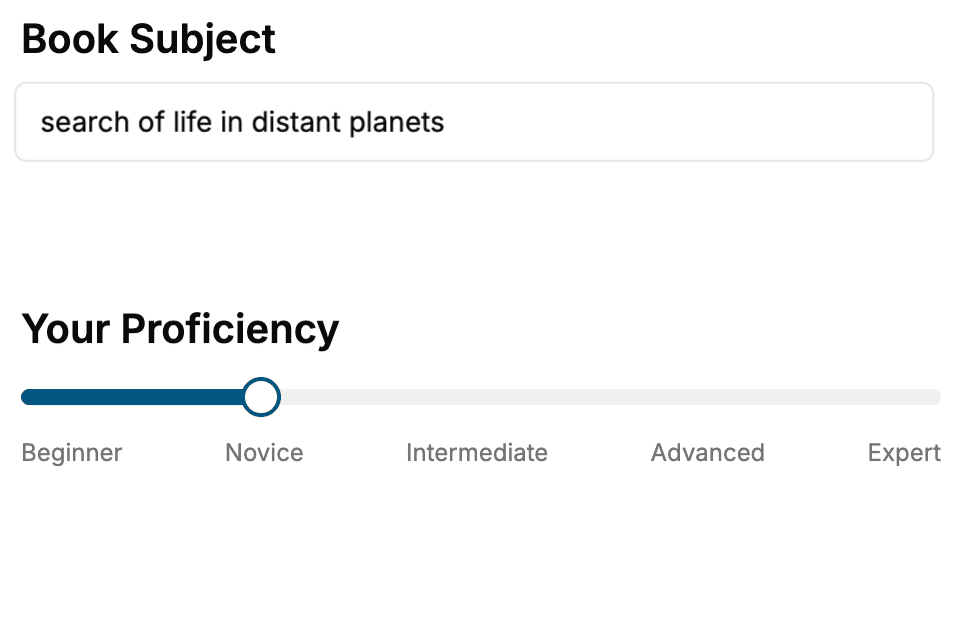
Select the focus of your CSS book and share your background
- 2. Personalize your book
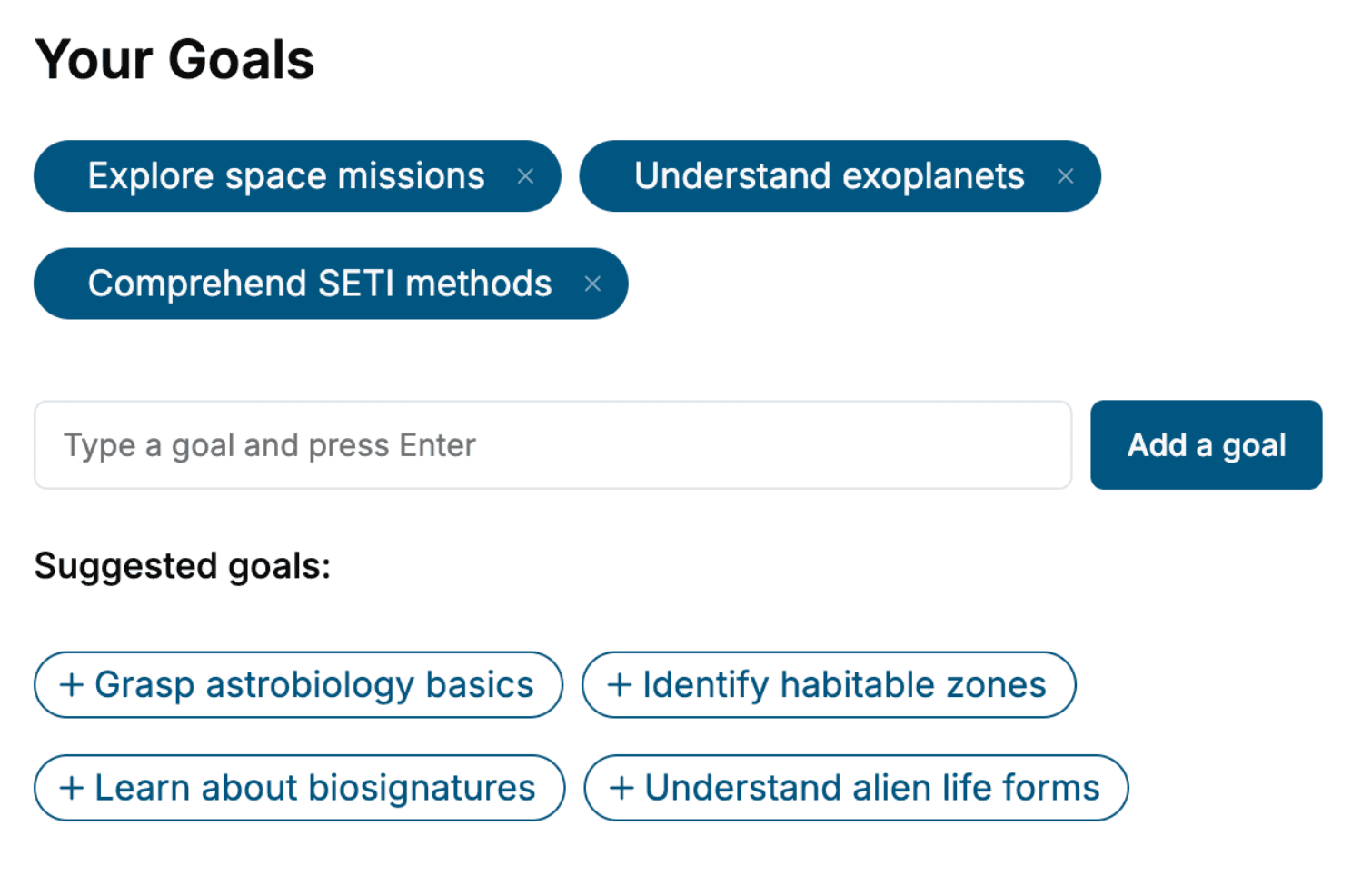
Specify your goals and choose sub-topics to include
- 3. Get your tailored book
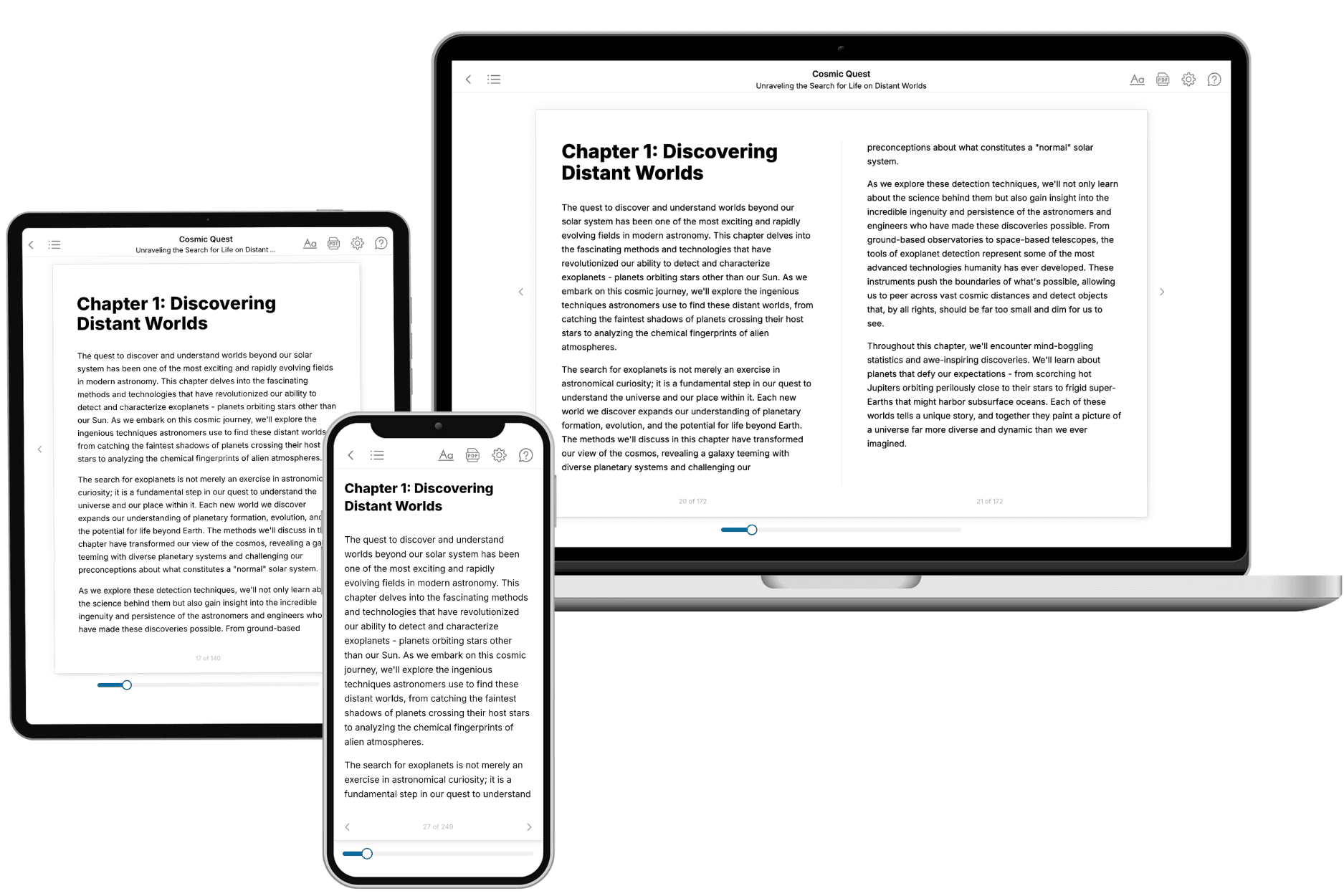
Your book is ready in 10 minutes. Read it online, download as EPUB or PDF, or send to Kindle.
Frequently asked questions
- What is TailoredRead?
TailoredRead creates complete, full-length nonfiction ebooks, written specifically for you. Tell us what you want to learn and why, and TailoredRead writes you a complete ebook on it, with charts, tables, and diagrams throughout. Read it online, on Kindle, or on any e-reader, or download it as a PDF or EPUB. Every book is written fresh the day you order it.
- How is the book tailored to me?
Before anything is written, you answer a few short questions about your goals, your background, and the topics you care about. Your book is then planned around your answers: written at your level, focused on your goals, and covering the topics you chose, instead of the one-size-fits-all book a store sells everyone.
- Will it read like generic AI content?
No. Your book isn't a chat transcript: it's planned chapter by chapter before a single word is written, told in a clear book voice, and explains ideas visually with charts, tables, and diagrams. After writing, every book goes through an editorial pass that polishes chapters so the book reads consistent from start to finish. Judge for yourself: browse thousands of sample books on our Explore Books page.
- How accurate is the content?
Our AI first checks whether your subject needs live research. Niche and fast-moving subjects are researched before writing, and the book plan and chapters are grounded in what it finds. After writing, every book goes through a quality pass that checks its facts and consistency, and researched books list their sources in a Notes section at the back.
- How long is the book?
You choose the length: Comprehensive (250-300 pages), Detailed (150-200 pages), Essential (70-100 pages), or Short (30-50 pages).
- Does the book include visuals?
Yes. Every book includes charts, tables, and diagrams: timelines, checklists, step-by-step guides, decision trees, comparison tables, matrices, and bar charts. A typical book includes dozens of these visual elements.
- Can I read it on Kindle? What formats can I download?
Yes. Every book can be read in our online reader or downloaded as a PDF or EPUB. The EPUB can be opened with Kindle, Apple Books, Kobo, and any e-reader. The Commercial and Author licenses also include an editable Word (DOCX) and Markdown download.
- How much does it cost?
About the price of a regular ebook. The exact price depends on your book's length and complexity, from $2 for the shortest books to $35 for the most comprehensive, and it's shown when you review your book, before you commit to anything. Each book is a one-time purchase, yours to keep, no subscription. Licenses that let you share, teach, or publish your book range from $35.99 to $49.99.
- Can I preview the book before purchasing?
Before you pay, you'll see what your book will cover: the title, a detailed description, the estimated length, and the complete chapter-by-chapter table of contents, so you know what you're getting before you decide. The full text itself is written after you purchase.
- How long does it take to create a book?
About 10 minutes. You can start reading the opening chapters while the rest is still being written.