Mastering File I/O in .NET Framework 1.0
Essential Techniques for Reading, Writing, and Managing Files in Your Applications
Master the essential skills needed to handle file operations effectively in .NET Framework 1.0.
207 pages10 chaptersJul 10, 2026.NET Framework 1.0
About this book
This practical guide walks you through everything from basic file reading and writing to advanced stream manipulation and error handling. You'll learn how to work with text files, binary data, and various file formats while understanding the underlying architecture that makes .NET's file I/O system so powerful. Discover proven techniques for managing resources efficiently, implementing proper error handling, and optimizing performance when working with large files. Whether you're building data processing applications, managing configuration files, or handling user uploads, this book provides the knowledge and confidence to implement file I/O operations that are both robust and efficient. Real-world examples and practical patterns throughout ensure you can immediately apply what you learn to your own projects.
Table of contents
- IntroductionWhy File I/O Matters in Modern Development, What You'll Learn in This Book, How to Use This Guide, Prerequisites and SetupRead below
- Chapter 1: Understanding File I/O FundamentalsStreams: The Foundation of File I/O, File System Basics and Paths, Exploring the System.IO Namespace
- Chapter 2: Working with the FileStream ClassCreating and Opening FileStreams, Understanding File Modes and Access Levels, Reading and Writing with FileStream, Seeking and Positioning in Files
- Chapter 3: Reading Text Files EfficientlyStreamReader: Reading Text Data, Reading Files Line by Line, Character Encoding and Text Handling, Common Text Parsing Patterns
- Chapter 4: Writing Text Files with ConfidenceStreamWriter: Writing Text Data, Appending vs. Overwriting Files, Buffering and Flushing Strategies, Formatting and Structured Output
- Chapter 5: Handling Binary FilesBinary Data Fundamentals, BinaryReader and BinaryWriter Classes, Serializing and Deserializing Binary Data, Working with Common Binary File Formats
- Chapter 6: Error Handling and Resource ManagementHandling File I/O Exceptions, Proper Resource Cleanup with Dispose, Try-Finally Patterns for Safety, Recovery Strategies and Resilience
- Chapter 7: File and Directory OperationsThe File Class: Common Operations, Directory Navigation and Enumeration, Working with File Metadata and Attributes, Path Manipulation and Validation
- Chapter 8: Performance Optimization TechniquesOptimizing Buffer Sizes, Handling Large Files Efficiently, Memory Management and Profiling, Benchmarking and Measuring Performance
- Chapter 9: Security and PermissionsUnderstanding File Permissions, Implementing Access Control, Secure File Handling Practices, Introduction to File Encryption
- Chapter 10: Real-World Application PatternsReading Configuration Files, Implementing File-Based Logging, Data Import and Export Patterns, Batch File Processing
- ConclusionKey Takeaways, Next Steps in Your Learning Journey
- Appendix: Quick Reference GuideCommon File I/O Exceptions, Key Classes and Methods Reference, Useful Code Snippets
Introduction
Every meaningful application touches the file system at some point. Whether it reads a configuration file on startup, writes log entries during operation, imports a batch of customer records, or saves user data between sessions, file input/output is woven into the fabric of real-world software. Yet despite how common these operations are, file I/O is also one of the areas where developers most frequently run into trouble. Unhandled exceptions, resource leaks, corrupted data, and sluggish performance are all symptoms of file handling done without a solid foundation.
The .NET Framework 1.0 introduced a rich, well-structured set of tools for working with files and streams. The System.IO namespace brought together classes like FileStream, StreamReader, StreamWriter, BinaryReader, and BinaryWriter, giving developers a consistent and powerful model for handling virtually any file operation. These abstractions were thoughtfully designed, and understanding them deeply pays dividends across every kind of application you build.
This book is a practical guide to mastering those tools. It is written for developers who already know their way around C# or VB.NET and understand the basics of object-oriented programming, but who want to move beyond trial-and-error file handling and build a genuine, confident command of file I/O in the .NET Framework 1.0 environment. Every chapter focuses on real techniques you can apply immediately, backed by concrete examples and clear explanations of the reasoning behind each approach.
The goal here is not just to show you what the classes do. It is to help you understand why they work the way they do, so that when you encounter an unfamiliar scenario, you have the mental model to reason through it. File I/O sits at the intersection of your application logic, the operating system, and the hardware beneath it. Understanding that relationship makes you a significantly more capable developer, not just for file operations, but across the board.
Why File I/O Matters in Modern Development
It might be tempting to think of file I/O as a solved problem, something routine that any developer can handle with a quick search and a copy-paste. In practice, that attitude leads to fragile code. Applications that treat file operations casually tend to fail in predictable but painful ways: they crash when a file is locked by another process, they silently corrupt data when a write is interrupted, or they grind to a halt when processing a file that is larger than expected.
Consider a straightforward example: a desktop application that saves user preferences to a local file. Done naively, this operation might overwrite the existing file before the new data is fully written. If the application crashes or loses power mid-write, the user ends up with a corrupted preferences file and no fallback. A developer who understands file I/O properly would use a write-to-temp-then-rename pattern, ensuring the original file is never touched until the new data is safely on disk. That kind of knowledge comes from understanding the system, not just the syntax.
File I/O also matters because it is one of the primary ways applications interact with the outside world. Data pipelines read CSV exports from partner systems. Logging frameworks write diagnostic information that operations teams rely on. Configuration systems read XML or INI files that control application behavior. In each of these cases, the quality of your file I/O code directly affects the reliability and maintainability of the entire application.
Performance is another dimension that makes file I/O worth mastering. Disk access is orders of magnitude slower than memory access. A developer who understands buffering, stream composition, and efficient read/write patterns can process a 500 MB log file in seconds rather than minutes. That difference matters enormously in production environments where processing time translates directly to cost and user experience.
Security is a third reason to take file I/O seriously. Files often contain sensitive data: user records, financial information, application secrets. Mishandling file permissions, failing to validate file paths, or writing sensitive data to insecure locations can introduce vulnerabilities that are difficult to detect and expensive to fix. Building security awareness into your file handling from the start is far easier than retrofitting it later.
Finally, file I/O is a domain where the gap between junior and senior developers is clearly visible. Competent developers can read and write files. Exceptional developers handle edge cases gracefully, manage resources reliably, optimize for performance, and build file-handling code that holds up under real-world conditions. This book is designed to help you move firmly into that second category.
The difference between code that works in testing and code that works in production often comes down to how carefully the developer handled I/O operations, resource cleanup, and error conditions.
The .NET Framework 1.0 was released in 2002, and its file I/O model has proven remarkably durable.[1] The patterns and principles you learn here apply not just to legacy systems running on Framework 1.0, but also inform how you think about file operations in every subsequent version of .NET. The fundamentals do not change; only the surface API evolves. Mastering the foundation gives you a head start on everything that comes after.
What You'll Learn in This Book
This book covers file I/O in .NET Framework 1.0 from the ground up, moving from core concepts to advanced techniques in a logical progression. Each chapter builds on the previous one, so by the time you reach the later chapters on performance optimization and security, you will have the context to understand why those techniques matter and how to apply them correctly.
Here is a summary of what each part of the book covers:
- Chapters 1 and 2 establish the foundation. You will learn how streams work as an abstraction, explore the
System.IOnamespace, and get hands-on with theFileStreamclass. This includes understanding file modes, access levels, and how to position a stream within a file. - Chapters 3 and 4 focus on text files. You will learn to use
StreamReaderandStreamWritereffectively, handle character encoding, parse common text formats, and manage buffering and flushing behavior. - Chapter 5 covers binary files. You will work with
BinaryReaderandBinaryWriter, understand how primitive types are stored in binary format, and learn patterns for reading and writing structured binary data. - Chapter 6 addresses error handling and resource management, arguably the most important chapter in the book. You will learn which exceptions to expect, how to use try-finally blocks to guarantee cleanup, and how to build resilient file-handling code.
- Chapter 7 explores file and directory operations using the
File,Directory, andPathclasses. You will learn to navigate directory trees, read file metadata, and manipulate paths safely. - Chapter 8 dives into performance optimization, covering buffer sizing, large file handling, and memory management strategies.
- Chapter 9 covers security and permissions, including how to check and enforce file access rights and how to handle sensitive data responsibly.
- Chapter 10 brings everything together with real-world application patterns: configuration file reading, file-based logging, data import/export, and batch processing.
Throughout the book, you will find concrete code examples written in C#. Each example is designed to illustrate a specific concept clearly, without unnecessary complexity. Where a pattern has common pitfalls, those are called out explicitly so you know what to watch for in your own code.
By the end of this book, you will be able to implement file I/O operations with confidence across a wide range of scenarios. You will understand not just the mechanics of the API, but the reasoning behind best practices. You will know how to handle errors gracefully, manage resources reliably, and optimize performance when it matters. Most importantly, you will have a mental model of how .NET's file I/O system works that you can apply to new situations as they arise.
One thing this book does not do is cover every method in the System.IO namespace exhaustively. That kind of reference material is available in the official documentation. Instead, the focus here is on the concepts, patterns, and techniques that matter most in practice. The appendix at the back of the book provides a quick reference for common classes, methods, and exceptions, so you have a handy lookup resource when you need it.
The real-world application patterns in Chapter 10 deserve special mention. It is one thing to understand how StreamReader works in isolation. It is another to see how it fits into a complete logging system or a data import pipeline. Those final examples are designed to show you how the individual pieces connect into something you would actually build and ship.
How to Use This Guide
This book is structured to be read sequentially, and that is the recommended approach if you are new to file I/O in .NET. Each chapter introduces concepts that later chapters build on. Reading in order ensures you have the context to understand why things work the way they do, rather than just memorizing patterns without understanding them.
That said, if you already have experience with some of these topics, feel free to jump to the chapters most relevant to your current needs. Each chapter is written to be as self-contained as possible, with references to earlier material where needed. If you find yourself confused by a concept in a later chapter, a quick read of the referenced earlier section will usually clear things up.
The code examples throughout the book are meant to be typed out and run, not just read. There is a significant difference between reading code and writing it. When you type an example yourself, you engage with it more actively, and you are more likely to notice details that a passive read would miss. More importantly, you can experiment: change a parameter, introduce an error, see what happens. That kind of hands-on exploration accelerates learning considerably.
Here are some practical suggestions for getting the most out of this book:
- Set up a dedicated project for working through the examples. A simple console application is ideal. Keep all your practice code in one place so you can refer back to earlier examples as you progress.
- Read the error messages carefully when something goes wrong. File I/O exceptions in .NET are generally informative. Learning to read them accurately is a skill in itself.
- Try to break things intentionally. After you get an example working, try passing an invalid path, opening a file that does not exist, or writing to a read-only location. Seeing how the system responds to errors is just as valuable as seeing it work correctly.
- Apply concepts to your own projects as you go. If you are working on a real application, look for opportunities to apply what you have just learned. Practical application cements understanding far more effectively than exercises alone.
- Use the appendix as a reference. Once you have read through the main chapters, the appendix becomes a useful quick-reference tool for day-to-day development.
The chapters on error handling (Chapter 6) and performance optimization (Chapter 8) are worth reading more than once. These topics have a way of making more sense after you have worked through the practical examples in the surrounding chapters. A second read of those sections, after you have more context, often reveals details that were not obvious the first time through.
If you are using this book as part of a team learning effort, the real-world patterns in Chapter 10 make excellent discussion material. Walking through a logging implementation or a data import pipeline as a group, discussing design decisions and trade-offs, is a highly effective way to build shared understanding and coding standards across a team.
Finally, do not skip the sections on resource management and error handling in favor of jumping straight to the more exciting topics. It is tempting to focus on the capabilities of the API and treat cleanup and error handling as an afterthought. In file I/O, that approach reliably produces bugs that are difficult to reproduce and painful to debug. The fundamentals of safe resource management are worth your full attention from the start.
Prerequisites and Setup
This book assumes you are an intermediate .NET developer. You should be comfortable with C# syntax, including classes, methods, loops, and conditionals. You should understand object-oriented concepts like inheritance and interfaces at a working level. You do not need to be an expert, but you should be past the stage of learning what a variable is.
Specifically, the following knowledge is assumed throughout the book:
- Familiarity with C# syntax and basic language features
- Understanding of classes, objects, and basic object-oriented principles
- Experience with exception handling using try-catch blocks
- Basic understanding of how the .NET runtime works (managed code, garbage collection at a conceptual level)
- Comfort with using Visual Studio or another .NET development environment
You do not need prior experience with file I/O specifically. The book starts from the fundamentals of streams and builds up from there. If you have done some file reading or writing before but feel uncertain about the details, this book will fill in the gaps and give you a much more solid foundation.
For the development environment, you will need a machine running Windows with the .NET Framework 1.0 installed. The examples in this book are written and tested against .NET Framework 1.0, which was designed for Windows and requires the Windows operating system.[2] Visual Studio .NET 2002 is the natural IDE choice for this framework version, though any text editor combined with the command-line compiler (csc.exe) will work for the examples.
To verify that your environment is set up correctly, create a new console application project and run the following simple test. It confirms that your project can reference System.IO and that basic file operations are available:
using System;
using System.IO;

class SetupTest
{
    static void Main()
    {
        string testPath = "setup_test.txt";
        File.WriteAllText(testPath, "Setup successful.");
        string content = File.ReadAllText(testPath);
        Console.WriteLine(content);
        File.Delete(testPath);
        Console.WriteLine("Environment is ready.");
    }
}
If this program compiles and runs without errors, printing "Setup successful." and "Environment is ready." to the console, your environment is configured correctly and you are ready to work through the examples in this book. If you encounter errors, the most common causes are a missing .NET Framework installation or a project targeting the wrong framework version. Check your project settings to confirm the target framework is set to .NET Framework 1.0.
A note on the code style used throughout this book: examples are written to be clear and readable, not necessarily to demonstrate every possible optimization or pattern. In some cases, a more production-ready version of the code would include additional error handling or configuration options. Where that is the case, it is noted explicitly. The goal of each example is to illustrate the concept at hand as clearly as possible, without burying it in boilerplate.
One more thing worth mentioning before you dive in: file I/O operations interact with the real file system on your machine. Some examples create, modify, or delete files. It is a good practice to run these examples in a dedicated folder, such as C:\DotNetFileIO\Practice\, rather than in a location that contains important data. That way, you can experiment freely without any risk to files you care about. Creating that folder now, before you start Chapter 1, is a small step that will save you from any accidental headaches later.
This is the end of the free sample. The full book has 10 chapters.
Want this book written for you?
Tell us your goals and background, and get your own version of this book, tailored by AI to you.


Benefits of AI-tailored books
- Read one book, not ten:
- all the .NET Framework 1.0 knowledge you need, gathered into a single book.
- Save days of learning:
- tell us your goals, choose your topics, and the whole book is built around them.
- Learn effortlessly:
- .NET Framework 1.0 book written for your specific background and expertise.
- Understand at a glance:
- includes charts, tables, timelines, checklists, decision trees, and more.
- Stay current:
- written the day you order it, not years ago.
- Trust what you read:
- every book is checked for accuracy, with real research when your subject needs it.
Create your unique book in 3 steps
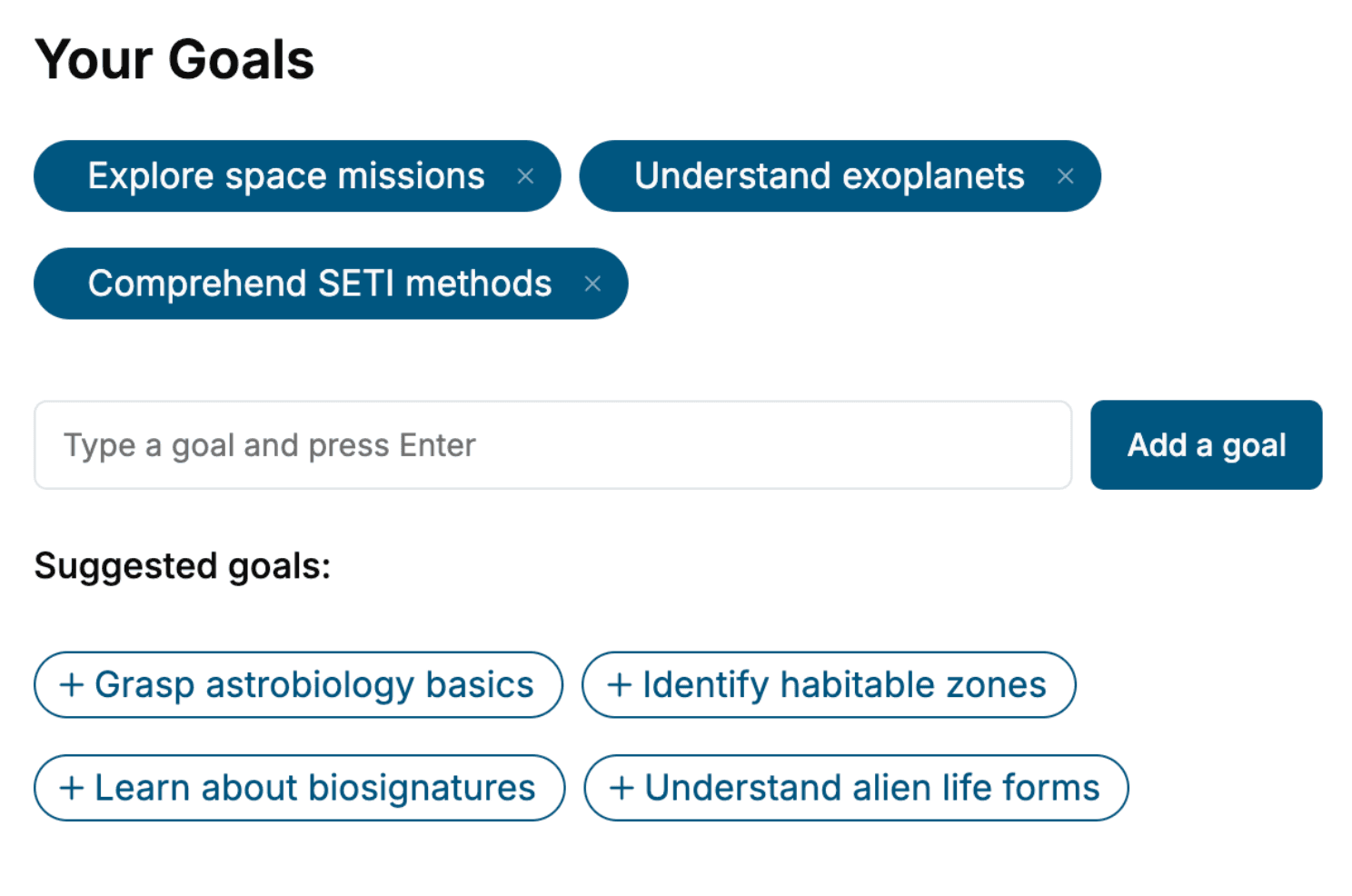
- 1. Select your focus
Select the focus of your .NET Framework 1.0 book and share your background
- 2. Personalize your book
Specify your goals and choose sub-topics to include
- 3. Get your tailored book
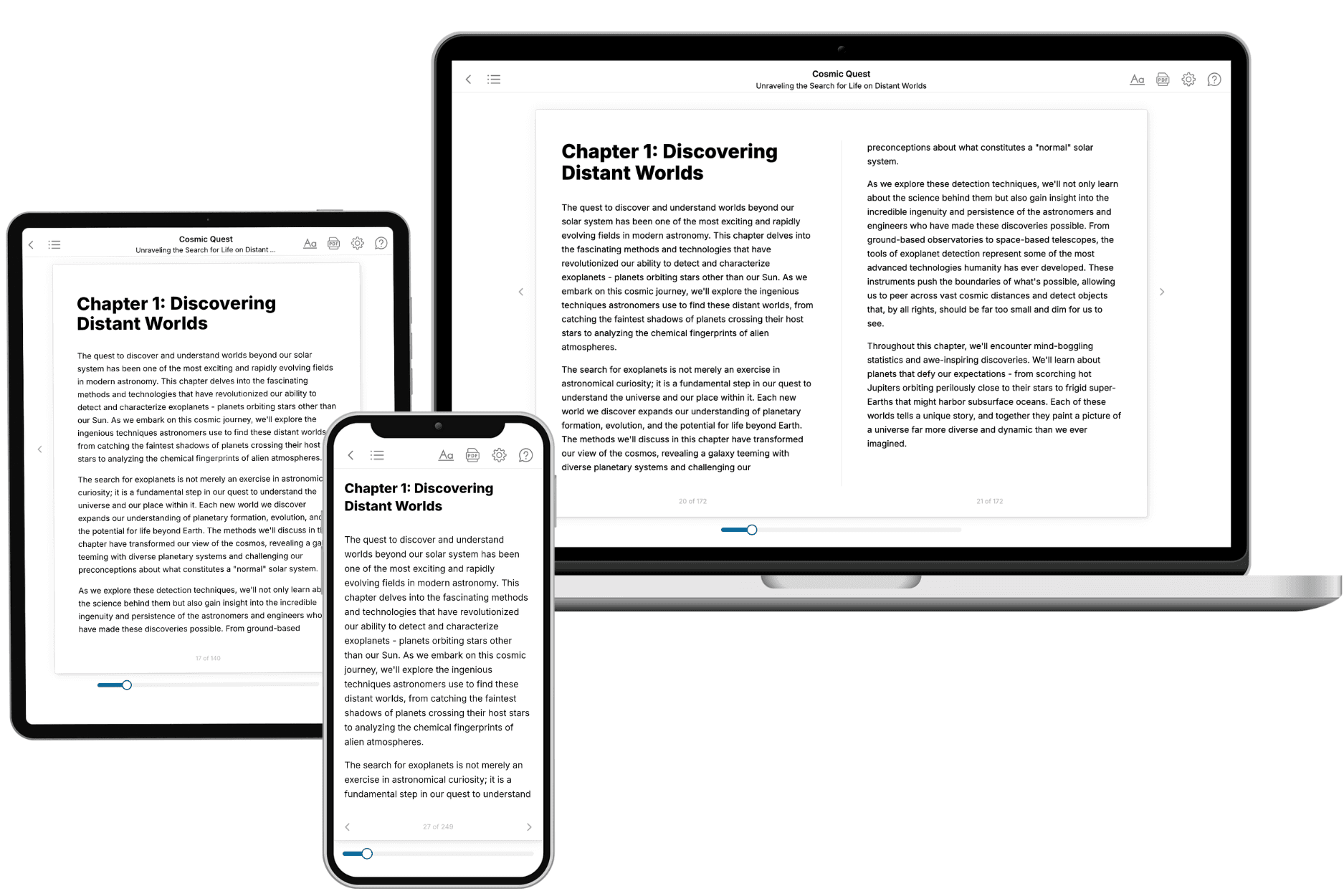
Your book is ready in 10 minutes. Read it online, download as EPUB or PDF, or send to Kindle.

Frequently asked questions
- What is TailoredRead?
TailoredRead creates complete, full-length nonfiction ebooks, written specifically for you. Tell us what you want to learn and why, and TailoredRead writes you a complete ebook on it, with charts, tables, and diagrams throughout. Read it online, on Kindle, or on any e-reader, or download it as a PDF or EPUB. Every book is written fresh the day you order it.
- How is the book tailored to me?
Before anything is written, you answer a few short questions about your goals, your background, and the topics you care about. Your book is then planned around your answers: written at your level, focused on your goals, and covering the topics you chose, instead of the one-size-fits-all book a store sells everyone.
- Will it read like generic AI content?
No. Your book isn't a chat transcript: it's planned chapter by chapter before a single word is written, told in a clear book voice, and explains ideas visually with charts, tables, and diagrams. After writing, every book goes through an editorial pass that polishes chapters so the book reads consistent from start to finish. Judge for yourself: browse thousands of sample books on our Explore Books page.
- How accurate is the content?
Our AI first checks whether your subject needs live research. Niche and fast-moving subjects are researched before writing, and the book plan and chapters are grounded in what it finds. After writing, every book goes through a quality pass that checks its facts and consistency, and researched books list their sources in a Notes section at the back.
- How long is the book?
You choose the length: Comprehensive (250-300 pages), Detailed (150-200 pages), Essential (70-100 pages), or Short (30-50 pages).
- Does the book include visuals?
Yes. Every book includes charts, tables, and diagrams: timelines, checklists, step-by-step guides, decision trees, comparison tables, matrices, and bar charts. A typical book includes dozens of these visual elements.
- Can I read it on Kindle? What formats can I download?
Yes. Every book can be read in our online reader or downloaded as a PDF or EPUB. The EPUB can be opened with Kindle, Apple Books, Kobo, and any e-reader. The Commercial and Author licenses also include an editable Word (DOCX) and Markdown download.
- How much does it cost?
About the price of a regular ebook. The exact price depends on your book's length and complexity, from $2 for the shortest books to $35 for the most comprehensive, and it's shown when you review your book, before you commit to anything. Each book is a one-time purchase, yours to keep, no subscription. Licenses that let you share, teach, or publish your book range from $35.99 to $49.99.
- Can I preview the book before purchasing?
Before you pay, you'll see what your book will cover: the title, a detailed description, the estimated length, and the complete chapter-by-chapter table of contents, so you know what you're getting before you decide. The full text itself is written after you purchase.
- How long does it take to create a book?
About 10 minutes. You can start reading the opening chapters while the rest is still being written.