Mastering Gradle Plugins for Jenkins and Workday
Advanced Techniques for Optimizing CI/CD Workflows
Revolutionize your CI/CD pipeline with advanced Gradle plugins tailored for Jenkins and the Workday platform.
284 pages14 chaptersMar 31, 2025Software DevelopmentCreated by Chris
About this book
This comprehensive guide takes you beyond basic plugin development, diving deep into sophisticated techniques that will supercharge your build processes and deployment workflows. You'll learn how to craft high-performance Gradle plugins that seamlessly integrate with Jenkins and Workday, mastering concepts like lazy configuration, parallel execution models, and custom DSLs. Through practical examples and real-world scenarios, you'll discover how to optimize resource usage, accelerate compile times, and create reusable components that enhance your entire development ecosystem. By the end of this book, you'll possess the expertise to architect complex build systems, implement cutting-edge automation strategies, and extend the capabilities of your CI/CD pipeline. Whether you're looking to streamline deployments, improve code organization, or push the boundaries of what's possible with Gradle, Jenkins, and Workday, this book equips you with the advanced knowledge and techniques to excel in modern software development practices.
Table of contents
- IntroductionBook Overview and Goals, The Gradle, Jenkins, and Workday Ecosystem, Importance of Advanced Plugin Development, How to Use This BookRead below
- Chapter 1: Gradle Plugin Development FundamentalsAnatomy of a Gradle Plugin, Plugin Lifecycle and Execution Phases, Creating Custom Gradle Tasks, Working with Extension Objects
- Chapter 2: Integrating Gradle Plugins with JenkinsUnderstanding Jenkins Pipeline DSL, Gradle-Jenkins Communication Patterns, Leveraging Jenkins Shared Libraries, Creating Custom Jenkins Pipeline Steps
- Chapter 3: Workday Platform IntegrationWorkday API Fundamentals, Managing Workday Tenant Configurations, Developing Workday Studio Plugins, Workday Integration Testing Strategies
- Chapter 4: Advanced Gradle Concepts for Plugin DevelopmentMastering Gradle Task Graphs, Implementing Incremental Build Logic, Utilizing the Lazy Configuration API, Harnessing the Power of Gradle Worker API
- Chapter 5: Performance Optimization TechniquesMaximizing Build Cache Efficiency, Implementing Parallel Execution Models, Fine-tuning the Gradle Daemon, Strategies for Compile Avoidance
- Chapter 6: Advanced Dependency ManagementImplementing Custom Gradle Resolvers, Artifact Caching Strategies, Working with Composite Build Patterns, Cross-project Configuration Techniques
- Chapter 7: Leveraging Groovy MetaprogrammingGroovy Metaprogramming Fundamentals, Adding Dynamic Methods to Gradle Tasks, Using AST Transformations in Plugins, Creating Domain-Specific Languages (DSLs)
- Chapter 8: Testing Strategies for Gradle PluginsIntroduction to Gradle TestKit, Writing Functional Tests for Plugins, Designing Integration Tests, Creating and Using Test Fixtures
- Chapter 9: Enhanced Build Reporting and MonitoringIntegrating Build Scan Technology, Generating Custom Build Reports, Collecting and Analyzing Build Metrics, Implementing Build Notification Systems
- Chapter 10: CI/CD Pipeline OptimizationDesigning Efficient Jenkins Pipelines, Optimizing Jenkins Agent Utilization, Mastering Jenkins Declarative Syntax, Creating Reusable Pipeline Libraries
- Chapter 11: Gradle Kotlin DSL for Plugin DevelopmentKotlin DSL Fundamentals, Migrating from Groovy to Kotlin DSL, Developing Plugins with Kotlin, Performance Considerations in Kotlin DSL
- Chapter 12: Advanced Workday Automation TechniquesAutomating Workday Deployments, Workday Data Integration Strategies, Ensuring Security and Compliance in Automation, Building Custom Workday Integrations
- Chapter 13: Building a Plugin EcosystemDesigning Modular and Extensible Plugins, Publishing and Distributing Plugins, Managing Plugin Versions and Compatibility, Engaging with the Plugin Development Community
- Chapter 14: Future Trends in Gradle Plugin DevelopmentAI and Machine Learning in Build Systems, Cloud-Native Build Processes, Container Integration and Orchestration, Emerging Technologies and Their Impact
- ConclusionKey Takeaways, Continuing Your Learning Journey
- AppendixGradle Plugin Templates, Common Issues and Troubleshooting
- Glossary
Introduction
In the rapidly evolving landscape of software development, the ability to streamline and optimize build processes, continuous integration, and deployment workflows has become a critical factor in the success of modern projects. As an experienced software developer with a specialization in DevOps and CI/CD pipelines, you're already well-versed in the fundamentals of these areas. However, the ever-increasing complexity of software systems and the demand for faster, more efficient development cycles necessitate a deeper dive into advanced techniques and tools that can take your skills to the next level.
This book, "Mastering Gradle Plugins for Jenkins and Workday: Advanced Techniques for Optimizing CI/CD Workflows," is designed to be your comprehensive guide to creating sophisticated Gradle plugins that seamlessly integrate with Jenkins pipelines and the Workday platform. By mastering the concepts and techniques presented in this book, you'll be equipped to significantly enhance your build processes, automate complex tasks, and ultimately improve the overall efficiency of your development workflow.
Throughout this journey, we'll explore a wide range of advanced topics, from leveraging Gradle's powerful APIs to implementing cutting-edge performance optimization techniques. You'll learn how to create custom tasks, design flexible DSLs, and harness the full potential of Gradle's incremental build capabilities. We'll also delve into the intricacies of Jenkins pipeline integration, Workday platform automation, and the creation of a robust plugin ecosystem that can scale with your organization's needs.
As we embark on this exploration of advanced Gradle plugin development, it's important to note that the landscape of build tools and CI/CD practices is constantly evolving. The techniques and best practices presented in this book are based on current industry standards and the latest versions of Gradle, Jenkins, and the Workday platform at the time of writing. However, the underlying principles and concepts will remain relevant even as these technologies continue to advance.
Book Overview and Goals
The primary goal of this book is to empower you with the knowledge and practical skills necessary to create advanced Gradle plugins that optimize Jenkins pipelines and enhance Workday platform integration. By the end of this journey, you'll be able to architect complex build systems, implement sophisticated automation strategies, and extend the capabilities of your CI/CD pipeline in ways that significantly impact your organization's development efficiency.
To achieve this goal, we've structured the book to progressively build upon your existing knowledge, introducing advanced concepts and techniques in a logical, step-by-step manner. Each chapter is designed to focus on a specific aspect of Gradle plugin development, Jenkins integration, or Workday automation, providing in-depth explanations, practical examples, and hands-on exercises to reinforce your learning.
We'll begin by revisiting the fundamentals of Gradle plugin development, ensuring that you have a solid foundation upon which to build more advanced skills. From there, we'll dive into topics such as lazy configuration, parallel execution models, and the intricacies of Gradle's task graph. You'll learn how to leverage Gradle's Worker API to improve build performance, implement custom DSLs for more expressive build scripts, and utilize Groovy metaprogramming techniques to create flexible and powerful plugins.
As we progress, we'll explore advanced integration techniques with Jenkins, including the creation of custom pipeline steps and the effective use of shared libraries. We'll also delve into Workday platform-specific development, teaching you how to extend Workday Studio with custom plugins and automate platform-specific tasks. Throughout the book, we'll emphasize best practices for testing, performance optimization, and code organization to ensure that the plugins you create are not only powerful but also maintainable and scalable.
One of the key objectives of this book is to provide you with practical, real-world knowledge that you can immediately apply to your projects. To this end, we've included numerous case studies, code examples, and scenarios based on common challenges faced in enterprise-level development environments. These practical elements will help you bridge the gap between theory and application, allowing you to see firsthand how the concepts you're learning can be applied to solve complex build and automation problems.
By the conclusion of this book, you'll have gained a comprehensive understanding of advanced Gradle plugin development techniques, as well as the skills to effectively integrate these plugins with Jenkins pipelines and the Workday platform. You'll be equipped to optimize build times, improve resource utilization, and create reusable components that can enhance the entire development ecosystem within your organization. Moreover, you'll have the knowledge to stay ahead of emerging trends in build automation and CI/CD practices, ensuring that your skills remain relevant in the ever-evolving landscape of software development.
The Gradle, Jenkins, and Workday Ecosystem
Before we dive into the intricacies of advanced plugin development, it's crucial to understand the ecosystem in which we'll be working. Gradle, Jenkins, and Workday form a powerful triad that, when leveraged effectively, can dramatically streamline the software development lifecycle. Each of these tools brings its own strengths to the table, and their integration creates a synergy that is greater than the sum of its parts.
Gradle, at its core, is an advanced build automation system that has gained widespread adoption in the Java ecosystem and beyond. Its power lies in its flexibility and extensibility, allowing developers to define complex build logic using a domain-specific language (DSL) based on Groovy or Kotlin. Gradle's plugin system is a key feature that enables developers to encapsulate reusable build logic, share it across projects, and even distribute it to the wider community. The Gradle build lifecycle, with its initialization, configuration, and execution phases, provides a robust framework for creating sophisticated build processes that can scale from small projects to large, multi-module enterprise applications[1].
Jenkins, on the other hand, is a leading open-source automation server that has become synonymous with continuous integration and continuous delivery (CI/CD) practices. Its extensible architecture, powered by a vast ecosystem of plugins, allows it to integrate with virtually any tool in the modern software development stack. Jenkins pipelines, particularly when defined using the declarative syntax, provide a powerful means of defining complex, multi-stage CI/CD workflows as code. This approach to "Pipeline as Code" aligns perfectly with modern DevOps practices, enabling version control of build processes and facilitating collaboration among team members[2].
The Workday platform represents the enterprise application landscape in which many of these build and deployment processes ultimately target. As a cloud-based system for financial management, human capital management, and planning, Workday presents unique challenges and opportunities for automation and integration. The Workday Studio, a proprietary integrated development environment (IDE) based on Eclipse, allows developers to create custom integrations and extensions. Understanding how to effectively automate Workday-specific development tasks and integrate them into a broader CI/CD pipeline is crucial for organizations heavily invested in the Workday ecosystem[3].
The integration of these three systems - Gradle for build automation, Jenkins for CI/CD orchestration, and Workday for enterprise application development - creates a powerful ecosystem that can address the entire lifecycle of enterprise software development. By developing advanced Gradle plugins that are aware of Jenkins pipeline structures and Workday-specific requirements, we can create a seamless flow from code commit to production deployment, with automated testing, quality checks, and platform-specific optimizations along the way.
Throughout this book, we'll explore how these systems interact and how we can leverage their strengths through custom plugin development. We'll see how Gradle plugins can enhance Jenkins pipeline efficiency by providing fine-grained control over build processes. We'll learn how to create Gradle tasks that integrate with Workday Studio, automating repetitive development tasks and ensuring consistency across development teams. And we'll discover how to use Jenkins shared libraries in conjunction with Gradle plugins to create reusable, organization-wide CI/CD components that encapsulate best practices and streamline workflow across multiple projects.
By gaining a deep understanding of this ecosystem, you'll be well-positioned to create build and deployment solutions that are not only powerful and efficient but also tailored to the specific needs of your organization. The skills you'll develop will allow you to bridge the gaps between these systems, creating a cohesive and streamlined development environment that can significantly boost productivity and reduce time-to-market for your software projects.
Importance of Advanced Plugin Development
As software systems grow in complexity and scale, the importance of advanced plugin development becomes increasingly apparent. In the context of Gradle, Jenkins, and Workday integration, sophisticated plugins serve as the glue that binds these powerful tools together, enabling seamless automation, enhancing productivity, and ensuring consistency across diverse projects and teams. The ability to create and maintain these advanced plugins is a critical skill that can set you apart as a DevOps engineer or build automation specialist.
One of the primary benefits of advanced plugin development is the level of customization it allows. Off-the-shelf solutions often fall short when it comes to addressing the unique requirements of specific organizations or projects. By developing custom Gradle plugins, you can tailor build processes to match your exact needs, incorporating organization-specific logic, integrating with internal tools, and enforcing company-wide standards. This level of customization can lead to significant improvements in build efficiency and reliability, as well as ensuring that all projects within an organization adhere to established best practices[4].
Advanced plugins also play a crucial role in promoting code reuse and reducing duplication of effort across projects. Instead of repeatedly implementing similar build logic in multiple projects, you can encapsulate common functionality in a plugin, making it easily shareable and maintainable. This approach not only saves time but also ensures consistency in how certain tasks are performed across different projects. For large organizations with numerous projects, this consistency can be invaluable in maintaining quality standards and facilitating knowledge sharing among team members.
In the context of CI/CD pipelines, advanced Gradle plugins can significantly enhance the capabilities of Jenkins. By creating plugins that are aware of Jenkins pipeline structures and can interact with them intelligently, you can achieve a higher degree of automation and flexibility in your build processes. For example, you might develop a plugin that dynamically adjusts the build process based on the current branch in version control, or one that automatically generates and updates pipeline definitions based on project structure. These kinds of advanced integrations can dramatically streamline your CI/CD workflows, reducing manual intervention and the potential for human error.
When it comes to Workday platform development, advanced plugins can be transformative. The Workday ecosystem has its own unique set of challenges and requirements, and off-the-shelf build tools often don't address these adequately. By developing Gradle plugins specifically designed for Workday development, you can automate platform-specific tasks, enforce Workday-specific coding standards, and streamline the process of deploying to Workday environments. This specialization can lead to significant time savings and quality improvements in Workday projects.
Moreover, advanced plugin development allows for better performance optimization of build processes. As projects grow larger and more complex, build times can become a significant bottleneck in the development process. Through sophisticated plugins that leverage Gradle's incremental build capabilities, parallel execution models, and caching mechanisms, you can dramatically reduce build times, even for very large projects. This optimization not only improves developer productivity but can also lead to substantial cost savings in CI/CD infrastructure by reducing the time and resources required for each build and deployment[5].
Another critical aspect of advanced plugin development is its role in enhancing build and deployment observability. By creating plugins that integrate with monitoring and logging systems, you can gain deep insights into your build and deployment processes. This visibility is crucial for identifying bottlenecks, troubleshooting issues, and continuously improving your CI/CD pipeline. Advanced plugins can collect and analyze build metrics, generate detailed reports, and even predict potential issues before they occur, enabling a proactive approach to build and deployment management.
Lastly, the skills acquired in advanced plugin development are highly transferable and can significantly boost your career prospects. The ability to create sophisticated build automation solutions is in high demand across the software industry. As organizations increasingly recognize the importance of efficient CI/CD processes in gaining a competitive edge, professionals who can deliver these solutions become invaluable assets. The deep understanding of build systems, automation techniques, and integration patterns that you'll gain through advanced plugin development will position you as a leader in the DevOps and build automation fields.
In conclusion, the importance of advanced plugin development in the Gradle, Jenkins, and Workday ecosystem cannot be overstated. It empowers you to create highly customized, efficient, and robust build and deployment solutions that can significantly impact your organization's software development lifecycle. By mastering these skills, you'll be well-equipped to tackle the most challenging build automation problems and drive continuous improvement in your development processes.
How to Use This Book
To get the most out of this book and effectively apply the advanced techniques it covers, it's important to approach your learning in a structured and practical manner. This section will guide you on how to use this book effectively, ensuring that you not only grasp the concepts but also gain hands-on experience in implementing them.
First and foremost, it's recommended that you read the chapters in sequential order. The book is structured to build upon concepts progressively, with each chapter laying the groundwork for more advanced topics in subsequent sections. However, if you're already familiar with certain areas, you can use the table of contents to jump to specific topics of interest. Each chapter is designed to be relatively self-contained, with references to relevant concepts from earlier chapters where necessary.
As you work through the book, it's crucial to engage with the material actively. Don't just read passively; instead, try to implement the concepts as you learn them. Set up a development environment that mirrors the one described in the book, including the latest versions of Gradle, Jenkins, and the Workday Studio (if applicable to your work). This hands-on approach will help solidify your understanding and give you practical experience that you can apply to real-world scenarios.
Each chapter contains code examples and practical exercises. It's highly recommended that you type out these examples yourself rather than copying and pasting. This practice will help you internalize the syntax and structure of the code, making it easier to write similar code from scratch in the future. As you work through the examples, don't hesitate to experiment and modify the code. Trying different variations and seeing how they affect the outcome is an excellent way to deepen your understanding.
Throughout the book, you'll find "Deep Dive" sections that explore certain topics in greater detail. These sections are designed for readers who want to gain a more comprehensive understanding of specific concepts. While these deep dives are valuable, don't let them overwhelm you on your first read-through. Feel free to skip them initially and return to them later when you're ready to explore those topics in more depth.
Case studies are an integral part of this book, providing real-world context for the concepts being discussed. Pay close attention to these as they offer insights into how the techniques you're learning are applied in practical scenarios. Try to relate these case studies to your own work environment, considering how you might apply similar solutions to challenges you face in your projects.
At the end of each chapter, you'll find a summary of key points and a set of review questions. Use these to assess your understanding of the material covered. If you find that you're struggling with certain concepts, revisit the relevant sections before moving on. The review questions can also serve as excellent discussion points if you're reading this book as part of a study group or team learning initiative.
As you progress through the book, start thinking about how you can apply what you're learning to your current or future projects. Consider creating a personal project where you can implement the advanced techniques covered in the book. This project could be a custom Gradle plugin that addresses a specific need in your development workflow, or it could be a more comprehensive solution that integrates Gradle, Jenkins, and Workday automation.
Don't hesitate to explore beyond the confines of the book. The field of build automation and CI/CD is constantly evolving, and this book should serve as a springboard for further learning. Follow the references provided in each chapter to dive deeper into specific topics. Join online communities and forums related to Gradle, Jenkins, and Workday development to stay updated on the latest trends and to seek help when you encounter challenges.
Finally, remember that mastering advanced plugin development is a journey that extends beyond the completion of this book. The concepts and techniques presented here will give you a solid foundation, but true expertise comes with practice and real-world application. As you implement these advanced techniques in your projects, you'll likely encounter unique challenges and discover new ways of solving problems. Embrace these opportunities for growth and continue to refine your skills.
By following these guidelines and actively engaging with the material presented in this book, you'll be well on your way to becoming an expert in advanced Gradle plugin development for Jenkins and Workday integration. The knowledge and skills you gain will enable you to create sophisticated, efficient, and highly customized build and deployment solutions that can significantly impact your organization's software development processes.
Notes
Introduction
- 1. Gradle Inc, "Gradle Build Tool," 2021
- 2. Inc CloudBees, "Jenkins," 2021
- 3. Inc Workday, "Workday Studio," 2021
- 4. V. Farcic, The DevOps 2.3 Toolkit: Kubernetes, Leanpub, 2021
- 5. R. Mitra, Mastering Gradle 5.0, Packt Publishing, 2019
This is the end of the free sample. The full book has 14 chapters.
Want this book written for you?
Tell us your goals and background, and get your own version of this book, tailored by AI to you.






Benefits of AI-tailored books
- Read one book, not ten:
- all the Software Development knowledge you need, gathered into a single book.
- Save days of learning:
- tell us your goals, choose your topics, and the whole book is built around them.
- Learn effortlessly:
- Software Development book written for your specific background and expertise.
- Understand at a glance:
- includes charts, tables, timelines, checklists, decision trees, and more.
- Stay current:
- written the day you order it, not years ago.
- Trust what you read:
- every book is checked for accuracy, with real research when your subject needs it.
Create your unique book in 3 steps
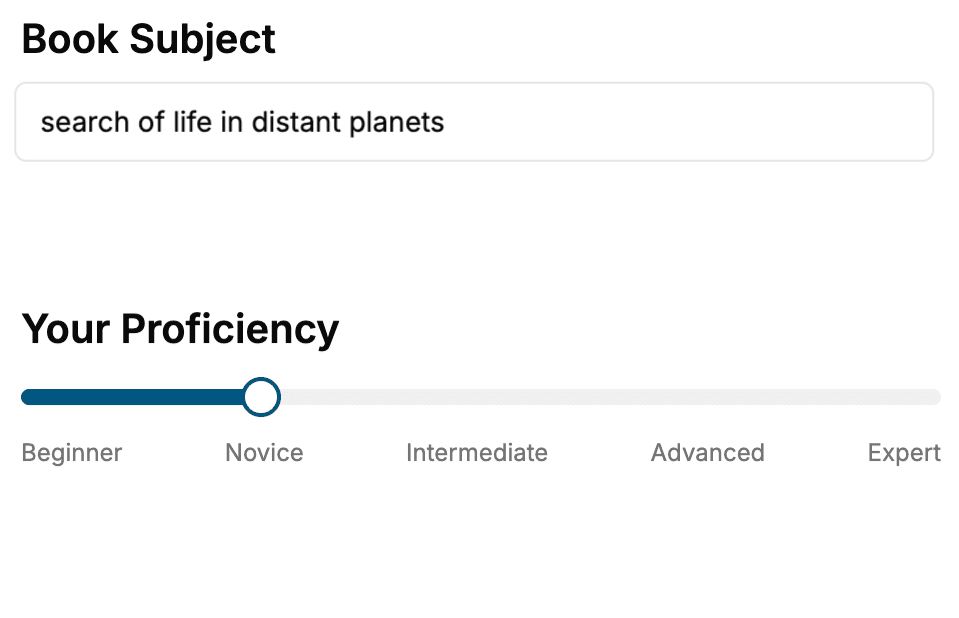
- 1. Select your focus
Select the focus of your Software Development book and share your background
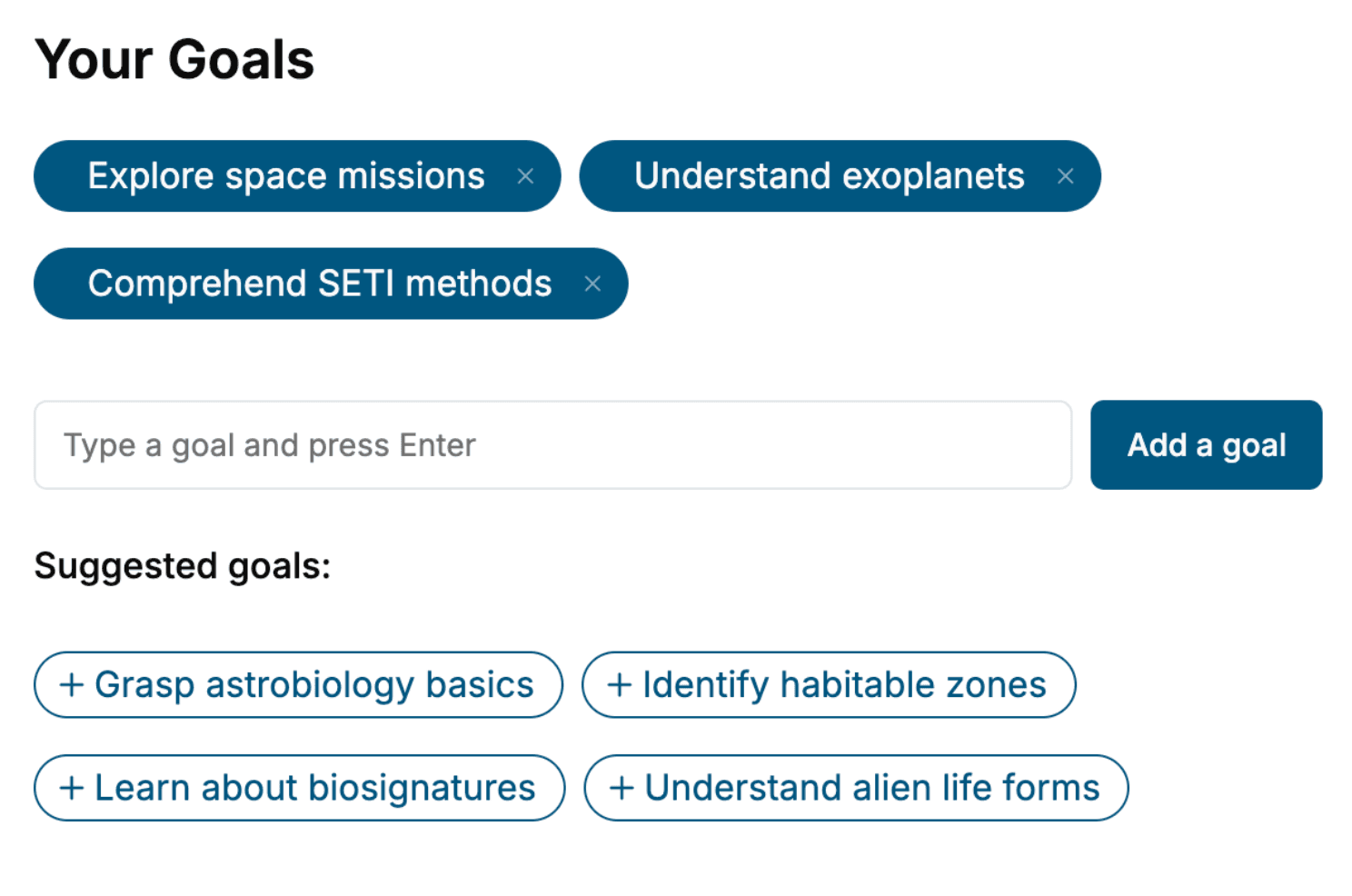
- 2. Personalize your book
Specify your goals and choose sub-topics to include
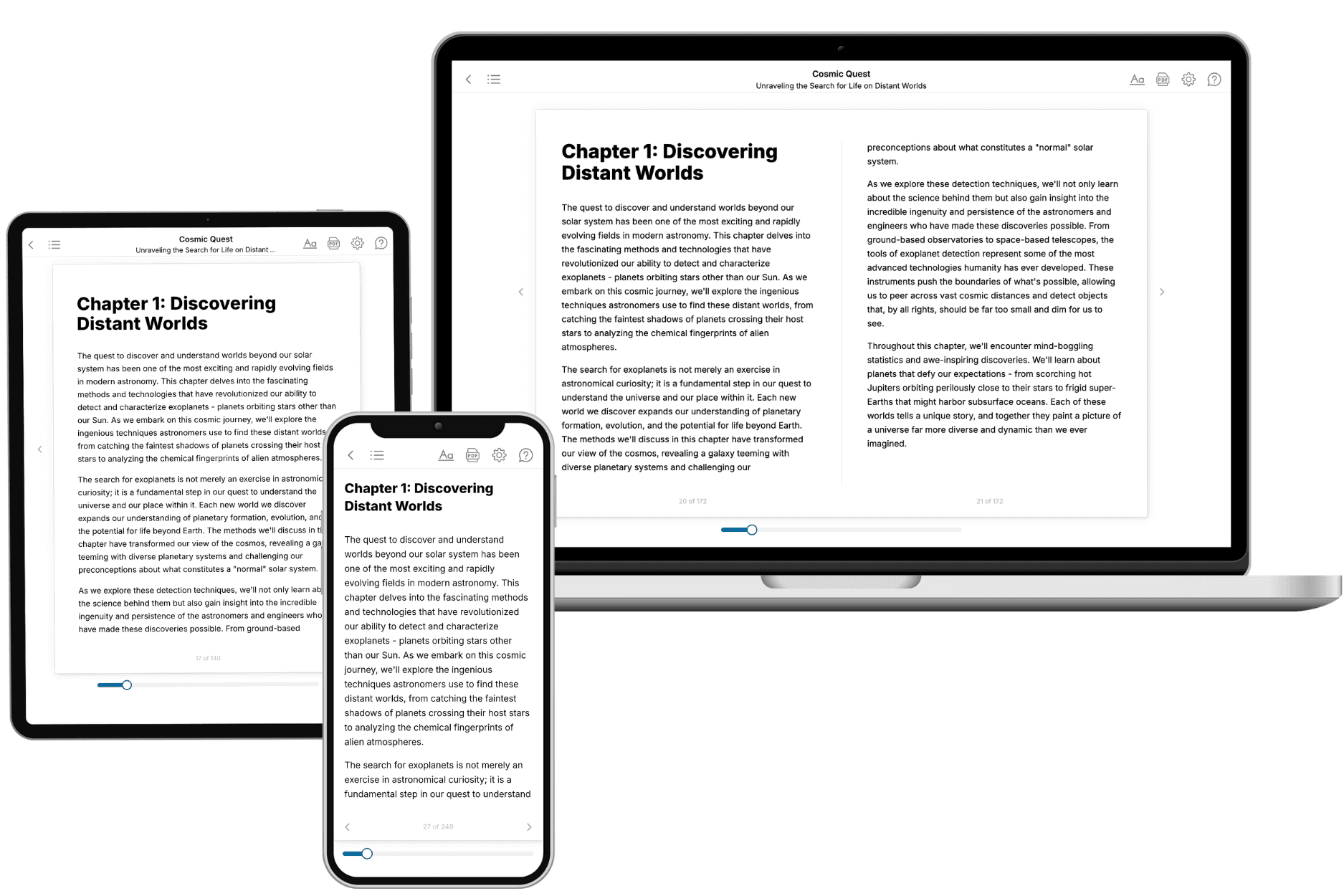
- 3. Get your tailored book
Your book is ready in 10 minutes. Read it online, download as EPUB or PDF, or send to Kindle.
Frequently asked questions
- What is TailoredRead?
TailoredRead creates complete, full-length nonfiction ebooks, written specifically for you. Tell us what you want to learn and why, and TailoredRead writes you a complete ebook on it, with charts, tables, and diagrams throughout. Read it online, on Kindle, or on any e-reader, or download it as a PDF or EPUB. Every book is written fresh the day you order it.
- How is the book tailored to me?
Before anything is written, you answer a few short questions about your goals, your background, and the topics you care about. Your book is then planned around your answers: written at your level, focused on your goals, and covering the topics you chose, instead of the one-size-fits-all book a store sells everyone.
- Will it read like generic AI content?
No. Your book isn't a chat transcript: it's planned chapter by chapter before a single word is written, told in a clear book voice, and explains ideas visually with charts, tables, and diagrams. After writing, every book goes through an editorial pass that polishes chapters so the book reads consistent from start to finish. Judge for yourself: browse thousands of sample books on our Explore Books page.
- How accurate is the content?
Our AI first checks whether your subject needs live research. Niche and fast-moving subjects are researched before writing, and the book plan and chapters are grounded in what it finds. After writing, every book goes through a quality pass that checks its facts and consistency, and researched books list their sources in a Notes section at the back.
- How long is the book?
You choose the length: Comprehensive (250-300 pages), Detailed (150-200 pages), Essential (70-100 pages), or Short (30-50 pages).
- Does the book include visuals?
Yes. Every book includes charts, tables, and diagrams: timelines, checklists, step-by-step guides, decision trees, comparison tables, matrices, and bar charts. A typical book includes dozens of these visual elements.
- Can I read it on Kindle? What formats can I download?
Yes. Every book can be read in our online reader or downloaded as a PDF or EPUB. The EPUB can be opened with Kindle, Apple Books, Kobo, and any e-reader. The Commercial and Author licenses also include an editable Word (DOCX) and Markdown download.
- How much does it cost?
About the price of a regular ebook. The exact price depends on your book's length and complexity, from $2 for the shortest books to $35 for the most comprehensive, and it's shown when you review your book, before you commit to anything. Each book is a one-time purchase, yours to keep, no subscription. Licenses that let you share, teach, or publish your book range from $35.99 to $49.99.
- Can I preview the book before purchasing?
Before you pay, you'll see what your book will cover: the title, a detailed description, the estimated length, and the complete chapter-by-chapter table of contents, so you know what you're getting before you decide. The full text itself is written after you purchase.
- How long does it take to create a book?
About 10 minutes. You can start reading the opening chapters while the rest is still being written.