Mastering HDR Video
A Practical Guide to High Dynamic Range Video Production and Playback with VLC
Discover how to harness the power of High Dynamic Range video to create stunning, lifelike visual content.
253 pages12 chaptersNov 18, 2025Video Production
About this book
This comprehensive guide walks you through the complete HDR ecosystem, from fundamental concepts to practical implementation using VLC and industry-standard tools. You'll learn how HDR captures ten times more brightness information than traditional video, understand the technical standards that make it work, and master the workflows that professional creators use daily. Whether you're evaluating HDR content, setting up your first HDR project, or troubleshooting playback issues, this book provides clear explanations, step-by-step instructions, and real-world examples. Explore color science, display technology, metadata handling, and format conversion with confidence. By the end, you'll understand not just how HDR works, but how to make it work for your specific needs and equipment.
Table of contents
- IntroductionWhy HDR Matters in Modern Video, What You'll Learn in This Book, How to Use This GuideRead below
- Chapter 1: Understanding HDR: The FundamentalsSDR vs. HDR: What's the Difference?, Brightness, Color, and Bit Depth Explained, The Real-World Advantages of HDR
- Chapter 2: HDR Standards and FormatsHDR10: The Universal Standard, Dolby Vision: Premium HDR, HLG: Broadcast HDR, Comparing HDR Formats and Choosing the Right One
- Chapter 3: Color Science and HDRColor Spaces: Rec.709, Rec.2020, and Beyond, Gamma Curves and Transfer Functions, Metadata: The Hidden Information in HDR Files
- Chapter 4: Display Technology and CalibrationTypes of HDR-Capable Displays, Understanding Display Specifications: Peak Brightness and Color Gamut, Calibration Basics for Accurate HDR Viewing
- Chapter 5: VLC and HDR: Capabilities and LimitationsHow VLC Evolved to Support HDR, Which HDR Formats Does VLC Support?, Understanding VLC's HDR Limitations
- Chapter 6: Setting Up VLC for HDR PlaybackInstallation and System Requirements, Configuring HDR Settings in VLC, Troubleshooting Common Playback Issues
- Chapter 7: HDR Production WorkflowCapturing and Acquiring HDR Content, Editing and Color Grading for HDR, The Mastering Process: Preparing Content for Distribution
- Chapter 8: Tone Mapping and Format ConversionWhat Is Tone Mapping and Why It Matters, Converting Between HDR Formats, Maintaining Backward Compatibility with SDR
- Chapter 9: Practical HDR Projects and Case StudiesProject 1: Setting Up Your First HDR Viewing Environment, Project 2: Testing and Evaluating HDR Content, Project 3: Converting Existing Content to HDR
- Chapter 10: Streaming and Distribution ConsiderationsHDR on Major Streaming Platforms, Optimizing File Size and Bandwidth for HDR, Ensuring Compatibility Across Devices
- Chapter 11: Troubleshooting and Problem SolvingCommon HDR Issues and Quick Fixes, Using Diagnostic Tools to Identify Problems, Advanced Troubleshooting Techniques
- Chapter 12: The Future of HDR TechnologyEmerging HDR Standards and Technologies, Industry Adoption and Market Trends, Staying Current as HDR Evolves
- ConclusionKey Takeaways, Your Next Steps in HDR
- Glossary of HDR Terms
- Further Reading and Resources
Introduction
Video technology has reached a pivotal moment. For decades, the visual quality of video content was constrained by technical limitations that prevented screens from displaying the full range of brightness and color that our eyes can perceive. Standard Dynamic Range (SDR) video, the format that dominated television and cinema for generations, could only capture a fraction of what we see in the real world. High Dynamic Range (HDR) video changes everything. It represents the most significant advancement in image quality since the transition from standard definition to high definition, offering brightness levels ten times higher than SDR, vastly expanded color palettes, and a viewing experience that approaches the richness of human vision itself.
The transformation HDR brings isn't merely technical—it's experiential. When you watch properly mastered HDR content on a capable display, the difference is immediately apparent. Highlights sparkle with intensity without washing out detail. Shadows retain depth and texture instead of collapsing into murky darkness. Colors appear more saturated and nuanced, revealing subtle gradations that SDR simply cannot reproduce. A sunset doesn't just look brighter; it looks more like an actual sunset, with the sun's brilliance preserved while the surrounding sky maintains its graduated tones. This isn't hyperbole or marketing language—it's the measurable result of expanded bit depth, wider color gamuts, and increased luminance ranges working together to create images that more faithfully represent reality.
Yet HDR's promise comes with complexity. Unlike previous video format transitions, HDR isn't a single standard but an ecosystem of competing formats, each with distinct technical specifications, metadata requirements, and compatibility considerations. HDR10, Dolby Vision, HLG, and HDR10+ each approach the challenge of high dynamic range differently, creating a landscape that can feel overwhelming for creators and consumers alike. Add to this the requirements for HDR-capable displays, proper calibration, specialized software, and careful attention to color science, and the barrier to entry can seem formidable. This book exists to remove that barrier, providing you with the knowledge and practical skills needed to navigate the HDR ecosystem with confidence, using accessible tools like VLC Media Player as your gateway into this transformative technology.
VLC has evolved from a simple media player into a surprisingly capable HDR platform. While professional workflows often rely on expensive specialized software and hardware, VLC offers an accessible entry point for understanding, testing, and working with HDR content. Its support for multiple HDR formats, combined with its cross-platform availability and zero cost, makes it an ideal tool for learning HDR fundamentals and implementing practical workflows. Whether you're evaluating HDR content for quality assurance, testing how your projects will appear on different displays, or simply trying to understand why some HDR files play correctly while others don't, VLC provides the foundation you need. This book will show you not only how to use VLC for HDR playback but also how to understand the underlying principles that make HDR work, enabling you to troubleshoot problems, optimize your workflow, and make informed decisions about HDR production and distribution.
Why HDR Matters in Modern Video
The human visual system is extraordinarily sophisticated. Your eyes can perceive a dynamic range of approximately 20 stops—meaning the brightest light you can see without damage is roughly one million times brighter than the dimmest light you can detect in darkness. Your color perception encompasses millions of distinct hues, with sensitivity to subtle variations that no camera or display has ever fully captured. For the entire history of photography, cinema, and television, we've been compressing this vast perceptual range into formats that could only reproduce a tiny fraction of what we actually see. SDR video, standardized in the era of cathode ray tube televisions, was designed around displays that could produce perhaps 100 nits of peak brightness and reproduce only about 35% of the colors visible to human eyes[1].
HDR shatters these limitations by fundamentally rethinking how video captures, stores, and displays visual information. Modern HDR displays can produce 1,000 nits of sustained brightness with peaks reaching 4,000 nits or higher—ten to forty times brighter than SDR displays. The Rec.2020 color space used in HDR encompasses approximately 75% of visible colors, more than doubling SDR's color reproduction capability. Perhaps most importantly, HDR uses 10-bit or 12-bit color depth instead of SDR's 8-bit encoding, providing 1,024 or 4,096 gradations per color channel rather than just 256. This eliminates the banding artifacts that plague SDR video when displaying smooth gradients like skies or subtle lighting transitions. The mathematical result is that HDR can theoretically encode over 68 billion distinct colors compared to SDR's 16.7 million—a difference that translates directly into more lifelike, nuanced images.
The practical implications extend far beyond technical specifications. For content creators, HDR provides unprecedented creative control over the visual presentation of their work. A cinematographer can preserve the dramatic impact of a candle-lit scene while maintaining detail in both the flame's bright core and the surrounding shadows—something impossible in SDR, which forces a compromise between preserving highlights and retaining shadow detail. For documentary filmmakers, HDR captures the true appearance of natural environments, from the brilliant intensity of sunlight on snow to the subtle color variations in a forest canopy. For anyone working with visual effects, HDR provides the dynamic range needed to seamlessly composite computer-generated elements with live-action footage, since both can now share the same expanded brightness and color characteristics.
Consumer adoption has accelerated rapidly. As of 2024, the majority of televisions sold in developed markets support some form of HDR, and streaming platforms have made HDR content widely available. Netflix, Amazon Prime Video, Disney+, Apple TV+, and YouTube all deliver HDR content to compatible devices. Gaming consoles from Sony, Microsoft, and Nintendo support HDR output. Smartphones increasingly capture and display HDR content. This widespread adoption means that understanding HDR is no longer optional for video professionals—it's an essential skill. Even if you're not creating HDR content today, you'll inevitably need to evaluate it, troubleshoot playback issues, or convert between formats as HDR becomes the expected standard rather than a premium feature.
The economic incentives are equally compelling. Content mastered in HDR commands premium pricing on streaming platforms and physical media. Production companies increasingly require HDR deliverables as part of standard contracts. Displays marketed with HDR support sell at higher price points and profit margins. The entire video ecosystem—from camera manufacturers to post-production facilities to display makers—has aligned around HDR as the future of video quality. Understanding HDR isn't just about appreciating better image quality; it's about remaining relevant in an industry that has decisively moved beyond SDR's limitations. The question is no longer whether to adopt HDR, but how to implement it effectively within your specific workflow and budget constraints.
Yet HDR's benefits come with responsibilities. Poorly implemented HDR can actually look worse than well-mastered SDR, with blown-out highlights, crushed shadows, or unnatural color reproduction. The expanded capabilities of HDR require more careful attention to exposure, color grading, and display calibration. A video that looks perfect on your reference monitor might appear drastically different on a consumer television with different peak brightness and tone mapping algorithms. This variability means that HDR workflows demand more testing, more quality control, and deeper technical understanding than SDR ever required. The goal of this book is to provide that understanding, giving you the knowledge to avoid common pitfalls and leverage HDR's capabilities effectively.
The transition to HDR also raises important questions about backward compatibility and accessibility. Not everyone has an HDR-capable display, and not all viewing environments benefit equally from HDR's expanded dynamic range. A video watched on a laptop in a bright coffee shop won't showcase HDR's advantages the way the same content would in a darkened home theater. This reality means that most HDR workflows must also produce SDR versions, requiring careful tone mapping to ensure that content looks good across both formats. Understanding how to maintain quality across this range of viewing conditions is a critical skill that this book will address in detail, with practical examples and specific techniques you can implement immediately.
What You'll Learn in This Book
This book is structured to take you from foundational concepts to practical implementation, building your understanding progressively while providing actionable guidance at every stage. You'll begin by mastering the fundamental principles that make HDR work—the color science, bit depth, and brightness characteristics that differentiate HDR from SDR. These aren't abstract theoretical concepts; they're practical knowledge that directly impacts how you capture, edit, and display video content. You'll learn why a 10-bit HDR file can display smooth gradients that would show obvious banding in 8-bit SDR, how transfer functions like PQ and HLG encode brightness information differently, and why metadata is essential for proper HDR playback. Each concept is explained with clear examples and visual comparisons that make the technical details accessible and memorable.
The book then explores the HDR format landscape in depth, providing detailed coverage of HDR10, Dolby Vision, and HLG. You'll understand not just what these formats are, but when to use each one and how they differ in practical terms. For example, you'll learn that HDR10 uses static metadata that applies to an entire video, while Dolby Vision uses dynamic metadata that can adjust scene-by-scene or even frame-by-frame for optimal presentation. You'll discover why HLG is designed for broadcast applications and how its backward compatibility with SDR displays makes it ideal for certain distribution scenarios. This knowledge enables you to make informed decisions about which format best serves your specific project requirements, budget constraints, and target audience. The format comparison section includes a detailed decision matrix that helps you evaluate trade-offs between quality, compatibility, and implementation complexity.
Display technology receives comprehensive treatment because understanding your display is essential to working effectively with HDR. You'll learn how to interpret display specifications like peak brightness, color gamut coverage, and contrast ratio—and more importantly, what these specifications mean for actual viewing experience. The book explains the differences between OLED, LCD with local dimming, and emerging technologies like MicroLED, helping you understand what each display type does well and where it compromises. You'll get practical guidance on calibration, including which settings to adjust, which to leave alone, and how to verify that your display is showing HDR content correctly. This section includes specific calibration workflows you can follow with common calibration tools or even built-in test patterns.
VLC's HDR capabilities are explored thoroughly, with detailed setup instructions, configuration recommendations, and troubleshooting guidance. You'll learn exactly which versions of VLC support which HDR formats, how to configure video output settings for optimal HDR playback, and how to diagnose common problems like incorrect color reproduction or tone mapping issues. The book provides step-by-step instructions for:
- Installing and configuring VLC for HDR playback on Windows, macOS, and Linux
- Verifying that your system is actually displaying HDR rather than tone-mapped SDR
- Adjusting VLC's advanced settings to optimize playback for your specific display
- Using VLC's built-in tools to inspect video metadata and verify HDR format information
- Troubleshooting playback issues related to graphics drivers, display connections, and system configuration
The production workflow chapters provide end-to-end guidance on creating HDR content, from initial capture through final delivery. You'll learn about camera settings for HDR acquisition, including exposure strategies that preserve highlight and shadow detail. The editing and color grading section covers HDR-specific techniques, explaining how to work with scopes and waveform monitors calibrated for HDR's expanded range, how to avoid clipping highlights while maintaining creative intent, and how to use HDR grading tools effectively. The mastering section addresses the critical final steps: adding proper metadata, creating multiple deliverables for different platforms, and verifying that your content will display correctly across various devices and viewing environments.
Tone mapping and format conversion receive dedicated coverage because these processes are essential to real-world HDR workflows. You'll understand the mathematical principles behind tone mapping—how algorithms compress HDR's expanded dynamic range to fit SDR displays without losing critical visual information. The book provides practical guidance on using tools like FFmpeg and HandBrake for format conversion, with specific command-line examples and parameter explanations. You'll learn how to convert between HDR formats, create SDR versions from HDR masters, and even up-convert SDR content to HDR when necessary (while understanding the limitations of this process). Each conversion scenario includes before-and-after examples showing the visual impact of different approaches.
The practical projects section puts theory into action with three detailed case studies. The first project walks you through setting up a complete HDR viewing environment, from selecting compatible hardware to configuring your system and verifying proper operation. The second project focuses on testing and evaluating HDR content, teaching you how to identify quality issues, verify proper metadata, and assess whether content has been properly mastered for HDR. The third project guides you through converting existing content to HDR, including source evaluation, conversion workflow, and quality verification. Each project includes specific steps, required tools, expected outcomes, and troubleshooting guidance for common problems you might encounter.
Throughout the book, you'll find practical examples drawn from real-world scenarios. When discussing color spaces, you'll see specific examples of how Rec.709 and Rec.2020 differ in their reproduction of saturated colors like deep reds and vibrant blues. When exploring tone mapping, you'll examine actual frame comparisons showing how different algorithms handle challenging scenes with both bright highlights and deep shadows. When troubleshooting playback issues, you'll work through diagnostic procedures based on actual problems reported by VLC users. These concrete examples transform abstract concepts into actionable knowledge you can apply immediately to your own projects.
How to Use This Guide
This book is designed to serve multiple purposes depending on your current knowledge level and immediate needs. If you're new to HDR, start at the beginning and work through sequentially. The chapters build on each other, with later sections assuming familiarity with concepts introduced earlier. The progression moves from theoretical foundations to practical implementation, ensuring you understand not just how to perform specific tasks but why those tasks matter and how they fit into the larger HDR ecosystem. Plan to spend time with the early chapters on fundamentals and color science—these provide the conceptual framework that makes everything else make sense. Don't skip ahead to the VLC configuration sections until you understand what HDR actually is and how it differs from SDR.
If you already have some HDR experience and are specifically interested in using VLC for HDR playback, you can jump directly to Chapters 5 and 6, which cover VLC's HDR capabilities and configuration in detail. However, you'll benefit from at least skimming Chapter 2 on HDR standards and Chapter 4 on display technology, as these provide context for understanding VLC's behavior and limitations. The troubleshooting section in Chapter 6 assumes familiarity with concepts like metadata, color spaces, and tone mapping, so if you encounter unfamiliar terms, refer back to the relevant foundational chapters. The book includes extensive cross-references to help you navigate between related topics efficiently.
For content creators focused on production workflows, Chapters 7 and 8 provide the most directly applicable information. These chapters assume you're already familiar with video editing and color grading in general, focusing specifically on HDR-related considerations and techniques. The workflow guidance is tool-agnostic where possible, with principles that apply regardless of whether you're using DaVinci Resolve, Adobe Premiere Pro, Final Cut Pro, or other professional editing software. Where specific tools are discussed, the book explains the underlying concepts so you can adapt the techniques to your preferred software. The mastering section includes detailed metadata specifications and export settings for common delivery platforms.
The book uses several conventions to help you navigate and extract information efficiently:
- Bold text highlights key terms and concepts when they're first introduced or when they're particularly important to understand
- Italic text provides subtle emphasis or introduces technical terms that will be explained in context
Code formattingindicates specific settings, file paths, command-line parameters, or technical values you might need to enter or reference- Blockquotes set apart important examples, case studies, or notable points that deserve special attention
- Numbered lists provide sequential steps for procedures that must be followed in order
- Bulleted lists organize related information, options, or considerations that don't require a specific sequence
Each chapter concludes with key takeaways that summarize the most important concepts and actionable points. If you're reviewing material or trying to quickly refresh your memory on a topic, these summaries provide efficient access to core information. However, they're not substitutes for reading the full chapters—they're designed as reinforcement and review tools, not as standalone content. The summaries are particularly useful when you're working on a project and need to quickly verify a specific detail or procedure without re-reading entire sections.
The book includes numerous footnotes that provide citations for technical specifications, research findings, and industry standards. These aren't just academic references—they're practical resources you can consult for additional detail or to verify information independently. When a footnote cites a technical standard like ITU-R BT.2100 or SMPTE ST 2084, you can look up that standard to access the complete specification if you need deeper technical detail than the book provides. When a footnote references research on display technology or color perception, you can explore that research to understand the scientific basis for the practical recommendations in the text.
The glossary at the end of the book defines technical terms and acronyms used throughout. HDR technology involves substantial jargon—terms like nits, EOTF, OOTF, and MaxCLL that may be unfamiliar even to experienced video professionals. Rather than defining every term inline (which would disrupt the flow of the text), the book uses terms naturally and provides comprehensive definitions in the glossary. When you encounter an unfamiliar term, check the glossary for a clear explanation with context about how the term is used in HDR workflows. The glossary entries often include cross-references to related terms and relevant chapter sections for deeper exploration.
The resources section provides curated recommendations for further learning, including websites, software tools, test content, and community forums where you can get help with specific problems. HDR technology evolves rapidly, and while this book provides foundational knowledge that will remain relevant, specific software versions, format specifications, and best practices continue to develop. The resources section points you toward authoritative sources that maintain current information, helping you stay updated as the HDR ecosystem matures. These resources are organized by topic, making it easy to find additional information about specific areas like color science, display calibration, or format conversion.
Finally, approach this book as a practical reference, not just a one-time read. Keep it accessible while you're working on HDR projects. When you encounter a problem—playback that doesn't look right, metadata that won't validate, or conversion results that don't match expectations—consult the relevant troubleshooting sections. The book is designed to support your ongoing work with HDR, providing answers to questions that arise during actual implementation. The detailed table of contents and comprehensive index make it easy to locate specific information quickly when you need it. Think of this book as a tool in your HDR toolkit, one you'll return to repeatedly as you develop your skills and tackle increasingly complex projects.
Notes
Introduction
- 1. ITU-R BT.709 specification defines the Rec.709 color space used in standard definition and high definition television, covering approximately 35.9% of the CIE 1931 color space visible to humans.
This is the end of the free sample. The full book has 12 chapters.
Want this book written for you?
Tell us your goals and background, and get your own version of this book, tailored by AI to you.






Benefits of AI-tailored books
- Read one book, not ten:
- all the Video Production knowledge you need, gathered into a single book.
- Save days of learning:
- tell us your goals, choose your topics, and the whole book is built around them.
- Learn effortlessly:
- Video Production book written for your specific background and expertise.
- Understand at a glance:
- includes charts, tables, timelines, checklists, decision trees, and more.
- Stay current:
- written the day you order it, not years ago.
- Trust what you read:
- every book is checked for accuracy, with real research when your subject needs it.
Create your unique book in 3 steps
- 1. Select your focus
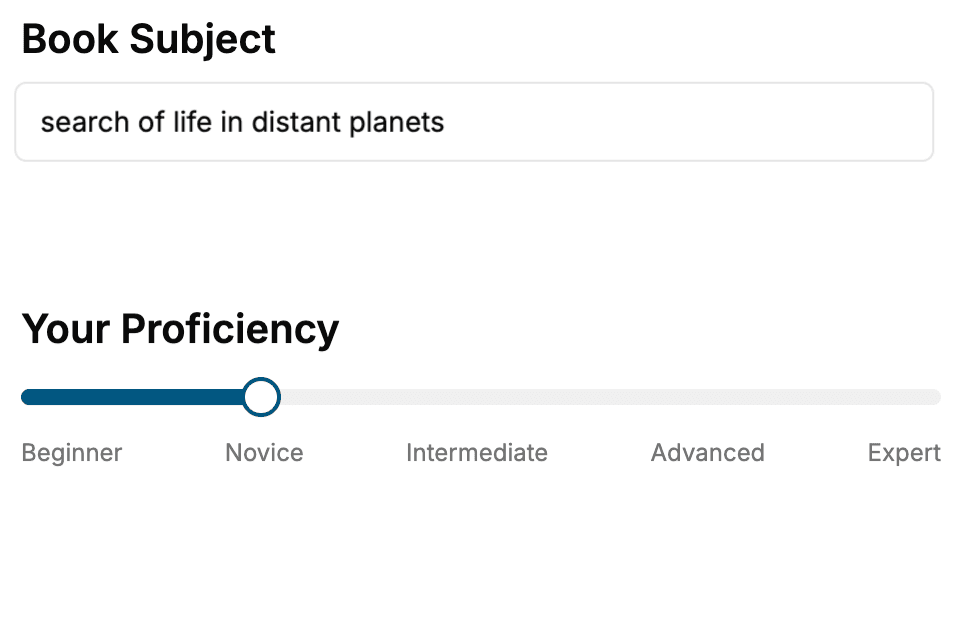
Select the focus of your Video Production book and share your background
- 2. Personalize your book
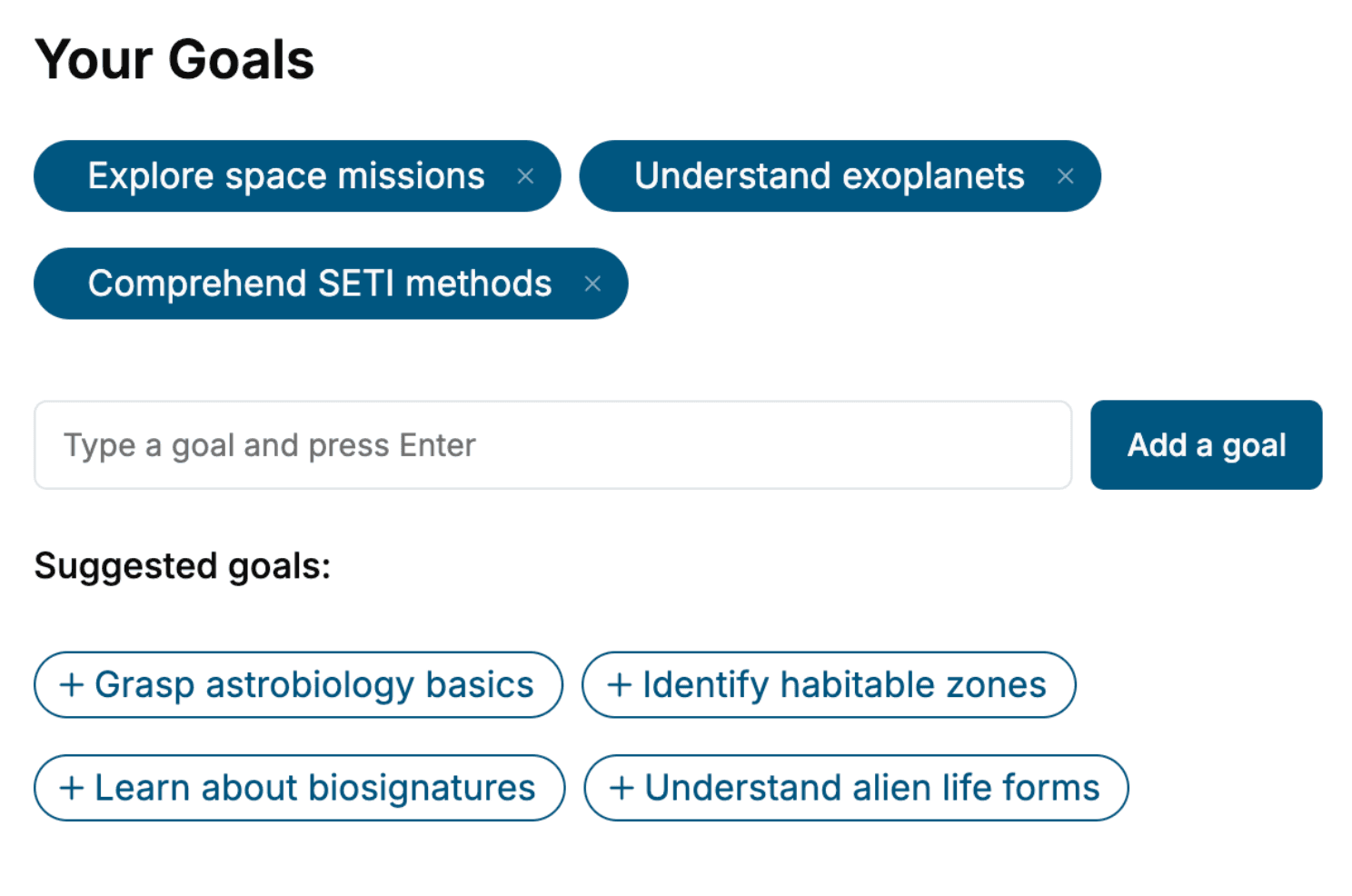
Specify your goals and choose sub-topics to include
- 3. Get your tailored book
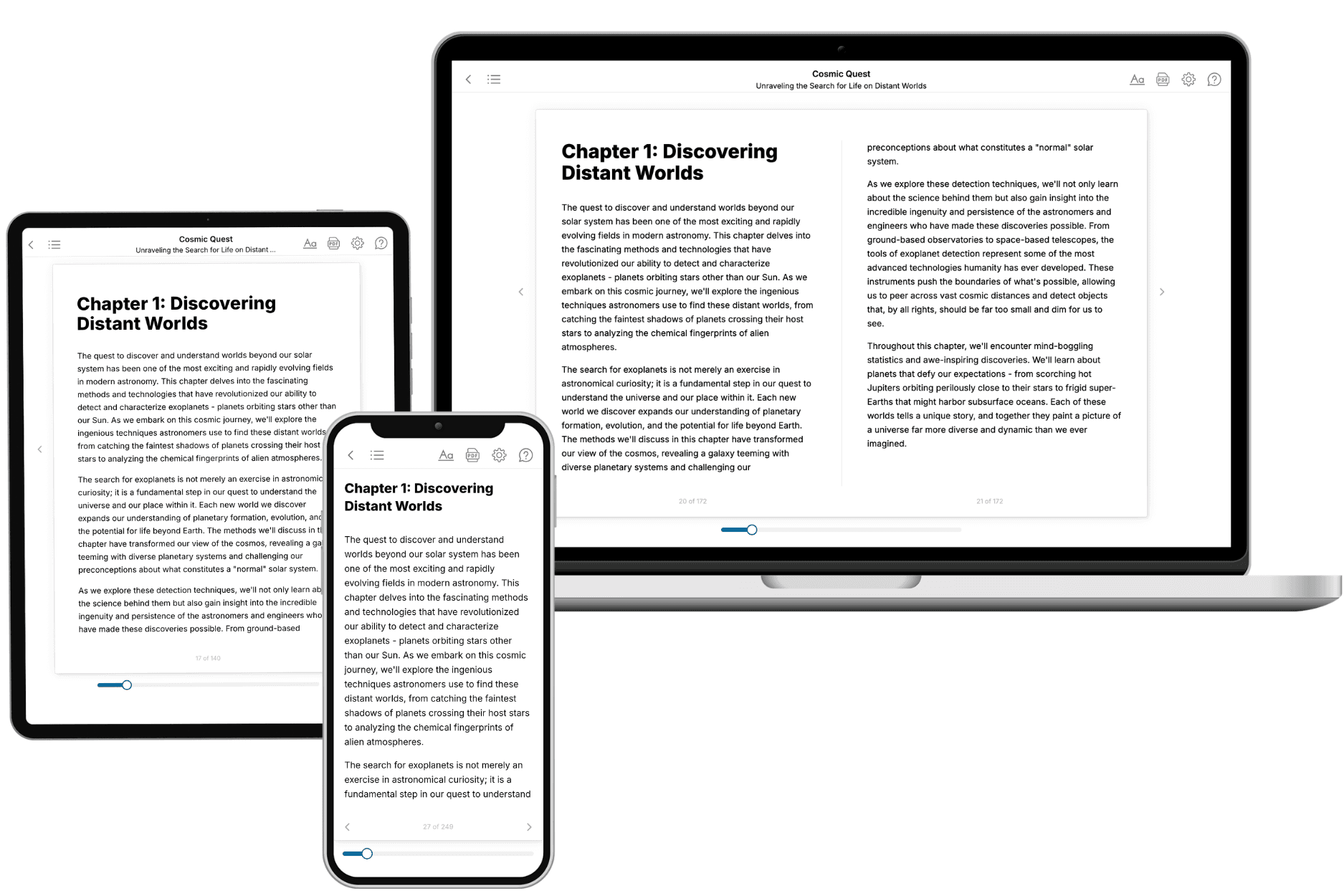
Your book is ready in 10 minutes. Read it online, download as EPUB or PDF, or send to Kindle.
Frequently asked questions
- What is TailoredRead?
TailoredRead creates complete, full-length nonfiction ebooks, written specifically for you. Tell us what you want to learn and why, and TailoredRead writes you a complete ebook on it, with charts, tables, and diagrams throughout. Read it online, on Kindle, or on any e-reader, or download it as a PDF or EPUB. Every book is written fresh the day you order it.
- How is the book tailored to me?
Before anything is written, you answer a few short questions about your goals, your background, and the topics you care about. Your book is then planned around your answers: written at your level, focused on your goals, and covering the topics you chose, instead of the one-size-fits-all book a store sells everyone.
- Will it read like generic AI content?
No. Your book isn't a chat transcript: it's planned chapter by chapter before a single word is written, told in a clear book voice, and explains ideas visually with charts, tables, and diagrams. After writing, every book goes through an editorial pass that polishes chapters so the book reads consistent from start to finish. Judge for yourself: browse thousands of sample books on our Explore Books page.
- How accurate is the content?
Our AI first checks whether your subject needs live research. Niche and fast-moving subjects are researched before writing, and the book plan and chapters are grounded in what it finds. After writing, every book goes through a quality pass that checks its facts and consistency, and researched books list their sources in a Notes section at the back.
- How long is the book?
You choose the length: Comprehensive (250-300 pages), Detailed (150-200 pages), Essential (70-100 pages), or Short (30-50 pages).
- Does the book include visuals?
Yes. Every book includes charts, tables, and diagrams: timelines, checklists, step-by-step guides, decision trees, comparison tables, matrices, and bar charts. A typical book includes dozens of these visual elements.
- Can I read it on Kindle? What formats can I download?
Yes. Every book can be read in our online reader or downloaded as a PDF or EPUB. The EPUB can be opened with Kindle, Apple Books, Kobo, and any e-reader. The Commercial and Author licenses also include an editable Word (DOCX) and Markdown download.
- How much does it cost?
About the price of a regular ebook. The exact price depends on your book's length and complexity, from $2 for the shortest books to $35 for the most comprehensive, and it's shown when you review your book, before you commit to anything. Each book is a one-time purchase, yours to keep, no subscription. Licenses that let you share, teach, or publish your book range from $35.99 to $49.99.
- Can I preview the book before purchasing?
Before you pay, you'll see what your book will cover: the title, a detailed description, the estimated length, and the complete chapter-by-chapter table of contents, so you know what you're getting before you decide. The full text itself is written after you purchase.
- How long does it take to create a book?
About 10 minutes. You can start reading the opening chapters while the rest is still being written.