Mastering Illustrator's Drawing and Painting Tools
From Vector Precision to Architectural Visualization—A Complete Guide to Professional Digital Illustration
What separates a competent digital illustration from a professional masterpiece?
222 pages10 chaptersDec 2, 2025Graphic Design
About this book
It's not just technical skill—it's the strategic combination of precision tools, color theory, and intentional artistic choices. This comprehensive guide takes you beyond basic Illustrator functions to unlock the advanced drawing and painting capabilities that architects and designers use to create stunning visualizations. You'll master Bezier curves and vector path optimization, harness the power of gradient meshes and blend modes, and develop a signature artistic style that sets your work apart. Whether you're rendering architectural elevations, designing intricate patterns, or creating digital paintings with depth and dimension, this book provides step-by-step techniques, practical workflows, and professional strategies. Learn how to build custom brush libraries, apply color harmony systems, and use perspective grids to achieve architectural accuracy. By the end, you'll have the tools, knowledge, and confidence to produce gallery-quality illustrations that showcase both technical precision and artistic vision.
Table of contents
- IntroductionWhy Mastery of These Tools Matters for Your Design Career, What You'll Learn and How to Use This Book, Your Journey from Intermediate to Professional IllustratorRead below
- Chapter 1: Vector Path Mastery and OptimizationBezier Curve Fundamentals and Control Point Precision, Path Optimization Techniques for Clean, Efficient Vectors, Advanced Vector Shape Manipulation and Transformation
- Chapter 2: Color Theory and Harmony SystemsColor Wheel Application and Harmony Principles, Building Custom Swatch Libraries for Consistency, Color Psychology and Emotional Impact in Design
- Chapter 3: Gradients, Blend Modes, and Depth CreationGradient Mesh Techniques for Photorealistic Rendering, Blend Mode Applications for Lighting and Shadows, Gradient Transition Blending and Smooth Color Shifts
- Chapter 4: Digital Brush Customization and Stroke StylingDeveloping Your Custom Brush Library, Advanced Stroke Styling and Opacity Control, Brush Opacity Control for Layered Effects
- Chapter 5: Pattern Creation and Texture Overlay DesignPattern Creation Methods and Seamless Tiling, Texture Overlay Design for Material Simulation, Material Texture Simulation Techniques
- Chapter 6: Perspective Tools and Architectural VisualizationPerspective Grid Setup and Configuration, Isometric Drawing Tools for Technical Illustration, Perspective Distortion Tools and Spatial Accuracy
- Chapter 7: Architectural Rendering and Elevation DrawingsArchitectural Line Work and Technical Precision, Elevation Drawing Techniques and Proportional Accuracy, Architectural Detail Illustration and Material Representation
- Chapter 8: Lighting, Shadow Rendering, and Depth PerceptionLighting and Shadow Rendering Fundamentals, Depth Perception Design Through Strategic Layering, Layer Masking Techniques for Complex Compositions
- Chapter 9: Digital Painting Composition and WorkflowDigital Painting Composition Principles, Efficient Digital Painting Workflows and Process Optimization, Symmetry Drawing Tools for Balanced Compositions
- Chapter 10: Developing Your Signature Artistic StyleArtistic Style Consistency and Visual Identity, Signature Style Development Through Intentional Choices, Style Refinement Through Deliberate Practice
- ConclusionIntegrating Your Mastery Into Professional Practice, Continuous Growth and Staying Current
- Glossary of Terms
- Further Reading and Resources
Introduction
Adobe Illustrator stands as one of the most powerful tools in the digital designer's arsenal, yet many professionals barely scratch the surface of its capabilities. You've likely mastered the basics—creating simple shapes, applying fills and strokes, perhaps even working with the Pen Tool to trace images. But there's a vast difference between knowing how to use a tool and truly mastering it. The gap between competent and exceptional illustration work often comes down to understanding the nuanced capabilities of Illustrator's drawing and painting tools, and knowing exactly when and how to deploy them for maximum impact.
For designers with an architectural background, this mastery becomes even more critical. Your work demands both technical precision and artistic vision. You need to create elevations that communicate spatial relationships accurately while also producing renderings that captivate clients and stakeholders. You must balance the mathematical exactness of architectural drawing with the emotional resonance of compelling visual storytelling. This dual requirement—technical accuracy paired with aesthetic excellence—makes Illustrator the ideal platform, but only when you understand how to leverage its full potential.
This book bridges the gap between intermediate competence and professional mastery. It's designed specifically for designers who already understand the fundamentals but want to elevate their work to a professional standard. You'll move beyond basic tool usage to develop sophisticated workflows, build custom libraries that accelerate your process, and cultivate a signature artistic style that distinguishes your work in a competitive marketplace. Whether you're creating architectural visualizations, developing brand identities, or producing digital paintings, the techniques in this book will transform how you approach every project.
Why Mastery of These Tools Matters for Your Design Career
The professional design landscape has become increasingly competitive, with clients expecting higher quality deliverables in shorter timeframes. Generic, template-based work no longer commands premium rates or secures repeat business. What separates designers who thrive from those who struggle is the ability to produce work that demonstrates both technical excellence and distinctive artistic vision. Mastering Illustrator's advanced drawing and painting tools directly impacts your career trajectory in measurable ways—from the projects you can confidently accept to the rates you can command and the creative satisfaction you experience in your daily work.
Consider the practical implications of tool mastery in architectural visualization. When you understand gradient mesh techniques deeply, you can render materials—glass, concrete, wood, metal—with photorealistic accuracy that makes your elevations stand out in client presentations. When you've built a comprehensive custom brush library, you can add architectural details like brick textures, vegetation, or human figures in minutes rather than hours. When you've mastered perspective grids and isometric tools, you can create technically accurate drawings that also function as compelling visual narratives. Each of these capabilities translates directly into competitive advantages:
- Faster project completion: Efficient workflows and custom libraries reduce repetitive tasks, allowing you to complete projects in half the time while maintaining quality
- Higher client satisfaction: Professional-quality renderings communicate design intent more effectively, reducing revision cycles and strengthening client relationships
- Premium pricing justification: Distinctive, high-quality work commands higher rates because clients recognize the value of expertise that produces superior results
- Expanded project opportunities: Advanced capabilities allow you to confidently accept complex projects that less-skilled designers must decline
- Reduced creative frustration: When you know exactly how to achieve the visual effect you envision, the creative process becomes more satisfying and less technically limiting
Beyond immediate career benefits, tool mastery fundamentally changes your relationship with the creative process. When technical execution becomes second nature, your mental energy shifts from "how do I create this effect?" to "what visual story do I want to tell?" This cognitive shift is what separates technicians from artists. You stop fighting with software and start using it as a transparent extension of your creative vision. The tools become invisible, allowing your architectural knowledge and artistic sensibility to flow directly into your work without technical barriers interrupting the creative flow.
The architectural design field specifically benefits from this mastery because your work serves dual purposes—technical communication and aesthetic persuasion. A building elevation must accurately represent dimensions, materials, and spatial relationships while also inspiring stakeholders to envision the completed structure. When you master Illustrator's capabilities, you can satisfy both requirements simultaneously. Your technical drawings become presentation-quality visualizations. Your concept sketches maintain architectural accuracy. This dual competence makes you invaluable to architecture firms, real estate developers, and design agencies that need professionals who can bridge the gap between technical documentation and marketing visualization.
Research in design education consistently demonstrates that tool mastery correlates with creative confidence and professional success. A study published in the Design Studies journal found that designers who invested time in deep tool learning reported higher creative satisfaction, faster project completion times, and greater career advancement compared to those who maintained only surface-level software knowledge[1]. The investment you make in mastering these tools pays dividends throughout your entire career, compounding as you build on foundational skills to develop increasingly sophisticated techniques.
Finally, mastery matters because the design industry increasingly values specialization and distinctive style. Generalists who produce competent but unremarkable work face constant pricing pressure and commoditization. Specialists who demonstrate mastery in specific areas—architectural visualization, material rendering, perspective illustration—can position themselves as experts and command premium rates. Your signature style, developed through intentional practice with advanced tools, becomes a professional asset that differentiates you in client presentations and portfolio reviews. When potential clients can recognize your work instantly because of its distinctive quality and style, you've achieved a level of professional recognition that transcends individual projects.
What You'll Learn and How to Use This Book
This book is structured as a progressive journey through Illustrator's most powerful drawing and painting capabilities, with each chapter building on previous concepts while introducing new techniques. Unlike reference manuals that simply catalog features, this guide focuses on practical application—showing you not just what tools do, but when to use them, how to combine them effectively, and how to integrate them into professional workflows. Every technique is presented with architectural visualization and professional illustration contexts in mind, ensuring immediate applicability to your actual design work.
The book is organized into ten core chapters, each addressing a specific aspect of illustration mastery:
- Vector Path Mastery and Optimization: You'll develop precision control over Bezier curves, learn path optimization techniques that keep file sizes manageable, and master advanced shape manipulation that forms the foundation for all subsequent work
- Color Theory and Harmony Systems: You'll apply color wheel principles to create visually cohesive compositions, build custom swatch libraries for consistency across projects, and understand color psychology's role in design communication
- Gradients, Blend Modes, and Depth Creation: You'll master gradient mesh techniques for photorealistic rendering, learn strategic blend mode applications for lighting effects, and create smooth color transitions that add dimension to flat vectors
- Digital Brush Customization and Stroke Styling: You'll develop a comprehensive custom brush library, master advanced stroke styling techniques, and learn opacity control methods for layered effects
- Pattern Creation and Texture Overlay Design: You'll create seamless patterns, design texture overlays that simulate real materials, and develop techniques for adding tactile quality to digital illustrations
- Perspective Tools and Architectural Visualization: You'll configure perspective grids for accurate spatial representation, master isometric drawing tools for technical illustration, and use perspective distortion tools to create convincing architectural renderings
- Architectural Rendering and Elevation Drawings: You'll develop precise architectural line work, master elevation drawing techniques with proportional accuracy, and illustrate architectural details with material representation
- Lighting, Shadow Rendering, and Depth Perception: You'll understand lighting fundamentals and shadow rendering, design depth perception through strategic layering, and master layer masking techniques for complex compositions
- Digital Painting Composition and Workflow: You'll apply composition principles to digital painting, develop efficient workflows that optimize your process, and use symmetry tools for balanced compositions
- Developing Your Signature Artistic Style: You'll establish artistic style consistency, develop a signature approach through intentional choices, and refine your style through deliberate practice
Each chapter follows a consistent structure designed to maximize learning and retention. You'll begin with conceptual foundations that explain why techniques matter and when to apply them. Then you'll move into detailed, step-by-step instructions with specific examples drawn from architectural visualization and professional illustration contexts. Throughout each chapter, you'll find practical tips, common pitfalls to avoid, and workflow optimization strategies that save time without sacrificing quality. Every major concept includes concrete examples—not generic demonstrations, but realistic scenarios you'll encounter in professional practice.
To get the most from this book, approach it as a working manual rather than a passive read. Keep Illustrator open as you progress through chapters, recreating examples and experimenting with variations. The techniques presented here require hands-on practice to internalize—reading about Bezier curve control is useful, but actually manipulating anchor points and handles until the movements become intuitive is what builds mastery. Consider working through the book in sequence initially, then returning to specific chapters as reference when tackling particular project challenges.
The book assumes you have intermediate Illustrator knowledge—you're comfortable with the interface, understand basic vector concepts, and can create simple illustrations. You don't need to be an expert, but you should be past the absolute beginner stage. If terms like "anchor point," "stroke," "fill," and "layer" are familiar, you're ready for this material. The architectural background mentioned in the reader profile is beneficial but not strictly required—the techniques apply broadly to any illustration work requiring precision and professional quality, though examples and contexts frequently reference architectural visualization.
Throughout the book, you'll encounter several types of formatted content designed to enhance learning:
- Blockquotes: These highlight important principles, key takeaways, or notable examples that deserve special attention
- Code blocks: These present specific settings, numerical values, or step-by-step procedures in easy-to-follow formats
- Lists: These break down complex processes into manageable steps or organize related concepts for clarity
- Footnotes: These provide citations for research, point to additional resources, or offer supplementary information without interrupting main text flow
One critical aspect of using this book effectively is understanding that mastery develops through iteration, not perfection on first attempt. The techniques presented here represent professional-level skills that take time to internalize. Don't expect to read a chapter once and immediately execute techniques flawlessly. Instead, plan to revisit chapters multiple times as your skill develops. Your first pass builds awareness—you understand what's possible. Your second pass develops competence—you can execute techniques with conscious effort. Your third and subsequent passes build fluency—techniques become intuitive and you begin combining them creatively without conscious planning.
Finally, this book emphasizes workflow efficiency alongside technical skill. Professional designers don't just create beautiful work—they create it efficiently, meeting deadlines while maintaining quality. Throughout each chapter, you'll find workflow optimization strategies, time-saving shortcuts, and organizational approaches that help you work smarter. Building custom libraries, creating reusable templates, and developing systematic approaches to common tasks are as important as mastering individual tools. The goal is not just to know how to create effects, but to integrate them into a professional practice that delivers consistent, high-quality results project after project.
Your Journey from Intermediate to Professional Illustrator
The path from intermediate competence to professional mastery follows a predictable progression, though the timeline varies based on your starting point, practice consistency, and project opportunities. Understanding this journey helps set realistic expectations and provides a framework for measuring your progress. You're not simply learning disconnected techniques—you're developing an integrated skill set that transforms how you approach every illustration project. This transformation happens in stages, each building on the previous and preparing you for the next level of capability.
The first stage of your journey focuses on technical foundation building. This is where you develop precision control over fundamental tools—Bezier curves, path manipulation, color application, and gradient creation. During this stage, techniques feel deliberate and require conscious attention. You're thinking about anchor point placement, handle angles, and color values explicitly. This stage can feel slow because you're building muscle memory and visual judgment simultaneously. You might spend significant time on tasks that will eventually become quick and intuitive. This is normal and necessary—professional illustrators didn't start with effortless precision; they built it through deliberate practice.
During the foundation stage, focus on accuracy over speed. When working with Bezier curves, take time to place anchor points thoughtfully rather than rushing through path creation. When building color palettes, experiment with harmony systems methodically rather than choosing colors impulsively. When creating gradients, adjust mesh points carefully to understand how they affect color transitions. This deliberate, conscious practice builds the neural pathways that eventually enable intuitive execution. Consider keeping a practice journal during this stage, documenting techniques you're working on, challenges you encounter, and breakthroughs you achieve. This reflection accelerates learning by making your progress visible and helping you identify patterns in your development.
The second stage involves workflow integration and efficiency development. Once individual techniques become comfortable, you begin combining them into coherent workflows. You start building custom libraries—brushes, swatches, symbols—that accelerate repetitive tasks. You develop templates for common project types. You create keyboard shortcut habits that eliminate menu navigation. During this stage, your work becomes noticeably faster while maintaining or improving quality. You're no longer thinking about individual tool operations; instead, you're thinking about design outcomes and letting your hands execute the technical steps automatically.
Workflow integration requires intentional organization and system development. Consider these practical steps for this stage:
- Create project templates with pre-configured artboards, layers, and color swatches for your most common project types
- Build a master brush library organized by category (architectural details, textures, decorative elements) that you can access across all projects
- Develop naming conventions for layers, swatches, and symbols that make files easy to navigate months after creation
- Document your personal workflows—write down the step-by-step process you follow for common tasks so you can refine and optimize them
- Set up workspace configurations optimized for different task types (detailed line work, color application, final rendering) that you can switch between quickly
The third stage centers on style development and creative voice. With technical skills internalized and efficient workflows established, you can focus on developing a distinctive artistic approach. This is where you move from competent execution to creative expression. You begin making intentional choices about line quality, color palettes, texture application, and compositional approaches that reflect your aesthetic sensibility. Your work becomes recognizable—colleagues and clients can identify your illustrations without seeing your name because they exhibit consistent stylistic qualities that distinguish them from generic work.
Style development happens through experimentation within constraints. Rather than trying to develop a completely unique approach from scratch, start by identifying illustrators whose work resonates with you. Analyze what specific qualities attract you—is it their line weight variation, their color palette choices, their approach to texture, their compositional strategies? Then experiment with incorporating similar qualities into your work, not through imitation but through understanding the principles behind their choices. Over time, you'll naturally gravitate toward certain approaches and away from others, developing a style that feels authentic to your sensibility while remaining professionally effective.
The fourth and ongoing stage involves mastery refinement and continuous growth. Professional mastery isn't a destination you reach and then maintain effortlessly—it requires ongoing practice, learning, and adaptation. Software updates introduce new capabilities. Design trends evolve. Client expectations shift. Your own creative interests develop. Maintaining mastery means staying current with Illustrator's evolving feature set, continuing to refine your techniques, and pushing your capabilities into new areas. This stage is characterized by confidence in your core skills combined with curiosity about new possibilities.
Throughout this journey, you'll encounter predictable challenges and plateaus. There will be moments when progress feels slow or when new techniques seem frustratingly difficult. These challenges are normal parts of skill development, not indicators that you lack talent or should give up. Research in skill acquisition shows that learning happens in bursts separated by plateaus—periods where you practice without apparent improvement, followed by sudden leaps in capability[2]. The key is maintaining consistent practice through the plateaus, trusting that the neural connections you're building will eventually produce visible results.
Your journey will also be shaped by the projects you undertake. Seek opportunities that stretch your current capabilities slightly beyond your comfort zone. If you're comfortable with basic architectural elevations, take on a project requiring complex material rendering. If you've mastered technical line work, challenge yourself with a project requiring expressive digital painting. Each project that pushes your boundaries accelerates your development more than ten projects that simply repeat familiar techniques. This doesn't mean accepting projects completely beyond your capability—that leads to failure and frustration. Instead, look for projects that require you to learn one or two new techniques while applying skills you've already developed.
Finally, recognize that your journey is unique to you. Comparing your progress to other designers can be motivating, but it can also be discouraging if you focus on gaps rather than growth. Some designers develop technical precision quickly but struggle with color theory. Others have natural color sense but need more practice with perspective tools. Your specific strengths and development areas will differ from other designers, and that's perfectly fine. Focus on your own progress—are you more capable today than you were three months ago? Can you execute techniques now that seemed impossible when you started? Are your projects turning out closer to your vision? These are the meaningful measures of progress, not how you compare to other designers with different backgrounds, practice time, and natural aptitudes.
This book provides the roadmap, techniques, and strategies for your journey from intermediate to professional illustrator. The actual journey—the practice, experimentation, challenges, and breakthroughs—is yours to undertake. Approach it with patience for the process, curiosity about possibilities, and commitment to consistent practice. The capabilities you'll develop through this work will serve you throughout your design career, opening opportunities, enabling creative expression, and providing the satisfaction that comes from mastering a complex, valuable skill. Your journey begins now, with the first chapter's exploration of vector path mastery—the foundation upon which all subsequent skills are built.
This is the end of the free sample. The full book has 10 chapters.
Want this book written for you?
Tell us your goals and background, and get your own version of this book, tailored by AI to you.


Benefits of AI-tailored books
- Read one book, not ten:
- all the Graphic Design knowledge you need, gathered into a single book.
- Save days of learning:
- tell us your goals, choose your topics, and the whole book is built around them.
- Learn effortlessly:
- Graphic Design book written for your specific background and expertise.
- Understand at a glance:
- includes charts, tables, timelines, checklists, decision trees, and more.
- Stay current:
- written the day you order it, not years ago.
- Trust what you read:
- every book is checked for accuracy, with real research when your subject needs it.
Create your unique book in 3 steps
- 1. Select your focus
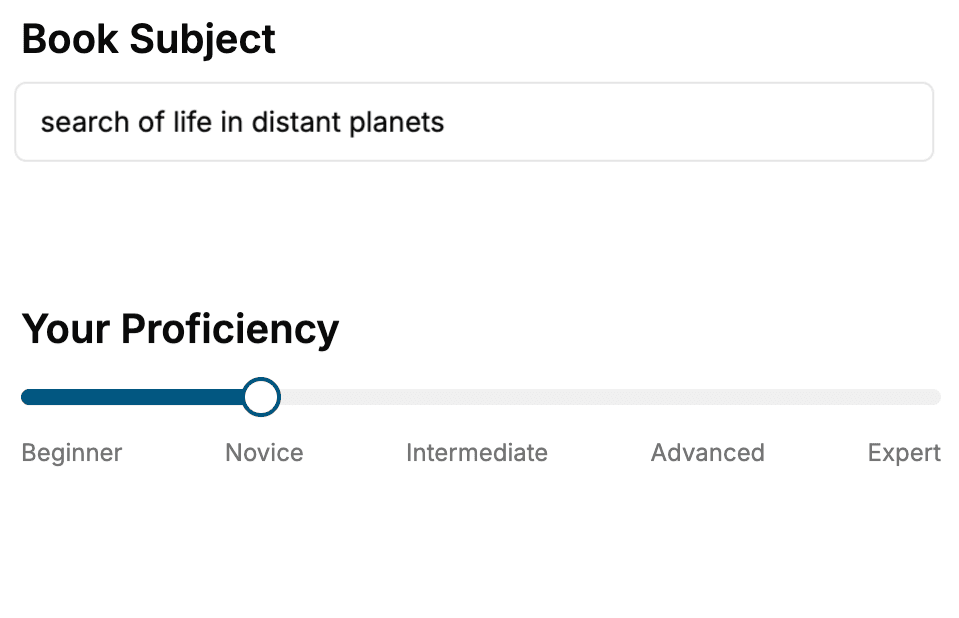
Select the focus of your Graphic Design book and share your background
- 2. Personalize your book
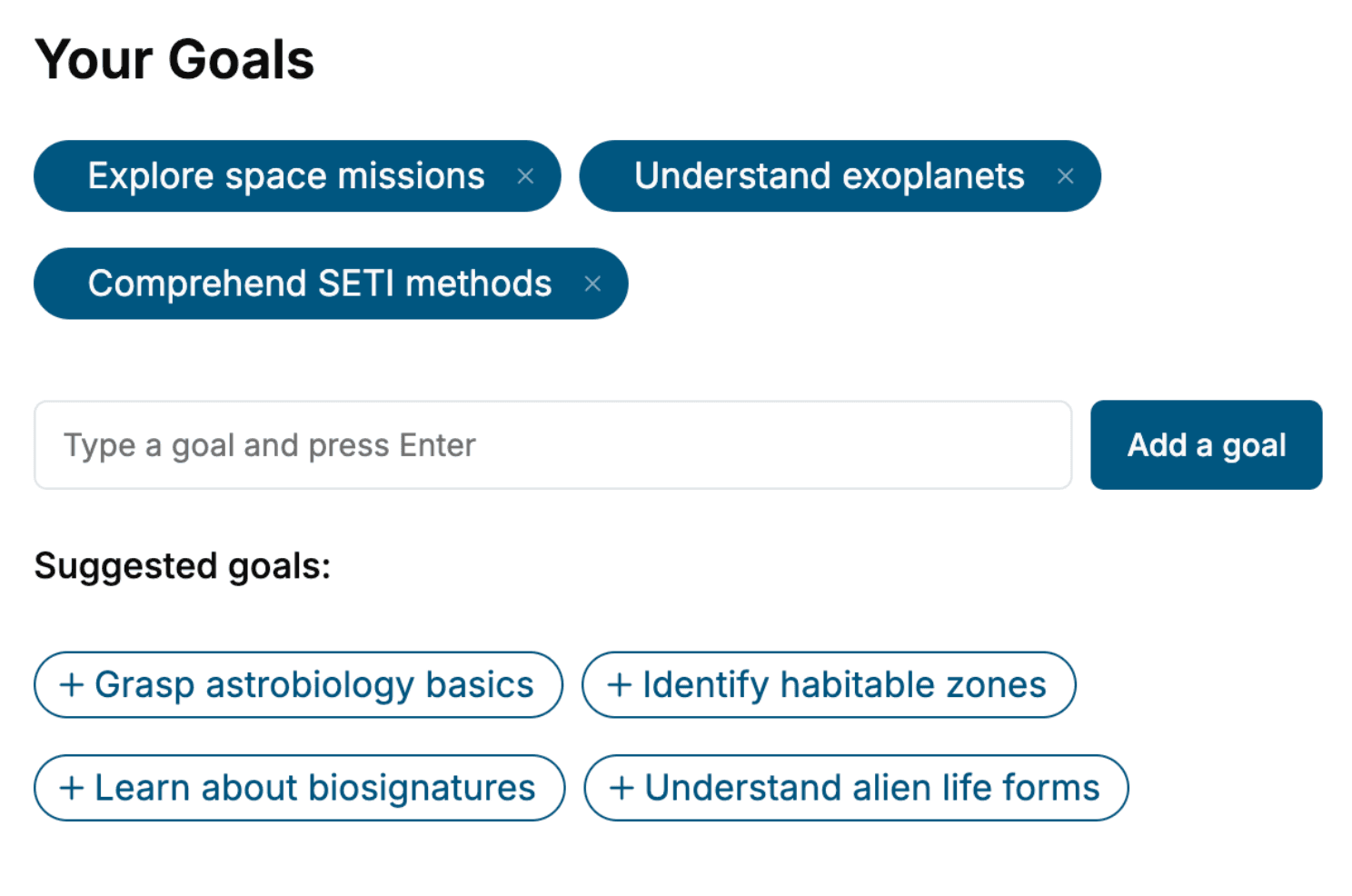
Specify your goals and choose sub-topics to include
- 3. Get your tailored book
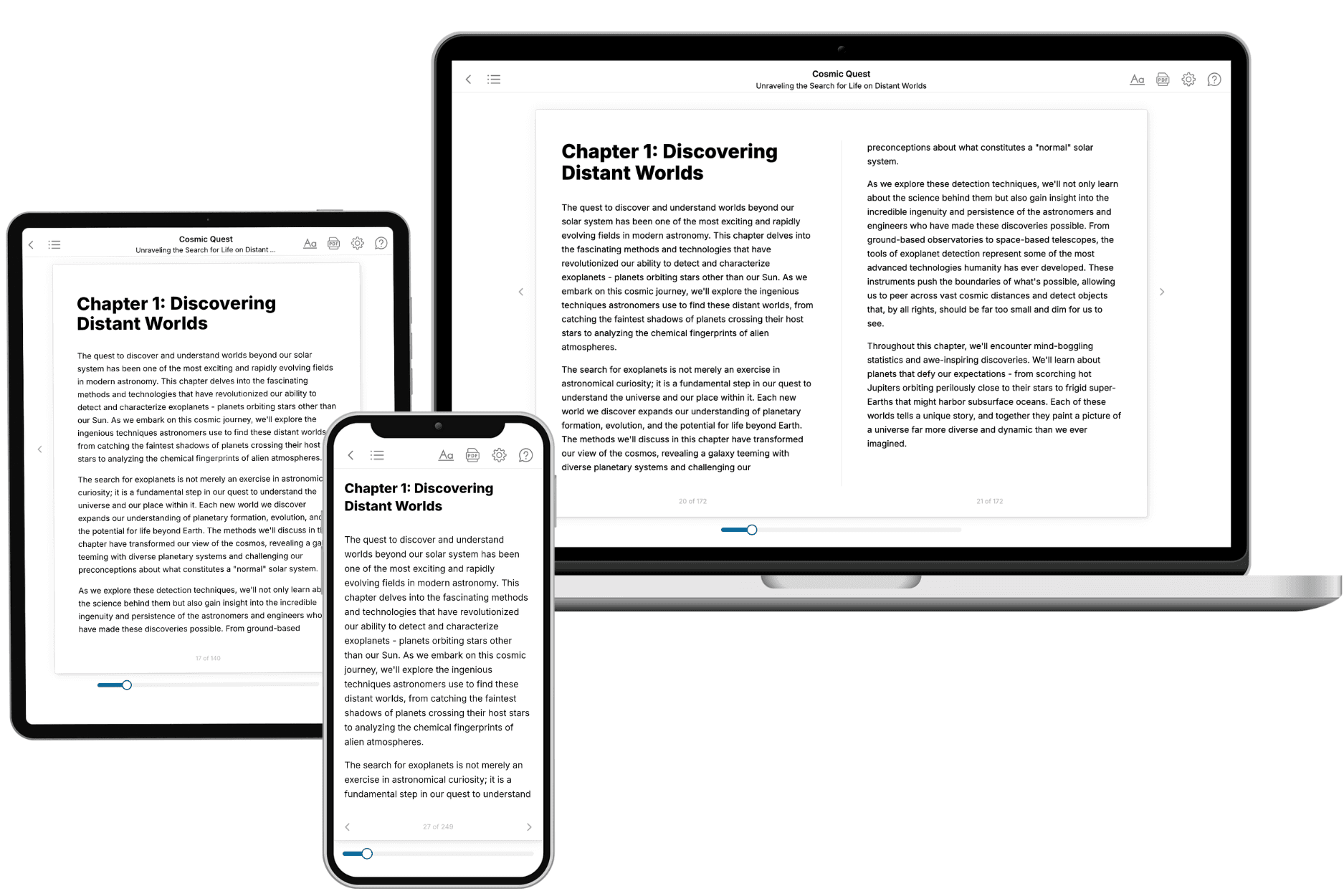
Your book is ready in 10 minutes. Read it online, download as EPUB or PDF, or send to Kindle.
Frequently asked questions
- What is TailoredRead?
TailoredRead creates complete, full-length nonfiction ebooks, written specifically for you. Tell us what you want to learn and why, and TailoredRead writes you a complete ebook on it, with charts, tables, and diagrams throughout. Read it online, on Kindle, or on any e-reader, or download it as a PDF or EPUB. Every book is written fresh the day you order it.
- How is the book tailored to me?
Before anything is written, you answer a few short questions about your goals, your background, and the topics you care about. Your book is then planned around your answers: written at your level, focused on your goals, and covering the topics you chose, instead of the one-size-fits-all book a store sells everyone.
- Will it read like generic AI content?
No. Your book isn't a chat transcript: it's planned chapter by chapter before a single word is written, told in a clear book voice, and explains ideas visually with charts, tables, and diagrams. After writing, every book goes through an editorial pass that polishes chapters so the book reads consistent from start to finish. Judge for yourself: browse thousands of sample books on our Explore Books page.
- How accurate is the content?
Our AI first checks whether your subject needs live research. Niche and fast-moving subjects are researched before writing, and the book plan and chapters are grounded in what it finds. After writing, every book goes through a quality pass that checks its facts and consistency, and researched books list their sources in a Notes section at the back.
- How long is the book?
You choose the length: Comprehensive (250-300 pages), Detailed (150-200 pages), Essential (70-100 pages), or Short (30-50 pages).
- Does the book include visuals?
Yes. Every book includes charts, tables, and diagrams: timelines, checklists, step-by-step guides, decision trees, comparison tables, matrices, and bar charts. A typical book includes dozens of these visual elements.
- Can I read it on Kindle? What formats can I download?
Yes. Every book can be read in our online reader or downloaded as a PDF or EPUB. The EPUB can be opened with Kindle, Apple Books, Kobo, and any e-reader. The Commercial and Author licenses also include an editable Word (DOCX) and Markdown download.
- How much does it cost?
About the price of a regular ebook. The exact price depends on your book's length and complexity, from $2 for the shortest books to $35 for the most comprehensive, and it's shown when you review your book, before you commit to anything. Each book is a one-time purchase, yours to keep, no subscription. Licenses that let you share, teach, or publish your book range from $35.99 to $49.99.
- Can I preview the book before purchasing?
Before you pay, you'll see what your book will cover: the title, a detailed description, the estimated length, and the complete chapter-by-chapter table of contents, so you know what you're getting before you decide. The full text itself is written after you purchase.
- How long does it take to create a book?
About 10 minutes. You can start reading the opening chapters while the rest is still being written.