Mastering jQuery Animations
Create Smooth, Responsive, and Professional Web Interactions
Many developers struggle with creating smooth, responsive animations that don't tank performance or confuse users. jQuery animations often feel clunky or unpredictable when you don't understand the underlying mechanics.
207 pages11 chaptersFeb 14, 2026jQuery
About this book
This guide cuts through the confusion and teaches you how to build professional-grade animations that enhance user experience without sacrificing performance. You'll master timing functions, animation queues, and callback sequences through practical examples. Learn when to use jQuery animations versus CSS transitions, how to optimize for different devices, and how to handle edge cases that trip up most developers. Whether you're adding subtle hover effects or building complex interactive sequences, you'll discover the patterns and techniques that separate polished applications from amateur ones. Includes real-world code examples, debugging strategies, and best practices for modern web development.
Table of contents
- IntroductionWhy Animations Matter in Modern Web Development, jQuery in Today's Web Development Landscape, What You'll Learn in This Book, How to Use This Book EffectivelyRead below
- Chapter 1: Animation FundamentalsUnderstanding Animation Basics, How jQuery's Animation Engine Works, jQuery Animations vs. CSS Transitions, Browser Rendering and Animation Cycles
- Chapter 2: Core Animation MethodsShow, Hide, and Toggle Methods, Fade Animations: FadeIn, FadeOut, and FadeTo, Slide Animations: SlideDown, SlideUp, and SlideToggle, The Animate Method: Custom Property Animations
- Chapter 3: Timing and Easing FunctionsDuration Parameters and Speed Keywords, Built-in Easing Functions: Linear and Swing, Creating Custom Easing Functions, Using Easing Libraries for Advanced Effects
- Chapter 4: Callbacks and PromisesUnderstanding Animation Callbacks, Common Callback Patterns and Pitfalls, jQuery Promises and Deferred Objects, Chaining Animations with Callbacks
- Chapter 5: Managing the Animation QueueHow the Animation Queue Works, Queue, Dequeue, and ClearQueue Methods, Adding Delays Between Animations, Best Practices for Queue Management
- Chapter 6: Practical Animation PatternsHover Effects and Interactive Elements, Modal and Popup Animations, Scroll-Based Animations and Parallax, Loading States and Progress Indicators
- Chapter 7: Performance OptimizationMeasuring and Analyzing Animation Performance, GPU Acceleration and Hardware Rendering, Memory Management and Cleanup, Optimizing Animations for Mobile Devices
- Chapter 8: Advanced TechniquesMorphing and Shape Transformations, Animating SVG Elements with jQuery, Building Complex Animation Sequences, Using RequestAnimationFrame for Smooth Motion
- Chapter 9: Accessibility and FallbacksRespecting Prefers-Reduced-Motion, Keyboard Navigation with Animations, Ensuring Screen Reader Compatibility, Graceful Degradation and Fallback Strategies
- Chapter 10: Debugging and TroubleshootingCommon Animation Issues and Solutions, Using Browser DevTools for Animation Debugging, Performance Profiling and Optimization, Cross-Browser Compatibility Considerations
- Chapter 11: Modern Alternatives and Future DirectionsCSS Animations and Transitions, The Web Animations API, Animation Libraries in Modern Frameworks, Choosing the Right Animation Technology
- ConclusionKey Takeaways and Next Steps, Resources for Continued Learning
Introduction
Web animations have evolved from simple novelties to essential components of modern user interfaces. When implemented thoughtfully, animations guide users through complex workflows, provide feedback on interactions, and create memorable experiences that distinguish professional applications from amateur ones. Yet many developers struggle to create animations that feel smooth, responsive, and purposeful rather than distracting or janky. The gap between basic animation knowledge and professional-grade implementation is wider than most realize, filled with performance pitfalls, timing complexities, and accessibility concerns that can derail even well-intentioned projects.
jQuery's animation capabilities have powered countless interactive websites since the library's introduction in 2006. While the web development landscape has shifted dramatically with the rise of modern frameworks and native browser APIs, jQuery animations remain relevant for millions of existing projects and continue to offer a pragmatic, accessible approach to DOM manipulation and motion design. Understanding jQuery's animation engine provides valuable insights into how browser rendering works, how to manage asynchronous sequences, and how to balance developer convenience with performance optimization. These principles transcend any single library or framework, making them valuable regardless of your technology stack.
This book bridges the gap between basic jQuery knowledge and advanced animation mastery. You already understand selectors, DOM manipulation, and event handling—now you'll learn how to orchestrate smooth, professional animations that enhance rather than hinder user experience. Through practical examples, performance optimization techniques, and real-world patterns, you'll develop the skills to create everything from subtle hover effects to complex interactive sequences. More importantly, you'll understand when to use jQuery animations, when to reach for CSS transitions, and how to make informed technology choices that serve your users and your codebase. The goal isn't just to teach you jQuery's animation methods, but to develop your intuition for motion design and interaction timing that will serve you throughout your career.
Why Animations Matter in Modern Web Development
Animations serve as the connective tissue between discrete interface states, transforming abrupt changes into smooth transitions that help users maintain context and understand cause-and-effect relationships. When a modal dialog slides into view rather than appearing instantly, users perceive the interface as more responsive and polished. When a button provides visual feedback during a click, users gain confidence that their action registered successfully. These micro-interactions accumulate into an overall impression of quality and attention to detail that distinguishes professional applications from hastily-built alternatives. Research consistently shows that well-designed animations reduce cognitive load, improve task completion rates, and increase user satisfaction across diverse demographics and use cases[1].
The psychological impact of motion extends beyond mere aesthetics. Human visual systems evolved to detect movement as a survival mechanism, making animated elements naturally attention-grabbing without requiring conscious effort. This biological reality makes animations powerful tools for directing user attention, highlighting important information, and guiding users through multi-step processes. Consider a form validation scenario: a subtle shake animation on an invalid field immediately communicates the problem location without requiring users to scan the entire page for error messages. Similarly, a progress indicator that smoothly fills rather than jumping between discrete states provides continuous feedback that reduces perceived wait time and anxiety during loading operations.
Performance considerations make animation implementation more complex than static design. Poorly optimized animations can cause frame drops, battery drain, and frustrating user experiences, particularly on mobile devices with limited processing power. A smooth animation maintains 60 frames per second, giving the browser approximately 16 milliseconds to render each frame—a tight budget that requires careful resource management. Understanding which CSS properties trigger expensive layout recalculations versus cheap composite operations becomes essential knowledge. The difference between animating left versus transform: translateX() might seem trivial in code, but the performance implications can make or break the user experience on lower-end devices.
Accessibility concerns add another dimension to animation design. What delights one user might trigger motion sickness or vestibular disorders in another. The prefers-reduced-motion media query allows users to communicate their motion sensitivity preferences, but developers must actually respect these settings by providing alternative feedback mechanisms. Animations must also work with keyboard navigation and screen readers, ensuring that visual motion doesn't become a barrier to access. These considerations aren't optional extras—they're fundamental requirements for building inclusive web experiences that serve all users regardless of ability or preference.
Business metrics increasingly reflect the importance of polished interactions. E-commerce sites with smooth product image transitions see higher conversion rates than those with jarring state changes. SaaS applications with thoughtful loading animations receive better user satisfaction scores than functionally identical competitors with abrupt transitions. These differences might seem superficial, but they reflect deeper truths about human perception and decision-making. Users form impressions about software quality within milliseconds, and animation quality contributes significantly to those snap judgments. In competitive markets, the difference between adequate and excellent animation implementation can directly impact revenue and user retention.
Modern web development demands animation skills across multiple technologies and contexts. You might need jQuery animations for maintaining legacy codebases, CSS transitions for simple hover effects, JavaScript animation libraries for complex sequences, and framework-specific solutions for component-based architectures. Understanding the strengths and limitations of each approach allows you to make informed decisions rather than defaulting to familiar tools regardless of context. jQuery animations provide an excellent foundation for understanding animation principles because they expose timing, easing, and queue management concepts that remain relevant across all animation technologies. Master these fundamentals, and you'll find yourself better equipped to work with any animation system.
The strategic value of animation expertise extends beyond individual projects. Developers who understand animation principles can communicate more effectively with designers, translating motion design specifications into working code while identifying potential performance issues early in the development process. This cross-functional fluency becomes increasingly valuable as teams adopt design systems and component libraries that codify animation patterns for reuse across products. Your ability to implement animations that match design intent while maintaining performance standards makes you a more valuable team member and opens opportunities for technical leadership roles where you guide animation strategy across entire organizations.
jQuery in Today's Web Development Landscape
jQuery's market position has shifted dramatically since its peak dominance in the early 2010s, yet the library remains remarkably prevalent in production environments. As of 2024, jQuery powers approximately 77% of websites with detectable JavaScript libraries, though this figure includes many legacy applications rather than new development[2]. This widespread deployment creates ongoing demand for developers who can maintain, optimize, and enhance existing jQuery codebases. Dismissing jQuery as obsolete ignores the reality that millions of production applications depend on it, and many organizations prioritize stability and incremental improvement over wholesale rewrites. Understanding jQuery animations isn't about clinging to the past—it's about serving the present while preparing for the future.
The rise of modern frameworks like React, Vue, and Angular hasn't eliminated jQuery's relevance, but it has clarified where jQuery excels and where alternatives prove superior. jQuery shines in content-heavy websites, progressive enhancement scenarios, and situations where you need to add interactivity to server-rendered HTML without adopting a full framework. A WordPress plugin that enhances existing markup with smooth animations represents an ideal jQuery use case. Conversely, single-page applications with complex state management and component hierarchies typically benefit from framework-specific animation solutions. The key is matching tools to requirements rather than applying dogmatic preferences regardless of context.
Native browser APIs have absorbed many features that originally required jQuery, reducing the library's necessity for basic DOM manipulation and AJAX requests. Modern JavaScript provides querySelector, classList, and fetch as standard features, eliminating jQuery's historical advantage in cross-browser compatibility. However, jQuery's animation methods still offer convenience and abstraction that vanilla JavaScript lacks. Compare the jQuery code $('.element').fadeOut(300) with the vanilla equivalent requiring manual opacity manipulation, transition event listeners, and display property management. The jQuery version remains more concise and less error-prone, particularly for developers who need to ship features quickly without becoming animation specialists.
Performance considerations complicate the jQuery versus vanilla JavaScript debate. jQuery adds approximately 30KB of minified, gzipped overhead—negligible on desktop connections but potentially significant on mobile networks in bandwidth-constrained regions. However, this overhead must be weighed against development time, maintenance costs, and the likelihood of introducing bugs when implementing complex animations from scratch. A well-optimized jQuery animation often outperforms poorly-written vanilla JavaScript, and the time saved by using jQuery's abstractions can be invested in other performance optimizations that deliver greater user impact. Blanket statements about jQuery being "too slow" ignore these nuanced trade-offs and the reality that most performance problems stem from algorithmic inefficiency rather than library choice.
The learning value of jQuery animations extends beyond the library itself. jQuery's animation queue system teaches fundamental concepts about asynchronous programming, callback management, and timing coordination that apply across all JavaScript development. Understanding how jQuery manages animation sequences prepares you to work with Promises, async/await, and reactive programming patterns in modern frameworks. The easing functions you learn in jQuery translate directly to CSS animation timing functions and Web Animations API configurations. These transferable concepts make jQuery animation knowledge valuable even if you never use the library in production, serving as a pedagogical stepping stone to more advanced animation techniques.
Migration strategies from jQuery to modern alternatives require understanding both systems thoroughly. You can't effectively replace jQuery animations with CSS transitions or the Web Animations API without understanding what the jQuery code actually does, including queue management, callback sequences, and property manipulation. Many failed migration projects stem from developers who underestimate jQuery's complexity and attempt naive replacements that break subtle timing dependencies. Successful migrations require deep jQuery knowledge combined with expertise in target technologies—making jQuery mastery valuable even when your ultimate goal is moving away from the library. The path forward often involves hybrid approaches where jQuery animations coexist with modern techniques during gradual refactoring.
Community support and ecosystem maturity remain jQuery strengths despite declining mindshare among cutting-edge developers. Decades of Stack Overflow answers, plugin libraries, and documentation provide solutions to virtually any jQuery animation challenge you might encounter. This accumulated knowledge base accelerates problem-solving and reduces the risk of getting stuck on obscure issues. Newer animation libraries might offer superior performance or more elegant APIs, but they lack jQuery's extensive community resources and battle-tested solutions. For teams with limited animation expertise, jQuery's mature ecosystem provides valuable guardrails and learning resources that reduce implementation risk and onboarding time for new developers.
What You'll Learn in This Book
This book provides comprehensive coverage of jQuery animations from fundamental concepts through advanced techniques and real-world implementation patterns. You'll start with animation basics—understanding how jQuery's animation engine works, how browser rendering cycles affect performance, and how jQuery animations compare to CSS transitions. These foundational chapters establish mental models that inform all subsequent learning, ensuring you understand not just what to do but why specific approaches work better than alternatives. By understanding the underlying mechanics, you'll develop the intuition needed to debug problems, optimize performance, and make informed architectural decisions in your own projects.
Core animation methods receive detailed treatment with practical examples demonstrating real-world applications. You'll master the built-in methods like fadeIn(), slideDown(), and animate(), learning their parameters, limitations, and optimal use cases. Each method is explored through progressively complex examples that build on previous knowledge, starting with simple single-element animations and advancing to coordinated multi-element sequences. You'll see how to combine methods effectively, when to use shortcuts versus custom animations, and how to avoid common pitfalls that create janky or unpredictable behavior. Code examples include complete, runnable implementations rather than isolated snippets, giving you templates you can adapt for your own projects.
Timing and easing functions form a critical chapter that separates amateur animations from professional ones. You'll learn how duration parameters affect perceived responsiveness, how easing functions create natural-feeling motion, and how to choose appropriate timing for different interaction types. The chapter covers jQuery's built-in easing options, integration with easing libraries like jQuery UI and jQuery Easing Plugin, and techniques for creating custom easing functions when standard options don't meet your needs. Practical examples demonstrate how subtle timing changes dramatically affect user perception, with side-by-side comparisons showing the impact of different easing choices on identical animations.
Callback management and promise-based coordination receive thorough coverage because animation sequences often require precise timing across multiple elements. You'll learn how to use completion callbacks effectively, avoid callback hell through proper structuring, and leverage jQuery's Deferred objects for complex coordination scenarios. The chapter includes patterns for common sequences like staggered animations, parallel animations with synchronized completion, and conditional animations that branch based on runtime conditions. You'll see how to handle edge cases like animations interrupted by user actions, cleanup requirements when animations complete, and error handling when animations fail or get cancelled.
Queue management chapters demystify one of jQuery's most powerful but least understood features. You'll learn how the animation queue works internally, how to manipulate queues for custom effects, and how to avoid queue buildup that causes animations to lag behind user interactions. Practical examples show how to implement pause/resume functionality, how to clear queues when users navigate away, and how to create custom queues for independent animation channels. Understanding queue mechanics transforms you from someone who uses jQuery animations to someone who controls them precisely, enabling sophisticated effects that would be extremely difficult to implement without queue knowledge.
Performance optimization receives dedicated coverage because smooth animations require careful resource management. You'll learn how to measure animation performance using browser DevTools, identify bottlenecks through profiling, and apply optimization techniques that maintain 60fps even on modest hardware. The chapter covers GPU acceleration strategies, memory management to prevent leaks, and mobile-specific optimizations for battery-constrained devices. You'll see concrete before-and-after examples showing how specific optimizations improve frame rates, with performance metrics demonstrating the impact of different approaches. This knowledge prevents you from shipping animations that work fine on your development machine but frustrate users on real-world devices.
Advanced technique chapters explore sophisticated animation patterns including morphing transformations, SVG animations, and complex multi-stage sequences. You'll learn how to animate properties that jQuery doesn't support natively, how to integrate with other animation libraries, and how to use requestAnimationFrame for ultra-smooth custom animations. These chapters assume solid understanding of earlier material and push into territory where jQuery's built-in methods need augmentation or replacement. The goal is expanding your animation toolkit beyond jQuery's defaults while maintaining the library's convenience and cross-browser compatibility where appropriate.
Accessibility and debugging chapters address critical but often-neglected aspects of animation implementation. You'll learn how to respect user motion preferences, ensure keyboard navigation works with animated interfaces, and provide appropriate feedback for screen reader users. The debugging chapter covers systematic approaches to identifying animation problems, using browser tools effectively, and solving cross-browser compatibility issues. These chapters reflect the reality that shipping animations to production requires more than making them work on your machine—you need to ensure they work for all users across diverse devices, browsers, and accessibility needs. The book concludes with guidance on modern alternatives and migration strategies, helping you understand where jQuery fits in the broader animation landscape and how to make informed technology choices for future projects.
How to Use This Book Effectively
This book is structured for progressive learning, with each chapter building on concepts introduced in previous sections. While experienced developers might be tempted to skip directly to advanced chapters, the foundational material establishes terminology, mental models, and code patterns that later chapters assume you understand. Even if you've used jQuery animations before, the early chapters likely contain insights about internal mechanics and performance implications that will deepen your understanding and improve your implementation choices. Plan to read sequentially on your first pass, then use the book as a reference for specific techniques once you've absorbed the core concepts and established a complete mental framework.
Hands-on practice is essential for mastering animation techniques. Each chapter includes code examples designed for experimentation—don't just read them, type them out, run them in your browser, and modify them to see how changes affect behavior. Create a dedicated practice project where you can test examples without worrying about breaking production code. Try variations: change timing values, swap easing functions, combine different animation methods, and deliberately introduce errors to see how they manifest. This active experimentation builds intuition that passive reading cannot provide, helping you internalize patterns and develop the muscle memory needed to implement animations quickly and correctly under real project constraints.
The code examples in this book prioritize clarity and educational value over production-ready completeness. Real-world implementations would include additional error handling, feature detection, and edge case management that would obscure the core concepts being taught. When adapting examples for your projects, consider the following enhancements:
- Add feature detection to verify jQuery is loaded and animation methods are available
- Implement error handling for animations that might fail or get interrupted
- Include accessibility attributes and keyboard navigation support
- Add responsive behavior for different screen sizes and device capabilities
- Implement proper cleanup to prevent memory leaks in long-running applications
- Consider performance implications for users on slow devices or limited connections
Browser DevTools should be open whenever you're working with animations. The Performance panel shows frame rates and identifies rendering bottlenecks. The Elements panel lets you inspect computed styles and see how animations affect the DOM. The Console reveals errors and warnings that might explain unexpected behavior. Get comfortable using these tools to investigate how your animations actually execute rather than how you think they should execute. Set up a workflow where you routinely profile animations, check frame rates, and verify that animations complete as expected. This diagnostic discipline prevents you from shipping janky animations that work on your high-end development machine but frustrate users on typical hardware.
Create a personal code library as you progress through the book. When you encounter a useful pattern or solve a tricky problem, save the solution in a well-organized repository with clear comments explaining the approach and any gotchas you discovered. Over time, this library becomes a valuable resource for quickly implementing common animation patterns without reinventing solutions. Structure your library by animation type (fading, sliding, morphing), by use case (modals, menus, notifications), and by complexity level (simple, intermediate, advanced). Include notes about browser compatibility, performance characteristics, and accessibility considerations for each pattern. This personal knowledge base accelerates future development and helps you avoid repeating past mistakes.
Engage with the broader web development community to deepen your learning and stay current with evolving best practices. Share your animation experiments on CodePen or JSFiddle and solicit feedback from other developers. Participate in forums and discussion groups where animation techniques are debated and refined. Follow developers who specialize in motion design and interaction patterns to see how professionals approach animation challenges. This community engagement exposes you to diverse perspectives and techniques you might not discover through solo study. You'll also develop the ability to articulate animation concepts clearly, which reinforces your own understanding and helps you collaborate effectively with designers and other developers on team projects.
Balance learning jQuery animations with awareness of modern alternatives. As you master jQuery techniques, periodically explore how you might implement similar effects using CSS transitions, the Web Animations API, or framework-specific solutions. This comparative approach helps you understand the trade-offs between different technologies and prevents you from becoming overly dependent on any single tool. Create side-by-side implementations of the same animation using multiple techniques, comparing code complexity, performance characteristics, and browser compatibility. This broader perspective makes you a more versatile developer capable of choosing appropriate tools for diverse project requirements rather than forcing every problem into a jQuery-shaped solution.
Set concrete learning goals and track your progress through the book. Rather than vaguely aiming to "get better at animations," define specific objectives like "implement a smooth modal animation with proper accessibility support" or "optimize an existing animation to maintain 60fps on mobile devices." After completing each chapter, build a small project that applies the concepts you've learned, creating a portfolio of animation examples that demonstrate your growing capabilities. These projects serve multiple purposes: they reinforce learning through application, provide concrete evidence of your skills for potential employers or clients, and create a reference library of working implementations you can consult when facing similar challenges in production work. Deliberate practice with clear goals accelerates skill development far more effectively than passive reading or unfocused experimentation.
This is the end of the free sample. The full book has 11 chapters.
Want this book written for you?
Tell us your goals and background, and get your own version of this book, tailored by AI to you.


Benefits of AI-tailored books
- Read one book, not ten:
- all the jQuery knowledge you need, gathered into a single book.
- Save days of learning:
- tell us your goals, choose your topics, and the whole book is built around them.
- Learn effortlessly:
- jQuery book written for your specific background and expertise.
- Understand at a glance:
- includes charts, tables, timelines, checklists, decision trees, and more.
- Stay current:
- written the day you order it, not years ago.
- Trust what you read:
- every book is checked for accuracy, with real research when your subject needs it.
Create your unique book in 3 steps
- 1. Select your focus
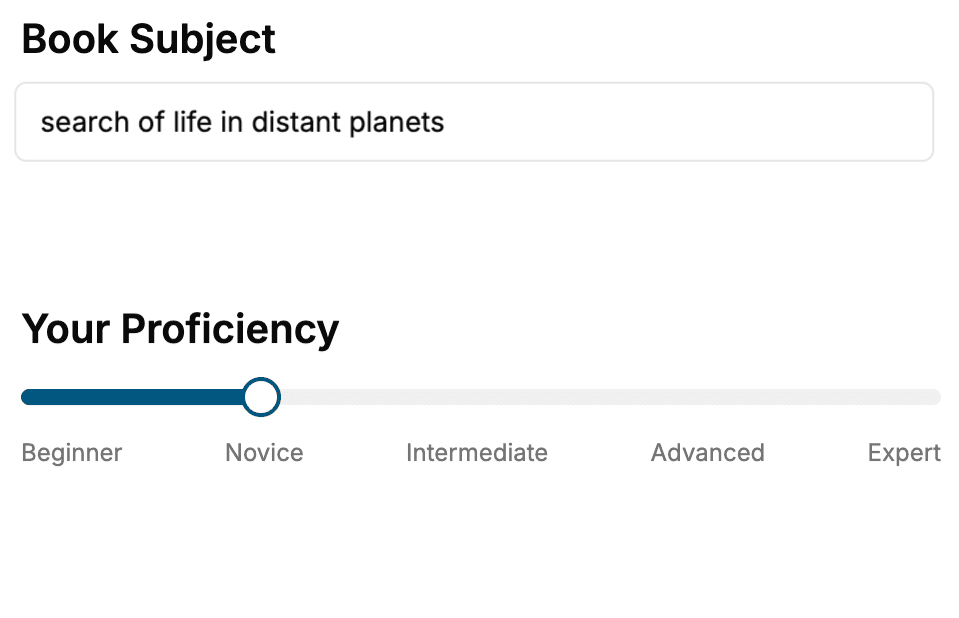
Select the focus of your jQuery book and share your background
- 2. Personalize your book
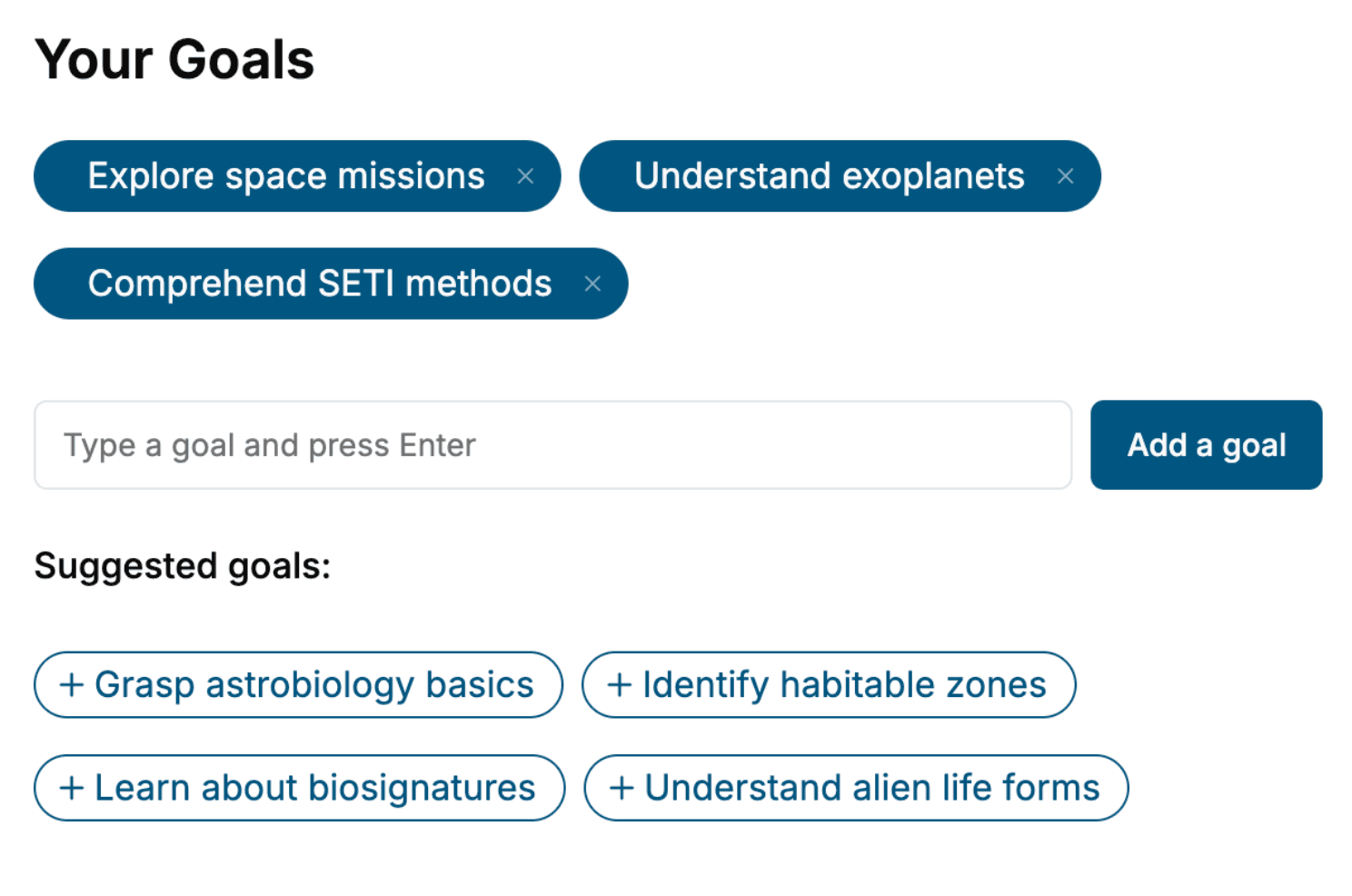
Specify your goals and choose sub-topics to include
- 3. Get your tailored book
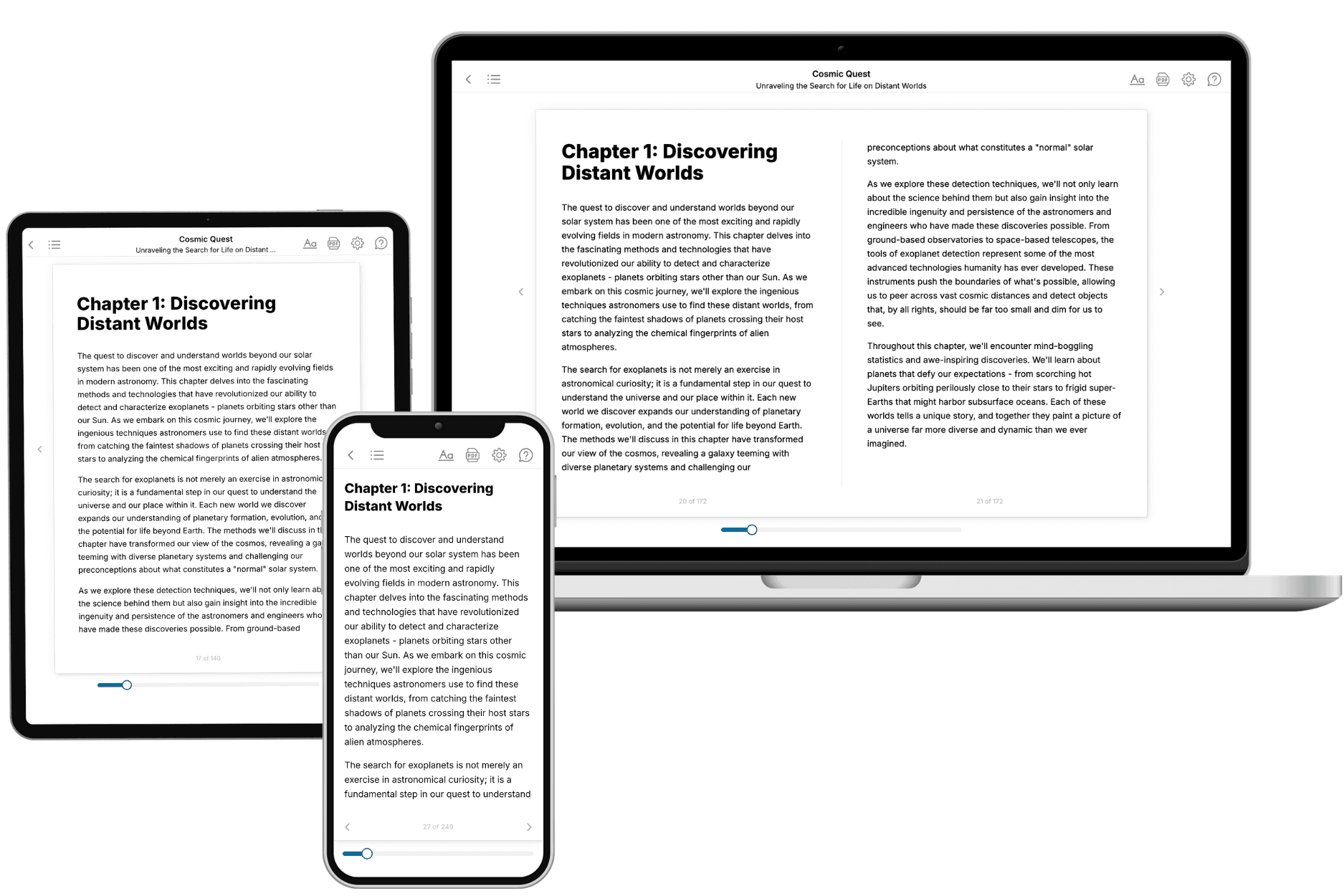
Your book is ready in 10 minutes. Read it online, download as EPUB or PDF, or send to Kindle.
Frequently asked questions
- What is TailoredRead?
TailoredRead creates complete, full-length nonfiction ebooks, written specifically for you. Tell us what you want to learn and why, and TailoredRead writes you a complete ebook on it, with charts, tables, and diagrams throughout. Read it online, on Kindle, or on any e-reader, or download it as a PDF or EPUB. Every book is written fresh the day you order it.
- How is the book tailored to me?
Before anything is written, you answer a few short questions about your goals, your background, and the topics you care about. Your book is then planned around your answers: written at your level, focused on your goals, and covering the topics you chose, instead of the one-size-fits-all book a store sells everyone.
- Will it read like generic AI content?
No. Your book isn't a chat transcript: it's planned chapter by chapter before a single word is written, told in a clear book voice, and explains ideas visually with charts, tables, and diagrams. After writing, every book goes through an editorial pass that polishes chapters so the book reads consistent from start to finish. Judge for yourself: browse thousands of sample books on our Explore Books page.
- How accurate is the content?
Our AI first checks whether your subject needs live research. Niche and fast-moving subjects are researched before writing, and the book plan and chapters are grounded in what it finds. After writing, every book goes through a quality pass that checks its facts and consistency, and researched books list their sources in a Notes section at the back.
- How long is the book?
You choose the length: Comprehensive (250-300 pages), Detailed (150-200 pages), Essential (70-100 pages), or Short (30-50 pages).
- Does the book include visuals?
Yes. Every book includes charts, tables, and diagrams: timelines, checklists, step-by-step guides, decision trees, comparison tables, matrices, and bar charts. A typical book includes dozens of these visual elements.
- Can I read it on Kindle? What formats can I download?
Yes. Every book can be read in our online reader or downloaded as a PDF or EPUB. The EPUB can be opened with Kindle, Apple Books, Kobo, and any e-reader. The Commercial and Author licenses also include an editable Word (DOCX) and Markdown download.
- How much does it cost?
About the price of a regular ebook. The exact price depends on your book's length and complexity, from $2 for the shortest books to $35 for the most comprehensive, and it's shown when you review your book, before you commit to anything. Each book is a one-time purchase, yours to keep, no subscription. Licenses that let you share, teach, or publish your book range from $35.99 to $49.99.
- Can I preview the book before purchasing?
Before you pay, you'll see what your book will cover: the title, a detailed description, the estimated length, and the complete chapter-by-chapter table of contents, so you know what you're getting before you decide. The full text itself is written after you purchase.
- How long does it take to create a book?
About 10 minutes. You can start reading the opening chapters while the rest is still being written.