Mastering Klipper
The Complete Guide to Advanced 3D Printer Configuration, G-code Programming, and Automation
Imagine your 3D printer running flawlessly, automatically handling complex print sequences, adapting to different materials, and delivering consistent results without constant manual tweaking.
253 pages13 chaptersJun 7, 20263D PrintingCreated by Marc
About this book
This comprehensive guide takes you from Klipper fundamentals to advanced automation, equipping you with the knowledge to configure, optimize, and troubleshoot your printer like a professional. You'll master G-code syntax, harness Jinja2's templating power, and develop sophisticated macros that automate everything from startup sequences to multi-material printing. Through practical examples, systematic calibration techniques, and real-world debugging strategies, you'll learn how to diagnose issues quickly, prevent failures before they happen, and build a printer configuration that's both powerful and maintainable. Whether you're optimizing print quality, implementing advanced features, or creating reusable automation templates, this guide provides the technical depth and practical wisdom needed to transform your 3D printing experience.
Table of contents
- IntroductionWhy Klipper Matters for Modern 3D Printing, What You'll Learn in This Guide, How to Use This Book EffectivelyRead below
- Chapter 1: Klipper Firmware Architecture and Core ConceptsUnderstanding Klipper's Modular Architecture, Host Processing vs. Microcontroller Communication, Installation, Setup, and Initial Configuration
- Chapter 2: G-code Command Syntax and FundamentalsG-code Basics: Commands, Parameters, and Syntax, Movement Commands and Coordinate Systems, Temperature Control and Extrusion Commands
- Chapter 3: Printer Configuration Files and StructureAnatomy of a Klipper Configuration File, Defining Hardware: Steppers, Heaters, and Sensors, Organizing and Modularizing Your Configuration
- Chapter 4: Jinja2 Template Basics and Dynamic ConfigurationIntroduction to Jinja2 Templating Language, Variables, Loops, and Conditional Statements, Applying Jinja2 to Klipper Configuration Files
- Chapter 5: Macro Development Fundamentals and AutomationCreating Your First Macros: Syntax and Structure, Macro Parameters, Variables, and Scope, Practical Macro Examples for Common Tasks
- Chapter 6: Conditional Logic and Intelligent AutomationIf-Then-Else Logic in Macros, Integrating Sensor Data into Conditional Logic, Building Dynamic Workflows with Conditional Execution
- Chapter 7: Systematic Calibration and Print Quality OptimizationPressure Advance Calibration for Extrusion Accuracy, Nozzle Temperature Tuning and Thermal Management, Automated Bed Leveling and Mesh Compensation
- Chapter 8: Advanced Features: Multi-Material and Sensor IntegrationFilament Sensor Integration and Runout Detection, Multi-Material Printing Setup and Workflows, Tool Changer Configuration and Conditional Handling
- Chapter 9: Motion System Optimization and Performance TuningResonance Compensation and Input Shaping, Extruder Flow Rate Tuning and Calibration, Print Speed Optimization and Motion Profiles
- Chapter 10: Automated Maintenance Routines and ReliabilityOptimizing Startup and Shutdown Sequences, Creating Automated Maintenance and Cleaning Routines, Failure Prevention Strategies and Reliability Testing
- Chapter 11: Error Diagnosis and Advanced Debugging TechniquesReading and Analyzing Klipper Logs, Advanced Macro Debugging and Testing Methods, Diagnosing and Resolving Common Configuration Issues
- Chapter 12: Reusable Code Templates and Custom LibrariesDesigning Reusable Macro Templates, Building Custom Macro Libraries for Your Workflow, Configuration Version Control and Documentation
- Chapter 13: Sharing Configurations and Best PracticesCreating Comprehensive Printer Profile Documentation, Configuration Sharing Best Practices and Standards, Leveraging Community Resources and Repositories
- Conclusion: Your Path to MasteryRecap of Key Learnings and Achievements, Next Steps for Continued Growth and Experimentation
- Appendix: Quick Reference and ResourcesG-code Command Quick Reference, Common Macro Snippets and Templates, Quick Troubleshooting Guide
Introduction
There is a moment that almost every 3D printing enthusiast knows well. You've spent hours dialing in your slicer settings, you've leveled the bed three times, and you've finally hit print. The first layer goes down beautifully. Then, somewhere around layer forty, something goes wrong. A blob appears on a corner. Stringing ruins a fine detail. The print warps off the bed. You stare at the result, frustrated, wondering what invisible variable you failed to control. That moment is exactly why Klipper exists, and exactly why this guide was written.
Klipper is a firmware platform that fundamentally changes how your 3D printer thinks and operates. Unlike traditional firmware that runs entirely on the printer's small microcontroller, Klipper offloads the heavy computational work to a host computer, typically a Raspberry Pi or similar single-board computer. This split architecture gives you access to a level of precision, flexibility, and programmability that simply isn't possible with conventional firmware like Marlin or RepRapFirmware. The result is a printer that can be configured, automated, and optimized far beyond what most hobbyists imagine is achievable.
This guide is designed for 3D printing enthusiasts who already understand the basics of printing but want to go deeper. You don't need to be a software engineer or an electronics expert. What you do need is curiosity, patience, and a willingness to engage with configuration files, G-code commands, and a bit of scripting logic. Everything in this book builds progressively, starting from Klipper's core architecture and moving through G-code fundamentals, Jinja2 templating, macro development, calibration science, and advanced automation. By the time you reach the final chapters, you'll have the tools and knowledge to build a printer configuration that is powerful, maintainable, and genuinely your own.
The journey from a stock printer running basic firmware to a fully automated, intelligently configured Klipper machine is one of the most rewarding experiences in the 3D printing hobby. It requires learning new concepts, making mistakes, debugging problems, and iterating on solutions. But every step forward compounds. A macro you write in Chapter 5 becomes the foundation for a complex multi-material workflow in Chapter 8. A calibration technique you learn in Chapter 7 makes the motion optimization in Chapter 9 far more effective. This book is structured to make that progression feel natural and achievable, not overwhelming.
Why Klipper Matters for Modern 3D Printing
To understand why Klipper has become one of the most popular firmware choices among serious 3D printing enthusiasts, it helps to understand what traditional firmware actually does and where it falls short. In a conventional setup, the printer's microcontroller handles everything: parsing G-code, calculating motion paths, managing heaters, reading sensors, and driving stepper motors. These microcontrollers are capable, but they are fundamentally limited in processing power. When you push print speeds higher or add complex features, the microcontroller starts to struggle, and print quality suffers as a result.
Klipper solves this by splitting the workload. The host computer, running a full Linux operating system, handles all the computationally expensive tasks like G-code parsing, kinematic calculations, and macro execution. The microcontroller is left to do what it does best: executing precise, time-sensitive motor commands at high frequency. This separation means your printer benefits from the processing power of a modern computer while still maintaining the real-time precision needed for accurate motion control. The practical result is that Klipper can achieve step rates and motion accuracy that are simply out of reach for traditional firmware.[1]
Beyond raw performance, Klipper's configuration system is one of its most compelling features. Everything about your printer, from stepper motor parameters to heater PID values to custom automation macros, lives in human-readable text files. There are no cryptic menus to navigate or firmware to recompile every time you want to change a setting. You edit a file, save it, and issue a firmware restart command. This approach makes experimentation fast, version control straightforward, and sharing configurations with other users genuinely practical.
The macro system is where Klipper truly separates itself from the competition. Using a combination of G-code commands and Jinja2 templating, you can write macros that automate complex sequences, respond to sensor data, and make intelligent decisions based on print parameters. Consider a startup sequence that automatically checks bed temperature, runs a mesh bed leveling routine only if the bed has cooled below a threshold, primes the nozzle based on the filament type stored in a variable, and then begins printing. All of that can be encoded into a single PRINT_START macro that your slicer calls automatically. That kind of automation is what transforms a good printer into a great one.
Klipper also has a thriving community and ecosystem. Projects like Moonraker (a web API layer) and Mainsail or Fluidd (browser-based interfaces) have grown up around Klipper to provide polished, feature-rich control panels that rival commercial printer software. The community has produced an enormous library of shared configurations, macros, and plugins. When you adopt Klipper, you're not just installing firmware. You're joining an ecosystem of active developers and enthusiasts who are constantly pushing the boundaries of what desktop 3D printing can do.
It's worth being honest about the trade-offs, too. Klipper has a steeper initial learning curve than plug-and-play firmware. Setting it up requires comfort with Linux command-line basics, configuration file editing, and some patience during the initial calibration process. Some printers require hardware modifications or specific board support to run Klipper at all. These are real barriers, and this guide takes them seriously. Every chapter is designed to give you not just the "what" but the "why" and the "how," so that when something doesn't work as expected, you have the understanding to diagnose and fix it rather than feeling lost.
The bottom line is this: if you want a 3D printer that you truly understand and control, one that can be automated, optimized, and extended without limits, Klipper is the right platform. The investment in learning it pays dividends with every print you run, every failure you prevent, and every new capability you unlock. This guide is your roadmap for making that investment count.
Real-world example: A Voron 2.4 printer running Marlin at 150mm/s with visible ringing artifacts on corners was switched to Klipper with input shaping enabled. After running the resonance compensation calibration (covered in Chapter 9), the same printer achieved clean, artifact-free prints at 250mm/s. The hardware didn't change. The firmware and configuration did.
What You'll Learn in This Guide
This guide covers the full spectrum of Klipper knowledge, from foundational concepts to advanced automation techniques. It's organized so that each chapter builds on the previous one, but it's also designed to be a useful reference you can return to when you need to solve a specific problem or implement a particular feature. Here's a clear picture of what each major section covers and what you'll be able to do after working through it.
The first section of the book, covering Chapters 1 through 3, establishes the technical foundation. You'll learn how Klipper's architecture works, why the host-MCU split matters for print quality, and how to get Klipper installed and running on your hardware. You'll then dive into G-code, the universal language of 3D printing, covering command syntax, movement systems, temperature control, and extrusion commands. Finally, you'll explore the structure of Klipper's configuration files in depth, learning how to define hardware components, organize your configuration logically, and avoid the common mistakes that trip up new users.
Chapters 4 through 6 introduce the programming layer that makes Klipper genuinely powerful. You'll learn Jinja2 templating, the system Klipper uses to make configuration files dynamic and reusable. From there, you'll move into macro development, starting with simple command sequences and progressing to macros with parameters, variables, and scope management. Chapter 6 covers conditional logic, teaching you how to write macros that make intelligent decisions based on sensor readings, filament types, and print parameters. These three chapters are where Klipper transforms from a firmware into a programmable automation platform.
Chapters 7 through 9 focus on performance and quality. You'll work through systematic calibration techniques for pressure advance, temperature tuning, and automated bed leveling. You'll learn how to set up and configure advanced features like filament runout sensors, multi-material printing systems, and tool changers. Then you'll tackle motion system optimization, including resonance compensation with input shaping, extruder flow rate calibration, and print speed profiling. These chapters are where the theoretical knowledge from earlier sections translates into measurable improvements in print quality.
The final section, Chapters 10 through 13, covers the practices that separate a well-maintained printer from a frustrating one. You'll build automated startup and shutdown sequences, create maintenance routines that keep your printer in peak condition, and develop failure prevention strategies that catch problems before they ruin a print. You'll learn advanced debugging techniques for analyzing Klipper logs and diagnosing configuration issues. Finally, you'll learn how to design reusable macro templates, build custom libraries, manage your configuration with version control, and share your work with the community effectively.
By the end of this guide, you'll have developed a specific set of practical skills. These include:
- Writing and debugging Klipper configuration files from scratch
- Creating G-code macros that automate complex print sequences
- Using Jinja2 templating to build dynamic, reusable configuration systems
- Calibrating pressure advance, bed leveling, and input shaping systematically
- Integrating sensors and conditional logic for intelligent automation
- Diagnosing and resolving configuration errors using log analysis
- Building and maintaining a version-controlled printer configuration
- Contributing to and benefiting from the Klipper community ecosystem
These aren't abstract skills. Each one maps directly to a real problem that 3D printing enthusiasts face: failed prints, inconsistent quality, time-consuming manual processes, and configurations that are impossible to reproduce after a hardware change. Every chapter in this guide is oriented around solving real problems with practical, tested techniques.
One thing this guide deliberately avoids is hand-waving. When a concept requires understanding a technical detail to use it correctly, that detail is explained. When a calibration procedure has a specific reason for each step, that reason is given. The goal is not just to give you a set of instructions to follow blindly, but to build genuine understanding so that you can adapt, troubleshoot, and innovate on your own. Klipper rewards users who understand what's happening under the hood, and this guide is designed to give you that understanding.
It's also worth noting what this guide does not cover. It is not a beginner's introduction to 3D printing itself. It assumes you already understand concepts like layer height, infill, supports, and basic slicer operation. It also doesn't cover every possible printer hardware configuration in exhaustive detail, since the variety of printers that can run Klipper is enormous. Instead, it focuses on the principles and techniques that apply broadly, with specific examples drawn from common printer types like Cartesian, CoreXY, and delta machines where relevant.
How to Use This Book Effectively
Getting the most out of this guide requires a bit of intentionality about how you approach it. The chapters are sequenced deliberately, and reading them in order the first time through is strongly recommended, even if you're tempted to skip ahead to the topics that seem most immediately relevant. The reason is that later chapters frequently build on concepts introduced earlier. If you jump straight to macro development without understanding Klipper's configuration file structure, you'll find yourself confused by syntax that would otherwise make perfect sense.
That said, this guide is also designed to function as a reference. Once you've read through it once, you'll find yourself returning to specific sections when you need to implement a particular feature or troubleshoot a specific problem. The chapter structure and subchapter headings are organized to make this kind of targeted lookup easy. The appendix at the back of the book provides quick-reference tables for G-code commands, common macro snippets, and a troubleshooting guide organized by symptom, all designed for fast access when you're in the middle of a problem.
The most effective way to use this guide is to read a chapter, then immediately apply what you've learned to your own printer. Don't just read about pressure advance calibration in Chapter 7 and move on. Run the calibration on your machine. Don't just read the macro examples in Chapter 5 and nod along. Type them into your configuration, test them, and then modify them to suit your specific workflow. Active engagement with the material is what converts reading into genuine skill. The concepts in this book are not difficult, but they do require hands-on practice to become second nature.
Throughout the guide, you'll encounter several recurring elements designed to support your learning. Code blocks show exact configuration syntax and macro code that you can adapt directly. Blockquotes highlight real-world examples and scenarios that illustrate how a concept applies in practice. Footnotes point to official documentation, research, and community resources for deeper exploration. Pay attention to these elements. The code blocks in particular are not decorative. They represent tested, working examples that form the starting point for your own configurations.
When you encounter a concept that doesn't immediately click, resist the urge to skip past it. Instead, try a different approach. Look at the code example first, then read the explanation. Or read the explanation, then look at the code. Sometimes switching the order helps. You can also search the Klipper documentation at klipper3d.org for additional context on any specific feature. The official documentation is thorough and well-maintained, and this guide is designed to complement it rather than replace it.
A practical note on hardware: you'll get the most out of this guide if you have a printer running Klipper (or in the process of being set up with Klipper) available while you read. Many of the calibration and configuration chapters include step-by-step procedures that are best understood by doing them, not just reading about them. If you don't yet have Klipper running on your printer, Chapter 1 covers the installation process in detail. Getting that foundation in place before diving into later chapters will make everything else significantly easier to follow.
Community resources are an important complement to this guide. The Klipper Discord server, the Klipper subreddit, and forums like the Voron Design community are filled with experienced users who have solved problems similar to the ones you'll encounter. When you get stuck, these communities are invaluable. As you develop your own expertise, contributing back to these communities, by sharing your configurations, answering questions, or documenting solutions you've found, is one of the best ways to deepen your own understanding and help the hobby grow.
Finally, approach this journey with patience and a tolerance for iteration. Klipper configuration is not a one-time setup task. It's an ongoing process of refinement. Your first configuration will be functional but imperfect. Your second revision will be better. Over time, as you learn more techniques and understand your printer more deeply, your configuration will evolve into something genuinely sophisticated. That evolution is the point. Every experienced Klipper user has a configuration that reflects months or years of learning, experimentation, and improvement. This guide gives you the knowledge to start that journey and the framework to keep progressing long after you've finished reading the last chapter.
A practical starting checklist before you begin:
- Have a printer that supports Klipper (or is being converted to Klipper)
- Have a Raspberry Pi 3B+ or newer (or equivalent single-board computer) available as the host
- Have basic familiarity with editing text files on Linux (or be willing to learn as you go)
- Have your printer's hardware specifications handy: stepper motor specs, board pinout, thermistor types
- Bookmark the official Klipper documentation at klipper3d.org for reference
- Join at least one Klipper community forum or Discord server for support
With those foundations in place, you're ready to begin. The chapters ahead will take you from understanding Klipper's architecture at a conceptual level all the way to building sophisticated automation systems that make your printer smarter, faster, and more reliable than you may have thought possible. The learning curve is real, but so is the payoff. Let's get started.
Notes
Introduction
This is the end of the free sample. The full book has 13 chapters.
Want this book written for you?
Tell us your goals and background, and get your own version of this book, tailored by AI to you.






Benefits of AI-tailored books
- Read one book, not ten:
- all the 3D Printing knowledge you need, gathered into a single book.
- Save days of learning:
- tell us your goals, choose your topics, and the whole book is built around them.
- Learn effortlessly:
- 3D Printing book written for your specific background and expertise.
- Understand at a glance:
- includes charts, tables, timelines, checklists, decision trees, and more.
- Stay current:
- written the day you order it, not years ago.
- Trust what you read:
- every book is checked for accuracy, with real research when your subject needs it.
Create your unique book in 3 steps
- 1. Select your focus
Select the focus of your 3D Printing book and share your background
- 2. Personalize your book
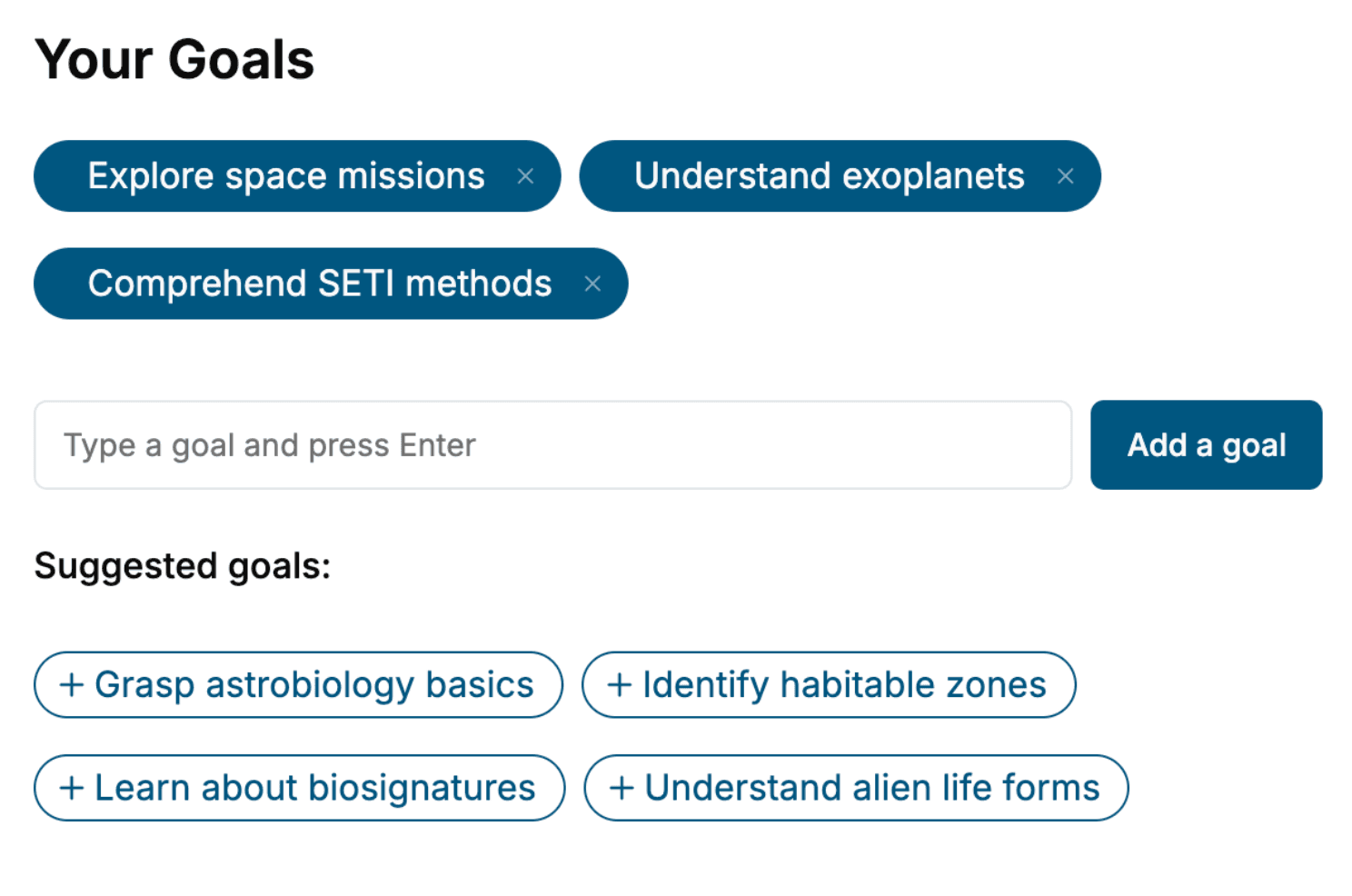
Specify your goals and choose sub-topics to include
- 3. Get your tailored book
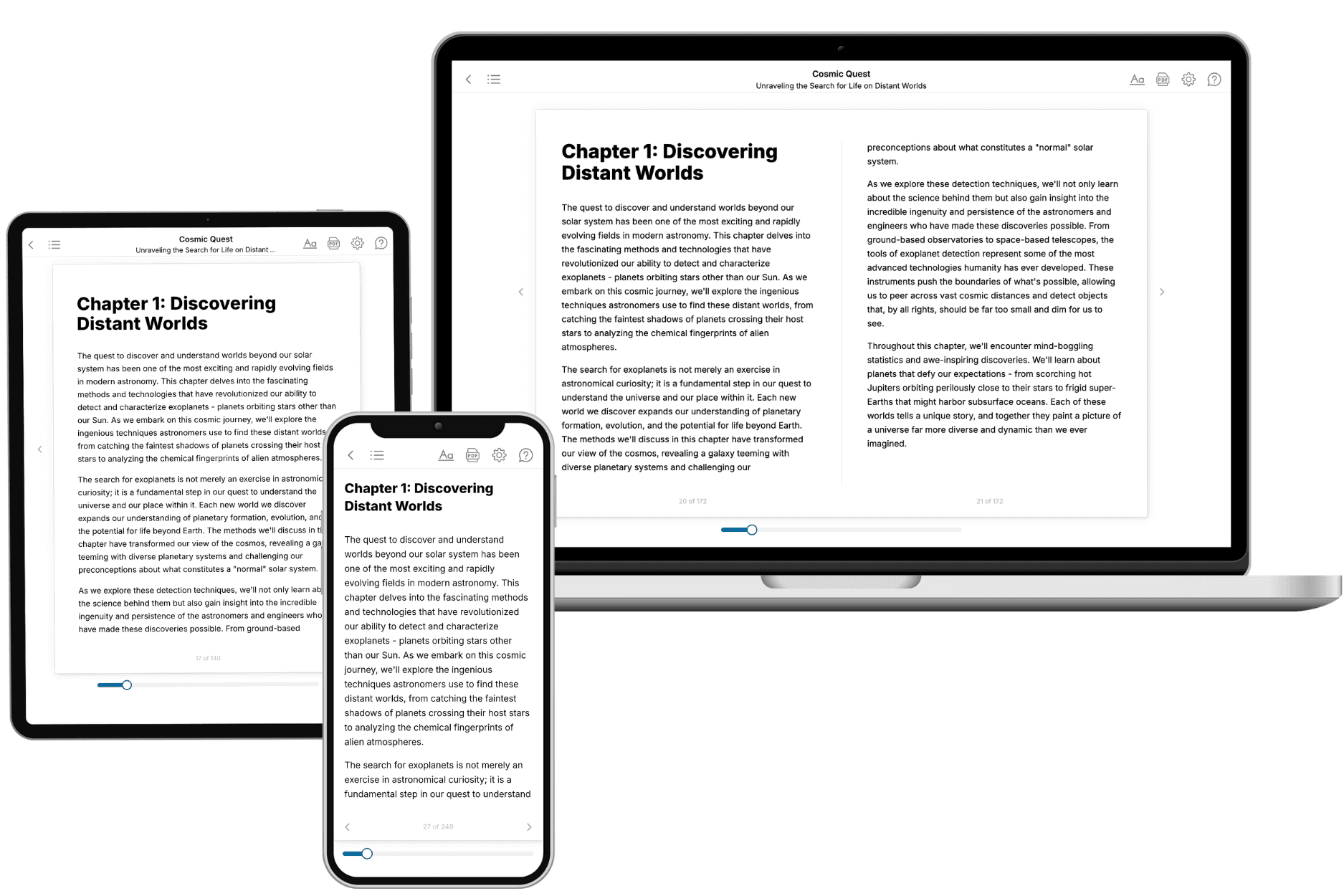
Your book is ready in 10 minutes. Read it online, download as EPUB or PDF, or send to Kindle.

Frequently asked questions
- What is TailoredRead?
TailoredRead creates complete, full-length nonfiction ebooks, written specifically for you. Tell us what you want to learn and why, and TailoredRead writes you a complete ebook on it, with charts, tables, and diagrams throughout. Read it online, on Kindle, or on any e-reader, or download it as a PDF or EPUB. Every book is written fresh the day you order it.
- How is the book tailored to me?
Before anything is written, you answer a few short questions about your goals, your background, and the topics you care about. Your book is then planned around your answers: written at your level, focused on your goals, and covering the topics you chose, instead of the one-size-fits-all book a store sells everyone.
- Will it read like generic AI content?
No. Your book isn't a chat transcript: it's planned chapter by chapter before a single word is written, told in a clear book voice, and explains ideas visually with charts, tables, and diagrams. After writing, every book goes through an editorial pass that polishes chapters so the book reads consistent from start to finish. Judge for yourself: browse thousands of sample books on our Explore Books page.
- How accurate is the content?
Our AI first checks whether your subject needs live research. Niche and fast-moving subjects are researched before writing, and the book plan and chapters are grounded in what it finds. After writing, every book goes through a quality pass that checks its facts and consistency, and researched books list their sources in a Notes section at the back.
- How long is the book?
You choose the length: Comprehensive (250-300 pages), Detailed (150-200 pages), Essential (70-100 pages), or Short (30-50 pages).
- Does the book include visuals?
Yes. Every book includes charts, tables, and diagrams: timelines, checklists, step-by-step guides, decision trees, comparison tables, matrices, and bar charts. A typical book includes dozens of these visual elements.
- Can I read it on Kindle? What formats can I download?
Yes. Every book can be read in our online reader or downloaded as a PDF or EPUB. The EPUB can be opened with Kindle, Apple Books, Kobo, and any e-reader. The Commercial and Author licenses also include an editable Word (DOCX) and Markdown download.
- How much does it cost?
About the price of a regular ebook. The exact price depends on your book's length and complexity, from $2 for the shortest books to $35 for the most comprehensive, and it's shown when you review your book, before you commit to anything. Each book is a one-time purchase, yours to keep, no subscription. Licenses that let you share, teach, or publish your book range from $35.99 to $49.99.
- Can I preview the book before purchasing?
Before you pay, you'll see what your book will cover: the title, a detailed description, the estimated length, and the complete chapter-by-chapter table of contents, so you know what you're getting before you decide. The full text itself is written after you purchase.
- How long does it take to create a book?
About 10 minutes. You can start reading the opening chapters while the rest is still being written.