Mastering Objective-C for Mac Development
Build Professional macOS Applications with Confidence and Best Practices
Your path to creating sophisticated Mac applications begins with mastering the intricacies of Objective-C programming.
331 pages17 chaptersSep 16, 2025Objective C
About this book
This comprehensive guide takes you beyond basic syntax to explore the deep integration between Objective-C and the macOS ecosystem, showing you how to leverage the language's unique features for professional application development. You'll discover how Objective-C's dynamic runtime and messaging system enable powerful design patterns that make Mac applications both elegant and maintainable. Through practical examples and real-world scenarios, you'll learn to work seamlessly with Cocoa frameworks, implement robust data management solutions, and create intuitive user interfaces that feel native to the Mac platform. The book emphasizes hands-on learning with progressive projects that build your skills systematically. You'll explore advanced topics like memory management optimization, performance tuning, and debugging strategies that separate professional developers from hobbyists. Each concept is reinforced with practical exercises that demonstrate how theoretical knowledge translates into working code. By the end of this journey, you'll possess the expertise to architect, develop, and deploy Mac applications that meet professional standards. You'll understand not just how to write Objective-C code, but how to write it well, creating applications that are both powerful and maintainable.
Table of contents
- IntroductionWhy Objective-C for Mac Development, How This Book Is Organized, What You Need to Know, Setting Up Your Development EnvironmentRead below
- Chapter 1: Objective-C FundamentalsLanguage Overview and Philosophy, Syntax and Basic Constructs, The Messaging System, Understanding the Dynamic Runtime
- Chapter 2: Classes and ObjectsDefining Classes and Interfaces, Object Creation and Initialization, Properties and Methods, Inheritance and Polymorphism
- Chapter 3: Memory ManagementAutomatic Reference Counting Fundamentals, Strong and Weak References, Avoiding Retain Cycles, Manual Memory Management Techniques
- Chapter 4: Protocols and CategoriesDefining and Implementing Protocols, The Delegation Pattern, Categories and Class Extensions, Protocol Composition and Conformance
- Chapter 5: Foundation Framework EssentialsCollections: Arrays, Dictionaries, and Sets, String Manipulation and Text Processing, Working with Dates and Times, File System Operations
- Chapter 6: Cocoa Application ArchitectureModel-View-Controller Pattern, Application Lifecycle Management, The Responder Chain, Event Handling and User Input
- Chapter 7: Interface Builder and StoryboardsWorking with XIB Files, Outlets and Actions, Auto Layout Fundamentals, Storyboards and Segues
- Chapter 8: User Interface ControlsButtons, Labels, and Text Fields, Table Views and Data Sources, Collection Views and Custom Layouts, Creating Custom Controls
- Chapter 9: View Controllers and NavigationView Controller Lifecycle, Navigation Controllers, Tab Bar Controllers, Modal Presentation and Dismissal
- Chapter 10: Data PersistenceUser Defaults and Preferences, File-Based Storage Solutions, Core Data Fundamentals, Advanced Core Data Techniques
- Chapter 11: Networking and APIsNSURLSession and HTTP Requests, JSON Parsing and Serialization, Working with REST APIs, Asynchronous Operations and Threading
- Chapter 12: Notifications and Key-Value ObservingNSNotificationCenter Usage, Key-Value Observing Fundamentals, Key-Value Coding Patterns, Cocoa Bindings System
- Chapter 13: Graphics and AnimationCore Graphics Drawing, Core Animation Layers, View-Based Animations, Custom Drawing and Rendering
- Chapter 14: Multithreading and ConcurrencyGrand Central Dispatch Fundamentals, NSOperation and Operation Queues, Thread Safety and Synchronization, Background Processing Strategies
- Chapter 15: Debugging and TestingUsing the Xcode Debugger, Unit Testing with XCTest, UI Testing Strategies, Performance Profiling and Optimization
- Chapter 16: Application DeploymentBuild Configurations and Schemes, Code Signing and Certificates, App Store Submission Guidelines, Distribution Methods and Beta Testing
- Chapter 17: Best Practices and Design PatternsCoding Standards and Style Guidelines, Common Design Patterns in Cocoa
- Conclusion
- Glossary
- Further Reading
Introduction
Mac application development represents one of the most rewarding paths in software engineering, offering developers the opportunity to create sophisticated applications for a platform renowned for its attention to detail and user experience. While Swift has gained significant attention in recent years, Objective-C remains the backbone of countless professional Mac applications and continues to be an essential skill for serious Mac developers. Understanding Objective-C provides you with deep insights into the macOS ecosystem that simply cannot be gained through other languages alone.
The journey from intermediate programming skills to Mac development mastery requires more than just learning new syntax. It demands understanding the philosophical differences between Objective-C and other programming languages, mastering the intricate relationship between the language and the Cocoa framework, and developing an intuitive grasp of Mac-specific design patterns. This book bridges that gap by providing practical, hands-on guidance that transforms theoretical knowledge into working applications.
Your existing programming experience provides a solid foundation, but Mac development with Objective-C introduces unique concepts that may challenge your assumptions about how software should be structured. The dynamic runtime, message-passing system, and memory management approaches in Objective-C create possibilities that don't exist in many other languages. These features, when properly understood and applied, enable the creation of applications that are both powerful and elegantly designed.
Throughout this book, you'll discover that Objective-C's apparent complexity actually serves a purpose: it provides the flexibility and power needed to create truly professional Mac applications. Every concept presented here connects directly to real-world development scenarios, ensuring that your learning translates immediately into practical skills. The examples and exercises are designed to build upon each other, creating a comprehensive understanding that extends far beyond basic syntax.
Why Objective-C for Mac Development
Objective-C's continued relevance in Mac development stems from its unique position as the original language of macOS and its deep integration with the platform's core frameworks. While Swift offers modern syntax and safety features, Objective-C provides unparalleled access to the underlying systems that power Mac applications. The language's dynamic nature allows for runtime introspection, method swizzling, and flexible messaging patterns that enable sophisticated architectural solutions not easily achievable in more static languages.
The extensive codebase of existing Mac applications represents another compelling reason to master Objective-C. Many professional development environments include legacy Objective-C code that requires maintenance, enhancement, and integration with newer components. Understanding Objective-C enables you to work effectively in these mixed-language environments and provides the skills necessary to modernize existing applications gradually rather than requiring complete rewrites.
Objective-C's relationship with the Cocoa framework runs deeper than simple API bindings. The language's design philosophy aligns perfectly with Cocoa's architectural patterns, making certain design approaches feel natural and intuitive. Key concepts include:
- Message-based communication that enables loose coupling between objects
- Dynamic typing that supports flexible polymorphic designs
- Runtime introspection that enables powerful debugging and testing capabilities
- Category system that allows extending existing classes without inheritance
The performance characteristics of Objective-C also make it particularly suitable for Mac development. The language compiles to efficient native code while maintaining the flexibility of dynamic dispatch where needed. This balance allows developers to write expressive, maintainable code without sacrificing the performance expectations of Mac users. Memory management through Automatic Reference Counting (ARC) provides deterministic cleanup behavior that's crucial for resource-intensive applications.
Professional Mac development often requires interfacing with C libraries, system APIs, and low-level frameworks. Objective-C's C compatibility makes these integrations seamless, allowing developers to leverage existing libraries and system capabilities without complex bridging mechanisms. This compatibility extends to debugging tools, profiling instruments, and development workflows that have been refined over decades of Mac development.
The learning investment in Objective-C pays dividends beyond immediate project needs. Understanding Objective-C provides insights into the design decisions behind Cocoa frameworks, making you more effective even when working primarily in Swift. The concepts of delegation, key-value observing, and notification patterns that are fundamental to Mac development are best understood through their original Objective-C implementations.
Consider a real-world scenario: A financial services company needs to maintain a complex Mac application originally written in Objective-C that handles sensitive trading data. The application requires real-time performance, extensive customization capabilities, and integration with legacy C++ trading libraries. While new features might be written in Swift, the core architecture benefits from Objective-C's dynamic capabilities and seamless C++ interoperability.
The debugging and introspection capabilities available in Objective-C surpass those of many other languages. The runtime's ability to examine object hierarchies, method implementations, and message flows at runtime provides powerful tools for understanding complex application behavior. These capabilities prove invaluable when developing sophisticated Mac applications that must handle diverse user workflows and edge cases.
Market demand for Objective-C skills remains strong, particularly in enterprise environments and established software companies. Many organizations value developers who can work effectively across the entire spectrum of Mac development technologies, from low-level system integration to modern user interface design. This versatility makes Objective-C knowledge a valuable differentiator in the competitive software development market.
How This Book Is Organized
This book follows a carefully structured progression that builds your Objective-C and Mac development skills systematically. Rather than presenting isolated topics, each chapter builds upon previous concepts while introducing new material in a logical sequence. The organization reflects the natural learning path that leads from basic language understanding to professional application development capabilities.
The early chapters establish the foundational knowledge necessary for effective Objective-C development. You'll begin with language fundamentals, exploring the unique aspects of Objective-C syntax and the messaging system that distinguishes it from other programming languages. These chapters emphasize hands-on practice with code examples that demonstrate both correct usage and common pitfalls to avoid. The progression includes:
- Language fundamentals covering syntax, messaging, and runtime concepts
- Object-oriented programming in the Objective-C context
- Memory management strategies and best practices
- Protocol and category systems for flexible design
The middle section transitions from language mechanics to framework integration, focusing on the Foundation and Cocoa frameworks that form the backbone of Mac applications. These chapters demonstrate how Objective-C's language features enable elegant solutions to common development challenges. You'll learn to work with collections, handle file operations, and implement the design patterns that make Mac applications feel native and responsive.
User interface development receives comprehensive coverage through multiple chapters that progress from basic concepts to advanced techniques. The presentation begins with Interface Builder and storyboard fundamentals, then advances through custom control development and sophisticated layout management. Each topic includes practical exercises that reinforce learning through hands-on implementation.
Advanced topics occupy the latter portion of the book, covering areas like data persistence, networking, graphics programming, and multithreading. These chapters assume mastery of earlier material and focus on professional-level techniques used in commercial Mac applications. The content includes performance optimization strategies, debugging methodologies, and testing approaches that ensure reliable software delivery.
Each chapter follows a consistent structure designed to maximize learning effectiveness:
- Conceptual introduction that explains the why behind each topic
- Practical examples that demonstrate real-world applications
- Step-by-step implementation guides for hands-on practice
- Common pitfalls and troubleshooting guidance
- Best practices and professional techniques
- Integration examples showing how concepts work together
The book's project-based approach ensures that theoretical knowledge translates into practical skills. Rather than isolated code snippets, you'll work with complete, functional examples that demonstrate how professional Mac applications are structured. These projects increase in complexity throughout the book, culminating in sophisticated applications that showcase advanced Objective-C techniques.
For example, the data persistence chapter doesn't just explain Core Data concepts—it walks you through building a complete document-based application that demonstrates proper model design, relationship management, and user interface integration. This approach ensures you understand not just individual APIs, but how they work together in real applications.
Cross-references throughout the book help you understand how different concepts relate to each other. When memory management techniques are discussed in early chapters, references point forward to their application in multithreading scenarios. When user interface concepts are introduced, connections are made to the architectural patterns that support maintainable interface code.
The appendices and reference sections provide quick access to essential information during development work. Rather than requiring you to search through chapters for specific syntax or API details, these sections organize frequently needed information for efficient lookup. This organization makes the book valuable both as a learning resource and as a ongoing reference during development projects.
What You Need to Know
This book assumes you have solid intermediate programming experience with at least one object-oriented language such as Java, C#, C++, or Python. You should be comfortable with fundamental programming concepts including variables, control structures, functions, and basic object-oriented principles like classes, inheritance, and polymorphism. While specific syntax varies between languages, the underlying concepts provide the foundation upon which Objective-C knowledge builds.
Experience with memory management concepts, even at a theoretical level, will prove valuable as you learn Objective-C's approach to object lifecycle management. If your background includes languages with manual memory management like C or C++, you'll find some familiar concepts, though Objective-C's reference counting approach differs significantly from malloc/free patterns. Developers from garbage-collected languages will need to develop new mental models for thinking about object ownership and lifecycle.
Basic familiarity with development tools and debugging techniques will accelerate your learning process. While this book covers Xcode-specific features in detail, general debugging skills like setting breakpoints, examining variable values, and tracing program execution transfer directly to the Mac development environment. Understanding of version control systems, particularly Git, will help you manage the example projects and your own development work.
No prior Mac development experience is required, though familiarity with Mac applications from a user perspective will help you understand the design patterns and user interface conventions discussed throughout the book. If you've used Mac applications extensively, you already have intuitive knowledge about how Mac interfaces should behave, which provides valuable context for the implementation techniques you'll learn.
Mathematical and algorithmic thinking skills prove essential for the more advanced topics covered in later chapters. While the book doesn't require advanced mathematics, you should be comfortable with concepts like:
- Data structures including arrays, dictionaries, and trees
- Algorithm complexity and performance considerations
- Concurrent programming concepts and thread safety
- Network programming fundamentals and asynchronous operations
Understanding of software design patterns will enhance your ability to grasp the architectural concepts presented throughout the book. While specific patterns are explained as they're introduced, familiarity with concepts like Model-View-Controller, Observer, and Delegate patterns will help you understand why certain approaches are preferred in Mac development. These patterns appear frequently in Cocoa frameworks and form the backbone of well-designed Mac applications.
Basic knowledge of web technologies including HTTP, JSON, and REST APIs will prove valuable for the networking chapters. Modern Mac applications frequently integrate with web services, and understanding these protocols from a general programming perspective provides the foundation for implementing robust networking solutions in Objective-C applications.
A typical reader might be a Java developer with three years of experience who has built several web applications using Spring Framework. They understand object-oriented design, have worked with complex APIs, and are comfortable with IDE-based development. While they've never developed for Mac, they use Mac computers daily and appreciate well-designed native applications.
Database concepts and SQL knowledge will enhance your understanding of the Core Data chapters, though the book explains Core Data's object-relational mapping approach in detail. If you've worked with ORM frameworks in other languages, you'll find familiar concepts in Core Data, though the implementation details differ significantly from frameworks like Hibernate or Entity Framework.
The book accommodates different learning styles by providing multiple approaches to each concept. Visual learners will benefit from the extensive use of Interface Builder and graphical development tools. Analytical learners will appreciate the detailed explanations of underlying mechanisms and architectural decisions. Hands-on learners will find numerous practical exercises and complete project implementations throughout each chapter.
Setting Up Your Development Environment
Mac development requires specific tools and configurations that differ significantly from other development platforms. The primary requirement is a Mac computer running a recent version of macOS, as Xcode and the associated development tools are only available on Apple hardware. While virtual machine solutions exist, they violate Apple's licensing terms and provide suboptimal development experiences that can hinder learning.
Xcode serves as the central development environment for Mac applications and includes everything needed for Objective-C development. Download the latest version from the Mac App Store or Apple Developer website, ensuring you have sufficient disk space as Xcode installations typically require 10-15 GB. The installation includes the Objective-C compiler, debugger, Interface Builder, iOS Simulator, and extensive documentation that you'll reference throughout your development work.
After installing Xcode, verify your installation by creating a simple "Hello World" application. This process confirms that all components are properly configured and provides familiarity with the basic project creation workflow. The verification steps include:
- Launch Xcode and create a new macOS application project
- Select Objective-C as the programming language
- Build and run the default application template
- Examine the project structure and generated files
- Make a simple modification to confirm the edit-build-run cycle
Command Line Tools installation provides access to development utilities from Terminal, which proves useful for advanced development tasks and automation. Install these tools by running xcode-select --install in Terminal, or download them separately from the Apple Developer website. These tools include compilers, debuggers, and utilities that support various development workflows beyond the Xcode IDE.
Version control integration enhances your development workflow and provides safety nets for experimental code changes. While Xcode includes built-in Git support, many developers prefer dedicated Git clients like SourceTree, Tower, or GitHub Desktop for complex repository management. Configure your Git identity and create a GitHub or similar account for sharing code and collaborating on projects.
Documentation access proves crucial for effective Objective-C development, as the language and frameworks include extensive APIs that require frequent reference. Xcode's built-in documentation browser provides comprehensive coverage of all Apple frameworks, but consider bookmarking key online resources:
- Apple Developer Documentation for official API references
- Objective-C Programming Language Guide for language specifications
- Cocoa Fundamentals Guide for architectural concepts
- Human Interface Guidelines for design standards
Development device configuration becomes important as you progress through the book's examples. While the macOS Simulator handles basic testing needs, some features require testing on actual hardware. Ensure your development Mac has sufficient resources for running development tools alongside test applications, particularly when working with graphics-intensive or performance-critical code.
A typical development setup might include a MacBook Pro with 16GB RAM running the latest macOS version, Xcode 14 or later, and a secondary display for documentation and Interface Builder work. This configuration provides the performance and screen real estate necessary for efficient Mac development workflows.
Third-party tools can enhance your development experience, though they're not strictly necessary for following this book's content. Consider installing a dedicated text editor like Sublime Text or Visual Studio Code for quick file editing, a JSON viewer for API development work, and network debugging tools like Charles Proxy for analyzing web service interactions.
Backup and synchronization strategies protect your development work and enable seamless transitions between different development environments. Time Machine provides comprehensive system backups, while cloud storage services can synchronize project files across multiple machines. However, avoid storing Xcode projects in services like Dropbox that don't handle symbolic links properly—use Git repositories for code synchronization instead.
Performance monitoring tools help identify development environment issues that could impact your learning experience. Activity Monitor reveals resource usage patterns, while Console provides access to system logs that can help diagnose development tool problems. Understanding these tools early in your Mac development journey will prove valuable when debugging complex applications later.
This is the end of the free sample. The full book has 17 chapters.
Want this book written for you?
Tell us your goals and background, and get your own version of this book, tailored by AI to you.






Benefits of AI-tailored books
- Read one book, not ten:
- all the Objective C knowledge you need, gathered into a single book.
- Save days of learning:
- tell us your goals, choose your topics, and the whole book is built around them.
- Learn effortlessly:
- Objective C book written for your specific background and expertise.
- Understand at a glance:
- includes charts, tables, timelines, checklists, decision trees, and more.
- Stay current:
- written the day you order it, not years ago.
- Trust what you read:
- every book is checked for accuracy, with real research when your subject needs it.
Create your unique book in 3 steps
- 1. Select your focus
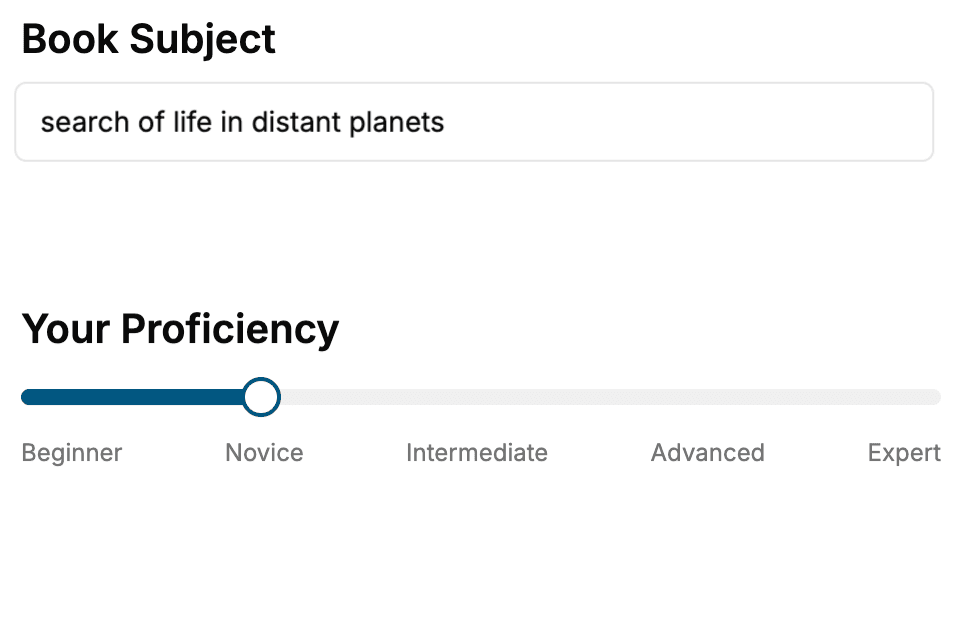
Select the focus of your Objective C book and share your background
- 2. Personalize your book
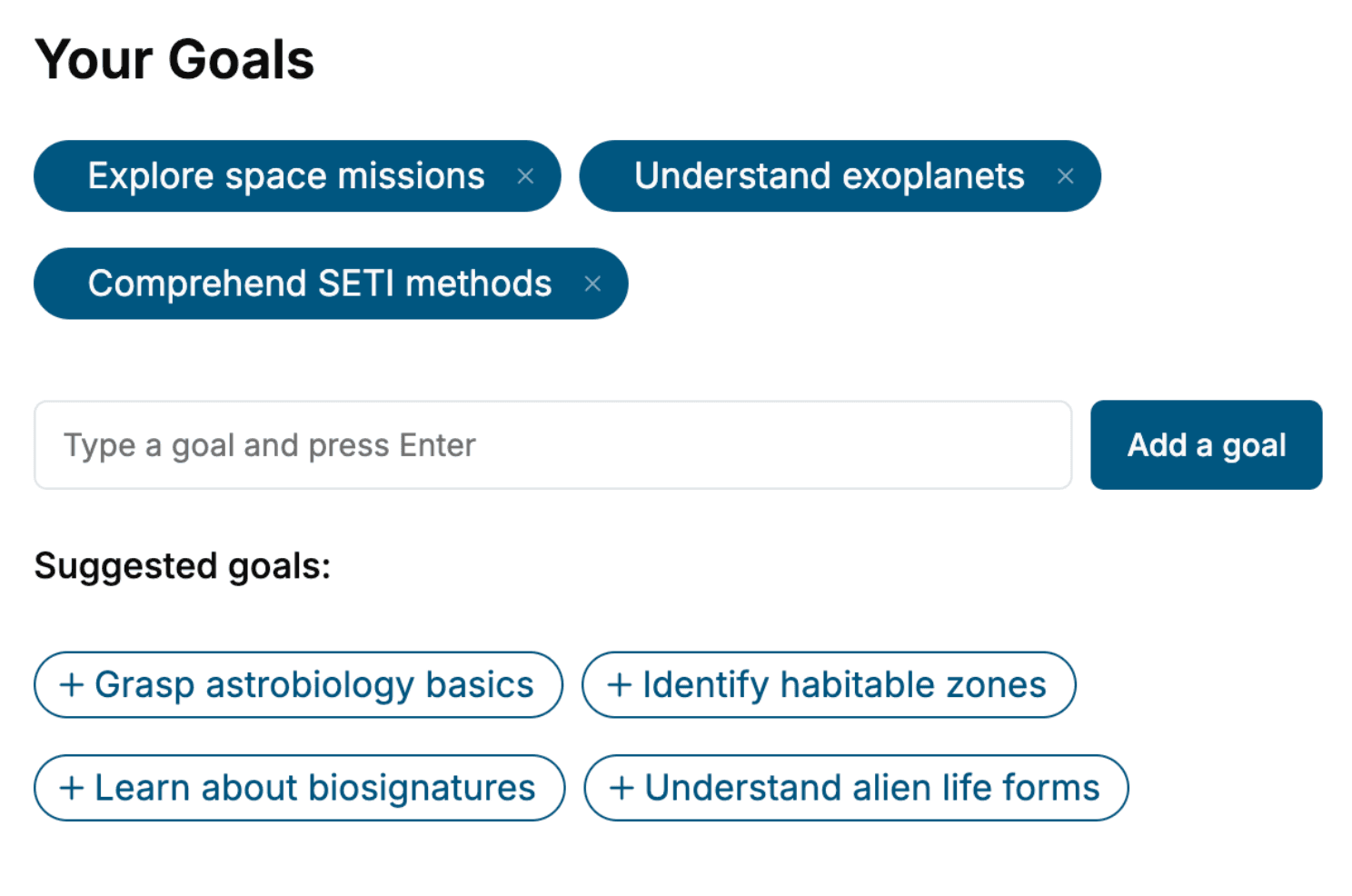
Specify your goals and choose sub-topics to include
- 3. Get your tailored book
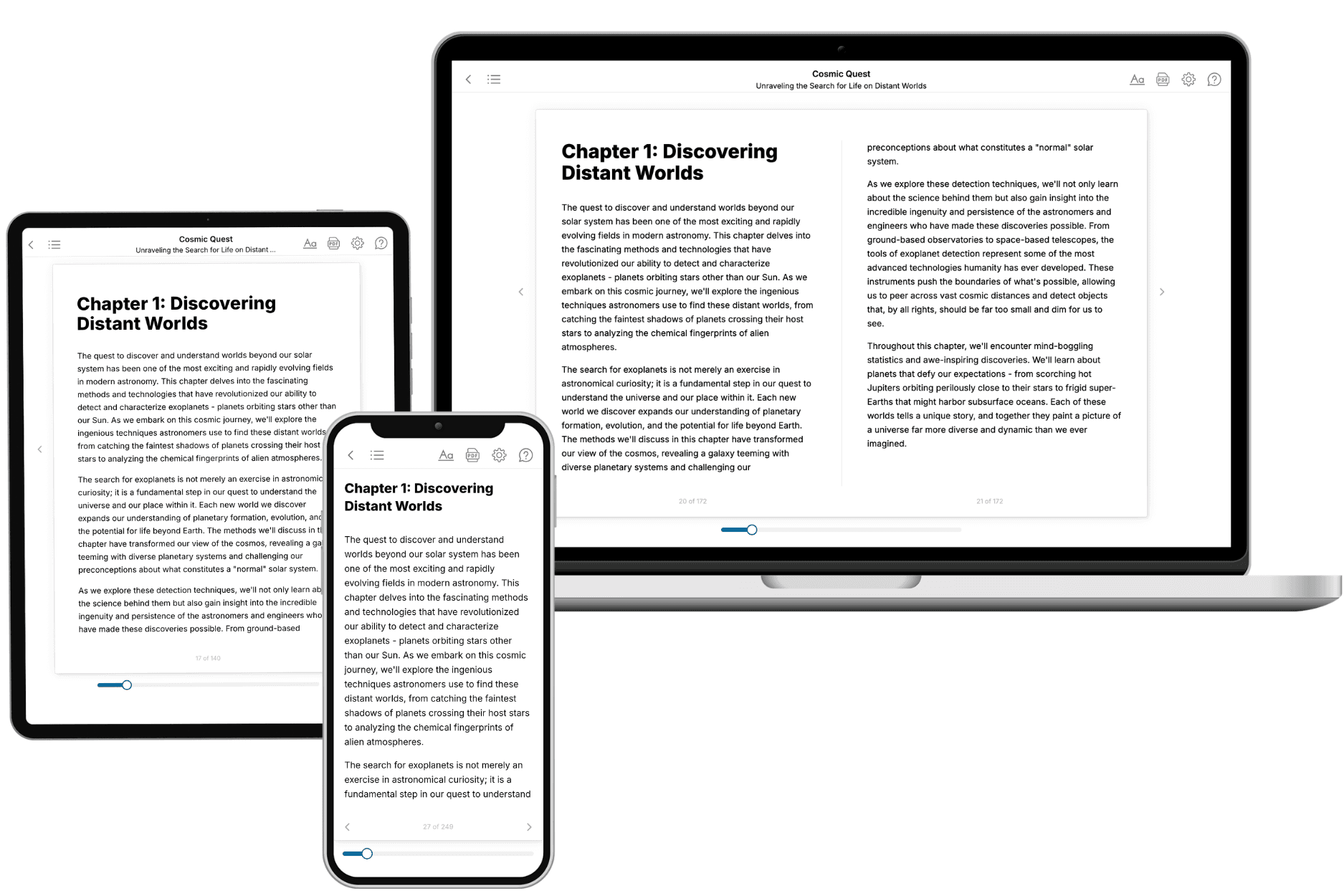
Your book is ready in 10 minutes. Read it online, download as EPUB or PDF, or send to Kindle.
Frequently asked questions
- What is TailoredRead?
TailoredRead creates complete, full-length nonfiction ebooks, written specifically for you. Tell us what you want to learn and why, and TailoredRead writes you a complete ebook on it, with charts, tables, and diagrams throughout. Read it online, on Kindle, or on any e-reader, or download it as a PDF or EPUB. Every book is written fresh the day you order it.
- How is the book tailored to me?
Before anything is written, you answer a few short questions about your goals, your background, and the topics you care about. Your book is then planned around your answers: written at your level, focused on your goals, and covering the topics you chose, instead of the one-size-fits-all book a store sells everyone.
- Will it read like generic AI content?
No. Your book isn't a chat transcript: it's planned chapter by chapter before a single word is written, told in a clear book voice, and explains ideas visually with charts, tables, and diagrams. After writing, every book goes through an editorial pass that polishes chapters so the book reads consistent from start to finish. Judge for yourself: browse thousands of sample books on our Explore Books page.
- How accurate is the content?
Our AI first checks whether your subject needs live research. Niche and fast-moving subjects are researched before writing, and the book plan and chapters are grounded in what it finds. After writing, every book goes through a quality pass that checks its facts and consistency, and researched books list their sources in a Notes section at the back.
- How long is the book?
You choose the length: Comprehensive (250-300 pages), Detailed (150-200 pages), Essential (70-100 pages), or Short (30-50 pages).
- Does the book include visuals?
Yes. Every book includes charts, tables, and diagrams: timelines, checklists, step-by-step guides, decision trees, comparison tables, matrices, and bar charts. A typical book includes dozens of these visual elements.
- Can I read it on Kindle? What formats can I download?
Yes. Every book can be read in our online reader or downloaded as a PDF or EPUB. The EPUB can be opened with Kindle, Apple Books, Kobo, and any e-reader. The Commercial and Author licenses also include an editable Word (DOCX) and Markdown download.
- How much does it cost?
About the price of a regular ebook. The exact price depends on your book's length and complexity, from $2 for the shortest books to $35 for the most comprehensive, and it's shown when you review your book, before you commit to anything. Each book is a one-time purchase, yours to keep, no subscription. Licenses that let you share, teach, or publish your book range from $35.99 to $49.99.
- Can I preview the book before purchasing?
Before you pay, you'll see what your book will cover: the title, a detailed description, the estimated length, and the complete chapter-by-chapter table of contents, so you know what you're getting before you decide. The full text itself is written after you purchase.
- How long does it take to create a book?
About 10 minutes. You can start reading the opening chapters while the rest is still being written.