Mastering Particle Effects in Unity
Create Stunning Visual Effects from Concept to Implementation
Master the art and science of particle effects in Unity and elevate your game's visual quality to professional standards.
191 pages9 chaptersMar 30, 2026Unity Game Engine
About this book
You'll progress from understanding particle system fundamentals to creating complex, optimized effects that captivate players. This comprehensive guide walks you through the complete particle effect pipeline—from conceptualization and parameter tuning to advanced shader integration and performance optimization. Learn proven techniques for creating fire, smoke, explosions, magical spells, and environmental effects that feel alive and responsive. Discover how to combine particles with physics, lighting, and audio for immersive experiences. You'll also explore optimization strategies that keep your effects running smoothly across all platforms, and master debugging tools to troubleshoot performance issues. Whether you're building indie games or AAA titles, this book provides the practical knowledge and hands-on examples you need to create stunning visual effects that define your game's aesthetic and enhance player engagement.
Table of contents
- IntroductionWhy Particle Effects Matter in Modern Games, What You'll Learn in This Book, How to Use This Guide, Prerequisites and SetupRead below
- Chapter 1: Particle System FundamentalsWhat Are Particles and Why They Matter, Understanding the Particle System Architecture, Emitters, Particles, and Renderers Explained
- Chapter 2: Core Particle Parameters and PropertiesControlling Emission Rate and Burst Patterns, Managing Particle Lifetime and Velocity, Shaping Effects with Size, Color, and Rotation
- Chapter 3: Creating Your First EffectsBuilding Realistic Smoke and Fog, Crafting Dynamic Fire and Heat Effects, Generating Sparks and Debris
- Chapter 4: Advanced Particle TechniquesApplying Forces, Gravity, and Wind, Implementing Collision and Physics Interactions, Mastering Local and World Simulation Spaces
- Chapter 5: Optimization and PerformanceProfiling and Identifying Performance Bottlenecks, Implementing Object Pooling for Particle Effects, Using LOD Systems and GPU Instancing
- Chapter 6: Custom Shaders and Advanced RenderingShader Fundamentals for Particle Effects, Writing Custom Shaders for Unique Effects, Blending Modes and Lighting Integration
- Chapter 7: Integrating Particles with Game SystemsCombining Particles with Physics and Colliders, Synchronizing Particles with Sound Effects, Linking Particles to Gameplay Events and Feedback
- Chapter 8: Real-World Effect WorkflowsFrom Concept Art to Particle Implementation, Iterative Refinement and Polish Techniques, Professional Game Development Pipelines
- Chapter 9: Debugging and TroubleshootingIdentifying and Fixing Common Particle Problems, Using Unity's Debugging Tools and Profiler, Optimizing Effects for Different Platforms
- ConclusionYour Path to Particle Mastery, Next Steps and Continued Learning
- Appendix: Quick Reference GuideParticle System Parameter Reference, Common Shader Code Snippets, Additional Resources and Learning Materials
Introduction
Think about the last game that genuinely impressed you visually. Maybe it was a massive explosion that sent debris flying in every direction, or a campfire that flickered and danced with convincing warmth, or a magical spell that erupted in a cascade of glowing particles. Chances are, particle effects were doing a lot of the heavy lifting in that moment. They are one of the most powerful tools in a game developer's visual toolkit, and yet they remain one of the most underestimated and underutilized.
Unity's particle system is remarkably capable. It can simulate fire, smoke, rain, snow, dust, sparks, magic, and dozens of other natural and fantastical phenomena. But capability alone doesn't produce great results. Without a solid understanding of how particle systems work, how their parameters interact, and how to optimize them for real-time performance, even experienced developers often end up with effects that look flat, run poorly, or simply don't feel right. The gap between a mediocre particle effect and a stunning one usually comes down to knowledge and intentional craft.
This book is designed to close that gap. Whether you're building an indie game on a tight budget or contributing to a larger production, the principles and techniques covered here apply directly to your work. You'll move from foundational concepts through to advanced rendering and optimization strategies, with practical examples at every step. The goal isn't just to teach you what buttons to press in Unity's inspector. It's to give you a deep enough understanding of particle systems that you can design effects confidently, troubleshoot them efficiently, and push them creatively in any direction your game demands.
The journey ahead covers a lot of ground. You'll explore Unity's Particle System component in detail, learn how to tune parameters for specific visual goals, build real effects like fire and smoke from scratch, and eventually work with custom shaders and GPU-level optimizations. Along the way, you'll also learn how to integrate particle effects with physics, audio, and gameplay systems so that your effects don't just look good in isolation but feel alive within the context of your game world.
Why Particle Effects Matter in Modern Games
Particle effects are not decoration. They are communication. When a player's sword connects with an enemy and sparks fly, those particles are telling the player that the hit registered, that it had impact, that something real happened in the game world. When smoke rises from a destroyed building, it signals danger, consequence, and atmosphere all at once. Particle effects carry information that geometry and textures alone cannot convey, and they do it in real time, dynamically, in response to player actions.
The role of visual feedback in game feel is well-documented in game design research. Studies on player experience consistently show that responsive, visually rich feedback loops increase player engagement and perceived quality.[1] Particle effects are one of the primary drivers of that feedback. A jump that produces a small dust puff on landing feels more satisfying than one that doesn't. A weapon that fires with a muzzle flash and ejected casings feels more powerful than one that simply plays an animation.
Beyond feedback, particles contribute enormously to atmosphere and world-building. Environmental effects like falling leaves, drifting snow, rising steam, and floating embers make a game world feel inhabited and alive. These ambient effects often run continuously in the background, and players may not consciously notice them. But remove them, and the world suddenly feels sterile and static. The absence of particles is often more noticeable than their presence.
From a production standpoint, particle effects are also highly cost-effective. A skilled VFX artist can create a convincing fire effect using a handful of textured quads and a well-tuned particle system, achieving results that would require significantly more geometry and shader complexity through other methods. This efficiency makes particles indispensable in game development, where performance budgets are always a constraint and visual quality is always a priority.
The commercial stakes are real. Games with polished visual effects consistently receive higher ratings and better player retention than technically similar games with weaker visuals. In a crowded marketplace, visual quality is often the first thing that draws a player in. Particle effects are a major contributor to that first impression, from the title screen to the first gameplay moment to the climactic boss fight.
Unity's Particle System, particularly the Visual Effect Graph introduced in newer versions, has made professional-quality particle effects accessible to developers at every level. The tools are there. What this book provides is the knowledge to use them with intention, precision, and creativity.
What You'll Learn in This Book
This book is structured as a progressive learning journey. Each chapter builds on the last, moving from foundational understanding through practical application and into advanced techniques. Here's a clear picture of what you'll gain at each stage.
Chapters 1 and 2 establish the foundation. You'll learn exactly what a particle system is, how Unity's architecture organizes emitters, particles, and renderers, and how the core parameters work together to define an effect's behavior. This isn't just theory. You'll understand why changing the emission rate affects performance, why lifetime interacts with velocity to determine travel distance, and how color gradients can make the difference between a convincing flame and a flat orange blob.
Chapter 3 puts that knowledge to work immediately. You'll build three foundational effects from scratch:
- Realistic smoke and fog with soft, billowing movement
- Dynamic fire with heat distortion and ember scatter
- Sparks and debris with physically plausible trajectories
Each of these effects introduces specific techniques that carry forward into more complex work. Building them yourself, rather than importing pre-made assets, is what develops real skill and intuition.
Chapter 4 moves into advanced particle behavior. You'll apply forces, gravity, and wind to create effects that respond to the environment. You'll implement collision detection so particles interact with surfaces rather than passing through them. And you'll master the often-misunderstood difference between local and world simulation spaces, which determines how effects behave when the emitter moves.
Chapter 5 addresses one of the most critical and most neglected aspects of particle work: performance. You'll learn how to profile particle effects using Unity's built-in tools, implement object pooling to eliminate runtime allocation costs, and use LOD systems and GPU instancing to maintain visual quality while reducing draw calls. These techniques are not optional extras for large productions. They are essential practices for any game that needs to run smoothly on real hardware.
Chapters 6 and 7 expand your toolkit significantly. Chapter 6 covers custom shaders for particle effects, including how to write shaders that produce effects impossible with standard materials. Chapter 7 shows you how to integrate particles with physics systems, audio, and gameplay events so that your effects respond intelligently to what's happening in the game.
Chapters 8 and 9 focus on professional practice. Chapter 8 walks through real-world workflows, from interpreting concept art to iterating on effects during production. Chapter 9 covers debugging and troubleshooting, including the most common particle problems and how to fix them efficiently. By the end of the book, you'll have both the technical skills and the professional habits needed to create and maintain particle effects in a real game development context.
How to Use This Guide
This book is designed to be read sequentially, especially if you're building your particle skills from the ground up. The early chapters establish concepts and vocabulary that later chapters rely on. If you skip ahead to Chapter 6 without understanding the emission and lifetime parameters covered in Chapter 2, the shader work will feel disconnected and harder to apply correctly.
That said, if you already have solid experience with Unity's Particle System and you're here for specific knowledge, the book is organized to support targeted reading. Each chapter is self-contained enough that you can jump to the section most relevant to your current project. The chapter on optimization (Chapter 5) and the chapter on debugging (Chapter 9) are particularly useful as standalone references when you're troubleshooting a specific problem.
Throughout the book, you'll encounter several recurring content formats designed to make the material as practical as possible:
- Step-by-step walkthroughs that guide you through building specific effects in Unity
- Parameter tables that show recommended starting values for common effect types
- Code examples for scripting particle behavior and integrating effects with game systems
- Before/after comparisons that illustrate the visual impact of specific parameter changes
- Common mistakes sections that highlight the errors most developers make and how to avoid them
The most effective way to use this book is with Unity open alongside it. Read a concept, then immediately try it in the editor. Particle effects are a tactile skill. Reading about how emission rate affects density is useful, but actually dragging that slider and watching the effect change in real time is what builds genuine understanding. Every technique described in this book can be tested immediately in a new Unity scene with a default particle system.
Don't worry about making your effects look perfect on the first attempt. Particle work is inherently iterative. Professional VFX artists spend significant time tweaking, testing, and refining their effects. The goal at each stage is to understand what each parameter does and why, not to produce a finished asset on the first try. That understanding is what eventually makes the iteration fast and the results reliable.
If you get stuck on a concept, the Appendix at the back of the book includes a quick reference guide covering all major particle system parameters, common shader snippets, and links to additional learning resources. Use it as a lookup tool when you need a fast reminder of a specific setting or formula without re-reading an entire chapter.
Finally, consider keeping a personal effects library as you work through the book. Save each effect you build as a prefab in a dedicated Unity project. By the time you finish the book, you'll have a collection of reusable, well-understood effects that you can drop into any future project. That library is one of the most practical outcomes of working through this material hands-on.
Prerequisites and Setup
This book assumes you already have a working foundation in Unity. You don't need to be an expert, but you should be comfortable navigating the Unity editor, creating and organizing GameObjects, working with components in the Inspector, and writing basic C# scripts. If you've completed a beginner Unity tutorial or built a simple game before, you have the background needed to get full value from this material.
Specific knowledge that will be helpful includes:
- Understanding of Unity's component system and how components attach to GameObjects
- Basic familiarity with Unity's material and shader system
- Comfort with C# scripting at a beginner-to-intermediate level
- General understanding of 3D coordinate systems (position, rotation, scale)
- Experience with Unity's Play mode and Scene view navigation
You do not need prior experience with particle systems specifically. You don't need to know shader programming before starting, though some familiarity with the concept of shaders will help when you reach Chapter 6. You also don't need a background in physics or mathematics beyond basic algebra. Where formulas appear in the book, they are explained in plain language with practical context.
For software setup, the examples in this book are built and tested using Unity 2022 LTS. Long-term support versions are recommended for production work because they receive stability patches without introducing breaking changes. Most of the techniques covered here apply equally to Unity 2021 LTS and Unity 6, with minor interface differences. Where a feature is version-specific, the book notes it clearly.
To follow along with the examples, create a new Unity project using the 3D (URP) template. The Universal Render Pipeline is now the standard for most Unity projects and is required for several of the shader techniques covered in Chapter 6. If you're working in a project that uses the Built-in Render Pipeline, most particle system parameters work identically, but some shader and post-processing features will differ. The book notes these differences where relevant.
Quick Setup Checklist: Before starting Chapter 1, confirm that your Unity project has the following in place: URP is installed and configured as the active render pipeline; the Particle System package is available (it's included by default in all Unity versions covered here); you have a basic scene with a directional light and a ground plane; and you've located the Particle System component by right-clicking in the Hierarchy and selecting Effects > Particle System. If you can see a default particle effect playing in your scene, you're ready to go.
Hardware requirements are modest. Any machine capable of running Unity 2022 can handle the examples in this book. For performance profiling work in Chapter 5, a mid-range development machine is sufficient. You don't need a high-end GPU to learn particle optimization. In fact, testing on modest hardware often reveals performance issues more clearly than testing on a powerful machine, which can mask inefficiencies.
If you plan to test effects on mobile platforms, which is covered in the platform optimization section of Chapter 9, you'll need either a physical Android or iOS device or a configured emulator. Mobile testing is important because particle performance on mobile hardware differs significantly from desktop, and effects that run smoothly in the Unity editor can cause serious frame rate drops on a phone. Setting up mobile testing early in your workflow saves significant debugging time later.
One final note on mindset before diving in. Particle effects sit at the intersection of art and engineering. The technical side involves understanding parameters, writing scripts, and optimizing performance. The artistic side involves developing an eye for motion, color, timing, and visual storytelling. Both sides matter equally. The best particle effects in games come from developers who understand the tools deeply enough to execute their creative vision precisely. That combination of technical fluency and artistic intention is what this book is designed to help you build.
Notes
Introduction
- 1. Steve Swink, Game Feel, Morgan Kaufmann Publishers, 2008
This is the end of the free sample. The full book has 9 chapters.
Want this book written for you?
Tell us your goals and background, and get your own version of this book, tailored by AI to you.


Benefits of AI-tailored books
- Read one book, not ten:
- all the Unity Game Engine knowledge you need, gathered into a single book.
- Save days of learning:
- tell us your goals, choose your topics, and the whole book is built around them.
- Learn effortlessly:
- Unity Game Engine book written for your specific background and expertise.
- Understand at a glance:
- includes charts, tables, timelines, checklists, decision trees, and more.
- Stay current:
- written the day you order it, not years ago.
- Trust what you read:
- every book is checked for accuracy, with real research when your subject needs it.
Create your unique book in 3 steps
- 1. Select your focus
Select the focus of your Unity Game Engine book and share your background
- 2. Personalize your book
Specify your goals and choose sub-topics to include
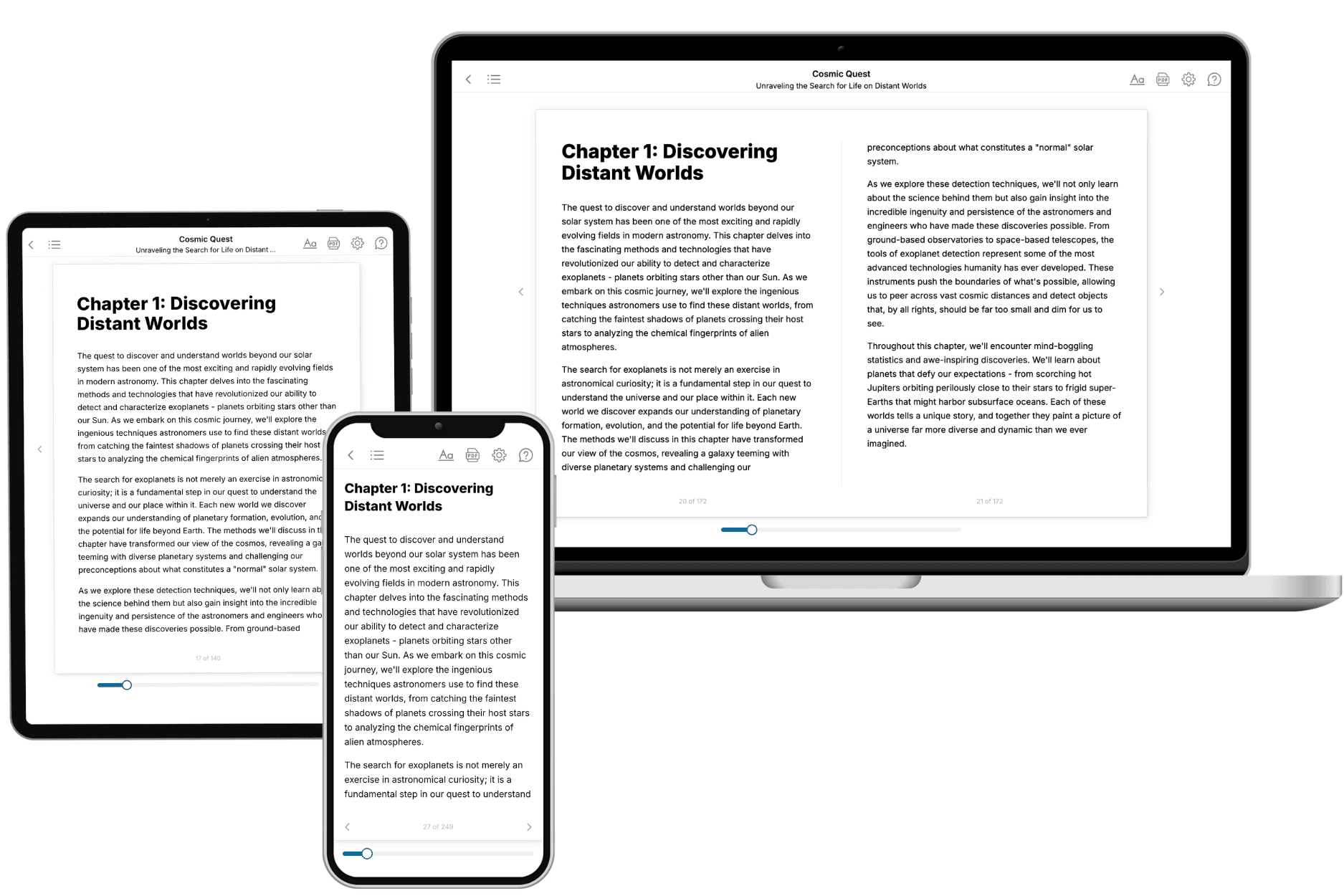
- 3. Get your tailored book
Your book is ready in 10 minutes. Read it online, download as EPUB or PDF, or send to Kindle.
Frequently asked questions
- What is TailoredRead?
TailoredRead creates complete, full-length nonfiction ebooks, written specifically for you. Tell us what you want to learn and why, and TailoredRead writes you a complete ebook on it, with charts, tables, and diagrams throughout. Read it online, on Kindle, or on any e-reader, or download it as a PDF or EPUB. Every book is written fresh the day you order it.
- How is the book tailored to me?
Before anything is written, you answer a few short questions about your goals, your background, and the topics you care about. Your book is then planned around your answers: written at your level, focused on your goals, and covering the topics you chose, instead of the one-size-fits-all book a store sells everyone.
- Will it read like generic AI content?
No. Your book isn't a chat transcript: it's planned chapter by chapter before a single word is written, told in a clear book voice, and explains ideas visually with charts, tables, and diagrams. After writing, every book goes through an editorial pass that polishes chapters so the book reads consistent from start to finish. Judge for yourself: browse thousands of sample books on our Explore Books page.
- How accurate is the content?
Our AI first checks whether your subject needs live research. Niche and fast-moving subjects are researched before writing, and the book plan and chapters are grounded in what it finds. After writing, every book goes through a quality pass that checks its facts and consistency, and researched books list their sources in a Notes section at the back.
- How long is the book?
You choose the length: Comprehensive (250-300 pages), Detailed (150-200 pages), Essential (70-100 pages), or Short (30-50 pages).
- Does the book include visuals?
Yes. Every book includes charts, tables, and diagrams: timelines, checklists, step-by-step guides, decision trees, comparison tables, matrices, and bar charts. A typical book includes dozens of these visual elements.
- Can I read it on Kindle? What formats can I download?
Yes. Every book can be read in our online reader or downloaded as a PDF or EPUB. The EPUB can be opened with Kindle, Apple Books, Kobo, and any e-reader. The Commercial and Author licenses also include an editable Word (DOCX) and Markdown download.
- How much does it cost?
About the price of a regular ebook. The exact price depends on your book's length and complexity, from $2 for the shortest books to $35 for the most comprehensive, and it's shown when you review your book, before you commit to anything. Each book is a one-time purchase, yours to keep, no subscription. Licenses that let you share, teach, or publish your book range from $35.99 to $49.99.
- Can I preview the book before purchasing?
Before you pay, you'll see what your book will cover: the title, a detailed description, the estimated length, and the complete chapter-by-chapter table of contents, so you know what you're getting before you decide. The full text itself is written after you purchase.
- How long does it take to create a book?
About 10 minutes. You can start reading the opening chapters while the rest is still being written.