Mastering Printer Device Drivers
A Practical Guide to Development, Implementation, and Troubleshooting
Imagine confidently developing printer drivers that work flawlessly across Windows, Linux, and macOS systems.
191 pages10 chaptersMay 9, 2026Device Drivers
About this book
Picture yourself troubleshooting complex hardware communication issues with precision, optimizing driver performance to eliminate bottlenecks, and implementing security best practices that protect user systems. This comprehensive guide takes you from foundational concepts through advanced implementation strategies, providing the practical knowledge you need to excel in printer driver development. You'll explore driver architecture, learn how to work with hardware interfaces, master platform-specific development approaches, and discover proven techniques for testing and optimization. Whether you're building drivers from scratch or enhancing existing solutions, this book provides the insights, code examples, and real-world strategies that transform theoretical knowledge into production-ready expertise. Gain the confidence to tackle complex driver challenges and deliver solutions that meet modern standards for reliability, security, and performance.
Table of contents
- IntroductionWhy Printer Drivers Matter, What You'll Learn in This Book, How to Use This GuideRead below
- Chapter 1: Printer Driver FundamentalsThe Role of Device Drivers in Computing, Understanding the Printer Ecosystem, Printer Driver Architecture and Layers
- Chapter 2: Driver Architecture and Design PatternsCommon Design Patterns in Driver Development, Core Components and Their Interactions, Communication Protocols and Interfaces
- Chapter 3: Windows Printer Driver DevelopmentWindows Driver Architecture and APIs, Working with Winspool and Print Spooler, Building and Implementing Windows Drivers
- Chapter 4: Linux Printer Driver DevelopmentLinux Driver Architecture and CUPS, Integrating with CUPS Framework, Building and Implementing Linux Drivers
- Chapter 5: macOS Printer Driver DevelopmentmacOS Driver Architecture and IOKit, Working with IOKit Framework, Building and Implementing macOS Drivers
- Chapter 6: Hardware Communication and ProtocolsUSB, Parallel, and Serial Communication, Network Printing Protocols and Standards, Implementing Bidirectional Communication
- Chapter 7: Print Job Processing and ManagementJob Queuing and Scheduling, Resource Management and Memory Handling, Error Handling and Recovery Mechanisms
- Chapter 8: Testing and Debugging StrategiesTesting Frameworks and Tools, Advanced Debugging Techniques, Performance Profiling and Optimization
- Chapter 9: Security and Best PracticesCommon Security Vulnerabilities in Drivers, Secure Coding Practices, Compliance and Industry Standards
- Chapter 10: Advanced Topics and OptimizationColor Management and Image Processing, Performance Optimization Techniques, Emerging Technologies and Future Trends
- ConclusionKey Takeaways and Next Steps, Continuing Your Development Journey
Introduction
Every time someone clicks "Print" and a document emerges from a printer, a remarkable chain of software events has already taken place. The operating system translated a high-level print request into a stream of precise hardware instructions. Memory was allocated, data was formatted, communication protocols were negotiated, and errors were silently handled before a single drop of ink touched paper. At the center of all that activity sits the printer device driver, one of the most technically demanding and least celebrated components in modern computing.
Printer drivers occupy a unique position in the software stack. They live at the boundary between the operating system and physical hardware, which means they must speak two very different languages fluently. On one side, they interact with kernel-level APIs, spooler services, and application frameworks. On the other side, they communicate directly with hardware over USB, network sockets, or parallel interfaces using vendor-specific command languages. Getting that translation right, reliably, across dozens of printer models and multiple operating systems, is genuinely hard work.
Despite that complexity, printer driver development is often treated as a niche skill that developers stumble into rather than deliberately pursue. Documentation is scattered across vendor SDKs, platform-specific developer guides, and aging forum threads. Practical, consolidated guidance is rare. This book exists to change that. Whether you are building a driver from scratch for a new hardware product, maintaining a legacy driver that needs modernization, or simply trying to understand why an existing driver behaves the way it does, the chapters ahead provide the structured, practical knowledge you need to work with confidence.
The material here assumes you already have a working foundation in software development and some exposure to systems programming or device driver concepts. You do not need to be a kernel engineer, but comfort with C or C++, familiarity with operating system concepts like processes and memory management, and some experience reading technical documentation will help you move through the content efficiently. Where platform-specific knowledge is required, each chapter builds that context before diving into implementation details.
Why Printer Drivers Matter
It is tempting to think of printer drivers as solved problems, legacy software that was figured out decades ago and simply maintained since. That view underestimates both the ongoing complexity and the real-world consequences when drivers go wrong. A poorly written printer driver can crash an entire operating system, expose security vulnerabilities that attackers exploit to gain elevated privileges, or silently corrupt print jobs in ways that are nearly impossible to diagnose without deep knowledge of the driver stack.
The security dimension alone makes printer driver quality a serious concern. In 2021, Microsoft disclosed PrintNightmare (CVE-2021-34527), a critical vulnerability in the Windows Print Spooler service that allowed remote code execution with SYSTEM-level privileges.[1] The vulnerability affected virtually every Windows installation on the planet and required emergency patches. It was a stark reminder that printer driver code runs with elevated trust, and mistakes in that code have consequences far beyond a failed print job.
Beyond security, printer drivers directly shape user experience in ways that are easy to overlook. Consider what happens when a driver handles color profiles incorrectly. A graphic designer sends a carefully calibrated document to print, and the output colors are noticeably wrong. The designer blames the printer. The printer vendor blames the application. In reality, the driver's color management pipeline made incorrect assumptions about the input color space. Problems like this are common, frustrating, and entirely preventable with proper driver design.
Performance is another area where driver quality has measurable impact. A driver that processes large print jobs inefficiently can cause print queues to back up, applications to appear frozen while spooling, and system memory to spike unexpectedly. In enterprise environments where dozens of users share network printers, a slow or unstable driver multiplies its impact across the entire organization. Optimizing driver performance is not an academic exercise; it has direct, observable effects on productivity.
Printer drivers also matter from a business perspective. Hardware manufacturers live and die by driver quality. A printer that works flawlessly on Windows but produces garbled output on macOS loses sales in that market. A driver that requires manual installation steps and throws cryptic error messages creates support tickets and damages brand reputation. Conversely, a driver that installs cleanly, works reliably across platforms, and handles edge cases gracefully becomes a competitive advantage. The engineering investment in driver quality pays dividends in customer satisfaction and reduced support costs.
Finally, printer drivers are a fascinating technical domain precisely because they require breadth. A skilled printer driver developer needs to understand hardware communication protocols, operating system internals, memory management, concurrency, security principles, and user-facing configuration interfaces. Few areas of software development demand that range of knowledge in a single codebase. That breadth makes printer driver development challenging, but it also makes mastering it genuinely rewarding.
A printer driver is not just a translation layer. It is a trust boundary, a performance bottleneck, a security surface, and a user experience component all at once. Understanding it fully means understanding the entire system it connects.
The practical stakes are clear. Organizations deploying printers at scale need drivers they can trust. Hardware vendors need drivers that represent their products well. Developers maintaining existing drivers need to understand what they are working with before they can improve it. And developers building new drivers need a clear path from concept to production-ready implementation. All of those needs point to the same requirement: deep, practical knowledge of how printer drivers actually work.
What You'll Learn in This Book
This book covers printer driver development comprehensively, moving from foundational concepts through platform-specific implementation and into advanced topics like security, performance optimization, and emerging technologies. Each chapter builds on the previous ones, so reading in order gives you the most coherent learning experience. That said, the chapters are also designed to stand on their own as reference material once you have the foundational context.
The journey begins with Chapter 1: Printer Driver Fundamentals, which establishes the conceptual foundation everything else depends on. You will learn how device drivers fit into the broader computing stack, how the printer ecosystem is structured from hardware to application, and how printer driver architecture is organized into layers. If you have worked with drivers before, this chapter will sharpen and formalize knowledge you may already have in rough form. If printer drivers are new territory, this chapter gives you the mental model you need to make sense of everything that follows.
Chapter 2: Driver Architecture and Design Patterns moves from concepts to structure. You will explore the design patterns that experienced driver developers rely on, understand how core driver components interact with each other, and learn about the communication protocols and interfaces that connect drivers to both the operating system and hardware. This chapter is where abstract architecture becomes concrete enough to inform real design decisions.
The next three chapters cover platform-specific development in depth:
- Chapter 3 covers Windows printer driver development, including the Windows Driver Model, Winspool APIs, and the Print Spooler architecture.
- Chapter 4 covers Linux printer driver development, with a thorough treatment of CUPS (Common Unix Printing System) and how to integrate with it effectively.
- Chapter 5 covers macOS printer driver development, including the IOKit framework and Apple's evolving approach to printer driver architecture.
Each platform chapter follows the same structure: architecture overview, key APIs and frameworks, and a practical implementation walkthrough. This parallel structure makes it easier to compare approaches across platforms and identify where cross-platform strategies can reduce duplication.
Chapter 6: Hardware Communication and Protocols dives into the physical layer of driver development. You will learn how USB, parallel, and serial communication works at the driver level, how network printing protocols like IPP (Internet Printing Protocol) and LPD operate, and how to implement bidirectional communication so your driver can query printer status and report errors accurately.
Chapter 7: Print Job Processing and Management covers the lifecycle of a print job from the moment it enters the queue to the moment it completes or fails. Job queuing, scheduling, resource management, memory handling, and error recovery are all addressed with practical implementation guidance. This chapter is particularly valuable for developers working on enterprise-grade drivers where reliability and graceful failure handling are non-negotiable requirements.
Chapter 8: Testing and Debugging Strategies addresses one of the most challenging aspects of driver development. Testing drivers requires different tools and approaches than testing application software. You will learn about testing frameworks suited to driver code, advanced debugging techniques including kernel debugging, and performance profiling methods that help you identify and eliminate bottlenecks before they reach production.
Chapter 9: Security and Best Practices covers the security landscape of printer driver development. You will learn about the most common vulnerability classes in driver code, secure coding practices that prevent them, and the compliance standards and certifications relevant to driver development. Given the elevated privilege level at which drivers operate, this chapter deserves careful attention regardless of your primary development focus.
Chapter 10: Advanced Topics and Optimization rounds out the book with color management and image processing, advanced performance optimization techniques, and a look at emerging technologies including driverless printing standards like IPP Everywhere and the direction printer driver development is heading. This chapter is where you move from competent to expert.
Throughout every chapter, you will find concrete code examples, real-world scenarios, and specific implementation guidance. The goal is not to give you a theoretical survey of printer driver concepts. The goal is to give you the knowledge and tools to build, debug, and maintain production-quality printer drivers with confidence.
How to Use This Guide
This book is designed to serve two different modes of use. The first is a linear read-through, starting from Chapter 1 and working forward. This approach is recommended if you are new to printer driver development or want to build a comprehensive, well-structured understanding of the entire domain. The chapters are sequenced so that each one provides context that makes the next one easier to absorb. Skipping ahead can leave gaps that make later material harder to follow.
The second mode is reference use. Once you have read the book through once, or if you already have solid foundational knowledge and are looking for specific guidance, you can navigate directly to the chapter or section most relevant to your current problem. Each chapter is written to be as self-contained as possible, with cross-references to related sections when deeper context is needed. The table of contents is detailed enough to help you locate specific topics quickly.
To get the most out of the platform-specific chapters (Chapters 3, 4, and 5), it helps to have a development environment set up for the platform you are targeting. Here is a quick overview of what each platform requires:
- Windows: Install the Windows Driver Kit (WDK) alongside Visual Studio. The WDK includes the headers, libraries, and tools needed for driver development. A virtual machine running Windows is useful for testing without risking your primary development machine.
- Linux: A standard Linux development environment with GCC, Make, and the CUPS development libraries installed is sufficient for most driver work. Ubuntu or Fedora are good choices for their well-maintained package repositories.
- macOS: Xcode and the Command Line Tools provide the foundation. For IOKit development, you will also need to be comfortable with the macOS kernel extension (kext) or DriverKit framework depending on your target macOS version.
Code examples throughout the book are written primarily in C and C++, which remain the dominant languages for driver development across all three platforms. Where platform APIs use specific calling conventions or data types, those are explained in context. You do not need to memorize every API before reading; the examples are annotated to explain what each call does and why it is used in that particular way.
Pay special attention to the sections marked with practical exercises and implementation checklists. These are not optional extras. They are the points where reading transitions into doing, and doing is where real understanding develops. A developer who reads about USB bulk transfer endpoints but never implements one has surface knowledge. A developer who implements one, hits the inevitable edge cases, and debugs them has durable knowledge that transfers to new problems.
Reading about driver development builds awareness. Writing driver code builds understanding. Debugging driver code builds expertise. Use this book to accelerate all three stages.
When you encounter a concept that connects to something from a different chapter, follow the cross-reference. Printer driver development is a deeply interconnected domain. The way a driver handles memory in Chapter 7 affects the security vulnerabilities discussed in Chapter 9. The communication protocols covered in Chapter 6 directly influence the debugging techniques in Chapter 8. Treating the book as a web of connected ideas rather than a linear sequence of isolated topics will give you a much richer understanding.
For developers working in enterprise or team environments, the chapters on security (Chapter 9) and testing (Chapter 8) are worth sharing with colleagues even if they are not directly involved in driver development. Security vulnerabilities in drivers affect entire systems, and testing strategies for drivers often require coordination between driver developers, QA engineers, and system administrators. Building shared understanding across those roles pays off in better outcomes.
Finally, keep in mind that printer driver development is a field that continues to evolve. Standards like IPP Everywhere and Mopria are changing how printers and operating systems interact, reducing the need for traditional vendor-specific drivers in some scenarios while creating new development challenges in others.[2] Chapter 10 addresses these trends directly, but throughout the book, the emphasis is on principles and patterns that remain relevant even as specific APIs and frameworks change. Understanding why a design decision was made is more durable than memorizing the specific function call that implements it.
The knowledge in this book was assembled from real-world driver development experience, platform documentation, security research, and the accumulated wisdom of the driver development community. It is practical, specific, and oriented toward the problems you will actually encounter. Use it actively, experiment with the examples, and return to it when you hit problems in your own work. That is what it is here for.
Notes
Introduction
- 1. Microsoft Security Response Center, "CVE-2021-34527 - Windows Print Spooler Remote Code Execution Vulnerability," 2021
- 2. Mopria Alliance, "Mopria Print Service Technical Overview," 2023
This is the end of the free sample. The full book has 10 chapters.
Want this book written for you?
Tell us your goals and background, and get your own version of this book, tailored by AI to you.


Benefits of AI-tailored books
- Read one book, not ten:
- all the Device Drivers knowledge you need, gathered into a single book.
- Save days of learning:
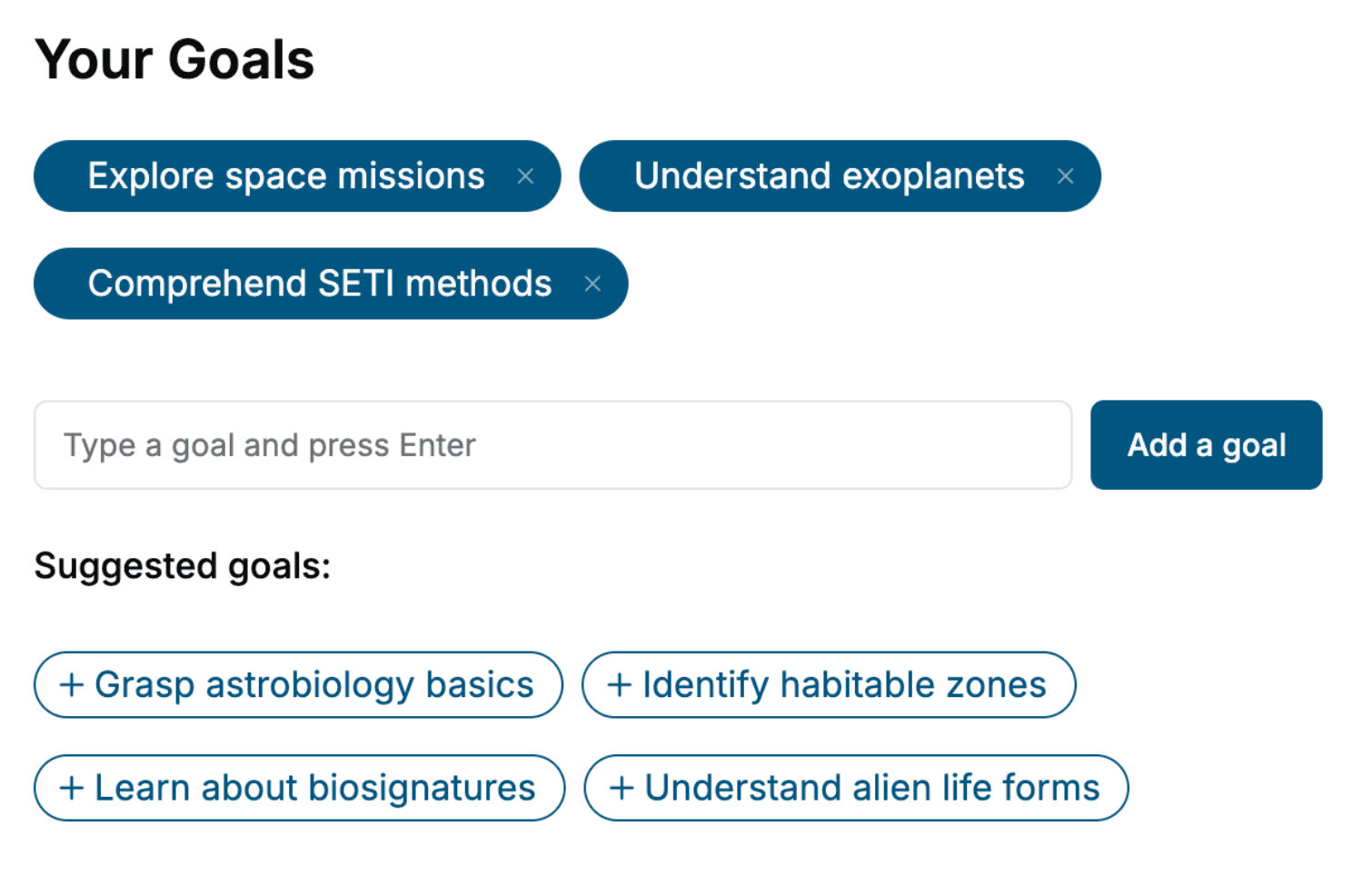
- tell us your goals, choose your topics, and the whole book is built around them.
- Learn effortlessly:
- Device Drivers book written for your specific background and expertise.
- Understand at a glance:
- includes charts, tables, timelines, checklists, decision trees, and more.
- Stay current:
- written the day you order it, not years ago.
- Trust what you read:
- every book is checked for accuracy, with real research when your subject needs it.
Create your unique book in 3 steps
- 1. Select your focus
Select the focus of your Device Drivers book and share your background
- 2. Personalize your book
Specify your goals and choose sub-topics to include
- 3. Get your tailored book
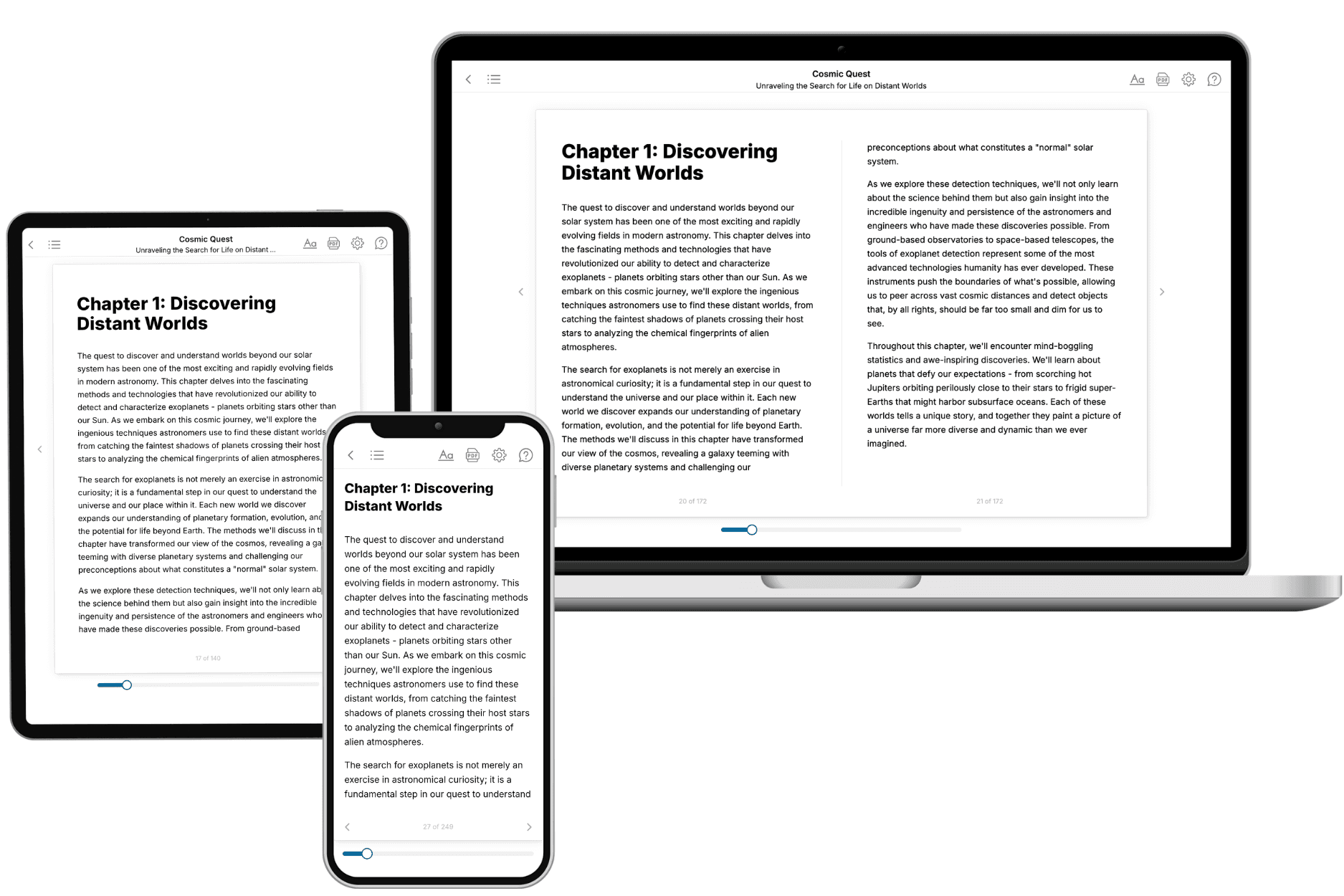
Your book is ready in 10 minutes. Read it online, download as EPUB or PDF, or send to Kindle.

Frequently asked questions
- What is TailoredRead?
TailoredRead creates complete, full-length nonfiction ebooks, written specifically for you. Tell us what you want to learn and why, and TailoredRead writes you a complete ebook on it, with charts, tables, and diagrams throughout. Read it online, on Kindle, or on any e-reader, or download it as a PDF or EPUB. Every book is written fresh the day you order it.
- How is the book tailored to me?
Before anything is written, you answer a few short questions about your goals, your background, and the topics you care about. Your book is then planned around your answers: written at your level, focused on your goals, and covering the topics you chose, instead of the one-size-fits-all book a store sells everyone.
- Will it read like generic AI content?
No. Your book isn't a chat transcript: it's planned chapter by chapter before a single word is written, told in a clear book voice, and explains ideas visually with charts, tables, and diagrams. After writing, every book goes through an editorial pass that polishes chapters so the book reads consistent from start to finish. Judge for yourself: browse thousands of sample books on our Explore Books page.
- How accurate is the content?
Our AI first checks whether your subject needs live research. Niche and fast-moving subjects are researched before writing, and the book plan and chapters are grounded in what it finds. After writing, every book goes through a quality pass that checks its facts and consistency, and researched books list their sources in a Notes section at the back.
- How long is the book?
You choose the length: Comprehensive (250-300 pages), Detailed (150-200 pages), Essential (70-100 pages), or Short (30-50 pages).
- Does the book include visuals?
Yes. Every book includes charts, tables, and diagrams: timelines, checklists, step-by-step guides, decision trees, comparison tables, matrices, and bar charts. A typical book includes dozens of these visual elements.
- Can I read it on Kindle? What formats can I download?
Yes. Every book can be read in our online reader or downloaded as a PDF or EPUB. The EPUB can be opened with Kindle, Apple Books, Kobo, and any e-reader. The Commercial and Author licenses also include an editable Word (DOCX) and Markdown download.
- How much does it cost?
About the price of a regular ebook. The exact price depends on your book's length and complexity, from $2 for the shortest books to $35 for the most comprehensive, and it's shown when you review your book, before you commit to anything. Each book is a one-time purchase, yours to keep, no subscription. Licenses that let you share, teach, or publish your book range from $35.99 to $49.99.
- Can I preview the book before purchasing?
Before you pay, you'll see what your book will cover: the title, a detailed description, the estimated length, and the complete chapter-by-chapter table of contents, so you know what you're getting before you decide. The full text itself is written after you purchase.
- How long does it take to create a book?
About 10 minutes. You can start reading the opening chapters while the rest is still being written.