Mastering SwiftUI Navigation
Build Intuitive, Scalable Navigation Systems for Modern iOS Apps
Navigate the complexities of SwiftUI navigation with confidence.
191 pages9 chaptersAug 17, 2026SwiftUI
About this book
This comprehensive guide takes you from understanding basic navigation concepts to implementing sophisticated, production-ready navigation systems. You'll discover how to choose the right navigation pattern for your app's architecture, manage navigation state effectively, and handle complex user flows with elegance. Through practical examples and real-world scenarios, you'll learn to build navigation systems that feel natural to users while remaining maintainable and scalable. Whether you're working on a simple single-screen app or a complex multi-module application, this book provides the strategies and techniques you need to create intuitive navigation experiences that keep users engaged and your codebase clean.
Table of contents
- IntroductionWhy Navigation Matters in SwiftUI, What You'll Learn in This Book, How to Use This GuideRead below
- Chapter 1: Navigation FundamentalsUnderstanding Navigation in iOS, SwiftUI Navigation vs UIKit Approaches, Core Navigation Paradigms
- Chapter 2: NavigationStack and NavigationPathIntroduction to NavigationStack, Managing Navigation Path, Programmatic Navigation with NavigationStack, NavigationStack Best Practices
- Chapter 3: NavigationSplitView for Complex LayoutsUnderstanding NavigationSplitView, Building Two-Column Layouts, Building Three-Column Layouts, Adaptive Navigation Across Device Sizes
- Chapter 4: Sheets, Popovers, and Modal PresentationsSheet Presentation Fundamentals, Managing Sheet State and Dismissal, Popovers and Confirmation Dialogs, Full-Screen Presentations
- Chapter 5: State Management for NavigationNavigation State Basics, Using Observable Objects for Navigation, Environment State and Dependency Injection, Persisting Navigation State
- Chapter 6: Deep Linking and Universal LinksDeep Linking Concepts and Benefits, Implementing Deep Links in SwiftUI, Setting Up Universal Links, Handling Incoming URLs and Navigation
- Chapter 7: Advanced Navigation PatternsTab-Based Navigation Architecture, Nested Navigation Hierarchies, Conditional Navigation Flows, Custom Navigation Transitions
- Chapter 8: Testing NavigationNavigation Testing Strategies, Unit Testing Navigation Logic, UI Testing Navigation Flows, Debugging Navigation Issues
- Chapter 9: Real-World Navigation ArchitecturesNavigation in Single-Screen Apps, Multi-Feature App Navigation, Navigation in Modular Architectures
- ConclusionKey Takeaways, Next Steps in Your Navigation Journey
- Appendix: Quick Reference GuideSwiftUI Navigation API Reference, Common Code Snippets, Additional Resources and Further Reading
Introduction
A shopping app with four tabs, a search flow, a checkout process, and a settings screen might contain more navigation logic than actual product code. One team building a mid-sized retail app found that nearly a third of their SwiftUI view files existed purely to shuttle data between screens, decide what should appear next, or untangle a modal that would not dismiss properly. That ratio surprises many developers who assume navigation is a minor plumbing detail compared to layout or data fetching. The reality is that navigation decisions ripple through almost every screen an app has, because every screen has to know how it got there and where it can go next.
SwiftUI changed how navigation works compared to the UIKit years, replacing view controller stacks and manual segues with declarative state that describes what should be on screen. That shift is powerful, but it also means old habits stop working. A developer who learned navigation through UINavigationController pushes and pops often struggles at first with the idea that navigation in SwiftUI is just another piece of state, no different from a toggle or a text field value. This book exists to close that gap and to give a clear, practical model for thinking about navigation as a first-class part of an app's architecture.
Three tools sit at the center of this model: NavigationStack with NavigationPath for stack-based flows, NavigationSplitView for multi-column layouts on iPad and Mac, and the modal presentation family (sheets, popovers, full-screen covers, confirmation dialogs) for temporary, focused interactions. None of these tools is a universal answer. Each solves a different structural problem, and much of the skill in building good navigation comes from recognizing which situation calls for which tool, then wiring it to state that behaves predictably as the app grows.
This introduction lays the groundwork before the technical chapters begin. It explains why navigation deserves deliberate design rather than improvisation, previews the specific skills the book builds chapter by chapter, and offers a practical approach to working through the material, whether read straight through or used as a reference during a real project.
What You'll Learn in This Book
The chapters build in a deliberate order, starting with fundamentals and ending with full architectural decisions for real apps. Early chapters establish the mental model and core mechanics; middle chapters go deep on each navigation surface SwiftUI offers; later chapters connect those surfaces to state management, deep linking, testing, and finally full architecture choices. Working through them in order builds a layered understanding, though each chapter is also written to stand alone as a reference once the concepts are familiar.
The foundational chapters compare how navigation worked under UIKit against how SwiftUI approaches it, then introduce the core paradigms that recur throughout the book: stack-based flows, split layouts, and modal presentation. From there, the book gives NavigationStack and NavigationPath a full, dedicated treatment, covering how to define destinations with navigationDestination(for:destination:), how to build and mutate a path programmatically, and the best practices that keep large stacks maintainable rather than turning into a tangle of untyped values.
Multi-column layouts get their own extended treatment through NavigationSplitView, covering the sidebar column, supplementary column, and detail column structure that adapts across iPhone, iPad, and Mac. That chapter includes both two-column and three-column configurations, along with strategies for making a single layout definition behave sensibly whether it is running on a compact phone screen or a wide iPad display in landscape. This matters increasingly as more apps target the full range of Apple hardware from one shared SwiftUI codebase.
A full chapter is devoted to modal surfaces: sheet presentation, presentationDetents(_:) for resizable sheets, popover(isPresented:content:), confirmationDialog(_:isPresented:actions:), and fullScreenCover(isPresented:content:). Each of these has its own lifecycle quirks, particularly around dismissal and state cleanup, and the chapter works through the common mistakes that lead to sheets reappearing unexpectedly or state leaking between presentations.
State management gets dedicated attention because it is the connective tissue holding every navigation surface together. That chapter covers the Observable macro and ObservableObject, how environment injection makes a shared navigation router available across a view hierarchy without manual passing, and how to approach persisting navigation state so an app can restore a user's exact place after being relaunched. These patterns are what make it possible to trigger navigation from outside the view layer entirely, which becomes essential once deep linking enters the picture.
The deep linking chapter explains deep link and Universal Link handling from end to end: parsing a custom URL scheme, configuring an apple-app-site-association file and the associated domains entitlement for Universal Links, and using onOpenURL(perform:) to translate an incoming URL into navigation state changes. A worked example walks through what happens when a marketing email link opens the app directly to a specific product page, skipping the home screen and tab bar entirely.
Later chapters cover advanced structural patterns such as tab-based navigation with TabView, nested navigation hierarchy design, conditional navigation flow logic for things like onboarding or authentication gates, and custom navigation transition effects. The book then turns to unit testing navigation logic and UI testing navigation flows, including how accessibility identifier values make UI tests reliable across app updates. The final technical chapter ties everything together into complete architectural recommendations for single-screen apps, multi-feature navigation systems, and fully modular navigation contract designs where separate feature modules need to trigger navigation without depending directly on each other.
Throughout, the emphasis stays on decisions that hold up as an app grows. A pattern that works cleanly for a five-screen prototype can collapse under the weight of fifty screens and three feature teams working in parallel. Each chapter flags where that kind of breaking point tends to appear and what to change before it does.
By the final chapter, the goal is not just familiarity with SwiftUI's navigation APIs but the judgment to choose confidently among them. That judgment comes from seeing the tradeoffs laid out explicitly, with working examples, rather than picking whichever API appeared first in a tutorial search result.
How to Use This Guide
This book assumes comfort with SwiftUI basics such as views, modifiers, and simple state properties, but it does not assume prior depth in navigation specifically. Developers coming from a UIKit background will benefit from reading the fundamentals chapter closely, since it directly addresses the mental shift from imperative view controller management to declarative state-driven navigation. Developers who already have some SwiftUI navigation experience but feel it is fragile or improvised may prefer to skim the fundamentals and start deeper in, at the state management or advanced patterns chapters.
Each chapter includes concrete code examples rather than abstract description alone, because navigation bugs tend to hide in details that only show up in real implementations. Reading a code example is useful, but typing it out in a real project and modifying it, changing a data type, adding a second destination, breaking the dismissal logic on purpose to see what happens, builds a much deeper and more durable understanding. A small practice project, even something as simple as a three-screen recipe app with a detail view and a settings sheet, gives enough surface area to try every pattern the book covers.
For readers already mid-project and looking for a specific answer rather than a full read-through, the chapter structure is designed to support that. Someone debugging a sheet that will not dismiss can go straight to the modal presentation chapter's section on managing sheet state. Someone planning a new iPad app can start directly with NavigationSplitView. The appendix at the end of the book exists specifically for this kind of lookup use, collecting API references and common code snippets in one place so returning to the book later does not require re-reading full chapters.
A practical suggestion for teams rather than individual readers: treat the state management and advanced patterns chapters as required reading before any architectural decision meeting about a new app's navigation. Disagreements about navigation structure are far easier to resolve with a shared vocabulary, terms like navigation router, conditional navigation flow, and modular navigation contract, than with each person describing the same idea differently. Aligning on that vocabulary early prevents the kind of divergence described earlier, where three different call sites handle the same navigation event three different ways.
Code samples throughout favor clarity over cleverness. Where a shorter but more obscure implementation exists, the book generally chooses the version that a developer joining the project six months later could understand without an explanation from its original author. That bias toward readability matches the book's broader argument: navigation code lives a long time, gets touched by many hands, and carries real consequences when it breaks, so it deserves to be written as plainly as the problem allows.
With the reasoning laid out and the roadmap in place, the next step is building the mental model itself, starting with how navigation actually behaves on iOS before any SwiftUI code enters the picture at all.
This is the end of the free sample. The full book has 9 chapters.
Want this book written for you?
Tell us your goals and background, and get your own version of this book, tailored by AI to you.


Benefits of AI-tailored books
- Read one book, not ten:
- all the SwiftUI knowledge you need, gathered into a single book.
- Save days of learning:
- tell us your goals, choose your topics, and the whole book is built around them.
- Learn effortlessly:
- SwiftUI book written for your specific background and expertise.
- Understand at a glance:
- includes charts, tables, timelines, checklists, decision trees, and more.
- Stay current:
- written the day you order it, not years ago.
- Trust what you read:
- every book is checked for accuracy, with real research when your subject needs it.
Create your unique book in 3 steps
- 1. Select your focus
Select the focus of your SwiftUI book and share your background
- 2. Personalize your book
Specify your goals and choose sub-topics to include
- 3. Get your tailored book
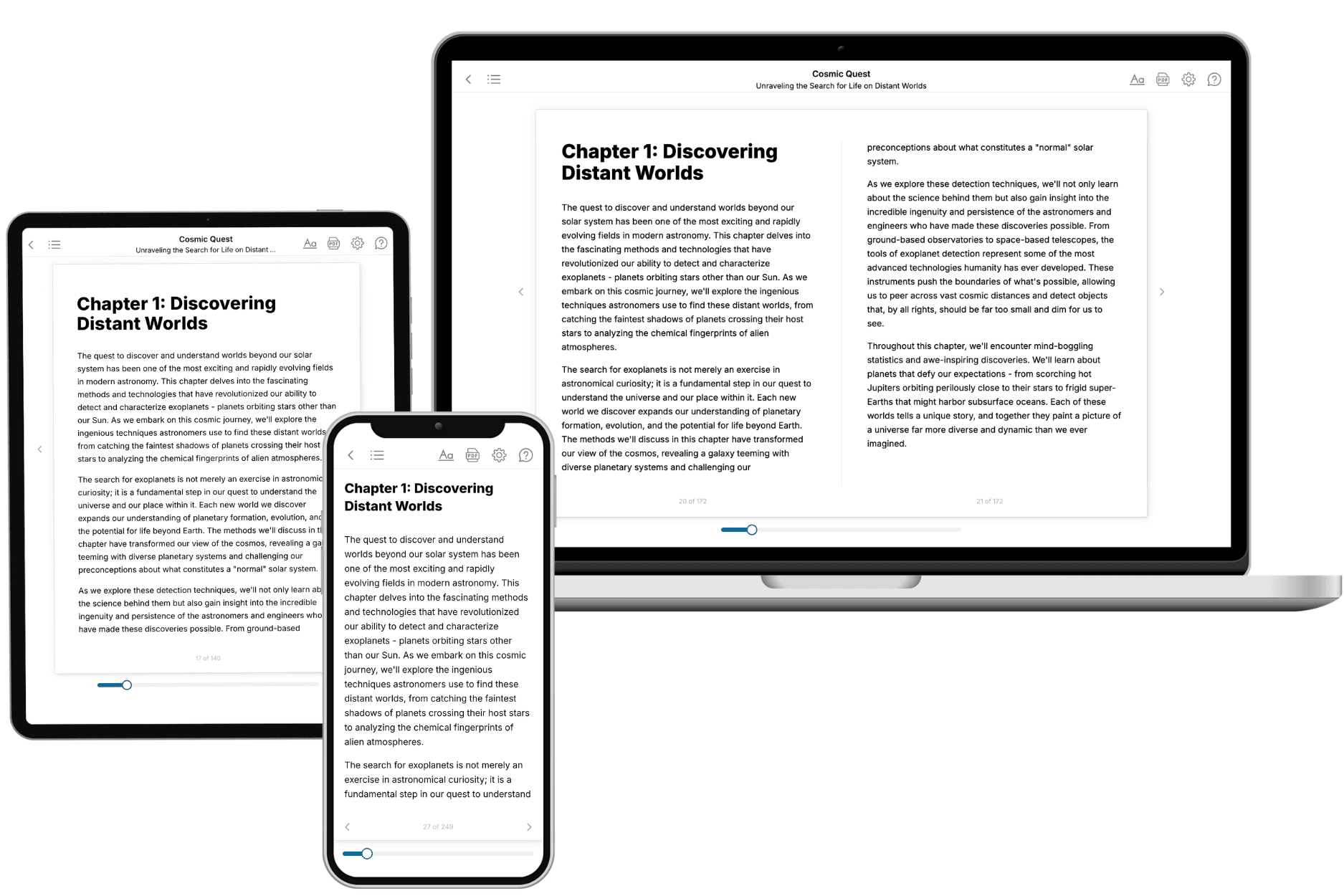
Your book is ready in 10 minutes. Read it online, download as EPUB or PDF, or send to Kindle.
Frequently asked questions
- What is TailoredRead?
TailoredRead creates complete, full-length nonfiction ebooks, written specifically for you. Tell us what you want to learn and why, and TailoredRead writes you a complete ebook on it, with charts, tables, and diagrams throughout. Read it online, on Kindle, or on any e-reader, or download it as a PDF or EPUB. Every book is written fresh the day you order it.
- How is the book tailored to me?
Before anything is written, you answer a few short questions about your goals, your background, and the topics you care about. Your book is then planned around your answers: written at your level, focused on your goals, and covering the topics you chose, instead of the one-size-fits-all book a store sells everyone.
- Will it read like generic AI content?
No. Your book isn't a chat transcript: it's planned chapter by chapter before a single word is written, told in a clear book voice, and explains ideas visually with charts, tables, and diagrams. After writing, every book goes through an editorial pass that polishes chapters so the book reads consistent from start to finish. Judge for yourself: browse thousands of sample books on our Explore Books page.
- How accurate is the content?
Our AI first checks whether your subject needs live research. Niche and fast-moving subjects are researched before writing, and the book plan and chapters are grounded in what it finds. After writing, every book goes through a quality pass that checks its facts and consistency, and researched books list their sources in a Notes section at the back.
- How long is the book?
You choose the length: Comprehensive (250-300 pages), Detailed (150-200 pages), Essential (70-100 pages), or Short (30-50 pages).
- Does the book include visuals?
Yes. Every book includes charts, tables, and diagrams: timelines, checklists, step-by-step guides, decision trees, comparison tables, matrices, and bar charts. A typical book includes dozens of these visual elements.
- Can I read it on Kindle? What formats can I download?
Yes. Every book can be read in our online reader or downloaded as a PDF or EPUB. The EPUB can be opened with Kindle, Apple Books, Kobo, and any e-reader. The Commercial and Author licenses also include an editable Word (DOCX) and Markdown download.
- How much does it cost?
About the price of a regular ebook. The exact price depends on your book's length and complexity, from $2 for the shortest books to $35 for the most comprehensive, and it's shown when you review your book, before you commit to anything. Each book is a one-time purchase, yours to keep, no subscription. Licenses that let you share, teach, or publish your book range from $35.99 to $49.99.
- Can I preview the book before purchasing?
Before you pay, you'll see what your book will cover: the title, a detailed description, the estimated length, and the complete chapter-by-chapter table of contents, so you know what you're getting before you decide. The full text itself is written after you purchase.
- How long does it take to create a book?
About 10 minutes. You can start reading the opening chapters while the rest is still being written.