Mastering UML Activity Diagrams
A Practical Guide to Visualizing Workflows and Business Processes
You'll gain the skills to create clear, professional UML activity diagrams that effectively communicate workflows and business processes to your entire team.
207 pages9 chaptersApr 17, 2026UML
About this book
This practical guide takes you beyond basic notation, showing you how to model real-world scenarios with confidence. Learn to structure complex workflows using swimlanes, manage decision points and parallel activities, and integrate activity diagrams seamlessly into your broader UML modeling strategy. Whether you're documenting business processes, designing system workflows, or collaborating with stakeholders, you'll discover proven techniques for avoiding common mistakes and creating diagrams that actually get used. With practical examples drawn from software development and business contexts, this book equips you with both the theoretical foundation and hands-on expertise needed to leverage activity diagrams as a powerful communication tool in your projects.
Table of contents
- IntroductionWhy Activity Diagrams Matter in Modern Development, What You'll Learn in This Book, How to Use This Book Effectively, Activity Diagrams in the Broader UML ContextRead below
- Chapter 1: Foundations of Activity DiagramsHistory and Evolution of Activity Diagrams, Core Purpose and Use Cases, When to Use Activity Diagrams vs. Other Modeling Techniques
- Chapter 2: Essential Elements and NotationActions and Activities: The Building Blocks, Control Flow and Transitions, Start Nodes, End Nodes, and Flow Termination, Decision Points and Merge Nodes
- Chapter 3: Modeling Parallel and Concurrent ActivitiesFork and Join Nodes for Parallel Processing, Synchronization Patterns and Timing, Real-World Concurrent Scenarios
- Chapter 4: Swimlanes and Organizational StructureUnderstanding Swimlanes and Partitions, Assigning Responsibility and Ownership, Best Practices for Swimlane Design
- Chapter 5: Object Flows and Data ManagementIntroduction to Object Flows, Input and Output Pins, Modeling Data Transformation and Dependencies
- Chapter 6: Advanced Modeling TechniquesHierarchical Decomposition and Subactivities, Exception Handling and Error Flows, Modeling Loops and Iterative Processes, Guard Conditions and Complex Logic
- Chapter 7: Practical Applications in Software DevelopmentActivity Diagrams for Use Case Realization, Modeling System Workflows and Interactions, Business Process Modeling and Optimization
- Chapter 8: Common Pitfalls and How to Avoid ThemAvoiding Over-Complexity and Clutter, Common Notation Mistakes and Misinterpretations, Ensuring Clarity and Readability
- Chapter 9: Tools and Technology for Creating Activity DiagramsOverview of Popular UML Modeling Tools, Selecting the Right Tool for Your Needs, Automation, Templates, and Workflow Efficiency
- ConclusionKey Takeaways and Next Steps, Continuing Your Mastery Journey
- Glossary of Terms
- Further Reading and Resources
Introduction
Every software project, business process, and system workflow has a story to tell. The challenge is finding a way to tell that story clearly enough that everyone involved, from the developer writing the code to the executive approving the budget, can follow along without confusion. Text descriptions get long and ambiguous. Spreadsheets hide the flow. Verbal explanations fade from memory. What you need is a visual language precise enough for engineers yet accessible enough for stakeholders. That is exactly what UML activity diagrams provide.
Activity diagrams are one of the most versatile tools in the Unified Modeling Language (UML) family. They let you map out workflows, decision points, parallel processes, and responsibilities in a single, structured visual. Whether you are documenting how an order gets processed, designing the logic behind a user authentication system, or analyzing where bottlenecks appear in a business operation, activity diagrams give you a shared canvas that everyone can read and contribute to. They bridge the gap between technical precision and business clarity in a way few other modeling tools can match.
Despite their power, activity diagrams are frequently misused or underused. Many practitioners learn just enough notation to get by, producing diagrams that are either too vague to be useful or so cluttered they become impossible to read. Others skip activity diagrams entirely, defaulting to flowcharts or informal sketches that lack the rigor needed for serious system design. This book exists to change that. It is built around the idea that mastering activity diagrams is not just about memorizing symbols. It is about developing the judgment to know when to use them, how to structure them well, and how to make them genuinely useful in your day-to-day work.
This introduction sets the stage for everything that follows. It explains why activity diagrams matter in modern development, outlines what you will learn across the chapters, offers guidance on how to get the most from this book, and places activity diagrams within the broader UML ecosystem. By the time you finish this introduction, you will have a clear picture of the journey ahead and why it is worth taking.
Why Activity Diagrams Matter in Modern Development
Modern software development is a team sport. Developers, architects, business analysts, product managers, and clients all need to understand how a system behaves. The problem is that each group speaks a slightly different language. Developers think in code and logic. Business stakeholders think in outcomes and responsibilities. Activity diagrams serve as a translation layer between these worlds, giving every participant a common reference point that does not require specialized knowledge to interpret at a basic level.
Consider a real-world example. A team is building an e-commerce checkout system. The product manager describes the flow in a requirements document. The developer interprets it one way, the QA engineer another, and the business analyst a third. By the time the feature ships, it handles edge cases inconsistently because no one ever agreed on a single, unambiguous model of the process. An activity diagram created early in the project would have surfaced those disagreements before a single line of code was written, saving hours of rework and reducing the risk of defects reaching production.
Activity diagrams are particularly valuable because they handle both sequential and parallel workflows with equal clarity. Most real-world processes are not purely linear. Orders get processed while inventory is checked simultaneously. User authentication runs alongside session management. Activity diagrams have built-in notation for these concurrent flows, making them far more expressive than simple flowcharts when modeling realistic system behavior.
The rise of agile development and continuous delivery has made clear, lightweight documentation more important than ever. Teams move fast, requirements change, and onboarding new members needs to happen quickly. A well-constructed activity diagram can communicate the essence of a complex workflow in minutes. Research in software engineering consistently shows that visual models reduce misunderstandings during requirements gathering and improve the accuracy of effort estimates.[1] That is not a minor benefit. It directly affects project timelines and budgets.
Beyond software development, activity diagrams have found a strong home in business process modeling. Organizations use them to document standard operating procedures, analyze inefficiencies, and design improved workflows before implementing changes. The Business Process Model and Notation (BPMN) standard, widely used in enterprise settings, shares significant conceptual overlap with UML activity diagrams, meaning skills in one transfer meaningfully to the other. Learning activity diagrams well positions you to work effectively across both technical and business domains.
Finally, activity diagrams matter because they are durable. Unlike informal sketches or ad-hoc notes, a properly constructed activity diagram follows a standardized notation that any UML-literate professional can read, regardless of the tool used to create it or the organization that produced it. That standardization gives your models a shelf life. They remain useful as reference documents long after the original team has moved on, supporting maintenance, audits, and future enhancements in ways that informal documentation simply cannot.
What You'll Learn in This Book
This book is organized as a progressive journey from foundational concepts to advanced techniques and practical application. Each chapter builds on the previous one, so by the time you reach the later chapters, you will have the context needed to apply sophisticated modeling strategies with confidence. Here is a clear picture of what each part of the book covers and what you will be able to do after reading it.
Chapters 1 and 2 establish the foundation. Chapter 1 covers the history and evolution of activity diagrams, their core purpose, and when to use them versus other modeling approaches. Chapter 2 dives into the essential notation: actions, activities, control flows, start and end nodes, decision points, and merge nodes. After these two chapters, you will be able to read and create basic activity diagrams that accurately represent straightforward workflows.
Chapters 3 and 4 expand your toolkit significantly. Chapter 3 introduces fork and join nodes for modeling parallel and concurrent activities, along with synchronization patterns drawn from real-world scenarios. Chapter 4 covers swimlanes and partitions, showing you how to assign responsibilities to actors, systems, or departments within a single diagram. These two chapters are where many practitioners discover that activity diagrams are far more powerful than they initially assumed.
Chapters 5 and 6 move into intermediate and advanced territory. Chapter 5 covers object flows, input and output pins, and how to model data transformation within a workflow. Chapter 6 tackles advanced techniques including hierarchical decomposition, exception handling, loop modeling, and complex guard conditions. By the end of Chapter 6, you will be equipped to model sophisticated real-world scenarios that go well beyond simple process flows.
Chapters 7 and 8 focus on application and quality. Chapter 7 shows you how to apply activity diagrams in practical software development contexts, including use case realization, system workflow design, and business process optimization. Chapter 8 addresses the most common pitfalls, from over-complexity and notation errors to clarity and readability issues, giving you a practical checklist for reviewing and improving your own diagrams.
Chapter 9 rounds out the book with a survey of popular UML modeling tools, guidance on selecting the right tool for your context, and strategies for using automation and templates to work more efficiently. The conclusion then synthesizes the key takeaways and points you toward resources for continued learning. Throughout every chapter, you will find concrete examples, practical frameworks, and actionable advice grounded in real development and business scenarios.
By the time you finish this book, you will be able to:
- Design clear, accurate activity diagrams for both technical and business audiences
- Model sequential, parallel, and iterative workflows using correct UML notation
- Use swimlanes to assign and communicate responsibilities across teams and systems
- Apply advanced techniques like object flows, exception handling, and hierarchical decomposition
- Integrate activity diagrams effectively into your broader UML modeling strategy
- Avoid the most common mistakes that undermine diagram clarity and usefulness
- Select and use the right tools to create and maintain your diagrams efficiently
How to Use This Book Effectively
This book is designed for practitioners who want to build real, usable skills, not just theoretical knowledge. To get the most from it, approach each chapter as an active learning experience rather than passive reading. The concepts build on each other deliberately, so working through the chapters in order is strongly recommended, especially if you are newer to activity diagrams or UML in general. If you already have solid foundational knowledge, you can use the table of contents to jump to the chapters most relevant to your current challenges.
One of the most effective ways to learn visual modeling is to practice alongside the text. As you read through each chapter, open your preferred UML tool or even a simple drawing application and recreate the examples being discussed. Do not just look at the diagrams. Build them yourself. The act of placing nodes, drawing transitions, and making decisions about layout forces you to engage with the material at a deeper level than reading alone ever can. Mistakes made during practice are far more instructive than perfect diagrams copied from a book.
Each chapter includes examples drawn from two primary domains: software development and business process management. This is intentional. Activity diagrams are used in both contexts, and the skills transfer between them. If your background is primarily technical, pay close attention to the business process examples. They will sharpen your ability to communicate with non-technical stakeholders. If your background is more business-oriented, the software development examples will help you collaborate more effectively with engineering teams.
The book also includes a glossary at the end for quick reference. UML has a specific vocabulary, and using terms precisely matters when communicating with other professionals. When you encounter a term that feels unfamiliar or slightly ambiguous, check the glossary before moving on. Building a solid vocabulary early will make the later chapters significantly easier to follow and will improve the quality of your conversations with colleagues about modeling.
Consider keeping a personal modeling journal as you work through the book. After each chapter, sketch out a diagram related to a workflow or process from your own work. It does not need to be perfect. The goal is to connect the concepts to your real context as quickly as possible. Over the course of the book, you will build a small portfolio of diagrams that reflect your actual work environment, which is far more valuable than a collection of textbook examples you will never use again.
Finally, do not skip Chapter 8 on common pitfalls, even if you feel confident in your skills. Many experienced practitioners have developed habits that subtly undermine the quality of their diagrams without realizing it. The pitfalls covered in that chapter are drawn from patterns observed across real projects, and reviewing them will help you audit your existing work as well as improve your future diagrams. Good modeling is as much about knowing what to avoid as it is about knowing what to include.
Activity Diagrams in the Broader UML Context
UML, the Unified Modeling Language, is a standardized visual language for specifying, visualizing, constructing, and documenting the artifacts of software systems.[2] It was developed in the 1990s by Grady Booch, Ivar Jacobson, and James Rumbaugh, and has since become the dominant standard for software modeling across the industry. UML is not a single diagram type. It is a family of fourteen distinct diagram types, each designed to capture a different perspective on a system.
These fourteen diagram types fall into two broad categories. Structural diagrams capture the static architecture of a system: what it is made of and how its parts relate to each other. Examples include class diagrams, component diagrams, and deployment diagrams. Behavioral diagrams capture the dynamic aspects of a system: how it behaves over time, how its parts interact, and how processes flow. Activity diagrams belong to this second category, alongside sequence diagrams, state machine diagrams, and use case diagrams.
Understanding where activity diagrams sit within this family helps you use them more strategically. Each diagram type has strengths and limitations, and the most effective modeling approaches use multiple diagram types together rather than relying on any single one. Here is a quick comparison of activity diagrams with the behavioral diagram types you are most likely to encounter:
- Activity diagrams model workflows and processes, showing the sequence and parallelism of actions across time. Best for: business processes, system workflows, use case realizations.
- Sequence diagrams model interactions between objects or components in time order, focusing on message passing. Best for: API interactions, object collaboration, protocol design.
- State machine diagrams model the states an object can be in and the transitions between those states. Best for: object lifecycle modeling, event-driven systems, protocol states.
- Use case diagrams model the functional requirements of a system from the user's perspective. Best for: requirements capture, scope definition, stakeholder communication.
Activity diagrams and sequence diagrams are often confused because both show behavior over time. The key distinction is focus. A sequence diagram zooms in on the interactions between specific objects or components, showing exactly which messages pass between them and in what order. An activity diagram zooms out to show the overall flow of a process, including branching, parallelism, and responsibility assignment. When you need to understand the big picture of how a process works, reach for an activity diagram. When you need to understand the precise mechanics of how two components communicate, reach for a sequence diagram.
Activity diagrams also have a close relationship with use case diagrams. Use case diagrams identify what a system does from the user's perspective, but they do not explain how those use cases are carried out. Activity diagrams fill that gap by providing a detailed model of the steps involved in realizing a use case. This combination, use case diagrams for scope and activity diagrams for detail, is one of the most common and effective patterns in UML-based requirements modeling. Chapter 7 explores this relationship in depth with practical examples.
It is also worth noting that UML activity diagrams have evolved significantly since their introduction. Early versions were closely tied to Petri net theory, a mathematical formalism for modeling concurrent systems. UML 2.0, released in 2004, substantially revised the activity diagram specification, adding features like structured activity nodes, exception handlers, and expansion regions that make the notation far more expressive for real-world modeling.[3] This book covers the UML 2.x standard throughout, which is the version in active use today across the industry.
One practical implication of UML's breadth is that you do not need to master all fourteen diagram types to be effective. Most practitioners develop deep expertise in three to five diagram types that align with their role and domain, while maintaining working familiarity with the rest. For software developers and systems analysts, activity diagrams, sequence diagrams, and class diagrams form a powerful core toolkit. For business process professionals, activity diagrams combined with use case diagrams often cover the majority of modeling needs. This book focuses exclusively on activity diagrams, but it consistently points out where other diagram types complement or extend what activity diagrams can express, helping you build that broader strategic perspective over time.
The goal of this book is not to make you a UML theorist. It is to make you a more effective practitioner. Activity diagrams, used well, are one of the highest-leverage tools available to anyone who designs, builds, or improves complex systems and processes. The chapters ahead will give you everything you need to use them with skill, confidence, and real impact in your work.
Notes
Introduction
- 1. B. Nuseibeh and S. Easterbrook, "Requirements engineering: a roadmap," Proceedings of the Conference on the Future of Software Engineering, ACM, 2000
- 2. Object Management Group, OMG Unified Modeling Language Specification, Version 2.5.1, Object Management Group, 2017
- 3. J. Rumbaugh and others, The Unified Modeling Language Reference Manual, 2nd Edition, Addison-Wesley, 2004
This is the end of the free sample. The full book has 9 chapters.
Want this book written for you?
Tell us your goals and background, and get your own version of this book, tailored by AI to you.


Benefits of AI-tailored books
- Read one book, not ten:
- all the UML knowledge you need, gathered into a single book.
- Save days of learning:
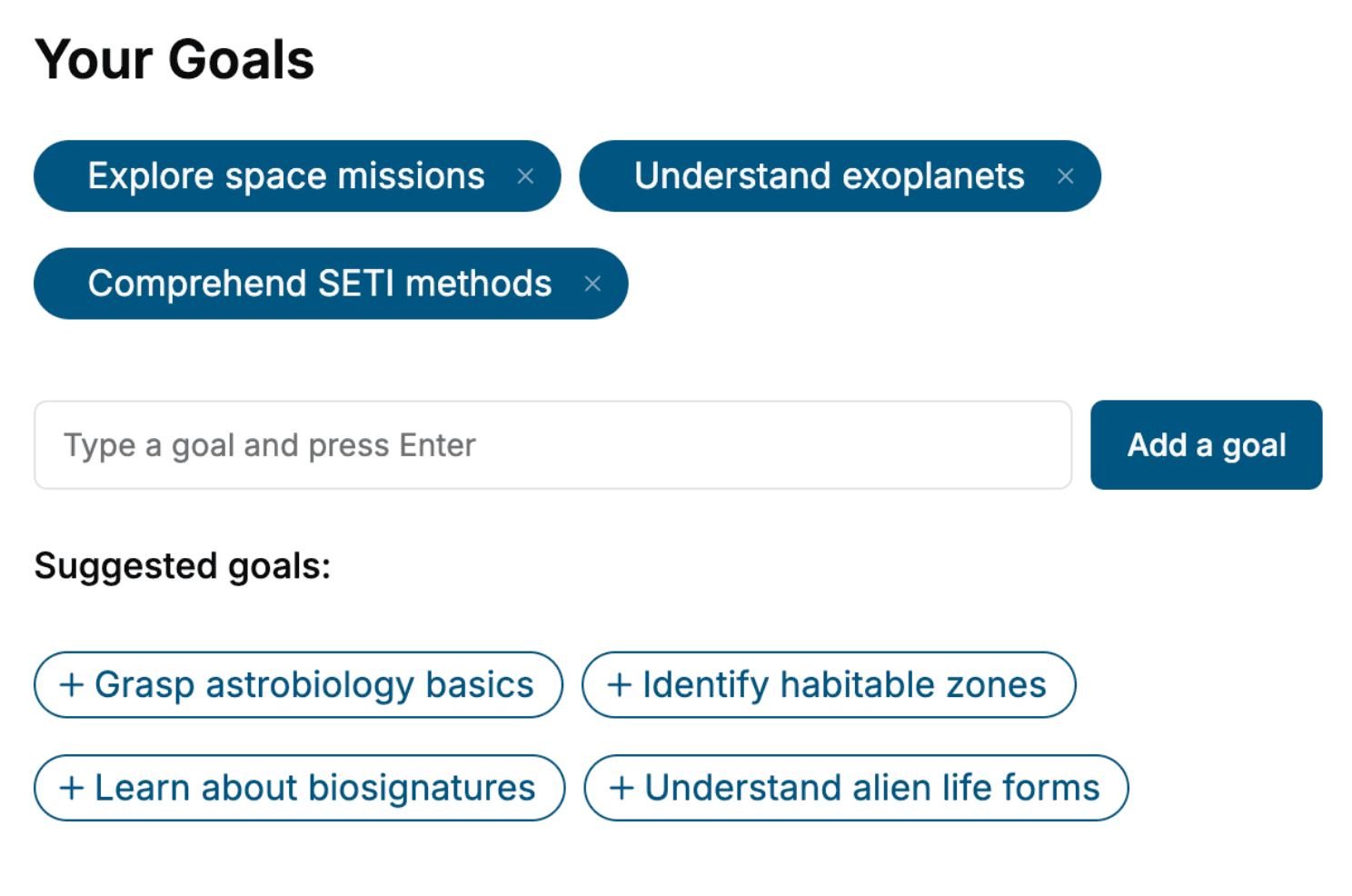
- tell us your goals, choose your topics, and the whole book is built around them.
- Learn effortlessly:
- UML book written for your specific background and expertise.
- Understand at a glance:
- includes charts, tables, timelines, checklists, decision trees, and more.
- Stay current:
- written the day you order it, not years ago.
- Trust what you read:
- every book is checked for accuracy, with real research when your subject needs it.
Create your unique book in 3 steps
- 1. Select your focus
Select the focus of your UML book and share your background
- 2. Personalize your book
Specify your goals and choose sub-topics to include
- 3. Get your tailored book
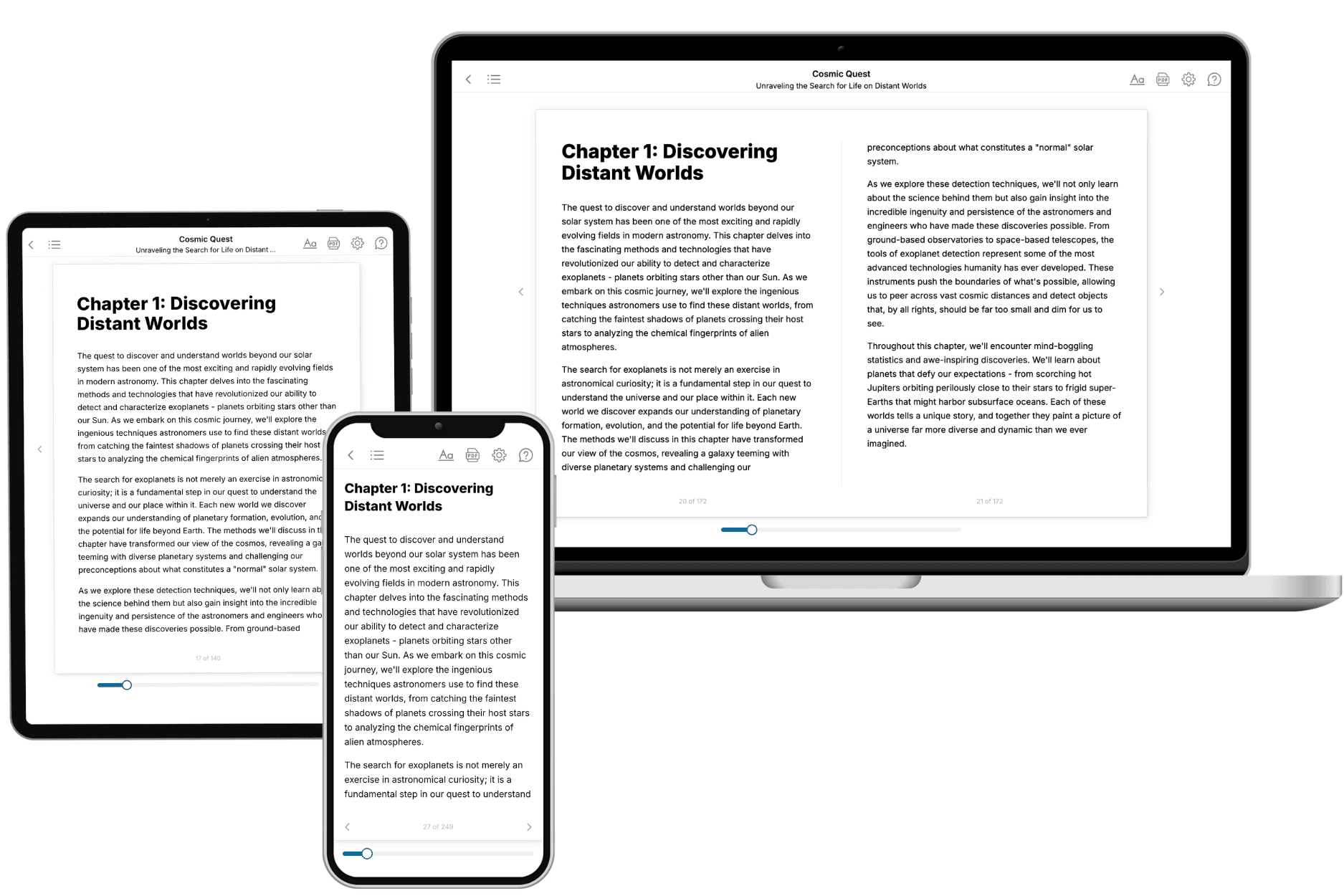
Your book is ready in 10 minutes. Read it online, download as EPUB or PDF, or send to Kindle.

Frequently asked questions
- What is TailoredRead?
TailoredRead creates complete, full-length nonfiction ebooks, written specifically for you. Tell us what you want to learn and why, and TailoredRead writes you a complete ebook on it, with charts, tables, and diagrams throughout. Read it online, on Kindle, or on any e-reader, or download it as a PDF or EPUB. Every book is written fresh the day you order it.
- How is the book tailored to me?
Before anything is written, you answer a few short questions about your goals, your background, and the topics you care about. Your book is then planned around your answers: written at your level, focused on your goals, and covering the topics you chose, instead of the one-size-fits-all book a store sells everyone.
- Will it read like generic AI content?
No. Your book isn't a chat transcript: it's planned chapter by chapter before a single word is written, told in a clear book voice, and explains ideas visually with charts, tables, and diagrams. After writing, every book goes through an editorial pass that polishes chapters so the book reads consistent from start to finish. Judge for yourself: browse thousands of sample books on our Explore Books page.
- How accurate is the content?
Our AI first checks whether your subject needs live research. Niche and fast-moving subjects are researched before writing, and the book plan and chapters are grounded in what it finds. After writing, every book goes through a quality pass that checks its facts and consistency, and researched books list their sources in a Notes section at the back.
- How long is the book?
You choose the length: Comprehensive (250-300 pages), Detailed (150-200 pages), Essential (70-100 pages), or Short (30-50 pages).
- Does the book include visuals?
Yes. Every book includes charts, tables, and diagrams: timelines, checklists, step-by-step guides, decision trees, comparison tables, matrices, and bar charts. A typical book includes dozens of these visual elements.
- Can I read it on Kindle? What formats can I download?
Yes. Every book can be read in our online reader or downloaded as a PDF or EPUB. The EPUB can be opened with Kindle, Apple Books, Kobo, and any e-reader. The Commercial and Author licenses also include an editable Word (DOCX) and Markdown download.
- How much does it cost?
About the price of a regular ebook. The exact price depends on your book's length and complexity, from $2 for the shortest books to $35 for the most comprehensive, and it's shown when you review your book, before you commit to anything. Each book is a one-time purchase, yours to keep, no subscription. Licenses that let you share, teach, or publish your book range from $35.99 to $49.99.
- Can I preview the book before purchasing?
Before you pay, you'll see what your book will cover: the title, a detailed description, the estimated length, and the complete chapter-by-chapter table of contents, so you know what you're getting before you decide. The full text itself is written after you purchase.
- How long does it take to create a book?
About 10 minutes. You can start reading the opening chapters while the rest is still being written.