Mastering Unity Shader Graph
Create Stunning Visual Effects Without Writing Code
Create stunning visual effects and professional shaders in Unity without touching a single line of code.
191 pages9 chaptersMar 28, 2026Unity Game Engine
About this book
This comprehensive guide walks you through Shader Graph from fundamentals to advanced techniques, showing you exactly how to build everything from simple materials to complex visual effects that rival hand-coded shaders. You'll learn the core principles of how light and materials interact, master the essential nodes and workflows, and discover proven techniques for optimizing performance. Whether you're developing games, creating interactive experiences, or exploring real-time graphics, this book provides the practical knowledge and step-by-step guidance you need to confidently design shaders that bring your creative vision to life. Packed with real-world examples and best practices, you'll be creating professional-quality effects that enhance your projects immediately.
Table of contents
- IntroductionWhy Shader Graph Matters in Modern Game Development, What You'll Learn and Accomplish, How to Use This Book Effectively, Prerequisites and SetupRead below
- Chapter 1: Graphics Fundamentals and Shader ConceptsUnderstanding the Rendering Pipeline, How Light Interacts with Materials, What Shaders Do and Why They Matter
- Chapter 2: Getting Started with Shader GraphNavigating the Shader Graph Interface, Creating Your First Shader, Using Preview and Real-Time Feedback
- Chapter 3: Essential Nodes and Core WorkflowsMath Nodes: Building Blocks of Shaders, Texture Sampling and UV Coordinates, Material Properties and Parameters
- Chapter 4: Building Basic MaterialsPhysically-Based Rendering Materials, Creating Color Variation and Tinting, Simple Effects: Glow, Transparency, and Blending
- Chapter 5: Texture Techniques and Surface DetailsNormal Mapping for Surface Detail, Parallax Mapping and Depth Illusion, Blending Multiple Textures
- Chapter 6: Advanced Visual EffectsCreating Animated Effects with Time, Custom Lighting Models and Rim Lighting, Distortion and Refraction Effects
- Chapter 7: Optimization and PerformancePerformance Principles and Profiling, Managing Shader Complexity and Instruction Count, Platform-Specific Optimization
- Chapter 8: Subgraphs and Reusable ComponentsCreating and Organizing Subgraphs, Building Custom Nodes for Efficiency, Building Your Personal Shader Library
- Chapter 9: Integration with Unity SystemsCombining Shaders with Particle Systems, Post-Processing and Screen Effects, Working with VFX Graph and Shader Graph
- ConclusionYour Path to Shader Mastery, Next Steps and Continued Learning
- Appendix: Quick Reference and ResourcesCommon Nodes Quick Reference, Troubleshooting Common Issues, Additional Learning Resources
Introduction
There is a moment every game developer knows well. You have a scene that looks technically correct, but something is missing. The water is flat. The metal looks plastic. The fire is just a sprite. You know exactly what you want it to look like, but the path to get there runs straight through shader code, and that path feels like a wall. For years, writing shaders meant learning HLSL or GLSL, wrestling with cryptic syntax, and spending hours debugging invisible errors. The creative vision was clear, but the technical barrier was real.
Unity's Shader Graph changes that equation entirely. Instead of writing code, you connect nodes. Instead of guessing at output, you see it update in real time. Instead of memorizing syntax, you focus on the logic of how light, color, and texture combine to create the effect you're after. Shader Graph doesn't simplify shaders by removing power. It simplifies them by removing the friction between your idea and its execution. The same effects that once required deep graphics programming expertise are now within reach for any developer willing to learn the visual workflow.
This book is a complete guide to that workflow. It starts from the ground up, covering the graphics fundamentals you need to understand before any node makes sense, and it builds steadily toward advanced techniques like parallax mapping, custom lighting models, and animated effects. Along the way, you'll find practical examples, step-by-step walkthroughs, and real-world context for every concept. Whether you're building a stylized indie game, a realistic simulation, or an interactive experience, the skills in this book will help you create visuals that feel intentional, polished, and professional.
The goal here is not just to teach you how to use a tool. It's to help you think like a shader artist. That means understanding why certain nodes exist, how to combine them in ways that solve real problems, and how to make smart decisions about performance and quality. By the time you finish, Shader Graph won't feel like a workaround for not knowing code. It will feel like the right tool for the job, because for visual effect design, it genuinely is.
Why Shader Graph Matters in Modern Game Development
Shaders are the engine behind almost every visual effect you see in a modern game. They control how surfaces respond to light, how water ripples and refracts, how fire glows and fades, and how a character's skin looks different in shadow versus direct sunlight. For a long time, creating these effects required writing shader programs in specialized languages that most developers never fully mastered. The result was a clear divide: programmers who could write shaders, and everyone else who had to work around that limitation.
Shader Graph, introduced with Unity's Scriptable Render Pipeline, was designed to close that gap. It provides a node-based visual editor where you build shaders by connecting functional blocks rather than writing code. Each node performs a specific operation, such as sampling a texture, multiplying two values, or calculating a dot product, and you wire them together to define how a material behaves. The system compiles your visual graph into real shader code behind the scenes, so the output is just as performant as hand-written shaders.[1]
The impact on development workflows has been significant. Artists and technical artists can now iterate on visual effects without waiting for a programmer to implement changes. Developers who understand game logic but not graphics math can build functional, attractive shaders. Small teams can achieve visual quality that previously required dedicated graphics engineers. This democratization of shader creation is one of the most meaningful shifts in game development tooling over the past decade.
Beyond accessibility, Shader Graph also accelerates iteration for experienced developers. Real-time preview means you see the result of every change immediately, without recompiling or switching contexts. You can expose parameters to the material inspector and tweak values live in the editor. This feedback loop is dramatically faster than the traditional write-compile-test cycle of code-based shader development, and faster iteration almost always leads to better results.
It's also worth noting what Shader Graph does not replace. For highly specialized, performance-critical shaders, hand-written code still offers more control. Shader Graph has some limitations around certain low-level GPU operations. But for the vast majority of visual effects in game development, including everything from simple surface materials to complex animated effects, Shader Graph is not just adequate. It's excellent. Understanding its strengths and limitations helps you use it confidently and know when, if ever, you might need to look beyond it.
The broader context matters too. As real-time graphics continue to advance, the expectations for visual quality in games keep rising. Players notice when materials look flat or lighting feels wrong. Shader Graph gives you the tools to meet those expectations without requiring a graphics programming background. That's not a small thing. It means your creative vision is no longer limited by your ability to write HLSL, and that opens up a much wider space of what's possible in your projects.
What You'll Learn and Accomplish
This book covers Shader Graph from first principles to advanced application. It's structured so that each chapter builds on the last, giving you a solid foundation before introducing more complex ideas. By the end, you'll have both the conceptual understanding and the hands-on skills to design shaders confidently for a wide range of use cases.
Here's a clear picture of what you'll be able to do after working through this book:
- Understand how the rendering pipeline works and why shaders fit into it
- Navigate the Shader Graph interface efficiently and use its preview tools to iterate quickly
- Build physically-based rendering (PBR) materials that respond correctly to lighting
- Apply normal mapping, parallax mapping, and texture blending to add surface detail
- Create animated effects using time-based nodes for water, fire, energy shields, and more
- Implement custom lighting models and rim lighting for stylized visual styles
- Optimize shaders for performance across different target platforms
- Build reusable subgraphs and maintain a personal shader library
- Integrate Shader Graph with Unity's particle systems, VFX Graph, and post-processing stack
The book is organized into nine core chapters, each focused on a specific area of Shader Graph knowledge. The first chapter covers graphics fundamentals, because understanding how light and materials work in theory makes every node decision more intuitive in practice. Chapters two and three introduce the Shader Graph interface and the essential node categories you'll use constantly. Chapters four through six move into building real effects, from basic PBR materials to advanced distortion and custom lighting. Chapters seven through nine address optimization, reusability, and integration with other Unity systems.
Throughout the book, you'll work with concrete examples rather than abstract descriptions. Each major concept is illustrated with a specific scenario, such as building a glowing energy barrier, creating a wet stone surface, or animating a lava flow. These examples are designed to be practical and transferable, meaning the techniques you learn from one effect can be adapted and recombined to create entirely different effects in your own projects.
One of the most important things you'll develop is a way of thinking about visual problems in terms of node logic. When you look at a reference image of a material you want to recreate, you'll start to see it as a series of operations: how the base color is modified, how roughness varies across the surface, how light scatters at the edges. That analytical mindset is what separates developers who can use Shader Graph from those who truly master it, and this book is designed to build exactly that kind of thinking.
You'll also learn what not to do. Common mistakes in shader design, such as overcomplicating node graphs, ignoring performance costs, or misunderstanding how UV coordinates work, are addressed directly. Knowing the pitfalls before you hit them saves significant time and frustration. The goal is to give you a realistic, complete picture of shader development, not just the parts that look impressive in a tutorial.
How to Use This Book Effectively
This book is designed to be read in order, at least for the first time through. The chapters build on each other deliberately. Concepts introduced in chapter one are referenced and applied in chapter three. Techniques from chapter four are extended in chapter six. If you skip ahead to the advanced effects chapters without the foundation from the earlier ones, some of the reasoning behind the node choices will be unclear. The sequence is intentional, and following it will give you a much stronger understanding than jumping around.
That said, once you've worked through the book once, it becomes a useful reference. Each chapter is self-contained enough that you can return to specific sections when you need a refresher on texture blending or want to revisit the optimization guidelines before shipping a project. The appendix at the back includes a quick-reference node guide and troubleshooting section specifically designed for this kind of lookup use.
The most effective way to use this book is to follow along in Unity as you read. Every concept is more meaningful when you can see it working in real time. When a chapter introduces a new node or technique, open Shader Graph and try it yourself before moving on. Experimentation is how shader intuition develops. Reading about how a Fresnel Effect node works is useful. Connecting one to a material and watching the rim glow appear is what makes it stick.
Here are some practical suggestions for getting the most out of each chapter:
- Read the concept first. Understand what a technique does and why before trying to implement it.
- Recreate the examples. Don't just read the walkthroughs. Build the shaders yourself, step by step.
- Modify and experiment. Once an example works, change values, swap nodes, and see what breaks or improves.
- Apply it to your own project. After each chapter, think about one place in your current or planned project where the new technique could be useful.
- Review the key concepts. Each chapter ends with a summary of the main ideas. Use these to check your understanding before moving on.
Some chapters include notes marked as Performance Note or Technical Detail. Performance notes flag situations where a technique has meaningful cost implications and offer guidance on managing them. Technical detail notes go slightly deeper into the underlying graphics concepts for those who want to understand the "why" more fully. These notes are optional reading if you're focused on practical application, but they're valuable if you want a more complete picture.
If you get stuck on a concept, the best approach is to simplify. Break the problem down to its smallest components. If a complex node graph isn't producing the expected result, disconnect everything and reconnect one node at a time, checking the preview at each step. This debugging approach is one of the most valuable habits you can build as a shader developer, and Shader Graph's real-time preview makes it much easier than debugging code.
Finally, don't rush. Shader development rewards patience and curiosity. Some of the most interesting effects come from unexpected combinations of simple nodes. Give yourself time to explore, make mistakes, and discover things that aren't in any tutorial. The structured knowledge in this book gives you the foundation, but your own experimentation is what turns that foundation into genuine creative skill.
Prerequisites and Setup
This book assumes you have some existing experience with Unity. You don't need to be an expert, but you should be comfortable with the Unity Editor interface, understand how GameObjects and components work, and know how to navigate a scene. If you've built at least one small project in Unity, even a simple one, you have enough foundational knowledge to follow along without getting lost in the basics.
You do not need any prior experience with shader programming or graphics APIs. Shader Graph is specifically designed to make shader creation accessible without that background, and this book is written with the same philosophy. If you do have some shader coding experience, that knowledge will give you useful context, but it's not required. The graphics fundamentals chapter covers everything you need to understand how shaders work conceptually before you start building them visually.
A basic understanding of 3D math concepts is helpful but not essential. You'll encounter vectors, dot products, and UV coordinates throughout the book. Each of these is explained when it first appears, with enough context to understand how it's being used in the shader. You don't need to be able to derive these concepts from scratch. You just need to understand what they represent and how they behave, which the book covers clearly.
For software setup, here's what you need before starting:
- Unity version: Unity 2021.3 LTS or newer is recommended. Shader Graph features and the interface have been stable since this version, and the examples in this book are built with it in mind. Unity 2022 LTS and Unity 6 are also fully compatible.
- Render Pipeline: Shader Graph requires either the Universal Render Pipeline (URP) or the High Definition Render Pipeline (HDRP). It does not work with the Built-in Render Pipeline. Most examples in this book use URP, which is the most widely used pipeline for new projects across all platforms.
- Shader Graph package: In URP and HDRP projects, Shader Graph is included automatically. You can verify it's installed by checking the Package Manager under Window > Package Manager and looking for "Shader Graph" in the list.
- Hardware: Any modern GPU that supports DirectX 11 or OpenGL 4.5 will work. Shader Graph previews run on your GPU, so a dedicated graphics card will give you smoother real-time feedback, but integrated graphics are sufficient for learning.
To create a URP project from scratch, open Unity Hub, click New Project, and select the Universal 3D template. This sets up the render pipeline, default assets, and Shader Graph package automatically. If you're adding URP to an existing project, you'll need to install the Universal RP package through the Package Manager and configure a URP Asset, which Unity's documentation covers in detail.[2]
One important note about render pipeline compatibility: shaders created in Shader Graph are tied to the render pipeline they were built for. A shader made for URP will not work correctly in HDRP, and vice versa. This book focuses on URP because it's the most broadly applicable pipeline, covering mobile, console, PC, and web targets. If you're working in HDRP, the core concepts and most node behaviors are identical, but some specific nodes and master stack outputs differ. Those differences are noted where relevant throughout the book.
Before diving into chapter one, take a few minutes to set up a simple test scene in your URP project. Add a few primitive objects, such as a sphere, a cube, and a plane, and set up a basic directional light. This gives you a ready-made environment for testing shaders as you build them. Having real geometry to apply materials to makes the learning process much more concrete than working in isolation. With your environment ready and your project configured, you're set to start building.
Quick Setup Checklist: Unity 2021.3 LTS or newer installed. New project created with the Universal 3D template. Shader Graph package confirmed in Package Manager. Test scene with at least one mesh object and a directional light. You're ready to go.
Notes
Introduction
- 1. Unity Technologies, "Shader Graph Documentation," Unity Manual, 2023
- 2. Unity Technologies, "Universal Render Pipeline Overview," Unity Manual, 2023
This is the end of the free sample. The full book has 9 chapters.
Want this book written for you?
Tell us your goals and background, and get your own version of this book, tailored by AI to you.


Benefits of AI-tailored books
- Read one book, not ten:
- all the Unity Game Engine knowledge you need, gathered into a single book.
- Save days of learning:
- tell us your goals, choose your topics, and the whole book is built around them.
- Learn effortlessly:
- Unity Game Engine book written for your specific background and expertise.
- Understand at a glance:
- includes charts, tables, timelines, checklists, decision trees, and more.
- Stay current:
- written the day you order it, not years ago.
- Trust what you read:
- every book is checked for accuracy, with real research when your subject needs it.
Create your unique book in 3 steps
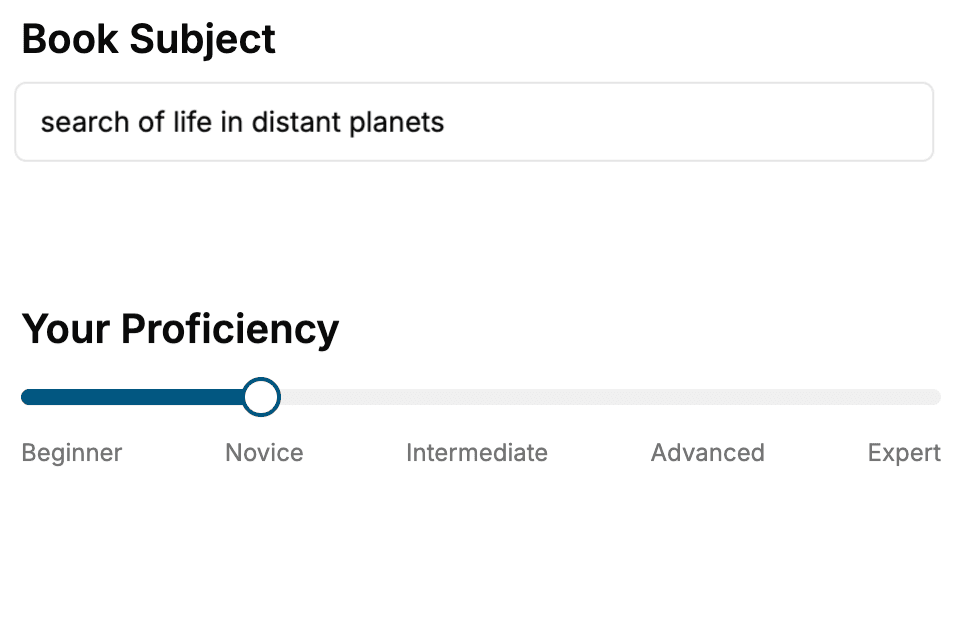
- 1. Select your focus
Select the focus of your Unity Game Engine book and share your background
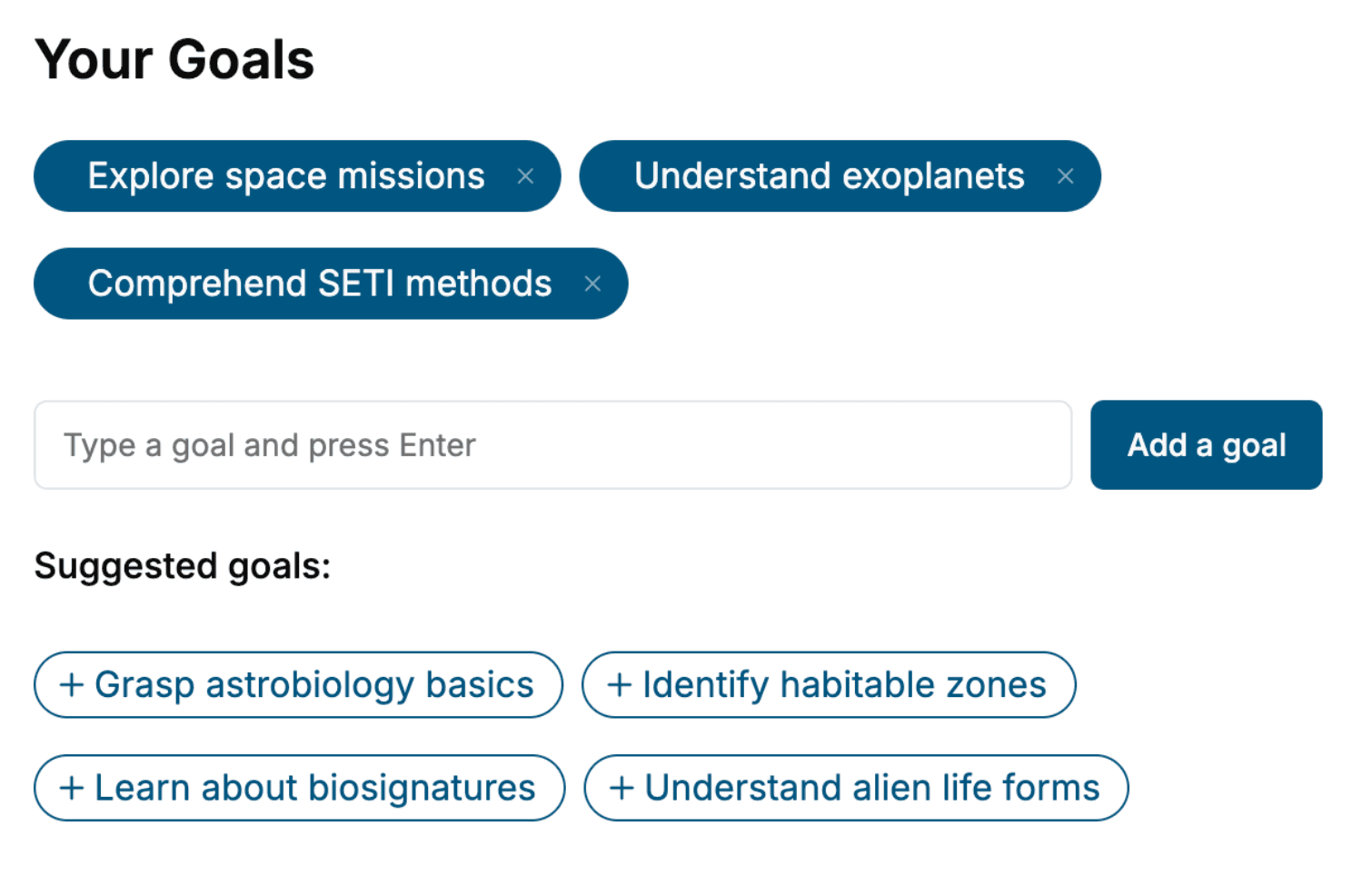
- 2. Personalize your book
Specify your goals and choose sub-topics to include
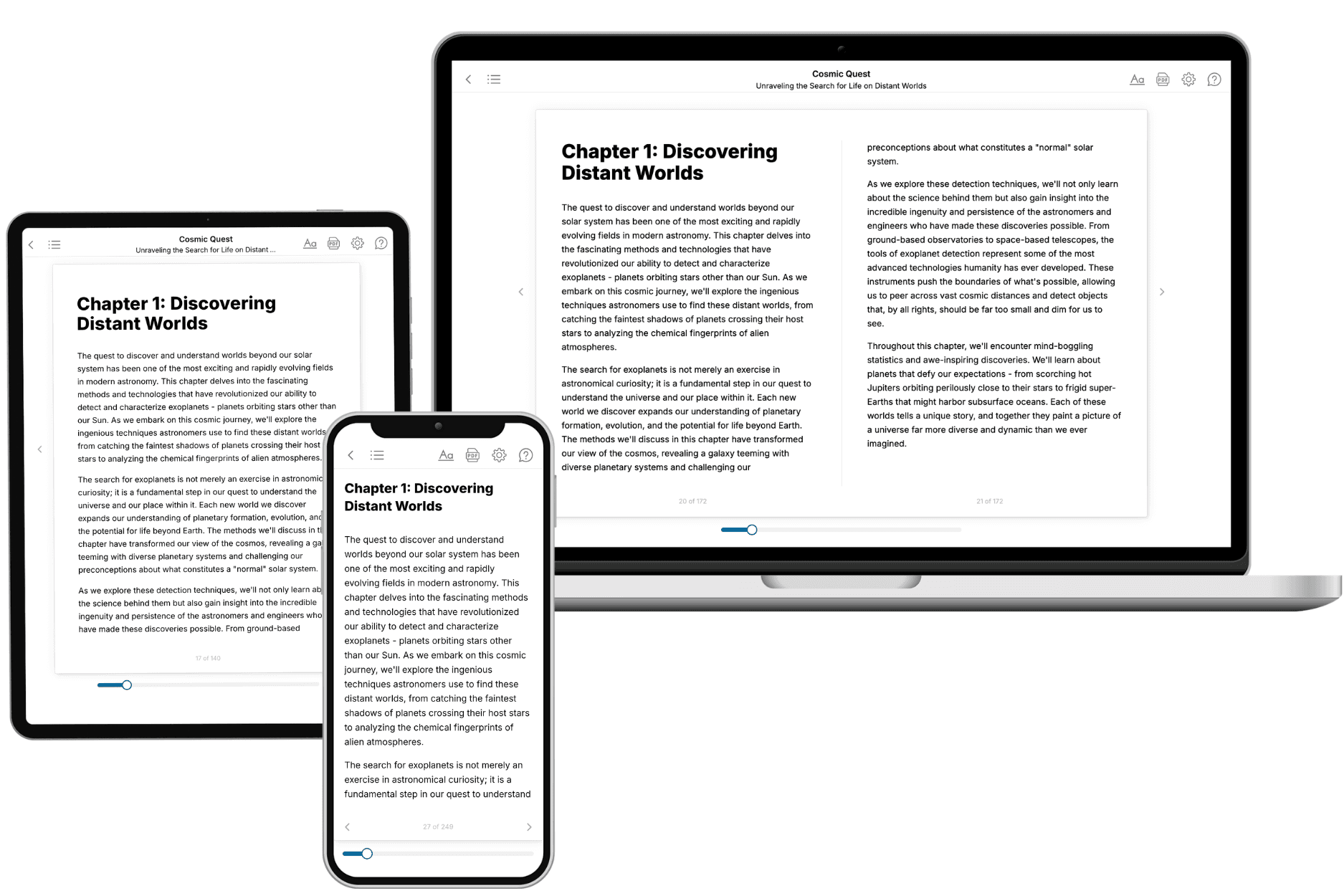
- 3. Get your tailored book
Your book is ready in 10 minutes. Read it online, download as EPUB or PDF, or send to Kindle.
Frequently asked questions
- What is TailoredRead?
TailoredRead creates complete, full-length nonfiction ebooks, written specifically for you. Tell us what you want to learn and why, and TailoredRead writes you a complete ebook on it, with charts, tables, and diagrams throughout. Read it online, on Kindle, or on any e-reader, or download it as a PDF or EPUB. Every book is written fresh the day you order it.
- How is the book tailored to me?
Before anything is written, you answer a few short questions about your goals, your background, and the topics you care about. Your book is then planned around your answers: written at your level, focused on your goals, and covering the topics you chose, instead of the one-size-fits-all book a store sells everyone.
- Will it read like generic AI content?
No. Your book isn't a chat transcript: it's planned chapter by chapter before a single word is written, told in a clear book voice, and explains ideas visually with charts, tables, and diagrams. After writing, every book goes through an editorial pass that polishes chapters so the book reads consistent from start to finish. Judge for yourself: browse thousands of sample books on our Explore Books page.
- How accurate is the content?
Our AI first checks whether your subject needs live research. Niche and fast-moving subjects are researched before writing, and the book plan and chapters are grounded in what it finds. After writing, every book goes through a quality pass that checks its facts and consistency, and researched books list their sources in a Notes section at the back.
- How long is the book?
You choose the length: Comprehensive (250-300 pages), Detailed (150-200 pages), Essential (70-100 pages), or Short (30-50 pages).
- Does the book include visuals?
Yes. Every book includes charts, tables, and diagrams: timelines, checklists, step-by-step guides, decision trees, comparison tables, matrices, and bar charts. A typical book includes dozens of these visual elements.
- Can I read it on Kindle? What formats can I download?
Yes. Every book can be read in our online reader or downloaded as a PDF or EPUB. The EPUB can be opened with Kindle, Apple Books, Kobo, and any e-reader. The Commercial and Author licenses also include an editable Word (DOCX) and Markdown download.
- How much does it cost?
About the price of a regular ebook. The exact price depends on your book's length and complexity, from $2 for the shortest books to $35 for the most comprehensive, and it's shown when you review your book, before you commit to anything. Each book is a one-time purchase, yours to keep, no subscription. Licenses that let you share, teach, or publish your book range from $35.99 to $49.99.
- Can I preview the book before purchasing?
Before you pay, you'll see what your book will cover: the title, a detailed description, the estimated length, and the complete chapter-by-chapter table of contents, so you know what you're getting before you decide. The full text itself is written after you purchase.
- How long does it take to create a book?
About 10 minutes. You can start reading the opening chapters while the rest is still being written.