Mastering Unity Shaders
From Graphics Fundamentals to Advanced Visual Effects
Most developers struggle with shader programming because they treat it as an isolated skill rather than understanding how it fits into the broader graphics pipeline.
238 pages11 chaptersApr 28, 2026Unity3D
About this book
This book bridges that gap by teaching you not just the syntax of shader languages, but the underlying principles that make shaders work. You'll start with the fundamentals of how graphics hardware processes vertices and pixels, then progress through practical shader implementations that you can immediately apply to your projects. Each chapter builds on previous concepts, introducing advanced techniques like normal mapping, parallax effects, and physically-based rendering. You'll learn how to debug shader problems, optimize for performance, and create stunning visual effects that run efficiently on target hardware. By the end, you'll have the confidence to write custom shaders for any visual challenge your project demands.
Table of contents
- IntroductionWhy Shaders Matter in Modern Game Development, What You'll Learn in This Book, How to Use This Book EffectivelyRead below
- Chapter 1: The Graphics Pipeline ExplainedUnderstanding the Rendering Pipeline, Shader Stages and Their Roles, How the GPU Executes Your Code
- Chapter 2: Shader Languages and SyntaxHLSL Fundamentals and Data Types, GLSL Essentials and Syntax, Unity ShaderLab and Material Properties
- Chapter 3: Vertex Shaders and TransformationsVertex Processing and Transformations, Working with Vertex Attributes and Semantics, Vertex Animation Techniques
- Chapter 4: Fragment Shaders and Pixel OperationsFragment Shader Fundamentals, Color Calculations and Blending, Texture Sampling and Filtering
- Chapter 5: Lighting Models and CalculationsPhong and Blinn-Phong Lighting Models, Introduction to Physically-Based Rendering, Implementing Different Light Types
- Chapter 6: Normal Mapping and Surface DetailsNormal Map Fundamentals, Tangent Space and Coordinate Transformations, Advanced Normal Mapping Techniques
- Chapter 7: Advanced Surface EffectsParallax Mapping and Depth Effects, Displacement Mapping and Geometry Modification, Subsurface Scattering and Translucency
- Chapter 8: Post-Processing and Screen-Space EffectsPost-Processing Pipeline Fundamentals, Screen-Space Ambient Occlusion and Reflections, Bloom, Depth of Field, and Motion Blur
- Chapter 9: Shader Optimization and PerformanceProfiling and Identifying Bottlenecks, Optimization Techniques and Best Practices, Batching, LOD Systems, and Culling
- Chapter 10: Debugging and Testing ShadersShader Debugging Tools and Techniques, Visual Debugging and Visualization, Testing and Validation Strategies
- Chapter 11: Practical Projects and Real-World ApplicationsBuilding a Realistic Water Shader, Creating Character Skin and Hair Shaders, Environment and Terrain Shader Systems
- ConclusionYour Path Forward in Shader Development
- Glossary of Shader Terms
- Further Reading and Resources
Introduction
Every time a game renders a frame, thousands of tiny programs run in parallel across hundreds of GPU cores, deciding the color of every pixel on screen. Those programs are shaders. They determine whether a sword looks like polished steel or dull iron, whether water shimmers convincingly or sits flat and lifeless, and whether a character's skin feels warm and organic or cold and plastic. Shaders are the single most powerful tool available to a graphics programmer, and yet they remain one of the most misunderstood parts of game development.
Most developers encounter shaders the same way: something looks wrong in their scene, someone suggests writing a custom shader, and suddenly they're staring at unfamiliar syntax with no clear idea of where to start. That experience is frustrating, but it's also completely avoidable. Shaders aren't magic. They follow clear rules, operate within a well-defined pipeline, and respond predictably to the code you write. Once you understand the underlying system, writing shaders becomes less like guesswork and more like solving an interesting puzzle.
This book was built around a simple idea: the best way to learn shader programming is to understand why things work, not just how to copy them. You'll find plenty of code examples here, but each one is explained in terms of the graphics concepts behind it. That approach takes a little more time upfront, but it pays off quickly. When you understand the pipeline, you can diagnose problems faster, optimize more confidently, and invent solutions instead of searching for them. By the time you finish this book, you'll have both the technical skills and the conceptual foundation to tackle any shader challenge your project throws at you.
The book assumes you already have some experience with Unity and a basic familiarity with how 3D graphics work at a high level. You don't need to be an expert in either. If you've built a few Unity projects, understand what a mesh and a material are, and have at least a passing familiarity with vectors and matrices, you have everything you need to get started. The early chapters will fill in any gaps, and the later chapters will push you into genuinely advanced territory.
Why Shaders Matter in Modern Game Development
The visual quality of a game is one of the first things players notice, and shaders are responsible for almost all of it. Unity's built-in shaders are capable and convenient, but they're designed to cover a wide range of use cases rather than any specific one. When you need a look that's uniquely yours, or when you need to squeeze every bit of performance out of a mobile device, built-in shaders quickly show their limits. Custom shaders give you direct control over the GPU, and that control translates directly into visual quality and performance.
Consider a simple example: a stylized game with a cel-shaded look. Unity's Standard shader produces physically-based rendering with smooth lighting gradients. That's the opposite of what cel-shading requires. To get hard lighting bands and bold outlines, you need to write your own lighting calculations. There's no setting or checkbox that gets you there. The same logic applies to dozens of other effects: dissolve transitions, heat distortion, holographic displays, procedural terrain blending, and custom water simulations all require shaders written specifically for the job.
Performance is the other major reason shaders matter. A shader that does more work than necessary can tank your frame rate, especially on mobile hardware where GPU resources are limited. Unity's Standard shader includes support for features like detail maps, emission, and parallax occlusion mapping. If your material doesn't use those features, the shader still carries the overhead of checking for them. A custom shader written for exactly what your material needs can be dramatically faster. On mobile platforms, this difference can be the gap between 60 frames per second and 30.
Shaders also matter because the industry expects developers to understand them. Whether you're working on a small indie project or a large studio production, the ability to write and debug custom shaders is a skill that sets you apart. Graphics programmers who can diagnose a rendering artifact, optimize a shader for a specific platform, or implement a new visual technique from a research paper are genuinely valuable. This book is designed to help you become that kind of developer.
Beyond professional value, there's something genuinely satisfying about shader programming. When you write a few dozen lines of code and watch a flat polygon transform into something that looks like flowing water or glowing neon, the feedback is immediate and visceral. Shaders sit at the intersection of mathematics, art, and engineering, and that combination makes them one of the most creatively rewarding areas of game development to explore.
Real-world impact: In 2017, the development team behind Cuphead used custom shaders to replicate the look of 1930s hand-drawn animation, including film grain, color bleeding, and scanline effects. None of that was achievable with off-the-shelf shaders. The visual identity of the entire game depended on custom shader work.[1]
The rise of real-time ray tracing, machine learning-based upscaling, and increasingly complex rendering pipelines means that shader programming is becoming more important, not less. Understanding the fundamentals now positions you to work with these emerging technologies as they become standard in game development. The concepts you'll learn in this book are the same ones that underpin cutting-edge rendering research.
It's also worth noting that shader skills transfer across engines and platforms. The specific syntax differs between Unity, Unreal Engine, and web-based renderers, but the underlying concepts are the same. Once you understand how a vertex shader transforms geometry or how a fragment shader calculates lighting, you can apply that knowledge anywhere. Learning shaders in Unity is learning shaders in general.
What You'll Learn in This Book
This book covers shader development from the ground up, starting with the graphics pipeline and working through to advanced visual effects and optimization. Each chapter introduces new concepts and builds directly on what came before. By the end, you'll have a complete picture of how shaders work in Unity and the practical skills to write them confidently.
The first section of the book focuses on foundations. You'll start with the graphics pipeline: how geometry moves from a 3D mesh to pixels on screen, what happens at each stage, and where shaders fit into that process. From there, you'll learn the shader languages used in Unity, primarily HLSL and Unity's own ShaderLab syntax. These chapters give you the vocabulary and mental model you need for everything that follows.
The middle section covers the core shader types in depth. Here's a summary of what each chapter addresses:
- Vertex shaders: How to transform geometry, animate meshes procedurally, and work with vertex attributes like normals, UVs, and tangents.
- Fragment shaders: How to calculate pixel colors, sample textures, and implement blending operations.
- Lighting models: How to implement Phong, Blinn-Phong, and physically-based rendering (PBR) lighting from scratch.
- Normal mapping: How to add surface detail without adding geometry, including tangent-space transformations.
- Advanced surface effects: Parallax mapping, displacement mapping, and subsurface scattering for organic materials.
The later section moves into post-processing and screen-space effects. You'll learn how to build effects that operate on the entire rendered frame rather than individual objects. This includes screen-space ambient occlusion (SSAO), bloom, depth of field, and motion blur. These techniques are what give modern games their cinematic quality, and they're all achievable with the shader skills you'll have built by that point.
Two chapters near the end of the book focus on the practical realities of shipping shaders in a real project. The optimization chapter covers profiling tools, GPU performance analysis, and specific techniques for reducing shader complexity without sacrificing visual quality. The debugging chapter covers the tools and strategies you need to track down visual artifacts and incorrect rendering behavior. These chapters are often skipped in shader tutorials, but they're essential for production work.
The book closes with a practical projects chapter that walks through three complete shader implementations:
- A realistic water shader with animated waves, reflections, and depth-based color.
- A character shader handling skin rendering and hair with anisotropic highlights.
- An environment shader system for terrain blending and detail layering.
These projects tie together everything from earlier chapters and show how individual techniques combine into production-ready shaders. They're also designed to be useful starting points for your own work. You can take the water shader, for example, and adapt it directly to your project's visual style.
Throughout the book, you'll find code examples written in HLSL within Unity's ShaderLab framework. Every example is explained line by line, with attention to both what the code does and why it's written that way. Where there are common mistakes or performance pitfalls, those are called out explicitly so you can avoid them from the start.
What you'll be able to do after finishing this book: Write custom shaders from scratch for any visual requirement. Debug rendering artifacts using Unity's frame debugger and GPU profiling tools. Optimize shaders for mobile and console hardware. Implement PBR materials, normal mapping, parallax effects, and post-processing pipelines. Adapt and extend existing shaders to fit your project's specific needs.
One thing this book deliberately avoids is treating shaders as a collection of recipes to copy and paste. Recipes are useful, but they don't teach you to think. Every technique in this book is explained in terms of the underlying principles, so you can modify it, combine it with other techniques, and apply it to situations the book never anticipated. That's the difference between knowing how to use a shader and knowing how to write one.
How to Use This Book Effectively
This book is designed to be read sequentially, at least for the first time through. Each chapter assumes you've read the ones before it, and concepts introduced early are used without re-explanation in later chapters. If you skip ahead to the normal mapping chapter without reading the vertex and fragment shader chapters first, you'll encounter terms and techniques that won't make sense. The investment in reading from the beginning pays off quickly.
That said, once you've read the book once, it works well as a reference. The chapter structure is designed so you can find specific topics quickly. If you're working on a project and need to remember how tangent-space transformations work, you can go directly to Chapter 6 without re-reading everything before it. The glossary at the back of the book also provides quick definitions for technical terms.
The most important habit to develop while reading this book is to write code alongside it. Reading about shaders is useful, but writing them is where the real learning happens. Every code example in the book should be typed out and run in Unity, not just read. When something doesn't work as expected, that's not a failure. It's an opportunity to use the debugging techniques from Chapter 10 and develop your diagnostic instincts.
Here's a practical workflow that works well for each chapter:
- Read the chapter once without writing any code, focusing on understanding the concepts.
- Go back through the chapter and implement each code example in a fresh Unity project.
- Modify each example to see what happens. Change values, remove lines, add new features.
- Try to implement the concept from memory before moving to the next chapter.
Setting up your Unity environment correctly before you start will save you a lot of frustration. The code examples in this book are written for Unity's Universal Render Pipeline (URP), which is the recommended pipeline for new projects as of Unity 2021 and later.[2] If you're working with the Built-in Render Pipeline or the High Definition Render Pipeline (HDRP), most concepts still apply, but some syntax and shader structure will differ. The key differences are noted in the relevant chapters.
For your development environment, you'll need the following:
- Unity 2021.3 LTS or later with the Universal Render Pipeline package installed.
- A code editor with HLSL syntax highlighting. Visual Studio and Visual Studio Code both work well, and Unity integrates with both.
- Unity's Frame Debugger, which is built into the editor and used extensively in the debugging chapter.
- RenderDoc (optional but recommended), a free GPU frame capture tool that provides deeper insight into rendering behavior than Unity's built-in tools alone.[3]
The code examples in this book use consistent naming conventions to make them easier to follow. Shader properties use PascalCase with a leading underscore, like _MainTex or _NormalMap. Variables inside shader functions use camelCase. These conventions match Unity's own naming patterns, so the code will feel familiar if you've looked at Unity's built-in shaders before.
Some chapters include exercises at the end. These aren't optional extras. They're designed to test whether you've actually understood the material, not just read it. The exercises range from small modifications to existing shaders to building new effects from scratch using the techniques covered in the chapter. Skipping them is tempting, but completing them is one of the best ways to solidify your understanding before moving on.
If you get stuck, the most productive approach is to isolate the problem. Shader bugs are almost always caused by one of a small number of issues: incorrect coordinate spaces, wrong data types, missing normalization, or incorrect texture sampling. The debugging chapter covers all of these in detail. When something looks wrong, resist the urge to change multiple things at once. Change one thing, observe the result, and reason about what it tells you. That systematic approach will serve you well throughout your career as a graphics programmer.
Finally, don't be discouraged by the learning curve. Shader programming has a reputation for being difficult, and that reputation isn't entirely undeserved. The first few shaders you write will probably have bugs. Some effects will take longer to get right than you expect. That's normal. Every experienced graphics programmer has spent hours staring at a black screen trying to figure out why nothing is rendering. The difference between beginners and experts isn't that experts never get stuck. It's that experts have a systematic process for getting unstuck. This book will give you that process.
A note on learning pace: Most readers find that Chapters 1 through 4 take the most time, because they establish the foundational mental models that everything else depends on. Once those click, the later chapters tend to move faster. If you find yourself re-reading sections of the early chapters, that's a good sign, not a bad one. It means you're building the right foundation.
The goal of this book isn't to make you dependent on its examples. It's to give you the understanding and confidence to write shaders you've never seen before, solve problems you've never encountered, and create visual effects that are uniquely yours. That's what mastering shaders actually means, and it's entirely within reach.
Notes
Introduction
- 1. StudioMDHR, Cuphead, StudioMDHR Entertainment. The game's distinctive visual style was achieved through extensive custom shader development in Unity, 2017
- 2. Unity Technologies, "Universal Render Pipeline Overview," Unity Documentation, 2023
- 3. B. Baldursson, "RenderDoc: A standalone graphics debugger," 2023
This is the end of the free sample. The full book has 11 chapters.
Want this book written for you?
Tell us your goals and background, and get your own version of this book, tailored by AI to you.






Benefits of AI-tailored books
- Read one book, not ten:
- all the Unity3D knowledge you need, gathered into a single book.
- Save days of learning:
- tell us your goals, choose your topics, and the whole book is built around them.
- Learn effortlessly:
- Unity3D book written for your specific background and expertise.
- Understand at a glance:
- includes charts, tables, timelines, checklists, decision trees, and more.
- Stay current:
- written the day you order it, not years ago.
- Trust what you read:
- every book is checked for accuracy, with real research when your subject needs it.
Create your unique book in 3 steps
- 1. Select your focus
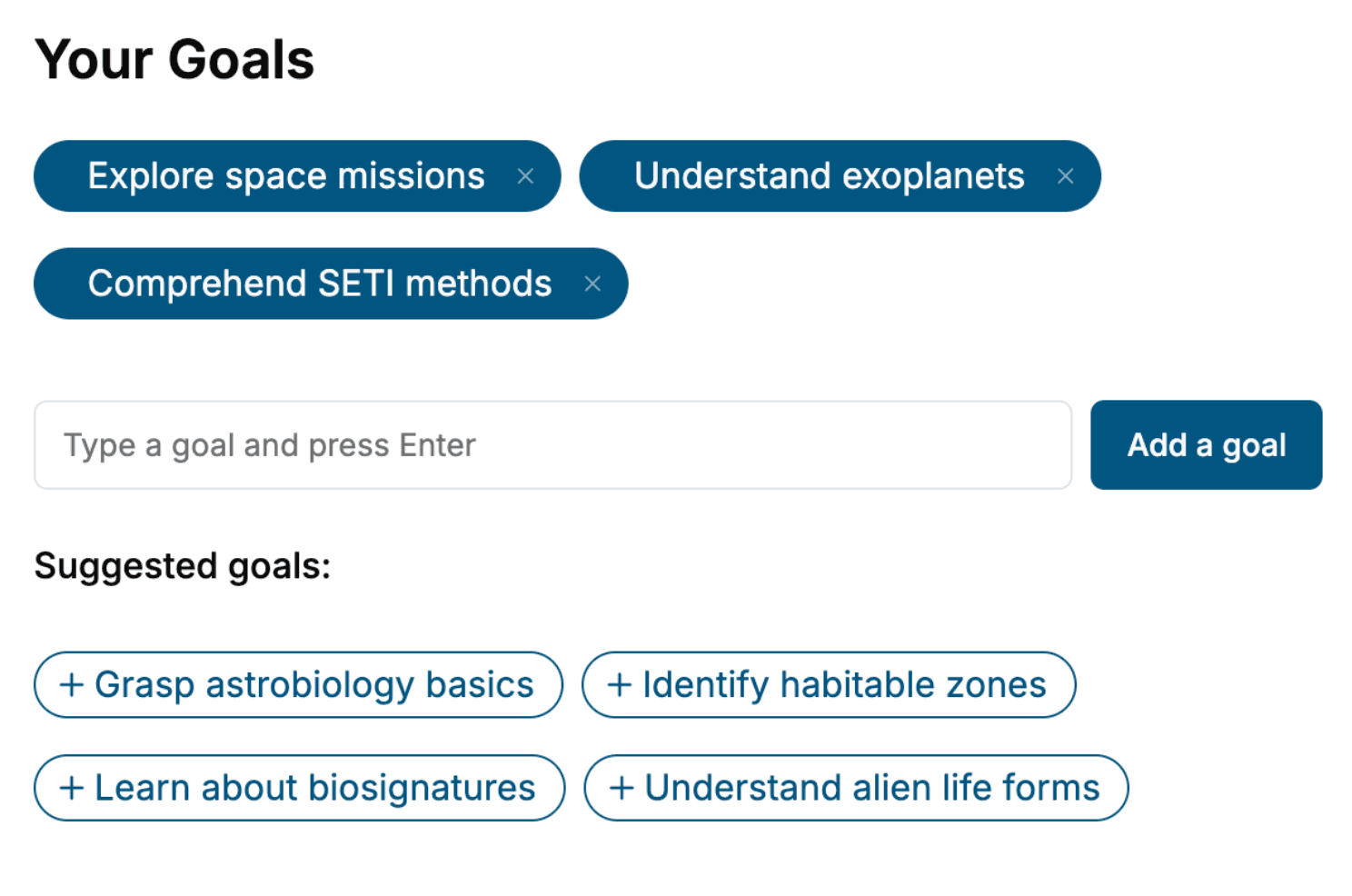
Select the focus of your Unity3D book and share your background
- 2. Personalize your book
Specify your goals and choose sub-topics to include
- 3. Get your tailored book
Your book is ready in 10 minutes. Read it online, download as EPUB or PDF, or send to Kindle.


Frequently asked questions
- What is TailoredRead?
TailoredRead creates complete, full-length nonfiction ebooks, written specifically for you. Tell us what you want to learn and why, and TailoredRead writes you a complete ebook on it, with charts, tables, and diagrams throughout. Read it online, on Kindle, or on any e-reader, or download it as a PDF or EPUB. Every book is written fresh the day you order it.
- How is the book tailored to me?
Before anything is written, you answer a few short questions about your goals, your background, and the topics you care about. Your book is then planned around your answers: written at your level, focused on your goals, and covering the topics you chose, instead of the one-size-fits-all book a store sells everyone.
- Will it read like generic AI content?
No. Your book isn't a chat transcript: it's planned chapter by chapter before a single word is written, told in a clear book voice, and explains ideas visually with charts, tables, and diagrams. After writing, every book goes through an editorial pass that polishes chapters so the book reads consistent from start to finish. Judge for yourself: browse thousands of sample books on our Explore Books page.
- How accurate is the content?
Our AI first checks whether your subject needs live research. Niche and fast-moving subjects are researched before writing, and the book plan and chapters are grounded in what it finds. After writing, every book goes through a quality pass that checks its facts and consistency, and researched books list their sources in a Notes section at the back.
- How long is the book?
You choose the length: Comprehensive (250-300 pages), Detailed (150-200 pages), Essential (70-100 pages), or Short (30-50 pages).
- Does the book include visuals?
Yes. Every book includes charts, tables, and diagrams: timelines, checklists, step-by-step guides, decision trees, comparison tables, matrices, and bar charts. A typical book includes dozens of these visual elements.
- Can I read it on Kindle? What formats can I download?
Yes. Every book can be read in our online reader or downloaded as a PDF or EPUB. The EPUB can be opened with Kindle, Apple Books, Kobo, and any e-reader. The Commercial and Author licenses also include an editable Word (DOCX) and Markdown download.
- How much does it cost?
About the price of a regular ebook. The exact price depends on your book's length and complexity, from $2 for the shortest books to $35 for the most comprehensive, and it's shown when you review your book, before you commit to anything. Each book is a one-time purchase, yours to keep, no subscription. Licenses that let you share, teach, or publish your book range from $35.99 to $49.99.
- Can I preview the book before purchasing?
Before you pay, you'll see what your book will cover: the title, a detailed description, the estimated length, and the complete chapter-by-chapter table of contents, so you know what you're getting before you decide. The full text itself is written after you purchase.
- How long does it take to create a book?
About 10 minutes. You can start reading the opening chapters while the rest is still being written.