Video Quality Enhancement in VLC
Scaling, codecs, hardware acceleration and color fixes explained
Why does your video look pixelated, blurry, or washed out even when playing the same file on other devices?
238 pages11 chaptersApr 15, 2026Software
About this book
The answer isn't that VLC can't deliver quality—it's that most users never access the powerful enhancement tools already built into the software. This guide reveals exactly how to unlock VLC's hidden capabilities to achieve stunning video quality that rivals expensive professional players. You'll discover how to configure scaling algorithms, optimize codec settings, leverage hardware acceleration effectively, and apply color correction techniques that transform mediocre footage into sharp, vibrant content. Whether you're dealing with low-bitrate streams, older video formats, or simply want to maximize the potential of your media library, this book provides step-by-step instructions, real-world examples, and troubleshooting strategies. Learn which settings matter most for different video types, how to diagnose quality problems systematically, and how to maintain consistent results across your entire collection. Stop accepting poor video quality as inevitable—take control of your playback experience today.
Table of contents
- IntroductionWhy Video Quality Matters More Than You Think, What VLC Can Actually Do for Your Videos, How to Use This Book to Get ResultsRead below
- Chapter 1: Understanding Video Quality FundamentalsThe Five Components That Define Video Quality, Resolution, Aspect Ratio, and Frame Rate Essentials, How Bitrate Affects What You See on Screen, Codec Fundamentals: H.264, H.265, VP9, and Beyond
- Chapter 2: VLC Interface and Essential SettingsNavigating VLC's Tools and Preferences, Configuring Video Output and Display Options, Optimizing Playback Preferences for Quality, Accessing and Understanding Advanced Settings
- Chapter 3: Scaling Algorithms and Interpolation MethodsWhat Scaling Does and Why It Matters, Comparing Nearest Neighbor, Bilinear, and Advanced Algorithms, Selecting the Right Algorithm for Your Content, Upscaling Lower Resolution Videos Effectively
- Chapter 4: Hardware Acceleration and Performance OptimizationUnderstanding GPU Acceleration and Decoding, Enabling and Configuring Hardware Acceleration, Diagnosing When Hardware Acceleration Hurts Quality, Balancing CPU and GPU Resources for Optimal Results
- Chapter 5: Color Correction and Visual EnhancementColor Space, Gamma, and Brightness Fundamentals, Using VLC's Color Correction and Adjustment Tools, Adjusting Contrast, Saturation, and Hue, Fixing Washed Out, Dark, or Oversaturated Videos
- Chapter 6: Audio Quality and SynchronizationAudio Bitrate, Sample Rate, and Codec Selection, Configuring VLC's Audio Output and Enhancement Options, Fixing Audio-Video Synchronization Problems, Using Equalization and Audio Filters Effectively
- Chapter 7: Working with Different Video Formats and CodecsOptimizing Settings for MP4, MKV, AVI, and WebM, Enhancing Older Codecs and Archived Video, Improving Quality for Streaming Content, Understanding Codec Support and Fallback Options
- Chapter 8: Advanced Filters and EffectsUnderstanding VLC's Filter Chain Architecture, Deinterlacing and Motion Compensation Filters, Applying Noise Reduction and Sharpening Filters, Building Custom Filter Chains for Specific Problems
- Chapter 9: Batch Processing and AutomationCreating and Managing Playlists with Consistent Settings, Saving and Applying Quality Profiles Across Videos, Using VLC's Scripting Capabilities for Automation, Converting Multiple Videos with Optimized Settings
- Chapter 10: Troubleshooting Video Quality IssuesA Systematic Approach to Diagnosing Quality Problems, Solving Pixelation, Blur, Stuttering, and Artifacts, Identifying CPU, GPU, and Memory Bottlenecks, Detecting and Working Around Corrupted or Damaged Files
- Chapter 11: Real-World Scenarios and Case StudiesRestoring Quality in Older or Archived Video, Maximizing Quality from Low-Bitrate Sources, Optimizing Streaming Services and Online Video, Integrating VLC Quality Enhancement into Professional Workflows
- ConclusionKey Takeaways and Your Next Steps, Staying Current with VLC Updates and New Features
- Glossary of Video and Audio Terms
- Further Reading and Resources
Introduction
You've probably been there before. You sit down to watch a video, the file loads just fine, and then the picture looks soft, washed out, or weirdly blocky. You check the file on your phone or another app, and somehow it looks better. So what's going on? The problem usually isn't the file itself. It's that VLC, one of the most powerful media players ever built, ships with settings tuned for broad compatibility rather than maximum quality. Most users never touch those settings, and they end up accepting a mediocre picture that the software could easily improve.
VLC Media Player has been downloaded over five billion times and runs on virtually every operating system in existence.[1] Despite that reach, the vast majority of users interact with only a tiny fraction of what the software can do. Underneath the familiar orange traffic cone logo sits a remarkably deep set of tools: scaling algorithms, hardware decoding pipelines, color correction filters, audio equalizers, and a scriptable automation layer. These aren't hidden in some obscure developer menu. They're right there, waiting to be used. The gap between what most people experience and what VLC can actually deliver is enormous.
This book exists to close that gap. It walks through every major lever you can pull to improve video quality in VLC, from the foundational concepts that explain why quality degrades in the first place, to the specific settings and filter combinations that fix real problems on real hardware. Whether you're dealing with a blurry upscaled stream, an old DVD rip that looks terrible on a modern monitor, or a high-bitrate 4K file that stutters and drops frames, there's a path forward. The chapters ahead cover that path in practical, step-by-step detail.
Why Video Quality Matters More Than You Think
Video quality isn't just an aesthetic preference. It directly affects how much information you absorb, how long you stay engaged, and how much you enjoy what you're watching. Research in media psychology consistently shows that viewers rate the credibility and professionalism of content higher when the visual quality is better, even when the underlying information is identical.[2] Poor quality creates friction. Your brain works harder to process a blurry or artifact-heavy image, and that extra cognitive load pulls attention away from the content itself.
For content creators, the stakes are even higher. If you're reviewing footage, editing a project, or evaluating color grading decisions, the accuracy of your playback directly affects the quality of your output. A player that crushes blacks, shifts hues, or softens fine detail will lead you to make corrections that look wrong on other screens. Getting your playback environment right isn't optional when your work depends on seeing the source material accurately.
Even for casual viewers, the difference between a properly configured player and a default one is noticeable. Consider a common scenario: you download a 1080p movie encoded in H.265, but your monitor is 1440p. VLC has to scale the image up to fill the screen. The algorithm it uses for that scaling makes a significant visual difference. The default setting in many VLC installations uses a basic method that introduces softness and ringing artifacts. Switching to a better algorithm takes about thirty seconds and produces a noticeably sharper result. That's the kind of practical, immediate improvement this book is built around.
There's also a hardware dimension to consider. Modern computers have powerful GPUs that can handle video decoding and processing far more efficiently than the CPU alone. When hardware acceleration is configured correctly, you get smoother playback, lower power consumption, and better quality output. When it's configured incorrectly, or when it conflicts with a particular codec, you can get green flashes, corrupted frames, or a picture that looks worse than pure software decoding. Understanding when to use it and when to turn it off is a skill that pays off every time you sit down to watch something.
The bottom line is that video quality is a system, not a single setting. Resolution, bitrate, codec, scaling, color processing, and hardware all interact. Pulling one lever without understanding the others can make things worse instead of better. This book gives you the full picture so you can make informed decisions rather than guessing.
A practical example: A user playing a 720p video on a 4K television through VLC with default settings might see a soft, slightly blurry image with muted colors. By switching the scaling algorithm to Lanczos, enabling the video adjustments filter with a slight contrast boost, and confirming that hardware decoding is active and compatible, that same file can look dramatically sharper and more vibrant. No new hardware, no new software, no new file. Just better settings.
Quality also matters in ways that compound over time. If you manage a media library of hundreds or thousands of files, the difference between a well-configured player and a poorly configured one multiplies across every viewing session. Building good habits and saved profiles now means you benefit from them indefinitely. The investment in learning these settings is small compared to the ongoing return.
Finally, understanding video quality in VLC builds transferable knowledge. The concepts behind codec selection, bitrate, color space, and scaling apply across every video tool you'll ever use. Learning them here, in the context of a free and widely available player, gives you a foundation that carries over to editing software, streaming platforms, and professional production environments.
What VLC Can Actually Do for Your Videos
Most people think of VLC as a simple media player. Open a file, press play, done. That description is accurate for how most people use it, but it dramatically undersells what the software is capable of. VLC is built on the libVLC framework and the FFmpeg library, two of the most powerful open-source multimedia engines in existence. The playback interface is just the front end of a system that can decode, process, filter, convert, and stream virtually any video format ever created.[3]
On the video quality side specifically, VLC offers a substantial toolkit. Here's what's actually available inside the software right now, without any plugins or additional downloads:
- Scaling algorithms: Multiple interpolation methods including Nearest Neighbor, Bilinear, Bicubic, and Lanczos, each with different quality and performance tradeoffs.
- Video adjustments: Real-time controls for brightness, contrast, hue, saturation, and gamma, applied as a live filter during playback.
- Deinterlacing filters: Multiple modes for handling interlaced content from broadcast sources, DVDs, and older recordings.
- Noise reduction: A built-in filter that reduces grain and compression artifacts in real time.
- Sharpening: A filter that enhances edge definition, useful for soft or slightly blurry source material.
- Hardware acceleration: Support for DirectX Video Acceleration (DXVA2), Video Decode and Presentation API for Windows (DXVA), VA-API on Linux, VideoToolbox on macOS, and NVIDIA NVDEC/CUDA.
- Audio processing: A 10-band equalizer, stereo widener, compressor, spatializer, and multiple audio output modules.
- Conversion and transcoding: A built-in media converter that can re-encode files with custom codec and quality settings.
- Scripting and automation: A Lua scripting interface that allows custom extensions, playlist management, and automated processing.
That list covers the major features, but the depth within each category is significant. The deinterlacing system alone offers seven distinct modes, from simple blending to motion-adaptive processing. Choosing the right one for a specific type of interlaced content makes a visible difference in how smooth motion looks and how much detail is preserved in fast-moving scenes.
VLC also handles color space management, which is increasingly important as HDR content becomes more common. Understanding how VLC interprets and displays color information, and how to configure it correctly for your display, prevents the washed-out or overly dark appearance that many users mistakenly attribute to the source file. In many cases, a simple color space setting change resolves what looks like a fundamental quality problem.
The conversion and transcoding capabilities deserve special mention because they extend VLC's usefulness beyond playback. If you have a library of older files encoded in formats that don't play well on modern hardware, VLC can re-encode them with better codecs and optimized settings. This isn't just about compatibility. It's about permanently improving the quality of your stored media using settings you control. Chapter 9 covers this in detail, including how to process multiple files consistently using saved profiles.
Comparison point: Commercial media players like Cyberlink PowerDVD and Nero Platinum charge between $50 and $100 for features that overlap significantly with what VLC provides for free. The main difference is that those applications surface their enhancement tools more prominently in the interface. VLC's tools are equally capable but require a bit more navigation to find and configure. This book is essentially the manual that makes VLC's interface as accessible as those paid alternatives.
One area where VLC genuinely stands out is format compatibility. It plays files that other players simply refuse to open, including partially downloaded files, damaged containers, obscure legacy codecs, and unusual container formats. This matters for quality because it means you can apply VLC's enhancement tools to content that other players can't even display. For anyone working with archived or legacy video, that combination of broad compatibility and deep enhancement capability is uniquely valuable.
It's also worth noting what VLC cannot do, so expectations stay realistic. It cannot perform AI-based upscaling like some dedicated tools, and it doesn't have a built-in HDR tone-mapping pipeline as sophisticated as some commercial players. For most content and most use cases, these limitations don't matter. But for specific workflows involving HDR mastering or extreme upscaling from very low resolutions, you may want to combine VLC with a dedicated tool. The book will flag those situations clearly as they come up.
The key takeaway is that VLC is not a basic player with a few hidden tricks. It's a professional-grade multimedia engine with a consumer-friendly interface. The tools are there. Learning to use them is what separates a frustrating viewing experience from an excellent one.
How to Use This Book to Get Results
This book is designed to be both a cover-to-cover guide and a practical reference you return to when specific problems come up. If you're new to VLC's advanced features, reading the chapters in order will build your understanding progressively. Each chapter assumes the concepts from the previous ones, so the sequence matters when you're learning from scratch. If you already have a specific problem to solve, the chapter structure makes it easy to jump directly to the relevant section.
Here's a quick map of how the book is organized so you can navigate it efficiently:
- Chapters 1 and 2 cover the foundational knowledge you need before touching any settings. Chapter 1 explains what video quality actually is at a technical level. Chapter 2 walks through VLC's interface and shows you where all the relevant settings live.
- Chapters 3 and 4 focus on the two biggest levers for playback quality: scaling algorithms and hardware acceleration. These chapters alone will produce noticeable improvements for most users.
- Chapters 5 and 6 cover visual and audio enhancement. Color correction, contrast, saturation, audio equalization, and sync issues are all addressed here with specific settings and examples.
- Chapters 7 and 8 go deeper into format-specific optimization and advanced filter chains. These chapters are especially useful if you work with a variety of file types or have specific quality problems that basic settings don't solve.
- Chapters 9 and 10 cover automation and troubleshooting. Chapter 9 shows how to apply settings consistently across large libraries. Chapter 10 provides a systematic diagnostic process for quality problems.
- Chapter 11 brings everything together through real-world case studies, showing how the techniques from earlier chapters combine to solve specific, practical scenarios.
Throughout the book, you'll find several recurring elements designed to make the content immediately actionable. Step-by-step instructions walk through specific settings changes with exact menu paths and values. Before and after comparisons describe what you should see when a setting is working correctly. Troubleshooting notes flag common mistakes and explain how to recover from them. And quick reference boxes summarize the most important settings for each topic so you can apply them without re-reading the full chapter.
One practical recommendation: keep VLC open while you read. The most effective way to learn these settings is to apply them immediately after reading about them. Most of the changes covered in this book take effect instantly during playback, so you can see the results in real time. Having a test file ready, ideally one that currently looks less than ideal, gives you immediate feedback on whether a setting is helping or hurting.
Suggested test setup: Find a video file that represents your most common use case. If you mostly watch 1080p movies, use one of those. If you work with older archived footage, use a representative sample. Keep this file open in VLC as your reference point throughout the early chapters. Seeing the same content respond to different settings is far more instructive than reading about the changes in the abstract.
The book covers VLC across all three major platforms: Windows, macOS, and Linux. Most settings are identical across platforms, but where they differ, the differences are clearly noted. Menu paths are given for Windows by default, with macOS and Linux equivalents noted where they vary. The version of VLC used as the reference throughout this book is VLC 3.x, which is the current stable release as of writing. Most of the content also applies to VLC 4.x, which was in development at the time of writing, with notes where significant changes are expected.
A word about the approach taken here: this book prioritizes practical results over technical completeness. There are aspects of VLC's internals that are genuinely complex, and going deep on all of them would produce a reference manual rather than a useful guide. Where technical detail is necessary to make a good decision, it's included. Where it isn't, the focus stays on what to do and why it works, rather than how it works at a code level. The goal is to make you more effective with VLC, not to turn you into a libVLC developer.
You don't need to implement every technique in this book to see significant improvements. In fact, for most users, the changes covered in the first four chapters will produce the majority of the quality gains available. The later chapters address more specific scenarios and edge cases. A reasonable approach is to work through the first four chapters thoroughly, apply those settings to your typical content, and then dip into later chapters as specific needs arise.
Finally, keep in mind that video quality optimization involves some subjectivity. What looks best depends on your display, your content, and your personal preferences. The settings and recommendations in this book are based on widely accepted best practices and tested on a range of hardware configurations, but they're starting points rather than absolute rules. The best outcome is that you finish this book with enough understanding to evaluate settings for yourself and make informed adjustments based on what you actually see on your screen.
With that foundation in place, it's time to start building. The next chapter covers the fundamentals of video quality itself, giving you the conceptual framework that makes every subsequent setting make sense. Understanding what you're optimizing, before you start optimizing it, is the difference between making progress and just turning knobs at random.
This is the end of the free sample. The full book has 11 chapters.
Want this book written for you?
Tell us your goals and background, and get your own version of this book, tailored by AI to you.


Benefits of AI-tailored books
- Read one book, not ten:
- all the Software knowledge you need, gathered into a single book.
- Save days of learning:
- tell us your goals, choose your topics, and the whole book is built around them.
- Learn effortlessly:
- Software book written for your specific background and expertise.
- Understand at a glance:
- includes charts, tables, timelines, checklists, decision trees, and more.
- Stay current:
- written the day you order it, not years ago.
- Trust what you read:
- every book is checked for accuracy, with real research when your subject needs it.
Create your unique book in 3 steps
- 1. Select your focus
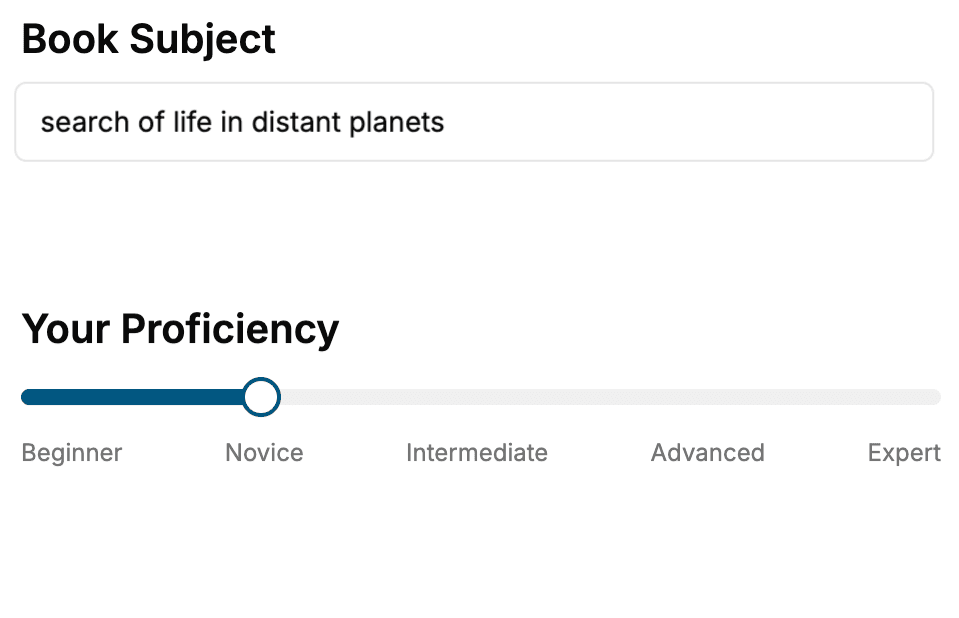
Select the focus of your Software book and share your background
- 2. Personalize your book
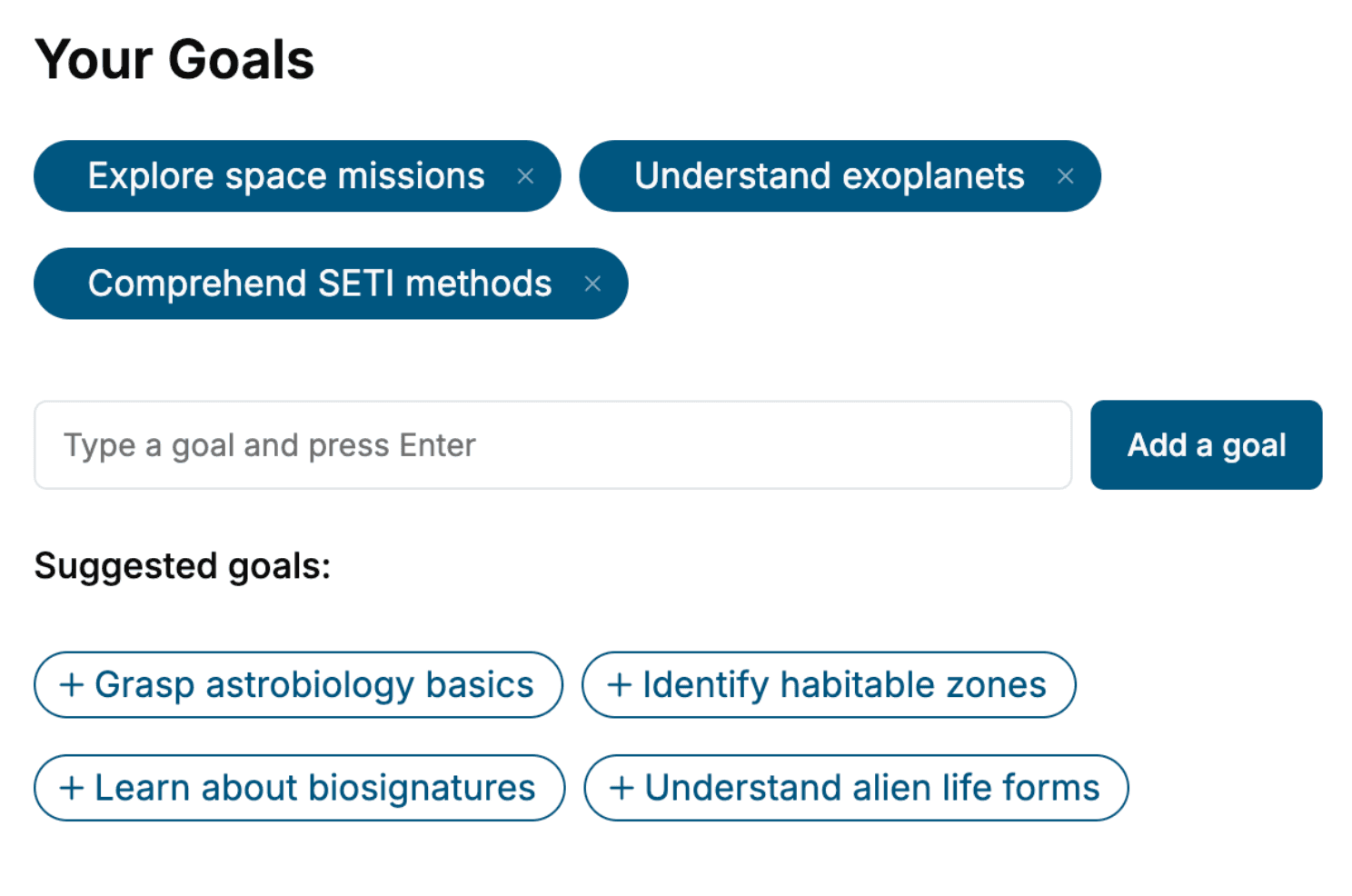
Specify your goals and choose sub-topics to include
- 3. Get your tailored book
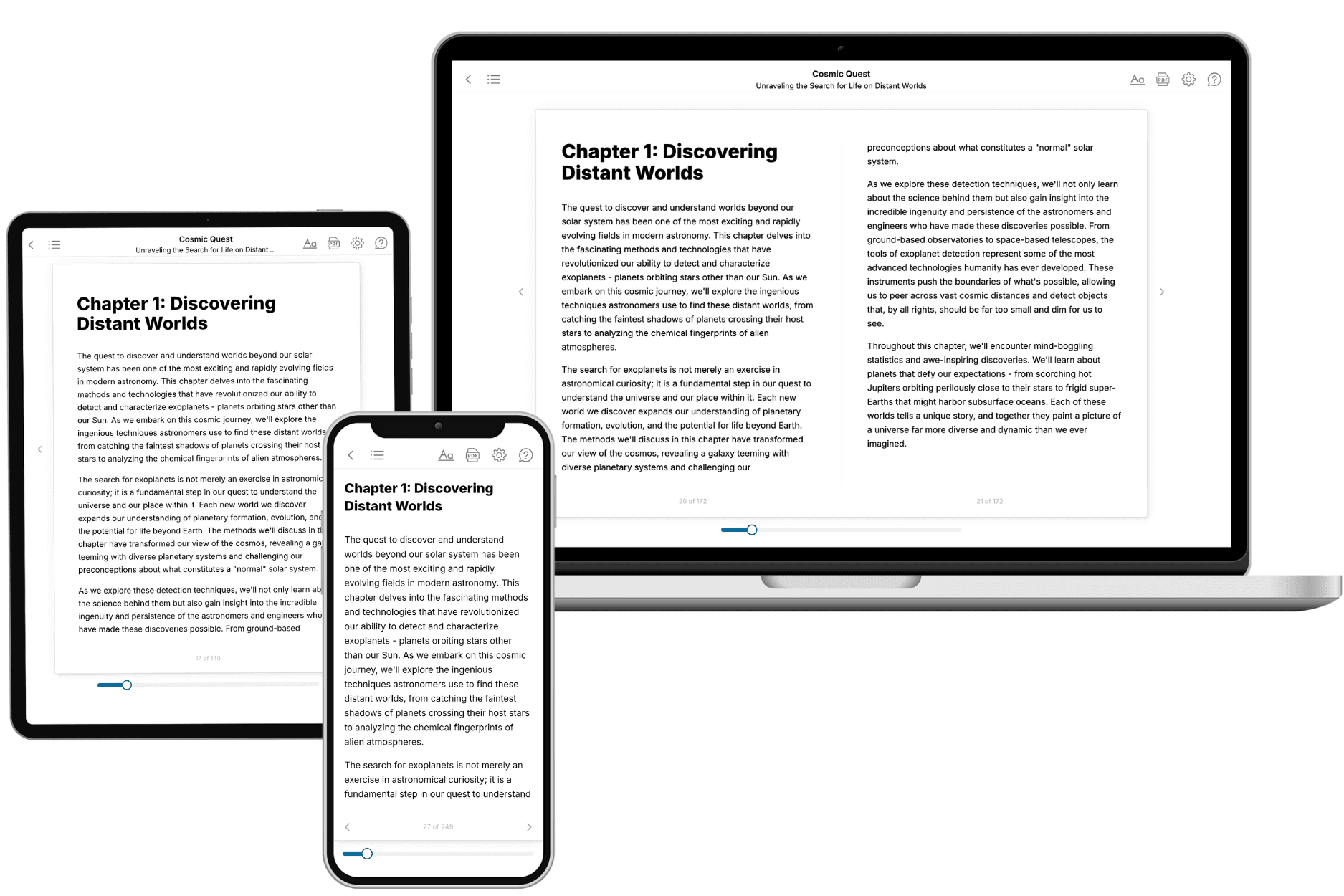
Your book is ready in 10 minutes. Read it online, download as EPUB or PDF, or send to Kindle.
Frequently asked questions
- What is TailoredRead?
TailoredRead creates complete, full-length nonfiction ebooks, written specifically for you. Tell us what you want to learn and why, and TailoredRead writes you a complete ebook on it, with charts, tables, and diagrams throughout. Read it online, on Kindle, or on any e-reader, or download it as a PDF or EPUB. Every book is written fresh the day you order it.
- How is the book tailored to me?
Before anything is written, you answer a few short questions about your goals, your background, and the topics you care about. Your book is then planned around your answers: written at your level, focused on your goals, and covering the topics you chose, instead of the one-size-fits-all book a store sells everyone.
- Will it read like generic AI content?
No. Your book isn't a chat transcript: it's planned chapter by chapter before a single word is written, told in a clear book voice, and explains ideas visually with charts, tables, and diagrams. After writing, every book goes through an editorial pass that polishes chapters so the book reads consistent from start to finish. Judge for yourself: browse thousands of sample books on our Explore Books page.
- How accurate is the content?
Our AI first checks whether your subject needs live research. Niche and fast-moving subjects are researched before writing, and the book plan and chapters are grounded in what it finds. After writing, every book goes through a quality pass that checks its facts and consistency, and researched books list their sources in a Notes section at the back.
- How long is the book?
You choose the length: Comprehensive (250-300 pages), Detailed (150-200 pages), Essential (70-100 pages), or Short (30-50 pages).
- Does the book include visuals?
Yes. Every book includes charts, tables, and diagrams: timelines, checklists, step-by-step guides, decision trees, comparison tables, matrices, and bar charts. A typical book includes dozens of these visual elements.
- Can I read it on Kindle? What formats can I download?
Yes. Every book can be read in our online reader or downloaded as a PDF or EPUB. The EPUB can be opened with Kindle, Apple Books, Kobo, and any e-reader. The Commercial and Author licenses also include an editable Word (DOCX) and Markdown download.
- How much does it cost?
About the price of a regular ebook. The exact price depends on your book's length and complexity, from $2 for the shortest books to $35 for the most comprehensive, and it's shown when you review your book, before you commit to anything. Each book is a one-time purchase, yours to keep, no subscription. Licenses that let you share, teach, or publish your book range from $35.99 to $49.99.
- Can I preview the book before purchasing?
Before you pay, you'll see what your book will cover: the title, a detailed description, the estimated length, and the complete chapter-by-chapter table of contents, so you know what you're getting before you decide. The full text itself is written after you purchase.
- How long does it take to create a book?
About 10 minutes. You can start reading the opening chapters while the rest is still being written.