Mastering Visual Studio Code Extensions
Build, Customize, and Optimize Your Development Environment
Discover how to transform Visual Studio Code into your perfect development environment by mastering extensions.
238 pages11 chaptersMar 30, 2026Visual Studio Code
About this book
Whether you're looking to enhance your existing workflow or build custom extensions from scratch, this guide provides everything you need to know. Learn how to navigate the extension marketplace, evaluate and install the right tools for your needs, and configure them to work seamlessly with your development process. Understand the architecture behind VS Code extensions and the powerful API that makes customization possible. If you're ready to build your own extensions, you'll find practical guidance on using TypeScript, implementing features, testing thoroughly, and publishing to the marketplace. This book bridges the gap between casual extension users and developers who want to extend VS Code's capabilities, helping you create a development environment that works exactly the way you do.
Table of contents
- IntroductionWhy Extensions Matter in Modern Development, What You'll Learn in This Book, How to Use This GuideRead below
- Chapter 1: Understanding Visual Studio Code and Its EcosystemThe Architecture of Visual Studio Code, The Role of Extensions in VS Code, How VS Code Compares to Other Development Tools
- Chapter 2: Navigating the Extension MarketplaceExploring the VS Code Marketplace, Effective Search and Discovery Strategies, Evaluating Extensions: Quality, Reviews, and Ratings, Safety and Security Considerations
- Chapter 3: Installing and Managing ExtensionsInstallation Methods and Best Practices, Organizing and Managing Your Extension Collection, Optimizing Performance and Avoiding Extension Bloat
- Chapter 4: Configuring Extensions for Your WorkflowUnderstanding Settings and Configuration Files, Creating Workspace-Specific Profiles, Customizing Keyboard Shortcuts and Keybindings, Integrating Extensions with Themes and UI
- Chapter 5: The VS Code Extension API FundamentalsOverview of the Extension API, Activation Events and Extension Lifecycle, Core Concepts: Commands, Contributions, and Context
- Chapter 6: Setting Up Your Extension Development EnvironmentPrerequisites and Required Tools, Creating Your First Extension Project, Setting Up Your Development Workflow, Debugging Extensions Effectively
- Chapter 7: Building Your First ExtensionCreating a Simple Command Extension, Handling User Input and Interaction, Understanding the Extension Manifest (package.json)
- Chapter 8: Advanced Extension Features and APIsBuilding UI Components and Webviews, Adding Language Support and Syntax Highlighting, Working with Files and the Workspace, Integrating with External Tools and Services
- Chapter 9: Testing and Debugging ExtensionsWriting Unit Tests for Extensions, Integration Testing and End-to-End Testing, Advanced Debugging Techniques and Tools
- Chapter 10: Publishing and Maintaining Your ExtensionPreparing Your Extension for the Marketplace, The Publishing Process and Requirements, Maintaining Your Extension and Managing Updates, Engaging with Users and Building Community
- Chapter 11: Real-World Extension Examples and PatternsBuilding Productivity and Automation Extensions, Creating Language and Framework Extensions, Common Design Patterns and Best Practices
- ConclusionRecap of Key Takeaways, Your Next Steps Forward
- Glossary
- Further Reading and Resources
Introduction
Visual Studio Code has become one of the most widely used code editors in the world, and for good reason. It is fast, flexible, and free. But what truly sets it apart from other editors is not the editor itself. It is the ecosystem built around it. Extensions transform VS Code from a capable text editor into a fully customized development environment that fits your exact workflow, your language preferences, and your team's needs. Understanding how to use and build those extensions is one of the most valuable skills a modern developer can develop.
This book exists because there is a significant gap between knowing that extensions exist and truly knowing how to use them well. Most developers install a handful of popular extensions and stop there. They never explore the deeper configuration options, never think critically about performance impact, and never consider building their own tools when the marketplace falls short. That gap costs real time every day, in repetitive tasks that could be automated, in workflows that feel slightly off, and in tools that almost do what you need but not quite.
Whether you are a developer who wants to get more out of the extensions already installed in your editor, or someone ready to build custom extensions from scratch, this guide covers both paths. The chapters ahead move from foundational concepts to advanced implementation, giving you the knowledge to make VS Code work exactly the way you think. By the end, you will not just be a user of VS Code. You will be someone who shapes it.
One important note before diving in: this book assumes you already have some experience with software development and are comfortable working in a code editor. You do not need to be an expert in TypeScript or extension development to start reading, but familiarity with basic programming concepts will help you move through the material more quickly. The goal is to meet you where you are and take you further.
Why Extensions Matter in Modern Development
Software development has grown dramatically more complex over the past decade. A typical project today might involve multiple programming languages, cloud infrastructure, containerized environments, version control workflows, testing frameworks, and continuous integration pipelines. No single editor can natively support all of that out of the box. Extensions are how VS Code keeps up, and how you keep up with it.
Consider what a well-configured extension setup actually does for a developer's day. A linting extension catches errors before you even run your code. A snippet extension reduces boilerplate to a few keystrokes. A Git integration extension lets you stage, commit, and review changes without leaving the editor. A Docker extension gives you container management right in the sidebar. Each of these tools removes friction from a specific part of your workflow, and the cumulative effect is significant. Studies on developer productivity consistently show that reducing context switching and tool fragmentation leads to measurable gains in output and focus.[1]
Extensions also matter because they allow VS Code to serve radically different types of developers without becoming bloated for everyone. A Python data scientist and a Rust systems programmer have almost nothing in common in terms of tooling needs. With extensions, both can use the same editor and have it feel purpose-built for their work. That flexibility is not an accident. It is a deliberate architectural decision that Microsoft made when designing VS Code, and it is one of the primary reasons the editor has achieved such broad adoption across industries and disciplines.
The numbers reflect this reality. As of recent data, the VS Code Marketplace hosts over 50,000 extensions, and VS Code itself is used by more than 73% of professional developers surveyed in the Stack Overflow Developer Survey.[2] That level of adoption means the extension ecosystem is constantly growing, with new tools appearing regularly to address emerging technologies and workflows. Knowing how to navigate that ecosystem intelligently is a skill in itself.
Beyond productivity, extensions matter for team consistency. When a team shares a set of recommended extensions through a .vscode/extensions.json file in their repository, every developer gets the same linting rules, the same formatting behavior, and the same debugging tools. This reduces the classic "works on my machine" problem and creates a shared baseline that makes onboarding faster and code reviews more focused on logic rather than style.
Finally, extensions matter because building your own is genuinely within reach. Unlike plugins for some other editors that require deep knowledge of internal APIs or C++ bindings, VS Code extensions are written in TypeScript and use a well-documented, stable API. If you have ever thought "I wish VS Code could do this one specific thing," there is a real chance you can build that thing yourself. This book will show you how.
The best development environment is not the one with the most features. It is the one that removes the most friction between your ideas and your code. Extensions are the primary tool for achieving that.
Understanding why extensions matter is the first step. The next is understanding what you can actually do with that knowledge, which is exactly what this book is designed to teach.
What You'll Learn in This Book
This book is organized to take you from understanding to action. It does not assume you want to build extensions right away. Many developers reading this will primarily want to use extensions more effectively, and the early chapters are written with that goal in mind. The later chapters then shift toward building, testing, and publishing your own extensions. Both paths are valuable, and they reinforce each other.
Here is a clear picture of what each part of the book covers:
- Chapters 1 through 4 focus on understanding and using extensions. You will learn how VS Code is architected, how extensions fit into that architecture, how to navigate the marketplace intelligently, and how to configure extensions to match your specific workflow.
- Chapters 5 through 7 introduce extension development. You will explore the VS Code Extension API, set up a development environment, and build your first working extension from scratch.
- Chapters 8 through 10 cover advanced development topics. You will learn how to build richer UI components, add language support, integrate with external tools, write tests, debug effectively, and publish your extension to the marketplace.
- Chapter 11 brings everything together with real-world examples and design patterns that show how professional extensions are structured and maintained.
By the time you finish this book, you will be able to evaluate any extension in the marketplace with a critical eye, knowing what to look for in terms of quality, security, and performance. You will know how to configure extensions at both the user level and the workspace level, and how to share those configurations with a team. You will understand the core concepts of the VS Code API well enough to read extension source code and understand what it is doing.
On the building side, you will know how to scaffold a new extension project, implement commands and UI components, handle user input, work with files and the workspace, and integrate with external services. You will also know how to write tests for your extensions, debug them using VS Code's own debugging tools, and prepare them for publication on the marketplace.
One specific skill this book emphasizes throughout is performance awareness. Extensions can slow down VS Code significantly if they are poorly written or poorly chosen. You will learn how to measure extension performance, identify bottlenecks, and make decisions that keep your editor fast. This applies both to choosing extensions from the marketplace and to writing your own.
Another thread running through the entire book is security. Extensions run with significant access to your file system, your terminal, and your network. Understanding what permissions an extension requests and why is critical to keeping your development environment safe. This is especially important in team environments where extensions might be installed automatically as part of a project setup.
The book also covers practical patterns that experienced extension developers use repeatedly. Things like how to structure your extension's code for maintainability, how to handle configuration changes gracefully, how to communicate with users through notifications and status bar items, and how to manage extension state across sessions. These patterns are not always obvious from reading the API documentation alone, and having them laid out clearly will save you significant time.
Throughout the chapters, you will find concrete code examples, real-world scenarios, and step-by-step walkthroughs. The goal is never to just explain what something is, but to show you how to use it and why it matters in practice.
How to Use This Guide
This book is designed to be read in order, but it does not have to be. The chapters are structured so that each one builds on the previous, but they are also self-contained enough that you can jump to a specific topic if you already have background knowledge in the earlier areas. Here is a practical guide to navigating the book based on where you are starting from.
If you are primarily a VS Code user who wants to get more from existing extensions: Focus on Chapters 1 through 4. These chapters will give you a solid understanding of how extensions work, how to find and evaluate good ones, and how to configure them properly. You can read Chapters 5 and beyond later if you become interested in building your own tools.
If you already use extensions confidently and want to start building your own: You can skim Chapters 1 through 4 for any gaps in your knowledge, then dive into Chapter 5 where the development content begins. Make sure you do not skip Chapter 5 entirely, because the API fundamentals covered there are essential for everything that follows.
If you are an experienced extension developer looking for advanced patterns and best practices: Chapters 8 through 11 are where you will find the most value. Chapter 11 in particular focuses on real-world patterns and design decisions that go beyond the basics.
Regardless of where you start, here are a few recommendations for getting the most out of this material:
- Follow along with a live VS Code instance. Reading about extensions is useful, but actually installing, configuring, and experimenting with them as you read will cement the concepts much faster. Keep VS Code open while you work through the chapters.
- Type out the code examples yourself. When the book walks through building an extension, resist the urge to copy and paste. Typing the code manually forces you to read each line carefully and builds muscle memory for the patterns being demonstrated.
- Experiment beyond the examples. Every code example in this book is a starting point, not an endpoint. After you get an example working, try changing something. Break it intentionally and fix it. Add a feature that was not in the original. That kind of active experimentation is where real learning happens.
- Use the glossary. The back of the book includes a glossary of key terms. If you encounter a term you are not familiar with while reading, check the glossary before searching online. It will keep you in the flow of the material.
- Revisit chapters as your projects evolve. The chapters on testing, publishing, and maintenance are easy to skip when you are just getting started, but they become critical once you have an extension you actually want to share or maintain. Plan to come back to those chapters when the time is right.
The code examples in this book use TypeScript, which is the standard language for VS Code extension development. If you are not deeply familiar with TypeScript, do not let that stop you. The examples are written to be readable even with basic JavaScript knowledge, and the concepts transfer directly. Where TypeScript-specific features appear, they are explained in context so you understand what they are doing and why.
You will also need a few tools installed to follow along with the development chapters. These include Node.js, npm, the VS Code Extension Generator (Yeoman), and of course VS Code itself. Chapter 6 walks through setting all of this up in detail, so you do not need to worry about it now. Just know that the setup is straightforward and well-documented.
One thing worth setting as an expectation: building good extensions takes practice. Your first extension will probably be simple and a little rough around the edges. That is completely normal and expected. The goal of the early development chapters is not to produce a polished, publishable extension on the first try. The goal is to understand the mechanics well enough that you can iterate and improve. The later chapters on testing, debugging, and publishing are where you will learn to raise the quality bar.
Finally, keep in mind that the VS Code API evolves over time. Microsoft releases updates to VS Code on a monthly cadence, and the API occasionally gains new capabilities or deprecates old ones. The concepts and patterns in this book are based on stable, well-established parts of the API that are unlikely to change significantly. However, always check the official VS Code documentation at code.visualstudio.com/api for the most current reference information when building real extensions.
The VS Code extension ecosystem rewards curiosity. The more you explore, experiment, and build, the more capable your development environment becomes. This book gives you the map. The territory is yours to discover.
With that, it is time to get started. The first chapter dives into the architecture of VS Code itself, giving you the foundational understanding of how the editor works and where extensions fit into that picture. That foundation will make everything that follows much clearer and more meaningful.
Notes
Introduction
- 1. A. N. Meyer and others, "Work Fragmentation as a Barrier to Flow: A Study of Programmers," IEEE Transactions on Software Engineering, 2017
- 2. Stack Overflow Developer Survey 2023
This is the end of the free sample. The full book has 11 chapters.
Want this book written for you?
Tell us your goals and background, and get your own version of this book, tailored by AI to you.


Benefits of AI-tailored books
- Read one book, not ten:
- all the Visual Studio Code knowledge you need, gathered into a single book.
- Save days of learning:
- tell us your goals, choose your topics, and the whole book is built around them.
- Learn effortlessly:
- Visual Studio Code book written for your specific background and expertise.
- Understand at a glance:
- includes charts, tables, timelines, checklists, decision trees, and more.
- Stay current:
- written the day you order it, not years ago.
- Trust what you read:
- every book is checked for accuracy, with real research when your subject needs it.
Create your unique book in 3 steps
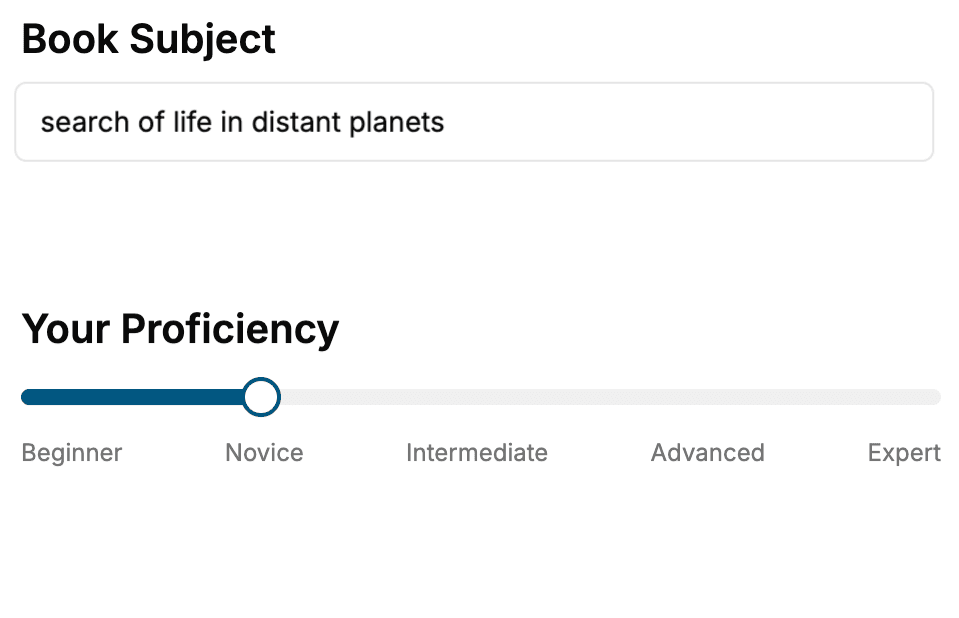
- 1. Select your focus
Select the focus of your Visual Studio Code book and share your background
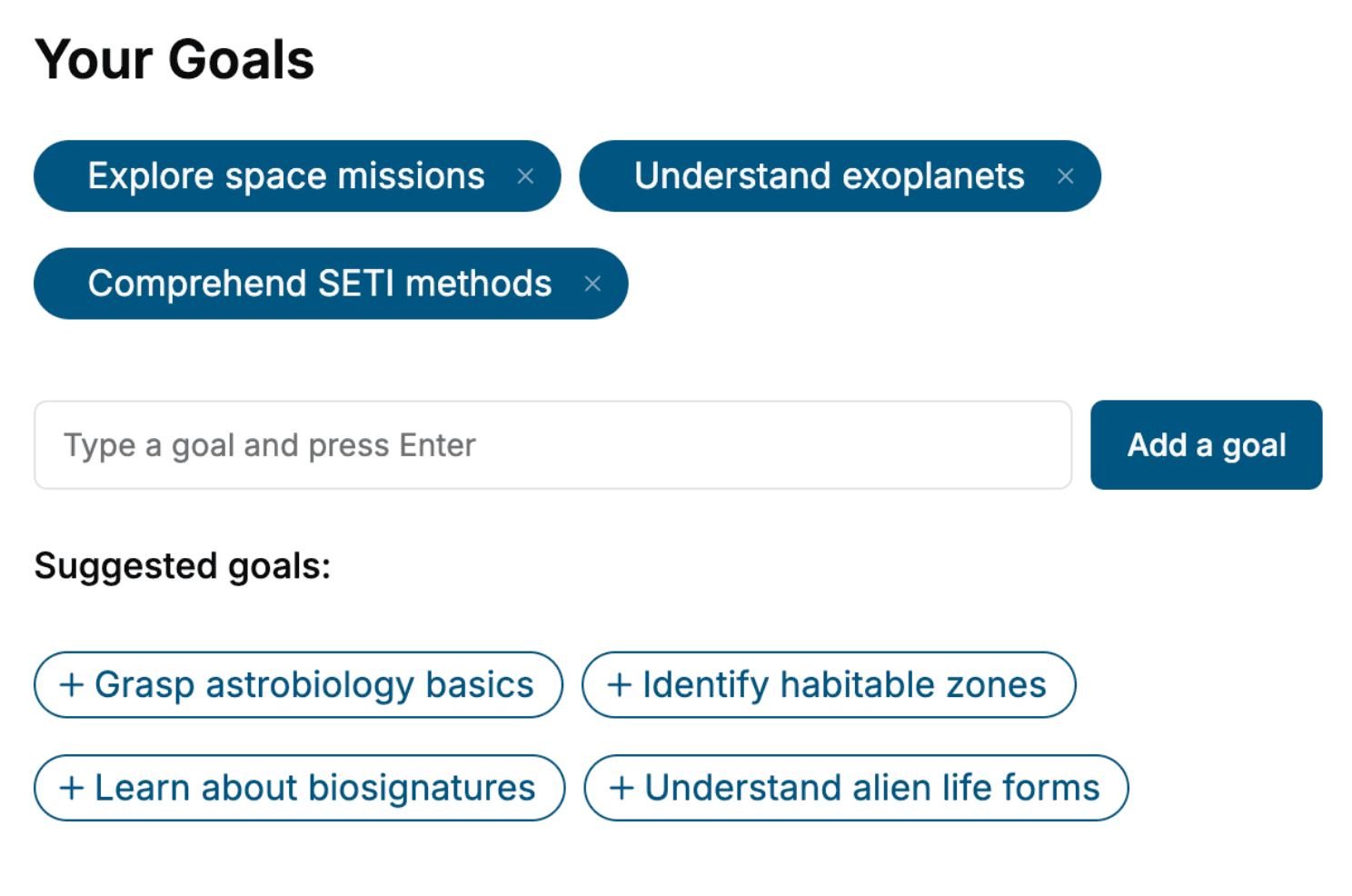
- 2. Personalize your book
Specify your goals and choose sub-topics to include
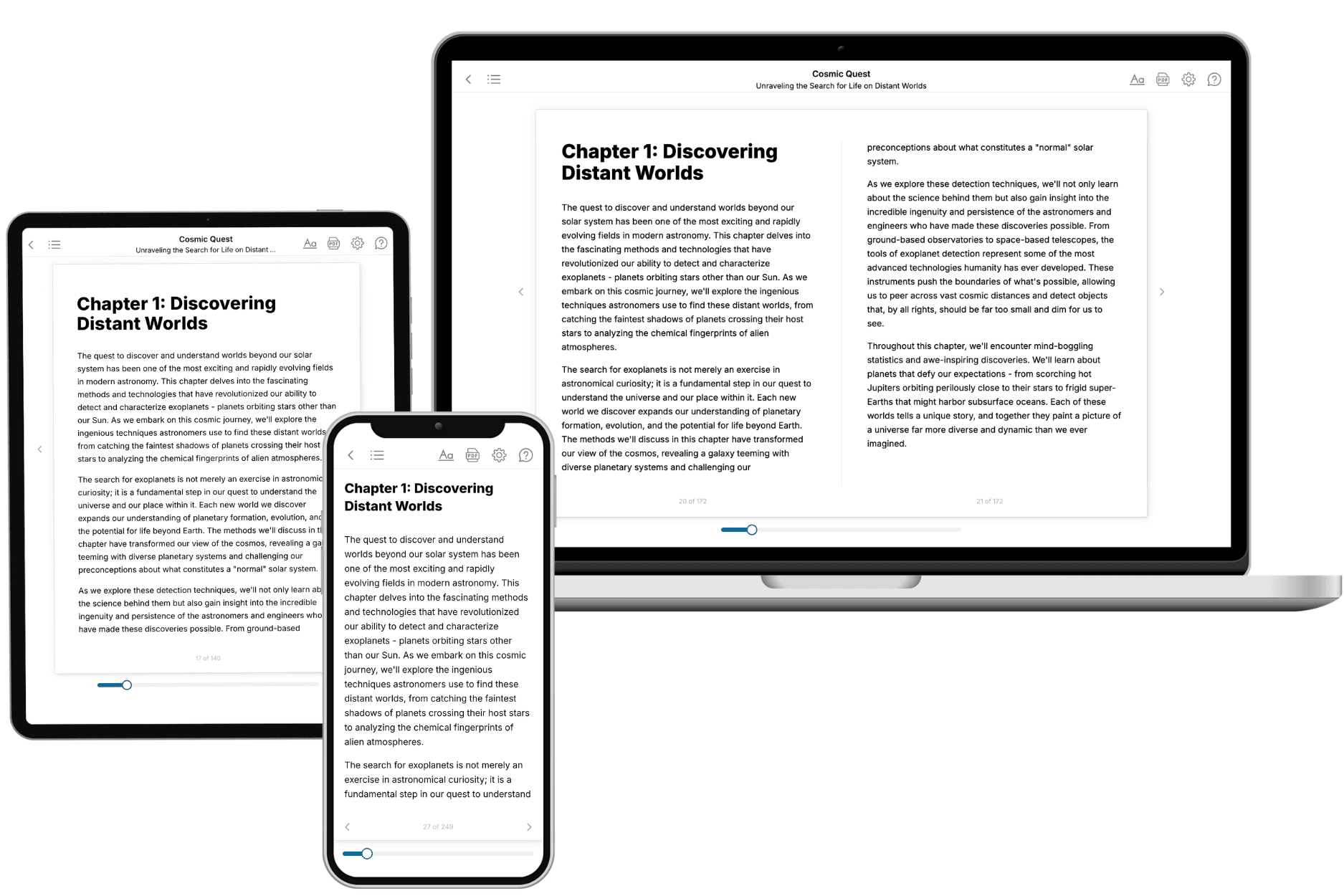
- 3. Get your tailored book
Your book is ready in 10 minutes. Read it online, download as EPUB or PDF, or send to Kindle.
Frequently asked questions
- What is TailoredRead?
TailoredRead creates complete, full-length nonfiction ebooks, written specifically for you. Tell us what you want to learn and why, and TailoredRead writes you a complete ebook on it, with charts, tables, and diagrams throughout. Read it online, on Kindle, or on any e-reader, or download it as a PDF or EPUB. Every book is written fresh the day you order it.
- How is the book tailored to me?
Before anything is written, you answer a few short questions about your goals, your background, and the topics you care about. Your book is then planned around your answers: written at your level, focused on your goals, and covering the topics you chose, instead of the one-size-fits-all book a store sells everyone.
- Will it read like generic AI content?
No. Your book isn't a chat transcript: it's planned chapter by chapter before a single word is written, told in a clear book voice, and explains ideas visually with charts, tables, and diagrams. After writing, every book goes through an editorial pass that polishes chapters so the book reads consistent from start to finish. Judge for yourself: browse thousands of sample books on our Explore Books page.
- How accurate is the content?
Our AI first checks whether your subject needs live research. Niche and fast-moving subjects are researched before writing, and the book plan and chapters are grounded in what it finds. After writing, every book goes through a quality pass that checks its facts and consistency, and researched books list their sources in a Notes section at the back.
- How long is the book?
You choose the length: Comprehensive (250-300 pages), Detailed (150-200 pages), Essential (70-100 pages), or Short (30-50 pages).
- Does the book include visuals?
Yes. Every book includes charts, tables, and diagrams: timelines, checklists, step-by-step guides, decision trees, comparison tables, matrices, and bar charts. A typical book includes dozens of these visual elements.
- Can I read it on Kindle? What formats can I download?
Yes. Every book can be read in our online reader or downloaded as a PDF or EPUB. The EPUB can be opened with Kindle, Apple Books, Kobo, and any e-reader. The Commercial and Author licenses also include an editable Word (DOCX) and Markdown download.
- How much does it cost?
About the price of a regular ebook. The exact price depends on your book's length and complexity, from $2 for the shortest books to $35 for the most comprehensive, and it's shown when you review your book, before you commit to anything. Each book is a one-time purchase, yours to keep, no subscription. Licenses that let you share, teach, or publish your book range from $35.99 to $49.99.
- Can I preview the book before purchasing?
Before you pay, you'll see what your book will cover: the title, a detailed description, the estimated length, and the complete chapter-by-chapter table of contents, so you know what you're getting before you decide. The full text itself is written after you purchase.
- How long does it take to create a book?
About 10 minutes. You can start reading the opening chapters while the rest is still being written.