Vue.js Components: Architecture That Scales
Communication patterns, composition logic and reuse strategies for real apps
Are you building Vue.js applications that feel fragile and difficult to maintain?
207 pages10 chaptersJun 7, 2026Vue.js
About this book
This comprehensive guide takes you beyond basic component syntax to show you how professional developers architect scalable, reusable components that stand the test of time. You'll discover proven patterns for managing component communication, organizing complex logic, and optimizing performance—all with practical examples you can apply immediately. Whether you're struggling with prop drilling, confused about when to use Composition API, or wondering how to structure large component hierarchies, this book provides clear answers backed by real-world scenarios. Learn the architectural decisions that separate amateur projects from production-grade applications, and gain the confidence to build components that your team will thank you for maintaining.
Table of contents
- IntroductionWhy Components Matter in Modern Web Development, What You'll Learn in This Book, How to Use This Guide, Prerequisites and SetupRead below
- Chapter 1: Component Fundamentals and ArchitectureWhat Is a Component and Why It Matters, Understanding the Component Lifecycle, Single-File Components and File Organization, Scoping Styles and Managing Component Boundaries
- Chapter 2: Props, Events, and Component CommunicationMastering Props: Types, Validation, and Best Practices, Emitting Events and Two-Way Communication, Avoiding Prop Drilling with Provide and Inject, Advanced v-model Patterns and Custom Modifiers
- Chapter 3: Composition API: Organizing Complex LogicComposition API vs. Options API: When and Why, Managing Reactive State with ref and reactive, Creating Reusable Composables, Lifecycle Hooks in the Composition API
- Chapter 4: Slots and Content DistributionNamed Slots and Scoped Slots, Slot Fallbacks and Default Content, Dynamic Slots and Advanced Patterns
- Chapter 5: State Management and Data FlowLocal Component State vs. Global State, Pinia: Modern State Management for Vue.js, Managing Shared State Across Components, Common State Management Patterns and Pitfalls
- Chapter 6: Building Truly Reusable ComponentsComponent Design Principles for Reusability, Creating Flexible Component APIs, Composition Over Inheritance: Building Component Hierarchies, Documenting Components for Team Success
- Chapter 7: Performance Optimization and Lazy LoadingDetecting Performance Bottlenecks, Lazy Loading Components and Code Splitting, Memoization and Caching Strategies, Optimizing Rendering with v-show, v-if, and Keys
- Chapter 8: Testing Components ThoroughlyUnit Testing Components with Vitest, Integration Testing Component Interactions, Snapshot Testing and Visual Regression, Testing Best Practices and Common Pitfalls
- Chapter 9: Advanced Component PatternsRender Functions and JSX, Creating Custom Directives, Higher-Order Components and Wrapper Patterns, Async Components and Suspense
- Chapter 10: Real-World Component ExamplesBuilding Robust Form Components, Data Display Components: Tables, Lists, and Grids, Modal and Dialog Components
- ConclusionKey Takeaways and Next Steps, Continuing Your Growth as a Vue.js Developer
- Appendix: Quick Reference GuideComponent API Quick Reference, Common Patterns Cheatsheet
Introduction
Every Vue.js developer reaches a turning point. At first, components feel like a neat way to organize HTML. You split a page into a header, a sidebar, and a footer, and everything works fine. Then the application grows. New features arrive, the team expands, and suddenly those tidy little components start feeling like a tangled web of props, events, and shared state that nobody fully understands. If that sounds familiar, you are in exactly the right place.
This book is about moving past that turning point. It is not a beginner's guide to Vue.js syntax, and it is not a reference manual you skim once and shelve. It is a focused, practical deep-dive into the craft of building components that are genuinely reusable, maintainable, and scalable. The difference between a component that works and a component that scales is architectural thinking, and that is what this book teaches.
Vue.js has matured significantly over the past few years. The Composition API, Pinia, and improvements to the tooling ecosystem have given developers powerful new tools. But tools alone do not produce great software. Knowing when to use a composable versus a store, how to design a slot API that stays flexible, and why certain patterns cause problems at scale requires experience and guidance. This book compresses years of real-world lessons into a structured, approachable format so you can apply them immediately.
Throughout these chapters, you will find concrete examples, practical patterns, and honest discussions of trade-offs. Nothing here is theoretical for the sake of it. Every concept connects directly to decisions you will face in real projects. By the time you finish, you will have a clear mental model for component architecture that you can apply to any Vue.js application, whether you are building a small internal tool or a large-scale production platform.
Why Components Matter in Modern Web Development
The component model did not appear out of nowhere. It emerged as a direct response to a real problem: web applications were getting too complex to manage as monolithic pages. Before component-based frameworks became mainstream, developers maintained sprawling JavaScript files and templating systems where a change in one place could silently break something three screens away. Components introduced a boundary, a contract, and a unit of reasoning that made large applications manageable.
Vue.js, React, Angular, and Svelte all share this foundational idea: break your UI into self-contained, composable pieces. But the how matters enormously. A poorly designed component is not just unhelpful; it actively creates problems. It leaks state, resists reuse, and becomes a maintenance burden that slows down every developer who touches it. A well-designed component, by contrast, is a gift to your future self and your teammates.
Consider a real-world scenario. Imagine a team building a dashboard application with a data table component. In the first version, the table component handles its own data fetching, sorting logic, pagination state, and rendering. It works, but it is tightly coupled to one specific API endpoint. Six months later, the team needs the same table in three other parts of the app, each with different data sources. Because the component was not designed for reuse, the team ends up copying and modifying it, creating three slightly different versions that all need to be maintained separately. This is a common and entirely avoidable problem.
Components matter because they are the primary unit of abstraction in Vue.js applications. Every architectural decision you make, from how you pass data to how you handle user interactions, flows through your component design. Getting this right early saves enormous amounts of time and frustration later. Getting it wrong compounds over time, making every new feature harder to add and every bug harder to fix.
The good news is that component design is a learnable skill. It follows principles that, once understood, become intuitive. Concepts like single responsibility, clear interfaces, and separation of concerns apply just as much to Vue.js components as they do to any other software design challenge. This book translates those principles into concrete Vue.js patterns you can use today.
Modern web development also demands performance and accessibility alongside functionality. A component that renders correctly but causes layout thrashing, blocks the main thread, or ignores keyboard navigation is not production-ready. Throughout this book, performance and usability considerations are woven into the component design discussions, not treated as afterthoughts. Building great components means thinking about all of these dimensions together.
A component is not just a piece of UI. It is a contract between the developer who builds it and every developer who uses it. The clearer that contract, the more valuable the component becomes.
The shift toward component-based architecture has also changed how teams collaborate. Designers, developers, and product managers increasingly communicate through component libraries and design systems. Understanding how to build components that fit into these larger systems, with clear APIs, predictable behavior, and good documentation, is now a core professional skill for any serious Vue.js developer.
What You'll Learn in This Book
This book covers the full spectrum of Vue.js component development, from foundational concepts to advanced patterns. Each chapter builds on the previous one, but the structure also allows you to jump to specific topics when you need them. Here is a clear picture of what each part of the book covers and why it matters.
Chapter 1: Component Fundamentals and Architecture starts by establishing a solid mental model for what components are and how they work. You will explore the component lifecycle in depth, understand how Single-File Components are structured, and learn how to manage style scoping and component boundaries. This chapter ensures that everything built later rests on a firm foundation.
Chapter 2: Props, Events, and Component Communication tackles one of the most common sources of architectural problems in Vue.js applications. You will learn how to design prop interfaces that are clear and type-safe, how to emit events in ways that keep components decoupled, and how to use provide and inject to avoid the prop drilling trap. The chapter also covers advanced v-model patterns that make form components feel natural to use.
Chapter 3: Composition API is where the book shifts into higher gear. The Composition API is one of the most significant additions to Vue.js, and it changes how you organize complex logic. You will learn when to choose Composition API over Options API, how to manage reactive state effectively, and how to extract reusable logic into composables. This chapter alone will change how you write Vue.js code.
Chapters 4 through 6 cover slots and content distribution, state management with Pinia, and the principles of building truly reusable components. These chapters address the questions that come up most often in real projects:
- How do you build a component that works in multiple contexts without becoming a configuration nightmare?
- When should state live in a component versus a global store?
- How do you design slot APIs that give consumers flexibility without sacrificing clarity?
- What does good component documentation actually look like?
Chapter 7: Performance Optimization moves into territory that separates good applications from great ones. You will learn how to detect performance bottlenecks using Vue DevTools and browser profiling, how to implement lazy loading and code splitting, and how to use memoization and rendering optimizations effectively. Every technique is paired with a concrete example showing the before and after impact.
Chapter 8: Testing Components covers unit testing with Vitest, integration testing component interactions, and snapshot testing for visual regression. Testing is often treated as an optional extra, but this chapter makes the case that well-tested components are faster to develop, easier to refactor, and more reliable in production. You will leave with a practical testing strategy you can apply immediately.
Chapter 9: Advanced Component Patterns explores render functions, JSX, custom directives, higher-order components, and async components with Suspense. These are the tools that unlock capabilities beyond what standard template syntax can express. They are not needed in every project, but knowing when and how to use them is a mark of a mature Vue.js developer.
Chapter 10: Real-World Component Examples brings everything together with three detailed case studies: a robust form component system, data display components for tables and lists, and a modal and dialog system. Each example walks through the design decisions, the trade-offs considered, and the final implementation in full detail.
How to Use This Guide
This book is designed to work in two ways. You can read it cover to cover as a structured learning journey, or you can use it as a reference guide, jumping to specific chapters when a particular challenge comes up in your work. Both approaches are valid, and the book is structured to support both.
If you are reading sequentially, the chapters follow a deliberate progression. Early chapters establish concepts that later chapters build on. For example, understanding how props and events work in Chapter 2 makes the state management discussions in Chapter 5 much clearer. The Composition API patterns in Chapter 3 appear throughout the rest of the book, so working through that chapter before jumping ahead will pay dividends.
If you are using the book as a reference, each chapter is designed to be reasonably self-contained. Key terms are explained when they appear, and cross-references point you to related sections when deeper context would help. The appendix at the back of the book provides a quick reference guide for common patterns and API details, which is useful when you need a fast reminder without re-reading a full chapter.
The code examples throughout the book are written for Vue.js 3 with the Composition API as the primary style. Where the Options API is relevant for comparison or context, it is shown alongside. All examples use TypeScript for type annotations, which is strongly recommended for any serious Vue.js project. If you are not yet using TypeScript, the examples are still readable and the patterns apply equally to plain JavaScript.
Each chapter ends with a summary of key points and, where appropriate, a set of practical exercises. These exercises are not busywork. They are designed to push you to apply the concepts in slightly different contexts than the examples in the chapter, which is how real understanding develops. Working through them, even partially, will accelerate your learning significantly.
One important note about mindset: resist the urge to treat every pattern in this book as a rule to follow in every situation. Good software development requires judgment. The goal is not to memorize patterns but to understand the reasoning behind them well enough to know when they apply and when a simpler approach is better. The book tries to make that reasoning explicit throughout, so pay attention to the "why" as much as the "how."
The best way to use this book is actively. Keep a Vue.js project open alongside it. When you read about a pattern, try it in your own code. When an example raises a question, experiment with it. Reading alone builds familiarity; building things builds understanding.
Code examples in this book are formatted for clarity rather than brevity. In some cases, a real production implementation might be more concise or use additional abstractions. The examples prioritize making the concept visible over showing the most optimized possible code. Once you understand the concept, you can adapt the implementation to your own style and project requirements.
Prerequisites and Setup
This book assumes you already have a working foundation in Vue.js. You do not need to be an expert, but you should be comfortable with the basics before diving in. Specifically, you should have hands-on experience with the following:
- Creating Vue.js components using either the Options API or the Composition API
- Using
v-bind,v-on,v-if,v-for, and other core directives - Working with reactive data using
refordata() - Setting up a Vue.js project with Vite or Vue CLI
- Basic familiarity with JavaScript ES6+ features like arrow functions, destructuring, and modules
- Some exposure to TypeScript is helpful but not strictly required
If any of those items feel shaky, it is worth spending a few hours with the official Vue.js documentation before starting this book. The official docs at vuejs.org are excellent and cover the fundamentals clearly. This book picks up where those fundamentals leave off, so a solid grounding there will make everything here much easier to absorb.[1]
For your development environment, the recommended setup is straightforward. You will need Node.js version 18 or later installed on your machine. The examples in this book use Vite as the build tool, which is the current recommended choice for new Vue.js projects due to its speed and simplicity. You can scaffold a new project with the following command in your terminal:
npm create vue@latest my-vue-project
When the setup wizard runs, select TypeScript, Vue Router, and Pinia when prompted. These are used in various examples throughout the book. You do not need to enable Cypress or Playwright during setup; the testing chapter uses Vitest and Vue Test Utils, which are added separately. Once the project is created, run npm install followed by npm run dev to confirm everything is working.
For your code editor, Visual Studio Code with the Volar extension (officially called Vue - Official) is the strongly recommended combination.[2] Volar provides TypeScript support inside .vue files, template type checking, and component auto-imports that make working with Vue.js significantly more productive. Make sure to disable the older Vetur extension if you have it installed, as the two conflict with each other.
The Vue DevTools browser extension is also essential. It gives you a live view of your component tree, reactive state, events, and performance metrics directly in the browser. Install it for Chrome or Firefox from the respective extension stores. Several chapters in this book, particularly the performance chapter, reference specific DevTools features, so having it installed from the start is worthwhile.
Here is a quick checklist to confirm your environment is ready before you start Chapter 1:
- Node.js 18 or later is installed (
node --versionto check) - A new Vue.js 3 project is scaffolded with Vite and TypeScript
- The development server runs without errors (
npm run dev) - VS Code is installed with the Volar (Vue - Official) extension active
- Vue DevTools is installed in your browser
- Pinia is included in the project dependencies
One final note on versions: this book targets Vue.js 3.4 and later, which includes improvements to defineModel, more efficient reactivity, and other refinements. If you are working on a Vue 3 project that predates version 3.4, the vast majority of content still applies, but a small number of examples may use syntax that requires a version update. The Vue.js team maintains excellent migration guides for minor version updates, so upgrading is generally straightforward.
With your environment set up and your foundational knowledge in place, you are ready to start building components the right way. The journey from writing components that work to writing components that scale begins in Chapter 1, where the architecture of a well-designed component comes into sharp focus. Let's get started.
This is the end of the free sample. The full book has 10 chapters.
Want this book written for you?
Tell us your goals and background, and get your own version of this book, tailored by AI to you.






Benefits of AI-tailored books
- Read one book, not ten:
- all the Vue.js knowledge you need, gathered into a single book.
- Save days of learning:
- tell us your goals, choose your topics, and the whole book is built around them.
- Learn effortlessly:
- Vue.js book written for your specific background and expertise.
- Understand at a glance:
- includes charts, tables, timelines, checklists, decision trees, and more.
- Stay current:
- written the day you order it, not years ago.
- Trust what you read:
- every book is checked for accuracy, with real research when your subject needs it.
Create your unique book in 3 steps
- 1. Select your focus
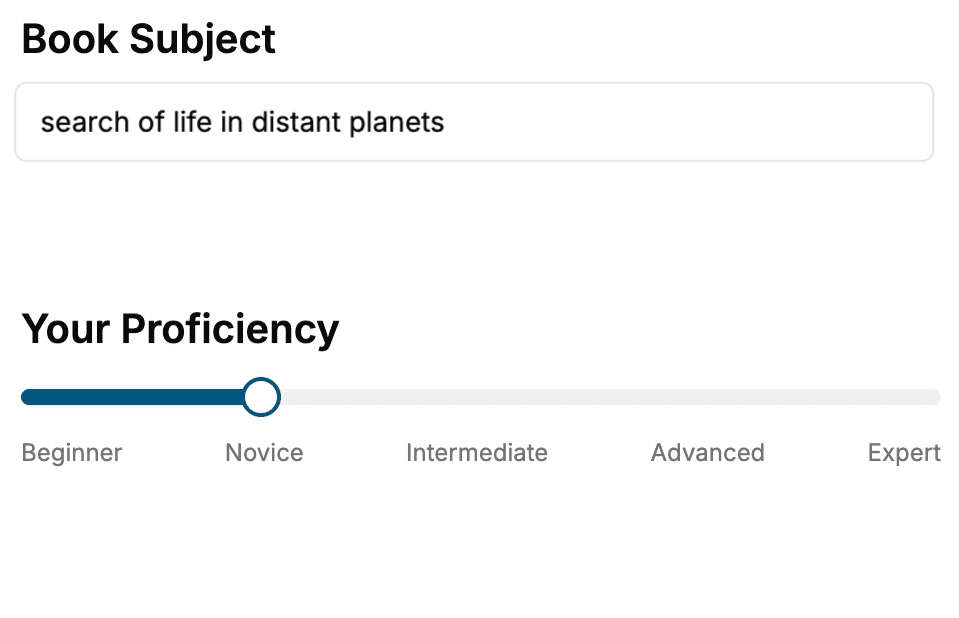
Select the focus of your Vue.js book and share your background
- 2. Personalize your book
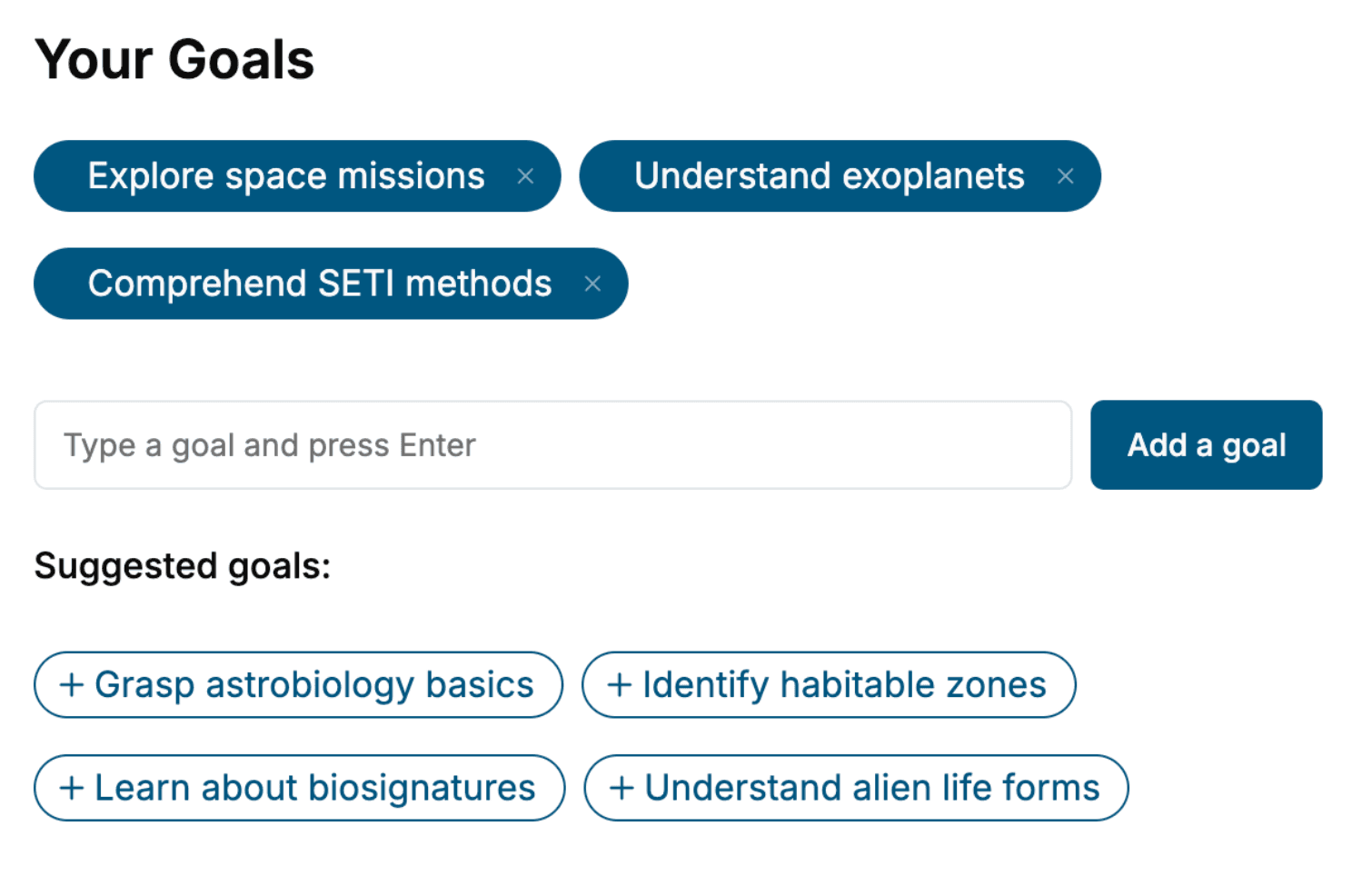
Specify your goals and choose sub-topics to include
- 3. Get your tailored book
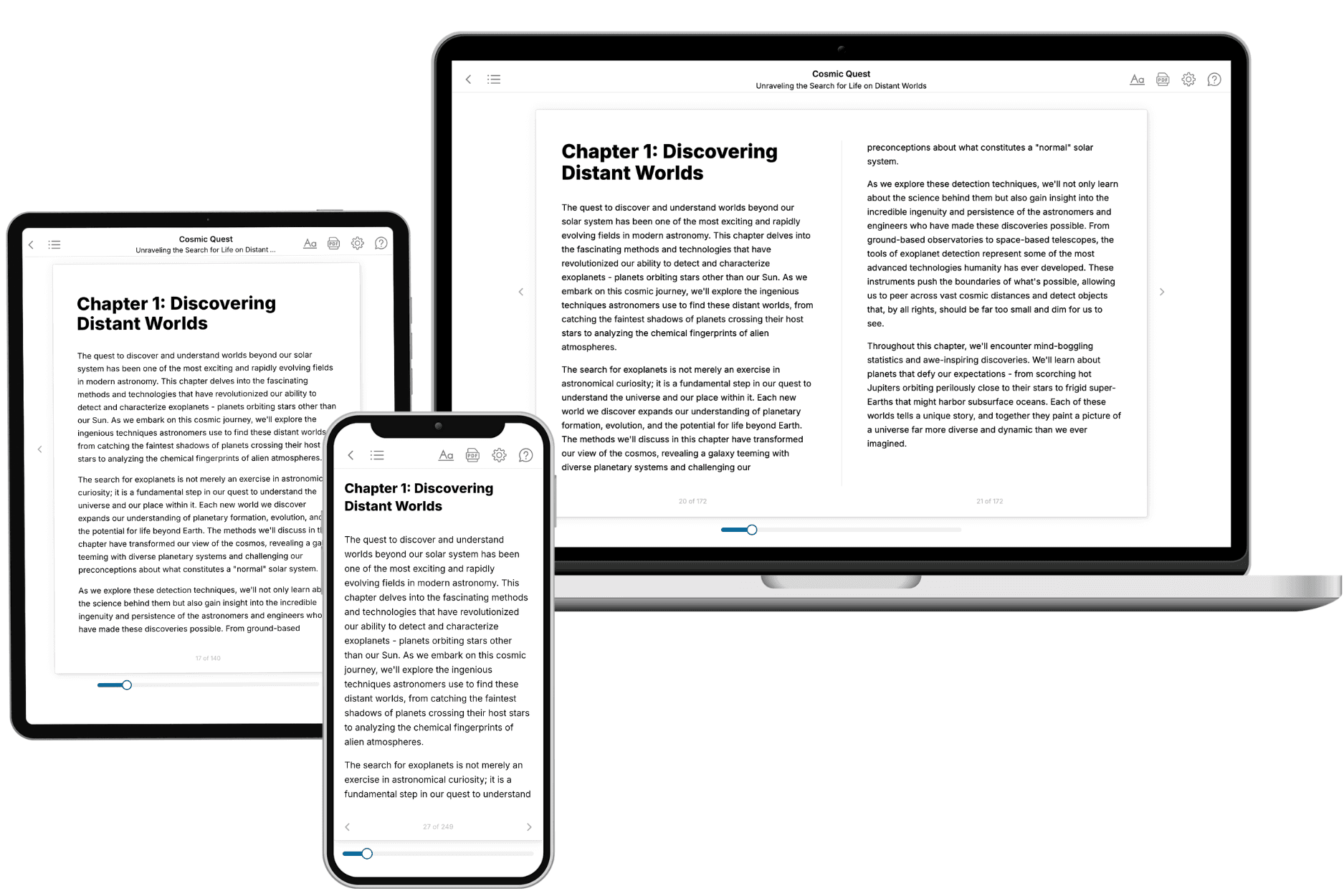
Your book is ready in 10 minutes. Read it online, download as EPUB or PDF, or send to Kindle.
Frequently asked questions
- What is TailoredRead?
TailoredRead creates complete, full-length nonfiction ebooks, written specifically for you. Tell us what you want to learn and why, and TailoredRead writes you a complete ebook on it, with charts, tables, and diagrams throughout. Read it online, on Kindle, or on any e-reader, or download it as a PDF or EPUB. Every book is written fresh the day you order it.
- How is the book tailored to me?
Before anything is written, you answer a few short questions about your goals, your background, and the topics you care about. Your book is then planned around your answers: written at your level, focused on your goals, and covering the topics you chose, instead of the one-size-fits-all book a store sells everyone.
- Will it read like generic AI content?
No. Your book isn't a chat transcript: it's planned chapter by chapter before a single word is written, told in a clear book voice, and explains ideas visually with charts, tables, and diagrams. After writing, every book goes through an editorial pass that polishes chapters so the book reads consistent from start to finish. Judge for yourself: browse thousands of sample books on our Explore Books page.
- How accurate is the content?
Our AI first checks whether your subject needs live research. Niche and fast-moving subjects are researched before writing, and the book plan and chapters are grounded in what it finds. After writing, every book goes through a quality pass that checks its facts and consistency, and researched books list their sources in a Notes section at the back.
- How long is the book?
You choose the length: Comprehensive (250-300 pages), Detailed (150-200 pages), Essential (70-100 pages), or Short (30-50 pages).
- Does the book include visuals?
Yes. Every book includes charts, tables, and diagrams: timelines, checklists, step-by-step guides, decision trees, comparison tables, matrices, and bar charts. A typical book includes dozens of these visual elements.
- Can I read it on Kindle? What formats can I download?
Yes. Every book can be read in our online reader or downloaded as a PDF or EPUB. The EPUB can be opened with Kindle, Apple Books, Kobo, and any e-reader. The Commercial and Author licenses also include an editable Word (DOCX) and Markdown download.
- How much does it cost?
About the price of a regular ebook. The exact price depends on your book's length and complexity, from $2 for the shortest books to $35 for the most comprehensive, and it's shown when you review your book, before you commit to anything. Each book is a one-time purchase, yours to keep, no subscription. Licenses that let you share, teach, or publish your book range from $35.99 to $49.99.
- Can I preview the book before purchasing?
Before you pay, you'll see what your book will cover: the title, a detailed description, the estimated length, and the complete chapter-by-chapter table of contents, so you know what you're getting before you decide. The full text itself is written after you purchase.
- How long does it take to create a book?
About 10 minutes. You can start reading the opening chapters while the rest is still being written.