Mastering Vue Router
Build Dynamic, Scalable Single-Page Applications with Confidence
You'll gain the expertise to design and implement sophisticated routing architectures that power modern single-page applications.
238 pages12 chaptersOct 30, 2025Vue.js
About this book
This comprehensive guide takes you beyond basic navigation, diving deep into Vue Router's capabilities to help you build scalable, performant, and maintainable applications. Inside, you'll discover how to leverage route guards for authentication and authorization, implement lazy loading strategies that dramatically improve load times, and architect nested routing structures for complex user interfaces. You'll master dynamic route matching, programmatic navigation, and advanced patterns like route metadata and navigation resolution. Through practical examples and real-world scenarios, you'll learn to handle edge cases, optimize performance, and implement best practices that professional Vue.js developers rely on daily. Whether you're building a small project or an enterprise application, you'll gain the confidence to make informed architectural decisions about routing strategy. By the end, you'll have a complete understanding of Vue Router's ecosystem, from fundamental concepts to advanced techniques, enabling you to create seamless navigation experiences that delight users and scale with your application's growth.
Table of contents
- IntroductionThe Evolution of Single-Page Applications, Why Routing Matters in Modern Web Development, Vue Router in the Vue.js Ecosystem, What You'll Learn and How to Use This BookRead below
- Chapter 1: Vue Router FundamentalsInstallation and Project Setup, Core Concepts: Routes, Router, and Router View, Creating Your First Routes, Navigation with Router Link
- Chapter 2: Route Configuration and MatchingAnatomy of a Route Object, Dynamic Route Parameters, Advanced Pattern Matching and Regular Expressions, Catch-All and 404 Routes
- Chapter 3: Nested Routes and LayoutsUnderstanding Nested Route Architecture, Configuring Parent and Child Routes, Named Views for Complex Layouts
- Chapter 4: Programmatic NavigationNavigating with router.push and router.replace, Navigation Options and Location Descriptors, Working with Browser History
- Chapter 5: Navigation Guards and Route ProtectionUnderstanding Guard Types and Execution Order, Global Before and After Guards, Per-Route Guards and Component Guards, Implementing Authentication and Authorization
- Chapter 6: Data Fetching StrategiesFetching Before vs After Navigation, Using Guards for Data Prefetching, Managing Loading States and Errors
- Chapter 7: Lazy Loading and Code SplittingDynamic Imports and Webpack Chunks, Route-Level Code Splitting Strategies, Grouping Routes into Named Chunks, Measuring Performance Impact
- Chapter 8: Route Metadata and Advanced PatternsDefining and Accessing Route Meta Fields, Common Use Cases: Permissions, Titles, and Breadcrumbs, Passing Props to Route Components
- Chapter 9: History Modes and Server ConfigurationHash Mode vs HTML5 History Mode, Server Configuration for History Mode, Deployment Considerations and Fallbacks
- Chapter 10: Route Transitions and AnimationsAdding Transitions to Route Changes, Dynamic Transitions Based on Route Data, Scroll Behavior and Position Management
- Chapter 11: Testing Router LogicSetting Up Router Tests, Mocking Router and Route Objects, Testing Navigation Guards and Redirects
- Chapter 12: Advanced Techniques and Best PracticesRoute Composition and Reusability, Error Handling and Navigation Failures, TypeScript Integration and Type Safety, Performance Optimization Strategies
- ConclusionKey Takeaways and Next Steps, Continuing Your Vue.js Journey
- AppendixQuick API Reference, Migration Guide from Vue Router 3 to 4, Additional Resources and Community Links
Introduction
Modern web applications have transformed dramatically over the past decade. What once required full page reloads and server-side rendering for every navigation action now happens seamlessly in the browser, creating fluid experiences that rival native applications. This transformation didn't happen by accident—it emerged from a fundamental shift in how developers architect web applications. Single-page applications, or SPAs, represent this evolution, and at their core lies a critical component that makes everything work: the router. Without proper routing architecture, even the most sophisticated Vue.js application becomes a collection of disconnected components with no coherent navigation strategy.
Vue Router stands as the official routing solution for Vue.js, providing the infrastructure that transforms a component library into a complete application framework. It manages the relationship between URLs and components, handles browser history, and orchestrates navigation flow with precision. For intermediate Vue.js developers, understanding Vue Router isn't just about learning another library—it's about mastering the architectural patterns that separate simple projects from production-ready applications. The router becomes the nervous system of your application, connecting user intent expressed through URLs to the appropriate components and data.
This book takes you beyond basic routing concepts into the sophisticated patterns and techniques that professional developers rely on daily. You'll explore how route guards enable authentication flows, how lazy loading dramatically improves performance, and how nested routing structures support complex user interfaces. Each chapter builds on the previous one, creating a comprehensive understanding of routing architecture that you can apply immediately to your projects. Whether you're building a small application or architecting an enterprise system, the principles and patterns you'll learn here will serve as the foundation for scalable, maintainable routing solutions.
The Evolution of Single-Page Applications
Traditional web applications operated on a simple request-response cycle. Every user interaction that required new content triggered a full page reload, sending a request to the server, which processed it and returned a complete HTML document. This approach worked well for document-centric websites but created jarring experiences for interactive applications. Users experienced blank screens during navigation, lost scroll positions, and waited for resources to reload that hadn't actually changed. The web felt fundamentally different from desktop applications, and developers knew something had to change.
The introduction of AJAX in the early 2000s provided the first glimpse of what was possible. Applications could fetch data asynchronously and update portions of the page without full reloads. Gmail and Google Maps demonstrated that web applications could feel responsive and fluid, challenging assumptions about what browsers could do. However, these early implementations often struggled with a critical problem: the browser's back button broke, bookmarking didn't work properly, and URLs didn't reflect application state. Users expected certain behaviors from web applications, and breaking those expectations created confusion and frustration.
Single-page applications emerged as a solution that preserved the fluidity of dynamic updates while respecting browser conventions. The key insight was that URLs should represent application state, even when the page doesn't reload. By manipulating the browser's history API and responding to URL changes, SPAs could provide seamless navigation while maintaining all the expected browser behaviors. When you click the back button in a well-built SPA, you return to the previous state instantly. When you bookmark a URL, it captures not just a page but a specific application state that can be restored later.
Modern frameworks like Vue.js embraced this architecture, but they needed a critical component to make it work: a router. The router serves as the bridge between URLs and application state, watching for navigation events and determining which components to render. It manages the complexity of URL parsing, parameter extraction, and history manipulation, allowing developers to focus on building features rather than managing navigation infrastructure. Vue Router specifically was designed to integrate seamlessly with Vue's reactive system, creating a cohesive development experience.
The evolution continues today with increasingly sophisticated patterns. Progressive web applications blur the line between web and native apps. Server-side rendering brings back some traditional approaches for performance and SEO benefits while maintaining SPA interactivity. Static site generation pre-renders routes at build time for optimal performance. Each approach has trade-offs, but they all rely on robust routing architecture. Understanding how routers work and how to leverage their capabilities has become essential knowledge for any serious web developer.
This evolution reflects broader changes in user expectations and technical capabilities. Users now expect instant feedback, smooth transitions, and offline functionality. Browsers have become more powerful, with APIs that enable sophisticated client-side behavior. Network speeds have improved, making it feasible to download larger JavaScript bundles initially in exchange for faster subsequent navigation. The SPA architecture, powered by intelligent routing, represents the current best practice for building interactive web applications that meet these modern expectations.
Consider a typical e-commerce application built as an SPA. When you navigate from the product listing to a product detail page, the router intercepts the navigation, loads the necessary component and data, and updates the URL—all without a page reload. The transition happens instantly, with smooth animations between states. The back button returns you to the listing with your scroll position preserved. If you share the product URL with a friend, they see exactly what you saw. This seamless experience, which users now take for granted, requires sophisticated routing architecture working behind the scenes.
Why Routing Matters in Modern Web Development
Routing represents far more than simple navigation between pages. It defines the structure of your application, influences how users discover and share content, and impacts performance in ways that aren't immediately obvious. A well-designed routing architecture creates intuitive user experiences where navigation feels natural and predictable. Poor routing decisions, conversely, lead to confusion, broken bookmarks, and frustrated users who can't figure out how to return to content they viewed earlier. The router is the first architectural decision that affects every other aspect of your application.
URLs serve as the universal addressing system for web content, and routing determines how your application interprets and responds to them. When you design routes, you're creating an API that users interact with directly through the address bar. A route like /products/electronics/laptops communicates hierarchy and context clearly. A route like /view?id=12345&cat=3&type=prod obscures meaning and creates friction. Good routing design makes URLs readable, memorable, and shareable—qualities that directly impact user engagement and content discoverability.
Search engine optimization depends heavily on routing architecture. While modern search engines can execute JavaScript and index SPA content, they still rely on URLs to understand site structure and content relationships. Each route represents a distinct page that can be indexed, ranked, and displayed in search results. Route parameters help search engines understand content hierarchy. Clean, semantic URLs perform better than opaque identifiers. If you're building an application that needs organic traffic, your routing decisions directly impact your visibility in search results.
Performance optimization increasingly happens at the routing level. Code splitting allows you to divide your application into chunks that load on demand, and routes provide natural boundaries for these splits. Instead of downloading your entire application upfront, users receive only the code needed for the current route. As they navigate, additional chunks load in the background. This approach dramatically reduces initial load time, which is critical for user retention. Studies consistently show that users abandon sites that take more than a few seconds to load[1]. Route-based code splitting directly addresses this challenge.
Authentication and authorization naturally align with routing architecture. Different routes require different permission levels—some are public, others require authentication, and some need specific roles or capabilities. Route guards provide the mechanism to enforce these requirements, checking permissions before navigation completes and redirecting unauthorized users appropriately. This pattern centralizes security logic, making it easier to audit and maintain. Instead of scattering permission checks throughout your components, you define them declaratively in your route configuration.
Data fetching strategies tie closely to routing decisions. Should you fetch data before showing a route, displaying a loading state until it's ready? Or should you navigate immediately and fetch data in the component, showing a skeleton or spinner? Each approach has implications for perceived performance and user experience. Route guards enable prefetching patterns where data loads before navigation completes, ensuring users never see empty states. The router becomes the orchestrator of data flow, coordinating between navigation events and data requirements.
Analytics and tracking depend on accurate route information. Every navigation event represents a user action worth measuring. Which routes do users visit most frequently? Where do they enter your application? At what point do they leave? Route metadata can carry tracking information, automatically logging page views and user flows. This data informs product decisions, helps identify usability issues, and measures the impact of changes. Without proper routing architecture, tracking becomes fragmented and unreliable.
Consider the practical implications in a real application. Imagine building a project management tool with routes for projects, tasks, team members, and settings. Your routing architecture determines:
- Whether users can bookmark a specific task and return to it directly
- How the back button behaves when navigating between nested views
- Which code bundles load when accessing different sections
- How authentication redirects work when accessing protected routes
- Whether task data loads before or after navigation completes
- How route transitions animate between different sections
Vue Router in the Vue.js Ecosystem
Vue Router holds a unique position as the official routing solution for Vue.js, maintained by the same core team that develops the framework itself. This tight integration means Vue Router evolves in lockstep with Vue, adopting new patterns and APIs as the framework advances. When Vue 3 introduced the Composition API, Vue Router 4 followed with composable functions like useRouter and useRoute. This coordination ensures that routing feels like a natural extension of Vue rather than a bolted-on library with different conventions and patterns.
The integration goes deeper than just API consistency. Vue Router leverages Vue's reactivity system, making route information reactive throughout your application. When the current route changes, any component that depends on route data automatically updates. This reactive integration eliminates the need for manual event listeners or state synchronization. You can access route parameters, query strings, or metadata in your components, and Vue's reactivity ensures everything stays in sync as users navigate. This seamless integration reduces boilerplate and prevents entire categories of bugs.
Vue Router's design philosophy aligns with Vue's progressive framework approach. You can start with basic routing and gradually adopt advanced features as your needs grow. A simple application might use only basic route definitions and <router-link> components. As complexity increases, you add nested routes, then route guards, then lazy loading, then advanced patterns like named views. Each feature builds on previous concepts without requiring you to restructure existing code. This progressive enhancement matches how developers naturally build applications, starting simple and adding sophistication where needed.
The ecosystem around Vue Router includes official tooling that streamlines development. Vue CLI and Vite both offer router integration during project setup, generating the necessary configuration and file structure automatically. Vue DevTools provides a dedicated router inspector that shows the current route, navigation history, and route metadata. These tools reduce setup friction and provide visibility into routing behavior during development. The official documentation maintains high quality, with comprehensive guides, API references, and migration paths between versions.
Community adoption of Vue Router as the standard routing solution creates network effects that benefit all developers. When you encounter routing challenges, you'll find extensive Stack Overflow discussions, blog posts, and tutorials addressing similar issues. Third-party libraries that integrate with Vue often include specific Vue Router support. Component libraries provide router-aware components that handle navigation automatically. This ecosystem maturity means you're rarely solving problems in isolation—patterns and solutions already exist for most common scenarios.
Vue Router's architecture supports both Vue 2 and Vue 3 through different major versions. Vue Router 3 targets Vue 2 applications, while Vue Router 4 works with Vue 3. This parallel development ensures that applications can upgrade Vue and Vue Router together, maintaining compatibility throughout the transition. The core concepts remain consistent between versions, though Vue Router 4 introduces improvements like better TypeScript support, smaller bundle size, and enhanced composition API integration. Understanding these version differences helps when working with existing codebases or planning migrations.
The relationship between Vue Router and state management solutions like Pinia or Vuex deserves attention. While they serve different purposes, they often work together in applications. The router manages navigation state and URL synchronization, while state management handles application data. Route guards can trigger state updates, and state changes can trigger navigation. This separation of concerns keeps routing logic focused on navigation while state management handles data flow. Understanding where each tool fits prevents architectural confusion and creates cleaner, more maintainable applications.
Alternative routing solutions exist in the Vue ecosystem, but Vue Router's official status and comprehensive feature set make it the default choice for most applications. Libraries like Voie or Vue-Routisan offer different approaches to route configuration, while frameworks like Nuxt.js provide file-system-based routing built on top of Vue Router. These alternatives serve specific use cases, but understanding Vue Router remains valuable even when using them, as they often expose or extend its underlying concepts. The patterns you learn with Vue Router transfer to these alternatives and to routing concepts in other frameworks.
What You'll Learn and How to Use This Book
This book follows a carefully structured progression from fundamental concepts to advanced techniques, building your understanding layer by layer. Each chapter introduces new concepts while reinforcing previous material, creating a cohesive learning experience. You'll start with basic route configuration and navigation, then progress through nested routing, programmatic navigation, and route guards. Later chapters cover performance optimization through lazy loading, advanced patterns with route metadata, and production concerns like history modes and server configuration. The final chapters address testing and best practices that tie everything together.
The content assumes you have intermediate Vue.js knowledge. You should be comfortable with Vue components, props, events, and basic reactivity concepts. Familiarity with the Composition API helps but isn't required—examples include both Options API and Composition API approaches where relevant. You don't need prior routing experience; the book builds from first principles. However, if you've used basic routing before, you'll find the progression moves quickly through fundamentals to reach advanced material. The goal is to take your existing Vue knowledge and extend it into routing architecture.
Each chapter follows a consistent structure designed to maximize learning and retention. Concepts are introduced with clear explanations of what they are and why they matter. Practical examples demonstrate how to implement each concept, with code samples you can adapt to your projects. Common pitfalls and troubleshooting tips help you avoid mistakes and debug issues when they arise. Real-world scenarios show how concepts apply in production applications. This multi-layered approach ensures you understand not just the mechanics but also the reasoning behind different patterns.
Code examples throughout the book use modern JavaScript syntax including ES6+ features like arrow functions, destructuring, and async/await. Examples are complete and runnable, not fragments that require guessing about missing context. When examples build on previous code, the book clearly indicates what's new versus what's carried forward. TypeScript appears in later chapters where type safety adds significant value, but JavaScript remains the primary language. All examples target Vue 3 and Vue Router 4, with notes about Vue 2 differences where relevant for developers maintaining legacy applications.
The book balances theory and practice deliberately. You'll learn the conceptual models that explain how routing works—the relationship between URLs, routes, and components; how navigation guards execute; how history modes differ. But you'll also get practical, actionable guidance on implementation details—how to structure route files, where to place guard logic, how to organize lazy-loaded chunks. This combination ensures you can both implement solutions and understand them deeply enough to adapt patterns to your specific needs.
You can read this book linearly from start to finish, which provides the most comprehensive learning experience. Alternatively, if you need specific information, chapters are designed to stand alone with cross-references to related material. The table of contents and chapter introductions help you locate relevant sections quickly. If you're already familiar with basic routing, you might skip ahead to chapters on guards, lazy loading, or advanced patterns. If you're troubleshooting a specific issue, the index and chapter summaries help you find applicable solutions.
Practical exercises appear throughout the book, encouraging you to apply concepts immediately. These aren't contrived academic exercises but realistic scenarios you'll encounter in actual projects. You might implement authentication guards for a multi-user application, optimize bundle sizes for a content-heavy site, or structure nested routes for a dashboard interface. Working through these exercises reinforces learning and builds confidence. The book provides guidance on approaches and solutions, but encourages you to experiment and discover patterns that work for your style.
By the end of this book, you'll have developed several key competencies:
- Design routing architectures that scale from simple to complex applications
- Implement authentication and authorization patterns using route guards
- Optimize application performance through lazy loading and code splitting
- Build sophisticated nested routing structures for complex UIs
- Handle edge cases and error scenarios gracefully
- Test routing logic effectively with appropriate mocking strategies
- Make informed decisions about history modes and deployment configurations
- Apply best practices that create maintainable, professional routing solutions
The journey through this book mirrors the journey of building a real application. You'll start with simple requirements and gradually add complexity, encountering challenges and learning solutions along the way. This progression reflects how applications actually evolve in practice. You rarely design the complete routing architecture upfront; instead, you start simple and refactor as needs emerge. The patterns and techniques you'll learn prepare you for this evolutionary process, giving you tools to recognize when to apply different approaches and how to refactor existing routing as requirements change.
Keep in mind that mastering Vue Router isn't just about memorizing APIs or patterns. It's about developing intuition for routing architecture—understanding when to use nested routes versus flat structures, when to fetch data in guards versus components, when to split code and when to bundle it together. This intuition comes from understanding the underlying principles and seeing how they apply in various contexts. The book provides the foundation, but your own experimentation and experience will deepen that understanding. Use the concepts here as a starting point for exploration, not as rigid rules that must be followed exactly.
Notes
Introduction
- 1. Google/SOASTA Research, 2017. 'The State of Online Retail Performance'
This is the end of the free sample. The full book has 12 chapters.
Want this book written for you?
Tell us your goals and background, and get your own version of this book, tailored by AI to you.


Benefits of AI-tailored books
- Read one book, not ten:
- all the Vue.js knowledge you need, gathered into a single book.
- Save days of learning:
- tell us your goals, choose your topics, and the whole book is built around them.
- Learn effortlessly:
- Vue.js book written for your specific background and expertise.
- Understand at a glance:
- includes charts, tables, timelines, checklists, decision trees, and more.
- Stay current:
- written the day you order it, not years ago.
- Trust what you read:
- every book is checked for accuracy, with real research when your subject needs it.
Create your unique book in 3 steps
- 1. Select your focus
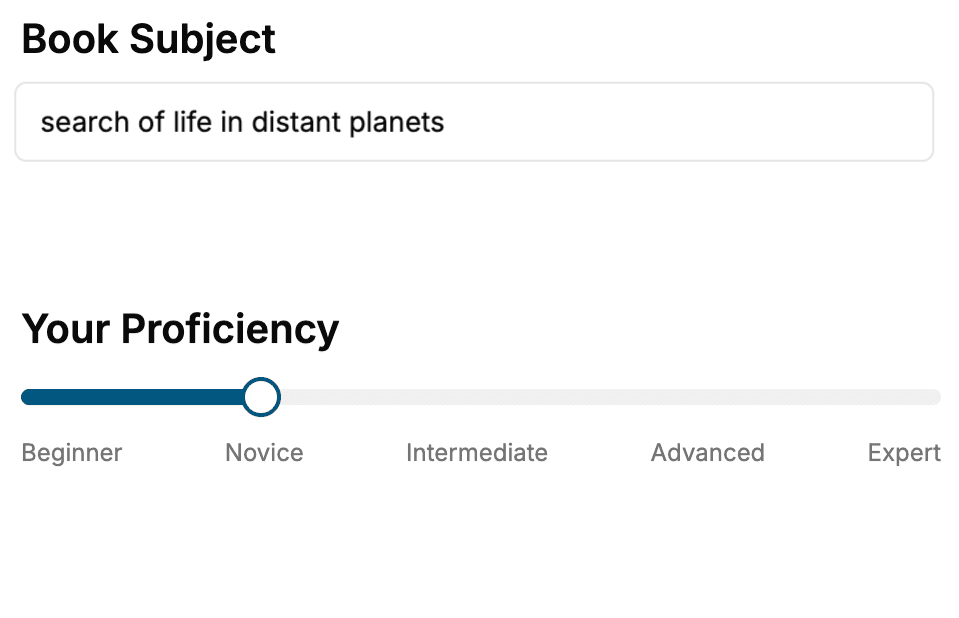
Select the focus of your Vue.js book and share your background
- 2. Personalize your book
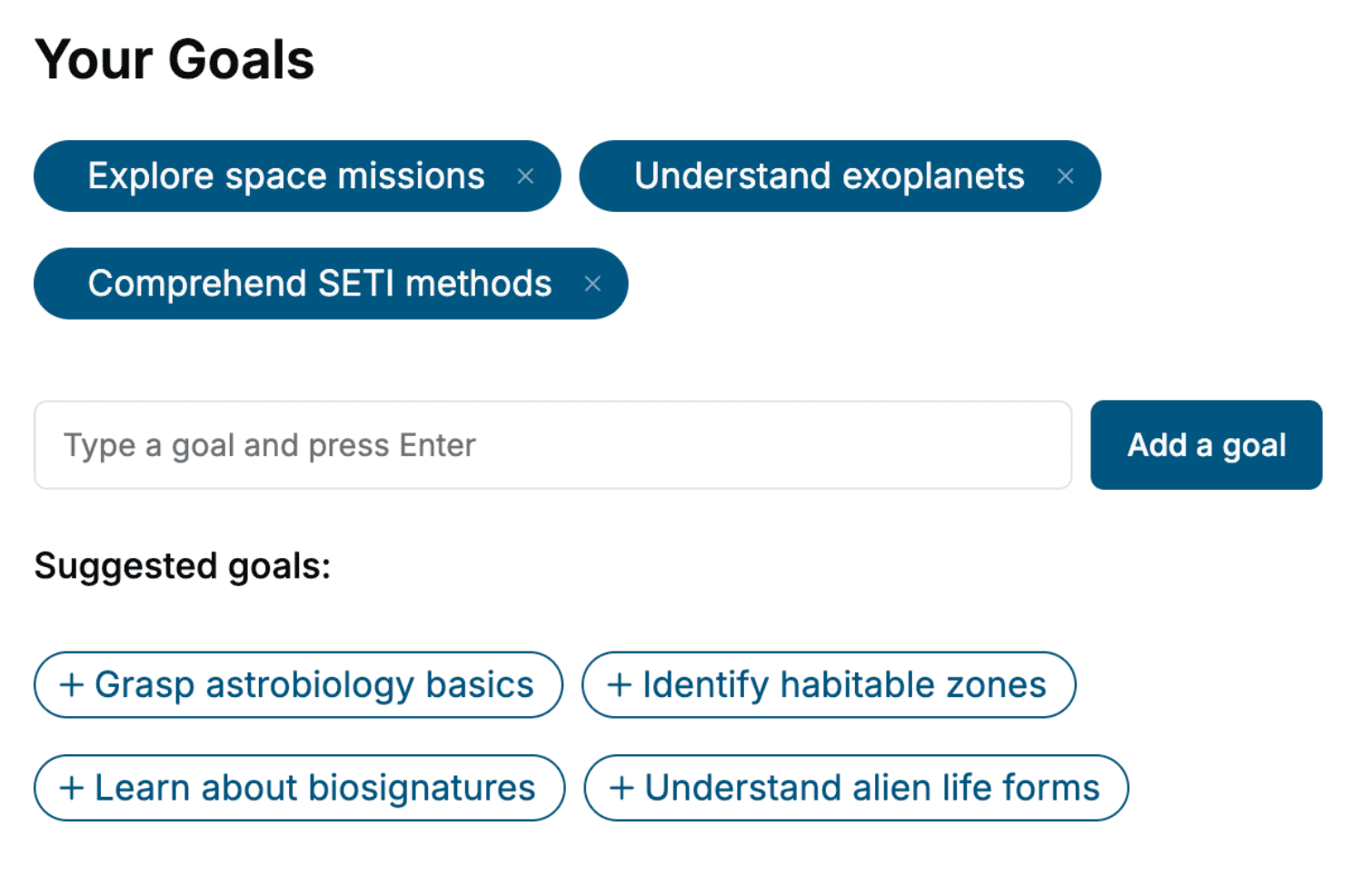
Specify your goals and choose sub-topics to include
- 3. Get your tailored book
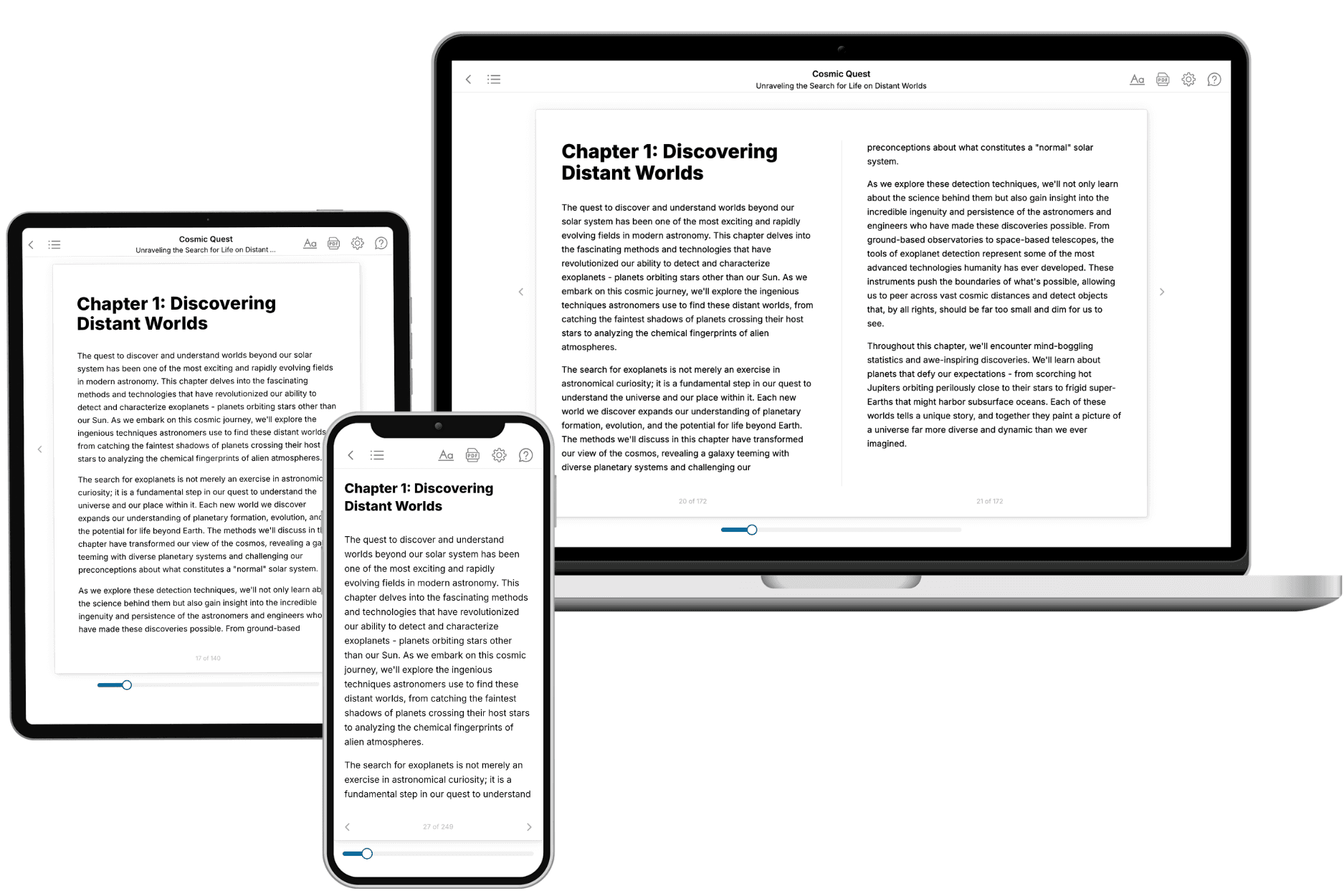
Your book is ready in 10 minutes. Read it online, download as EPUB or PDF, or send to Kindle.
Frequently asked questions
- What is TailoredRead?
TailoredRead creates complete, full-length nonfiction ebooks, written specifically for you. Tell us what you want to learn and why, and TailoredRead writes you a complete ebook on it, with charts, tables, and diagrams throughout. Read it online, on Kindle, or on any e-reader, or download it as a PDF or EPUB. Every book is written fresh the day you order it.
- How is the book tailored to me?
Before anything is written, you answer a few short questions about your goals, your background, and the topics you care about. Your book is then planned around your answers: written at your level, focused on your goals, and covering the topics you chose, instead of the one-size-fits-all book a store sells everyone.
- Will it read like generic AI content?
No. Your book isn't a chat transcript: it's planned chapter by chapter before a single word is written, told in a clear book voice, and explains ideas visually with charts, tables, and diagrams. After writing, every book goes through an editorial pass that polishes chapters so the book reads consistent from start to finish. Judge for yourself: browse thousands of sample books on our Explore Books page.
- How accurate is the content?
Our AI first checks whether your subject needs live research. Niche and fast-moving subjects are researched before writing, and the book plan and chapters are grounded in what it finds. After writing, every book goes through a quality pass that checks its facts and consistency, and researched books list their sources in a Notes section at the back.
- How long is the book?
You choose the length: Comprehensive (250-300 pages), Detailed (150-200 pages), Essential (70-100 pages), or Short (30-50 pages).
- Does the book include visuals?
Yes. Every book includes charts, tables, and diagrams: timelines, checklists, step-by-step guides, decision trees, comparison tables, matrices, and bar charts. A typical book includes dozens of these visual elements.
- Can I read it on Kindle? What formats can I download?
Yes. Every book can be read in our online reader or downloaded as a PDF or EPUB. The EPUB can be opened with Kindle, Apple Books, Kobo, and any e-reader. The Commercial and Author licenses also include an editable Word (DOCX) and Markdown download.
- How much does it cost?
About the price of a regular ebook. The exact price depends on your book's length and complexity, from $2 for the shortest books to $35 for the most comprehensive, and it's shown when you review your book, before you commit to anything. Each book is a one-time purchase, yours to keep, no subscription. Licenses that let you share, teach, or publish your book range from $35.99 to $49.99.
- Can I preview the book before purchasing?
Before you pay, you'll see what your book will cover: the title, a detailed description, the estimated length, and the complete chapter-by-chapter table of contents, so you know what you're getting before you decide. The full text itself is written after you purchase.
- How long does it take to create a book?
About 10 minutes. You can start reading the opening chapters while the rest is still being written.