Mastering WCF
Building Robust Distributed Applications with Windows Communication Foundation
You've heard that Windows Communication Foundation (WCF) is the ultimate solution for building distributed applications, but you're struggling to grasp its complexities.
284 pages15 chaptersDec 12, 2024WCF
About this book
The sea of acronyms and architectural concepts can be overwhelming, leaving you unsure where to start. Mastering WCF: Building Robust Distributed Applications with Windows Communication Foundation is your comprehensive guide to harnessing the power of WCF in .NET Framework 3.0. This book cuts through the confusion, offering a clear, practical approach to understanding and implementing WCF in your projects. You'll start by grasping the fundamental concepts of WCF and how it fits into the broader .NET ecosystem. As you progress, you'll dive deep into service-oriented architecture principles, exploring how to design, develop, and deploy scalable and secure distributed systems. Through hands-on examples and real-world scenarios, you'll learn to create and consume WCF services, configure bindings and endpoints, and implement reliable messaging patterns. By the end of this book, you'll have the confidence and skills to architect sophisticated distributed applications using WCF. You'll be able to leverage its features to build flexible, interoperable systems that can evolve with your business needs. Whether you're working on enterprise-level projects or smaller-scale applications, this book will empower you to take your distributed system development to the next level.
Table of contents
- IntroductionWhat is Windows Communication Foundation?, Benefits of Using WCF, How This Book is Structured, Prerequisites and SetupRead below
- Chapter 1: WCF FundamentalsUnderstanding Service-Oriented Architecture, WCF Architecture Overview, The WCF Programming Model, Address, Binding, and Contract (ABC) of WCF
- Chapter 2: Creating WCF ServicesDefining Service Contracts, Working with Data Contracts, Implementing Operation Contracts, Handling Faults with Fault Contracts
- Chapter 3: Hosting WCF ServicesSelf-Hosting WCF Services, Hosting in Internet Information Services (IIS), Windows Service Hosting, WCF Activation and Windows Process Activation Service
- Chapter 4: Consuming WCF ServicesCreating and Using Client Proxies, Using ChannelFactory for Client-Side Programming, Making Asynchronous Service Calls, Error Handling in WCF Clients
- Chapter 5: Bindings and ChannelsUnderstanding WCF Binding Types, Creating and Configuring Custom Bindings, The WCF Channel Stack, Working with Transport Channels
- Chapter 6: Messaging Patterns in WCFRequest-Response Pattern, One-Way Messaging, Duplex Communication, Streaming in WCF
- Chapter 7: Reliability and TransactionsImplementing Reliable Messaging, Transaction Support in WCF, Handling Distributed Transactions, Concurrency Management in WCF Services
- Chapter 8: Security in WCFTransport-Level Security, Message-Level Security, Authentication and Authorization, Implementing Federated Security
- Chapter 9: Metadata and Service DiscoveryMetadata Exchange (MEX), WSDL Generation and Consumption, WCF Discovery Services, Integrating with UDDI
- Chapter 10: Interoperability in WCFInteroperating with Web Services, .NET Remoting Integration, COM+ Interoperability, Communicating with Non-WCF Clients
- Chapter 11: Extending WCFCreating Custom Behaviors, Implementing Message Inspectors, Working with Parameter Inspectors, Developing Custom Encoders
- Chapter 12: Versioning and CompatibilityVersioning Service Contracts, Ensuring Data Contract Compatibility, Maintaining Backward Compatibility, Designing for Forward Compatibility
- Chapter 13: Performance OptimizationUsing WCF Performance Counters, Optimizing Serialization, Efficient Instance Management, Handling Large Data Sets, Implementing Caching Strategies
- Chapter 14: Monitoring and ManagementWCF Diagnostics and Tracing, Understanding the WCF Service Model, Using the WCF WMI Provider, Implementing Health Monitoring
- Chapter 15: Best Practices and Design PatternsService Design Principles, Error Handling Patterns, Security Design Patterns, Scalability and Performance Patterns
- ConclusionThe Future of WCF, Next Steps in Your WCF Journey
- AppendixWCF Tools and Utilities, WCF Configuration Reference
Introduction
Welcome to the world of Windows Communication Foundation (WCF), a powerful framework that revolutionizes the way distributed applications are built in the .NET ecosystem. As you embark on this journey to master WCF, you're taking a significant step towards enhancing your skills as a software developer and expanding your capabilities in creating robust, scalable, and efficient distributed systems. This introduction will provide you with a solid foundation, setting the stage for the in-depth exploration of WCF that lies ahead in the subsequent chapters.
In today's interconnected digital landscape, the ability to design and implement distributed applications is a crucial skill for any software developer. As systems grow more complex and the demand for seamless communication between diverse applications increases, frameworks like WCF become indispensable tools in a developer's arsenal. Whether you're building enterprise-level solutions or smaller-scale applications, the principles and techniques you'll learn in this book will equip you with the knowledge to tackle a wide range of distributed system challenges.
Throughout this book, you'll discover how WCF simplifies the development of distributed systems by providing a unified programming model. You'll learn how to leverage service-oriented architecture principles to create flexible and maintainable solutions. We'll delve into the intricacies of configuring bindings and endpoints, explore various messaging patterns, and uncover the multi-layered security features that WCF offers. By the time you reach the final pages, you'll have gained a comprehensive understanding of WCF's capabilities, including its strong interoperability, extensibility, and seamless integration with other .NET technologies.
What is Windows Communication Foundation?
Windows Communication Foundation, commonly known as WCF, is a framework for building service-oriented applications introduced by Microsoft as part of the .NET Framework 3.0. At its core, WCF is designed to provide a unified programming model for rapidly building distributed applications that can communicate across various platforms and technologies. It's not just another web service technology; rather, it's a comprehensive solution that encompasses and extends the capabilities of existing distributed system technologies.
The fundamental concept behind WCF is the idea of a service-oriented architecture (SOA). In this paradigm, applications are composed of services - discrete units of functionality that can be accessed over a network. These services are loosely coupled, meaning they can operate independently of the systems that use them, which promotes flexibility and reusability. WCF provides the tools and infrastructure to create, consume, and manage these services efficiently.
One of the key strengths of WCF is its versatility. It supports a wide range of communication protocols, including HTTP, TCP, named pipes, and MSMQ. This flexibility allows developers to choose the most appropriate protocol for their specific needs, whether it's for internet-based communication, high-performance intranet scenarios, or message queuing applications. Furthermore, WCF services can be hosted in various environments, including IIS, Windows services, or even within console applications, providing developers with numerous deployment options.
WCF introduces the concept of endpoints, which are the points of communication between a client and a service. Each endpoint consists of an address (where), a binding (how), and a contract (what). This ABC (Address, Binding, Contract) model is fundamental to understanding how WCF services operate and interact. The address specifies the location of the service, the binding determines the communication mechanism and protocol, and the contract defines the operations that the service exposes.
Another significant aspect of WCF is its strong support for interoperability. WCF services can communicate with non-WCF clients and services, including those built on other platforms like Java or PHP. This interoperability is achieved through adherence to web service standards such as SOAP, XML, and WSDL. As a result, WCF services can seamlessly integrate into heterogeneous environments, making it an ideal choice for enterprise-level applications that need to interact with diverse systems.
Security is a paramount concern in distributed systems, and WCF addresses this with a comprehensive security model. It provides support for authentication, authorization, and encryption at both the transport and message levels. This multi-layered approach allows developers to implement robust security measures tailored to their specific requirements, ensuring that sensitive data remains protected throughout the communication process.
WCF also excels in its support for various messaging patterns. Whether your application requires simple request-response interactions, one-way messaging for fire-and-forget scenarios, or full duplex communication for real-time updates, WCF has you covered. These diverse messaging patterns, combined with WCF's support for transactions and reliable messaging, enable developers to build sophisticated distributed applications that can handle complex business processes and maintain data integrity across multiple services.
As you progress through this book, you'll discover that WCF is not just a static framework but a highly extensible one. It provides numerous extension points that allow developers to customize and enhance its behavior. Whether you need to implement custom authentication schemes, create specialized message encoders, or develop unique service behaviors, WCF's extensibility model gives you the power to tailor the framework to your specific needs.
In essence, Windows Communication Foundation represents a paradigm shift in how distributed applications are developed in the .NET ecosystem. It consolidates years of Microsoft's experience in building distributed systems into a single, cohesive framework. By providing a unified programming model, supporting multiple communication protocols, ensuring interoperability, and offering robust security features, WCF empowers developers to create distributed applications that are not only powerful and flexible but also maintainable and scalable.
As you embark on your journey to master WCF, keep in mind that you're not just learning a technology; you're acquiring a set of principles and practices that will fundamentally change how you approach distributed system development. The concepts you'll learn, from service contracts to bindings, from hosting options to security configurations, will form a solid foundation upon which you can build sophisticated, enterprise-grade distributed applications. So, let's dive in and explore the fascinating world of Windows Communication Foundation!
Benefits of Using WCF
Windows Communication Foundation (WCF) offers a multitude of benefits that make it an attractive choice for developers building distributed applications. These advantages span various aspects of software development, from simplifying the coding process to enhancing application performance and security. Let's explore these benefits in detail to understand why WCF has become a cornerstone technology for creating robust distributed systems.
One of the primary benefits of WCF is its unified programming model. Prior to WCF, developers had to work with different programming models for various communication technologies such as ASMX web services, .NET Remoting, and Enterprise Services. This fragmentation often led to increased complexity and reduced code reusability. WCF addresses this issue by providing a single, consistent model for building service-oriented applications. Whether you're creating a web service, a TCP-based application, or a message queue system, the fundamental programming concepts remain the same. This consistency significantly reduces the learning curve and improves developer productivity[1].
Flexibility is another key advantage of WCF. The framework supports a wide range of communication protocols and data formats, allowing developers to choose the most appropriate options for their specific scenarios. For instance, you can use HTTP for internet-facing services, TCP for high-performance intranet communication, or named pipes for inter-process communication on the same machine. This flexibility extends to message formats as well, with support for SOAP, XML, and binary encoding. Such versatility ensures that WCF can adapt to various network environments and performance requirements, making it suitable for a broad spectrum of applications.
Interoperability is a crucial benefit that sets WCF apart from many other distributed system technologies. In today's diverse technological landscape, the ability to communicate seamlessly with different platforms and technologies is invaluable. WCF achieves this through its adherence to industry standards such as SOAP, WSDL, and WS-* specifications. This standards-based approach ensures that WCF services can interact with non-WCF clients and services, including those built on Java, PHP, or other platforms. For enterprises with heterogeneous environments, this interoperability can lead to significant cost savings and improved system integration[2].
Security is a paramount concern in distributed systems, and WCF excels in this area by providing a comprehensive and flexible security model. It offers support for authentication, authorization, and encryption at both the transport and message levels. This multi-layered approach allows developers to implement security measures that best suit their application's needs. For instance, you can use transport-level security for point-to-point communication or message-level security for end-to-end scenarios where messages pass through multiple intermediaries. WCF also integrates well with existing security infrastructures, supporting various authentication mechanisms such as Windows authentication, username/password, and X.509 certificates. This robust security framework helps ensure that your distributed applications can meet even the most stringent security requirements.
Another significant benefit of WCF is its support for various messaging patterns. Whether your application requires simple request-response interactions, one-way messaging for fire-and-forget scenarios, or full duplex communication for real-time updates, WCF has you covered. This flexibility in messaging patterns allows developers to design communication flows that closely match their business requirements. Additionally, WCF provides built-in support for reliable messaging and transactions, ensuring data integrity and consistency across distributed operations. These features are particularly valuable in enterprise scenarios where data accuracy and system reliability are critical.
WCF's extensibility is a powerful feature that allows developers to customize and enhance the framework to meet specific requirements. It provides numerous extension points throughout its architecture, enabling you to modify or extend its behavior. For example, you can create custom bindings to support new protocols, implement custom authentication schemes, or develop specialized message encoders. This extensibility ensures that WCF can adapt to unique or evolving business needs, making it a future-proof choice for long-term projects.
Performance and scalability are crucial factors in distributed systems, and WCF offers several features to optimize these aspects. It provides efficient serialization mechanisms, support for binary encoding, and the ability to use fast transport protocols like TCP. WCF also includes features like instance management and concurrency control, allowing developers to fine-tune service behavior for optimal performance. Furthermore, WCF services can be easily scaled out by deploying them on multiple machines or in cloud environments, making it suitable for applications that need to handle high loads or grow over time.
The separation of concerns promoted by WCF is another significant benefit. By clearly distinguishing between service contracts, data contracts, and service implementations, WCF encourages a clean, modular design. This separation makes it easier to maintain and evolve services over time. For instance, you can modify the internal implementation of a service without affecting its clients, as long as the contract remains unchanged. This design principle leads to more maintainable and flexible distributed systems.
WCF's integration with other .NET technologies is a boon for developers working in the Microsoft ecosystem. It seamlessly works with technologies like Windows Workflow Foundation (WF), ASP.NET, and Entity Framework. This integration allows developers to leverage their existing skills and tools while building distributed applications. For example, you can easily expose workflows as WCF services or use Entity Framework for data access within your WCF services.
Lastly, WCF provides excellent tooling support, which significantly enhances developer productivity. Visual Studio offers robust tools for creating, testing, and deploying WCF services. Features like automatic proxy generation, configuration editors, and built-in testing tools streamline the development process. Additionally, WCF includes a set of command-line tools for tasks like metadata generation and proxy creation, which can be invaluable in automated build and deployment scenarios.
In conclusion, the benefits of using WCF are numerous and far-reaching. From its unified programming model and flexibility to its robust security features and extensibility, WCF provides a comprehensive solution for building distributed applications. Its support for interoperability, various messaging patterns, and performance optimization makes it suitable for a wide range of scenarios, from small-scale applications to large enterprise systems. As you delve deeper into WCF throughout this book, you'll discover how these benefits translate into practical advantages, empowering you to create sophisticated, efficient, and maintainable distributed applications.
How This Book is Structured
This book is carefully structured to guide you through the intricacies of Windows Communication Foundation (WCF) in a logical and progressive manner. Each chapter builds upon the knowledge gained in previous sections, ensuring a comprehensive understanding of WCF by the time you reach the conclusion. The structure is designed to cater to both beginners looking to grasp the fundamentals and experienced developers seeking to deepen their expertise in specific areas of WCF.
We begin with the foundational concepts in Chapter 1: WCF Fundamentals. This chapter introduces you to the core principles of service-oriented architecture (SOA) and how WCF embodies these principles. You'll gain a high-level understanding of WCF's architecture and the essential ABC (Address, Binding, Contract) model that forms the backbone of WCF services. This chapter sets the stage for the more detailed explorations that follow.
Chapters 2 through 4 focus on the practical aspects of creating, hosting, and consuming WCF services. In Chapter 2: Creating WCF Services, you'll learn how to define service contracts, work with data contracts, and implement operation contracts. You'll also explore fault contracts for effective error handling. Chapter 3: Hosting WCF Services delves into the various hosting options available, including self-hosting, IIS hosting, and Windows Service hosting. Chapter 4: Consuming WCF Services covers client-side programming, teaching you how to create and use client proxies, make asynchronous calls, and handle errors in WCF clients.
The next set of chapters explores the more advanced features of WCF. Chapter 5: Bindings and Channels provides an in-depth look at WCF's communication stack, covering various binding types and how to work with channels. Chapter 6: Messaging Patterns in WCF introduces you to different communication patterns such as request-response, one-way messaging, and duplex communication. In Chapter 7: Reliability and Transactions, you'll learn how to implement reliable messaging and handle distributed transactions in WCF services.
Security is a critical aspect of distributed systems, and Chapter 8: Security in WCF is dedicated to this topic. You'll explore transport-level and message-level security, authentication and authorization mechanisms, and how to implement federated security in WCF. Chapter 9: Metadata and Service Discovery covers how services describe themselves and how clients can discover and interact with services dynamically.
Interoperability is one of WCF's key strengths, and Chapter 10: Interoperability in WCF focuses on how WCF services can communicate with non-WCF clients and services. You'll learn about integrating with web services, .NET Remoting, and COM+ components. Chapter 11: Extending WCF demonstrates how to customize and extend WCF's behavior through custom behaviors, message inspectors, and encoders.
As your services evolve, you'll need to manage changes while maintaining compatibility. Chapter 12: Versioning and Compatibility addresses these challenges, teaching you how to version service contracts and ensure backward and forward compatibility. Chapter 13: Performance Optimization provides valuable insights into optimizing WCF services for peak performance, covering topics like serialization optimization and efficient instance management.
Monitoring and managing WCF services in production environments is crucial, and Chapter 14: Monitoring and Management equips you with the tools and techniques to do so effectively. You'll learn about WCF diagnostics, tracing, and how to use the WCF Service Model for monitoring and management tasks. Chapter 15: Best Practices and Design Patterns rounds off the main content by presenting proven patterns and practices for designing robust and maintainable WCF services.
The book concludes with a look at the future of WCF and suggestions for further learning. The Appendix provides additional resources, including a reference for WCF configuration and an overview of useful WCF tools and utilities.
Throughout the book, you'll find practical examples, code snippets, and real-world scenarios that illustrate the concepts being discussed. Each chapter includes hands-on exercises to reinforce your learning, and key points are summarized at the end of each section for quick reference. By following this structured approach, you'll gain a comprehensive understanding of WCF, from its basic concepts to advanced features, enabling you to design and implement robust distributed applications with confidence.
Prerequisites and Setup
Before diving into the world of Windows Communication Foundation (WCF), it's essential to ensure that you have the necessary tools and knowledge to make the most of this book. This section outlines the prerequisites you should have in place and guides you through the setup process to create an optimal learning environment. By preparing adequately, you'll be well-positioned to follow along with the examples and exercises throughout the book, maximizing your learning experience.
First and foremost, this book assumes an intermediate level of knowledge in .NET Framework programming. You should be comfortable with C# syntax, object-oriented programming concepts, and basic .NET Framework class libraries. If you're new to .NET or feel your skills need refreshing, it's recommended to review these fundamentals before proceeding. A solid understanding of these core concepts will significantly enhance your ability to grasp the more advanced topics covered in WCF.
In terms of software requirements, you'll need a development environment that supports .NET Framework 3.0 or later, as WCF was introduced in this version. However, for the best experience and to ensure compatibility with all examples in this book, it's recommended to use .NET Framework 4.0 or later. The primary development tool you'll be using is Visual Studio. While the examples in this book are based on Visual Studio 2019, most concepts and code will work with Visual Studio 2015 or later versions. If you don't have Visual Studio installed, you can download the free Community Edition from the official Microsoft website[3].
To set up your development environment, follow these steps:
- Install Visual Studio 2019 (or your preferred version) if you haven't already. During the installation process, make sure to select the ".NET desktop development" workload, which includes the necessary components for WCF development.
- Once Visual Studio is installed, open it and create a new project. Verify that you can create a new WCF Service Library project. This will confirm that the WCF components are correctly installed.
- Install any additional Visual Studio extensions that may enhance your WCF development experience. For example, the "WCF Service Analyzer" can be a valuable tool for diagnosing issues in your WCF services.
- Familiarize yourself with the WCF configuration tools in Visual Studio, such as the WCF Configuration Editor, which can be accessed by double-clicking on the app.config file in a WCF project.
In addition to the development environment, you'll need a way to test your WCF services. While Visual Studio provides basic testing capabilities, it's beneficial to have a dedicated tool for more advanced testing scenarios. Consider installing Postman, a popular API development and testing tool that can be used to interact with WCF services. Alternatively, you can use the WCF Test Client, a tool provided by Microsoft that comes with the .NET Framework SDK.
For those interested in exploring the security aspects of WCF in depth, it's recommended to set up a test environment with Internet Information Services (IIS). This will allow you to host WCF services in IIS and experiment with various security configurations. You can enable IIS on Windows by going to "Turn Windows features on or off" in the Control Panel and selecting the appropriate IIS components.
To ensure you can follow along with all examples in the book, it's advisable to set up a local SQL Server instance for database-related examples. SQL Server Express, a free edition of SQL Server, is sufficient for this purpose and can be downloaded from the Microsoft website. Once installed, create a test database that you can use throughout the book.
Familiarity with XML is also beneficial, as WCF heavily uses XML for configuration and data exchange. If you need to brush up on your XML skills, consider reviewing basic XML concepts and syntax. Additionally, a basic understanding of web services and SOAP (Simple Object Access Protocol) will be helpful, although these topics will be covered in detail within the book.
For version control and code management, it's recommended to use a system like Git. This will allow you to track changes in your code as you work through the examples and experiments in the book. If you're new to Git, consider setting up a free GitHub account and installing Git on your local machine.
Lastly, ensure you have a reliable internet connection. While most of the development work can be done offline, you may need to download additional resources, access online documentation, or retrieve NuGet packages during the course of your learning.
By setting up your environment as described and ensuring you meet these prerequisites, you'll be well-prepared to embark on your journey to mastering Windows Communication Foundation. Remember, the goal is not just to follow along with the examples, but to experiment and explore on your own. Feel free to modify the code samples, try out different configurations, and push the boundaries of what you learn. This hands-on approach will deepen your understanding and help you become proficient in WCF development.
Notes
Introduction
- 1. J. Löwy, Programming WCF Services: Mastering WCF and the Azure AppFabric Service Bus, O'Reilly Media, 2010
- 2. P. Cibraro and others, Professional WCF 4: Windows Communication Foundation with.NET 4, Wrox, 2010
- 3. Microsoft, "Download Visual Studio Tools - Install Free for Windows, Mac, Linux," 2021
This is the end of the free sample. The full book has 15 chapters.
Want this book written for you?
Tell us your goals and background, and get your own version of this book, tailored by AI to you.






Benefits of AI-tailored books
- Read one book, not ten:
- all the WCF knowledge you need, gathered into a single book.
- Save days of learning:
- tell us your goals, choose your topics, and the whole book is built around them.
- Learn effortlessly:
- WCF book written for your specific background and expertise.
- Understand at a glance:
- includes charts, tables, timelines, checklists, decision trees, and more.
- Stay current:
- written the day you order it, not years ago.
- Trust what you read:
- every book is checked for accuracy, with real research when your subject needs it.
Create your unique book in 3 steps
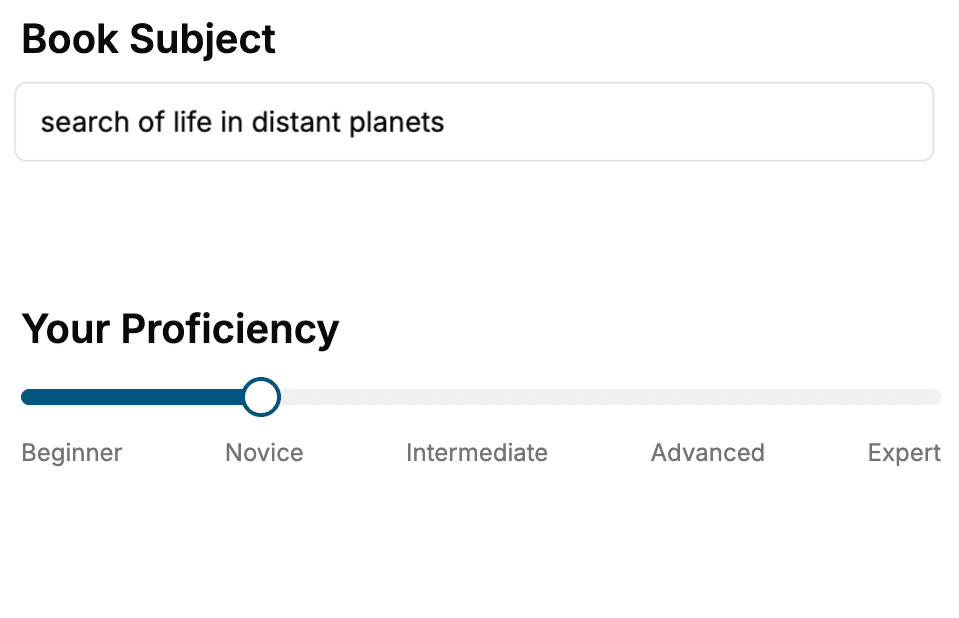
- 1. Select your focus
Select the focus of your WCF book and share your background
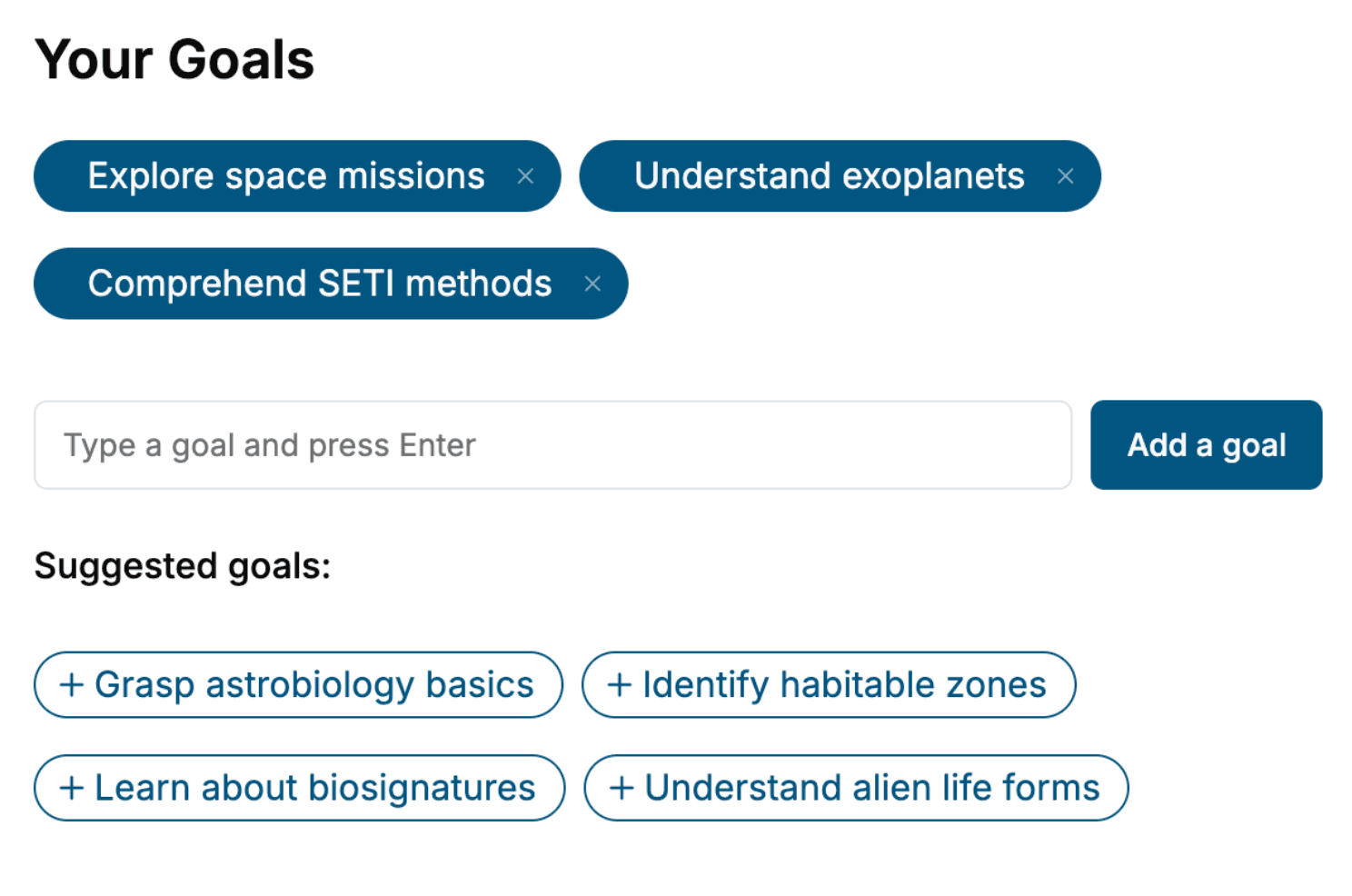
- 2. Personalize your book
Specify your goals and choose sub-topics to include
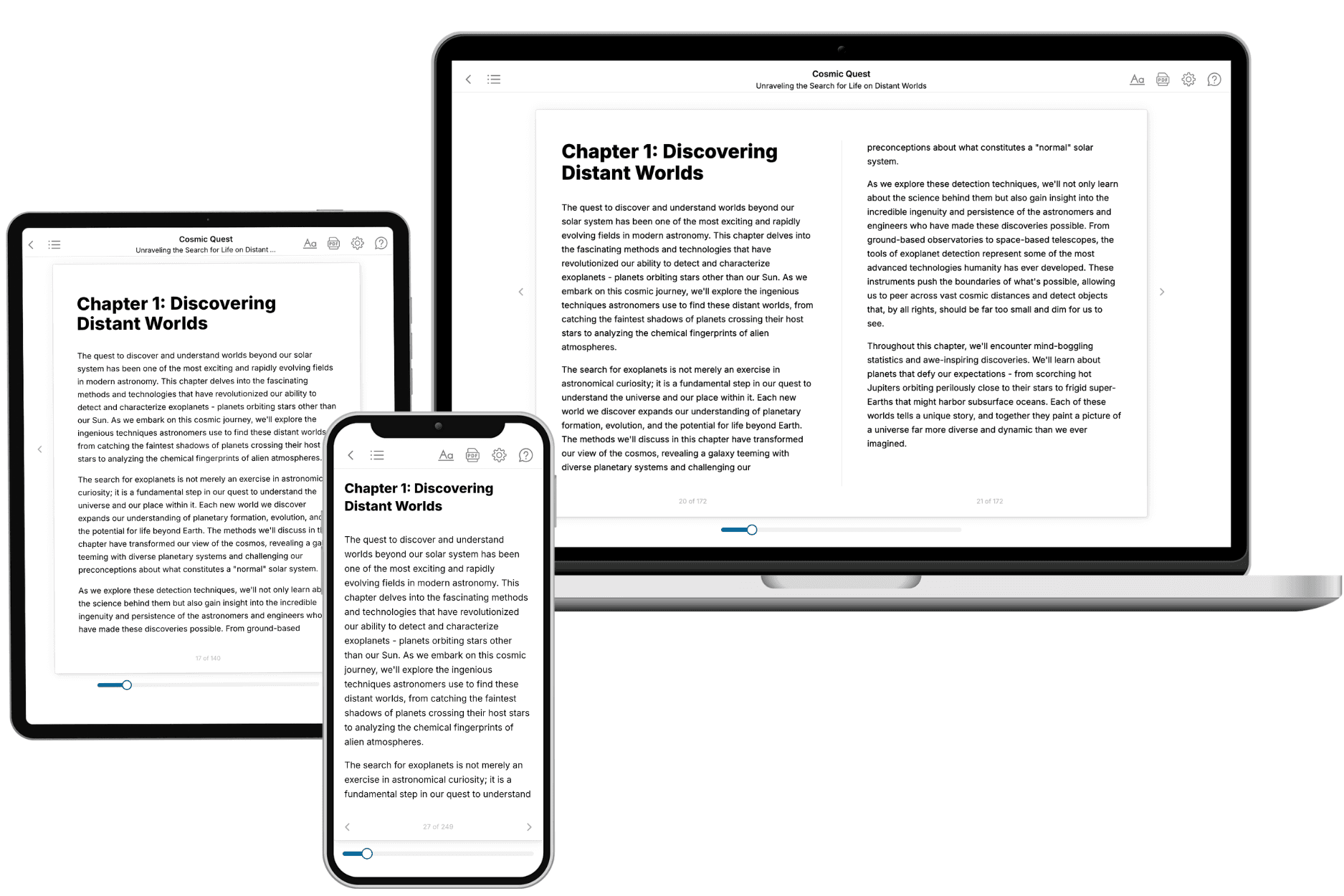
- 3. Get your tailored book
Your book is ready in 10 minutes. Read it online, download as EPUB or PDF, or send to Kindle.
Frequently asked questions
- What is TailoredRead?
TailoredRead creates complete, full-length nonfiction ebooks, written specifically for you. Tell us what you want to learn and why, and TailoredRead writes you a complete ebook on it, with charts, tables, and diagrams throughout. Read it online, on Kindle, or on any e-reader, or download it as a PDF or EPUB. Every book is written fresh the day you order it.
- How is the book tailored to me?
Before anything is written, you answer a few short questions about your goals, your background, and the topics you care about. Your book is then planned around your answers: written at your level, focused on your goals, and covering the topics you chose, instead of the one-size-fits-all book a store sells everyone.
- Will it read like generic AI content?
No. Your book isn't a chat transcript: it's planned chapter by chapter before a single word is written, told in a clear book voice, and explains ideas visually with charts, tables, and diagrams. After writing, every book goes through an editorial pass that polishes chapters so the book reads consistent from start to finish. Judge for yourself: browse thousands of sample books on our Explore Books page.
- How accurate is the content?
Our AI first checks whether your subject needs live research. Niche and fast-moving subjects are researched before writing, and the book plan and chapters are grounded in what it finds. After writing, every book goes through a quality pass that checks its facts and consistency, and researched books list their sources in a Notes section at the back.
- How long is the book?
You choose the length: Comprehensive (250-300 pages), Detailed (150-200 pages), Essential (70-100 pages), or Short (30-50 pages).
- Does the book include visuals?
Yes. Every book includes charts, tables, and diagrams: timelines, checklists, step-by-step guides, decision trees, comparison tables, matrices, and bar charts. A typical book includes dozens of these visual elements.
- Can I read it on Kindle? What formats can I download?
Yes. Every book can be read in our online reader or downloaded as a PDF or EPUB. The EPUB can be opened with Kindle, Apple Books, Kobo, and any e-reader. The Commercial and Author licenses also include an editable Word (DOCX) and Markdown download.
- How much does it cost?
About the price of a regular ebook. The exact price depends on your book's length and complexity, from $2 for the shortest books to $35 for the most comprehensive, and it's shown when you review your book, before you commit to anything. Each book is a one-time purchase, yours to keep, no subscription. Licenses that let you share, teach, or publish your book range from $35.99 to $49.99.
- Can I preview the book before purchasing?
Before you pay, you'll see what your book will cover: the title, a detailed description, the estimated length, and the complete chapter-by-chapter table of contents, so you know what you're getting before you decide. The full text itself is written after you purchase.
- How long does it take to create a book?
About 10 minutes. You can start reading the opening chapters while the rest is still being written.