Mastering Windows Azure Service Bus
Build Scalable, Reliable Messaging Solutions with .NET Framework 4.5
Building distributed applications with .NET Framework 4.5 presents a significant challenge: managing reliable communication between services without building complex infrastructure from scratch.
207 pages10 chaptersApr 3, 2026Azure
About this book
Windows Azure Service Bus solves this problem by providing a fully managed messaging platform, but many developers struggle to implement it effectively. This book guides you through every aspect of Azure Service Bus, from foundational concepts to production-ready implementations. You'll learn how to architect queues and topics that handle real-world scenarios, implement robust error handling that prevents message loss, and configure security that protects your data. Each concept is grounded in practical examples and patterns you can apply immediately. Whether you're building microservices, integrating legacy systems, or creating event-driven architectures, this book provides the knowledge and techniques to implement messaging solutions that scale reliably. You'll understand not just how to use Service Bus, but why each design decision matters for your application's success.
Table of contents
- IntroductionWhy Messaging Matters in Modern Applications, What Azure Service Bus Solves, How to Use This BookRead below
- Chapter 1: Fundamentals of Azure Service BusCore Concepts and Architecture, Queues vs. Topics: Choosing the Right Pattern, Service Bus Tiers and Pricing Models
- Chapter 2: Getting Started with Service BusSetting Up Your Service Bus Namespace, Connection Strings and Authentication, Creating Your First Queue
- Chapter 3: Working with QueuesSending Messages to Queues, Receiving and Processing Messages, Message Properties and Metadata
- Chapter 4: Publish-Subscribe with Topics and SubscriptionsUnderstanding Topic Architecture, Creating and Managing Subscriptions, Filtering Messages with Rules and Filters
- Chapter 5: Error Handling and Message RecoveryDead-Letter Queues and Poison Messages, Implementing Retry Strategies, Exception Handling Best Practices
- Chapter 6: Security and Access ControlAuthentication Methods and Shared Access Keys, Authorization and Role-Based Access Control, Encryption and Secure Transport
- Chapter 7: Advanced Messaging PatternsRequest-Reply Pattern Implementation, Competing Consumers and Load Distribution, Message Correlation and Tracking
- Chapter 8: Performance Tuning and OptimizationUnderstanding Throughput and Limits, Batch Operations and Efficiency, Cost Optimization Strategies
- Chapter 9: Monitoring, Logging, and DiagnosticsMetrics and Performance Monitoring, Logging and Distributed Tracing, Troubleshooting Common Issues
- Chapter 10: Real-World Implementation ScenariosMicroservices Communication Patterns, Building Event-Driven Architectures, Integrating Legacy Systems
- ConclusionKey Takeaways and Next Steps, Continuing Your Learning Journey
- Appendix: Quick Reference and ResourcesCommon Code Snippets, Glossary of Terms, Further Reading and Official Resources
Introduction
Distributed applications have become the norm in modern software development. Services talk to each other across networks, data flows between systems in real time, and users expect everything to work seamlessly even when individual components fail. Building this kind of reliability from scratch is genuinely hard. You need to think about message ordering, delivery guarantees, retry logic, backpressure, and a dozen other concerns before you even write your first line of business logic. That complexity is exactly why managed messaging platforms exist, and it's exactly why Windows Azure Service Bus deserves your attention.
This book is written for intermediate .NET developers who already understand the basics of distributed systems and want a practical, thorough guide to implementing Azure Service Bus in .NET Framework 4.5 environments. You won't find vague overviews or marketing language here. Instead, you'll find concrete patterns, working code examples, and honest explanations of the trade-offs involved in every major design decision. The goal is to give you the knowledge to build messaging solutions that work reliably in production, not just in demos.
The chapters ahead cover everything from setting up your first namespace to implementing advanced patterns like request-reply and competing consumers. Along the way, you'll learn how to handle errors gracefully, secure your messaging infrastructure, monitor performance, and optimize costs. Each topic builds on the previous one, so by the time you reach the real-world scenarios in the final chapters, you'll have a solid foundation to draw from. Whether you're starting a greenfield microservices project or integrating a legacy system into a modern architecture, the techniques in this book apply directly to your work.
Before diving into the technical content, it's worth spending a few pages on context. Understanding why messaging matters, what Azure Service Bus specifically solves, and how to get the most out of this book will make everything that follows easier to absorb and apply. That's what this introduction covers.
Why Messaging Matters in Modern Applications
Think about what happens when two services communicate directly over HTTP. Service A calls Service B, waits for a response, and then continues. This works fine when both services are healthy and the network is reliable. But in the real world, Service B might be slow, overloaded, or temporarily unavailable. When that happens, Service A either fails or hangs, and the problem cascades. Direct synchronous communication creates tight coupling between services, and tight coupling is the enemy of resilience.
Messaging solves this problem by introducing an intermediary. Instead of calling Service B directly, Service A sends a message to a queue or topic. Service B picks up that message when it's ready. Neither service needs to know whether the other is currently running. Neither service blocks waiting for the other. This decoupling is the foundational benefit of asynchronous messaging, and it changes how you think about building distributed systems.
The practical benefits of this approach are significant and measurable. Consider an e-commerce platform processing orders. During a flash sale, order volume might spike to ten times the normal rate. If the inventory service is called synchronously for every order, it becomes a bottleneck and potentially a single point of failure. With a message queue in between, orders are accepted immediately and processed at whatever rate the inventory service can handle. No orders are lost, no customers see errors, and the system degrades gracefully under load rather than collapsing.[1]
Messaging also enables patterns that are simply impossible with direct communication. Publish-subscribe allows one event to trigger multiple independent consumers without the publisher knowing anything about them. Competing consumers allow multiple instances of a service to share the processing load from a single queue automatically. Scheduled delivery allows messages to be sent now but processed later. These patterns solve real business problems, and they're all built on the same foundational idea: decouple the sender from the receiver through an intermediary.
There's also a durability dimension that matters enormously in production systems. When a message is placed in a queue, it stays there until it's successfully processed. If the consuming service crashes mid-processing, the message is returned to the queue and retried. This at-least-once delivery guarantee means you don't lose data just because a service had a bad moment. Compare that to a direct HTTP call where a network timeout means the request is simply gone, with no way to know whether it was received or not.
It's worth being honest about the trade-offs, too. Messaging adds latency compared to direct calls. It introduces eventual consistency, which means different parts of your system may see different states of the world at any given moment. Debugging asynchronous flows is harder than tracing a synchronous call stack. These are real costs, and they're worth understanding before you commit to a messaging architecture. The chapters on monitoring and troubleshooting later in this book address these challenges directly, giving you tools to manage the complexity that messaging introduces.
The bottom line is that messaging is not a silver bullet, but it is an essential tool for building systems that need to scale, remain resilient under failure, and evolve independently over time. Modern applications, whether they're microservices, event-driven pipelines, or hybrid cloud integrations, almost always benefit from at least some asynchronous messaging. The question is not whether to use messaging, but how to use it well.
A useful mental model: Think of a message queue like a postal system. The sender drops a letter in the mailbox and walks away. The recipient picks it up when they're ready. Neither party needs to be present at the same time, and the postal system guarantees delivery even if the recipient is temporarily unavailable. This analogy captures the core value proposition of asynchronous messaging better than any technical definition.
Understanding this mental model deeply will help you make better architectural decisions throughout the rest of this book. Every pattern, every configuration option, and every trade-off discussed in the chapters ahead connects back to this fundamental idea of decoupling senders from receivers through a reliable intermediary.
What Azure Service Bus Solves
Building your own message broker is a significant undertaking. You need to handle persistence, replication, failover, scaling, security, monitoring, and client libraries across multiple languages and platforms. Teams have done it, and some open-source projects like RabbitMQ and Apache Kafka make it more approachable. But even with those tools, you're still responsible for deploying, configuring, patching, and operating the infrastructure. That operational burden is real, and it takes time away from building the features your users actually care about.
Windows Azure Service Bus is a fully managed messaging service that eliminates that operational burden. Microsoft runs the infrastructure, handles replication and failover, manages capacity, and provides SLAs for availability and durability. You pay for what you use, and you get enterprise-grade reliability without hiring a team of infrastructure engineers to maintain it. For most .NET development teams, this is a compelling trade-off.
Beyond the operational benefits, Azure Service Bus provides a rich feature set that covers the most common enterprise messaging requirements out of the box. Here's a summary of the key capabilities:
- Queues: Point-to-point messaging with at-least-once delivery guarantees, message locking, and dead-lettering for failed messages.
- Topics and Subscriptions: Publish-subscribe messaging where a single message can be delivered to multiple independent subscribers, each with their own filtering rules.
- Message Sessions: Ordered processing of related messages, useful for workflows that require strict sequencing.
- Scheduled Messages: Enqueue a message now and have it become visible to consumers at a future time.
- Message Deferral: Set aside a message for later processing without removing it from the queue.
- Dead-Letter Queues: Automatically capture messages that can't be processed, so they're never silently lost.
- Duplicate Detection: Prevent the same message from being processed twice, even if it's sent multiple times.
- Transactions: Group multiple messaging operations into a single atomic unit.
These features map directly to real business requirements. Duplicate detection matters when a network retry causes a payment message to be sent twice. Dead-letter queues matter when a malformed order message would otherwise block an entire queue. Message sessions matter when you're processing a multi-step workflow for a specific customer and need to ensure steps execute in order. Azure Service Bus doesn't just provide a pipe for messages; it provides the building blocks for reliable, production-grade messaging systems.[2]
It's also worth understanding what Azure Service Bus is not. It is not a streaming platform like Azure Event Hubs or Apache Kafka. Those platforms are designed for high-throughput telemetry and log ingestion, where you might process millions of events per second and replay historical data. Service Bus is designed for transactional messaging, where each message represents a discrete unit of work that needs to be processed exactly once and acknowledged. If you're building an IoT telemetry pipeline that ingests sensor readings at massive scale, Event Hubs is probably the right tool. If you're building an order processing system where every order must be handled reliably, Service Bus is the right choice.
The .NET SDK for Azure Service Bus integrates naturally with .NET Framework 4.5 applications. The Microsoft.ServiceBus NuGet package provides the QueueClient, TopicClient, SubscriptionClient, and related classes that you'll use throughout this book. The API is designed to feel familiar to .NET developers, with async/await support, LINQ-friendly filter expressions, and strong typing throughout. You don't need to learn a new programming model; you just need to learn the Service Bus concepts and how they map to the classes you'll use.
One practical consideration worth addressing early is the question of Service Bus tiers. Azure Service Bus offers two tiers: Standard and Premium. The Standard tier is suitable for most development and moderate-production workloads. The Premium tier provides dedicated resources, higher throughput, predictable latency, and support for larger message sizes. Chapter 1 covers the differences in detail, but the key point for now is that you can start with Standard and upgrade to Premium when your requirements demand it, without changing your application code.
Security is another area where Azure Service Bus provides strong defaults. All communication is encrypted in transit using TLS. Authentication is handled through Shared Access Signatures (SAS) or Azure Active Directory, giving you fine-grained control over who can send and receive messages. You can grant a service the ability to send messages to a specific queue without giving it the ability to read from that queue, or vice versa. Chapter 6 covers security in depth, but it's reassuring to know that the platform was designed with security as a first-class concern, not an afterthought.
Finally, Azure Service Bus integrates well with the broader Azure ecosystem. You can trigger Azure Functions when messages arrive in a queue. You can connect Service Bus to Azure Logic Apps for workflow automation. You can use Azure Monitor to track queue depth, message throughput, and error rates. These integrations mean that Service Bus doesn't exist in isolation; it's a component in a larger platform that you can leverage as your application grows.
How to Use This Book
This book is structured to take you from foundational concepts to production-ready implementations in a logical progression. Each chapter builds on the ones before it, so reading from start to finish is the most effective approach if you're new to Azure Service Bus. That said, if you already have experience with the basics and want to jump to a specific topic, each chapter is written to be as self-contained as possible, with references to earlier chapters when a concept needs more context.
Here's a quick map of what each part of the book covers, so you can navigate based on your current needs:
- Chapters 1-2 (Fundamentals and Getting Started): Core concepts, architecture, namespace setup, authentication, and your first working queue. Start here if you're new to Service Bus or need to set up a development environment.
- Chapters 3-4 (Queues and Topics): Sending and receiving messages, message properties, publish-subscribe patterns, and subscription filters. This is the practical core of the book.
- Chapter 5 (Error Handling): Dead-letter queues, retry policies, and exception handling. Don't skip this chapter; production systems fail in ways that development environments don't reveal.
- Chapter 6 (Security): Authentication, authorization, and encryption. Essential reading before you deploy anything to a production environment.
- Chapters 7-8 (Advanced Patterns and Performance): Request-reply, competing consumers, batch operations, and cost optimization. Read these when you're ready to go beyond the basics.
- Chapter 9 (Monitoring): Metrics, logging, and troubleshooting. Invaluable once you have a system running and need to understand what's happening inside it.
- Chapter 10 (Real-World Scenarios): Microservices communication, event-driven architectures, and legacy system integration. Practical case studies that tie everything together.
Every chapter includes working code examples written for .NET Framework 4.5. The examples use the Microsoft.ServiceBus NuGet package and follow consistent patterns so you can adapt them to your own projects with minimal modification. Where a concept has multiple valid approaches, the examples show the recommended approach first and explain the alternatives and their trade-offs. You won't find toy examples that only work in ideal conditions; the code is written to handle the kinds of edge cases you'll encounter in real applications.
To get the most out of the hands-on examples, you'll need a few things set up before you start:
- An active Azure subscription (a free trial account works for all the examples in this book).
- Visual Studio 2013 or later with .NET Framework 4.5 targeting support.
- The
WindowsAzure.ServiceBusNuGet package, version 2.x or later. - Access to the Azure Portal to create and manage Service Bus namespaces.
Chapter 2 walks through the setup process in detail, including creating a namespace, configuring connection strings, and verifying that your environment is working correctly. If you run into issues during setup, the troubleshooting section in Chapter 9 covers the most common problems and their solutions.
A note on the code style used throughout this book: examples favor clarity over brevity. You'll see explicit variable names, comments explaining non-obvious decisions, and error handling that goes beyond a bare try/catch block. This is intentional. Production code needs to be readable by the next developer who works on it, and that developer might be you six months from now. The examples model the kind of code you'd actually want to ship, not the shortest possible version that demonstrates a concept.
A practical tip for learning: Don't just read the code examples. Type them out, run them, and then modify them. Change a property value and see what happens. Introduce a deliberate error and observe how the system responds. Active experimentation is far more effective than passive reading for building the kind of intuition you need to debug real problems in production.
Throughout the book, you'll encounter several recurring callout types that highlight important information. Key concepts introduce terminology or ideas that will be referenced repeatedly. Practical tips offer shortcuts or best practices learned from real-world experience. Warnings flag common mistakes that can cause subtle bugs or production incidents. Pay attention to the warnings in particular; they represent hard-won knowledge about where things go wrong.
The appendix at the end of the book serves as a quick reference for common code patterns, a glossary of Service Bus terminology, and links to official documentation and further reading. Once you've worked through the main chapters, the appendix becomes a useful day-to-day reference when you need to look up a specific API or remind yourself of a configuration option.
One final thought before you dive in: Azure Service Bus, like any platform, evolves over time. Microsoft regularly adds new features, adjusts pricing, and updates the SDK. The concepts and patterns in this book are stable and will remain relevant even as the platform changes, but specific API details or portal navigation steps may differ slightly from what you see in your environment. When in doubt, the official Microsoft documentation at learn.microsoft.com is the authoritative source for the latest details. This book gives you the understanding to read that documentation effectively and apply it to your specific situation.
With that context in place, it's time to get into the substance. Chapter 1 starts with the core concepts and architecture of Azure Service Bus, giving you the mental model you need to make sense of everything that follows. The concepts in that chapter are foundational, so take your time with them. Everything else in the book builds on that foundation, and a solid understanding of the basics will pay dividends throughout your work with Service Bus.
Notes
Introduction
- 1. G. Hohpe and B. Woolf, Enterprise Integration Patterns: Designing, Building, and Deploying Messaging Solutions, Addison-Wesley Professional, 2003
- 2. Microsoft Azure Documentation, "Azure Service Bus messaging overview," Microsoft, 2023
This is the end of the free sample. The full book has 10 chapters.
Want this book written for you?
Tell us your goals and background, and get your own version of this book, tailored by AI to you.


Benefits of AI-tailored books
- Read one book, not ten:
- all the Azure knowledge you need, gathered into a single book.
- Save days of learning:
- tell us your goals, choose your topics, and the whole book is built around them.
- Learn effortlessly:
- Azure book written for your specific background and expertise.
- Understand at a glance:
- includes charts, tables, timelines, checklists, decision trees, and more.
- Stay current:
- written the day you order it, not years ago.
- Trust what you read:
- every book is checked for accuracy, with real research when your subject needs it.
Create your unique book in 3 steps
- 1. Select your focus
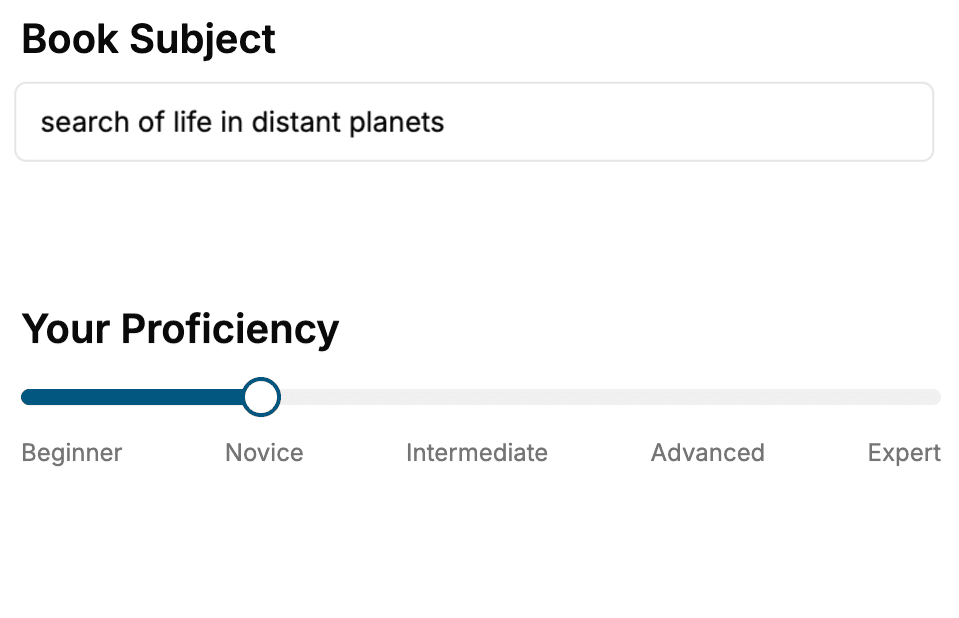
Select the focus of your Azure book and share your background
- 2. Personalize your book
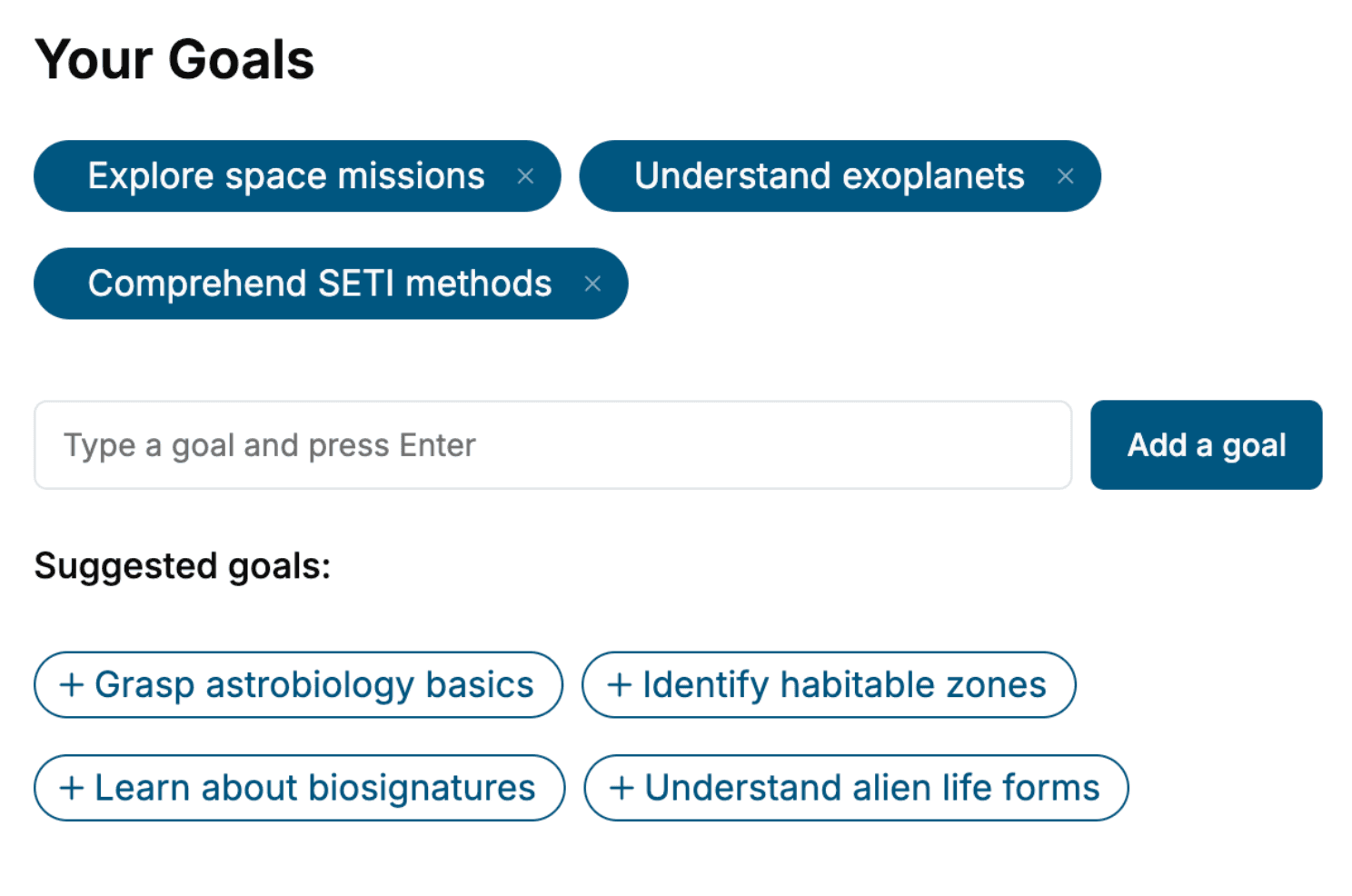
Specify your goals and choose sub-topics to include
- 3. Get your tailored book
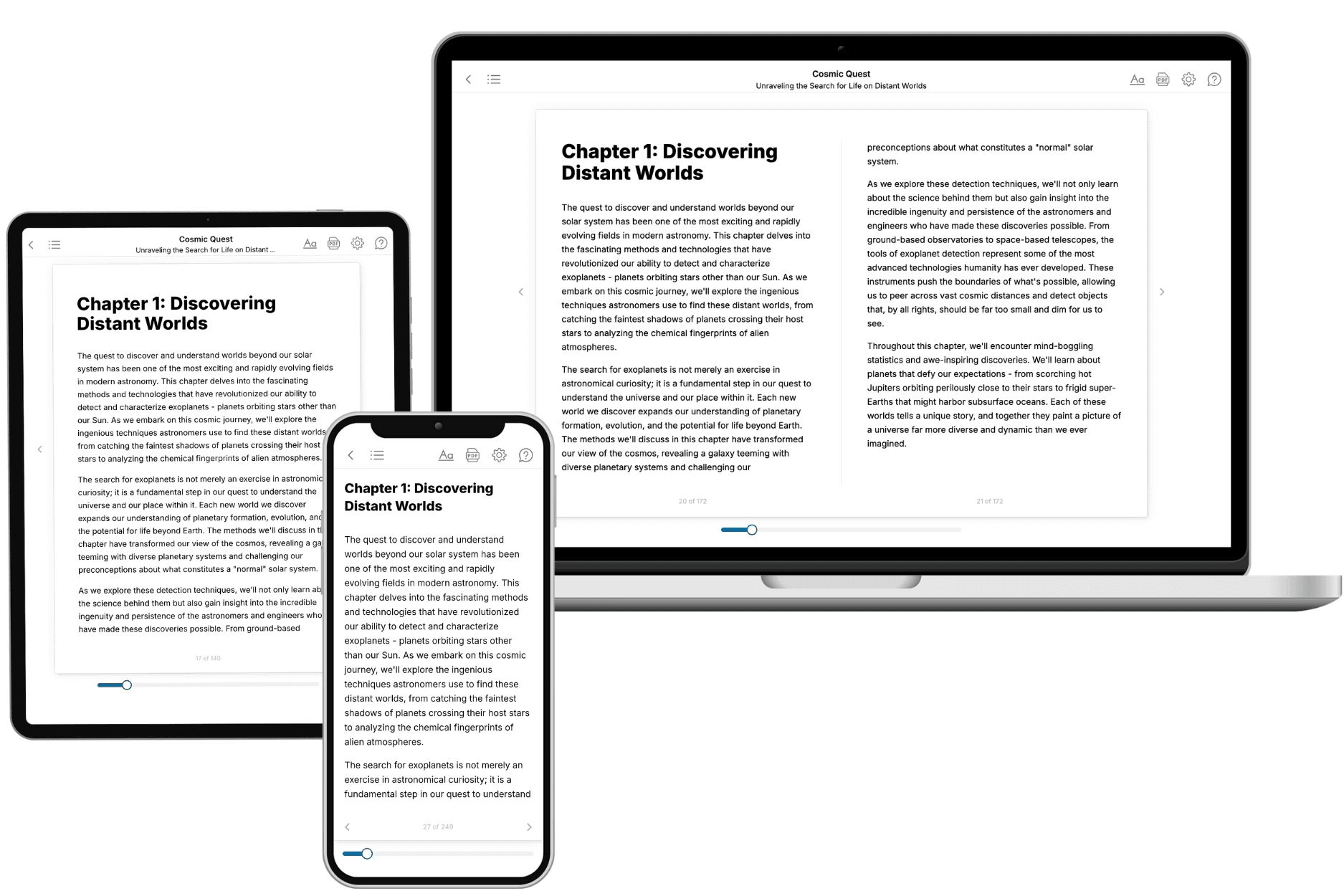
Your book is ready in 10 minutes. Read it online, download as EPUB or PDF, or send to Kindle.
Frequently asked questions
- What is TailoredRead?
TailoredRead creates complete, full-length nonfiction ebooks, written specifically for you. Tell us what you want to learn and why, and TailoredRead writes you a complete ebook on it, with charts, tables, and diagrams throughout. Read it online, on Kindle, or on any e-reader, or download it as a PDF or EPUB. Every book is written fresh the day you order it.
- How is the book tailored to me?
Before anything is written, you answer a few short questions about your goals, your background, and the topics you care about. Your book is then planned around your answers: written at your level, focused on your goals, and covering the topics you chose, instead of the one-size-fits-all book a store sells everyone.
- Will it read like generic AI content?
No. Your book isn't a chat transcript: it's planned chapter by chapter before a single word is written, told in a clear book voice, and explains ideas visually with charts, tables, and diagrams. After writing, every book goes through an editorial pass that polishes chapters so the book reads consistent from start to finish. Judge for yourself: browse thousands of sample books on our Explore Books page.
- How accurate is the content?
Our AI first checks whether your subject needs live research. Niche and fast-moving subjects are researched before writing, and the book plan and chapters are grounded in what it finds. After writing, every book goes through a quality pass that checks its facts and consistency, and researched books list their sources in a Notes section at the back.
- How long is the book?
You choose the length: Comprehensive (250-300 pages), Detailed (150-200 pages), Essential (70-100 pages), or Short (30-50 pages).
- Does the book include visuals?
Yes. Every book includes charts, tables, and diagrams: timelines, checklists, step-by-step guides, decision trees, comparison tables, matrices, and bar charts. A typical book includes dozens of these visual elements.
- Can I read it on Kindle? What formats can I download?
Yes. Every book can be read in our online reader or downloaded as a PDF or EPUB. The EPUB can be opened with Kindle, Apple Books, Kobo, and any e-reader. The Commercial and Author licenses also include an editable Word (DOCX) and Markdown download.
- How much does it cost?
About the price of a regular ebook. The exact price depends on your book's length and complexity, from $2 for the shortest books to $35 for the most comprehensive, and it's shown when you review your book, before you commit to anything. Each book is a one-time purchase, yours to keep, no subscription. Licenses that let you share, teach, or publish your book range from $35.99 to $49.99.
- Can I preview the book before purchasing?
Before you pay, you'll see what your book will cover: the title, a detailed description, the estimated length, and the complete chapter-by-chapter table of contents, so you know what you're getting before you decide. The full text itself is written after you purchase.
- How long does it take to create a book?
About 10 minutes. You can start reading the opening chapters while the rest is still being written.