Mastering Windows User Account Control
A Developer's Guide to UAC, Elevation, and Secure Application Design
Many Windows developers struggle with User Account Control, often treating it as an obstacle rather than understanding it as a critical security feature.
222 pages10 chaptersMar 7, 2026Windows Development
About this book
This creates applications that either fail to function properly, request unnecessary elevation, or worse—bypass security controls entirely. This book cuts through the confusion and provides a practical, developer-focused guide to UAC implementation. You'll learn how UAC actually works at the system level, when and how to request elevation programmatically, how to design applications that minimize privilege requirements, and how to test across different user scenarios. Whether you're building desktop applications, system utilities, or enterprise software, you'll discover how to work with UAC rather than against it—creating secure, user-friendly applications that respect Windows security architecture while delivering the functionality your users need.
Table of contents
- IntroductionWhy UAC Matters for Modern Development, Common Misconceptions About UAC, What You'll Learn in This Book, How to Use This GuideRead below
- Chapter 1: Understanding User Account Control FundamentalsThe History and Evolution of UAC, Core UAC Concepts and Architecture, Privilege Levels and User Account Types, How UAC Protects System Security
- Chapter 2: The UAC Elevation ProcessHow Elevation Works Under the Hood, Understanding Elevation Prompts and User Interaction, When Elevation Is Triggered Automatically, Handling Elevation Failures and Denials
- Chapter 3: Application Manifests and UAC ConfigurationUnderstanding Application Manifests, The requestedExecutionLevel Element, Execution Levels: asInvoker, highestAvailable, and requireAdministrator, Creating and Embedding Manifests in Your Applications
- Chapter 4: Programmatic Elevation and ShellExecuteUsing ShellExecute for Elevation, Parameters and Options for Elevation Requests, Elevation in C# and .NET Applications, Elevation in C++ and Native Applications
- Chapter 5: Designing Applications to Minimize ElevationDetermining When Elevation Is Actually Necessary, Architectural Patterns to Reduce Privilege Requirements, Using Windows Services for Privileged Operations, Storing Data in User-Writable Locations
- Chapter 6: UAC Virtualization and Legacy Application SupportWhat Is UAC Virtualization?, How Virtualization Redirects File and Registry Operations, When and How to Disable Virtualization, Common Pitfalls and Debugging Virtualization Issues
- Chapter 7: Detecting Privilege Levels and UAC Status at RuntimeChecking If Your Application Is Running Elevated, Detecting UAC Status and User Privilege Level, Adapting Application Behavior Based on Privilege Level, Providing Clear User Feedback About Privilege Requirements
- Chapter 8: Secure Coding Practices with UACThe Principle of Least Privilege, Understanding Privilege Escalation Vulnerabilities, Secure Patterns for Elevation and Privilege Handling, Combining UAC with Other Security Controls
- Chapter 9: Testing UAC Behavior and User ScenariosComprehensive UAC Testing Strategies, Testing Across Different User Account Types, Testing with Different UAC Settings and Policies, Automating UAC Testing in Your Build Pipeline
- Chapter 10: Troubleshooting Common UAC IssuesDebugging Elevation Failures and Unexpected Behavior, Resolving Manifest-Related Issues, Troubleshooting Virtualization and Legacy Application Problems, Handling UAC in Enterprise and Group Policy Environments
- ConclusionKey Takeaways for UAC Implementation, Next Steps in Your UAC Journey
- Glossary
- Further Reading and Resources
Introduction
Every Windows developer has been there. You write an application, test it on your own machine, and everything works perfectly. Then you deploy it to a user's computer and suddenly nothing works. Files won't save, registry keys can't be written, and the application silently fails or crashes without any useful error message. The culprit, more often than not, is User Account Control. UAC is one of those features that most developers encounter early in their careers but rarely take the time to fully understand. That gap in understanding costs real time, creates real bugs, and produces applications that frustrate users.
User Account Control was introduced with Windows Vista back in 2006, and it fundamentally changed how Windows applications interact with the operating system. Before UAC, most Windows users ran as full administrators all the time, which meant any application (including malware) could do virtually anything to the system without asking permission. UAC changed that model by separating user-level operations from administrative ones, requiring explicit approval before any process could gain elevated privileges. It was a significant security improvement, but it also introduced a new layer of complexity that developers had to learn to navigate.
The problem is that many developers never properly learned to navigate it. Instead, they found workarounds. Some applications request administrator privileges by default, even when they don't need them. Others silently fail when they can't write to protected locations, leaving users confused. Some developers disable UAC entirely on their development machines, which means they never encounter the issues their users will face in production. These approaches create applications that are either unnecessarily intrusive, unreliable, or insecure. This book exists to fix that.
This guide takes a practical, developer-focused approach to UAC. Rather than just explaining what UAC is, it walks through how to work with it effectively at every stage of application development. From understanding the underlying architecture to writing manifest files, from programmatic elevation to runtime privilege detection, from secure coding patterns to comprehensive testing strategies, this book covers the full picture. Whether you're building a small desktop utility or a large enterprise application, the principles and techniques here will help you create software that handles UAC correctly, securely, and gracefully.
Why UAC Matters for Modern Development
Security threats against Windows systems have grown dramatically more sophisticated over the past two decades. Ransomware, spyware, and privilege escalation attacks are now common, and they frequently target the gap between what a user intends to allow and what an application actually does. UAC sits directly in that gap. When implemented correctly, it acts as a meaningful checkpoint that forces both users and developers to think carefully about which operations genuinely require elevated access. When ignored or bypassed, it becomes a liability rather than a protection.
From a developer's perspective, UAC matters for several concrete reasons. First, it directly affects whether your application works at all on a standard user account. According to Microsoft's own deployment guidance, enterprise environments frequently configure user accounts with standard (non-administrator) privileges as a baseline security policy.[1] If your application assumes it can write to C:\Program Files or HKEY_LOCAL_MACHINE without elevation, it will fail silently or crash for a significant portion of your users.
Second, UAC behavior affects the user experience in ways that go beyond simple functionality. An application that throws up an elevation prompt every time it launches, or worse, every time the user performs a routine action, creates friction that erodes trust. Users start clicking "Yes" on every prompt without reading it, which defeats the entire purpose of the security control. Designing your application to request elevation only when genuinely necessary, and only for the specific operations that require it, keeps the security model meaningful and the user experience smooth.
Third, UAC compliance is increasingly a requirement rather than a recommendation. Many enterprise software procurement processes include security reviews that check for proper UAC implementation. Windows application certification programs have historically required correct manifest configuration. App stores and deployment tools may flag or reject applications that request unnecessary elevation. Getting UAC right is not just a technical nicety; it is a practical business requirement for many development contexts.
Consider a concrete example. Imagine a configuration tool that needs to modify a system-wide setting stored in the registry. A poorly designed version of this tool might request administrator privileges at startup, run the entire application elevated, and expose all of its functionality under that elevated context. A well-designed version would run as a standard user by default, detect that a specific operation requires elevation, launch a small helper process with the necessary privileges to make only that registry change, and then return control to the standard user process. The second approach is more work to build, but it is dramatically more secure and more respectful of the user's system.
UAC also matters because it interacts with other Windows security features in important ways. Windows Defender, AppLocker, and various Group Policy settings all interact with the privilege model that UAC enforces. Understanding UAC gives you a foundation for understanding the broader Windows security architecture, which makes you a more effective developer across a wide range of scenarios. The investment in learning UAC properly pays dividends well beyond just fixing elevation prompts.
Key insight: UAC is not an obstacle to work around. It is a security boundary that your application should respect and work within. Applications designed with UAC in mind are more secure, more compatible with enterprise environments, and more trustworthy to end users.
Common Misconceptions About UAC
Before diving into the technical details, it is worth addressing some of the most common misconceptions about UAC that lead developers astray. These misunderstandings are widespread, and they produce real problems in real applications. Clearing them up early will help you approach the rest of this book with the right mental model.
Misconception 1: "UAC is just an annoying prompt." This is probably the most common misunderstanding. Many developers think of UAC as nothing more than the dialog box that asks "Do you want to allow this app to make changes to your device?" In reality, UAC is a comprehensive privilege separation system. It involves token splitting, integrity levels, virtualization, and a dedicated secure desktop for elevation prompts. The dialog is just the visible surface of a much deeper security architecture. Treating it as just a prompt leads to solutions that address the symptom (the dialog) rather than the underlying design question (whether elevation is appropriate at all).
Misconception 2: "If I run as administrator, I don't need to worry about UAC." This is dangerously wrong. Running your application as administrator does not mean UAC is irrelevant. It means you have bypassed the protection it provides, which creates security risks. An application running with full administrator privileges can be exploited to make system-wide changes, install malware, or escalate privileges further. The goal should be to run with the minimum privileges necessary, not to acquire maximum privileges and ignore the question.
Misconception 3: "UAC virtualization means my legacy app will just work." UAC virtualization does redirect certain file and registry writes to user-specific locations, which can make some older applications appear to work correctly. However, this creates a hidden problem: your application may be reading and writing data to a different location than you think. If multiple users share a machine, or if the application needs to share data between elevated and non-elevated processes, virtualization can cause subtle and hard-to-diagnose bugs. Virtualization is a compatibility shim, not a long-term solution.
Misconception 4: "I can just set requireAdministrator in my manifest and be done with it." Setting requireAdministrator in your application manifest does ensure your application always runs elevated, but it is rarely the right answer. It means every user who runs your application must either be an administrator or go through an elevation prompt every single time. For most applications, this is unnecessary and creates a poor user experience. The correct approach is to identify which specific operations need elevation and handle only those operations with elevated privileges.
Misconception 5: "UAC doesn't matter for enterprise applications because IT manages everything." Enterprise environments are actually where UAC matters most. IT departments in enterprise settings frequently configure strict UAC policies, restrict administrator access, and audit elevation events. An application that does not handle UAC correctly will either fail to work in these environments or require special exceptions that create security gaps. Enterprise-grade applications need to be designed with UAC in mind from the start, not retrofitted later.
Misconception 6: "Testing on my developer machine is sufficient." Developer machines are almost always configured differently from end-user machines. Developers typically have administrator accounts, may have UAC set to a lower notification level, and often have development tools installed that change how the system behaves. Testing only on a developer machine means you will miss UAC-related issues that your users will encounter. Proper UAC testing requires testing on standard user accounts with default UAC settings, which is covered in detail later in this book.
Understanding these misconceptions helps clarify what good UAC implementation actually looks like. It is not about suppressing prompts or acquiring maximum privileges. It is about designing applications that request only the access they genuinely need, handle elevation gracefully when it is required, and fail informatively when it is not available.
What You'll Learn in This Book
This book is organized to take you from foundational understanding through practical implementation and into advanced testing and troubleshooting. Each chapter builds on the previous ones, so reading in order is recommended if you are new to UAC. If you already have some experience and are looking for specific guidance, each chapter is also designed to stand on its own as a reference.
The first two chapters establish the foundation. Chapter 1 covers the history and architecture of UAC, explaining how it evolved from the pre-Vista security model and how it works at a system level today. You will learn about access tokens, integrity levels, and the difference between standard user and administrator contexts. Chapter 2 goes deeper into the elevation process itself, explaining what happens technically when a process requests elevated privileges, how the secure desktop works, and how to handle cases where elevation is denied or unavailable.
Chapter 3 covers application manifests in detail. The manifest file is the primary mechanism through which you declare your application's privilege requirements to Windows, and getting it right is critical. You will learn how to create and embed manifests, understand the three execution levels (asInvoker, highestAvailable, and requireAdministrator), and understand how manifest settings interact with UAC behavior at runtime.
Chapter 4 moves into programmatic elevation, covering how to use ShellExecute and related APIs to request elevation at runtime rather than at startup. This chapter includes concrete code examples in both C# and C++, covering the most common scenarios developers encounter when they need to elevate a specific operation without elevating the entire application.
Chapters 5 through 7 focus on application design and runtime behavior. Chapter 5 covers architectural patterns for minimizing elevation requirements, including the use of Windows Services for privileged operations and proper data storage strategies. Chapter 6 explains UAC virtualization in depth, including how it redirects file and registry operations, when it applies, and how to avoid the pitfalls it creates. Chapter 7 covers runtime privilege detection, showing you how to check whether your application is running elevated, how to detect UAC status, and how to adapt your application's behavior accordingly.
Chapter 8 addresses secure coding practices in the context of UAC, covering the principle of least privilege, common privilege escalation vulnerabilities, and how to combine UAC with other Windows security controls for defense-in-depth. Chapter 9 provides a comprehensive guide to testing UAC behavior, including strategies for testing across different user account types, UAC settings, and Group Policy configurations. Chapter 10 covers troubleshooting, providing practical guidance for diagnosing and fixing the most common UAC-related issues developers encounter.
By the end of this book, you will be able to:
- Explain how UAC works at the system level and why it matters for application security
- Write correct application manifests that declare appropriate privilege requirements
- Implement programmatic elevation in both C# and C++ applications
- Design application architectures that minimize unnecessary elevation requirements
- Detect and respond to privilege levels at runtime
- Apply secure coding practices that work with UAC rather than around it
- Test UAC behavior comprehensively across different user scenarios
- Diagnose and fix common UAC-related bugs and deployment issues
These are practical, immediately applicable skills. The code examples throughout the book are real, working examples that you can adapt for your own applications. The architectural patterns are drawn from real-world scenarios that developers encounter regularly. The testing strategies are concrete and actionable, not just theoretical advice.
How to Use This Guide
This book is written for software developers with intermediate Windows development experience. It assumes you are comfortable with at least one of C#, C++, or another Windows-targeted language, and that you have a basic understanding of how Windows applications are structured. It does not assume any prior knowledge of UAC beyond what you may have encountered incidentally in your development work. If you have hit UAC-related bugs before but never fully understood why, this book will fill in those gaps.
The most effective way to use this book is to read it alongside a development environment where you can try things out. Many of the concepts in UAC are best understood by seeing them in action. When Chapter 3 explains the difference between execution levels, for example, the explanation will make much more sense if you can create a test application, set different manifest values, and observe how Windows responds. Setting up a virtual machine with a standard user account is particularly valuable for testing the concepts in Chapters 7, 9, and 10.
For developers who are new to UAC entirely, reading the chapters in order is strongly recommended. The concepts build on each other in a deliberate sequence. Understanding the architecture in Chapter 1 makes the manifest configuration in Chapter 3 much clearer. Understanding elevation mechanics in Chapter 2 makes the programmatic elevation code in Chapter 4 easier to follow. Skipping ahead may leave gaps that make later chapters harder to understand.
For developers who already have some UAC experience and are looking for specific guidance, the chapter structure makes it easy to jump to the relevant section. If you are dealing with a specific manifest issue, Chapter 3 is your starting point. If you are trying to figure out why your application behaves differently for standard users versus administrators, Chapter 7 covers runtime detection. If you are trying to set up a proper testing environment, Chapter 9 provides a complete framework. Each chapter includes enough context to be useful on its own.
Throughout the book, you will find several recurring elements designed to make the content more useful in practice. Code examples are provided in both C# and C++ where relevant, since these are the two most common languages for Windows application development. Each major concept includes at least one concrete, real-world scenario to illustrate how it applies in practice. Common mistakes and pitfalls are called out explicitly, so you can recognize and avoid them. Troubleshooting guidance is woven throughout the technical chapters, not just reserved for the dedicated troubleshooting chapter at the end.
One practical recommendation: as you work through this book, keep a running list of UAC-related behaviors in your own applications that you want to revisit. It is common to read about a concept and immediately recognize a place in your own codebase where it applies. Having that list ready means you can go back and apply what you have learned systematically rather than trying to remember everything at once. UAC implementation is one of those areas where small, deliberate improvements compound over time into significantly better application quality.
Finally, a note on scope. This book focuses on UAC as it applies to desktop application development on Windows 10 and Windows 11, with references to earlier versions where the historical context is relevant. It does not cover Universal Windows Platform (UWP) applications in depth, since UWP uses a different sandboxing model that largely abstracts away traditional UAC concerns. The focus is on Win32, .NET desktop applications, and system utilities, which is where UAC complexity is most commonly encountered and where the guidance in this book is most directly applicable.
A note on setup: To get the most out of this book, consider setting up a Windows virtual machine with a standard (non-administrator) user account configured. Tools like Windows Sandbox, Hyper-V, or VMware Workstation Player make this straightforward. Testing your applications in this environment as you work through each chapter will dramatically accelerate your understanding of how UAC affects real application behavior.
UAC is one of those topics that rewards careful study. It sits at the intersection of security, user experience, and system architecture, and getting it right makes a meaningful difference in the quality of the applications you build. The goal of this book is to give you the knowledge and tools to handle UAC with confidence, so that it becomes a feature you design for rather than a problem you work around. Let's get started.
Notes
Introduction
This is the end of the free sample. The full book has 10 chapters.
Want this book written for you?
Tell us your goals and background, and get your own version of this book, tailored by AI to you.


Benefits of AI-tailored books
- Read one book, not ten:
- all the Windows Development knowledge you need, gathered into a single book.
- Save days of learning:
- tell us your goals, choose your topics, and the whole book is built around them.
- Learn effortlessly:
- Windows Development book written for your specific background and expertise.
- Understand at a glance:
- includes charts, tables, timelines, checklists, decision trees, and more.
- Stay current:
- written the day you order it, not years ago.
- Trust what you read:
- every book is checked for accuracy, with real research when your subject needs it.
Create your unique book in 3 steps
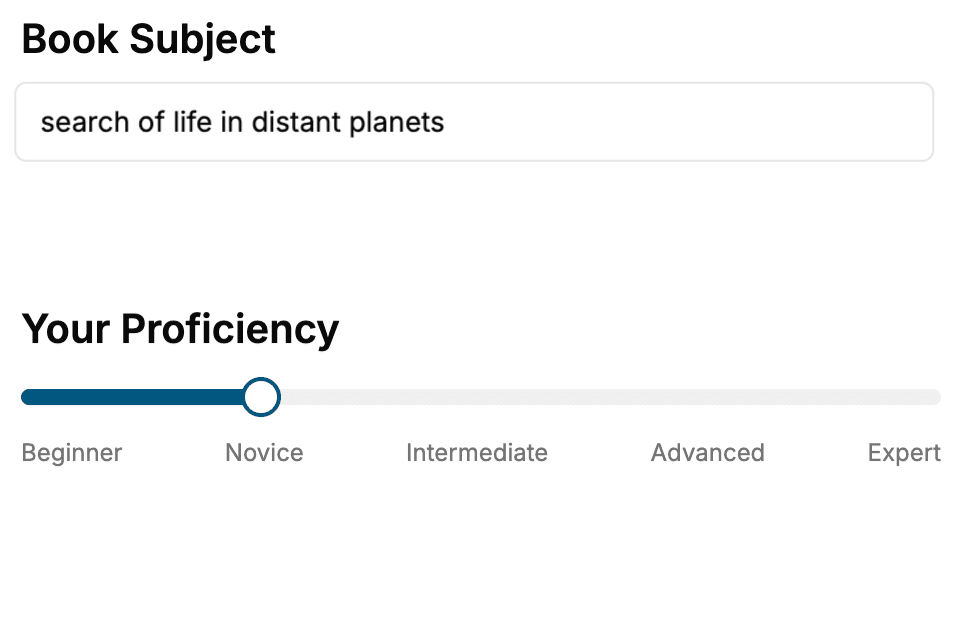
- 1. Select your focus
Select the focus of your Windows Development book and share your background
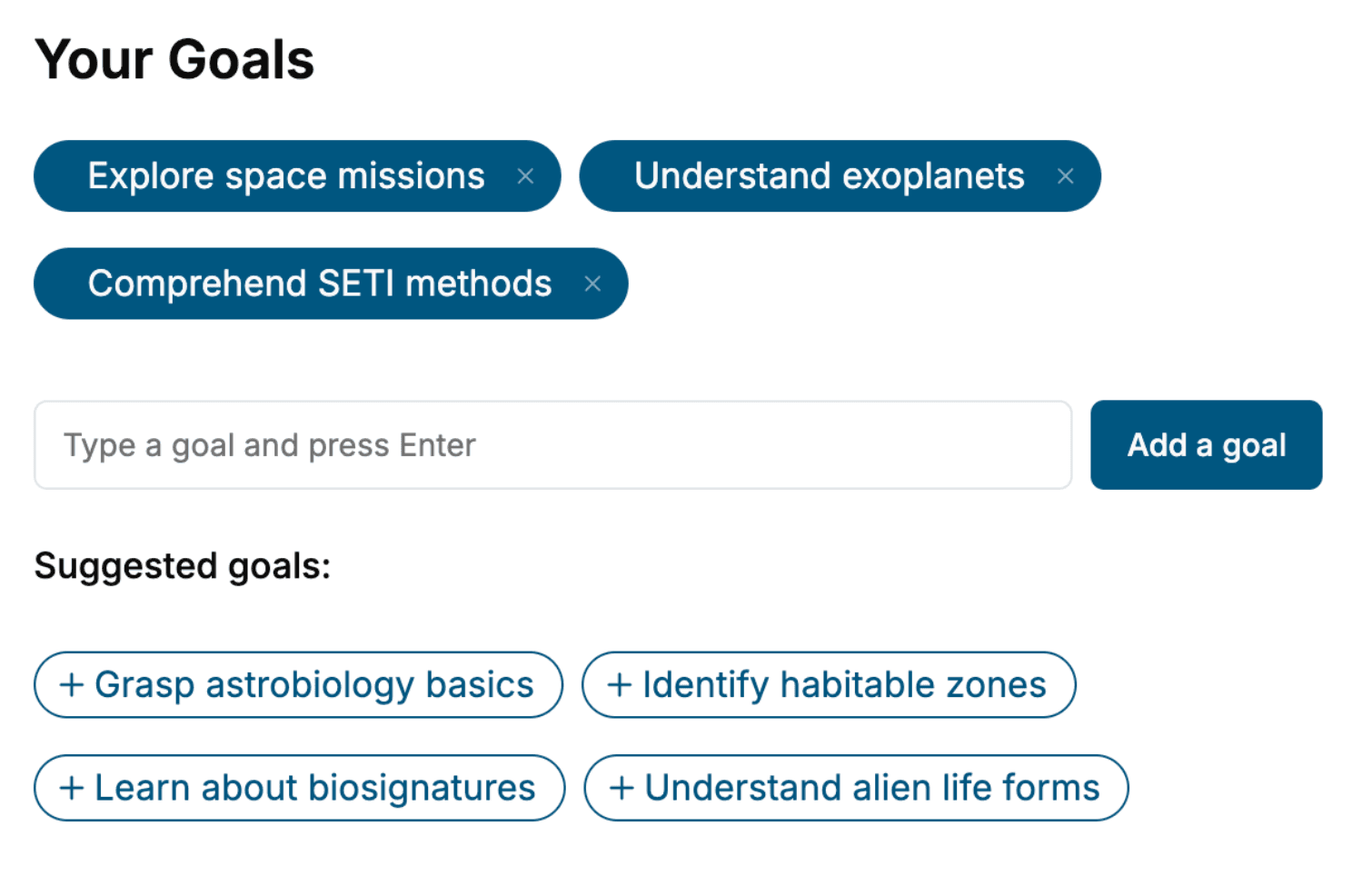
- 2. Personalize your book
Specify your goals and choose sub-topics to include
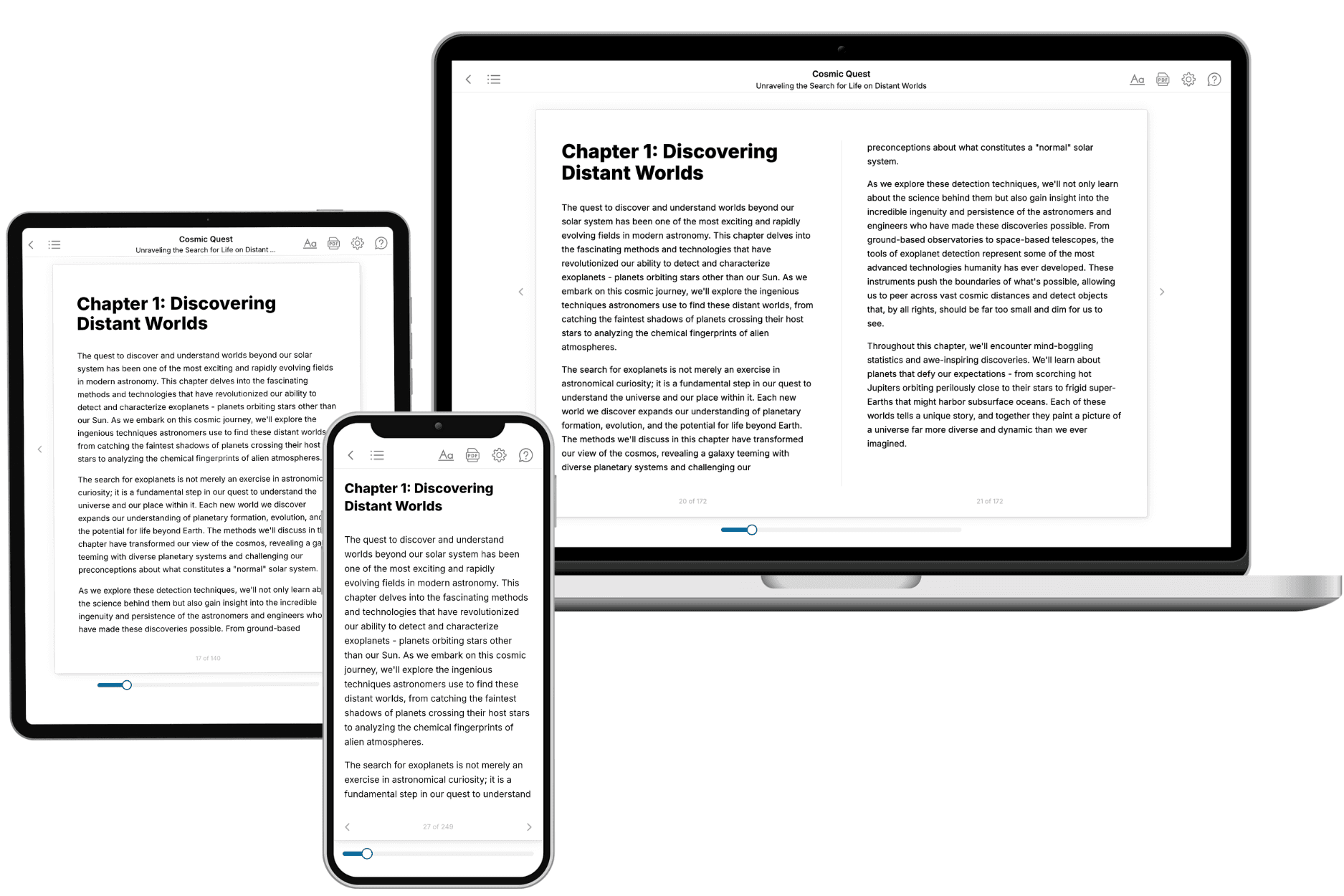
- 3. Get your tailored book
Your book is ready in 10 minutes. Read it online, download as EPUB or PDF, or send to Kindle.
Frequently asked questions
- What is TailoredRead?
TailoredRead creates complete, full-length nonfiction ebooks, written specifically for you. Tell us what you want to learn and why, and TailoredRead writes you a complete ebook on it, with charts, tables, and diagrams throughout. Read it online, on Kindle, or on any e-reader, or download it as a PDF or EPUB. Every book is written fresh the day you order it.
- How is the book tailored to me?
Before anything is written, you answer a few short questions about your goals, your background, and the topics you care about. Your book is then planned around your answers: written at your level, focused on your goals, and covering the topics you chose, instead of the one-size-fits-all book a store sells everyone.
- Will it read like generic AI content?
No. Your book isn't a chat transcript: it's planned chapter by chapter before a single word is written, told in a clear book voice, and explains ideas visually with charts, tables, and diagrams. After writing, every book goes through an editorial pass that polishes chapters so the book reads consistent from start to finish. Judge for yourself: browse thousands of sample books on our Explore Books page.
- How accurate is the content?
Our AI first checks whether your subject needs live research. Niche and fast-moving subjects are researched before writing, and the book plan and chapters are grounded in what it finds. After writing, every book goes through a quality pass that checks its facts and consistency, and researched books list their sources in a Notes section at the back.
- How long is the book?
You choose the length: Comprehensive (250-300 pages), Detailed (150-200 pages), Essential (70-100 pages), or Short (30-50 pages).
- Does the book include visuals?
Yes. Every book includes charts, tables, and diagrams: timelines, checklists, step-by-step guides, decision trees, comparison tables, matrices, and bar charts. A typical book includes dozens of these visual elements.
- Can I read it on Kindle? What formats can I download?
Yes. Every book can be read in our online reader or downloaded as a PDF or EPUB. The EPUB can be opened with Kindle, Apple Books, Kobo, and any e-reader. The Commercial and Author licenses also include an editable Word (DOCX) and Markdown download.
- How much does it cost?
About the price of a regular ebook. The exact price depends on your book's length and complexity, from $2 for the shortest books to $35 for the most comprehensive, and it's shown when you review your book, before you commit to anything. Each book is a one-time purchase, yours to keep, no subscription. Licenses that let you share, teach, or publish your book range from $35.99 to $49.99.
- Can I preview the book before purchasing?
Before you pay, you'll see what your book will cover: the title, a detailed description, the estimated length, and the complete chapter-by-chapter table of contents, so you know what you're getting before you decide. The full text itself is written after you purchase.
- How long does it take to create a book?
About 10 minutes. You can start reading the opening chapters while the rest is still being written.