Motion in Design
Master Animation Principles to Create Intuitive, Engaging Digital Products
Elevate your design practice by mastering the science and art of motion.
207 pages10 chaptersMay 7, 2026Animation
About this book
This guide bridges the gap between traditional animation principles and modern product design, showing you how to use motion strategically to create interfaces that feel responsive, intuitive, and delightful. You'll discover how timing, easing, and sequencing transform static designs into experiences that guide users naturally through your products. Learn the practical frameworks that separate amateur animations from professional-grade motion design, including when to animate, how to choose the right duration, and how to ensure your motion enhances rather than distracts. Whether you're designing micro-interactions, page transitions, or complex state changes, this book provides the principles, techniques, and real-world examples you need to implement animation that actually improves usability. Includes practical exercises, performance optimization strategies, and accessibility guidelines to ensure your motion design works for everyone.
Table of contents
- IntroductionWhy Motion Matters in Product Design, Animation as Function, Not Decoration, How to Use This BookRead below
- Chapter 1: The Fundamentals of Animation PrinciplesFrom Disney to Digital: A Brief History, The 12 Core Animation Principles Explained, How These Principles Apply to UI Design
- Chapter 2: Timing and DurationThe Psychology Behind Motion Timing, Duration Guidelines for Different Interaction Types, Using Timing to Improve Perceived Performance
- Chapter 3: Easing Functions and Natural MotionUnderstanding Easing Curves, Common Easing Functions and When to Use Them, Creating Motion That Feels Natural and Responsive
- Chapter 4: Micro-Interactions and State ChangesWhat Are Micro-Interactions?, Designing Animated Feedback for User Actions, Animating State Changes and Status Updates
- Chapter 5: Sequencing and ChoreographyUsing Motion to Reinforce Visual Hierarchy, Staggering and Sequencing Multiple Elements, Choreography Principles for Complex Interactions
- Chapter 6: Attention and GuidanceUsing Animation to Direct User Attention, Guiding Users Through Onboarding with Motion, Balancing Engagement Without Distraction
- Chapter 7: Performance and Technical ImplementationPerformance Optimization for Smooth Animation, GPU Acceleration and Rendering Techniques, Testing and Measuring Animation Performance
- Chapter 8: Accessibility and Inclusive Motion DesignRespecting Motion Sensitivity and Vestibular Disorders, Implementing prefers-reduced-motion Standards, Creating Animations That Work for Everyone
- Chapter 9: Real-World Applications and Case StudiesAnimation Patterns in Mobile Applications, Web-Based Interaction Design and Transitions, Analyzing Successful Motion Design in Products
- Chapter 10: Tools, Workflows, and Best PracticesTools for Prototyping and Animating, Communicating Animation to Developers, Testing Motion Design with Real Users
- ConclusionThe Future of Motion in Product Design, Your Next Steps as a Motion Designer
- Appendix: Quick Reference GuideTiming Duration Reference Chart, Easing Functions Cheat Sheet, Animation Implementation Checklist
Introduction
Think about the last time a digital product felt genuinely satisfying to use. Maybe it was the way a menu slid open with just the right amount of weight, or how a button gave a subtle pulse when you tapped it, confirming your action before the next screen appeared. Chances are, you didn't consciously notice the animation at all. You just felt like the product understood you. That feeling isn't accidental. It's the result of deliberate, thoughtful motion design working exactly as it should.
Motion in digital products is one of the most underestimated tools in a designer's toolkit. Many designers treat animation as a finishing touch, something to add once the "real" design work is done. But that approach misses the point entirely. Motion communicates. It tells users where they are, where they came from, and where they're going. It signals that an action was received, that a process is running, or that something important has changed. When motion is absent or poorly executed, users feel the gap even if they can't name it.
This book is built on a single core idea: animation is a functional design tool, not a decorative one. Every principle, technique, and framework covered in these chapters connects back to that idea. You'll learn how to use motion to reduce cognitive load, guide attention, communicate state changes, and create experiences that feel responsive and alive. You'll also learn when not to animate, because restraint is just as important as expression in motion design.
Whether you're a product designer who has dabbled in animation but never felt fully confident, or a UX professional who wants to bring more intentionality to your motion decisions, this book meets you where you are. It assumes you already understand the basics of design. What it offers is a structured, practical path toward mastering motion as a design discipline in its own right. By the end, you'll have the vocabulary, the frameworks, and the hands-on knowledge to make animation decisions with the same confidence you bring to layout, typography, or color.
Why Motion Matters in Product Design
Humans are wired to notice movement. From an evolutionary standpoint, detecting motion in the environment was a survival skill. That hardwired sensitivity doesn't disappear when someone opens an app on their phone. The visual system is constantly scanning for change, and when something moves on screen, attention follows automatically. As a designer, that's an extraordinary lever to have access to. The question is whether you're using it deliberately or leaving it to chance.
Research in cognitive psychology consistently shows that motion helps people build accurate mental models of how systems work.[1] When a sidebar panel slides in from the left edge of the screen, users understand spatially that it came from somewhere. When they dismiss it, they expect it to return to that same place. That spatial continuity, created entirely through motion, reduces the mental effort required to navigate the interface. Without it, users have to work harder to track where things are and how the interface is organized.
Consider a concrete example. Google's Material Design system introduced the concept of shared element transitions, where a card in a list expands into a full detail view. The element doesn't disappear and reappear. It grows, carrying its visual identity from one context to the next. Users immediately understand the relationship between the list item and the detail screen because the motion makes that relationship explicit. Studies on this pattern show measurably lower error rates and faster task completion compared to hard-cut transitions between the same screens.[2]
Motion also plays a critical role in perceived performance. A loading spinner that pulses gently feels faster than a static one, even when the actual wait time is identical. Progress bars that accelerate slightly toward the end feel more satisfying than ones that move at a constant rate. These aren't tricks or illusions in a negative sense. They're design decisions that align the product's behavior with how human perception actually works. Ignoring them means leaving a significant part of the user experience unaddressed.
Beyond usability, motion contributes to a product's personality and brand. The way an interface moves communicates values. A financial app with slow, deliberate transitions feels trustworthy and stable. A creative tool with springy, energetic animations feels playful and expressive. Neither approach is universally correct. The right motion language depends on the product's purpose and its users' expectations. But the point is that motion is always communicating something, whether you designed it intentionally or not.
Finally, motion matters because users have come to expect it. The bar for digital product quality has risen dramatically over the past decade. Platforms like iOS and Android have established motion standards that users internalize without realizing it. When a product falls short of those standards, something feels off. Users may not be able to articulate why, but they'll describe the product as feeling "clunky," "cheap," or "unpolished." Investing in motion design isn't optional for products that want to compete at a high level. It's a baseline requirement.
Animation as Function, Not Decoration
There's a persistent misconception in the design world that animation is primarily about aesthetics. Under this view, you design the interface first, and then you "add animations" to make it feel more polished or exciting. This approach produces exactly the kind of motion design that gives animation a bad reputation: gratuitous transitions, elements that bounce for no reason, loading screens that are more theatrical than informative. It's motion for motion's sake, and users notice.
Functional animation, by contrast, serves a specific purpose that can be articulated clearly. Before adding any motion to a design, it's worth asking a direct question: what does this animation communicate that couldn't be communicated without it? If the answer is "nothing," the animation probably shouldn't be there. If the answer is "it shows the user that their action was received," or "it clarifies the spatial relationship between these two screens," then the animation has earned its place.
Here's a practical framework for evaluating whether an animation is functional or decorative:
- Communicative: Does it convey information about state, hierarchy, or relationships?
- Responsive: Does it confirm that a user action was registered?
- Orienting: Does it help users understand where they are in the interface?
- Guiding: Does it direct attention toward something the user needs to see?
- Performative: Does it manage perceived wait time or mask a loading process?
If an animation doesn't satisfy at least one of these criteria, it's decorative. That doesn't automatically mean it should be removed. Brand expression and delight are legitimate design goals. But decorative animations should be treated as a separate category, applied sparingly and always subordinate to functional ones. When decorative motion competes with functional motion for attention, the user experience suffers.
A useful real-world contrast: compare the animation behavior of two hypothetical form validation systems. In the first, when a user submits a form with an error, the entire form shakes dramatically from side to side. It's attention-grabbing, but it doesn't tell the user which field has the error or what they need to fix. In the second, the specific field with the error shakes subtly, turns red, and an error message slides in beneath it. The second approach uses motion to communicate precise, actionable information. The first uses motion as a theatrical gesture that adds noise without adding clarity.
This distinction becomes especially important when you consider users who are sensitive to motion. Vestibular disorders, which affect balance and spatial orientation, can make excessive or unexpected motion genuinely uncomfortable or disorienting. Decorative animations that serve no functional purpose impose a real cost on these users with no corresponding benefit. Functional animations, on the other hand, can often be simplified or replaced with alternative visual cues without losing their communicative value. This is why the "function first" principle isn't just good design philosophy. It's also the foundation of accessible motion design.
The shift from thinking about animation as decoration to thinking about it as function changes how you approach the entire design process. Instead of asking "how should this transition look?" you start asking "what does the user need to understand at this moment, and how can motion help communicate that?" That question leads to better decisions, more consistent motion systems, and ultimately, products that feel more coherent and intentional. It's the mindset shift that separates designers who use animation from designers who truly understand it.
One more important point: functional animation doesn't have to be boring. Some of the most delightful motion in digital products is also deeply functional. The pull-to-refresh gesture on mobile apps is a perfect example. The rubber-band stretch of the list as you pull down communicates that the gesture is being registered and how far you need to pull before the refresh triggers. It's informative, responsive, and satisfying all at once. Functional and delightful aren't opposites. When motion design is working at its best, they're the same thing.
How to Use This Book
This book is organized to build your understanding progressively, starting with foundational principles and moving toward practical application. Each chapter introduces concepts that the following chapters build on, so reading in order is recommended if you're new to motion design as a discipline. That said, if you already have a solid grasp of animation fundamentals and want to jump directly to topics like micro-interactions, accessibility, or performance optimization, each chapter is designed to stand on its own as a reference.
Here's a quick map of what each part of the book covers:
- Chapters 1–3 cover the foundational layer: the history and principles of animation, timing and duration, and easing functions. These chapters give you the vocabulary and conceptual framework that everything else depends on.
- Chapters 4–6 move into application: micro-interactions, state changes, sequencing, and using motion to guide attention. This is where principles become design decisions.
- Chapters 7–8 address the technical and ethical dimensions: performance optimization and accessibility. These aren't optional extras. They're requirements for professional-grade motion design.
- Chapters 9–10 bring everything together through real-world case studies, tool overviews, and workflow guidance for collaborating with developers and testing with users.
Throughout the book, you'll find several recurring elements designed to make the content as practical as possible. Concrete examples appear in every chapter, drawn from real products and common design scenarios. Frameworks and checklists give you structured tools you can apply directly to your own work. Common mistakes are called out explicitly, because understanding what goes wrong is just as valuable as understanding what works. And exercises at the end of key sections give you a chance to practice the concepts before moving on.
One thing to keep in mind as you read: motion design is a discipline that requires hands-on practice to truly internalize. Reading about easing curves is useful. Spending twenty minutes adjusting a cubic bezier curve in a prototyping tool and watching how it changes the feel of a transition is transformative. Whenever a concept is introduced, try to find a way to experiment with it in your own tools. The gap between understanding a principle intellectually and being able to apply it fluently closes much faster when you're actively building things.
The book also doesn't assume you're working with any specific tool. The principles covered here apply whether you're prototyping in Figma, building animations in Framer, writing CSS transitions, or working with a motion design tool like Rive or Lottie. Where tool-specific guidance is helpful, it's provided. But the focus throughout is on principles and decision-making frameworks that transfer across tools and contexts. Tools change. Good judgment about motion doesn't.
You'll also notice that this book takes accessibility seriously throughout, not just in the dedicated chapter. Motion sensitivity and the prefers-reduced-motion media query come up in multiple contexts because they're relevant to multiple design decisions. Inclusive motion design isn't a separate track. It's woven into every aspect of the practice, and this book reflects that.
Finally, a note on scope. This book focuses on motion in the context of product design: apps, websites, and digital interfaces. It doesn't cover motion graphics, video production, or character animation in depth, though it does draw on principles from those fields where they're directly applicable. The goal is to give you a deep, practical understanding of motion as it relates to the specific challenges of designing products that real people use every day. That's a rich enough territory to fill a book on its own, and it's exactly what the following chapters are designed to explore.
The best motion design is invisible. Users don't notice it because it feels exactly right. They notice its absence when it's gone. Your job as a motion designer is to create that feeling of rightness, consistently, across every interaction in your product.
With that framing in place, it's time to start building. The first chapter goes back to the roots of animation as a craft, tracing the principles that Disney animators developed in the 1930s and showing how those same principles, adapted for screens and interactions, remain the most reliable foundation for motion design today. The history is short, but the lessons are lasting.
This is the end of the free sample. The full book has 10 chapters.
Want this book written for you?
Tell us your goals and background, and get your own version of this book, tailored by AI to you.


Benefits of AI-tailored books
- Read one book, not ten:
- all the Animation knowledge you need, gathered into a single book.
- Save days of learning:
- tell us your goals, choose your topics, and the whole book is built around them.
- Learn effortlessly:
- Animation book written for your specific background and expertise.
- Understand at a glance:
- includes charts, tables, timelines, checklists, decision trees, and more.
- Stay current:
- written the day you order it, not years ago.
- Trust what you read:
- every book is checked for accuracy, with real research when your subject needs it.
Create your unique book in 3 steps
- 1. Select your focus
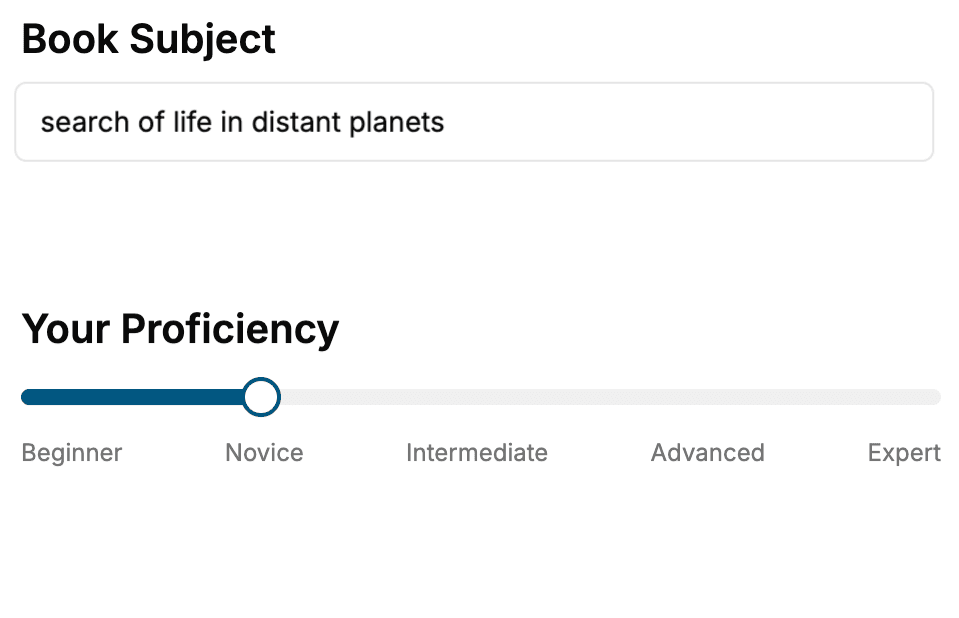
Select the focus of your Animation book and share your background
- 2. Personalize your book
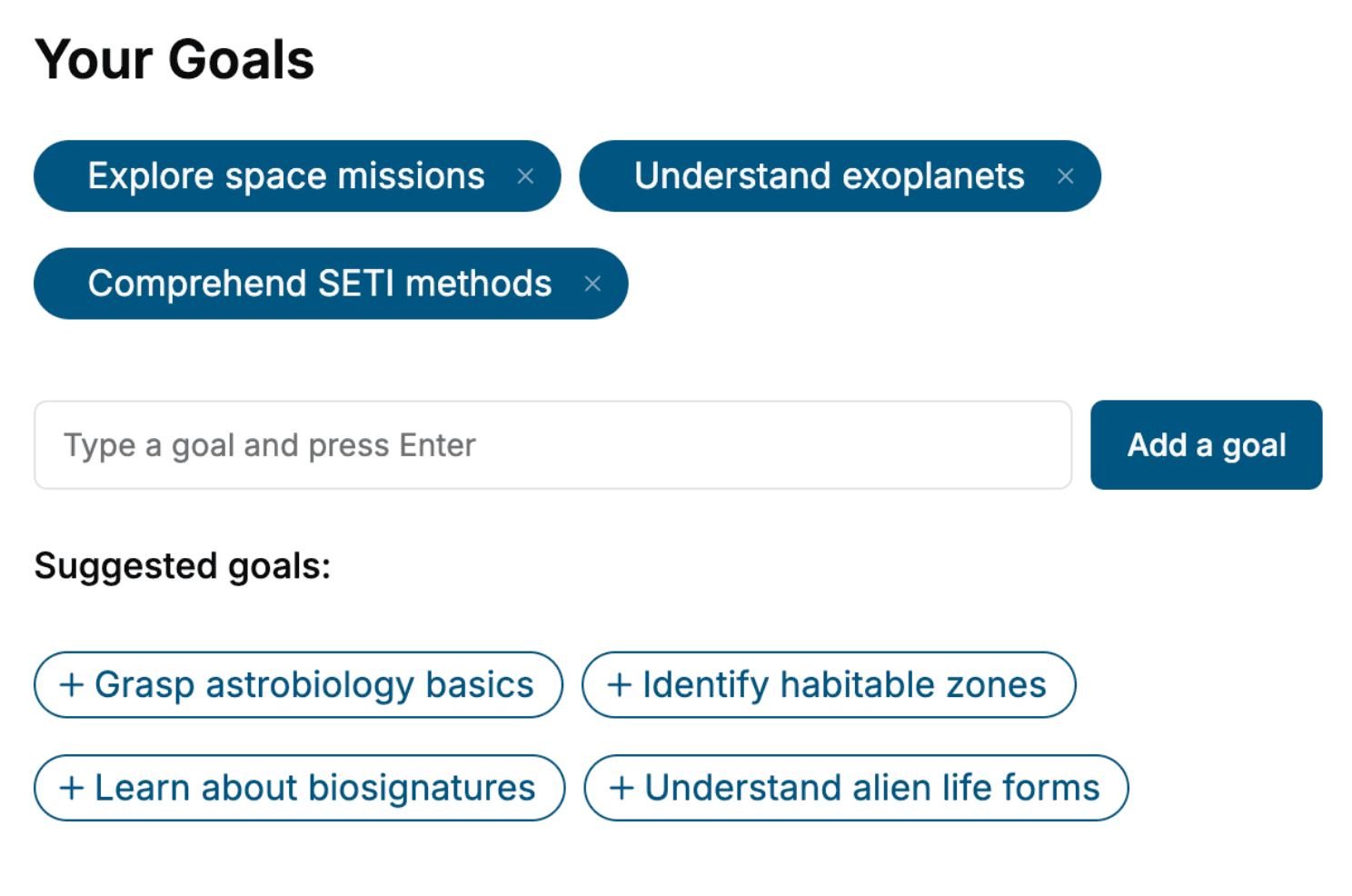
Specify your goals and choose sub-topics to include
- 3. Get your tailored book
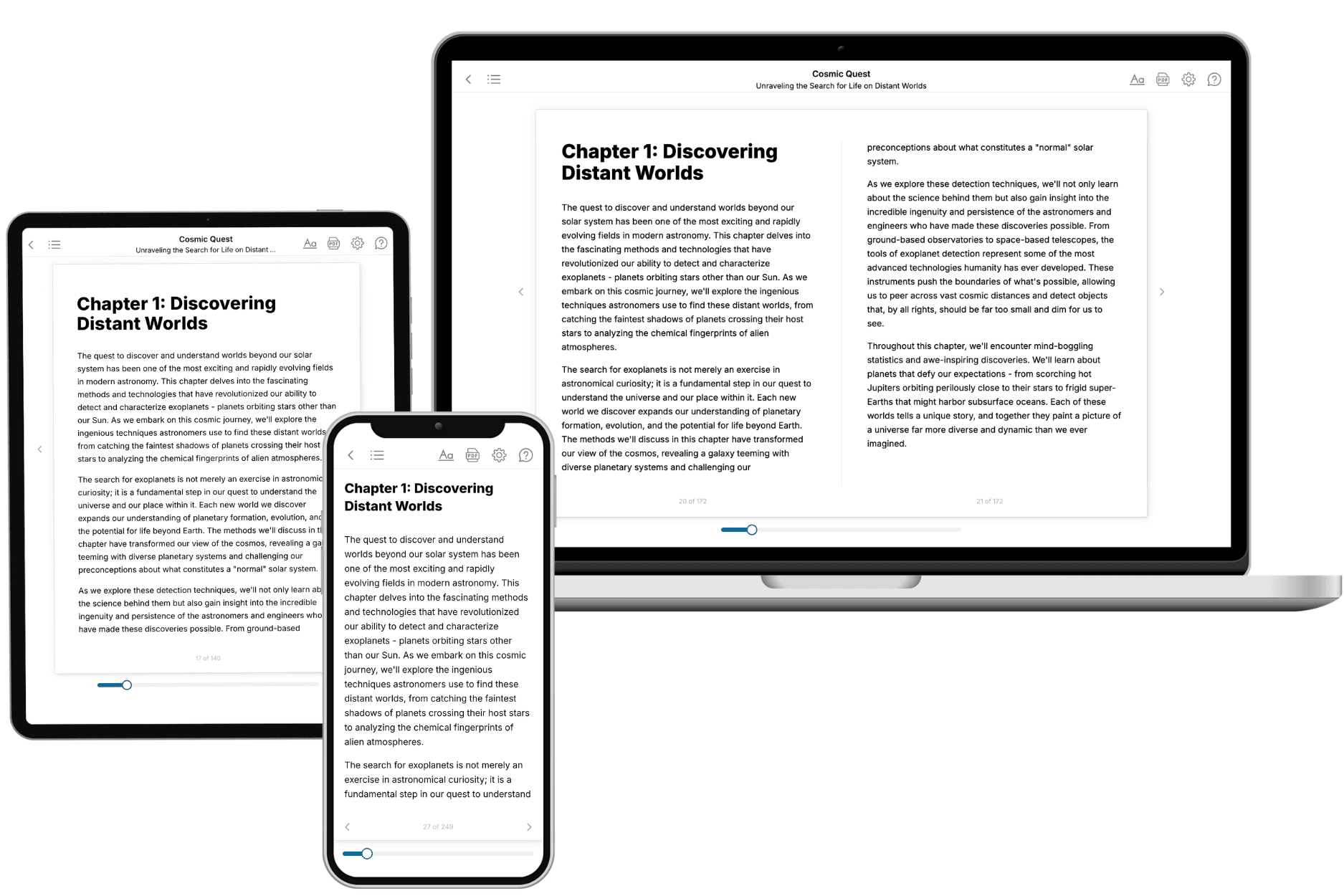
Your book is ready in 10 minutes. Read it online, download as EPUB or PDF, or send to Kindle.
Frequently asked questions
- What is TailoredRead?
TailoredRead creates complete, full-length nonfiction ebooks, written specifically for you. Tell us what you want to learn and why, and TailoredRead writes you a complete ebook on it, with charts, tables, and diagrams throughout. Read it online, on Kindle, or on any e-reader, or download it as a PDF or EPUB. Every book is written fresh the day you order it.
- How is the book tailored to me?
Before anything is written, you answer a few short questions about your goals, your background, and the topics you care about. Your book is then planned around your answers: written at your level, focused on your goals, and covering the topics you chose, instead of the one-size-fits-all book a store sells everyone.
- Will it read like generic AI content?
No. Your book isn't a chat transcript: it's planned chapter by chapter before a single word is written, told in a clear book voice, and explains ideas visually with charts, tables, and diagrams. After writing, every book goes through an editorial pass that polishes chapters so the book reads consistent from start to finish. Judge for yourself: browse thousands of sample books on our Explore Books page.
- How accurate is the content?
Our AI first checks whether your subject needs live research. Niche and fast-moving subjects are researched before writing, and the book plan and chapters are grounded in what it finds. After writing, every book goes through a quality pass that checks its facts and consistency, and researched books list their sources in a Notes section at the back.
- How long is the book?
You choose the length: Comprehensive (250-300 pages), Detailed (150-200 pages), Essential (70-100 pages), or Short (30-50 pages).
- Does the book include visuals?
Yes. Every book includes charts, tables, and diagrams: timelines, checklists, step-by-step guides, decision trees, comparison tables, matrices, and bar charts. A typical book includes dozens of these visual elements.
- Can I read it on Kindle? What formats can I download?
Yes. Every book can be read in our online reader or downloaded as a PDF or EPUB. The EPUB can be opened with Kindle, Apple Books, Kobo, and any e-reader. The Commercial and Author licenses also include an editable Word (DOCX) and Markdown download.
- How much does it cost?
About the price of a regular ebook. The exact price depends on your book's length and complexity, from $2 for the shortest books to $35 for the most comprehensive, and it's shown when you review your book, before you commit to anything. Each book is a one-time purchase, yours to keep, no subscription. Licenses that let you share, teach, or publish your book range from $35.99 to $49.99.
- Can I preview the book before purchasing?
Before you pay, you'll see what your book will cover: the title, a detailed description, the estimated length, and the complete chapter-by-chapter table of contents, so you know what you're getting before you decide. The full text itself is written after you purchase.
- How long does it take to create a book?
About 10 minutes. You can start reading the opening chapters while the rest is still being written.