Motion Graphics Mastery in After Effects
From Keyframes to Professional Motion Design
Create stunning motion graphics that captivate audiences and elevate your design portfolio.
238 pages12 chaptersJun 16, 2026Animation
About this book
This comprehensive guide takes you from intermediate After Effects skills to professional-level motion design mastery. You'll learn the advanced animation techniques used in broadcast graphics, video intros, and dynamic infographics—including keyframe interpolation, expression-based automation, 3D compositing, and sophisticated text animation workflows. Each chapter builds practical skills through real-world applications, from managing complex layer hierarchies to synchronizing motion with audio. You'll discover how to leverage particle systems, shape layer dynamics, and color grading to achieve broadcast-quality results. Whether you're designing engaging video intros, building motion design portfolios, or producing professional graphics, this book provides the techniques and workflows that separate amateur animations from industry-standard motion graphics. Master the tools, understand the principles, and develop the creative confidence to tackle any motion design challenge.
Table of contents
- IntroductionWhy Motion Graphics Matter in Modern Design, What You'll Achieve in This Book, How to Use This Guide for Maximum LearningRead below
- Chapter 1: Keyframe Animation FundamentalsUnderstanding Keyframes and Timeline Mastery, Interpolation Methods: Linear, Bezier, and Hold, Easing Curves Mastery for Natural Motion, Velocity Graphs and Motion Control
- Chapter 2: Layer Hierarchies and Parenting SystemsParenting Layer Hierarchies for Complex Animation, Using Null Objects as Control Layers, Building Efficient Hierarchy Workflows
- Chapter 3: 3D Layer Compositing and Camera ControlWorking in 3D Space and Depth, Camera Movement Control and Cinematography, Lighting and Shadows in 3D Compositions, Creating Depth and Dimensional Effects
- Chapter 4: Text Animation and Typography WorkflowsText Animators and Character-Level Control, Shape Layers and Text Animation Integration, Creating Dynamic Typography Effects
- Chapter 5: Expression-Based Animation and AutomationExpression Fundamentals and Syntax, Automating Repetitive Animation Patterns, Linking Properties with Expressions, Advanced Expression Techniques for Complex Motion
- Chapter 6: Shape Layer Dynamics and Particle EffectsShape Layer Fundamentals and Path Animation, Particle System Effects and Organic Motion, Shape Modifiers and Dynamic Effects
- Chapter 7: Motion Blur and Advanced Rendering TechniquesMotion Blur Types and Implementation, Shutter Angle and Realistic Motion Blur, Rendering for Broadcast Quality
- Chapter 8: Color Grading and Visual Enhancement WorkflowsColor Correction and Grading Fundamentals, Using Adjustment Layers for Consistent Styling, Color Effects and Cinematic Looks
- Chapter 9: Mask Animation and Transition SequencesMask Animation Sequences and Keyframing, Advanced Mask Effects and Reveals, Creating Smooth Transitions Between Scenes
- Chapter 10: Audio Synchronization and Sound Design IntegrationAudio Synchronization Fundamentals, Creating Audio-Reactive Motion Graphics, Integrating Sound Design with Motion
- Chapter 11: Precomposition Strategies and Project OrganizationPlanning Precomposition Hierarchies, Building Nested Compositions for Efficiency, Creating Reusable Animation Components
- Chapter 12: Building Your Motion Design PortfolioDesigning Engaging Video Intros and Outros, Creating Dynamic Infographics and Data Visualization, Producing Broadcast-Quality Graphics
- ConclusionYour Path Forward in Motion Design, Continuing Your Motion Graphics Education
- Glossary of Motion Graphics Terms
Introduction
There is a moment every motion designer remembers. It is the first time a static graphic they built suddenly came alive on screen, moving with purpose and rhythm, telling a story without a single word. That moment is addictive. It is also the beginning of a much longer journey, one that takes you from understanding the basics of After Effects to mastering the craft of professional motion design. This book exists to accelerate that journey and give you the tools, techniques, and creative frameworks that separate polished, broadcast-quality work from amateur animation.
Motion graphics is one of the fastest-growing disciplines in visual communication. From streaming platform title sequences to social media ads, from corporate explainer videos to live broadcast packages, animated graphics are everywhere. The demand for skilled motion designers has never been higher, and the gap between those who can produce truly professional work and those who are still figuring out the basics is wider than most people realize. Closing that gap requires more than just knowing where the buttons are in After Effects. It requires understanding why certain techniques work, how professional workflows are structured, and how to make creative decisions that hold up under real production pressure.
This book assumes you already have a working relationship with After Effects. You know how to create a composition, add layers, and set basic keyframes. You have probably built a few animations and maybe even delivered some client work. What you are looking for now is the next level: the techniques that make motion feel fluid and intentional, the workflows that keep complex projects organized, and the creative principles that give your work a professional edge. Every chapter in this guide is built around that goal. The content is practical, specific, and grounded in real production scenarios. By the time you reach the final chapter, you will have the skills and the confidence to tackle any motion design challenge that comes your way.
Before diving into the technical content, it is worth taking a moment to understand the landscape you are entering. Motion design is not just a technical skill. It is a creative discipline with its own visual language, its own principles of timing and rhythm, and its own standards of quality. The best motion designers are not just software operators. They are visual storytellers who understand how movement communicates emotion, how timing shapes perception, and how design decisions translate into audience experience. This book will help you develop both sides of that equation: the technical mastery and the creative intelligence that together define professional motion design.
Why Motion Graphics Matter in Modern Design
Motion graphics have moved from a niche specialty to a core requirement in modern visual communication. A decade ago, animated graphics were primarily the domain of broadcast television and film production. Today, they appear in mobile apps, website headers, social media feeds, digital signage, product demos, and online courses. The proliferation of video content across every platform has created an enormous and sustained demand for designers who can bring static visuals to life with skill and intention.
The numbers tell a compelling story. Video content now accounts for more than 80% of all internet traffic, and motion graphics are a central component of that ecosystem.[1] Brands that use animated explainer videos report significantly higher conversion rates compared to those relying on static imagery alone. Social media platforms consistently show that video posts outperform static image posts in reach and engagement across virtually every category. For designers, this shift represents both an opportunity and a professional imperative. Motion is no longer optional in a well-rounded design practice.
Beyond the commercial demand, motion graphics matter because movement is one of the most powerful tools in a designer's arsenal. Human vision is wired to respond to motion. The eye is drawn to things that move, and the brain assigns meaning to the way things move. A logo that slides into frame with a confident ease-out communicates something very different from one that bounces in with a playful spring. A data visualization that animates its bars one by one tells a story in a way that a static chart simply cannot. Understanding motion means understanding a new dimension of visual communication.
After Effects has been the industry standard for motion graphics production for more than two decades, and it remains the dominant tool in professional workflows today.[2] Its combination of compositing power, animation flexibility, and integration with the broader Adobe ecosystem makes it the platform of choice for broadcast studios, advertising agencies, and independent motion designers alike. Learning After Effects at a professional level is not just about mastering one piece of software. It is about gaining fluency in the language that the motion design industry speaks.
The creative possibilities within After Effects are genuinely vast. The same application that produces a simple lower-third graphic for a news broadcast can also generate complex particle simulations, 3D camera animations, and expression-driven procedural motion. This range is both exciting and occasionally overwhelming. One of the goals of this book is to help you navigate that range with clarity, building skills in a logical sequence so that each new technique builds on a solid foundation rather than appearing as an isolated trick.
Motion graphics also play an increasingly important role in brand identity. Companies like Apple, Google, and Netflix have invested heavily in motion design systems that define how their brands move, not just how they look. Motion guidelines now sit alongside color palettes and typography systems in comprehensive brand standards. For designers working with brands at any scale, understanding motion as a design system, not just a production technique, is becoming an essential professional competency.
Movement is not decoration. It is communication. Every animation decision, from the duration of a transition to the easing curve on a text reveal, shapes how an audience perceives and responds to your work.
The practical impact of strong motion design skills on a designer's career is significant. Motion designers with professional-level After Effects skills consistently command higher rates than their static design counterparts. Freelance motion designers working in commercial production, social media content, and broadcast graphics can build sustainable, well-compensated practices. In-house roles at agencies, studios, and tech companies increasingly list motion design as a required or strongly preferred skill. Building genuine expertise in this area is one of the highest-return investments a working designer can make.
What You'll Achieve in This Book
This book is organized as a progressive skill-building journey. Each chapter introduces a core area of professional motion design, builds your understanding through clear explanation and concrete examples, and then connects that knowledge to real production scenarios. The sequence is intentional. Earlier chapters establish foundational techniques that later chapters build upon, so working through the material in order will give you the most coherent learning experience.
Here is a clear picture of what you will be able to do by the end of each major section:
- Keyframe Animation Fundamentals: You will understand interpolation methods deeply enough to choose the right easing approach for any animation scenario, and you will be able to use the Graph Editor to sculpt motion with precision.
- Layer Hierarchies and Parenting: You will build complex multi-element animations using parent-child relationships and null objects, keeping your projects organized and your motion coordinated.
- 3D Compositing and Camera Control: You will create dimensional compositions with depth, camera movement, and lighting that give your work a cinematic quality.
- Text Animation Workflows: You will produce dynamic typography using After Effects' text animator system, combining character-level control with shape layer integration for sophisticated results.
- Expression-Based Animation: You will write and apply expressions that automate repetitive tasks, link properties across layers, and generate complex motion patterns that would be impractical to keyframe manually.
- Shape Layer Dynamics and Particle Effects: You will use shape layers and particle systems to create organic, evolving motion that adds visual richness to your compositions.
- Motion Blur and Rendering: You will apply motion blur correctly and configure render settings to deliver broadcast-quality output.
- Color Grading: You will use adjustment layers and color effects to create consistent, cinematic looks across your compositions.
- Mask Animation and Transitions: You will design sophisticated reveal effects and scene transitions using animated masks and track mattes.
- Audio Synchronization: You will align motion to music and sound design, creating audiovisual experiences that feel cohesive and intentional.
- Precomposition and Project Organization: You will structure complex projects using nested compositions and reusable components that make large-scale work manageable.
- Portfolio Projects: You will apply everything you have learned to produce three portfolio-ready pieces: a video intro, a dynamic infographic, and a broadcast graphic package.
The final chapter on portfolio projects is particularly important. Technical skills only matter if you can demonstrate them in work that real clients and employers will respond to. The three project types covered in that chapter represent the most common and commercially valuable categories of motion design work. Building strong examples in each category gives you a portfolio that speaks directly to the market.
Throughout the book, you will encounter specific techniques presented with enough detail to implement them immediately. This is not a survey of concepts. It is a practical guide built around doing. Every major technique is accompanied by a concrete example, a clear explanation of why it works, and guidance on how to apply it in your own projects. The goal is not just to show you what professional motion designers do, but to give you the understanding and practice to do it yourself.
One thing worth setting expectations about is the role of creative judgment in this process. Technical mastery is necessary but not sufficient for professional motion design. The techniques in this book are tools. How you use them, what creative decisions you make, and how you develop your own aesthetic sensibility are things that develop through practice and critical observation. This book will give you the technical foundation and point you toward the right creative questions. The answers will come from your own work over time.
By the end of this guide, you will have moved from intermediate After Effects user to a designer capable of producing work that meets professional broadcast and commercial standards. That is a meaningful shift, and it is entirely achievable with focused effort and deliberate practice. The techniques here are the same ones used in professional studios every day. They are learnable, and they are within your reach.
The difference between an intermediate After Effects user and a professional motion designer is not talent. It is a specific set of techniques, workflows, and creative habits that can be learned, practiced, and mastered.
It is also worth noting what this book does not cover. It is not an introduction to After Effects for beginners. It does not walk through the interface from scratch or explain what a composition is. It assumes you have that foundation already. It also does not cover every feature in After Effects, because not every feature is relevant to professional motion design work. The focus is deliberately narrow: the techniques and workflows that matter most in real production contexts, taught with enough depth to be genuinely useful.
How to Use This Guide for Maximum Learning
Getting the most out of this book requires a specific approach to learning. Motion design is a hands-on discipline, and reading about techniques without practicing them will only take you so far. The most effective way to use this guide is to work through each chapter with After Effects open, applying the techniques as you read about them. Passive reading builds awareness. Active practice builds skill.
Here is a recommended workflow for each chapter:
- Read the chapter once through to understand the concepts and see how the techniques connect to each other.
- Open After Effects and recreate the examples described in the chapter. Do not just follow along mechanically. Try to understand why each step works the way it does.
- Experiment with variations. Change the values, try different settings, and see what happens. Breaking things intentionally is one of the fastest ways to build deep understanding.
- Apply the technique to your own project. Take something you are already working on, or create a new test composition, and use the chapter's techniques in a context that is meaningful to you.
- Review the chapter again after practicing. You will notice details and nuances that did not register on the first read.
This cycle of read, practice, experiment, and apply is the most reliable path to genuine skill development. It takes more time than simply reading, but the results are dramatically better. Motion design skills are built in the application, not on the page.
The chapters in this book are designed to be worked through in sequence, but that does not mean you cannot jump to a specific topic if you have an immediate need. If you are in the middle of a project that requires expression-based animation and you need to get up to speed quickly, go directly to Chapter 5. The chapters are written to be as self-contained as possible, with references to earlier material where relevant. That said, if you find yourself confused by a concept in a later chapter, it is worth going back to the earlier chapters that cover the foundational techniques it builds on.
One of the most valuable habits you can develop alongside this book is building a personal reference library of your own work. As you practice each technique, save your test compositions in an organized project folder. Label them clearly with the technique and date. Over time, this library becomes an invaluable resource. When you need to remember exactly how you achieved a particular effect, you have a working example to reference rather than trying to reconstruct it from memory.
Critical observation of professional motion design work is another powerful learning accelerator. When you watch a well-crafted title sequence, a polished brand animation, or a dynamic infographic, train yourself to analyze what you are seeing. Ask specific questions:
- What is the timing of this animation? Does it ease in, ease out, or both?
- How are multiple elements coordinated? Do they move together or in sequence?
- What role does the sound design play in shaping the feel of the motion?
- How does the color palette contribute to the overall mood?
- What would this look like if the timing were twice as fast or twice as slow?
This kind of analytical viewing builds your creative vocabulary and helps you develop the judgment to make strong design decisions in your own work. Platforms like Motionographer, Behance, and Vimeo's Staff Picks are excellent sources of high-quality motion design work to study.[3] Make a habit of spending time with this work regularly, not just for inspiration, but for education.
Community engagement is another resource worth taking seriously. The motion design community is active, generous, and accessible online. Forums like the Adobe After Effects community, Reddit's r/AfterEffects, and dedicated Discord servers for motion designers are places where you can ask questions, share work for feedback, and learn from the experiences of other practitioners at every level. Engaging with a community of peers accelerates learning in ways that solo practice cannot replicate.
Finally, be patient with the learning curve. Some of the techniques in this book, particularly expressions and 3D compositing, have a steeper initial learning curve than others. It is normal to feel confused or frustrated when you first encounter them. That discomfort is a sign that you are working at the edge of your current knowledge, which is exactly where growth happens. Push through the initial difficulty, practice consistently, and the techniques will become intuitive over time. Every professional motion designer working today went through the same process of confusion, practice, and eventual mastery. The path is well-worn. You just have to walk it.
The motion design skills you build through this book are durable, transferable, and genuinely valuable in the current creative market. Whether your goal is to advance in a studio role, build a freelance practice, or simply produce better work for your own creative projects, the investment you make in developing these skills will pay dividends for years to come. The journey starts here. Open After Effects, and let's get to work.
This is the end of the free sample. The full book has 12 chapters.
Want this book written for you?
Tell us your goals and background, and get your own version of this book, tailored by AI to you.


Benefits of AI-tailored books
- Read one book, not ten:
- all the Animation knowledge you need, gathered into a single book.
- Save days of learning:
- tell us your goals, choose your topics, and the whole book is built around them.
- Learn effortlessly:
- Animation book written for your specific background and expertise.
- Understand at a glance:
- includes charts, tables, timelines, checklists, decision trees, and more.
- Stay current:
- written the day you order it, not years ago.
- Trust what you read:
- every book is checked for accuracy, with real research when your subject needs it.
Create your unique book in 3 steps
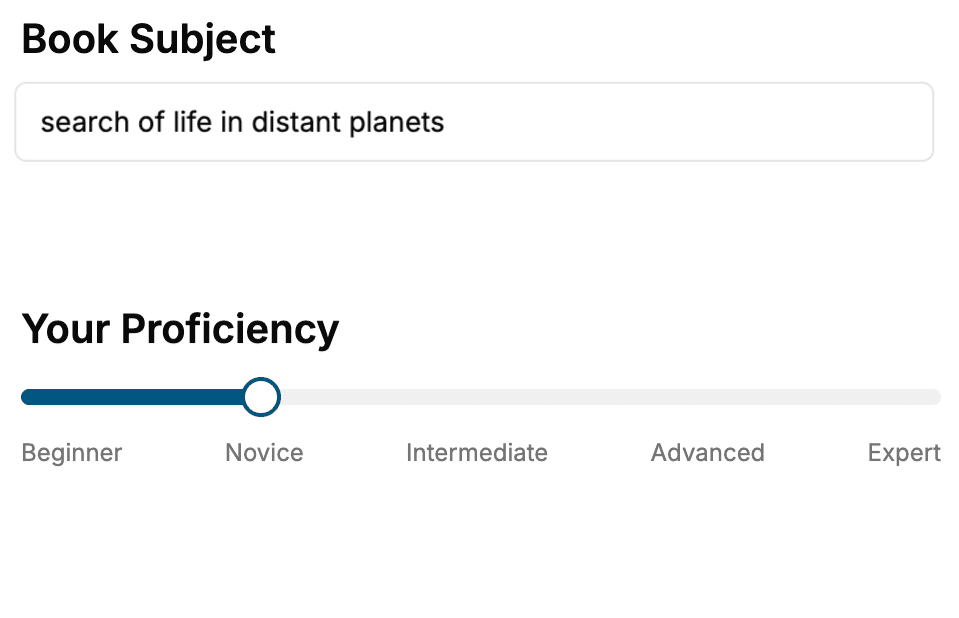
- 1. Select your focus
Select the focus of your Animation book and share your background
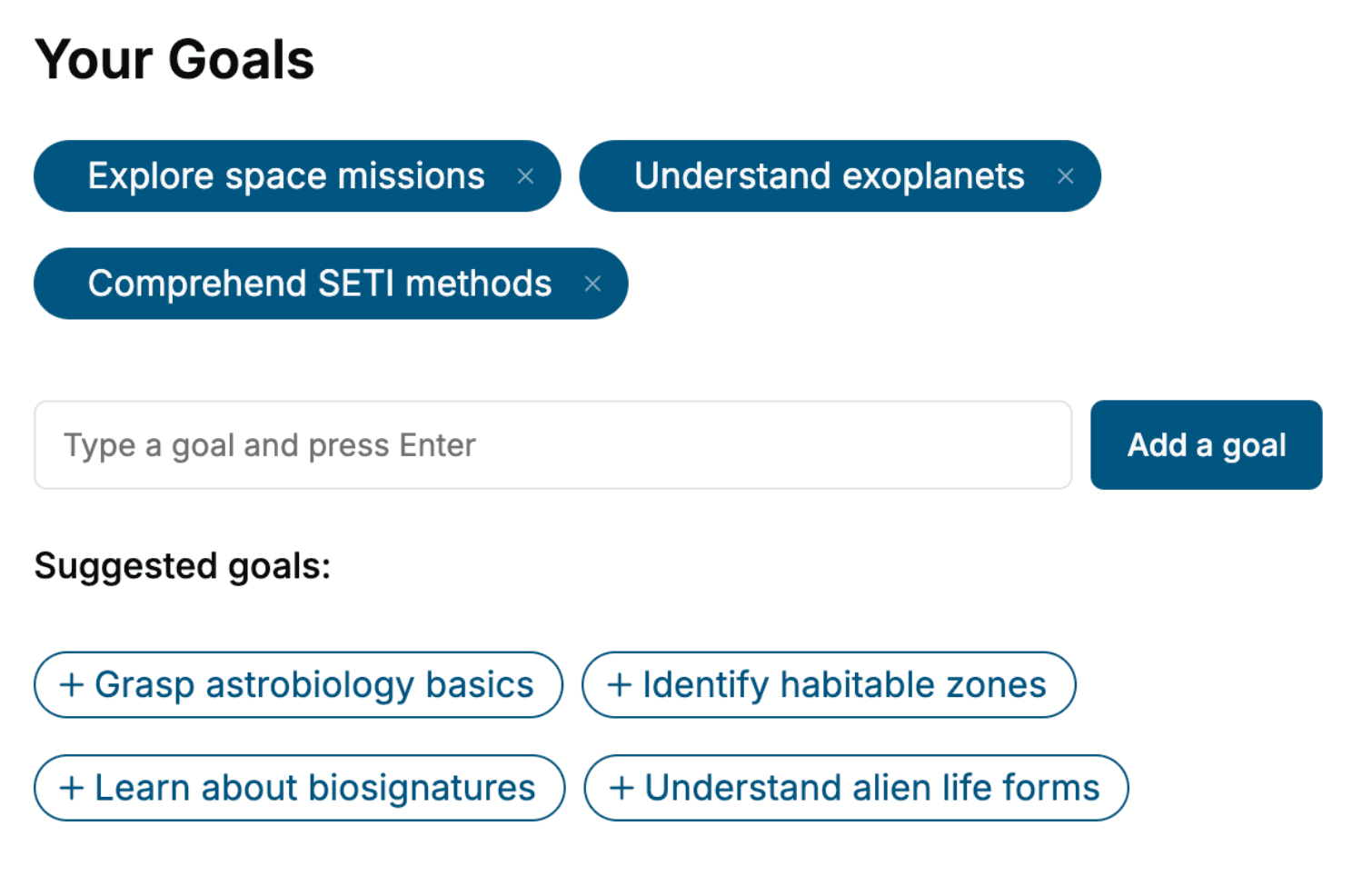
- 2. Personalize your book
Specify your goals and choose sub-topics to include
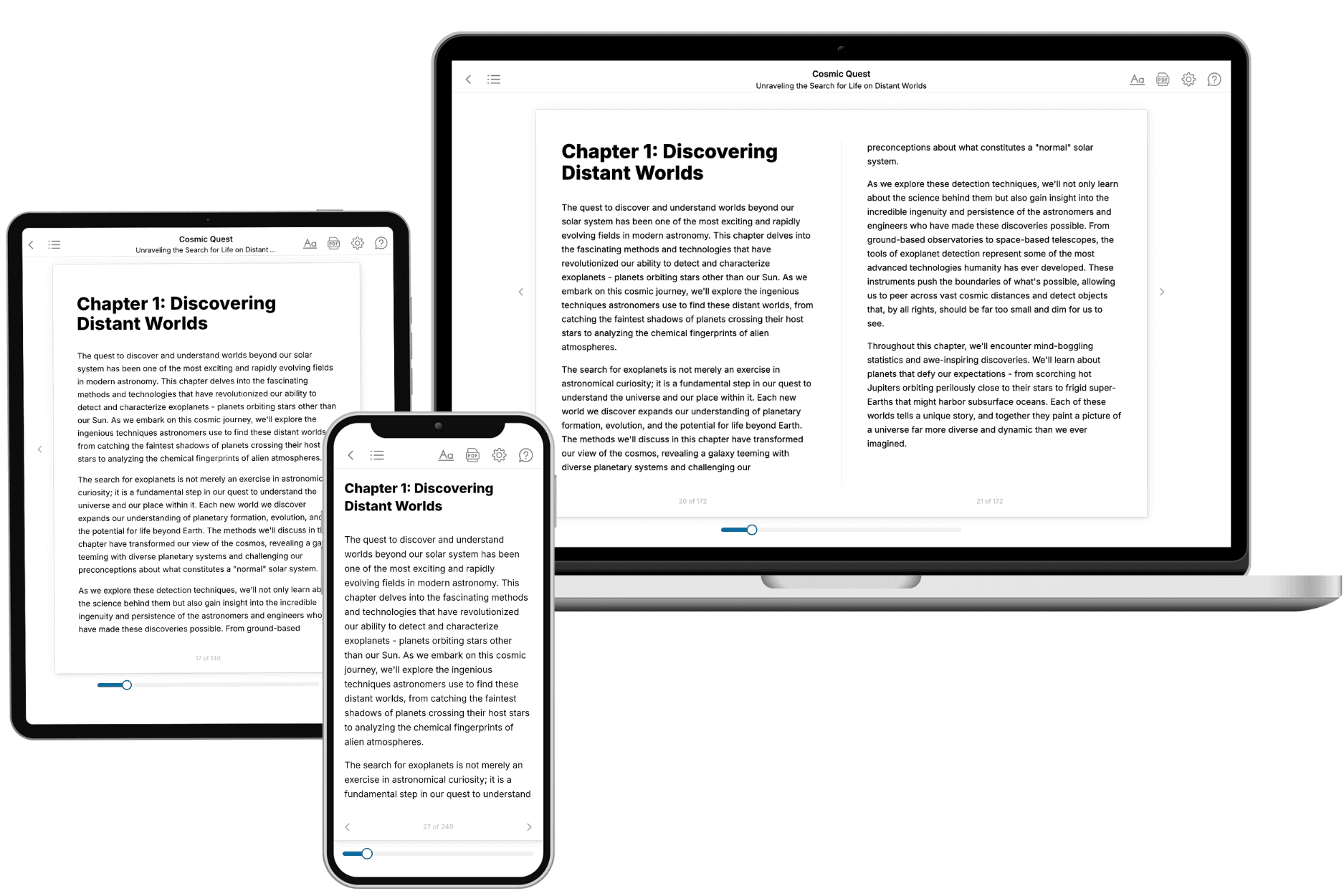
- 3. Get your tailored book
Your book is ready in 10 minutes. Read it online, download as EPUB or PDF, or send to Kindle.
Frequently asked questions
- What is TailoredRead?
TailoredRead creates complete, full-length nonfiction ebooks, written specifically for you. Tell us what you want to learn and why, and TailoredRead writes you a complete ebook on it, with charts, tables, and diagrams throughout. Read it online, on Kindle, or on any e-reader, or download it as a PDF or EPUB. Every book is written fresh the day you order it.
- How is the book tailored to me?
Before anything is written, you answer a few short questions about your goals, your background, and the topics you care about. Your book is then planned around your answers: written at your level, focused on your goals, and covering the topics you chose, instead of the one-size-fits-all book a store sells everyone.
- Will it read like generic AI content?
No. Your book isn't a chat transcript: it's planned chapter by chapter before a single word is written, told in a clear book voice, and explains ideas visually with charts, tables, and diagrams. After writing, every book goes through an editorial pass that polishes chapters so the book reads consistent from start to finish. Judge for yourself: browse thousands of sample books on our Explore Books page.
- How accurate is the content?
Our AI first checks whether your subject needs live research. Niche and fast-moving subjects are researched before writing, and the book plan and chapters are grounded in what it finds. After writing, every book goes through a quality pass that checks its facts and consistency, and researched books list their sources in a Notes section at the back.
- How long is the book?
You choose the length: Comprehensive (250-300 pages), Detailed (150-200 pages), Essential (70-100 pages), or Short (30-50 pages).
- Does the book include visuals?
Yes. Every book includes charts, tables, and diagrams: timelines, checklists, step-by-step guides, decision trees, comparison tables, matrices, and bar charts. A typical book includes dozens of these visual elements.
- Can I read it on Kindle? What formats can I download?
Yes. Every book can be read in our online reader or downloaded as a PDF or EPUB. The EPUB can be opened with Kindle, Apple Books, Kobo, and any e-reader. The Commercial and Author licenses also include an editable Word (DOCX) and Markdown download.
- How much does it cost?
About the price of a regular ebook. The exact price depends on your book's length and complexity, from $2 for the shortest books to $35 for the most comprehensive, and it's shown when you review your book, before you commit to anything. Each book is a one-time purchase, yours to keep, no subscription. Licenses that let you share, teach, or publish your book range from $35.99 to $49.99.
- Can I preview the book before purchasing?
Before you pay, you'll see what your book will cover: the title, a detailed description, the estimated length, and the complete chapter-by-chapter table of contents, so you know what you're getting before you decide. The full text itself is written after you purchase.
- How long does it take to create a book?
About 10 minutes. You can start reading the opening chapters while the rest is still being written.