MVVM Mastery with VB.Net
A Comprehensive Guide to Building Robust and Scalable Applications
Picture yourself confidently architecting complex VB.Net applications with ease, your code clean, maintainable, and following best practices.
315 pages17 chaptersJun 5, 2025Software Architecture
About this book
Imagine the satisfaction of implementing MVVM patterns flawlessly, resulting in software that's not only functional but also elegant and efficient. This is the future that awaits you as you dive into "MVVM Mastery with VB.Net." This comprehensive guide is tailored for self-taught developers like you who are ready to take their VB.Net skills to the next level. You'll start by solidifying your understanding of MVVM fundamentals and VB.Net syntax, then progress through increasingly advanced topics. From data binding and observable collections to unit testing and performance optimization, each chapter builds upon the last, enhancing your expertise step by step. You'll learn how to design robust models, create flexible view models, and craft intuitive views. Discover the power of LINQ queries, asynchronous programming with Async/Await, and the intricacies of data validation in MVVM. By the end of this journey, you'll have mastered essential design patterns, navigation techniques, and localization strategies that will set your applications apart. Whether you're building desktop applications or diving into cross-platform development, "MVVM Mastery with VB.Net" equips you with the knowledge and techniques to create software that's not just functional, but truly exceptional. Get ready to elevate your development skills and bring your programming aspirations to life.
Table of contents
- IntroductionOverview of MVVM Architecture, Introduction to VB.Net, How to Use This Book, Setting Up Your Development EnvironmentRead below
- Chapter 1: MVVM FundamentalsUnderstanding Model, View, and ViewModel, Benefits of MVVM Architecture, MVVM Application Lifecycle, Implementing MVVM in VB.Net
- Chapter 2: VB.Net Essentials for MVVMVB.Net Syntax Refresher, Object-Oriented Programming in VB.Net, Working with Generics, Understanding Delegates and Events
- Chapter 3: Data Binding in MVVMBasics of Data Binding, Binding Modes and UpdateSourceTrigger, Value Converters and Multi-Binding, Binding to Collections
- Chapter 4: Creating Effective ViewModelsDesigning ViewModels, Implementing INotifyPropertyChanged, Working with Commands, Unit Testing ViewModels
- Chapter 5: XAML FundamentalsXAML Syntax and Structure, Common XAML Controls, Working with Resources and Styles, Data Binding in XAML
- Chapter 6: Observable Collections and Data ManagementIntroduction to Observable Collections, Creating Custom Observable Collections, Binding Observable Collections to the UI, Performing Operations on Observable Collections
- Chapter 7: Unit Testing MVVM ApplicationsIntroduction to Unit Testing, Testing ViewModels, Testing Models, Mocking Dependencies in Tests
- Chapter 8: Designing Robust ModelsUnderstanding Model Responsibilities, Implementing Data Validation, Data Persistence Strategies, Integrating with Services and APIs
- Chapter 9: Asynchronous Programming in MVVMIntroduction to Async/Await, Asynchronous Operations in ViewModels, Creating Asynchronous Commands, Best Practices for Async Programming
- Chapter 10: LINQ Queries in MVVMLINQ Basics and Syntax, Querying Collections with LINQ, Asynchronous LINQ Operations, LINQ Performance Considerations
- Chapter 11: MVVM Messaging and CommunicationMessaging Patterns in MVVM, Implementing an Event Aggregator, Using the Mediator Pattern, Achieving Loosely Coupled Components
- Chapter 12: Advanced Data TemplatesData Template Basics, Using Data Template Selectors, Hierarchical Data Templates, Customizing and Styling Templates
- Chapter 13: Error Handling and LoggingException Handling in VB.Net, Error Handling in MVVM, Logging Techniques and Best Practices, Displaying User-Friendly Error Messages
- Chapter 14: MVVM Design Patterns and Best PracticesCommon MVVM Design Patterns, MVVM Anti-patterns to Avoid, Strategies for Code Reusability, MVVM Best Practices and Guidelines
- Chapter 15: Performance OptimizationProfiling and Identifying Bottlenecks, Memory Management in VB.Net, Improving UI Responsiveness, Advanced Optimization Techniques
- Chapter 16: Navigation in MVVM ApplicationsNavigation Patterns in MVVM, Implementing a Navigation Service, Passing Parameters Between Views, Managing Navigation State
- Chapter 17: Localization and GlobalizationLocalization Basics in VB.Net, Working with Resource Files, Implementing Dynamic Language Switching, Handling Culture-Specific Formatting
- ConclusionRecap of Key Concepts, Future Trends in MVVM and VB.Net, Next Steps in Your MVVM Journey
- AppendixPopular MVVM Frameworks for VB.Net, Useful Tools and Resources
Introduction
Welcome to "MVVM Mastery with VB.Net: A Comprehensive Guide to Building Robust and Scalable Applications." This book is designed to be your companion on the journey to becoming a proficient VB.Net developer with a strong focus on the Model-View-ViewModel (MVVM) architectural pattern. Whether you're looking to enhance your existing skills or dive deep into the world of MVVM, this guide will provide you with the knowledge and practical insights needed to create efficient, maintainable, and scalable applications.
As a self-taught developer, you've already demonstrated the drive and determination to learn and grow in your field. This book builds upon that foundation, offering a structured approach to mastering MVVM architecture and advancing your VB.Net skills. Throughout these pages, you'll find a blend of theoretical concepts and hands-on examples that will help you apply what you learn to real-world scenarios.
The MVVM pattern has become increasingly popular in software development, particularly for creating user interfaces that are both responsive and easy to maintain. By separating the user interface from the business logic and data, MVVM allows for greater flexibility in design and implementation. This separation not only improves the overall structure of your applications but also enhances testability and promotes code reuse.
VB.Net, with its clear syntax and powerful features, is an excellent language for implementing MVVM architecture. Throughout this book, you'll discover how to leverage VB.Net's capabilities to create robust MVVM applications. From data binding and observable collections to asynchronous programming and LINQ queries, you'll explore a wide range of topics that will elevate your programming skills.
As we embark on this learning journey together, remember that mastery comes with practice and persistence. The concepts and techniques presented in this book are designed to be applied in your day-to-day development work. By the time you reach the final chapter, you'll have gained not just knowledge, but also the confidence to tackle complex software projects using MVVM and VB.Net.
Overview of MVVM Architecture
The Model-View-ViewModel (MVVM) architectural pattern is a cornerstone of modern application development, particularly in the realm of user interface design. MVVM is an evolution of the Model-View-Controller (MVC) pattern and was created to address the specific needs of Windows Presentation Foundation (WPF) and Silverlight platforms. However, its principles have proven valuable across various development environments, including VB.Net applications.
At its core, MVVM is about separation of concerns. It divides an application into three distinct layers: the Model, the View, and the ViewModel. This separation allows developers to create more modular, maintainable, and testable code. Let's break down each component of the MVVM pattern:
1. Model: The Model represents the data and business logic of the application. It's responsible for managing the data, performing calculations, and enforcing business rules. The Model is independent of the user interface and can be reused across different parts of the application or even in different applications altogether. In VB.Net, Models are typically implemented as classes that encapsulate data properties and methods for manipulating that data.
2. View: The View is the user interface of the application. It's responsible for displaying data to the user and capturing user input. In MVVM, the View should be as "dumb" as possible, meaning it should contain little to no logic beyond what's necessary for UI layout and styling. In VB.Net applications, Views are often created using XAML (eXtensible Application Markup Language) for WPF or Windows Forms for desktop applications.
3. ViewModel: The ViewModel acts as an intermediary between the Model and the View. It contains the presentation logic and manages the state of the View. The ViewModel exposes data and commands that the View can bind to, and it updates the Model based on actions taken in the View. In VB.Net, ViewModels are implemented as classes that typically implement the INotifyPropertyChanged interface to support data binding.
One of the key benefits of MVVM is the use of data binding. Data binding creates a connection between the properties of the ViewModel and the elements in the View. When data in the ViewModel changes, the View automatically updates to reflect those changes. Conversely, when a user interacts with the View, those interactions can automatically update the ViewModel. This two-way data binding significantly reduces the amount of code needed to keep the UI in sync with the underlying data.
Another important concept in MVVM is the use of commands. Commands encapsulate actions that can be triggered from the View, such as button clicks or menu selections. By defining commands in the ViewModel, you can separate the logic of these actions from the View, making your code more testable and maintainable. In VB.Net, commands are often implemented using the ICommand interface or custom implementations that provide similar functionality.
MVVM also promotes the use of dependency injection and inversion of control principles. By defining interfaces for services and dependencies, you can create loosely coupled components that are easier to test and modify. This approach allows you to swap out implementations without affecting the rest of your application, which is particularly useful for unit testing and maintaining flexibility in your codebase.
As you progress through this book, you'll dive deeper into each of these concepts and learn how to implement them effectively in VB.Net. You'll see how MVVM can help you create applications that are not only functional but also scalable and easy to maintain. The MVVM pattern, when applied correctly, can significantly improve the quality and longevity of your software projects.
It's important to note that while MVVM provides a solid foundation for application architecture, it's not a one-size-fits-all solution. As you gain experience with MVVM, you'll learn when to strictly adhere to the pattern and when it's appropriate to make pragmatic decisions that may deviate from it. The goal is to use MVVM as a tool to create better software, not to follow it blindly at the expense of practical considerations.
In the following chapters, we'll explore each component of MVVM in detail, providing concrete examples and best practices for implementation in VB.Net. You'll learn how to create robust Models, design flexible ViewModels, and craft intuitive Views that work together seamlessly. By the end of this book, you'll have a comprehensive understanding of MVVM and the skills to apply it effectively in your own projects.
Introduction to VB.Net
Visual Basic .NET, commonly known as VB.Net, is a multi-paradigm, object-oriented programming language implemented on the .NET Framework. As an evolution of the classic Visual Basic language, VB.Net combines the simplicity and readability that Visual Basic was known for with the power and flexibility of the .NET platform. This makes it an excellent choice for developers looking to create robust, scalable applications, particularly when implementing patterns like MVVM.
VB.Net was first released in 2002 as part of Microsoft's .NET Framework, marking a significant departure from its predecessor, Visual Basic 6.0. While it maintained much of the syntax that made Visual Basic popular, it introduced a host of new features that aligned it more closely with other .NET languages like C#. This evolution allowed VB.Net to support modern programming concepts such as true object-oriented programming, structured exception handling, and multi-threading.
One of the key strengths of VB.Net is its readability. The language uses keywords that are close to natural English, making it easier for beginners to understand and for experienced developers to quickly grasp the intent of the code. For example, control structures like "If...Then...Else" and "For Each...Next" are intuitive and require less cognitive overhead compared to more symbol-heavy languages.
VB.Net is a strongly-typed language, which means that variables must be declared with a specific data type. This feature helps catch type-related errors at compile-time rather than runtime, leading to more robust and reliable code. However, VB.Net also supports type inference with the 'Dim' keyword, allowing the compiler to deduce the type of a variable based on its initial value. This feature combines the benefits of strong typing with the convenience of dynamic languages.
Another powerful feature of VB.Net is its support for Language Integrated Query (LINQ). LINQ allows you to write queries against various data sources, including collections, XML, and databases, using a consistent, SQL-like syntax. This capability is particularly useful in MVVM applications, where you often need to filter, sort, and transform data in ViewModels.
VB.Net also excels in its support for event-driven programming, which is crucial for developing interactive user interfaces. The language provides a straightforward syntax for declaring and handling events, making it easy to respond to user actions and system notifications. This event-driven model aligns well with the MVVM pattern, where ViewModels often need to react to changes in the Model or user interactions in the View.
When it comes to creating graphical user interfaces, VB.Net offers multiple options. For desktop applications, you can use Windows Forms, which provides a straightforward drag-and-drop interface for designing UIs. However, for more advanced and flexible UI development, Windows Presentation Foundation (WPF) is the preferred choice. WPF uses XAML for defining user interfaces, which separates the UI design from the underlying logic, aligning perfectly with the MVVM pattern.
VB.Net's integration with the .NET Framework gives you access to a vast library of pre-built components and APIs. This extensive class library covers everything from file I/O and network communication to cryptography and parallel processing. As a result, you can focus on writing application-specific code rather than reinventing the wheel for common tasks.
For developers coming from a classic Visual Basic background, VB.Net offers a familiar syntax while providing access to modern programming concepts. Features like inheritance, interfaces, and generics allow you to write more modular and reusable code. The language also supports advanced concepts like delegates and lambda expressions, which are particularly useful when implementing MVVM patterns.
In the context of MVVM, VB.Net provides all the necessary tools and features to implement the pattern effectively. Its support for properties and events makes it easy to create observable ViewModels. The language's implementation of interfaces like INotifyPropertyChanged is straightforward, allowing you to create reactive UIs with minimal boilerplate code. Additionally, VB.Net's support for attributes and reflection enables powerful data binding scenarios, which are at the heart of MVVM implementations.
As you progress through this book, you'll see how VB.Net's features can be leveraged to create clean, maintainable MVVM architectures. From creating robust Models to designing flexible ViewModels and crafting intuitive Views, VB.Net provides the tools you need to build sophisticated applications. Whether you're working on small utility applications or large-scale enterprise systems, the combination of VB.Net and MVVM offers a powerful approach to software development.
In the following chapters, we'll dive deeper into specific VB.Net features and how they relate to MVVM implementation. You'll learn best practices for structuring your code, handling data binding, implementing commands, and much more. By the end of this journey, you'll have a comprehensive understanding of how to use VB.Net effectively within the MVVM architectural pattern, enabling you to create applications that are not only functional but also scalable and maintainable.
How to Use This Book
"MVVM Mastery with VB.Net" is designed to be a comprehensive guide that takes you from the fundamentals of MVVM and VB.Net to advanced topics and best practices. To get the most out of this book, it's important to understand its structure and how to approach the material effectively. This section will provide you with guidance on how to navigate the content and apply what you learn to your development projects.
The book is organized into chapters that follow a logical progression, building upon concepts introduced in earlier sections. While you can certainly read the book from cover to cover, it's also designed to allow you to focus on specific areas of interest or need. Here's an overview of how the book is structured:
1. Foundational Chapters: The first few chapters cover the basics of MVVM architecture and VB.Net essentials. If you're new to MVVM or need a refresher on VB.Net, start here. These chapters lay the groundwork for more advanced topics.
2. Core MVVM Concepts: Following the foundational material, you'll find chapters dedicated to key MVVM concepts such as data binding, creating ViewModels, and working with XAML. These chapters form the core of MVVM implementation in VB.Net.
3. Advanced Topics: As you progress through the book, you'll encounter more advanced subjects like asynchronous programming, LINQ queries in MVVM, and performance optimization. These chapters will help you take your MVVM applications to the next level.
4. Best Practices and Patterns: The later chapters focus on design patterns, best practices, and real-world application of MVVM principles. These sections will help you refine your approach to MVVM development.
5. Practical Examples: Throughout the book, you'll find practical examples and code snippets that illustrate the concepts being discussed. These examples are designed to be clear and concise, focusing on the specific topic at hand.
To make the most of this book, consider the following approach:
1. Read Actively: Don't just passively consume the information. As you read, think about how the concepts apply to your current or future projects. Take notes, highlight key points, and jot down questions or ideas that come to mind.
2. Practice Regularly: Programming is a skill that improves with practice. After reading each chapter, try to implement the concepts in your own small projects. This hands-on approach will help solidify your understanding and reveal areas where you might need more study.
3. Experiment with Code Examples: The code examples provided in the book are meant to be starting points. Try modifying them, expanding on them, or using them as inspiration for your own implementations. Don't be afraid to experiment and make mistakes – that's often where the most learning happens.
4. Use the Book as a Reference: As you work on your own MVVM projects, you may encounter specific challenges or questions. Use the table of contents and index to quickly find relevant information. The book is designed to be a valuable reference even after your initial read-through.
5. Engage with the Community: While this book provides a wealth of information, remember that software development is a collaborative field. Engage with online communities, forums, and local developer groups to discuss MVVM concepts, share your experiences, and learn from others.
6. Apply Concepts Incrementally: If you're working on an existing project, don't feel pressured to refactor everything to MVVM at once. Start by applying MVVM principles to new features or isolated components of your application. Gradually expand your use of MVVM as you become more comfortable with the pattern.
7. Revisit Chapters: As you gain experience with MVVM, you may find it beneficial to revisit earlier chapters. Concepts that seemed advanced at first may become clearer with practice, and you might pick up nuances you missed on the first read.
8. Focus on Understanding, Not Memorization: The goal is not to memorize every detail, but to understand the principles and know where to find specific information when you need it. Focus on grasping the core concepts and the reasoning behind MVVM practices.
9. Adapt to Your Needs: While the book presents best practices and recommended approaches, remember that every project is unique. Be prepared to adapt the MVVM pattern to fit the specific requirements of your applications.
10. Set Learning Goals: As you progress through the book, set specific learning goals for yourself. These could be based on completing certain chapters, implementing specific MVVM features in a project, or achieving a level of comfort with advanced topics.
Remember, learning MVVM and mastering VB.Net is a journey. This book is your guide, but the real learning happens when you apply these concepts in your own development work. Be patient with yourself, celebrate your progress, and enjoy the process of becoming a more skilled and confident developer.
Setting Up Your Development Environment
Before diving into the world of MVVM with VB.Net, it's crucial to set up a proper development environment. A well-configured environment will make your coding experience more efficient and enjoyable, allowing you to focus on learning and implementing MVVM principles rather than wrestling with tools. This section will guide you through the process of setting up your development environment for MVVM development with VB.Net.
1. Installing Visual Studio: The primary integrated development environment (IDE) for VB.Net development is Microsoft Visual Studio. Visual Studio provides a comprehensive set of tools for writing, debugging, and deploying VB.Net applications. Here are the steps to get started:
- Visit the official Microsoft Visual Studio website (https://visualstudio.microsoft.com/).
- Download the latest version of Visual Studio. The Community Edition is free and suitable for most developers.
- Run the installer and select the workloads relevant to VB.Net development, such as ".NET desktop development" and "Universal Windows Platform development" if you plan to create Windows applications.
- Complete the installation process, which may take some time depending on your internet connection and the components you've selected.
2. Configuring Visual Studio for VB.Net: Once Visual Studio is installed, you may want to customize it for VB.Net development:
- Open Visual Studio and go to Tools > Options.
- Under Environment > Startup, you can set VB.Net as your default language for new projects.
- Explore the Text Editor > Basic > VB Specific settings to customize your coding experience.
3. Installing .NET Framework and .NET Core: While Visual Studio typically includes the necessary .NET components, it's good to ensure you have the latest versions:
- Visit the official .NET download page (https://dotnet.microsoft.com/download).
- Download and install the latest versions of both .NET Framework and .NET Core.
- These runtimes and SDKs will allow you to develop for various platforms and use the latest features of VB.Net.
4. Setting Up Version Control: Version control is essential for managing your code and collaborating with others. Git is the most widely used version control system:
- Download and install Git from https://git-scm.com/.
- Visual Studio has built-in support for Git. You can configure it under Tools > Options > Source Control.
- Consider setting up a GitHub or Azure DevOps account for remote repository hosting.
5. Installing MVVM Frameworks (Optional): While not necessary, MVVM frameworks can simplify the implementation of the pattern. Some popular options include:
- MVVM Light Toolkit: A lightweight framework that provides basic MVVM infrastructure.
- Prism: A more comprehensive framework for building modular MVVM applications.
- Caliburn.Micro: Known for its convention-based approach to MVVM.
These can be installed via NuGet Package Manager in Visual Studio.
6. Setting Up a Test Project: It's a good practice to set up a test project where you can experiment with MVVM concepts as you learn them:
- In Visual Studio, create a new WPF Application project using VB.Net.
- Add folders for Models, Views, and ViewModels to establish the basic MVVM structure.
- Create a simple Model, ViewModel, and View to ensure your environment is working correctly.
7. Configuring Code Snippets: Visual Studio supports code snippets, which can speed up your development. You can create custom snippets for common MVVM patterns:
- Go to Tools > Code Snippets Manager.
- Select Visual Basic as the language.
- You can add new snippets or modify existing ones to suit your MVVM development needs.
8. Setting Up Documentation Tools: Good documentation is crucial for maintaining MVVM projects. Consider setting up tools like:
- Sandcastle Help File Builder for generating API documentation.
- GhostDoc for automating XML comments in your code.
9. Configuring Visual Studio Extensions: There are several extensions that can enhance your MVVM development experience:
- XAML Styler for formatting and organizing your XAML code.
- CodeMaid for cleaning and simplifying your C# and XAML code.
- Productivity Power Tools for additional coding and navigation features.
10. Setting Up a Continuous Integration/Continuous Deployment (CI/CD) Pipeline: While not necessary for learning, setting up a CI/CD pipeline can be beneficial for larger projects:
- Azure DevOps and GitHub Actions are popular choices for CI/CD.
- Set up automated builds and tests to run whenever you push changes to your repository.
- Configure deployment pipelines to automatically update your application in test or production environments.
By following these steps, you'll have a robust development environment ready for MVVM development with VB.Net. Remember, the goal is to create a setup that allows you to focus on learning and implementing MVVM principles without being hindered by tooling issues. As you progress in your MVVM journey, don't hesitate to refine and customize your environment to better suit your workflow and project needs.
This is the end of the free sample. The full book has 17 chapters.
Want this book written for you?
Tell us your goals and background, and get your own version of this book, tailored by AI to you.






Benefits of AI-tailored books
- Read one book, not ten:
- all the Software Architecture knowledge you need, gathered into a single book.
- Save days of learning:
- tell us your goals, choose your topics, and the whole book is built around them.
- Learn effortlessly:
- Software Architecture book written for your specific background and expertise.
- Understand at a glance:
- includes charts, tables, timelines, checklists, decision trees, and more.
- Stay current:
- written the day you order it, not years ago.
- Trust what you read:
- every book is checked for accuracy, with real research when your subject needs it.
Create your unique book in 3 steps
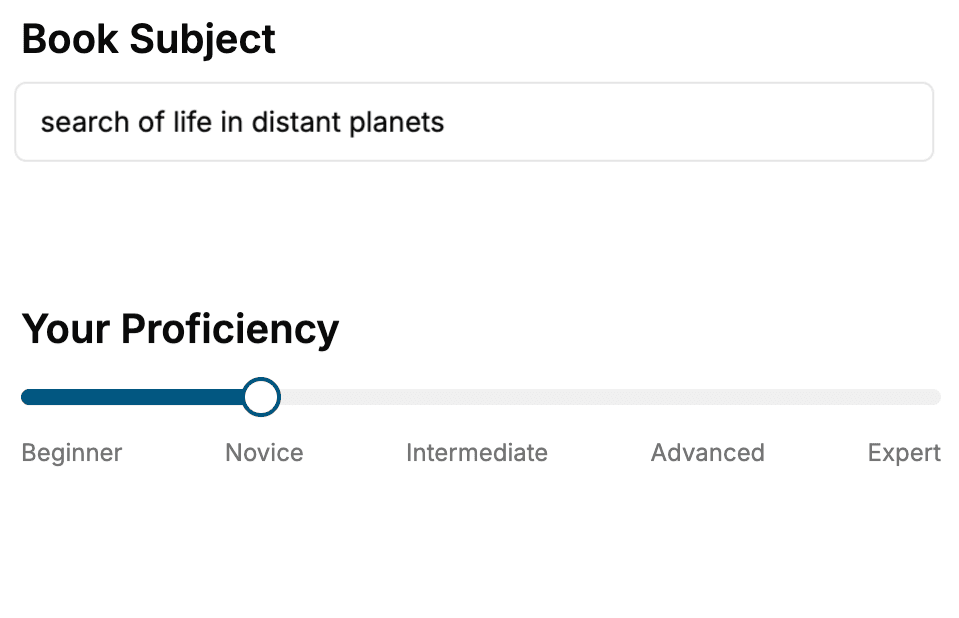
- 1. Select your focus
Select the focus of your Software Architecture book and share your background
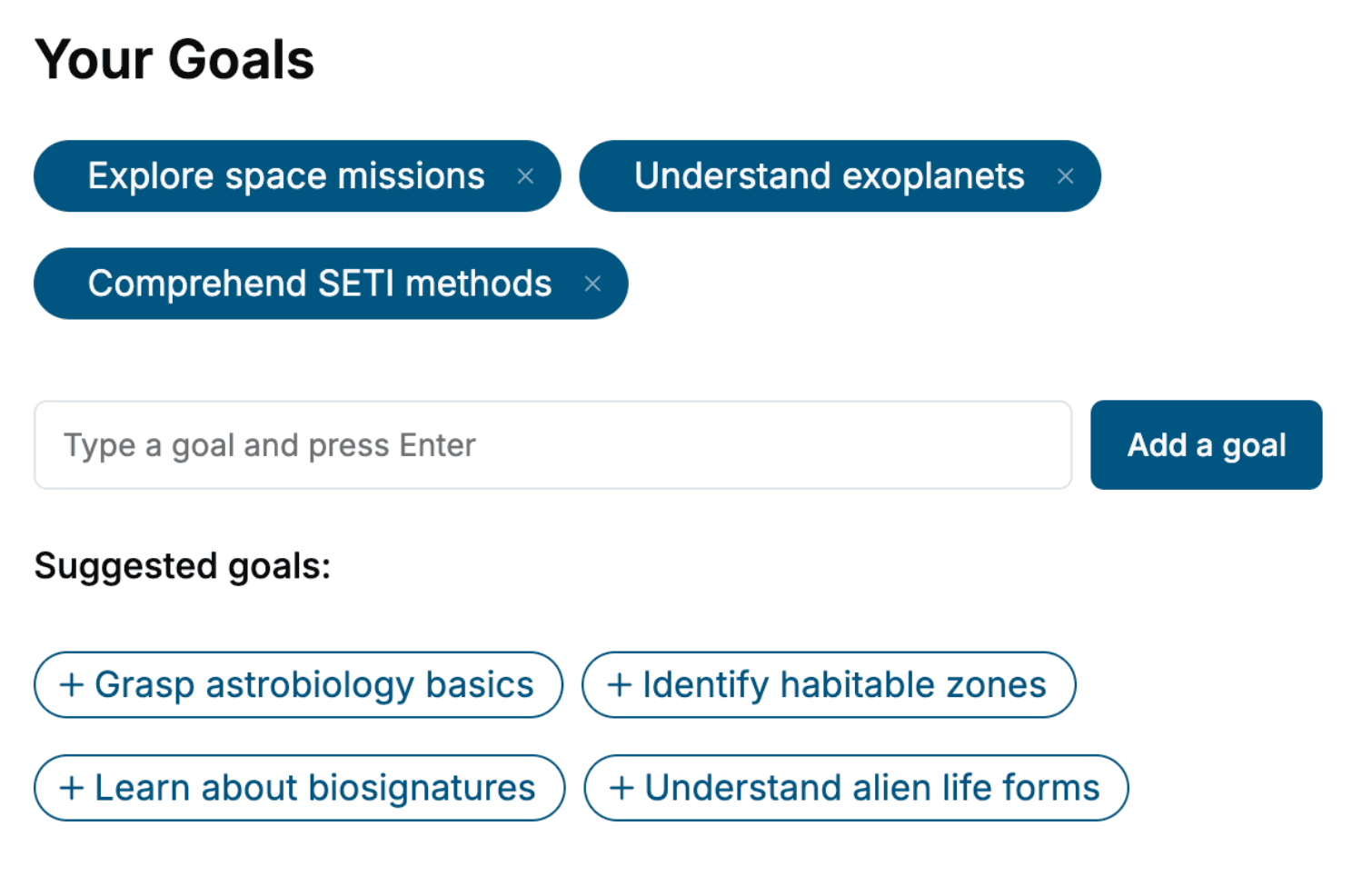
- 2. Personalize your book
Specify your goals and choose sub-topics to include
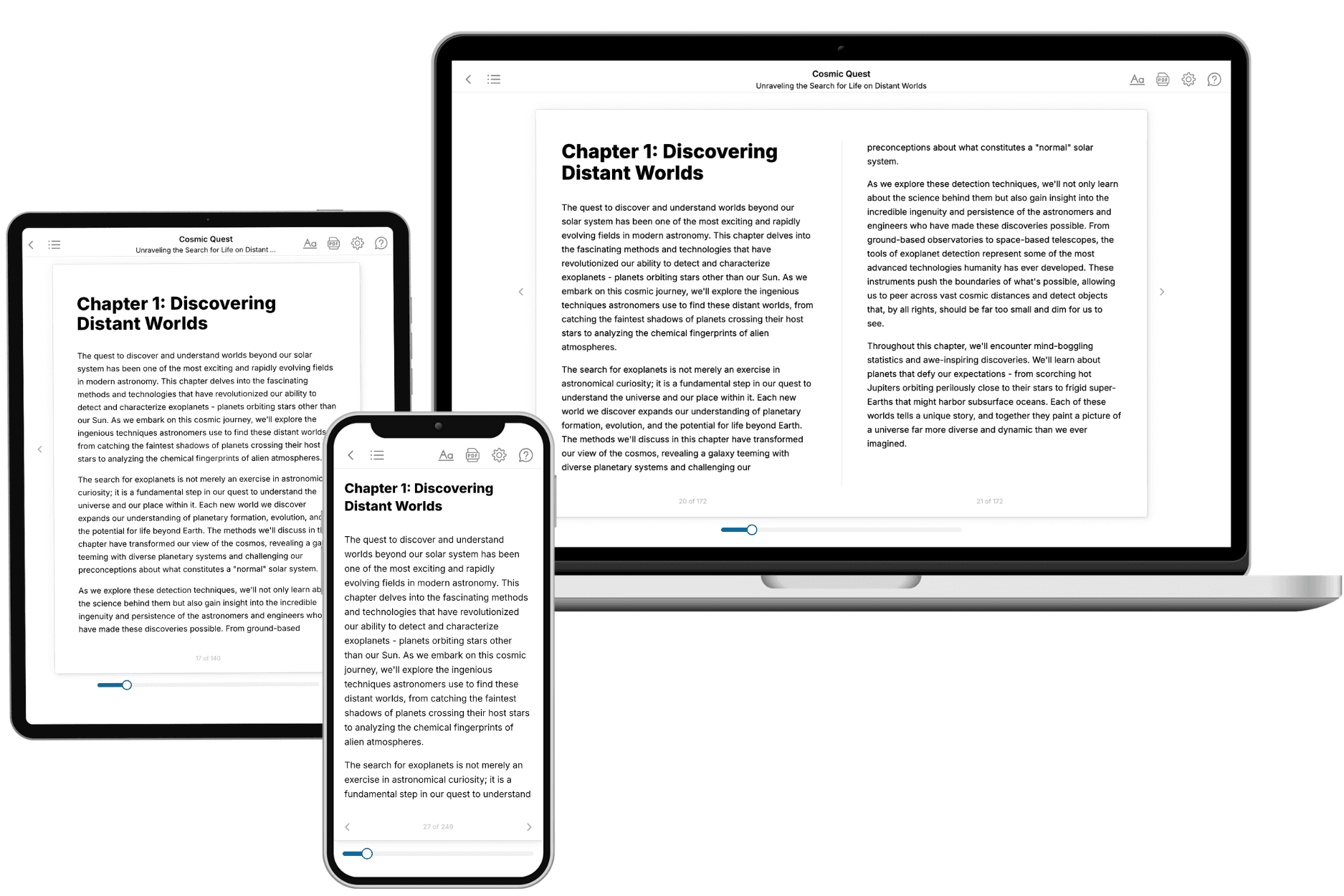
- 3. Get your tailored book
Your book is ready in 10 minutes. Read it online, download as EPUB or PDF, or send to Kindle.
Frequently asked questions
- What is TailoredRead?
TailoredRead creates complete, full-length nonfiction ebooks, written specifically for you. Tell us what you want to learn and why, and TailoredRead writes you a complete ebook on it, with charts, tables, and diagrams throughout. Read it online, on Kindle, or on any e-reader, or download it as a PDF or EPUB. Every book is written fresh the day you order it.
- How is the book tailored to me?
Before anything is written, you answer a few short questions about your goals, your background, and the topics you care about. Your book is then planned around your answers: written at your level, focused on your goals, and covering the topics you chose, instead of the one-size-fits-all book a store sells everyone.
- Will it read like generic AI content?
No. Your book isn't a chat transcript: it's planned chapter by chapter before a single word is written, told in a clear book voice, and explains ideas visually with charts, tables, and diagrams. After writing, every book goes through an editorial pass that polishes chapters so the book reads consistent from start to finish. Judge for yourself: browse thousands of sample books on our Explore Books page.
- How accurate is the content?
Our AI first checks whether your subject needs live research. Niche and fast-moving subjects are researched before writing, and the book plan and chapters are grounded in what it finds. After writing, every book goes through a quality pass that checks its facts and consistency, and researched books list their sources in a Notes section at the back.
- How long is the book?
You choose the length: Comprehensive (250-300 pages), Detailed (150-200 pages), Essential (70-100 pages), or Short (30-50 pages).
- Does the book include visuals?
Yes. Every book includes charts, tables, and diagrams: timelines, checklists, step-by-step guides, decision trees, comparison tables, matrices, and bar charts. A typical book includes dozens of these visual elements.
- Can I read it on Kindle? What formats can I download?
Yes. Every book can be read in our online reader or downloaded as a PDF or EPUB. The EPUB can be opened with Kindle, Apple Books, Kobo, and any e-reader. The Commercial and Author licenses also include an editable Word (DOCX) and Markdown download.
- How much does it cost?
About the price of a regular ebook. The exact price depends on your book's length and complexity, from $2 for the shortest books to $35 for the most comprehensive, and it's shown when you review your book, before you commit to anything. Each book is a one-time purchase, yours to keep, no subscription. Licenses that let you share, teach, or publish your book range from $35.99 to $49.99.
- Can I preview the book before purchasing?
Before you pay, you'll see what your book will cover: the title, a detailed description, the estimated length, and the complete chapter-by-chapter table of contents, so you know what you're getting before you decide. The full text itself is written after you purchase.
- How long does it take to create a book?
About 10 minutes. You can start reading the opening chapters while the rest is still being written.