Notion Mastery
Revolutionize Your Information Management and Collaboration
Information overload is the biggest obstacle you face in today's digital age.
269 pages13 chaptersFeb 28, 2025ProductivityCreated by M.
About this book
As a librarian, you're constantly juggling multiple tasks, managing vast amounts of data, and striving to provide top-notch services to your patrons. But what if there was a way to bring order to this chaos? Notion Mastery is your comprehensive guide to harnessing the full power of Notion, the all-in-one workspace that's revolutionizing how we organize information and collaborate. This book will show you how to create dynamic knowledge bases, streamline your task management, and visualize complex data with ease. You'll discover how to leverage Notion's unique features to enhance your library services, from building interactive databases for resource management to designing collaborative workspaces for team projects. Learn to create custom templates, utilize powerful formulas, and implement effective productivity systems that will transform your workflow. Whether you're looking to organize your personal life or revolutionize your professional practices, Notion Mastery provides the tools and strategies you need to thrive in the digital era. Get ready to take control of your information and elevate your organizational skills to new heights.
Table of contents
- IntroductionWhat is Notion and Why It Matters, How This Book Will Transform Your Information Management, Getting Started with NotionRead below
- Chapter 1: Notion Basics: Building Your FoundationNavigating the Notion Interface, Understanding Pages and Blocks, Exploring Different Content Types, Organizing Your Workspace
- Chapter 2: Mastering Notion DatabasesTypes of Databases in Notion, Creating and Structuring Databases, Working with Properties and Fields, Utilizing Views and Filters, Harnessing the Power of Relational Databases
- Chapter 3: Building a Personal Knowledge Management SystemPrinciples of Personal Knowledge Management, Effective Digital Note-Taking Strategies, Connecting Ideas with Backlinks and Mentions, Content Curation and Organization, Building Efficient Retrieval Systems
- Chapter 4: Task Management and Productivity SystemsCreating Task Databases, Implementing Kanban Boards, Adapting GTD (Getting Things Done) in Notion, Time Blocking and Calendar Integration, Habit Tracking and Goal Setting
- Chapter 5: Collaboration and Teamwork in NotionSharing and Permission Settings, Designing Collaborative Workspaces, Building Team Wikis and Knowledge Bases, Project Management in Notion, Family Task Delegation and Household Management
- Chapter 6: Data Visualization and AnalyticsCreating Charts and Graphs, Designing Informative Dashboards, Tracking Progress and KPIs, Basic Data Analysis Techniques
- Chapter 7: Leveraging Notion TemplatesUnderstanding Notion Templates, Creating Custom Templates, Organizing and Sharing Templates, Practical Template Examples for Various Use Cases
- Chapter 8: Advanced Features: Formulas and AutomationsIntroduction to Notion Formulas, Common Formula Use Cases, Advanced Formula Techniques, Automating Workflows with Integrations
- Chapter 9: Digital Asset Management in NotionOrganizing Files and Documents, Implementing Metadata and Tagging Systems, Creating Media Databases, Version Control and File History
- Chapter 10: Web Clipping and Information CaptureUsing the Notion Web Clipper, Organizing and Processing Web Clips, Building a Research Database, Creating a Content Creation Workflow
- Chapter 11: Event Planning and ManagementCreating an Event Planning Database, Managing Tasks and Timelines, Guest List and RSVP Management, Budget Tracking and Vendor Management
- Chapter 12: Enhancing Notion with Widgets and EmbedsTypes of Notion Widgets and Embeds, Creating Custom Widgets, Embedding External Content, Practical Use Cases for Widgets
- Chapter 13: Enhancing Library Services with NotionDigital Catalog Management, Streamlining Patron Services, Library Program Planning and Tracking, Inter-Library Resource Sharing Systems, Staff Training and Development Tracking
- ConclusionThe Future of Notion and Information Management, Strategies for Continuous Improvement
- Glossary
- Further Resources
Introduction
In today's digital age, information is the lifeblood of both personal and professional success. As a librarian with an MMLIS in Information and Library Management and a BA in Journalism, you're uniquely positioned to understand the critical importance of effective information management. However, the sheer volume of data we encounter daily can be overwhelming, leading to decreased productivity, missed opportunities, and a sense of constant catch-up. Enter Notion, a powerful all-in-one workspace that's revolutionizing how we organize, collaborate, and manage information. This introduction will set the stage for your journey into mastering Notion, providing you with the tools to transform your approach to information management and collaboration.
Throughout this book, you'll discover how to leverage Notion's flexibility to create customized solutions for your unique needs, whether you're organizing library resources, managing personal projects, or collaborating with family members. You'll learn to harness the power of relational databases, enabling you to organize and retrieve data with unprecedented efficiency. We'll explore how effective use of metadata and tagging can dramatically improve searchability and organization, a skill that's invaluable in both library science and personal knowledge management.
As we delve deeper into Notion's capabilities, you'll uncover how its collaborative features can enhance team productivity and knowledge sharing, essential skills in today's interconnected world. You'll learn to integrate personal and professional task management, leading to improved efficiency across all aspects of your life. We'll also explore data visualization techniques in Notion, providing you with powerful tools for decision-making and project planning.
Custom templates and widgets will become your allies in streamlining repetitive tasks and workflows, freeing up your time for more critical thinking and creative endeavors. You'll discover how to build a personal knowledge management system that supports continuous learning, a crucial aspect of staying current in the rapidly evolving field of library and information science.
Finally, we'll delve into Notion's formula feature, enabling you to implement advanced automation and data manipulation techniques. By combining various Notion features, you'll create a comprehensive productivity ecosystem that seamlessly integrates your personal and professional life.
This introduction is your gateway to mastering Notion, a tool that will not only enhance your professional capabilities as a librarian but also revolutionize your personal organization and productivity. Let's embark on this journey to transform your information management and collaboration skills, empowering you to thrive in the digital era.
What is Notion and Why It Matters
Notion is a versatile and powerful all-in-one workspace that combines note-taking, project management, databases, and collaboration tools into a single, intuitive platform. At its core, Notion is designed to be a flexible canvas where you can create, organize, and share information in ways that best suit your needs. Unlike traditional productivity tools that often force you into rigid structures, Notion allows you to build custom workflows and systems that adapt to your unique way of thinking and working.
The significance of Notion in today's digital landscape cannot be overstated. In an era where information overload is a constant challenge, Notion provides a centralized hub for all your data, tasks, and projects. This centralization is crucial for several reasons. First, it eliminates the need to switch between multiple apps and platforms, reducing cognitive load and increasing productivity. Second, it allows for seamless integration of different types of information, from simple text notes to complex databases, enabling you to see connections and patterns that might otherwise be missed.
For librarians and information professionals, Notion offers a particularly compelling set of features. Its database capabilities allow for the creation of sophisticated cataloging systems, resource management tools, and patron service trackers. The ability to link and relate different pieces of information mirrors the principles of knowledge organization that are fundamental to library science. Moreover, Notion's collaborative features align perfectly with the increasingly team-oriented nature of library work, facilitating seamless communication and knowledge sharing among staff members.
One of Notion's most powerful aspects is its ability to break down silos between different types of information. In a traditional setup, you might have your to-do list in one app, your project plans in another, and your research notes scattered across various platforms. Notion allows you to bring all of these elements together, creating a holistic view of your work and life. This integration is particularly valuable for professionals who often need to juggle multiple roles and responsibilities, as it provides a clear overview of all ongoing tasks and projects.
The flexibility of Notion also makes it an excellent tool for personal knowledge management. As a librarian, you're likely engaged in continuous learning and professional development. Notion provides a robust platform for capturing, organizing, and retrieving information from various sources. You can create a personal wiki, build a database of research papers, or design a system for tracking your professional goals and achievements. This ability to customize your information environment allows you to create a second brain that enhances your cognitive capabilities and supports lifelong learning.
Furthermore, Notion's importance extends to its role in fostering digital literacy and information management skills. In an age where these skills are increasingly crucial, mastering a tool like Notion equips you with a valuable set of competencies. You'll learn to structure information effectively, create relational data models, and design intuitive interfaces for accessing and manipulating data. These skills are not only valuable in your professional life but also transferable to many other digital platforms and tools.
Notion also addresses a common pain point in both personal and professional life: version control and information redundancy. With its robust system of internal links and relational databases, Notion encourages a single source of truth for your information. Instead of having multiple copies of the same document or data scattered across different locations, you can maintain a single, up-to-date version that's easily accessible and modifiable. This approach significantly reduces the risk of working with outdated information and ensures that all team members are always on the same page.
The collaborative aspects of Notion are particularly relevant in today's increasingly remote and distributed work environments. As a librarian, you may find yourself collaborating with colleagues across different branches or even different institutions. Notion provides a shared workspace where teams can collaborate in real-time, share knowledge, and maintain transparency in their work processes. This collaborative capability extends beyond professional settings; you can use Notion to coordinate with family members on household tasks, plan events with friends, or manage shared projects with community groups.
Lastly, Notion's importance lies in its potential to evolve with your needs. As your roles and responsibilities change over time, Notion can adapt accordingly. The skills you develop in using Notion – from database design to workflow automation – are transferable and scalable. Whether you're managing a small personal project or coordinating a large-scale library initiative, Notion provides the tools to handle increasing complexity without losing clarity or control.
In essence, Notion matters because it represents a paradigm shift in how we interact with and manage information. It's not just a productivity tool; it's a comprehensive system for thinking, organizing, and collaborating. For librarians and information professionals, mastering Notion means enhancing your ability to curate, manage, and disseminate knowledge effectively. It's a tool that aligns perfectly with the core principles of library science while providing the flexibility to address the unique challenges of the digital age.
How This Book Will Transform Your Information Management
This book is designed to be your comprehensive guide to mastering Notion and revolutionizing your approach to information management. It's structured to take you on a journey from the basics of Notion to advanced techniques, ensuring that by the end, you'll have the skills and knowledge to create powerful, customized systems for both your professional and personal life. Let's explore how this book will transform your information management practices and empower you to leverage Notion to its fullest potential.
We begin with the fundamentals, introducing you to Notion's interface and basic building blocks. This foundation is crucial for understanding how Notion's flexible structure can be molded to fit your specific needs. You'll learn how to navigate the platform efficiently, create and organize pages, and utilize different types of content blocks. This initial section will help you develop a mental model of how Notion works, setting the stage for more advanced concepts.
As we progress, you'll dive deep into one of Notion's most powerful features: databases. You'll discover how to create, structure, and manipulate databases to organize vast amounts of information effectively. This section is particularly relevant for librarians, as it will show you how to build sophisticated systems for managing resources, tracking projects, and organizing research. You'll learn about different types of databases, how to use properties and fields effectively, and how to create views and filters to slice and dice your data in meaningful ways. The chapter on relational databases will be especially transformative, showing you how to create complex, interconnected systems of information that mirror the relationships in your work and life.
Building on this foundation, we'll explore how to create a personal knowledge management system in Notion. This section will be invaluable for your continuous learning and professional development. You'll learn effective digital note-taking strategies, how to connect ideas using backlinks and mentions, and how to curate and organize content from various sources. We'll also delve into building efficient retrieval systems, ensuring that the knowledge you capture is easily accessible when you need it. This approach to personal knowledge management will enhance your ability to synthesize information, generate new ideas, and stay on top of developments in your field.
Task management and productivity systems are next on our journey. You'll learn how to create task databases, implement Kanban boards, and adapt popular productivity methodologies like Getting Things Done (GTD) in Notion. We'll also cover time blocking techniques and calendar integration, helping you manage your time more effectively. The section on habit tracking and goal setting will provide you with tools to continuously improve and achieve your personal and professional objectives. By the end of this section, you'll have a comprehensive productivity system that seamlessly integrates your work and personal tasks.
Collaboration is a critical aspect of modern work, and we dedicate a full chapter to exploring Notion's collaborative features. You'll learn about sharing and permission settings, how to design collaborative workspaces, and techniques for building team wikis and knowledge bases. We'll also cover project management in Notion, providing you with tools to coordinate complex projects with multiple stakeholders. Importantly, we'll extend these collaborative concepts to personal life, showing you how to use Notion for family task delegation and household management.
Data visualization and analytics are powerful tools for decision-making and project planning. In this section, you'll learn how to create charts, graphs, and informative dashboards in Notion. We'll cover techniques for tracking progress and Key Performance Indicators (KPIs), as well as basic data analysis techniques. These skills will be invaluable for presenting information to stakeholders, monitoring library metrics, or tracking personal goals.
To help you work more efficiently, we'll explore Notion templates in depth. You'll learn how to create, organize, and share templates, streamlining repetitive tasks and ensuring consistency in your workflows. We'll provide practical template examples for various use cases, from project management to content creation, tailored to the needs of librarians and information professionals.
As we move into advanced territory, you'll discover Notion's powerful formula feature and learn about automation possibilities. This section will show you how to perform complex calculations, automate data entry, and create dynamic content that updates based on specific conditions. We'll also explore integrations with other tools, allowing you to create powerful workflows that extend beyond Notion.
Digital asset management is a crucial skill for librarians, and we dedicate a full chapter to this topic. You'll learn how to organize files and documents effectively, implement metadata and tagging systems, create media databases, and manage version control. These skills will be directly applicable to managing digital collections and resources in a library setting.
We'll also cover web clipping and information capture, showing you how to use Notion as a central repository for your research and content creation. You'll learn how to use the Notion Web Clipper, organize and process web clips, build a research database, and create a content creation workflow. These skills will enhance your ability to curate and manage digital information effectively.
Event planning and management is another area where Notion excels, and we'll explore how to create comprehensive event planning systems. From managing tasks and timelines to handling guest lists and budgets, you'll learn how to use Notion to streamline the entire event planning process.
To further enhance your Notion workspace, we'll delve into widgets and embeds. You'll discover how to create custom widgets, embed external content, and use these features to create more dynamic and interactive Notion pages.
Finally, we'll bring everything together in a chapter dedicated to enhancing library services with Notion. You'll learn how to apply the skills you've developed throughout the book to specific library contexts, including digital catalog management, streamlining patron services, program planning and tracking, inter-library resource sharing, and staff training and development.
By the end of this book, you'll have transformed your approach to information management. You'll have the skills to create powerful, customized systems in Notion that enhance your productivity, streamline your workflows, and improve your ability to manage and share knowledge. Whether you're organizing library resources, managing personal projects, or collaborating with colleagues and family, you'll have the tools to do so more effectively and efficiently. This book is not just about learning a new tool; it's about developing a new way of thinking about information management that will serve you well in all aspects of your personal and professional life.
Getting Started with Notion
Embarking on your Notion journey is an exciting step towards revolutionizing your information management practices. This section will guide you through the initial steps of setting up and familiarizing yourself with Notion, ensuring you have a solid foundation for the more advanced concepts we'll explore later in the book. Let's begin by walking through the process of getting started with Notion, from creating your account to understanding the basic layout and features of the platform.
First and foremost, you'll need to create a Notion account. Navigate to the Notion website (www.notion.so) and click on the "Sign up" button. You have the option to sign up using your Google account, Apple ID, or by entering your email address. If you're planning to use Notion for work-related tasks, consider using your work email to keep your professional and personal accounts separate. Once you've entered your details and created a password, you'll be prompted to verify your email address. After verification, you're ready to start exploring Notion.
Upon first logging in, Notion will present you with a quick onboarding process. This includes selecting your primary use case (personal, work, or education) and choosing a template to start with. While these templates can be helpful, don't worry too much about your selection at this point – you can always change or customize your workspace later. For now, choose a simple template or start with a blank workspace to get a feel for the platform.
Next, take some time to familiarize yourself with the Notion interface. On the left side of the screen, you'll see the sidebar, which contains your workspace pages and any databases you create. The main area of the screen is your workspace, where you'll create and edit your content. At the top of the screen, you'll find the search bar, which allows you to quickly locate any page or piece of content in your Notion workspace.
One of the first things you should do is create a new page. Click the "+ New page" button at the bottom of the sidebar. This will open a blank page where you can start adding content. Notion uses a block-based system for content creation. To add content, simply start typing anywhere on the page. You can then use the "+" button that appears to the left of your cursor to add different types of blocks, such as headings, bullet points, to-do lists, images, and more.
Experiment with different block types to get a feel for how they work. Try creating a simple to-do list, add some headings to structure your page, and insert an image. You'll quickly see how flexible and intuitive Notion's content creation system is. Don't worry about getting everything perfect at this stage – the goal is to explore and become comfortable with the basic functionality.
As you create content, you'll notice that Notion automatically saves your work. There's no need to manually save – everything is updated in real-time. This feature ensures that you never lose your work and allows for seamless collaboration when working with others.
Next, explore the concept of nested pages. In Notion, you can create pages within pages, allowing for a hierarchical organization of your information. To create a subpage, simply add a new block and select "Page" from the block types. This nested structure is powerful for organizing complex projects or creating knowledge bases.
Another fundamental concept in Notion is databases. While we'll explore databases in depth later in the book, it's worth creating a simple database now to get a feel for how they work. On any page, you can add a new block and select "Database" from the block types. Choose a simple database type, such as a table. Add a few columns and rows to your database to see how it functions.
As you're getting started, take some time to explore Notion's settings. Click on the "Settings & Members" option in the sidebar to access workspace settings. Here, you can customize your workspace, invite team members (if you're using Notion for collaboration), and adjust your personal settings. Pay particular attention to the notification settings, which you can tailor to ensure you're alerted to important updates without being overwhelmed.
One of Notion's strengths is its extensive template library. While you're getting familiar with the platform, browse through the template gallery (accessible from the sidebar) to see examples of how Notion can be used for various purposes. These templates can provide inspiration for your own Notion setups and give you ideas for how to structure your information.
As you become more comfortable with Notion, start thinking about how you can apply it to your specific needs as a librarian. Consider creating a simple page for tracking your daily tasks, or start a database to catalog resources you frequently use. The key at this stage is to start small and gradually build up your Notion workspace as you become more familiar with its capabilities.
Remember, Notion has a bit of a learning curve, but its flexibility is what makes it so powerful. Don't be afraid to experiment and make mistakes – you can always edit or delete content easily. The more you use Notion, the more intuitive it will become, and you'll start to see opportunities for improving your information management practices.
Lastly, take advantage of Notion's extensive help resources. The platform offers a comprehensive help center, video tutorials, and a vibrant community forum where you can ask questions and learn from other users. These resources will be invaluable as you continue your Notion journey beyond the basics covered in this section.
By following these steps and spending some time exploring Notion's basic features, you'll have laid a solid foundation for the more advanced concepts we'll cover in the rest of the book. Remember, the goal at this stage is not to create the perfect system, but to become comfortable with Notion's interface and basic functionality. As we progress through the book, you'll learn how to leverage these foundational skills to create powerful, customized systems that will transform your approach to information management.
This is the end of the free sample. The full book has 13 chapters.
Want this book written for you?
Tell us your goals and background, and get your own version of this book, tailored by AI to you.






Benefits of AI-tailored books
- Read one book, not ten:
- all the Productivity knowledge you need, gathered into a single book.
- Save days of learning:
- tell us your goals, choose your topics, and the whole book is built around them.
- Learn effortlessly:
- Productivity book written for your specific background and expertise.
- Understand at a glance:
- includes charts, tables, timelines, checklists, decision trees, and more.
- Stay current:
- written the day you order it, not years ago.
- Trust what you read:
- every book is checked for accuracy, with real research when your subject needs it.
Create your unique book in 3 steps
- 1. Select your focus
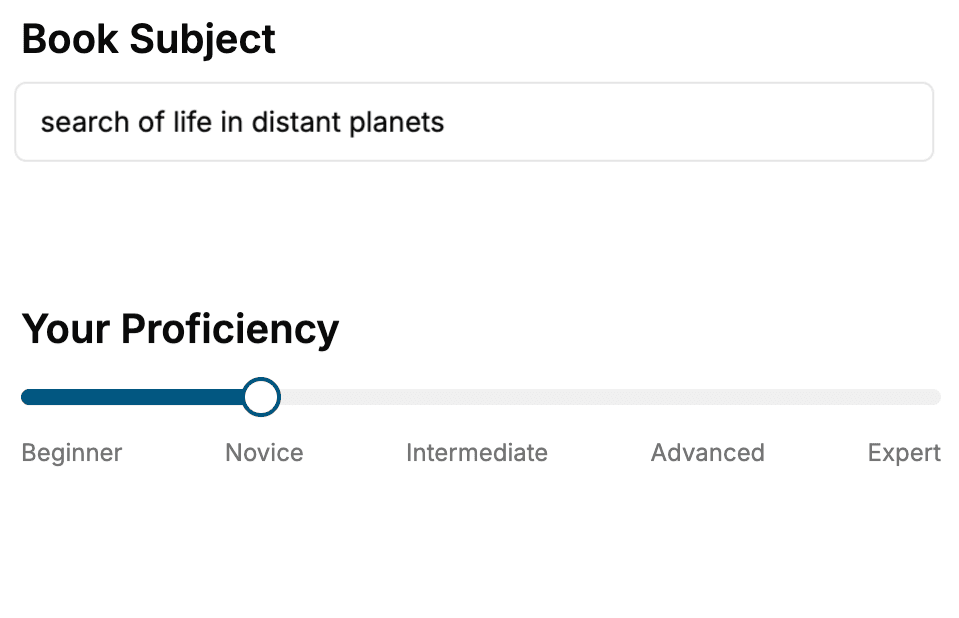
Select the focus of your Productivity book and share your background
- 2. Personalize your book
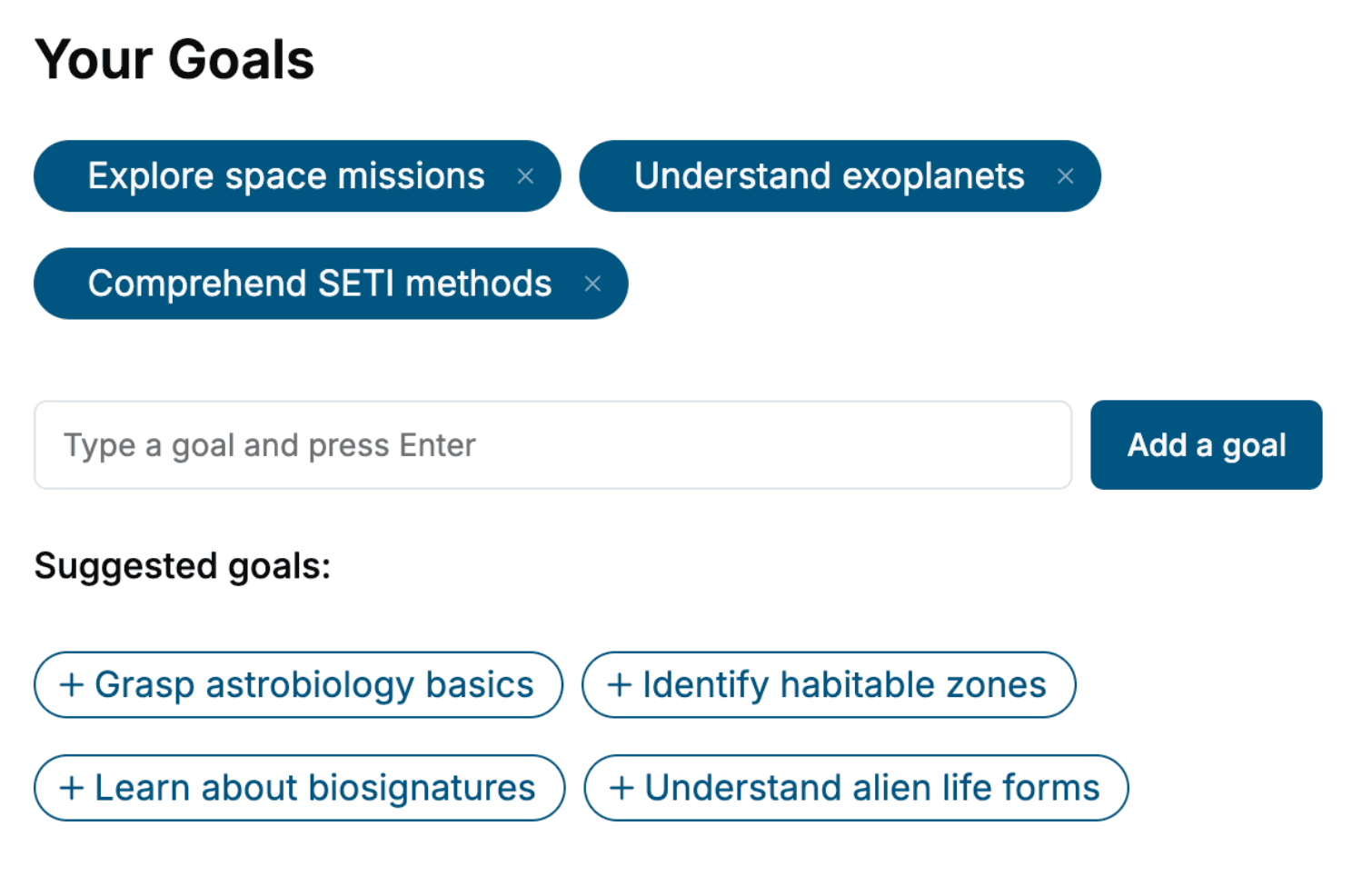
Specify your goals and choose sub-topics to include
- 3. Get your tailored book
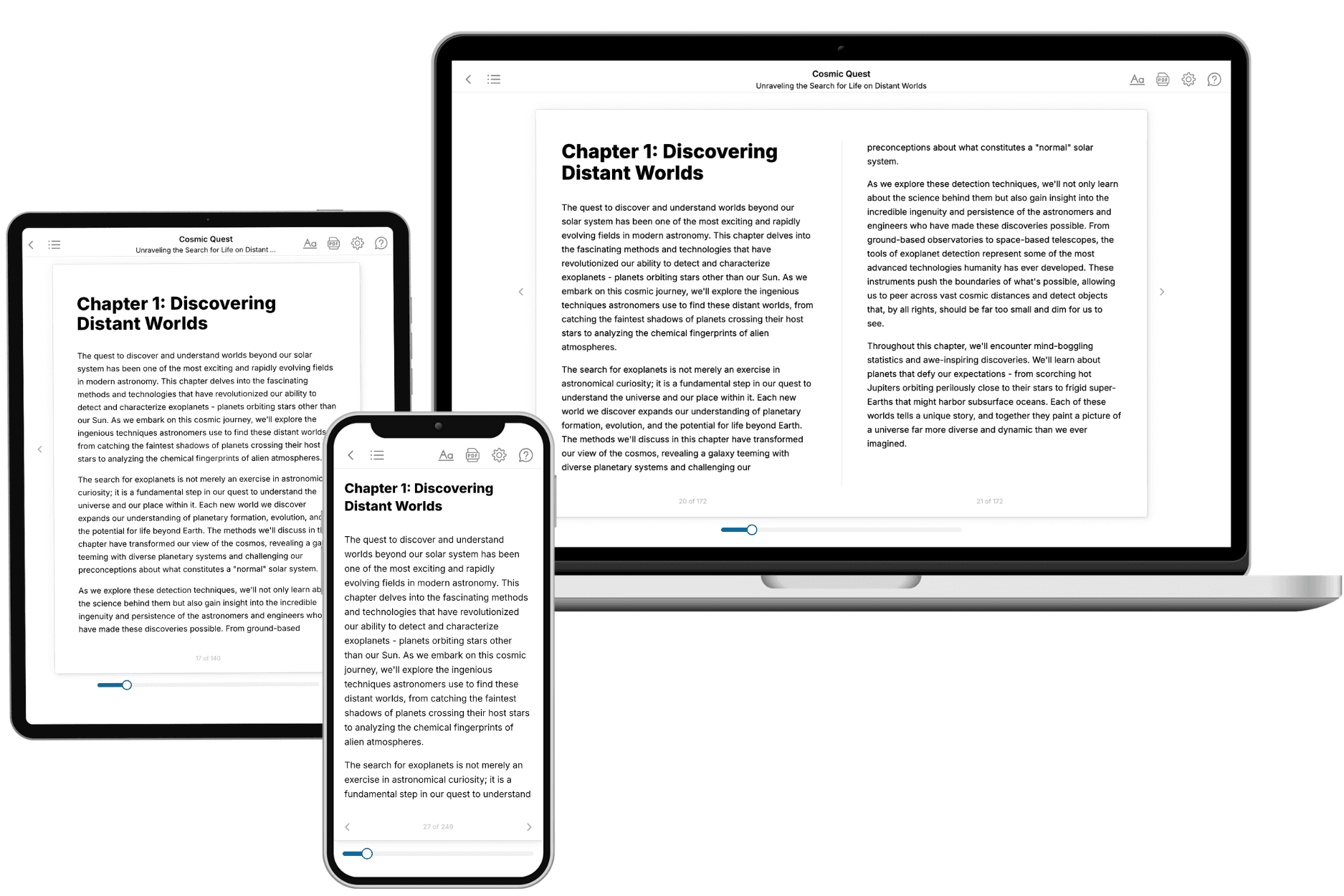
Your book is ready in 10 minutes. Read it online, download as EPUB or PDF, or send to Kindle.
Frequently asked questions
- What is TailoredRead?
TailoredRead creates complete, full-length nonfiction ebooks, written specifically for you. Tell us what you want to learn and why, and TailoredRead writes you a complete ebook on it, with charts, tables, and diagrams throughout. Read it online, on Kindle, or on any e-reader, or download it as a PDF or EPUB. Every book is written fresh the day you order it.
- How is the book tailored to me?
Before anything is written, you answer a few short questions about your goals, your background, and the topics you care about. Your book is then planned around your answers: written at your level, focused on your goals, and covering the topics you chose, instead of the one-size-fits-all book a store sells everyone.
- Will it read like generic AI content?
No. Your book isn't a chat transcript: it's planned chapter by chapter before a single word is written, told in a clear book voice, and explains ideas visually with charts, tables, and diagrams. After writing, every book goes through an editorial pass that polishes chapters so the book reads consistent from start to finish. Judge for yourself: browse thousands of sample books on our Explore Books page.
- How accurate is the content?
Our AI first checks whether your subject needs live research. Niche and fast-moving subjects are researched before writing, and the book plan and chapters are grounded in what it finds. After writing, every book goes through a quality pass that checks its facts and consistency, and researched books list their sources in a Notes section at the back.
- How long is the book?
You choose the length: Comprehensive (250-300 pages), Detailed (150-200 pages), Essential (70-100 pages), or Short (30-50 pages).
- Does the book include visuals?
Yes. Every book includes charts, tables, and diagrams: timelines, checklists, step-by-step guides, decision trees, comparison tables, matrices, and bar charts. A typical book includes dozens of these visual elements.
- Can I read it on Kindle? What formats can I download?
Yes. Every book can be read in our online reader or downloaded as a PDF or EPUB. The EPUB can be opened with Kindle, Apple Books, Kobo, and any e-reader. The Commercial and Author licenses also include an editable Word (DOCX) and Markdown download.
- How much does it cost?
About the price of a regular ebook. The exact price depends on your book's length and complexity, from $2 for the shortest books to $35 for the most comprehensive, and it's shown when you review your book, before you commit to anything. Each book is a one-time purchase, yours to keep, no subscription. Licenses that let you share, teach, or publish your book range from $35.99 to $49.99.
- Can I preview the book before purchasing?
Before you pay, you'll see what your book will cover: the title, a detailed description, the estimated length, and the complete chapter-by-chapter table of contents, so you know what you're getting before you decide. The full text itself is written after you purchase.
- How long does it take to create a book?
About 10 minutes. You can start reading the opening chapters while the rest is still being written.