Office Mastery for Healthcare Leaders
Advanced Productivity Techniques to Streamline Clinical Operations and Maximize Team Collaboration
As an Advanced Practice Provider Leader, your time is consumed by administrative tasks that pull you away from clinical leadership and strategic priorities.
207 pages10 chaptersJan 29, 2026ProductivityCreated by swimmindutch
About this book
Email overload, scattered documents, inefficient meetings, and manual data entry drain your team's productivity and your own focus. You know Microsoft Office exists on your computer, but you're only scratching the surface of what these tools can do. This book bridges that gap. You'll discover how to harness Excel's analytical power to drive data-informed decisions, master Outlook's automation to reclaim hours each week, design presentations that influence stakeholders, and organize Teams channels that actually reduce communication chaos. You'll learn to build OneNote knowledge bases that preserve institutional expertise, streamline PowerPoint workflows, and integrate Office applications so information flows seamlessly across your organization. Each technique is tailored to healthcare leadership contexts, with practical examples you can implement immediately. By the end, you'll have a systematic approach to productivity that transforms how you and your team work.
Table of contents
- IntroductionWhy Office Mastery Matters for Healthcare Leaders, Identifying Your Productivity Gaps, How to Use This Book for Maximum ImpactRead below
- Chapter 1: Excel for Data-Driven Clinical DecisionsMoving Beyond Basic Spreadsheets, Advanced Formulas That Save Hours, Visualizing Clinical Data for Stakeholder Communication, Pivot Tables for Quick Analysis and Reporting
- Chapter 2: Word: Professional Documents and TemplatesFormatting Efficiency Through Styles and Themes, Creating Reusable Templates for Clinical Documents, Collaboration Features for Multi-Author Documents
- Chapter 3: PowerPoint: Presentations That InfluenceDesign Principles for Healthcare Presentations, Data Storytelling and Visual Hierarchy, Delivery Tools and Presenter Features, Automation and Master Slide Templates
- Chapter 4: Outlook: Email and Calendar OptimizationRules and Filters for Email Triage, Calendar Scheduling Optimization and Time Blocking, Meeting Management and Delegation, Achieving and Maintaining Inbox Zero
- Chapter 5: OneNote: Building Your Knowledge BaseDesigning Effective Notebook Structures, Organizing Content for Easy Retrieval, Team Notebooks for Shared Institutional Knowledge
- Chapter 6: Teams: Structured Communication and MeetingsChannel Organization and Governance, Meeting Recording and Productivity Features, Integration with Other Office Applications, Building Effective Team Culture Through Tools
- Chapter 7: OneDrive and Cloud CollaborationCloud Storage Strategy and Organization, Sharing, Permissions, and Access Control, Version Control and File Recovery
- Chapter 8: Access: Streamlining Clinical WorkflowsDatabase Basics for Healthcare Operations, Automating Workflows with Forms and Queries, Creating Reports and Simple Dashboards
- Chapter 9: Integration and Automation Across OfficeLinking Applications for Seamless Workflows, Using Power Automate for Task Automation, Creating Single Sources of Truth, Macro Basics for Advanced Users
- Chapter 10: Your Implementation StrategyAssessing Your Current Workflows, Prioritizing High-Impact Improvements, Leading Your Team Through Change, Measuring Productivity Gains
- ConclusionYour Next Steps, Continuous Learning and Staying Current
- Additional Resources and Quick Reference
Introduction
You're leading a team of healthcare providers through another chaotic week. Between patient care responsibilities, administrative meetings, and operational oversight, your inbox has exploded to 247 unread messages. The monthly quality metrics report sits half-finished in Excel, waiting for you to manually copy data from three different sources. Your team keeps asking where to find the updated clinical protocols you shared last month, and you've spent twenty minutes searching through email attachments trying to locate them yourself. Meanwhile, another meeting invitation arrives for a discussion that could have been an email, and you realize you've double-booked yourself again because your calendar system failed you.
This scenario isn't unique to you. Advanced Practice Provider Leaders across healthcare organizations face the same productivity crisis. You entered leadership to improve patient outcomes, mentor your team, and drive strategic initiatives forward. Instead, you're drowning in administrative tasks that consume hours each day. The irony is that the tools to solve these problems are already installed on your computer. Microsoft Office 365 sits there, underutilized, while you continue working harder instead of smarter. You know the basics—you can create a spreadsheet, write a document, and send emails—but you're aware there's a vast gap between what you're doing and what these applications can actually accomplish.
This book exists to close that gap systematically. You'll discover how to transform Office from a basic document creation suite into an integrated productivity system that reclaims your time and amplifies your team's effectiveness. The techniques you'll learn aren't theoretical exercises or generic business advice. They're specifically designed for healthcare leadership contexts, addressing the unique challenges you face daily. Each chapter builds practical competency in one application while showing you how to integrate it with others. By the end, you'll have a complete framework for working smarter, not just a collection of disconnected tips. The goal isn't to make you a software expert—it's to give you back the time and mental space to focus on what matters most: leading your team and improving patient care.
Why Office Mastery Matters for Healthcare Leaders
Healthcare leadership demands more from you than almost any other management role. You're simultaneously responsible for clinical excellence, operational efficiency, regulatory compliance, staff development, and strategic planning. Unlike leaders in other industries, your decisions directly impact patient safety and outcomes. When you waste two hours manually compiling data for a quality improvement presentation, that's not just lost productivity—it's time you could have spent identifying care gaps, coaching struggling team members, or developing protocols that improve patient outcomes. The opportunity cost of inefficient workflows in healthcare leadership is measured in both organizational performance and patient care quality.
Microsoft Office 365 represents the most widely deployed productivity platform in healthcare organizations, yet most leaders use less than twenty percent of its capabilities[1]. This underutilization creates a compounding productivity drain. Consider what happens when you don't know how to use Outlook rules effectively. You manually sort through hundreds of emails daily, spending mental energy on triage decisions that could be automated. This email overload creates stress, delays responses to critical issues, and fragments your attention throughout the day. Now multiply this single inefficiency across all the Office applications you use. The cumulative effect is staggering—research suggests knowledge workers lose up to 2.5 hours daily to inefficient tool usage and information management[2].
The strategic advantage of Office mastery extends beyond personal productivity. As a leader, your workflows become templates for your team. When you build an Excel dashboard that automatically updates clinical metrics, you create a tool your entire department can use. When you establish a well-organized Teams channel structure, you reduce communication chaos for everyone. When you develop OneNote protocols that capture institutional knowledge, you prevent that expertise from walking out the door when experienced staff members leave. Your competency with these tools multiplies across your organization, creating leverage that transforms team performance. This isn't about becoming the "tech person"—it's about modeling efficient practices that scale.
Healthcare organizations are increasingly data-driven, and your ability to work with information directly impacts your influence and effectiveness. When you can quickly analyze patient satisfaction scores, identify trends in clinical outcomes, or visualize resource utilization patterns, you bring evidence to strategic discussions. Leaders who present compelling data visualizations and well-structured analyses gain credibility with administrators, physicians, and board members. Conversely, leaders who struggle to organize and present information effectively find their ideas dismissed or overlooked, regardless of their clinical expertise. Office mastery isn't a technical skill separate from leadership—it's become an essential component of leadership effectiveness in modern healthcare.
The integration capabilities within Office 365 create opportunities for workflow automation that most healthcare leaders never explore. Imagine this scenario: A patient satisfaction survey automatically populates an Excel database, which feeds a Power BI dashboard displayed in Teams, while Outlook sends you alerts only when scores drop below threshold levels, and OneNote maintains a running log of improvement actions with links to relevant policy documents in SharePoint. This isn't science fiction—it's achievable with the tools you already have. The difference between this integrated system and your current manual processes represents dozens of hours saved monthly, fewer errors, faster response times, and better decision-making. These efficiency gains don't just make your life easier; they directly improve your organization's ability to deliver quality care.
Perhaps most importantly, mastering these tools reduces the cognitive load that drains your leadership capacity. Every time you can't find a document, manually copy data between systems, or waste time in a poorly organized meeting, you're depleting mental resources needed for strategic thinking and complex problem-solving. Healthcare leadership requires you to make high-stakes decisions, navigate interpersonal conflicts, and think creatively about operational challenges. You can't do this effectively when your brain is exhausted from fighting with technology and drowning in administrative tasks. Office mastery creates mental space for the leadership work that actually matters. It's not about the tools themselves—it's about what becomes possible when the tools stop being obstacles and start being enablers.
The healthcare landscape continues evolving rapidly, with increasing regulatory requirements, value-based care models, workforce shortages, and technological disruption. Leaders who can quickly adapt their workflows, analyze new data sources, and coordinate distributed teams will thrive in this environment. Those who remain stuck in inefficient patterns will find themselves overwhelmed and left behind. The investment you make in developing Office competency now will compound over your entire career. Every technique you learn, every automation you build, and every efficient workflow you establish becomes part of your permanent leadership toolkit. This book provides the foundation for that ongoing development, giving you both immediate productivity gains and long-term strategic advantages.
Identifying Your Productivity Gaps
Before you can improve your productivity, you need to understand where your time actually goes. Most healthcare leaders have only a vague sense of how they spend their days. You feel busy and overwhelmed, but you can't pinpoint exactly which activities consume disproportionate time or which inefficiencies create the biggest drains. This lack of clarity makes it impossible to prioritize improvements effectively. You might spend hours learning advanced PowerPoint animations when your real productivity killer is email management. The first step toward Office mastery is conducting an honest assessment of your current workflows and identifying the gaps between how you work now and how you could work with better tool utilization.
Start by tracking your time for one typical week. You don't need elaborate software—a simple log will suffice. Every time you switch tasks, note what you're doing and approximately how long it takes. Pay particular attention to these common productivity drains:
- Email processing time: How many times daily do you check email? How long does each session take? How much time do you spend searching for specific messages?
- Document creation and formatting: How long do you spend making documents look professional? Do you recreate similar documents repeatedly from scratch?
- Data compilation and analysis: How much time goes into gathering data from multiple sources, copying and pasting information, and creating reports?
- Meeting preparation and follow-up: How long do you spend scheduling meetings, preparing materials, taking notes, and distributing action items?
- Information retrieval: How often do you search for documents, protocols, or previous communications? How long do these searches take?
- Collaboration and communication: How much time do you spend coordinating with team members, clarifying instructions, or resolving miscommunications?
Next, identify your pain points—the specific workflows that frustrate you most or consume disproportionate time relative to their value. These pain points vary by role and organization, but common examples in healthcare leadership include: manually updating clinical dashboards with data from multiple sources, managing complex scheduling across multiple providers and locations, maintaining version control on policy documents with multiple reviewers, organizing and retrieving clinical protocols and best practices, coordinating team communication across shifts and locations, and preparing presentations for various stakeholder audiences. Write down your top three to five pain points. These become your priority targets for improvement. The techniques in this book will address all of them, but you'll want to focus first on the areas causing the most significant problems.
Now assess your current Office competency honestly. For each major application, rate yourself on this scale:
- Basic: You can perform fundamental tasks but often struggle with formatting, organization, or efficiency
- Intermediate: You're comfortable with common features and can accomplish most routine tasks, but you know advanced capabilities exist that you don't use
- Advanced: You regularly use sophisticated features, automation, and integration to work efficiently
Consider the gap between your current state and your ideal state. Imagine a typical workday where your tools actively support your productivity instead of hindering it. What would be different? Perhaps your inbox contains only messages requiring your personal attention, with everything else automatically sorted and filed. Your clinical metrics dashboard updates automatically, pulling data from source systems without manual intervention. Your team communicates through organized channels where information is easy to find and nothing gets lost. Your calendar reflects your actual priorities, with protected time for strategic work and no scheduling conflicts. Documents are always accessible, properly versioned, and formatted consistently. This vision of your ideal state provides direction for your improvement efforts.
Finally, acknowledge the barriers preventing you from closing these gaps. Common obstacles include: lack of time to learn new techniques, uncertainty about where to start or which features to learn first, fear of breaking something or making mistakes with important documents, absence of structured training relevant to healthcare contexts, and organizational culture that doesn't value or support productivity improvement. These barriers are real, but they're not insurmountable. This book addresses each one by providing healthcare-specific examples, starting with high-impact techniques, offering safe practice opportunities, and building your competency progressively. The key is recognizing that the time you invest in learning these tools will be repaid many times over through increased efficiency.
Understanding your productivity gaps creates motivation and direction for the work ahead. You're not learning Office applications for their own sake—you're solving specific problems that impact your effectiveness as a healthcare leader. Keep your pain points and ideal state vision in mind as you progress through this book. When you encounter a technique that addresses one of your priority challenges, mark it for immediate implementation. When you learn a feature that moves you closer to your ideal workflow, practice it until it becomes automatic. This problem-focused approach ensures that your learning translates directly into productivity gains rather than becoming abstract knowledge that never gets applied. Your productivity gaps are the roadmap; this book provides the tools to close them systematically.
How to Use This Book for Maximum Impact
This book is structured to build your Office competency systematically while delivering immediate productivity gains. Each chapter focuses on one application or integration strategy, moving from individual tool mastery to cross-application workflows. However, you don't need to read linearly from beginning to end. The most effective approach is to start with the chapter addressing your biggest pain point, implement those techniques until they become habitual, then move to your next priority area. This problem-focused strategy ensures you see tangible results quickly, which builds momentum and motivation for continued learning. If email overwhelms you daily, start with Chapter 4 on Outlook mastery. If data analysis consumes excessive time, begin with Chapter 1 on Excel. Let your specific challenges guide your path through the material.
Each chapter follows a consistent structure designed to move you from understanding to implementation. You'll start with context about why the application matters for healthcare leadership and how it fits into your broader productivity system. Then you'll learn specific techniques, features, and workflows with healthcare-relevant examples. Most importantly, each chapter includes actionable implementation steps you can apply immediately to your real work. Don't just read passively—work through the examples with your actual documents, data, and workflows. The difference between reading about Excel pivot tables and actually creating one with your clinical data is the difference between theoretical knowledge and practical competency. Treat this book as a workshop, not a textbook.
The learning approach recommended here differs from traditional software training. Instead of trying to memorize every feature and function, you'll focus on building mental models of what's possible and developing problem-solving strategies. When you encounter a workflow challenge, you'll learn to ask: "Could Excel automate this calculation? Could Outlook filter these messages automatically? Could Teams organize this communication better?" This problem-solving mindset is more valuable than memorizing specific button locations, especially since software interfaces change regularly. The goal is to develop intuition about which tool solves which problem, then use built-in help, online resources, or experimentation to implement specific solutions.
As you work through each chapter, follow this implementation cycle for maximum retention and impact:
- Identify: Choose one specific workflow or pain point the chapter addresses that's relevant to your work
- Learn: Read the relevant section carefully, paying attention to the underlying principles, not just the step-by-step instructions
- Practice: Implement the technique with non-critical work first—use sample data or less important documents to build confidence
- Apply: Once comfortable, apply the technique to your actual workflow, making adjustments as needed for your specific context
- Refine: After using the technique for a week, evaluate what's working and what needs adjustment, then optimize your approach
- Teach: Share the technique with a team member, which reinforces your own understanding and multiplies the productivity impact
The book includes numerous examples drawn from healthcare leadership contexts—clinical dashboards, quality metrics, patient satisfaction data, scheduling scenarios, protocol documentation, and team coordination challenges. These examples are intentionally diverse to illustrate how the same Office features apply across different healthcare settings and leadership roles. When you encounter an example that doesn't match your specific situation, focus on the underlying principle and adapt it to your context. If an example shows analyzing emergency department wait times but you work in primary care, consider how the same Excel technique could analyze appointment scheduling efficiency. The transferable principles matter more than the specific scenarios.
Throughout the book, you'll notice an emphasis on integration and automation. Individual application mastery is valuable, but the real productivity transformation happens when you connect these tools into seamless workflows. A Teams channel linked to a SharePoint document library, feeding data into an Excel dashboard, with Outlook rules directing relevant communications to the right people—this integrated system is exponentially more powerful than the sum of its parts. Pay special attention to Chapter 9 on integration and automation, even if you're not ready to implement those techniques immediately. Understanding what's possible shapes how you approach individual applications and helps you build toward that integrated future state.
Create a personal learning plan based on your productivity gap assessment from the previous section. List your top three pain points, identify which chapters address each one, and schedule specific time blocks for learning and implementation. Treat this learning time as seriously as you would any other professional development activity—block it on your calendar and protect it from interruptions. Thirty minutes of focused practice three times weekly will produce better results than occasional marathon sessions. Consistency matters more than intensity when building new skills and habits. Consider partnering with a colleague who's also committed to improving productivity. You can share discoveries, troubleshoot challenges together, and hold each other accountable for implementation.
As you progress through the book, maintain a "wins" log documenting specific productivity improvements and time savings. When you create an Outlook rule that automatically files routine messages, estimate how much time it saves weekly. When you build an Excel template that eliminates manual data entry, calculate the hours saved monthly. When you organize a Teams channel that reduces email volume, note the difference. These documented wins serve multiple purposes: they motivate continued learning by showing tangible results, they help you prioritize which techniques to learn next based on actual impact, and they provide evidence when you want to encourage your team to adopt similar practices. Productivity improvement should be measurable, not just a vague feeling of being slightly less overwhelmed.
Finally, approach this learning journey with realistic expectations and self-compassion. You won't master everything immediately, and you'll make mistakes along the way. You might accidentally delete an important email while setting up filters, or create a broken Excel formula that produces nonsensical results. These mistakes are part of the learning process, not evidence that you're not "technical enough" for this work. Every expert user has a history of errors and false starts. The difference is they persisted through the awkward learning phase until the techniques became second nature. Give yourself permission to be a beginner, start with low-stakes practice opportunities, and gradually increase complexity as your confidence grows. The productivity transformation you're seeking is absolutely achievable—it just requires patience, practice, and persistence. This book provides the roadmap; your commitment to implementation determines the results.
This is the end of the free sample. The full book has 10 chapters.
Want this book written for you?
Tell us your goals and background, and get your own version of this book, tailored by AI to you.


Benefits of AI-tailored books
- Read one book, not ten:
- all the Productivity knowledge you need, gathered into a single book.
- Save days of learning:
- tell us your goals, choose your topics, and the whole book is built around them.
- Learn effortlessly:
- Productivity book written for your specific background and expertise.
- Understand at a glance:
- includes charts, tables, timelines, checklists, decision trees, and more.
- Stay current:
- written the day you order it, not years ago.
- Trust what you read:
- every book is checked for accuracy, with real research when your subject needs it.
Create your unique book in 3 steps
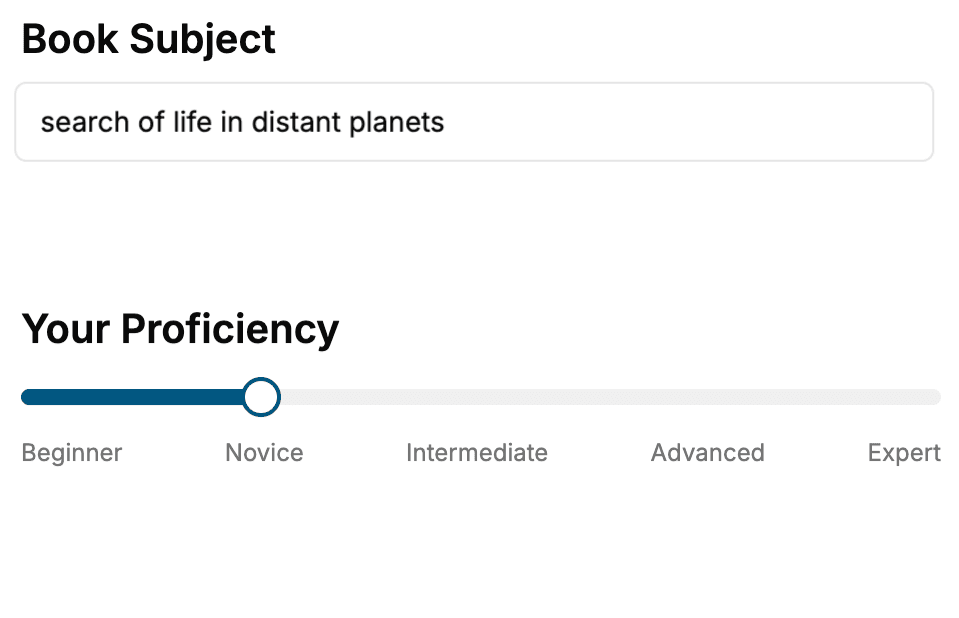
- 1. Select your focus
Select the focus of your Productivity book and share your background
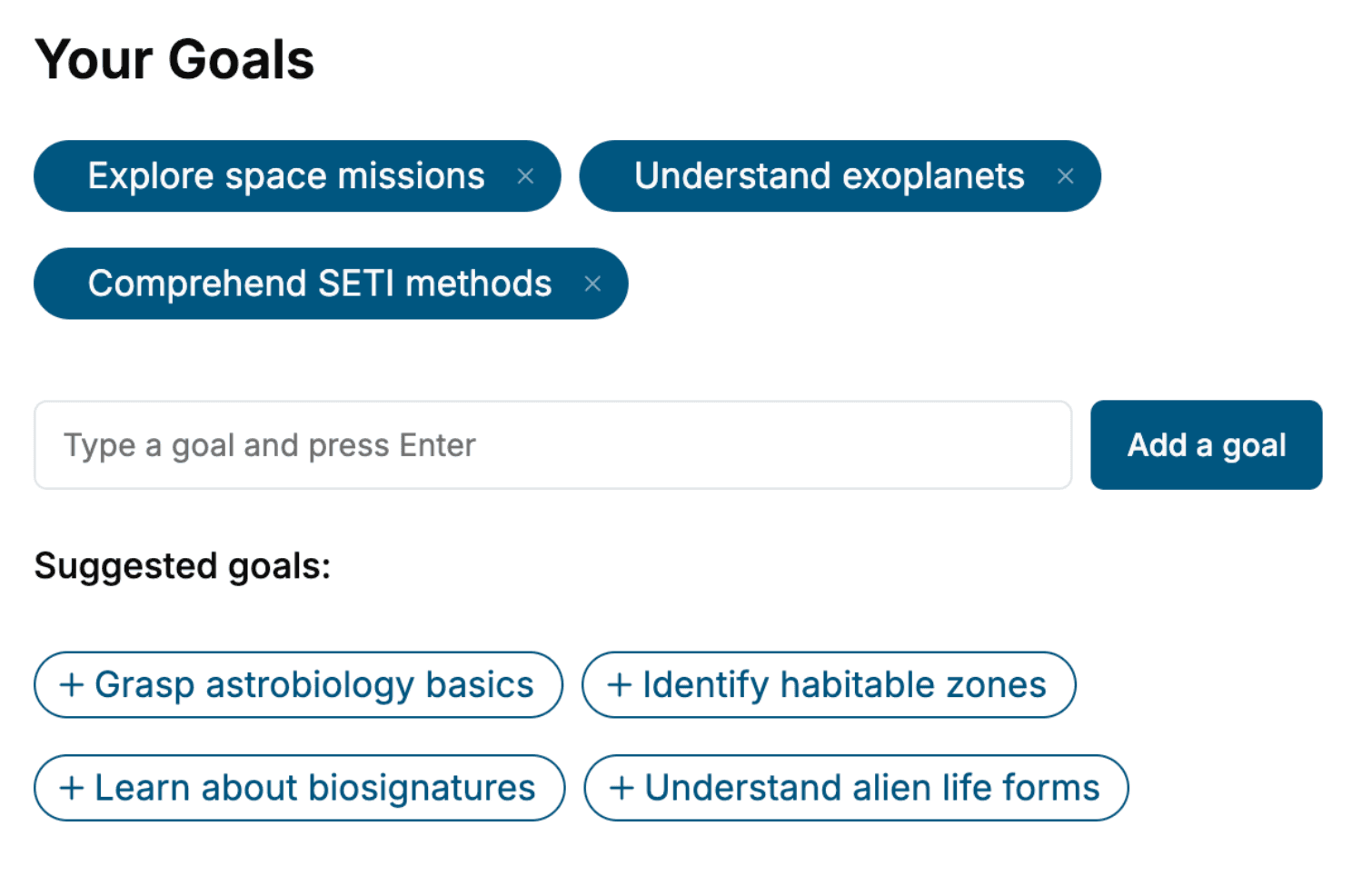
- 2. Personalize your book
Specify your goals and choose sub-topics to include
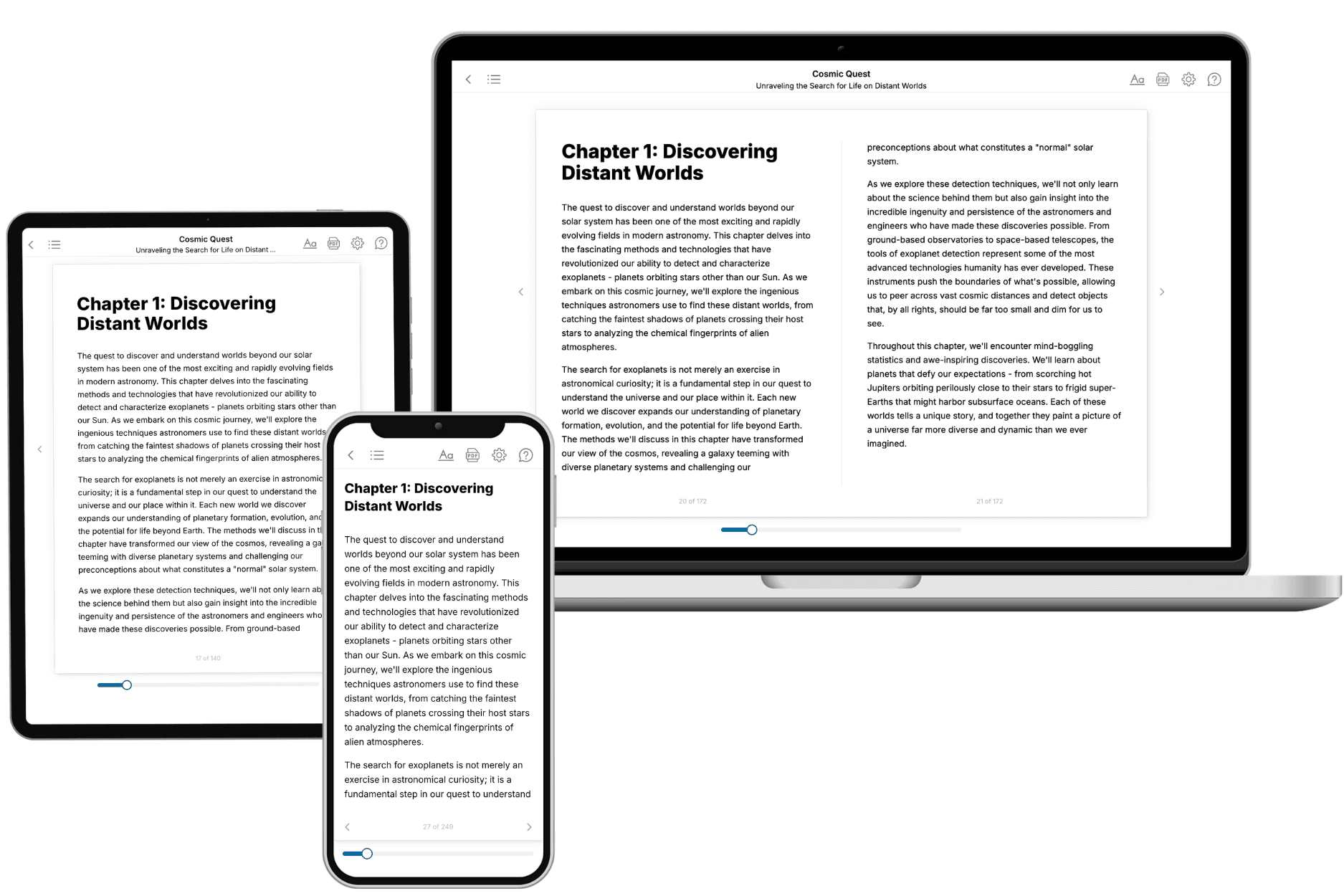
- 3. Get your tailored book
Your book is ready in 10 minutes. Read it online, download as EPUB or PDF, or send to Kindle.
Frequently asked questions
- What is TailoredRead?
TailoredRead creates complete, full-length nonfiction ebooks, written specifically for you. Tell us what you want to learn and why, and TailoredRead writes you a complete ebook on it, with charts, tables, and diagrams throughout. Read it online, on Kindle, or on any e-reader, or download it as a PDF or EPUB. Every book is written fresh the day you order it.
- How is the book tailored to me?
Before anything is written, you answer a few short questions about your goals, your background, and the topics you care about. Your book is then planned around your answers: written at your level, focused on your goals, and covering the topics you chose, instead of the one-size-fits-all book a store sells everyone.
- Will it read like generic AI content?
No. Your book isn't a chat transcript: it's planned chapter by chapter before a single word is written, told in a clear book voice, and explains ideas visually with charts, tables, and diagrams. After writing, every book goes through an editorial pass that polishes chapters so the book reads consistent from start to finish. Judge for yourself: browse thousands of sample books on our Explore Books page.
- How accurate is the content?
Our AI first checks whether your subject needs live research. Niche and fast-moving subjects are researched before writing, and the book plan and chapters are grounded in what it finds. After writing, every book goes through a quality pass that checks its facts and consistency, and researched books list their sources in a Notes section at the back.
- How long is the book?
You choose the length: Comprehensive (250-300 pages), Detailed (150-200 pages), Essential (70-100 pages), or Short (30-50 pages).
- Does the book include visuals?
Yes. Every book includes charts, tables, and diagrams: timelines, checklists, step-by-step guides, decision trees, comparison tables, matrices, and bar charts. A typical book includes dozens of these visual elements.
- Can I read it on Kindle? What formats can I download?
Yes. Every book can be read in our online reader or downloaded as a PDF or EPUB. The EPUB can be opened with Kindle, Apple Books, Kobo, and any e-reader. The Commercial and Author licenses also include an editable Word (DOCX) and Markdown download.
- How much does it cost?
About the price of a regular ebook. The exact price depends on your book's length and complexity, from $2 for the shortest books to $35 for the most comprehensive, and it's shown when you review your book, before you commit to anything. Each book is a one-time purchase, yours to keep, no subscription. Licenses that let you share, teach, or publish your book range from $35.99 to $49.99.
- Can I preview the book before purchasing?
Before you pay, you'll see what your book will cover: the title, a detailed description, the estimated length, and the complete chapter-by-chapter table of contents, so you know what you're getting before you decide. The full text itself is written after you purchase.
- How long does it take to create a book?
About 10 minutes. You can start reading the opening chapters while the rest is still being written.