The Open Source PC Revolution
Master Free and Open Software to Build, Customize, and Control Your Computer
Discover how to harness the power of open source software to transform your PC experience.
207 pages9 chaptersMar 29, 2026Open Source
About this book
This guide walks you through the open source ecosystem, showing you how to evaluate, install, and master free alternatives to expensive proprietary programs. You'll learn the philosophy behind open source development, understand different licensing models, and discover which tools excel for productivity, creativity, development, and system administration. Whether you're looking to reduce software costs, gain greater control over your computer, or join a thriving community of developers and users, this book provides the practical knowledge and confidence you need. From selecting your first open source applications to customizing your entire workflow, you'll find clear explanations, real-world examples, and actionable steps to make the transition smooth and rewarding.
Table of contents
- IntroductionWhy Open Source Matters for Your PC, What You'll Learn in This Book, How to Use This GuideRead below
- Chapter 1: Understanding Open Source FundamentalsWhat Is Open Source Software?, The History and Evolution of Open Source, Open Source vs. Proprietary Software, Common Myths and Misconceptions
- Chapter 2: Licensing Models and Legal ConsiderationsUnderstanding Software Licenses, GPL and Copyleft Licenses, Permissive Licenses (MIT, Apache, BSD), Choosing Software with the Right License for You
- Chapter 3: The Open Source Community and EcosystemHow Open Source Communities Work, Finding and Evaluating Open Source Projects, Getting Help and Support, Ways to Contribute to Open Source
- Chapter 4: Productivity and Office ApplicationsOpen Source Office Suites and Alternatives, Document Creation and Management Tools, Spreadsheets and Data Analysis, Presentations and Collaborative Tools
- Chapter 5: Creative and Media ApplicationsImage Editing and Graphic Design, Video and Audio Production, 3D Modeling and Design Tools, Desktop Publishing and Design
- Chapter 6: Development Tools and ProgrammingCode Editors and IDEs, Version Control Systems, Open Source Programming Languages and Frameworks, Setting Up Your Development Environment
- Chapter 7: System Administration and UtilitiesSystem Monitoring and Management Tools, Backup and Data Recovery Solutions, Security and Privacy Utilities, Advanced File Management and Organization
- Chapter 8: Installing and Managing Open Source SoftwareDifferent Ways to Install Open Source Software, Using Package Managers Effectively, Managing Dependencies and Compatibility, Updates, Maintenance, and Troubleshooting
- Chapter 9: Building Your Open Source WorkflowAssessing Your Software Needs, Planning Your Migration Strategy, Integrating Tools and Creating Workflows, Optimization and Customization
- ConclusionYour Open Source Journey Ahead, Staying Informed and Connected
- Glossary
- Further Reading and Resources
Introduction
Something quietly remarkable has been happening in the world of software for decades. Millions of developers, designers, writers, and everyday computer users have been building, sharing, and improving software together, completely in the open, and giving it away for free. The result is a vast ecosystem of tools that rivals, and in many cases surpasses, the most expensive commercial software on the market. This movement is called open source, and it has already transformed how the internet runs, how businesses operate, and how individuals interact with their computers every day.
You may already be using open source software without realizing it. The Firefox browser, the VLC media player, the Android operating system powering hundreds of millions of phones, and the Linux kernel running most of the world's web servers are all open source projects. These are not hobbyist experiments or rough alternatives to "real" software. They are mature, powerful, and actively maintained tools used by governments, Fortune 500 companies, universities, and individual users around the world. The open source world is not a niche corner of computing. It is, in many ways, the backbone of modern technology.
Despite this, many PC users still feel like open source is unfamiliar territory. The terminology can seem technical, the variety of choices can feel overwhelming, and the idea of moving away from familiar programs like Microsoft Office or Adobe Photoshop can feel risky. Those concerns are completely understandable. But the reality is that transitioning to open source software, even partially, is far more accessible than most people expect. With the right guidance, the right tools, and a clear understanding of what open source actually means, you can take meaningful control of your computing environment, reduce your software costs, and discover tools that genuinely fit the way you work.
This book is designed to be that guide. It is written for people who already know their way around a computer but want to go further. Whether your goal is to cut subscription costs, protect your privacy, customize your tools, or simply understand what is actually running on your machine, the chapters ahead will give you the knowledge and confidence to make it happen. The open source world rewards curiosity, and this book is your invitation to explore it.
Why Open Source Matters for Your PC
The most obvious reason people turn to open source software is cost. Commercial software licenses can be expensive, and the industry has increasingly shifted toward subscription models that charge you every month, forever, just to keep using tools you depend on. Adobe Creative Cloud, for example, can cost over $600 per year for a full subscription.[1] Microsoft 365 adds another $100 or more annually. For individuals, freelancers, and small businesses, these costs add up fast. Open source alternatives like GIMP, Inkscape, LibreOffice, and Kdenlive offer comparable functionality at zero cost, and they always will, because their licenses guarantee it.
But cost is only the beginning. Open source software gives you something that no proprietary product can: transparency. When software is open source, its source code is publicly available for anyone to read, audit, and verify. This matters enormously for security and privacy. With proprietary software, you have to trust the vendor's word that the program is not collecting your data, phoning home to corporate servers, or hiding unwanted behavior. With open source software, that behavior can be independently verified by security researchers, developers, and the broader community. This is not a theoretical benefit. It is a practical safeguard that has caught real vulnerabilities and prevented real harms.
Open source also gives you control over your own tools in a way that proprietary software simply does not allow. Proprietary vendors can change features, remove functionality, raise prices, or discontinue products entirely, and you have no recourse. When Microsoft discontinued support for older versions of Windows, millions of users were forced to upgrade or replace their hardware. When Adobe discontinued Lightroom's perpetual license, photographers had no choice but to subscribe or switch. Open source software cannot be taken away from you in the same way. The code exists, communities maintain it, and even if the original developers move on, the project can be forked and continued by others.
There is also a strong argument for open source from a learning perspective. When you use open source tools, you are engaging with software that you can actually understand at a deeper level. You can read documentation written by the people who built the tool, participate in forums where developers answer questions directly, and even look at the code itself if you want to understand how something works. This kind of transparency accelerates learning in a way that closed, black-box software never can. Many professional developers, system administrators, and IT professionals credit their careers to the hands-on education that open source communities provided.
Open source software also tends to be more interoperable than proprietary alternatives. Because open source projects often use open file formats and open standards, your data is not locked into a single vendor's ecosystem. A document created in LibreOffice Writer can be opened by dozens of other applications. Audio files produced with Audacity use standard formats that work everywhere. This portability protects your work and your investment of time, regardless of what tools you use in the future.
Finally, choosing open source is a way of participating in something larger than yourself. Every time you use, share, or contribute to an open source project, you are supporting a model of software development built on collaboration, generosity, and shared benefit. The tools you use today exist because thousands of people contributed their time and expertise freely. That community is one of the most remarkable things in modern technology, and it is open to anyone who wants to join.
A concrete example: Consider a freelance graphic designer who was paying $54.99 per month for Adobe Creative Cloud. After switching to GIMP for photo editing, Inkscape for vector work, and Scribus for layout, their monthly software cost dropped to zero. The transition took about three weeks of learning, but the annual savings of over $650 more than justified the effort. More importantly, they now own their workflow outright, with no risk of a price increase or forced subscription change.
The case for open source is not about ideology for its own sake. It is about practical benefits that affect your daily computing life in real, measurable ways. Cost, security, control, learning, and community are all compelling reasons to take open source seriously, and this book will help you act on each of them.
What You'll Learn in This Book
This book covers the open source landscape from the ground up, starting with the foundational concepts and working through to practical, hands-on implementation. Each chapter builds on the last, but the structure also allows you to jump directly to the topics most relevant to your situation. Here is a clear picture of what each part of the book covers and what you will be able to do after reading it.
Chapters 1 and 2 lay the intellectual foundation. Chapter 1 explains what open source software actually is, where it came from, and how it differs from proprietary software in ways that matter to everyday users. Chapter 2 dives into licensing, which is one of the most misunderstood aspects of open source. You will learn the difference between licenses like the GPL, MIT, and Apache, and understand what those differences mean for how you can use, share, and build on open source software. This knowledge is essential for making informed choices, especially if you ever plan to use open source tools in a professional or commercial context.
Chapter 3 introduces the open source community and ecosystem. Open source is not just software; it is a network of people, projects, and platforms. You will learn how to find high-quality projects, evaluate whether a project is actively maintained and trustworthy, get help when you are stuck, and even contribute back to the projects you use. Contributing does not require programming skills. Documentation, testing, translation, and community support are all valuable forms of participation.
Chapters 4 through 7 cover specific application domains in depth. These are the practical chapters where you will discover specific tools, compare them to their proprietary counterparts, and learn how to get started with each one. The domains covered include:
- Productivity and office applications (Chapter 4): LibreOffice, Nextcloud, collaborative document tools, and alternatives to Microsoft 365
- Creative and media applications (Chapter 5): GIMP, Inkscape, Kdenlive, Audacity, Blender, and Scribus
- Development tools and programming (Chapter 6): VS Code, Git, open source languages and frameworks, and setting up a development environment
- System administration and utilities (Chapter 7): monitoring tools, backup solutions, security utilities, and file management
Chapter 8 covers the practical mechanics of installing and managing open source software. You will learn about different installation methods, how to use package managers effectively, how to handle dependencies and compatibility issues, and how to keep your software updated and running smoothly. This chapter is especially useful if you have ever run into problems installing software from the internet and were not sure how to troubleshoot them.
Chapter 9 brings everything together by helping you build a coherent, integrated open source workflow. Rather than just collecting a list of tools, you will learn how to assess your actual needs, plan a migration strategy that minimizes disruption, integrate tools so they work well together, and customize your setup to match the way you actually work. This is where the individual pieces become a complete system.
By the end of this book, you will be able to confidently evaluate any open source project, install and configure the tools that fit your needs, troubleshoot common problems, and participate in the communities that make open source possible. You will also have a clear, practical workflow built on free, transparent, and community-supported software. That is a genuinely powerful position to be in as a computer user.
One thing this book does not do is pretend that open source is perfect or that it is always the right choice for every situation. There are cases where proprietary software genuinely offers advantages, whether in polish, support, or specialized functionality. The goal here is not to convert you to a rigid ideology but to give you the knowledge to make informed decisions. Sometimes the best tool for a job is open source. Sometimes it is not. Understanding both worlds makes you a more capable and independent user either way.
How to Use This Guide
This book is designed to be useful whether you read it cover to cover or dip into specific chapters as needed. If you are new to open source concepts, reading the first three chapters in order will give you a solid foundation that makes everything else easier to understand. If you already have some familiarity with open source and just want to find better tools for a specific task, you can jump directly to the relevant chapter in the middle section of the book.
Throughout the book, you will find several recurring elements designed to make the content as practical as possible. Concrete examples appear in every chapter, showing real tools, real scenarios, and real outcomes rather than abstract descriptions. Step-by-step guidance walks you through key processes like installing software, evaluating a project's health, or setting up a workflow. Comparison tables and structured lists help you quickly see how open source options stack up against proprietary alternatives. And callout boxes highlight important warnings, tips, and common mistakes to avoid.
Here is a practical approach to getting the most out of this book, depending on your starting point:
- If you are completely new to open source: Read Chapters 1, 2, and 3 first. Then pick one application domain from Chapters 4 through 7 that matches your most pressing need, and work through that chapter before moving on.
- If you already use some open source tools: Start with Chapter 3 to deepen your understanding of the ecosystem, then use Chapters 4 through 7 to fill gaps in your toolkit. Chapter 9 will help you tie everything together into a coherent workflow.
- If you are focused on a specific task: Jump directly to the relevant chapter. Each chapter in the middle section is designed to stand on its own, with enough context to be useful without requiring you to have read everything before it.
- If you want to contribute to open source: Chapter 3 covers contribution pathways in detail. Chapter 6 is also valuable if you want to understand the development tools that most open source projects use.
One of the most effective ways to use this book is to try things as you read. Open source software is free to download and experiment with, so there is no cost to installing a tool, testing it for a week, and deciding whether it fits your needs. The book will point you to specific tools and resources throughout, and the best learning happens when you combine reading with hands-on experimentation. Do not wait until you have finished the book to start exploring.
It is also worth setting realistic expectations about the learning curve. Switching from a familiar tool to a new one always takes some adjustment, regardless of whether the new tool is open source or proprietary. Some open source applications have interfaces that feel immediately familiar. Others have steeper learning curves but offer more power and flexibility once you get past the initial adjustment. The book will flag these cases clearly so you know what to expect before you commit time to learning a new tool.
The Glossary at the back of the book defines key terms that appear throughout the text. If you encounter a word or concept that is unfamiliar, the Glossary is a quick reference. The Further Reading and Resources section points you to websites, forums, documentation hubs, and communities where you can continue learning after you finish the book. Open source is a living ecosystem, and staying connected to its communities is the best way to keep your knowledge current.
A note on operating systems: this book is primarily written for users on Windows and macOS, since those are the most common desktop environments for the intermediate PC users this book is aimed at. However, most of the tools and concepts covered here apply equally well to Linux desktops, and Linux-specific notes are included where relevant. If you are already running Linux or are considering making the switch, the content here will still be highly applicable to your situation.
Finally, remember that the open source world is built on the idea that knowledge should be shared freely. If you find tools, techniques, or communities through this book that genuinely improve your computing life, consider sharing what you have learned with others. Recommend a tool to a colleague, answer a question in a forum, or write a review of a project you use. These small acts of sharing are exactly how the open source ecosystem sustains itself, and they are open to everyone, not just developers.
Getting started today: Before moving to Chapter 1, consider taking five minutes to write down the three pieces of software you use most often on your PC. For each one, note what you use it for and whether you pay for it. This simple exercise will give you a personal reference point as you read, making it easier to connect the tools and concepts in the book to your actual computing life.
The open source revolution is not something happening somewhere else, to other people, in specialized technical environments. It is happening on ordinary computers, in everyday workflows, for users at every skill level. The chapters ahead will show you exactly how to make it work for you.
This is the end of the free sample. The full book has 9 chapters.
Want this book written for you?
Tell us your goals and background, and get your own version of this book, tailored by AI to you.


Benefits of AI-tailored books
- Read one book, not ten:
- all the Open Source knowledge you need, gathered into a single book.
- Save days of learning:
- tell us your goals, choose your topics, and the whole book is built around them.
- Learn effortlessly:
- Open Source book written for your specific background and expertise.
- Understand at a glance:
- includes charts, tables, timelines, checklists, decision trees, and more.
- Stay current:
- written the day you order it, not years ago.
- Trust what you read:
- every book is checked for accuracy, with real research when your subject needs it.
Create your unique book in 3 steps
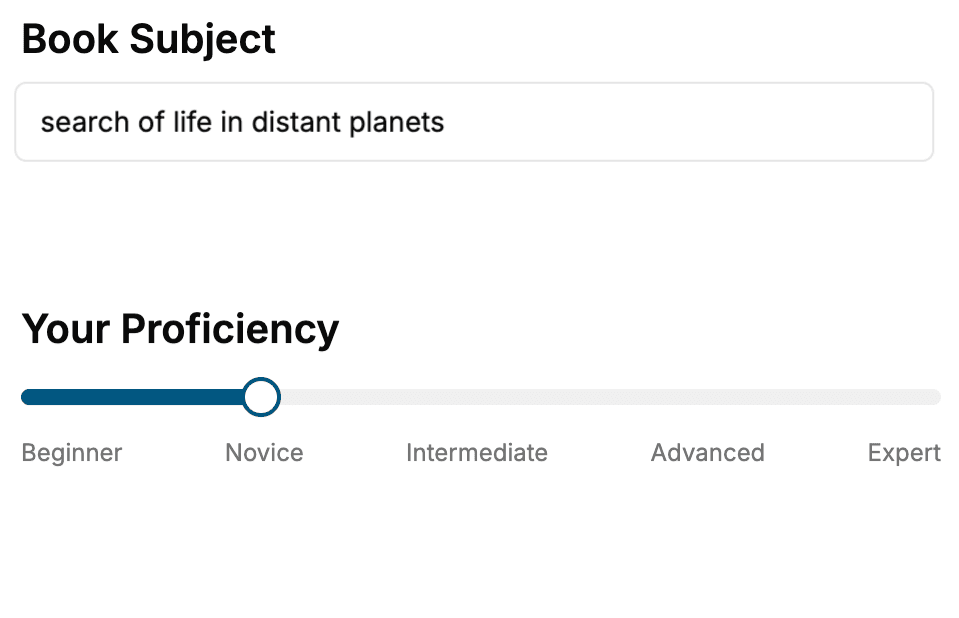
- 1. Select your focus
Select the focus of your Open Source book and share your background
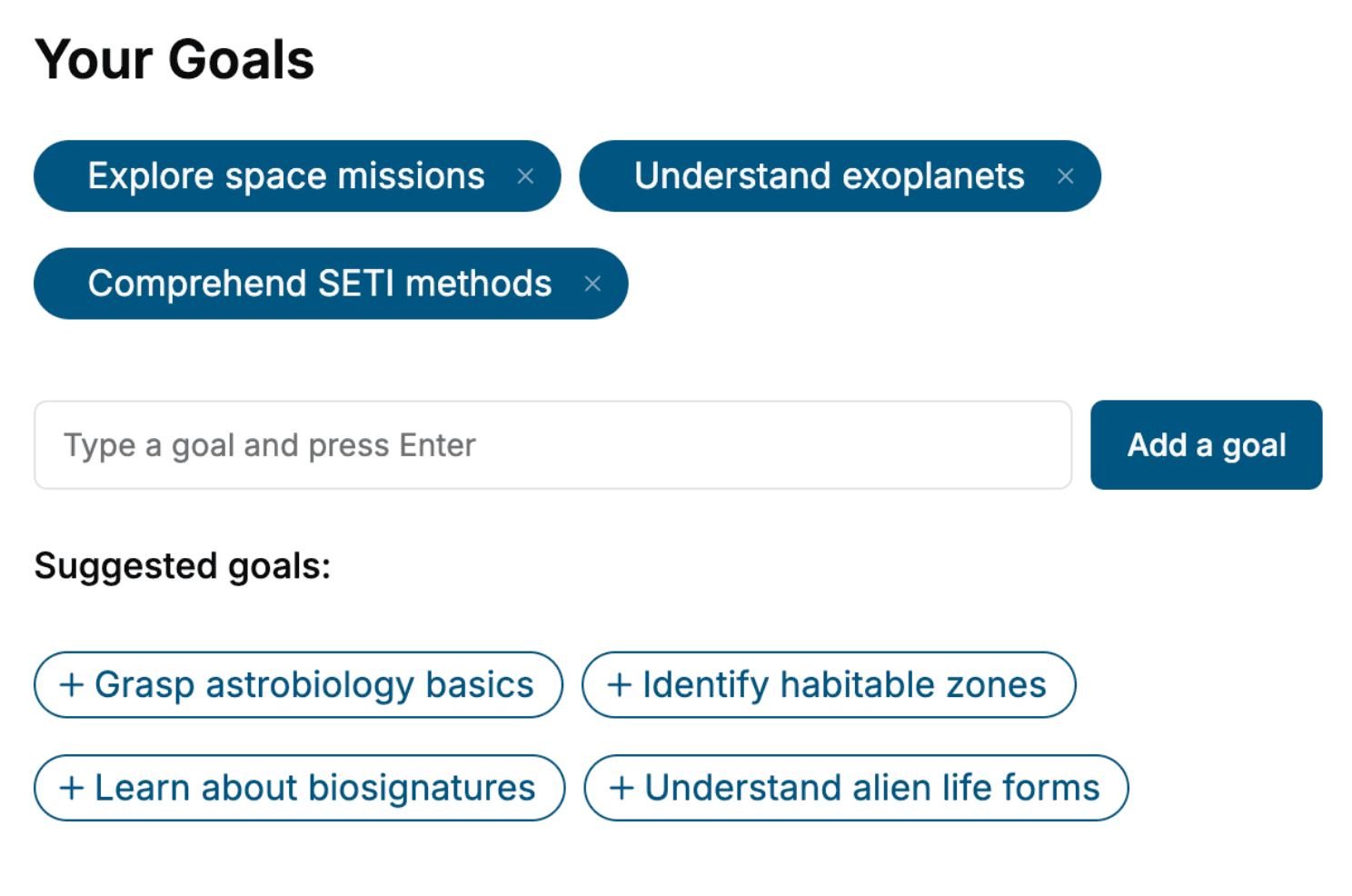
- 2. Personalize your book
Specify your goals and choose sub-topics to include
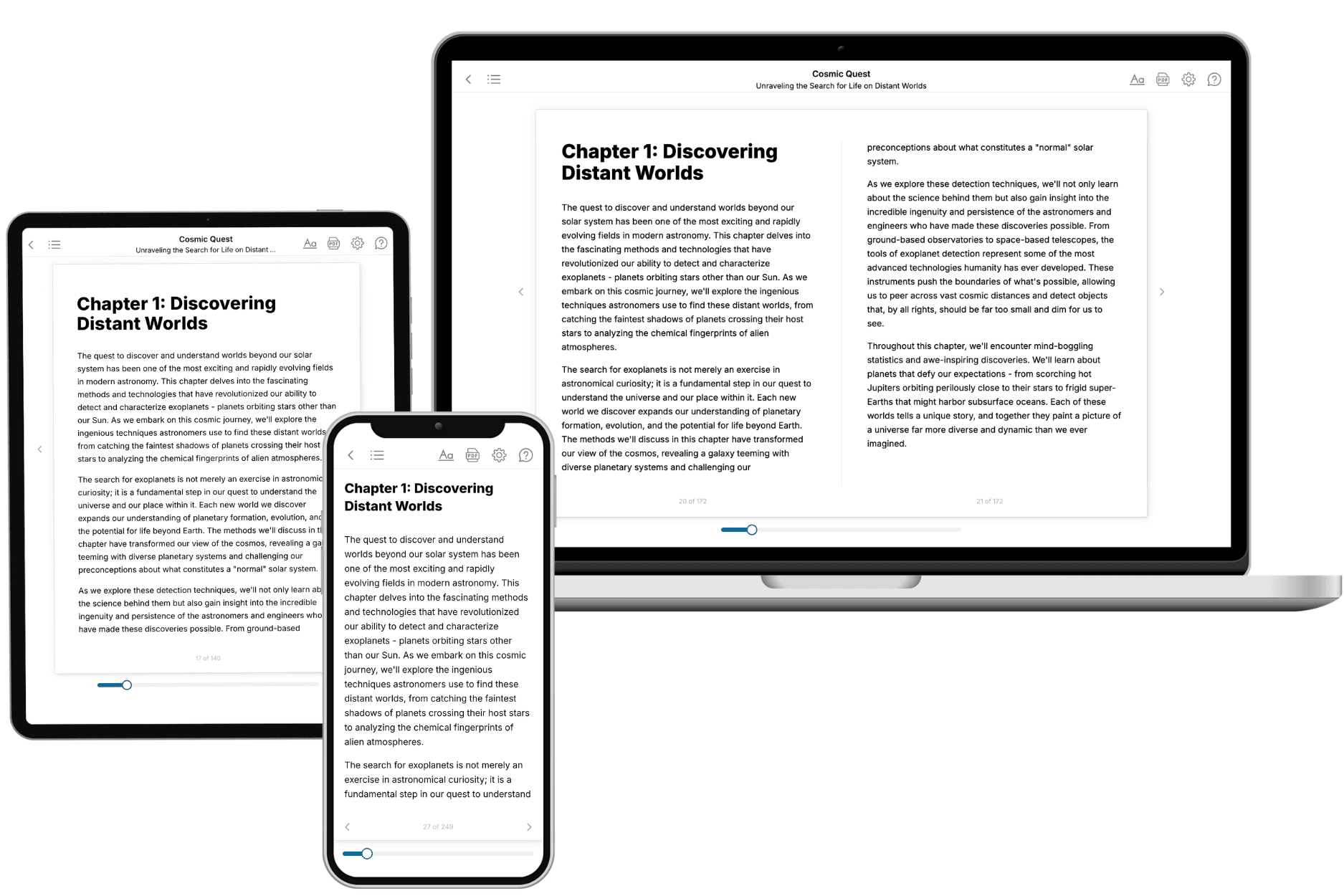
- 3. Get your tailored book
Your book is ready in 10 minutes. Read it online, download as EPUB or PDF, or send to Kindle.
Frequently asked questions
- What is TailoredRead?
TailoredRead creates complete, full-length nonfiction ebooks, written specifically for you. Tell us what you want to learn and why, and TailoredRead writes you a complete ebook on it, with charts, tables, and diagrams throughout. Read it online, on Kindle, or on any e-reader, or download it as a PDF or EPUB. Every book is written fresh the day you order it.
- How is the book tailored to me?
Before anything is written, you answer a few short questions about your goals, your background, and the topics you care about. Your book is then planned around your answers: written at your level, focused on your goals, and covering the topics you chose, instead of the one-size-fits-all book a store sells everyone.
- Will it read like generic AI content?
No. Your book isn't a chat transcript: it's planned chapter by chapter before a single word is written, told in a clear book voice, and explains ideas visually with charts, tables, and diagrams. After writing, every book goes through an editorial pass that polishes chapters so the book reads consistent from start to finish. Judge for yourself: browse thousands of sample books on our Explore Books page.
- How accurate is the content?
Our AI first checks whether your subject needs live research. Niche and fast-moving subjects are researched before writing, and the book plan and chapters are grounded in what it finds. After writing, every book goes through a quality pass that checks its facts and consistency, and researched books list their sources in a Notes section at the back.
- How long is the book?
You choose the length: Comprehensive (250-300 pages), Detailed (150-200 pages), Essential (70-100 pages), or Short (30-50 pages).
- Does the book include visuals?
Yes. Every book includes charts, tables, and diagrams: timelines, checklists, step-by-step guides, decision trees, comparison tables, matrices, and bar charts. A typical book includes dozens of these visual elements.
- Can I read it on Kindle? What formats can I download?
Yes. Every book can be read in our online reader or downloaded as a PDF or EPUB. The EPUB can be opened with Kindle, Apple Books, Kobo, and any e-reader. The Commercial and Author licenses also include an editable Word (DOCX) and Markdown download.
- How much does it cost?
About the price of a regular ebook. The exact price depends on your book's length and complexity, from $2 for the shortest books to $35 for the most comprehensive, and it's shown when you review your book, before you commit to anything. Each book is a one-time purchase, yours to keep, no subscription. Licenses that let you share, teach, or publish your book range from $35.99 to $49.99.
- Can I preview the book before purchasing?
Before you pay, you'll see what your book will cover: the title, a detailed description, the estimated length, and the complete chapter-by-chapter table of contents, so you know what you're getting before you decide. The full text itself is written after you purchase.
- How long does it take to create a book?
About 10 minutes. You can start reading the opening chapters while the rest is still being written.