Orca Slicer 2.2.0 Mastery
The Ultimate Guide to Perfecting Your 3D Prints
Achieve flawless 3D prints with unparalleled precision and efficiency.
331 pages17 chaptersMar 18, 20253D DesignCreated by Nivek
About this book
Orca Slicer 2.2.0 Mastery: The Ultimate Guide to Perfecting Your 3D Prints is your comprehensive companion to revolutionizing your 3D printing experience. This in-depth guide takes you beyond the basics, diving deep into the advanced features and techniques that will elevate your prints to professional quality. You'll discover how to fine-tune every aspect of the printing process, from optimizing infill patterns to mastering support structures. Learn to troubleshoot common issues with confidence, calibrate your printer for peak performance, and customize slicer profiles for specific projects. With a focus on practical, hands-on knowledge, this book equips you with the skills to tackle complex geometries, enhance surface finishes, and achieve impeccable layer adhesion. Whether you're looking to reduce print failures, improve dimensional accuracy, or explore cutting-edge techniques like adaptive layer height and ironing, this guide has you covered. Packed with expert insights, step-by-step instructions, and real-world examples, Orca Slicer 2.2.0 Mastery is an indispensable resource for engineers and 3D printing enthusiasts alike. Prepare to take your 3D printing skills to the next level and produce results that will astound colleagues and clients.
Table of contents
- IntroductionOverview of Orca Slicer 2.2.0, How to Use This Book, 3D Printing Fundamentals, The Importance of Slicer SoftwareRead below
- Chapter 1: Navigating the Orca Slicer 2.2.0 InterfaceUser Interface Overview, Key Features and Tools, Customizing Your Workspace, File Management and Project Organization
- Chapter 2: Setting Up Your Printer in Orca SlicerCreating and Managing Printer Profiles, Configuring Build Plate Settings, Extruder Configuration, Filament Settings and Management
- Chapter 3: Slicing Basics: From Model to G-codeImporting and Preparing 3D Models, Model Orientation and Placement, Basic Slicing Parameters, Previewing and Analyzing G-code
- Chapter 4: Mastering Layer SettingsChoosing the Right Layer Height, First Layer Optimization, Adaptive Layer Height Techniques, Managing Layer Transitions
- Chapter 5: Infill Optimization StrategiesUnderstanding Infill Patterns, Balancing Density and Strength, Implementing Gradual Infill, Creating Custom Infill Patterns
- Chapter 6: Designing Effective Support StructuresTypes of Support Structures, Overhang Detection and Management, Optimizing Support Density and Patterns, Designing for Easy Support Removal
- Chapter 7: Enhancing Print AdhesionBuild Plate Preparation Techniques, Using Brims and Rafts Effectively, Optimizing First Layer Adhesion Settings, Material-Specific Adhesion Strategies
- Chapter 8: Advanced Printing TechniquesMastering Bridging Techniques, Printing Thin Walls and Fine Details, Optimizing Overhangs Without Supports, Multi-Material and Multi-Color Printing
- Chapter 9: Enhancing Surface Finish QualityAchieving Consistent Layer Lines, Implementing Ironing Techniques, Optimizing Outer Wall Settings, Post-Processing for Smooth Surfaces
- Chapter 10: Achieving Dimensional AccuracyCalibration Prints and Analysis, Fine-Tuning Extrusion Multiplier, Compensating for Material Shrinkage, Adjusting for Tight Tolerances
- Chapter 11: Temperature Tuning for Optimal ResultsUnderstanding Material Temperature Ranges, Creating and Analyzing Temperature Towers, Optimizing Build Plate Temperature, Implementing Effective Cooling Strategies
- Chapter 12: Mastering Retraction SettingsUnderstanding Retraction Mechanics, Optimizing Retraction Distance and Speed, Material-Specific Retraction Strategies, Preventing Stringing and Oozing
- Chapter 13: Tackling Complex GeometriesAnalyzing Model Geometry for Print Success, Optimizing Model Orientation, Customizing Supports for Complex Shapes, Strategies for Multi-Part Prints
- Chapter 14: Slicer Profile Tuning and CustomizationUnderstanding Slicer Profiles, Creating Custom Profiles for Specific Needs, Organizing and Managing Multiple Profiles, Sharing and Importing Profiles
- Chapter 15: Exploring Advanced Orca Slicer FeaturesImplementing Variable Layer Height, Inserting Custom G-code, Using Modifier Meshes, Scripting and Automation in Orca Slicer
- Chapter 16: Understanding Print Quality MetricsVisual Inspection Techniques, Mechanical Testing of Prints, Conducting Dimensional Analysis, Measuring Surface Roughness
- Chapter 17: Comprehensive Troubleshooting GuideIdentifying Common Print Issues, Resolving Layer Adhesion Problems, Preventing and Fixing Warping, Troubleshooting Extrusion Problems
- ConclusionFuture Trends in 3D Printing and Slicing, Continuing Your 3D Printing Journey
- Glossary of 3D Printing Terms
- Additional Resources and Further Reading
Introduction
Welcome to the world of advanced 3D printing with Orca Slicer 2.2.0. As you embark on this journey to master one of the most powerful slicing tools available, you're taking a significant step towards elevating your 3D printing skills to new heights. This introduction will set the stage for your learning adventure, providing you with a solid foundation in the fundamentals of 3D printing, the critical role of slicer software, and the unique capabilities of Orca Slicer 2.2.0. Whether you're looking to enhance the quality of your prints, increase efficiency, or tackle complex projects, this book will serve as your comprehensive guide to achieving exceptional results.
3D printing has revolutionized the way we approach design, prototyping, and manufacturing across various industries. As an engineering professional with a background in Nuclear Engineering, you're already familiar with the importance of precision and reliability in technical fields. The skills you'll develop through mastering Orca Slicer 2.2.0 will not only complement your existing knowledge but also open up new possibilities for innovation and problem-solving in your work. From optimizing infill patterns for structural integrity to fine-tuning support structures for complex geometries, the techniques covered in this book will empower you to push the boundaries of what's possible with 3D printing technology.
Overview of Orca Slicer 2.2.0
Orca Slicer 2.2.0 stands at the forefront of 3D printing software, offering a powerful suite of tools designed to transform digital 3D models into precise instructions for your 3D printer. As an evolution of the popular PrusaSlicer, Orca Slicer builds upon a solid foundation while introducing innovative features that cater to both beginners and advanced users. At its core, Orca Slicer 2.2.0 is designed to optimize the 3D printing process, allowing for greater control over print quality, speed, and material usage.
One of the key strengths of Orca Slicer 2.2.0 is its intuitive user interface, which strikes a balance between accessibility and depth. The software presents a logical workflow that guides you through the slicing process, from importing your 3D model to generating the final G-code for your printer. This user-friendly approach is complemented by a robust set of advanced features that allow for fine-grained control over every aspect of the print. Whether you're adjusting layer heights, customizing support structures, or fine-tuning extrusion parameters, Orca Slicer 2.2.0 provides the tools you need to achieve optimal results.
A standout feature of Orca Slicer 2.2.0 is its advanced support generation system. This system employs sophisticated algorithms to create support structures that are both effective and efficient, minimizing material usage while ensuring the integrity of complex overhangs and geometries. The software's ability to generate customizable tree-like supports represents a significant advancement in support structure design, offering improved print quality and easier post-processing compared to traditional support methods.
Orca Slicer 2.2.0 also excels in its handling of multi-material and multi-color printing. The software provides intuitive tools for assigning different materials or colors to specific parts of your model, opening up new possibilities for creating complex, multi-component prints. This capability is particularly valuable for engineers and designers working on prototypes or functional parts that require different material properties in different areas.
Another notable aspect of Orca Slicer 2.2.0 is its extensive customization options. The software allows you to create and save detailed profiles for different printers, materials, and print scenarios. This level of customization ensures that you can quickly switch between optimized settings for various projects, streamlining your workflow and maintaining consistency across prints. The ability to fine-tune and save these profiles makes Orca Slicer 2.2.0 an invaluable tool for professionals who work with multiple printer setups or a wide range of materials.
Orca Slicer 2.2.0 also incorporates advanced simulation and preview features that allow you to visualize your print before committing it to your 3D printer. These tools provide detailed layer-by-layer previews, estimated print times, and material usage calculations. By offering this level of insight into the printing process, Orca Slicer 2.2.0 helps you identify and address potential issues before they manifest in the physical print, saving time, material, and frustration.
As we delve deeper into the capabilities of Orca Slicer 2.2.0 throughout this book, you'll discover how these features and many others can be leveraged to enhance your 3D printing projects. From basic slicing operations to advanced techniques for optimizing print quality and efficiency, Orca Slicer 2.2.0 provides a comprehensive toolkit for taking your 3D printing skills to the next level. By mastering this powerful software, you'll be well-equipped to tackle even the most challenging 3D printing projects with confidence and precision.
How to Use This Book
This book is designed to be your comprehensive guide to mastering Orca Slicer 2.2.0, structured to accommodate both systematic learning and targeted reference. To get the most out of this resource, it's important to understand how the book is organized and how to navigate its contents effectively. The following guidelines will help you make the best use of the information presented, whether you're reading cover-to-cover or seeking specific solutions to 3D printing challenges.
The book is divided into chapters that progress logically from fundamental concepts to advanced techniques. Each chapter focuses on a specific aspect of 3D printing with Orca Slicer 2.2.0, building upon the knowledge gained in previous sections. While it's recommended to start from the beginning if you're new to Orca Slicer or looking to solidify your foundational knowledge, the modular structure allows you to jump to specific topics of interest if you're more experienced or have particular areas you want to improve.
Throughout the book, you'll find a mix of theoretical explanations and practical, hands-on instructions. The theoretical sections provide the background knowledge necessary to understand why certain settings and techniques are important, while the practical sections offer step-by-step guides on how to implement these concepts in Orca Slicer 2.2.0. This balanced approach ensures that you not only learn how to use the software but also understand the principles behind effective 3D printing.
Each chapter includes detailed explanations, accompanied by screenshots, diagrams, and examples to illustrate key points. These visual aids are designed to clarify complex concepts and provide clear references for navigating the Orca Slicer 2.2.0 interface. Pay close attention to these visuals, as they often contain valuable information that complements the text.
To reinforce your learning and provide practical experience, many chapters include hands-on exercises and projects. These exercises are carefully crafted to apply the concepts discussed in real-world scenarios. It's highly recommended that you complete these exercises as you progress through the book. By doing so, you'll gain practical experience with Orca Slicer 2.2.0 and develop a deeper understanding of how different settings and techniques affect your prints.
Throughout the book, you'll encounter "Pro Tips" and "Caution" boxes. Pro Tips offer insider knowledge and advanced techniques that can significantly enhance your 3D printing results. These tips often come from experienced users and industry experts, providing valuable insights that go beyond basic functionality. Caution boxes, on the other hand, highlight common pitfalls or potential issues to watch out for. Paying attention to these warnings can help you avoid mistakes and troubleshoot problems more effectively.
At the end of each chapter, you'll find a summary that recaps the key points covered. These summaries serve as quick reference guides and can be useful for review or when you need to quickly refresh your memory on a particular topic. Additionally, many chapters conclude with a "Further Reading" section, which provides references to additional resources, research papers, or community forums where you can deepen your knowledge on specific subjects.
The book also includes a comprehensive glossary of 3D printing terms and an index. The glossary is an invaluable resource for understanding the terminology used throughout the book and in the wider 3D printing community. The index allows you to quickly locate specific topics, making it easy to find information on particular features or techniques when you need it.
As you progress through the book, don't hesitate to experiment with the settings and techniques described. 3D printing is often as much an art as it is a science, and personal experimentation can lead to discoveries and optimizations tailored to your specific needs and equipment. Use the knowledge gained from this book as a starting point for your own explorations and innovations in 3D printing.
Remember that mastering Orca Slicer 2.2.0 and 3D printing, in general, is an ongoing process. Technology and techniques are constantly evolving, and there's always more to learn. Use this book as a foundation, but stay curious and engaged with the 3D printing community. Online forums, user groups, and continued practice will help you stay up-to-date and continue improving your skills long after you've finished reading.
3D Printing Fundamentals
Before delving into the intricacies of Orca Slicer 2.2.0, it's crucial to have a solid understanding of the fundamental principles of 3D printing. This foundation will provide context for the advanced techniques and settings we'll explore later in the book. 3D printing, also known as additive manufacturing, is a process of creating three-dimensional objects by depositing materials layer by layer based on a digital model. While there are several 3D printing technologies available, this book focuses primarily on Fused Deposition Modeling (FDM), the most common type of 3D printing used in desktop and prosumer-grade machines.
At its core, FDM 3D printing involves heating a thermoplastic filament to its melting point and extruding it through a nozzle onto a build plate. The printer follows a predetermined path, laying down the molten material in thin layers that cool and solidify, gradually building up the desired object. This process is repeated layer by layer until the entire object is complete. The key components of an FDM 3D printer include the extruder (which heats and pushes the filament), the hot end (where the melted filament is deposited), the build plate (the surface on which the object is printed), and the motion system (which controls the movement of the extruder or build plate in three dimensions).
One of the most critical aspects of 3D printing is understanding the properties and behavior of different printing materials. The most commonly used materials in FDM printing are thermoplastics such as PLA (Polylactic Acid), ABS (Acrylonitrile Butadiene Styrene), PETG (Polyethylene Terephthalate Glycol), and Nylon. Each material has its own set of characteristics, including melting temperature, strength, flexibility, and post-processing requirements. For example, PLA is known for its ease of use and low warping tendency, making it ideal for beginners, while ABS offers higher strength and heat resistance but requires more careful temperature control during printing. Understanding these material properties is essential for selecting the right filament for your project and optimizing print settings accordingly.
Another fundamental concept in 3D printing is layer height, which refers to the thickness of each layer deposited by the printer. Layer height significantly impacts both print quality and print time. Thinner layers generally result in smoother surfaces and more detailed prints but increase printing time. Conversely, thicker layers can speed up the printing process but may result in more visible layer lines and less detail. Balancing layer height with other parameters is a key skill in 3D printing, and Orca Slicer 2.2.0 provides powerful tools for optimizing this aspect of your prints.
Infill is another crucial element in 3D printing. It refers to the internal structure of a printed object, which is typically not solid but filled with a pattern of material. Infill density and pattern affect the strength, weight, and material usage of the print. Common infill patterns include grid, honeycomb, and gyroid, each offering different benefits in terms of strength-to-weight ratio and print time. Understanding how to adjust infill settings is essential for optimizing the structural integrity and efficiency of your prints.
Support structures are often necessary in 3D printing to enable the creation of overhangs, bridges, and complex geometries that would otherwise be impossible to print. These temporary structures provide a base for parts of the model that don't have underlying layers to build upon. Effective support design is crucial for achieving successful prints while minimizing material waste and post-processing effort. Orca Slicer 2.2.0 offers advanced support generation features that we'll explore in depth later in this book.
Print orientation is another fundamental consideration in 3D printing. The way a model is oriented on the build plate can significantly impact print quality, strength, and the need for supports. Proper orientation can minimize overhangs, reduce support material, and optimize the structural integrity of the printed object. As we progress through this book, you'll learn how to use Orca Slicer 2.2.0 to analyze and optimize model orientation for the best possible results.
Understanding the concept of print speed and its relationship to quality is also essential. Print speed affects not only the time it takes to complete a print but also the quality of the final object. Faster speeds can reduce print times but may lead to issues such as decreased detail, layer shifting, or poor adhesion. Slower speeds generally produce better quality prints but at the cost of increased production time. Finding the right balance between speed and quality is a key skill in 3D printing, and Orca Slicer 2.2.0 provides extensive options for fine-tuning these parameters.
Lastly, it's important to grasp the concept of thermal management in 3D printing. Proper control of temperatures - both at the hot end and on the build plate - is crucial for successful prints. Different materials require different temperature ranges for optimal extrusion and adhesion. Additionally, managing cooling through fan speeds and print cooling strategies is essential for achieving good layer adhesion, preventing warping, and maintaining dimensional accuracy. As we delve deeper into Orca Slicer 2.2.0, you'll learn how to leverage its advanced temperature control features to optimize your prints for different materials and geometries.
By understanding these fundamental principles of 3D printing, you'll be well-prepared to explore the advanced features and techniques offered by Orca Slicer 2.2.0. Throughout this book, we'll build upon these basics, showing you how to apply them in practical scenarios and how to use Orca Slicer's powerful tools to take your 3D printing skills to the next level.
The Importance of Slicer Software
Slicer software plays a pivotal role in the 3D printing process, serving as the critical link between your 3D model and the final printed object. Understanding the importance of slicer software, and specifically the capabilities of Orca Slicer 2.2.0, is essential for achieving high-quality 3D prints and maximizing the potential of your 3D printer. In this section, we'll explore why slicer software is so crucial and how it impacts every aspect of the 3D printing process.
At its core, slicer software translates the 3D model file (typically in STL or OBJ format) into a set of instructions that the 3D printer can understand and execute. This translation process involves "slicing" the 3D model into thin layers and generating a G-code file, which contains detailed commands for the printer's movements, temperature settings, extrusion rates, and other parameters. The quality and efficiency of this translation directly affect the quality of the final print, making the choice and mastery of slicer software a critical factor in successful 3D printing.
One of the primary functions of slicer software is to allow users to configure a wide range of print settings. These settings include layer height, infill density and pattern, print speed, temperature, and support structures, among many others. Each of these parameters can significantly impact the quality, strength, and appearance of the printed object. Orca Slicer 2.2.0 excels in this area by offering an extensive array of customizable settings, giving you unprecedented control over every aspect of the print process. This level of control is particularly valuable for engineering applications where precision and specific material properties are crucial.
Slicer software also plays a vital role in optimizing print time and material usage. Through intelligent algorithms, slicers like Orca 2.2.0 can calculate the most efficient path for the print head to follow, minimizing travel time and reducing the overall print duration. Additionally, advanced slicing algorithms can optimize infill patterns and support structures to use the minimum amount of material necessary while still ensuring the structural integrity of the print. This optimization is not only cost-effective but also environmentally friendly, reducing waste in the 3D printing process.
Another critical aspect of slicer software is its ability to compensate for the physical limitations and quirks of 3D printers. No printer is perfect, and factors such as mechanical tolerances, thermal expansion, and material properties can all affect print quality. Advanced slicers like Orca 2.2.0 include features to mitigate these issues, such as flow rate compensation, retraction settings to prevent stringing, and options for adjusting first layer settings to ensure proper bed adhesion. By fine-tuning these parameters in the slicer, you can often overcome hardware limitations and achieve print quality that exceeds the nominal capabilities of your printer.
Slicer software also enables the implementation of advanced printing techniques that would be impossible to achieve manually. Features such as variable layer height allow for adaptive resolution across different parts of the model, enabling high detail in complex areas while maintaining faster print speeds in simpler sections. Multi-material and multi-color printing capabilities, supported by sophisticated slicers like Orca 2.2.0, open up new possibilities for creating complex, functional parts with varying material properties or aesthetic designs.
The preview and analysis features of modern slicer software are invaluable tools for identifying potential issues before starting a print. Orca Slicer 2.2.0's advanced preview functionality allows you to examine the print layer by layer, identifying areas that might require support, checking for potential gaps or weaknesses in the structure, and estimating print time and material usage. This capability not only saves time and materials by catching problems early but also allows for iterative optimization of print settings to achieve the best possible results.
For engineers and designers working on complex projects, the ability of slicer software to handle intricate geometries is crucial. Advanced slicers can process models with thin walls, fine details, and complex overhangs, applying appropriate settings to ensure these features are printed accurately. Orca Slicer 2.2.0's sophisticated algorithms for generating support structures and optimizing print paths are particularly beneficial when working with challenging designs that push the boundaries of what's possible with 3D printing.
Lastly, the extensibility and customization options offered by advanced slicer software like Orca 2.2.0 are invaluable for professionals. The ability to create and save custom profiles for different materials, printers, and print scenarios allows for consistent results across multiple projects and enables quick switching between optimized settings for various applications. Furthermore, features like custom G-code insertion and scripting capabilities provide the flexibility to implement specialized workflows or integrate with other systems and processes.
In conclusion, slicer software is not just a tool for preparing 3D models for printing; it's a powerful platform for optimizing, customizing, and pushing the boundaries of what's possible with 3D printing technology. Mastering Orca Slicer 2.2.0 will empower you to take full control of the 3D printing process, enabling you to achieve higher quality prints, work more efficiently, and tackle more complex and ambitious projects. As we delve deeper into the features and capabilities of Orca Slicer 2.2.0 throughout this book, you'll gain the knowledge and skills to leverage this powerful tool to its fullest potential, elevating your 3D printing expertise to new heights.
This is the end of the free sample. The full book has 17 chapters.
Want this book written for you?
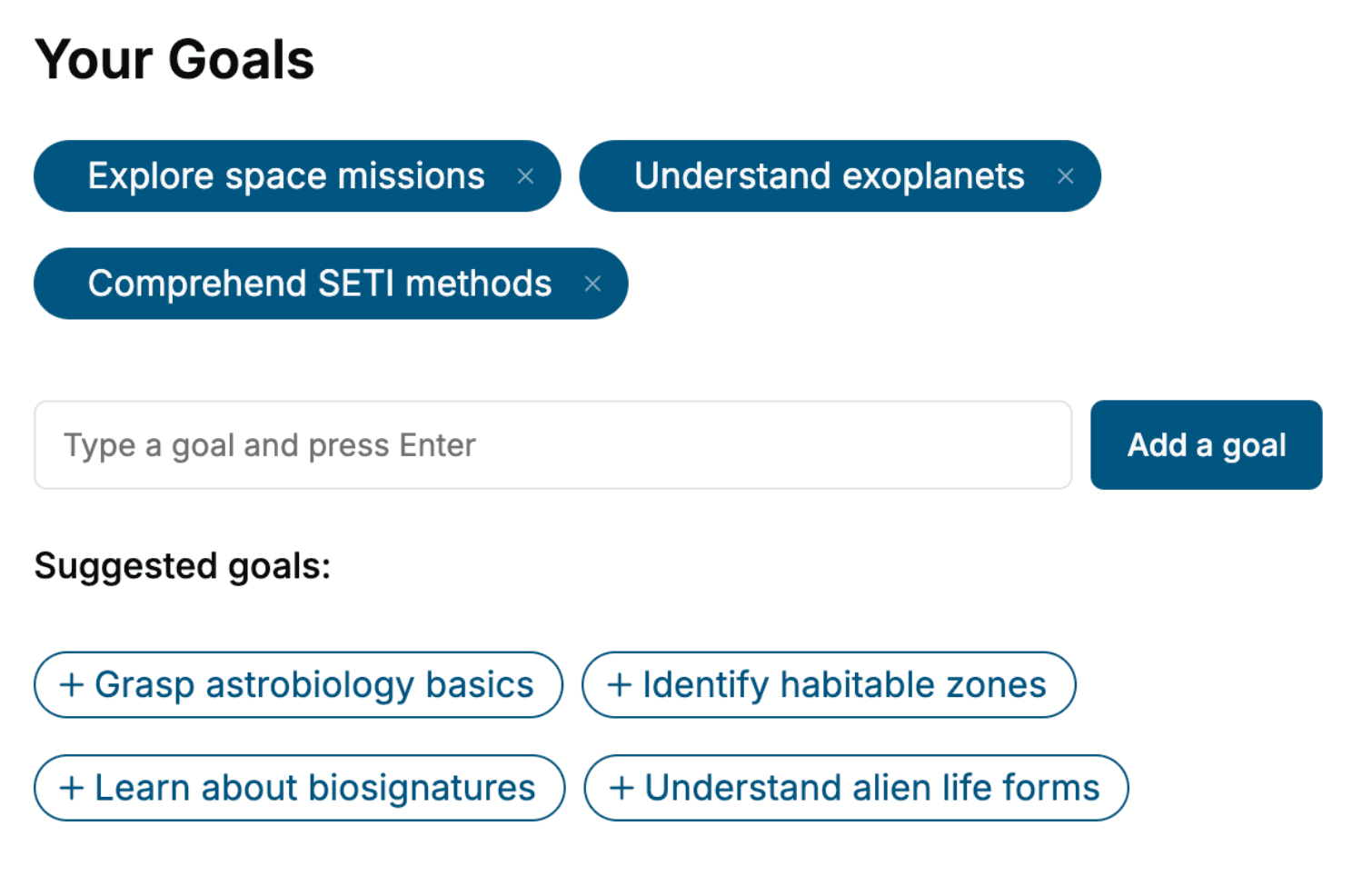
Tell us your goals and background, and get your own version of this book, tailored by AI to you.


Benefits of AI-tailored books
- Read one book, not ten:
- all the 3D Design knowledge you need, gathered into a single book.
- Save days of learning:
- tell us your goals, choose your topics, and the whole book is built around them.
- Learn effortlessly:
- 3D Design book written for your specific background and expertise.
- Understand at a glance:
- includes charts, tables, timelines, checklists, decision trees, and more.
- Stay current:
- written the day you order it, not years ago.
- Trust what you read:
- every book is checked for accuracy, with real research when your subject needs it.
Create your unique book in 3 steps
- 1. Select your focus
Select the focus of your 3D Design book and share your background
- 2. Personalize your book
Specify your goals and choose sub-topics to include
- 3. Get your tailored book
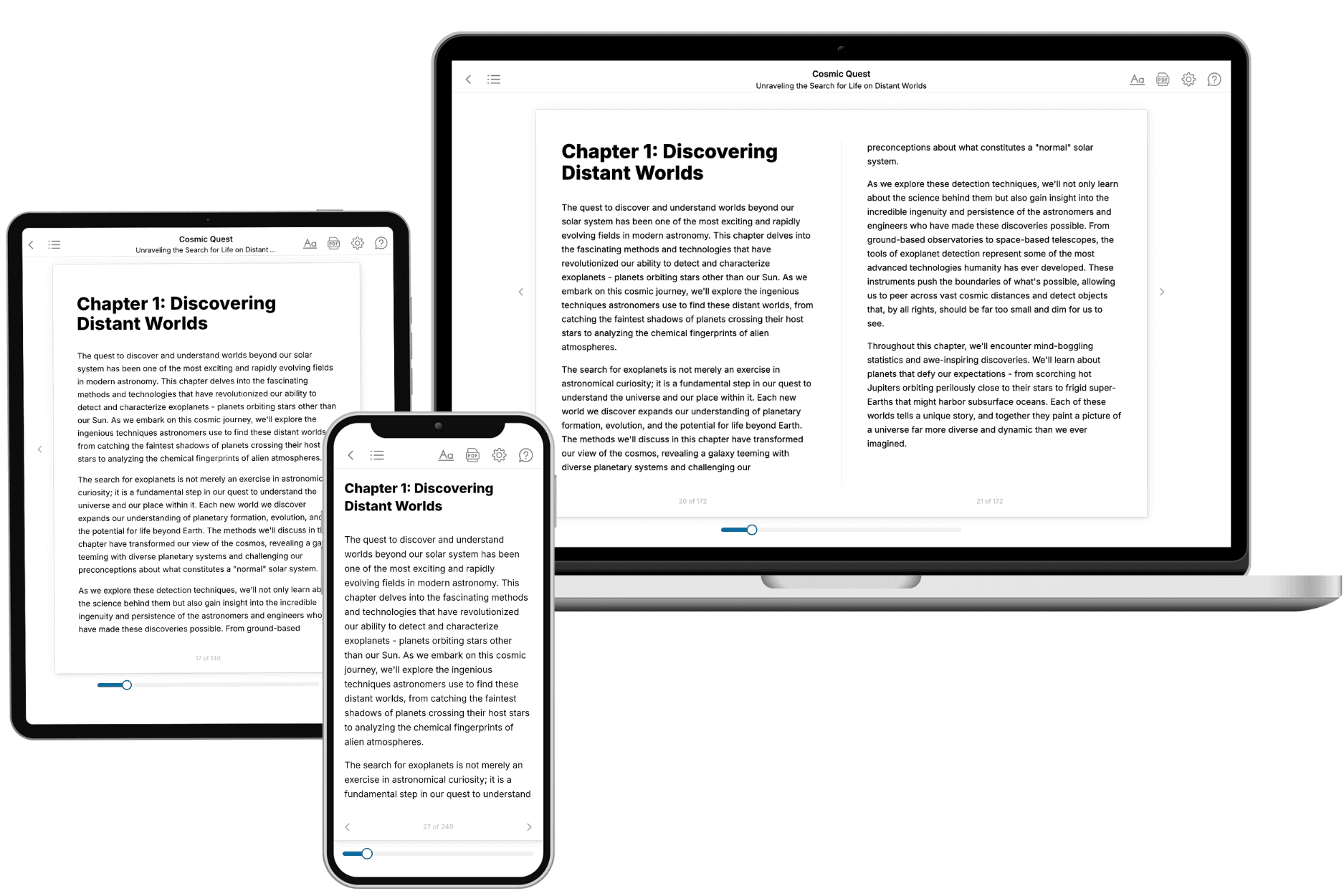
Your book is ready in 10 minutes. Read it online, download as EPUB or PDF, or send to Kindle.

Frequently asked questions
- What is TailoredRead?
TailoredRead creates complete, full-length nonfiction ebooks, written specifically for you. Tell us what you want to learn and why, and TailoredRead writes you a complete ebook on it, with charts, tables, and diagrams throughout. Read it online, on Kindle, or on any e-reader, or download it as a PDF or EPUB. Every book is written fresh the day you order it.
- How is the book tailored to me?
Before anything is written, you answer a few short questions about your goals, your background, and the topics you care about. Your book is then planned around your answers: written at your level, focused on your goals, and covering the topics you chose, instead of the one-size-fits-all book a store sells everyone.
- Will it read like generic AI content?
No. Your book isn't a chat transcript: it's planned chapter by chapter before a single word is written, told in a clear book voice, and explains ideas visually with charts, tables, and diagrams. After writing, every book goes through an editorial pass that polishes chapters so the book reads consistent from start to finish. Judge for yourself: browse thousands of sample books on our Explore Books page.
- How accurate is the content?
Our AI first checks whether your subject needs live research. Niche and fast-moving subjects are researched before writing, and the book plan and chapters are grounded in what it finds. After writing, every book goes through a quality pass that checks its facts and consistency, and researched books list their sources in a Notes section at the back.
- How long is the book?
You choose the length: Comprehensive (250-300 pages), Detailed (150-200 pages), Essential (70-100 pages), or Short (30-50 pages).
- Does the book include visuals?
Yes. Every book includes charts, tables, and diagrams: timelines, checklists, step-by-step guides, decision trees, comparison tables, matrices, and bar charts. A typical book includes dozens of these visual elements.
- Can I read it on Kindle? What formats can I download?
Yes. Every book can be read in our online reader or downloaded as a PDF or EPUB. The EPUB can be opened with Kindle, Apple Books, Kobo, and any e-reader. The Commercial and Author licenses also include an editable Word (DOCX) and Markdown download.
- How much does it cost?
About the price of a regular ebook. The exact price depends on your book's length and complexity, from $2 for the shortest books to $35 for the most comprehensive, and it's shown when you review your book, before you commit to anything. Each book is a one-time purchase, yours to keep, no subscription. Licenses that let you share, teach, or publish your book range from $35.99 to $49.99.
- Can I preview the book before purchasing?
Before you pay, you'll see what your book will cover: the title, a detailed description, the estimated length, and the complete chapter-by-chapter table of contents, so you know what you're getting before you decide. The full text itself is written after you purchase.
- How long does it take to create a book?
About 10 minutes. You can start reading the opening chapters while the rest is still being written.