Parallel Programming in C#
Master Async/Await, Threading, and Concurrent Applications
Many developers struggle with parallel programming in C#, treating async/await as a magic solution for all concurrency problems.
253 pages12 chaptersNov 12, 2025C#Created by Kaj
About this book
This leads to race conditions, deadlocks, and unpredictable application behavior. The truth is that async/await, threading, and the Task Parallel Library are distinct tools that solve different problems, and mastering them requires understanding when and how to use each one. This book cuts through the confusion by teaching you the fundamentals of concurrent programming in C#. You'll learn how to write thread-safe code, prevent race conditions and deadlocks, optimize both CPU-bound and I/O-bound tasks, and handle exceptions properly in asynchronous contexts. Through practical examples and clear explanations, you'll build the confidence to design and implement robust multi-threaded applications that scale efficiently. Whether you're building web services, desktop applications, or data processing systems, these skills are essential for modern C# development.
Table of contents
- IntroductionWhy Concurrency Matters in Modern Applications, Common Misconceptions About Async and Threading, What You'll Learn in This Book, How to Use This Book EffectivelyRead below
- Chapter 1: Foundations of Concurrent ProgrammingProcesses vs. Threads: Understanding the Difference, Concurrency vs. Parallelism: What's the Difference?, The .NET Threading Model and Thread Pool, Synchronous vs. Asynchronous Execution
- Chapter 2: Working with ThreadsCreating and Starting Threads, Thread Lifecycle and States, Thread Priorities and Scheduling, Why Manual Threading Has Limitations
- Chapter 3: Introduction to Tasks and the Task Parallel LibraryTasks vs. Threads: A Higher-Level Abstraction, Creating and Running Tasks, Composing Tasks with ContinueWith and Task.WhenAll, Using TaskFactory for Advanced Task Creation
- Chapter 4: Async/Await Pattern FundamentalsUnderstanding Async/Await Syntax and Semantics, Writing Async Methods: Patterns and Best Practices, The Await Operator and Control Flow, How the Compiler Transforms Async/Await Code
- Chapter 5: CPU-Bound and I/O-Bound Task OptimizationOptimizing CPU-Bound Tasks with Parallelism, Handling I/O-Bound Tasks with Async/Await, Task.Run vs. Task.Factory.StartNew for Different Workloads, Measuring and Profiling Concurrent Code
- Chapter 6: Thread Synchronization and Locking MechanismsThe Lock Keyword: Basic Synchronization, Monitor Class: Advanced Locking Control, Mutex and Semaphore: Cross-Process Synchronization, Choosing the Right Synchronization Primitive
- Chapter 7: Race Conditions and Data CorruptionWhat Are Race Conditions and Why They Occur, Detecting Race Conditions in Your Code, Preventing Race Conditions with Proper Synchronization, Using Thread-Safe Collections to Avoid Races
- Chapter 8: Deadlock Prevention and DetectionUnderstanding Deadlocks and Circular Wait, Common Deadlock Scenarios in C#, Deadlock Prevention Strategies and Lock Ordering, Using Timeouts and Recovery Mechanisms
- Chapter 9: Exception Handling in Async CodeHow Exceptions Propagate in Async Methods, Try-Catch Patterns in Async/Await Code, Handling AggregateException from Tasks, Best Practices for Async Exception Handling
- Chapter 10: ConfigureAwait and Context SwitchingUnderstanding SynchronizationContext, ConfigureAwait(false): When and Why to Use It, Context Switching and Performance Impact, ConfigureAwait Patterns in Library Code
- Chapter 11: Cancellation Tokens and Cooperative CancellationCancellationToken Fundamentals, Implementing Cancellation in Async Methods, Cancellation Patterns and Best Practices, Using CancellationTokenSource for Timeouts
- Chapter 12: Avoiding Common PitfallsThe Async Void Anti-Pattern and Why to Avoid It, Blocking on Async Code: Deadlock Risks, Fire-and-Forget Tasks and Error Handling, Other Common Mistakes and How to Fix Them
- ConclusionRecap of Key Concepts, Next Steps in Your Concurrent Programming Journey
- Glossary
- Further Reading and Resources
Introduction
Modern applications face unprecedented demands. Users expect instant responses, seamless interactions, and the ability to handle multiple operations simultaneously. A web server must process thousands of requests per second. A desktop application must remain responsive while performing complex calculations. A mobile app must download data without freezing the user interface. These requirements make concurrent programming not just useful, but essential for any serious C# developer.
Yet concurrent programming remains one of the most challenging aspects of software development. The introduction of async and await keywords in C# 5.0 promised to simplify asynchronous code, and in many ways it delivered. But this simplicity created new confusion. Many developers treat async/await as a magical solution for all performance problems, applying it indiscriminately without understanding what happens beneath the surface. Others avoid concurrent programming entirely, fearing the complexity and potential for subtle bugs that can be nearly impossible to reproduce and debug.
The reality is that concurrent programming in C# involves multiple distinct concepts that work together but serve different purposes. Threads provide true parallelism, allowing your application to use multiple CPU cores simultaneously. Tasks offer a higher-level abstraction that simplifies working with asynchronous operations. The async/await pattern makes asynchronous code readable and maintainable. The Task Parallel Library provides powerful tools for data parallelism and concurrent collections. Understanding when and how to use each of these tools separates developers who write fragile, unpredictable code from those who build robust, scalable applications.
This book takes a practical, example-driven approach to teaching concurrent programming in C#. Rather than overwhelming you with theory, each chapter builds your understanding through concrete examples and real-world scenarios. You'll learn not just the syntax and APIs, but the underlying principles that govern concurrent execution. You'll discover why race conditions occur and how to prevent them, why deadlocks happen and how to avoid them, and why some async patterns lead to better performance while others create bottlenecks. By the end of this book, you'll have the knowledge and confidence to design and implement concurrent applications that are both efficient and correct.
Why Concurrency Matters in Modern Applications
The shift toward concurrent programming reflects fundamental changes in both hardware and user expectations. For decades, processor manufacturers increased performance primarily by boosting clock speeds. A program that ran slowly on one generation of processors would run faster on the next without any code changes. This era ended around 2005 when physical limitations made further clock speed increases impractical. Instead, manufacturers began adding more cores to processors. Today, even budget smartphones contain multiple CPU cores, and server processors routinely feature dozens of cores. To take advantage of this hardware, your code must execute multiple operations simultaneously.
Consider a typical web application serving thousands of users. When a user requests a page, the server must query a database, call external APIs, process the results, and generate HTML. If the server handles each request sequentially, waiting for each database query and API call to complete before starting the next, it can serve only a handful of requests per second. By handling requests concurrently, the same server can serve hundreds or thousands of requests per second. The difference between these approaches determines whether your application scales to meet demand or collapses under load.
User interface applications face different but equally important concurrency challenges. When a user clicks a button that triggers a long-running operation, the application must continue responding to user input. If the operation blocks the UI thread, the entire application freezes. Users cannot click other buttons, scroll, or even close the window. This creates a frustrating experience that users associate with poor quality software. Concurrent programming allows you to perform long-running operations on background threads while keeping the UI responsive.
Data processing applications benefit from parallelism in yet another way. Imagine processing a large dataset where each item requires complex calculations. On a single core, you must process items sequentially. On a quad-core processor, you can process four items simultaneously, potentially reducing processing time by 75%. On a 16-core server, the speedup becomes even more dramatic. The Task Parallel Library makes it straightforward to partition work across available cores, but only if you understand the principles of parallel execution and the potential pitfalls.
Network and I/O operations present unique opportunities for concurrency. When your application reads from a file or sends a network request, the actual work happens in the operating system or on network hardware. Your thread sits idle, waiting for the operation to complete. With synchronous code, that thread remains blocked and unavailable for other work. With asynchronous code using async/await, the thread returns to the thread pool and can handle other requests while waiting. This pattern allows a small number of threads to handle thousands of concurrent I/O operations efficiently.
The economic impact of concurrency cannot be ignored. Cloud computing charges based on resource usage. An application that uses concurrency effectively can handle the same load with fewer servers, directly reducing infrastructure costs. A desktop application that leverages multiple cores completes work faster, improving productivity. A mobile application that uses async patterns efficiently consumes less battery power, leading to better user reviews. These benefits compound over time, making concurrent programming skills valuable for both technical and business reasons.
Modern frameworks and libraries increasingly assume concurrent execution. ASP.NET Core is built around async patterns from the ground up. Entity Framework Core provides async versions of all database operations. HttpClient requires async methods for network requests. If you don't understand concurrent programming, you'll struggle to use these tools effectively. You might block on async code, creating deadlocks. You might fail to handle exceptions properly, causing silent failures. You might create race conditions that corrupt data unpredictably. Understanding concurrency is no longer optional for professional C# development.
Common Misconceptions About Async and Threading
The most pervasive misconception about async/await is that it automatically makes code run faster or creates new threads. In reality, async/await is primarily about freeing up threads during waiting periods, not about parallelism. When you await an I/O operation, the current thread returns to the thread pool instead of blocking. The operation continues in the background, and when it completes, a thread (possibly a different one) resumes execution. This pattern improves scalability by allowing fewer threads to handle more concurrent operations, but it doesn't make individual operations faster and doesn't automatically use multiple cores.
Many developers believe that simply adding async and await keywords to their methods will solve performance problems. They convert synchronous methods to async without understanding whether the underlying operations are actually asynchronous. For example, converting a CPU-bound calculation to an async method provides no benefit and may actually harm performance due to the overhead of the async state machine. The key question is whether the operation involves waiting for external resources like network, disk, or database. If not, async provides no advantage.
Another common mistake is confusing concurrency with parallelism. Concurrency means multiple operations are in progress during overlapping time periods, but they might not execute simultaneously. Parallelism means multiple operations execute at exactly the same time on different CPU cores. A single-core processor can handle concurrent operations by rapidly switching between them, but it cannot achieve true parallelism. Understanding this distinction helps you choose the right tools: async/await for concurrency, Parallel.For or Task.Run for parallelism.
Some developers believe that threads are dangerous and should be avoided entirely in favor of async patterns. While it's true that manual thread management has pitfalls, threads remain essential for CPU-bound work that needs to run in parallel. The Task Parallel Library provides safe abstractions over threads, but those abstractions still use threads underneath. The goal is not to avoid threads but to use them appropriately through higher-level APIs that handle the complexity for you.
The belief that async void methods are acceptable in any context causes significant problems. While async void is necessary for event handlers in UI applications, using it elsewhere makes error handling nearly impossible. Exceptions thrown from async void methods cannot be caught by the caller and instead crash the application or get swallowed by the synchronization context. This creates bugs that are difficult to diagnose because exceptions disappear without a trace. The rule is simple: use async Task for all async methods except event handlers.
Many developers misunderstand ConfigureAwait(false), either using it everywhere without understanding why or avoiding it entirely. The truth is nuanced: ConfigureAwait(false) tells the runtime not to capture and restore the synchronization context when resuming after an await. In library code that doesn't need to interact with UI elements or specific contexts, this improves performance and prevents potential deadlocks. In UI code or ASP.NET request handlers, you typically want the default behavior that restores context. Understanding when to use ConfigureAwait(false) requires understanding synchronization contexts, which this book covers in detail.
The misconception that blocking on async code with .Result or .Wait() is safe leads to deadlocks that puzzle developers for hours. In certain contexts, particularly UI applications and older ASP.NET versions, blocking on async code creates a circular wait: the blocking thread waits for the task to complete, but the task needs that same thread to resume execution. The result is a deadlock where the application hangs indefinitely. This problem is so common that understanding it thoroughly is essential for any developer working with async code.
Finally, many developers believe that concurrent code is inherently too complex to test and debug. While concurrent code does present unique challenges, modern tools and techniques make it manageable. Visual Studio provides excellent debugging support for async code, showing you the state of all tasks and their continuations. Unit testing frameworks support async test methods. Proper use of cancellation tokens and structured concurrency patterns makes code predictable and testable. The key is learning the right patterns and avoiding common pitfalls, which is exactly what this book teaches.
What You'll Learn in This Book
This book provides a comprehensive foundation in concurrent programming with C#, starting from fundamental concepts and building toward advanced patterns. You'll begin by understanding the difference between processes and threads, concurrency and parallelism, and synchronous and asynchronous execution. These distinctions might seem academic, but they're essential for making correct decisions when designing concurrent systems. You'll learn how the .NET thread pool works, why it exists, and how it manages threads efficiently to handle varying workloads.
The early chapters cover working directly with threads, including creating threads, managing their lifecycle, and understanding thread states and priorities. While modern C# development typically uses higher-level abstractions, understanding threads provides crucial insight into what happens beneath those abstractions. You'll learn why manual thread management has limitations and why the Task Parallel Library emerged as a better solution. This foundation prevents the "magic box" syndrome where developers use tools without understanding their behavior.
You'll gain deep expertise in the Task Parallel Library, learning how tasks differ from threads and why they provide a better abstraction for most concurrent programming. The book covers creating and running tasks, composing tasks with continuations, and using Task.WhenAll and Task.WhenAny for coordination. You'll understand task factories and how to configure task creation for different scenarios. These skills allow you to structure complex asynchronous workflows that remain readable and maintainable.
The async/await pattern receives extensive coverage, including not just the syntax but the underlying mechanics. You'll learn how the compiler transforms async methods into state machines, why this matters for performance and debugging, and how to write async methods that follow best practices. The book distinguishes between CPU-bound and I/O-bound operations, teaching you when to use async/await versus Task.Run versus Parallel.For. This knowledge prevents common mistakes like using async for CPU-bound work or blocking threads unnecessarily.
Thread synchronization and locking mechanisms form a critical part of the curriculum. You'll learn multiple synchronization primitives and when to use each one:
- lock keyword: Simple, efficient synchronization for protecting shared state within a single process
- Monitor class: Advanced locking with timeout support and pulse/wait patterns for thread coordination
- Mutex: Cross-process synchronization when multiple applications need to coordinate access to shared resources
- Semaphore: Limiting the number of threads that can access a resource simultaneously
- ReaderWriterLockSlim: Optimizing scenarios where reads are frequent but writes are rare
Race conditions and data corruption receive detailed attention because they represent some of the most insidious bugs in concurrent programming. You'll learn what causes race conditions, how to detect them through code review and testing, and multiple strategies for prevention. The book covers thread-safe collections like ConcurrentDictionary and ConcurrentQueue, explaining when they provide better solutions than manual locking. You'll see real examples of race conditions and their fixes, building your ability to spot these problems in your own code.
Deadlock prevention and detection is another major focus. You'll understand the four conditions necessary for deadlock (mutual exclusion, hold and wait, no preemption, and circular wait) and how breaking any one of these conditions prevents deadlock. The book presents common deadlock scenarios in C# and teaches prevention strategies including lock ordering, timeouts, and deadlock detection. You'll learn to recognize deadlock-prone patterns and refactor them into safer alternatives.
Exception handling in async code requires special attention because exceptions behave differently in asynchronous contexts. You'll learn how exceptions propagate through async methods, how to use try-catch blocks effectively with await, and how to handle AggregateException from tasks. The book covers patterns for ensuring exceptions are never silently swallowed and techniques for logging and recovering from errors in concurrent code. This knowledge prevents the frustrating situation where errors occur but leave no trace.
Advanced topics include ConfigureAwait and synchronization context, cancellation tokens for cooperative cancellation, and common pitfalls like the async void anti-pattern and blocking on async code. You'll learn when and why to use ConfigureAwait(false) in library code, how to implement proper cancellation support in your async methods, and how to avoid deadlocks caused by blocking on async operations. Each topic includes practical examples showing both incorrect and correct implementations.
Throughout the book, you'll find performance considerations and profiling guidance. You'll learn to measure the actual impact of different concurrent programming approaches using tools like BenchmarkDotNet and Visual Studio's profiler. This empirical approach prevents premature optimization while ensuring you can identify and fix real performance problems. The book emphasizes that correct code comes first, then optimization based on measurement, not assumptions.
How to Use This Book Effectively
This book is designed for progressive learning, with each chapter building on concepts from previous chapters. While experienced developers might be tempted to skip ahead to advanced topics, the foundational chapters establish terminology and mental models that later chapters assume. Even if you've used async/await before, the early chapters likely contain insights about how these features work internally that will deepen your understanding. Reading the book sequentially ensures you don't miss crucial context.
Every chapter includes code examples that you should type out and run yourself rather than just reading. Concurrent programming involves subtle behaviors that become clear only through experimentation. Set up a C# project (console application or unit test project work well) and try each example. Modify the examples to test your understanding. What happens if you remove a lock? What if you change await to .Result? What if you add more threads? This hands-on experimentation builds intuition that reading alone cannot provide.
Pay special attention to the examples showing incorrect code and the problems it causes. Understanding what goes wrong and why is just as important as knowing the correct patterns. When you see a race condition example, try to predict what will happen before running the code. When you see a deadlock scenario, try to identify the circular wait before reading the explanation. This active engagement strengthens your ability to spot problems in real code.
The book includes exercises and challenges at the end of most chapters. These are not optional extras but essential practice for solidifying your understanding. Concurrent programming is a skill that develops through practice, not just reading. Work through each exercise, even if it takes time. If you get stuck, review the relevant chapter sections, but try to solve the problem yourself before looking at solutions. The struggle to solve problems is where real learning happens.
Create a reference project where you collect working examples of different patterns. As you learn about different synchronization primitives, cancellation patterns, or async best practices, add clean, commented examples to this project. This becomes a valuable resource when you encounter similar situations in real work. You'll be able to refer back to working code that you understand thoroughly rather than searching for examples online that might not fit your exact needs.
Use debugging tools extensively while working through examples. Set breakpoints in async methods and step through the code, watching how execution jumps between threads. Use the Threads window in Visual Studio to see all active threads and what they're doing. Use the Tasks window to see the state of all tasks. These tools make the abstract concepts concrete by showing you exactly what's happening at runtime. Understanding how to debug concurrent code is as important as writing it.
When you encounter concepts that seem confusing, don't just move on hoping they'll make sense later. Concurrent programming builds on itself, and gaps in understanding compound. Reread difficult sections, try additional examples, or research the topic further. The investment in truly understanding each concept pays dividends throughout the rest of the book and your career. Some topics, like synchronization contexts or the async state machine, require time to fully grasp.
Apply what you learn to real projects as soon as possible. After completing chapters on async/await, look for opportunities to apply those patterns in your own code. After learning about race conditions, review existing code for potential issues. After understanding deadlock prevention, refactor code that uses multiple locks. Real-world application cements learning and reveals nuances that examples cannot cover. You'll encounter edge cases and complications that deepen your understanding.
Join communities where you can discuss concurrent programming with other developers. Online forums, local user groups, and code review sessions provide opportunities to see how others approach concurrency problems and to get feedback on your own code. Explaining concepts to others is one of the best ways to solidify your own understanding. When you help someone else debug a race condition or understand async/await, you reinforce your own knowledge.
Keep notes on patterns that work well and anti-patterns to avoid. As you progress through the book, you'll encounter many specific recommendations. Maintaining a personal reference of these guidelines helps you internalize best practices. Your notes might include:
- Always use
async Taskinstead ofasync voidexcept for event handlers - Never block on async code with
.Resultor.Wait()in UI or ASP.NET contexts - Use
ConfigureAwait(false)in library code that doesn't need synchronization context - Always pass
CancellationTokento long-running async operations - Prefer thread-safe collections over manual locking when possible
- Establish and document lock ordering to prevent deadlocks
Finally, remember that mastering concurrent programming takes time. Don't be discouraged if concepts don't click immediately or if you make mistakes. Every experienced developer has written code with race conditions, created deadlocks, or misused async patterns. The difference is that they learned from those mistakes and developed the skills to avoid them. This book provides the knowledge and guidance, but building expertise requires patience, practice, and persistence. Approach each chapter with curiosity and a willingness to experiment, and you'll develop the skills that make you a more capable and valuable developer.
This is the end of the free sample. The full book has 12 chapters.
Want this book written for you?
Tell us your goals and background, and get your own version of this book, tailored by AI to you.


Benefits of AI-tailored books
- Read one book, not ten:
- all the C# knowledge you need, gathered into a single book.
- Save days of learning:
- tell us your goals, choose your topics, and the whole book is built around them.
- Learn effortlessly:
- C# book written for your specific background and expertise.
- Understand at a glance:
- includes charts, tables, timelines, checklists, decision trees, and more.
- Stay current:
- written the day you order it, not years ago.
- Trust what you read:
- every book is checked for accuracy, with real research when your subject needs it.
Create your unique book in 3 steps
- 1. Select your focus
Select the focus of your C# book and share your background
- 2. Personalize your book
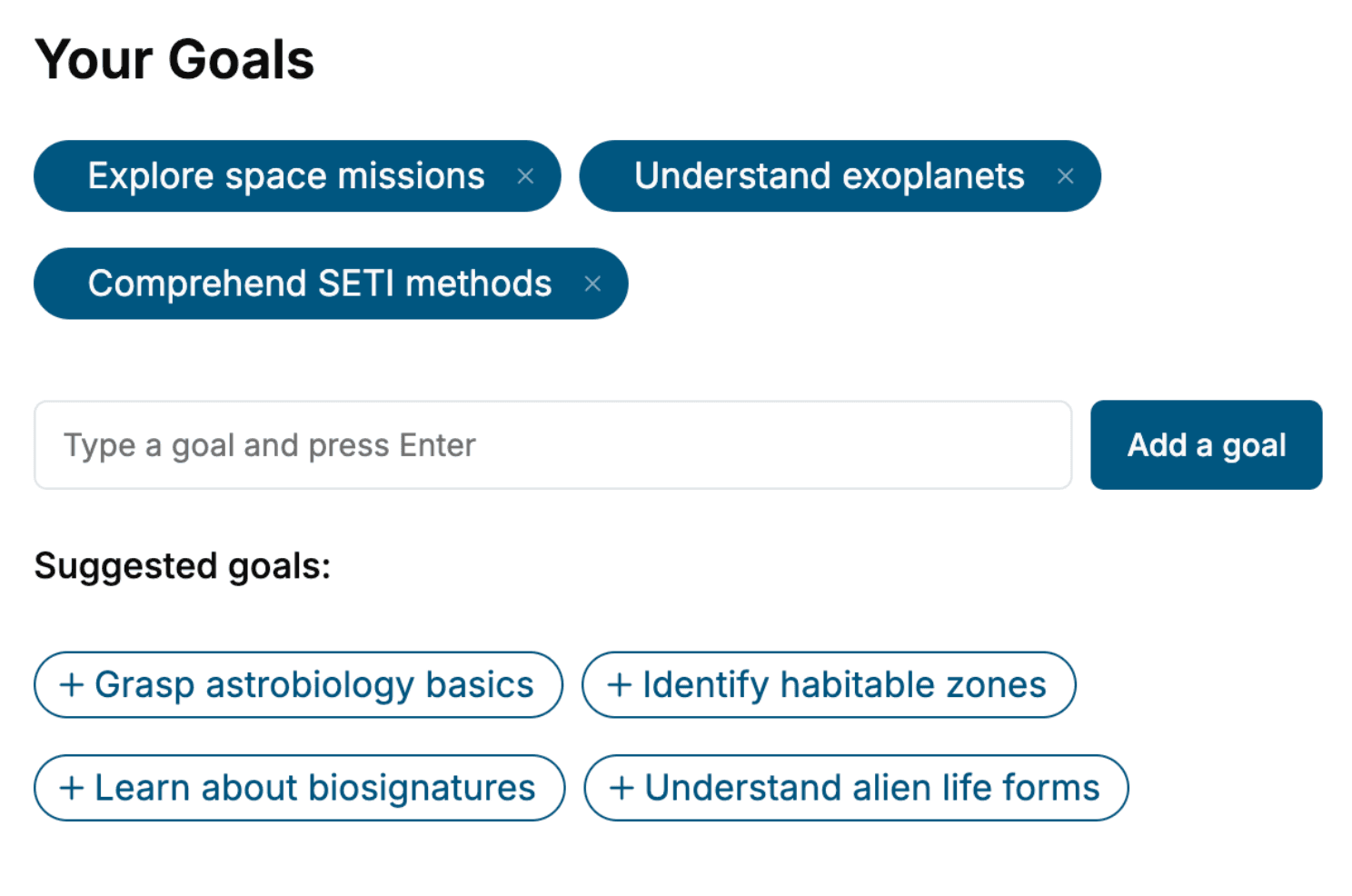
Specify your goals and choose sub-topics to include
- 3. Get your tailored book
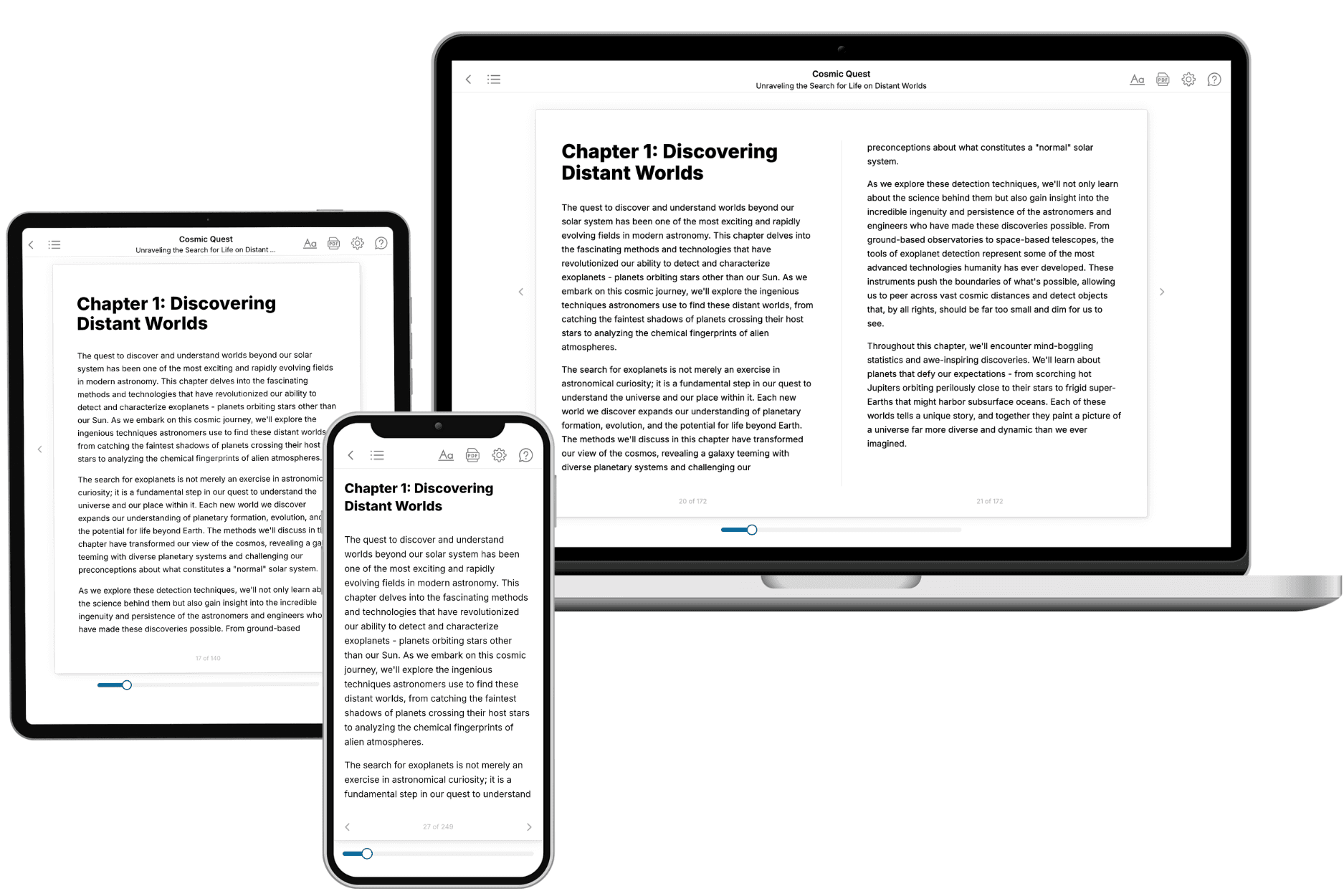
Your book is ready in 10 minutes. Read it online, download as EPUB or PDF, or send to Kindle.

Frequently asked questions
- What is TailoredRead?
TailoredRead creates complete, full-length nonfiction ebooks, written specifically for you. Tell us what you want to learn and why, and TailoredRead writes you a complete ebook on it, with charts, tables, and diagrams throughout. Read it online, on Kindle, or on any e-reader, or download it as a PDF or EPUB. Every book is written fresh the day you order it.
- How is the book tailored to me?
Before anything is written, you answer a few short questions about your goals, your background, and the topics you care about. Your book is then planned around your answers: written at your level, focused on your goals, and covering the topics you chose, instead of the one-size-fits-all book a store sells everyone.
- Will it read like generic AI content?
No. Your book isn't a chat transcript: it's planned chapter by chapter before a single word is written, told in a clear book voice, and explains ideas visually with charts, tables, and diagrams. After writing, every book goes through an editorial pass that polishes chapters so the book reads consistent from start to finish. Judge for yourself: browse thousands of sample books on our Explore Books page.
- How accurate is the content?
Our AI first checks whether your subject needs live research. Niche and fast-moving subjects are researched before writing, and the book plan and chapters are grounded in what it finds. After writing, every book goes through a quality pass that checks its facts and consistency, and researched books list their sources in a Notes section at the back.
- How long is the book?
You choose the length: Comprehensive (250-300 pages), Detailed (150-200 pages), Essential (70-100 pages), or Short (30-50 pages).
- Does the book include visuals?
Yes. Every book includes charts, tables, and diagrams: timelines, checklists, step-by-step guides, decision trees, comparison tables, matrices, and bar charts. A typical book includes dozens of these visual elements.
- Can I read it on Kindle? What formats can I download?
Yes. Every book can be read in our online reader or downloaded as a PDF or EPUB. The EPUB can be opened with Kindle, Apple Books, Kobo, and any e-reader. The Commercial and Author licenses also include an editable Word (DOCX) and Markdown download.
- How much does it cost?
About the price of a regular ebook. The exact price depends on your book's length and complexity, from $2 for the shortest books to $35 for the most comprehensive, and it's shown when you review your book, before you commit to anything. Each book is a one-time purchase, yours to keep, no subscription. Licenses that let you share, teach, or publish your book range from $35.99 to $49.99.
- Can I preview the book before purchasing?
Before you pay, you'll see what your book will cover: the title, a detailed description, the estimated length, and the complete chapter-by-chapter table of contents, so you know what you're getting before you decide. The full text itself is written after you purchase.
- How long does it take to create a book?
About 10 minutes. You can start reading the opening chapters while the rest is still being written.