Plugin UX Design
Creating Intuitive Experiences for Software Extensions
Most plugins fail not because of poor functionality, but because users can't figure out how to use them or don't even know they exist.
191 pages9 chaptersDec 2, 2025User Experience
About this book
Plugin UX design presents unique challenges that differ significantly from traditional software design—your users are already committed to a host application, and your plugin must integrate seamlessly into their existing workflow without disrupting it. This book provides practical, actionable guidance for designing plugins that users genuinely want to use. You'll learn how to navigate the constraints of plugin environments, create interfaces that feel native to the host application, and solve the critical problem of plugin discoverability. Whether you're building extensions for browsers, IDEs, content management systems, or other platforms, you'll discover proven strategies for understanding user context, simplifying complex features, and testing your UX decisions with real users. By applying these principles, you'll create plugins that don't just work—they delight users and become indispensable parts of their daily workflow.
Table of contents
- IntroductionWhy Plugin UX Matters, The Plugin Landscape Today, How to Use This BookRead below
- Chapter 1: Understanding Plugin ContextThe Host Application Ecosystem, User Expectations and Mental Models, Constraints and Opportunities
- Chapter 2: Researching Your Plugin UsersIdentifying Your Target Users, Effective Research Methods for Plugins, Mapping User Workflows and Pain Points
- Chapter 3: Solving the Discoverability ProblemWhy Discoverability Is Critical, Strategic Placement and Visibility, Onboarding and First-Use Experience
- Chapter 4: Designing Plugin InterfacesThe Principle of Simplicity, Visual Consistency with Host Application, Interaction Patterns and Navigation
- Chapter 5: Settings and ConfigurationSensible Defaults and Smart Presets, Organizing Settings for Clarity, Balancing Power Users and Beginners
- Chapter 6: Accessibility and PerformanceMeeting Accessibility Standards, Optimizing Plugin Performance, Managing Resources Responsibly
- Chapter 7: User Feedback and CommunicationCrafting Helpful Error Messages, Providing Status and Progress Feedback, Building Support and Documentation
- Chapter 8: Testing and Validating Your UXConducting Usability Testing, Measuring UX with Analytics and Metrics, Iterative Improvement Cycles
- Chapter 9: Real-World Plugin ExamplesBrowser Extension UX Patterns, IDE and Developer Tool Plugins, Content Management System Plugins
- ConclusionKey Takeaways, Your Next Steps
- Further Resources and Tools
Introduction
You've built a plugin with powerful features that solve real problems. The code is solid, the functionality works exactly as intended, and you're confident it will make users' lives easier. You publish it to the marketplace, wait for the downloads to roll in, and then... nothing. Or worse, you get downloads but immediately see uninstalls, confused reviews, and support requests from people who can't figure out how to use your creation. This scenario plays out thousands of times across every plugin ecosystem, from browser extensions to IDE tools to WordPress plugins.
The problem isn't your technical skills or the value your plugin provides. The issue is that most developers approach plugin creation as purely a technical challenge, focusing on what the plugin does rather than how users experience it. Plugin user experience design is a specialized discipline that sits at the intersection of software development, user interface design, and psychology. Unlike standalone applications where you control the entire environment, plugins must integrate seamlessly into existing workflows, respect established patterns, and solve problems without creating new friction points.
This book exists to bridge the gap between technical capability and user satisfaction. You'll learn practical strategies for designing plugins that users not only can use but actually want to use. These aren't abstract design theories or vague principles—they're actionable techniques you can apply immediately to your current or next plugin project. Whether you're building your first browser extension or refining your tenth IDE plugin, the principles and practices in these pages will help you create experiences that feel intuitive, natural, and indispensable to your users.
Why Plugin UX Matters
Plugin user experience directly determines whether your creation succeeds or fails in the marketplace. Consider the numbers: research on browser extension ecosystems shows that approximately 70% of installed extensions are disabled or uninstalled within the first week[1]. The primary reasons aren't bugs or missing features—they're confusion about how to use the plugin, inability to find key functions, and frustration with interfaces that don't match user expectations. Your plugin might be technically flawless, but if users can't figure out how to access its value within the first few minutes, they'll abandon it and never return.
The unique challenge of plugin UX stems from the context in which plugins operate. Users don't open your plugin the way they open a standalone application. They're already engaged with a host application—their browser, their code editor, their content management system—and they have established workflows, habits, and expectations. Your plugin enters this existing ecosystem as a guest, not the main attraction. This means your UX decisions must account for cognitive load, visual consistency, and workflow integration in ways that standalone app designers never consider.
Poor plugin UX creates a ripple effect of negative consequences that extends far beyond individual user frustration. When users struggle with your plugin, they leave negative reviews that discourage potential new users. They create support tickets that consume your time and energy. They abandon your plugin for competitors who may offer fewer features but present them more clearly. Most damaging of all, they develop negative associations with your brand that affect their perception of your other products and future releases. The cost of neglecting UX compounds over time, while investing in good UX creates positive momentum that drives organic growth.
Conversely, excellent plugin UX creates powerful competitive advantages that transcend feature lists. When your plugin feels intuitive and natural to use, users become advocates who recommend it to colleagues and communities. They write positive reviews, create tutorial content, and integrate your plugin into their daily workflows so deeply that switching to alternatives becomes unthinkable. Good UX reduces support burden because users can solve their own problems through clear interfaces and helpful feedback. It increases retention rates, improves marketplace rankings, and creates the foundation for sustainable growth.
The business case for plugin UX is equally compelling. Plugins with superior user experiences command higher prices, attract more premium users, and generate more revenue through subscriptions or donations. They receive more favorable coverage in reviews and roundup articles. They're more likely to be featured in official marketplaces and recommended by platform vendors. In crowded plugin categories where dozens of options offer similar functionality, UX becomes the primary differentiator that determines market leaders and forgotten alternatives.
Perhaps most importantly, focusing on UX makes you a better developer. The process of thinking deeply about how users interact with your code forces you to question assumptions, simplify complexity, and prioritize what truly matters. You start designing APIs and architectures that support good UX rather than fighting against it. You develop empathy for users that informs every technical decision you make. The skills you build while improving plugin UX transfer directly to every other aspect of software development, making you more valuable and effective in your broader career.
The good news is that plugin UX is a learnable skill, not an innate talent. You don't need a design degree or years of experience to create plugins with excellent user experiences. What you need is a systematic approach to understanding users, a framework for making design decisions, and practical techniques for testing and refining your work. That's exactly what this book provides—a structured path from wherever you are now to creating plugins that users genuinely love.
The Plugin Landscape Today
The modern plugin ecosystem spans an enormous range of platforms, each with distinct characteristics, constraints, and user expectations. Browser extensions represent one of the largest categories, with Chrome Web Store alone hosting over 200,000 extensions and Firefox Add-ons offering tens of thousands more. These plugins range from simple productivity tools that block ads or manage passwords to complex applications that fundamentally alter how users interact with web content. The browser extension landscape is highly competitive, with multiple plugins often targeting the same use cases and fighting for user attention in crowded categories.
Integrated development environments and code editors constitute another major plugin category with particularly demanding users. Visual Studio Code's marketplace contains over 40,000 extensions, while JetBrains IDEs, Sublime Text, and Atom each support thousands more. Developer tool plugins face unique UX challenges because their users are themselves technical professionals with high expectations for quality, performance, and configurability. These users notice performance degradation measured in milliseconds, expect keyboard-driven workflows, and demand deep customization options. The bar for acceptable UX in developer tools is significantly higher than in consumer-facing plugins.
Content management systems like WordPress, Drupal, and Joomla represent a third major plugin ecosystem with distinct characteristics. WordPress alone powers over 40% of all websites and supports more than 60,000 plugins in its official directory. CMS plugins often serve non-technical users who may be business owners, content creators, or marketing professionals rather than developers. This audience requires different UX approaches—more visual configuration, clearer explanations, and gentler onboarding. The challenge is balancing simplicity for beginners with power for advanced users who need fine-grained control.
Design and creative tools like Figma, Sketch, Adobe Creative Suite, and Blender support plugin ecosystems that serve creative professionals. These users think visually, work in iterative creative processes, and need plugins that enhance rather than interrupt their flow states. UX in creative tool plugins must prioritize non-intrusive interfaces, visual feedback, and seamless integration with existing creative workflows. The best plugins in this category feel like natural extensions of the host application's capabilities rather than separate tools bolted onto the side.
Productivity and communication platforms including Slack, Microsoft Teams, Notion, and Trello have emerged as significant plugin ecosystems in recent years. These platforms emphasize collaboration and workflow automation, so plugins must consider multi-user scenarios, permission systems, and integration with external services. UX challenges include managing notifications without overwhelming users, presenting information clearly in constrained spaces, and maintaining consistency across different devices and contexts where users access these platforms.
Despite the diversity of platforms, several common trends shape the current plugin landscape. First, users increasingly expect plugins to work seamlessly across devices and synchronize settings automatically. A browser extension that works perfectly on desktop but fails on mobile creates frustration and abandonment. Second, privacy and security concerns have moved from niche considerations to mainstream requirements. Users scrutinize permission requests, worry about data collection, and prefer plugins that operate locally rather than sending information to external servers. Your UX must address these concerns transparently.
Third, the rise of plugin marketplaces with rating systems and review mechanisms has made reputation management critical. A few negative reviews from users who encountered UX problems can tank your plugin's visibility and growth. Conversely, consistently positive reviews create virtuous cycles of discovery and adoption. Fourth, users have become more sophisticated about plugins and more willing to uninstall tools that don't immediately prove their value. The window for making a positive first impression has shrunk from hours to minutes. Your onboarding experience must deliver value quickly and clearly.
The competitive dynamics of plugin ecosystems create both challenges and opportunities. In mature categories, you're competing against established plugins with thousands of users and years of refinement. However, incumbent plugins often accumulate complexity and technical debt that creates openings for newcomers who prioritize simplicity and focused functionality. Many successful plugins have gained traction not by offering more features but by offering better experiences for specific use cases. Understanding where existing plugins fall short on UX gives you strategic advantages that pure feature development cannot match.
How to Use This Book
This book is structured to support both sequential reading and targeted reference depending on your needs and current situation. If you're starting a new plugin project from scratch, reading chapters in order provides a logical progression from understanding context through research, design, implementation, and testing. Each chapter builds on concepts introduced in previous sections, creating a comprehensive framework for plugin UX design. However, if you're working on an existing plugin with specific problems, you can jump directly to relevant chapters and apply those techniques immediately to your current work.
The early chapters focus on foundational understanding that informs all subsequent decisions. Chapter 1 explores plugin context—how your plugin fits into the host application ecosystem, what constraints you face, and what opportunities exist. This contextual understanding is critical because plugin UX decisions that work brilliantly in one environment may fail completely in another. Chapter 2 covers user research methods specifically adapted for plugin development, helping you understand who your users are, what problems they face, and how they currently work. These chapters provide the knowledge base that makes later design decisions effective rather than arbitrary.
The middle chapters address specific design challenges you'll encounter in plugin development. Chapter 3 tackles discoverability—arguably the most critical and most neglected aspect of plugin UX. Even the best-designed plugin fails if users can't find it or don't understand what it does. Chapter 4 covers interface design principles including simplicity, consistency, and interaction patterns. Chapter 5 focuses specifically on settings and configuration, an area where many plugins create unnecessary complexity. These chapters provide concrete techniques and examples you can adapt to your specific plugin and platform.
Later chapters address quality and refinement. Chapter 6 covers accessibility and performance—essential aspects of professional plugin development that are often treated as afterthoughts. Chapter 7 explores feedback and communication, teaching you how to craft error messages, provide status updates, and build support resources that actually help users. Chapter 8 presents testing and validation methods that help you identify and fix UX problems before they frustrate your user base. These chapters help you move from functional plugins to polished, professional products.
The final chapter provides real-world examples from different plugin ecosystems, showing how the principles and techniques from earlier chapters apply in practice. These case studies illustrate both successful UX patterns worth emulating and common mistakes worth avoiding. They demonstrate how the same core principles manifest differently across platforms and use cases. Use these examples as inspiration and reference points for your own design decisions, but always adapt them to your specific context rather than copying them blindly.
Throughout the book, you'll find practical elements designed to support immediate application:
- Concrete examples showing specific plugins, interfaces, and design decisions with analysis of what works and why
- Action items at the end of each chapter that you can implement immediately in your current project
- Common pitfalls highlighting mistakes that trap many plugin developers and how to avoid them
- Decision frameworks helping you evaluate options and make informed choices when facing design tradeoffs
- Testing techniques you can use with limited resources to validate your UX decisions
- Code examples demonstrating how to implement UX patterns in actual plugin code
As you read, keep a specific plugin project in mind—either one you're currently developing or one you plan to create. Apply the concepts and techniques to this concrete project rather than treating them as abstract theory. When you encounter a framework or checklist, actually work through it with your plugin. When you see an example, consider how it relates to your specific platform and use case. This active engagement transforms passive reading into practical skill development that directly improves your work.
Don't expect to implement everything perfectly on your first attempt. Plugin UX design is an iterative process where you make decisions, test them with users, learn from the results, and refine your approach. The goal isn't perfection—it's continuous improvement toward better user experiences. Start with the highest-impact changes that address your plugin's most significant UX problems, then progressively refine other aspects over time. Small, consistent improvements compound into dramatically better experiences.
Finally, remember that good UX is ultimately about empathy and respect for your users. Every principle and technique in this book serves the fundamental goal of making your plugin easier, more pleasant, and more valuable to use. When you face difficult design decisions or tradeoffs, return to this core purpose. Ask yourself which option better serves your users' needs and respects their time and attention. That question, more than any specific technique, will guide you toward creating plugins that users genuinely love.
Notes
Introduction
- 1. "Chrome Web Store user retention analysis," Google Developer Relations, 2022
This is the end of the free sample. The full book has 9 chapters.
Want this book written for you?
Tell us your goals and background, and get your own version of this book, tailored by AI to you.


Benefits of AI-tailored books
- Read one book, not ten:
- all the User Experience knowledge you need, gathered into a single book.
- Save days of learning:
- tell us your goals, choose your topics, and the whole book is built around them.
- Learn effortlessly:
- User Experience book written for your specific background and expertise.
- Understand at a glance:
- includes charts, tables, timelines, checklists, decision trees, and more.
- Stay current:
- written the day you order it, not years ago.
- Trust what you read:
- every book is checked for accuracy, with real research when your subject needs it.
Create your unique book in 3 steps
- 1. Select your focus
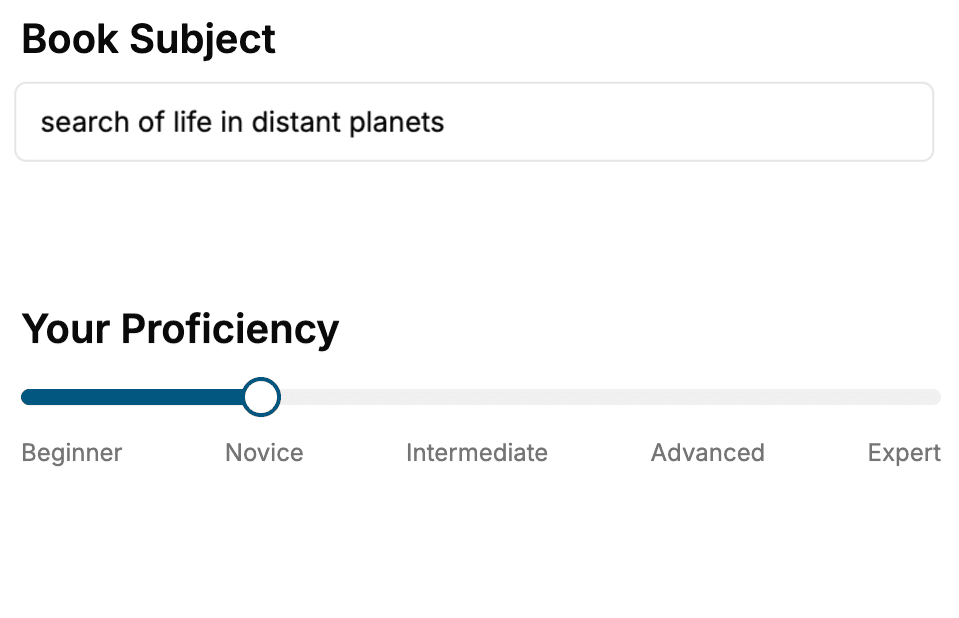
Select the focus of your User Experience book and share your background
- 2. Personalize your book
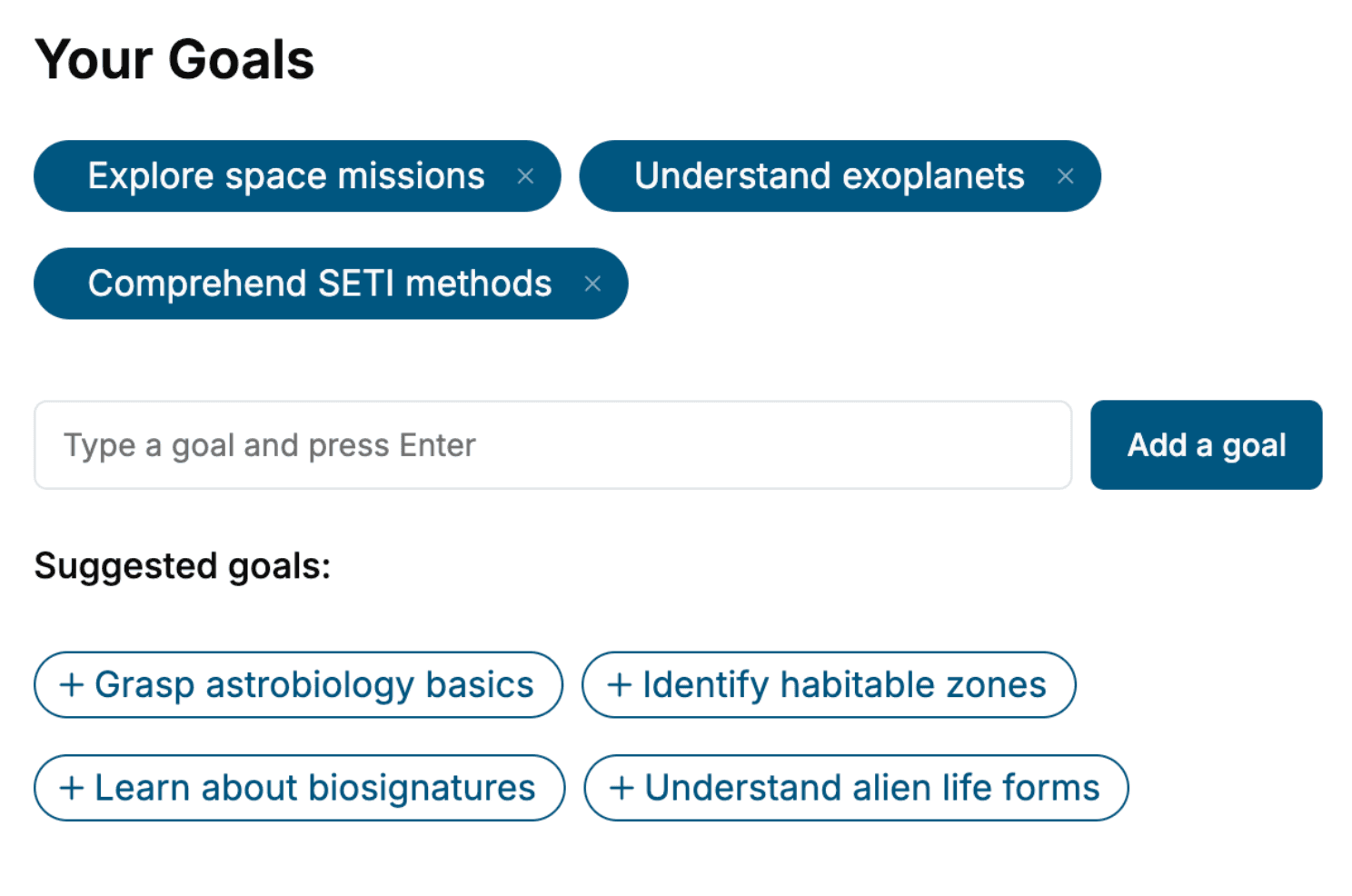
Specify your goals and choose sub-topics to include
- 3. Get your tailored book
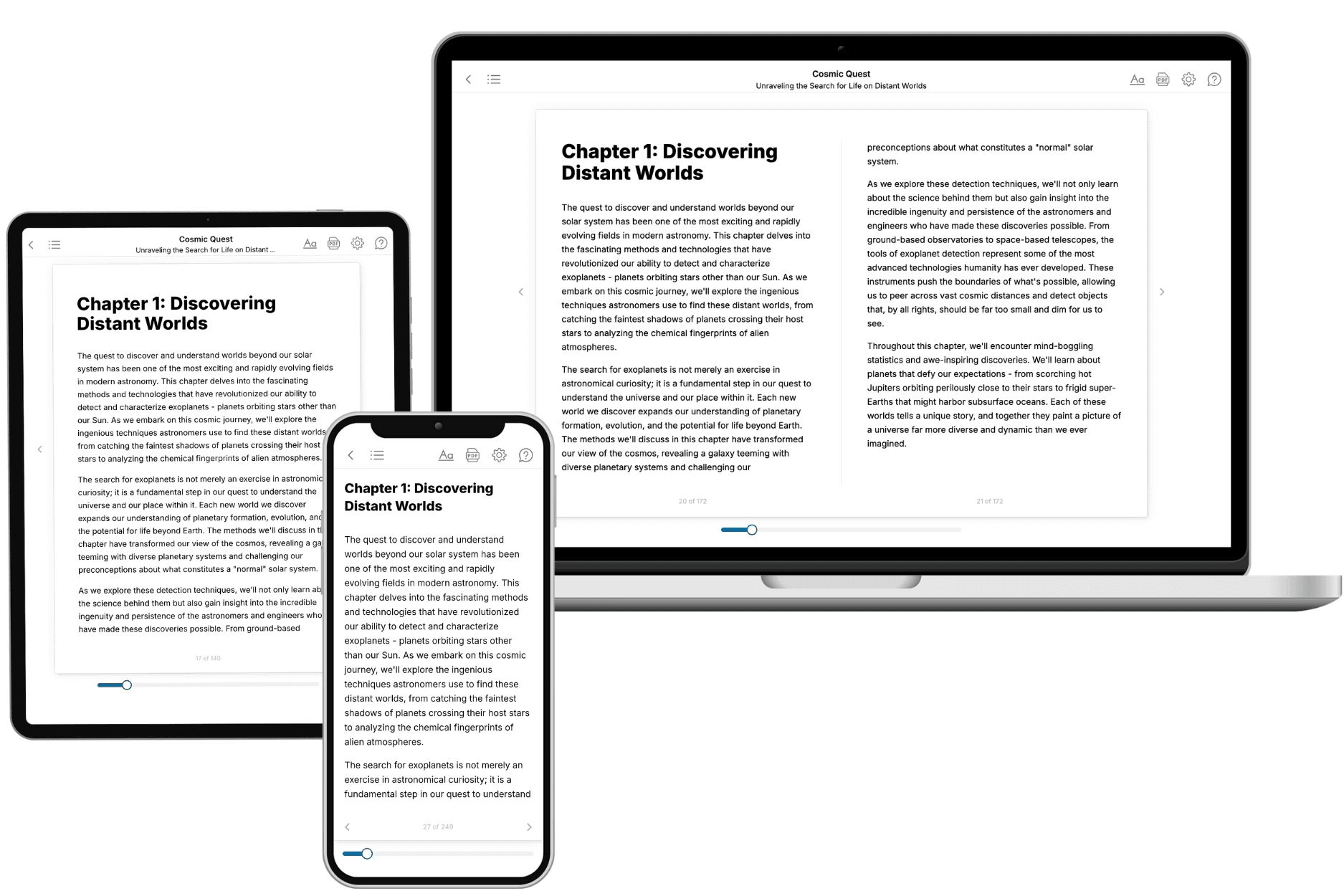
Your book is ready in 10 minutes. Read it online, download as EPUB or PDF, or send to Kindle.
Frequently asked questions
- What is TailoredRead?
TailoredRead creates complete, full-length nonfiction ebooks, written specifically for you. Tell us what you want to learn and why, and TailoredRead writes you a complete ebook on it, with charts, tables, and diagrams throughout. Read it online, on Kindle, or on any e-reader, or download it as a PDF or EPUB. Every book is written fresh the day you order it.
- How is the book tailored to me?
Before anything is written, you answer a few short questions about your goals, your background, and the topics you care about. Your book is then planned around your answers: written at your level, focused on your goals, and covering the topics you chose, instead of the one-size-fits-all book a store sells everyone.
- Will it read like generic AI content?
No. Your book isn't a chat transcript: it's planned chapter by chapter before a single word is written, told in a clear book voice, and explains ideas visually with charts, tables, and diagrams. After writing, every book goes through an editorial pass that polishes chapters so the book reads consistent from start to finish. Judge for yourself: browse thousands of sample books on our Explore Books page.
- How accurate is the content?
Our AI first checks whether your subject needs live research. Niche and fast-moving subjects are researched before writing, and the book plan and chapters are grounded in what it finds. After writing, every book goes through a quality pass that checks its facts and consistency, and researched books list their sources in a Notes section at the back.
- How long is the book?
You choose the length: Comprehensive (250-300 pages), Detailed (150-200 pages), Essential (70-100 pages), or Short (30-50 pages).
- Does the book include visuals?
Yes. Every book includes charts, tables, and diagrams: timelines, checklists, step-by-step guides, decision trees, comparison tables, matrices, and bar charts. A typical book includes dozens of these visual elements.
- Can I read it on Kindle? What formats can I download?
Yes. Every book can be read in our online reader or downloaded as a PDF or EPUB. The EPUB can be opened with Kindle, Apple Books, Kobo, and any e-reader. The Commercial and Author licenses also include an editable Word (DOCX) and Markdown download.
- How much does it cost?
About the price of a regular ebook. The exact price depends on your book's length and complexity, from $2 for the shortest books to $35 for the most comprehensive, and it's shown when you review your book, before you commit to anything. Each book is a one-time purchase, yours to keep, no subscription. Licenses that let you share, teach, or publish your book range from $35.99 to $49.99.
- Can I preview the book before purchasing?
Before you pay, you'll see what your book will cover: the title, a detailed description, the estimated length, and the complete chapter-by-chapter table of contents, so you know what you're getting before you decide. The full text itself is written after you purchase.
- How long does it take to create a book?
About 10 minutes. You can start reading the opening chapters while the rest is still being written.