PowerShell Mastery
Advanced Techniques for File Architecture and Export Formats
Are you ready to push the boundaries of what you thought possible with PowerShell?
269 pages14 chaptersMar 23, 2025Software Development
About this book
Your journey to PowerShell mastery begins here. This comprehensive guide delves deep into the intricacies of PowerShell file architecture and export formats, offering you the tools to revolutionize your development workflow. You'll uncover the secrets of creating robust, scalable PowerShell modules that stand the test of time and complexity. From parsing JSON with the finesse of a data scientist to manipulating CSV files with surgical precision, this book covers it all. You'll learn to generate HTML reports that communicate complex data with clarity, and master the art of PowerShell object manipulation. The book doesn't just teach you to write code; it shows you how to architect your PowerShell projects for maximum efficiency and maintainability. Debugging will become second nature as you explore advanced techniques to track down even the most elusive bugs. You'll also learn the nuances of error logging and exception handling, ensuring your scripts are not just functional, but fault-tolerant and production-ready. Whether you're looking to optimize file conversions, enhance your debugging skills, or take your PowerShell documentation to the next level, this book is your definitive resource. By the end, you'll have the knowledge and confidence to tackle any PowerShell challenge that comes your way, armed with best practices in scripting standards and modular design.
Table of contents
- IntroductionPowerShell: A Brief Overview, How This Book Is Structured, Prerequisites and Setup, Learning Objectives and OutcomesRead below
- Chapter 1: PowerShell Fundamentals RevisitedCommand Structure and Syntax, The Pipeline Concept, Variables and Data Types, Operators and Expressions
- Chapter 2: PowerShell Module StructureAnatomy of a PowerShell Module, Creating and Using Module Manifests, Module Scoping and Visibility, Working with Nested Modules
- Chapter 3: JSON Parsing with PowerShellJSON Basics and Structure, Using ConvertFrom-Json and ConvertTo-Json, Manipulating JSON Data in PowerShell, Performance Considerations for JSON Parsing
- Chapter 4: CSV Manipulation in PowerShellCSV Cmdlets: Import-Csv and Export-Csv, Custom CSV Parsing Techniques, Data Transformation with CSV Files, Handling Large CSV Files Efficiently
- Chapter 5: PowerShell Debugging TechniquesUsing the Built-in PowerShell Debugger, Setting and Managing Breakpoints, Variable Watching and Manipulation, Remote Debugging Scenarios, Debugging Best Practices and Techniques
- Chapter 6: HTML Report GenerationHTML Basics for PowerShell Users, Using ConvertTo-Html Cmdlet, Creating Custom HTML Templates, Generating Dynamic and Interactive Reports
- Chapter 7: PowerShell Module VersioningVersion Numbering Schemes, Versioning in Module Manifests, Side-by-Side Versioning Techniques, Ensuring Version Compatibility
- Chapter 8: PowerShell Object ManipulationWorking with Object Properties, Creating and Using Custom Objects, Leveraging Object Methods, Objects in the Pipeline
- Chapter 9: PowerShell Error LoggingUnderstanding Error Types in PowerShell, Error Logging Techniques and Best Practices, Implementing Custom Logging Solutions, Analyzing and Managing Log Files
- Chapter 10: PowerShell Exception HandlingTry-Catch-Finally Blocks, Using ErrorAction and ErrorActionPreference, Creating and Throwing Custom Exceptions, Exception Handling Best Practices
- Chapter 11: PowerShell Code DocumentationWriting Effective Comment-Based Help, XML Documentation for Advanced Scenarios, Using Markdown for PowerShell Documentation, Documentation Generation Tools
- Chapter 12: PowerShell Function DesignDesigning Effective Function Parameters, Creating Advanced Functions, Designing Functions for Pipeline Input, Structuring Function Output
- Chapter 13: PowerShell Modular DesignPrinciples of Modular Design, Maximizing Code Reusability, Designing Modules for Interaction, Testing Strategies for Modular Code
- Chapter 14: PowerShell Scripting StandardsNaming Conventions and Best Practices, Code Formatting and Style Guidelines, Performance Optimization Techniques, Security Considerations in Scripting
- ConclusionKey Takeaways, Future Trends in PowerShell Development
- AppendixUseful Resources and Tools, PowerShell Cheat Sheet
Introduction
Welcome to "PowerShell Mastery: Advanced Techniques for File Architecture and Export Formats." This comprehensive guide is designed to elevate your PowerShell expertise, focusing on advanced file handling, module creation, and best practices in scripting and architecture. As a highly skilled developer with a PhD in Mathematics, you're about to embark on a journey that will push the boundaries of what you thought possible with PowerShell. This introduction will set the stage for your learning experience, providing you with a solid foundation upon which to build your advanced PowerShell skills.
Throughout this book, you'll discover how to create robust, scalable PowerShell modules that stand the test of time and complexity. You'll learn to parse JSON with the finesse of a data scientist, manipulate CSV files with surgical precision, and generate HTML reports that communicate complex data with clarity. The book doesn't just teach you to write code; it shows you how to architect your PowerShell projects for maximum efficiency and maintainability. By the end of this journey, you'll have the knowledge and confidence to tackle any PowerShell challenge that comes your way, armed with best practices in scripting standards and modular design.
PowerShell: A Brief Overview
PowerShell, Microsoft's task automation and configuration management framework, has evolved significantly since its inception in 2006. Originally designed as a command-line shell and scripting language for Windows, PowerShell has grown into a cross-platform, open-source tool that's indispensable for system administrators, developers, and IT professionals. Its object-oriented approach sets it apart from traditional text-based shells, allowing for more complex data manipulation and seamless integration with .NET framework.
At its core, PowerShell operates on the concept of cmdlets (pronounced "command-lets"), which are specialized .NET classes implementing a particular operation. These cmdlets work with .NET objects, passing them through the pipeline, which allows for powerful chaining of commands. This object-based pipeline is a fundamental feature that distinguishes PowerShell from other scripting languages and shells. It enables you to work with structured data more effectively, manipulating and transforming it as it flows through a series of commands.
PowerShell's versatility extends beyond simple scripting. It provides a robust framework for creating modules, which are packages of related PowerShell functionalities. These modules can be easily shared and reused, promoting code modularity and maintainability. The ability to create custom modules is a key feature that you'll explore in depth throughout this book, as it forms the foundation for creating scalable and maintainable PowerShell solutions.
Another powerful aspect of PowerShell is its integration with various data formats. JSON (JavaScript Object Notation) and CSV (Comma-Separated Values) are two such formats that you'll work extensively with in this book. PowerShell provides built-in cmdlets for parsing and manipulating these formats, allowing for seamless data exchange between different systems and applications. This capability is crucial in today's data-driven world, where the ability to process and analyze large datasets efficiently is a valuable skill.
PowerShell also excels in generating reports and documentation. Its ability to create HTML reports directly from PowerShell objects is a feature you'll explore in detail. This capability allows you to present complex data in a visually appealing and easily digestible format, which is invaluable for communicating results to stakeholders or creating user-friendly documentation for your scripts and modules.
As you delve deeper into PowerShell, you'll discover its advanced features for debugging, error handling, and exception management. These capabilities are essential for creating robust, production-ready scripts that can handle unexpected situations gracefully. PowerShell's built-in debugging tools and error logging mechanisms provide a solid foundation for troubleshooting and maintaining your code.
Throughout this book, you'll build upon this foundation, exploring advanced techniques and best practices that will take your PowerShell skills to the next level. From designing efficient functions to creating modular, reusable code, you'll learn how to leverage PowerShell's full potential to solve complex problems and streamline your development workflow.
How This Book Is Structured
This book is carefully structured to guide you through a progressive learning journey, starting with a solid foundation and building up to advanced PowerShell techniques. Each chapter is designed to build upon the knowledge gained in previous sections, ensuring a coherent and comprehensive learning experience. The structure is tailored to accommodate your high skill level and mathematical background, providing in-depth explanations and practical examples that will challenge and engage you.
We begin with a revisit of PowerShell fundamentals in Chapter 1. While you may already be familiar with many of these concepts, this chapter serves as a crucial refresher and ensures that all readers are on the same page. It covers command structure and syntax, the pipeline concept, variables and data types, and operators and expressions. This foundation is essential for the more advanced topics that follow, as even complex PowerShell scripts are built upon these fundamental principles.
Chapter 2 delves into PowerShell module structure, a cornerstone of scalable and maintainable scripting. You'll explore the anatomy of a PowerShell module, learn to create and use module manifests, understand module scoping and visibility, and work with nested modules. This chapter sets the stage for creating robust, reusable code that forms the backbone of advanced PowerShell development.
Chapters 3 and 4 focus on data manipulation, covering JSON parsing and CSV manipulation respectively. These chapters are crucial for data-driven PowerShell scripts. In Chapter 3, you'll learn JSON basics, use ConvertFrom-Json and ConvertTo-Json cmdlets, manipulate JSON data, and consider performance implications. Chapter 4 covers CSV cmdlets, custom parsing techniques, data transformation, and efficient handling of large CSV files. These skills are invaluable for working with structured data in PowerShell.
Chapter 5 is dedicated to advanced debugging techniques, which can significantly reduce development time. You'll learn to use the built-in PowerShell debugger, set and manage breakpoints, watch and manipulate variables, and even perform remote debugging. This chapter also covers debugging best practices that will help you troubleshoot complex scripts efficiently.
In Chapter 6, we explore HTML report generation, a powerful tool for presenting complex data. You'll start with HTML basics from a PowerShell perspective, use the ConvertTo-Html cmdlet, create custom HTML templates, and generate dynamic and interactive reports. This skill set is crucial for creating professional, visually appealing outputs from your PowerShell scripts.
Chapter 7 covers PowerShell module versioning, an essential aspect of managing dependencies in larger projects. You'll learn about version numbering schemes, versioning in module manifests, side-by-side versioning techniques, and ensuring version compatibility. This knowledge is crucial for maintaining and updating PowerShell modules in production environments.
Chapter 8 dives deep into PowerShell object manipulation, a key to writing efficient PowerShell code. You'll work with object properties, create and use custom objects, leverage object methods, and understand how objects behave in the pipeline. This chapter will significantly enhance your ability to work with complex data structures in PowerShell.
Chapters 9 and 10 focus on error management, covering error logging and exception handling respectively. These chapters are crucial for creating robust, production-ready scripts. You'll learn about error types in PowerShell, implement logging techniques, create custom logging solutions, analyze log files, use try-catch-finally blocks, work with ErrorAction and ErrorActionPreference, create custom exceptions, and implement exception handling best practices.
Chapter 11 is dedicated to code documentation, emphasizing that well-documented code is as important as functional code. You'll learn to write effective comment-based help, use XML documentation for advanced scenarios, leverage Markdown for PowerShell documentation, and explore documentation generation tools.
Chapter 12 covers PowerShell function design, teaching you to create more reusable and maintainable scripts. You'll learn to design effective function parameters, create advanced functions, design functions for pipeline input, and structure function output. This chapter is crucial for writing clean, efficient, and reusable PowerShell code.
Chapter 13 explores PowerShell modular design, building on the concepts introduced in earlier chapters. You'll learn the principles of modular design, maximize code reusability, design modules for interaction, and implement testing strategies for modular code. This chapter ties together many of the concepts learned throughout the book, showing you how to create large-scale, maintainable PowerShell projects.
Finally, Chapter 14 covers PowerShell scripting standards, ensuring consistency and readability across your projects. You'll learn about naming conventions, code formatting and style guidelines, performance optimization techniques, and security considerations in scripting. This chapter will help you write PowerShell code that not only works well but is also easy to read, maintain, and secure.
The book concludes with a summary of key takeaways and a look at future trends in PowerShell development, followed by an appendix containing useful resources, tools, and a PowerShell cheat sheet for quick reference. This structure ensures that by the end of the book, you'll have a comprehensive understanding of advanced PowerShell techniques, with the skills to apply them in real-world scenarios.
Prerequisites and Setup
Before diving into the advanced topics covered in this book, it's important to ensure that you have the necessary prerequisites in place. While your background as a highly skilled developer with a PhD in Mathematics provides you with a strong foundation, there are specific PowerShell-related requirements and setups that will optimize your learning experience and enable you to follow along with the examples and exercises presented throughout the book.
First and foremost, you'll need to have PowerShell installed on your system. This book assumes you're using PowerShell 5.1 or later, preferably PowerShell 7.x (also known as PowerShell Core). PowerShell 7.x is cross-platform and can be installed on Windows, macOS, and various Linux distributions. If you're using Windows 10 or later, PowerShell 5.1 is already installed by default. However, it's highly recommended to install the latest version of PowerShell 7.x to access the most recent features and improvements. You can download PowerShell 7.x from the official GitHub repository: https://github.com/PowerShell/PowerShell
In addition to PowerShell itself, you'll need a suitable Integrated Development Environment (IDE) or text editor for writing and editing PowerShell scripts. While you can use any text editor, an IDE with PowerShell support can significantly enhance your productivity. Some popular options include:
- Visual Studio Code with the PowerShell extension: This is a free, lightweight, and powerful editor that provides excellent support for PowerShell development, including IntelliSense, debugging, and integrated terminal.
- PowerShell ISE (Integrated Scripting Environment): This is included with Windows and provides a basic but functional environment for PowerShell scripting.
- Windows Terminal: While not an IDE, this modern terminal application from Microsoft provides an excellent environment for running PowerShell commands and scripts.
You should also ensure that you have administrative access to your development machine. Many of the advanced techniques covered in this book, particularly those related to module creation and system-wide configurations, may require elevated privileges. If you're working in a corporate environment with restricted permissions, you may need to coordinate with your IT department to set up a suitable development environment.
Familiarity with basic programming concepts is assumed, given your background. However, if you need a refresher on PowerShell basics, Chapter 1 provides a comprehensive review. Additionally, it's beneficial to have a basic understanding of web technologies like HTML and CSS, as these will be used in the chapters on HTML report generation. Don't worry if your knowledge in these areas is limited; the book provides sufficient explanation and context for these topics.
For the data manipulation chapters, it will be helpful to have sample JSON and CSV files to work with. While the book provides examples, you may want to prepare some of your own data files based on your specific interests or work requirements. This will allow you to immediately apply the learned techniques to your own datasets.
To follow along with the module development chapters, you'll need to set up a directory structure for your PowerShell modules. The exact location can vary depending on your operating system and PowerShell version, but typically, you can use the following paths:
- On Windows: C:\Users\YourUsername\Documents\WindowsPowerShell\Modules
- On Linux/macOS: ~/.local/share/powershell/Modules
For the chapters on debugging and error handling, it's recommended to familiarize yourself with the basic concepts of software debugging. While the book covers PowerShell-specific debugging techniques in detail, a general understanding of debugging principles will be beneficial. If you need a refresher, there are numerous online resources available on general software debugging concepts.
Lastly, to get the most out of this book, maintain an experimental mindset. Many of the advanced techniques presented here are best learned through hands-on practice. Set up a test environment where you can freely experiment with the concepts and code examples without fear of affecting production systems. This could be a virtual machine, a container, or simply a designated directory on your development machine.
By ensuring you have these prerequisites in place, you'll be well-prepared to dive into the advanced PowerShell techniques covered in this book. Remember, the goal is not just to read, but to actively engage with the material, experiment with the code, and apply the concepts to your own projects. With your strong background and these preparations, you're set for an enriching journey into PowerShell mastery.
Learning Objectives and Outcomes
As you embark on this advanced PowerShell journey, it's important to have a clear understanding of the learning objectives and expected outcomes. This book is designed to take your PowerShell skills from proficient to expert level, focusing on advanced file handling, module creation, and best practices in scripting and architecture. By the end of this book, you will have gained a comprehensive set of skills that will enable you to tackle complex PowerShell challenges with confidence and efficiency.
One of the primary objectives of this book is to master the creation and management of PowerShell modules. Modules are the cornerstone of scalable and maintainable scripting, and by the end of your journey, you will be able to:
- Design and implement complex PowerShell modules that encapsulate related functionalities
- Create detailed module manifests that properly describe your module's contents and dependencies
- Implement effective versioning strategies for your modules, ensuring compatibility and facilitating updates
- Utilize nested modules to create hierarchical structures that promote code organization and reusability
Another key objective is to develop advanced data manipulation skills, particularly with JSON and CSV formats. By the conclusion of the relevant chapters, you will be able to:
- Parse and manipulate complex JSON structures with ease, leveraging PowerShell's built-in cmdlets and custom techniques
- Implement efficient CSV handling strategies, including techniques for processing large CSV files without overwhelming system resources
- Transform data between different formats, creating flexible data pipelines in your PowerShell scripts
- Optimize data processing operations for improved performance, crucial when dealing with large datasets
Mastering advanced debugging techniques is another critical learning objective. After working through the debugging chapter, you will be able to:
- Utilize PowerShell's built-in debugger to efficiently troubleshoot complex scripts
- Implement strategic breakpoint placement and management for effective debugging
- Perform variable watching and manipulation during script execution
- Execute remote debugging for distributed PowerShell solutions
The book also aims to elevate your skills in generating professional reports and documentation. By the end of the relevant chapters, you will be capable of:
- Creating sophisticated HTML reports directly from PowerShell objects
- Designing custom HTML templates for consistent and branded report generation
- Implementing dynamic and interactive elements in your HTML reports
- Writing comprehensive and effective documentation for your PowerShell code and modules
A crucial objective of this book is to instill best practices in error handling and logging. After completing these sections, you will be able to:
- Implement robust error logging mechanisms in your PowerShell scripts
- Design and utilize custom logging solutions tailored to your specific needs
- Create sophisticated exception handling routines that gracefully manage errors
- Develop strategies for analyzing and managing log files effectively
The book also focuses on advanced function design and modular architecture. By the end of these chapters, you will be able to:
- Design highly efficient and flexible PowerShell functions with advanced parameter handling
- Create functions that seamlessly integrate with PowerShell's pipeline architecture
- Implement modular design principles in your PowerShell projects, promoting code reusability and maintainability
- Develop effective testing strategies for your modular PowerShell code
Finally, the book aims to instill a deep understanding of PowerShell scripting standards and best practices. Upon completion, you will be able to:
- Implement consistent naming conventions and code formatting across your PowerShell projects
- Apply performance optimization techniques to enhance the efficiency of your scripts
- Incorporate security best practices in your PowerShell code to protect against potential vulnerabilities
- Create PowerShell solutions that adhere to industry standards and best practices
By achieving these learning objectives, you will have transformed your PowerShell expertise, gaining the skills and knowledge to tackle advanced scripting challenges, create robust and scalable solutions, and significantly enhance your productivity as a PowerShell developer. The techniques and best practices you learn will be applicable across a wide range of scenarios, from system administration to data analysis and beyond, making you a valuable asset in any environment that leverages PowerShell for automation and scripting tasks.
This is the end of the free sample. The full book has 14 chapters.
Want this book written for you?
Tell us your goals and background, and get your own version of this book, tailored by AI to you.






Benefits of AI-tailored books
- Read one book, not ten:
- all the Software Development knowledge you need, gathered into a single book.
- Save days of learning:
- tell us your goals, choose your topics, and the whole book is built around them.
- Learn effortlessly:
- Software Development book written for your specific background and expertise.
- Understand at a glance:
- includes charts, tables, timelines, checklists, decision trees, and more.
- Stay current:
- written the day you order it, not years ago.
- Trust what you read:
- every book is checked for accuracy, with real research when your subject needs it.
Create your unique book in 3 steps
- 1. Select your focus
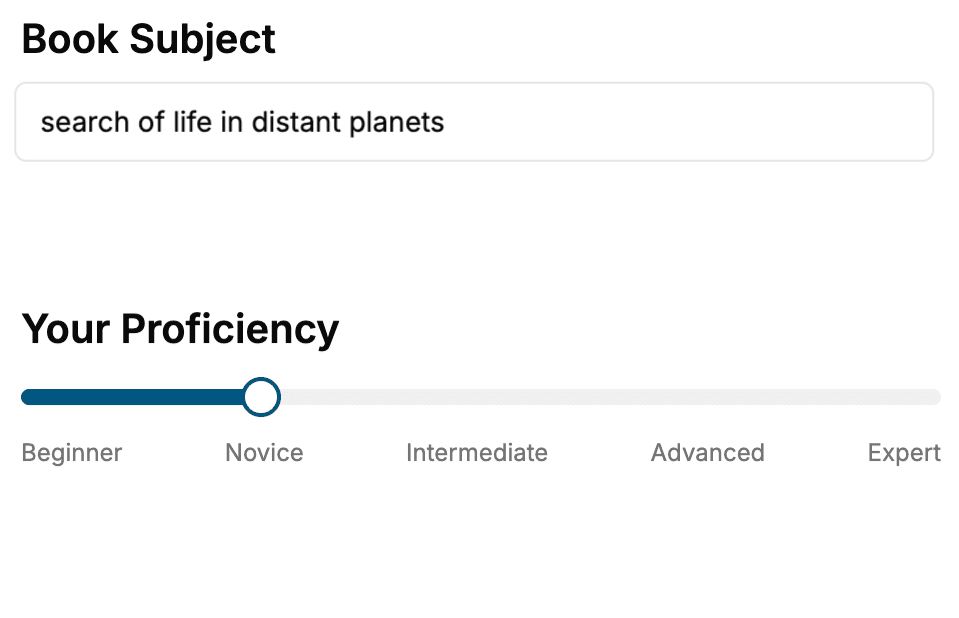
Select the focus of your Software Development book and share your background
- 2. Personalize your book
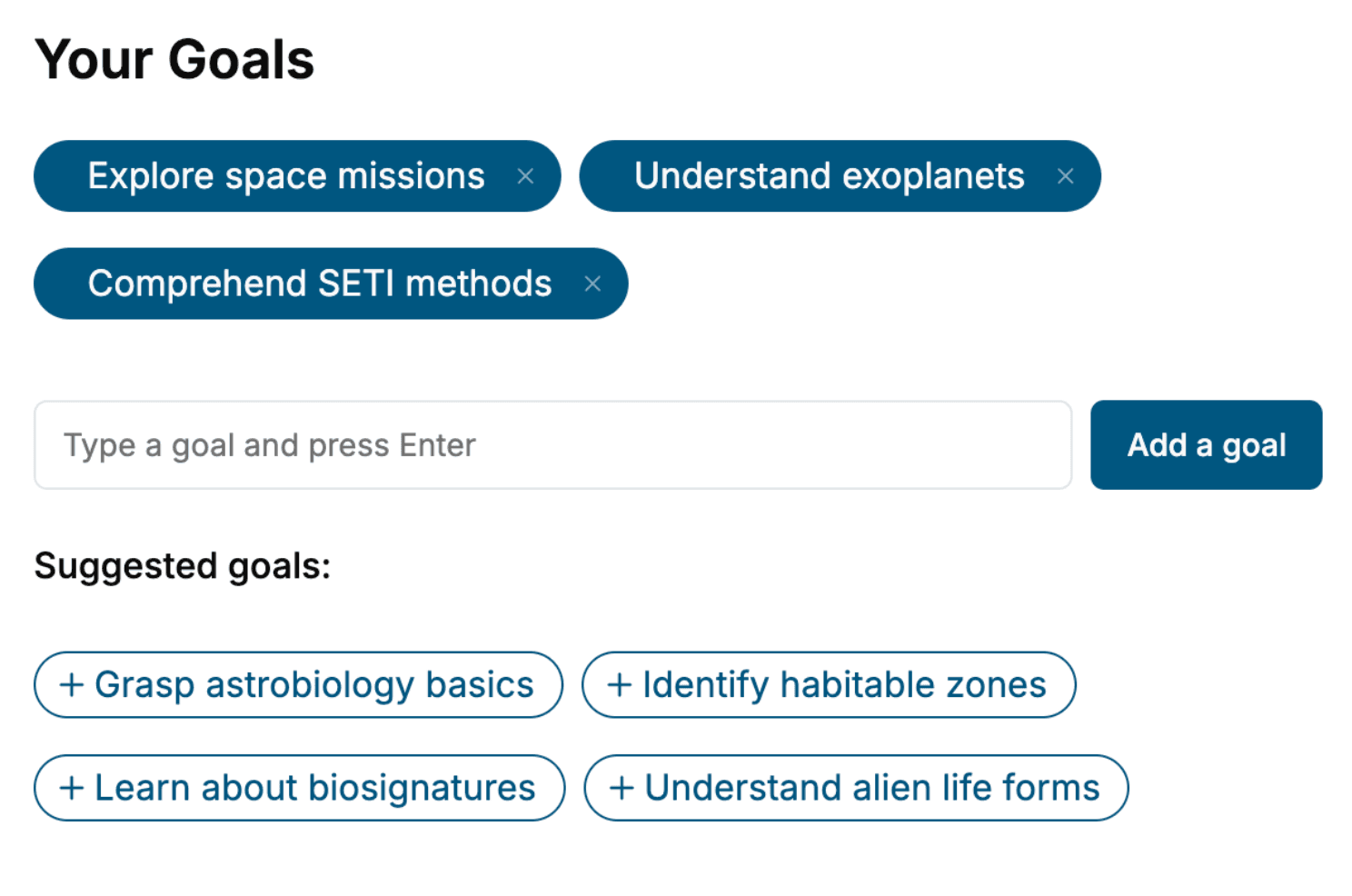
Specify your goals and choose sub-topics to include
- 3. Get your tailored book
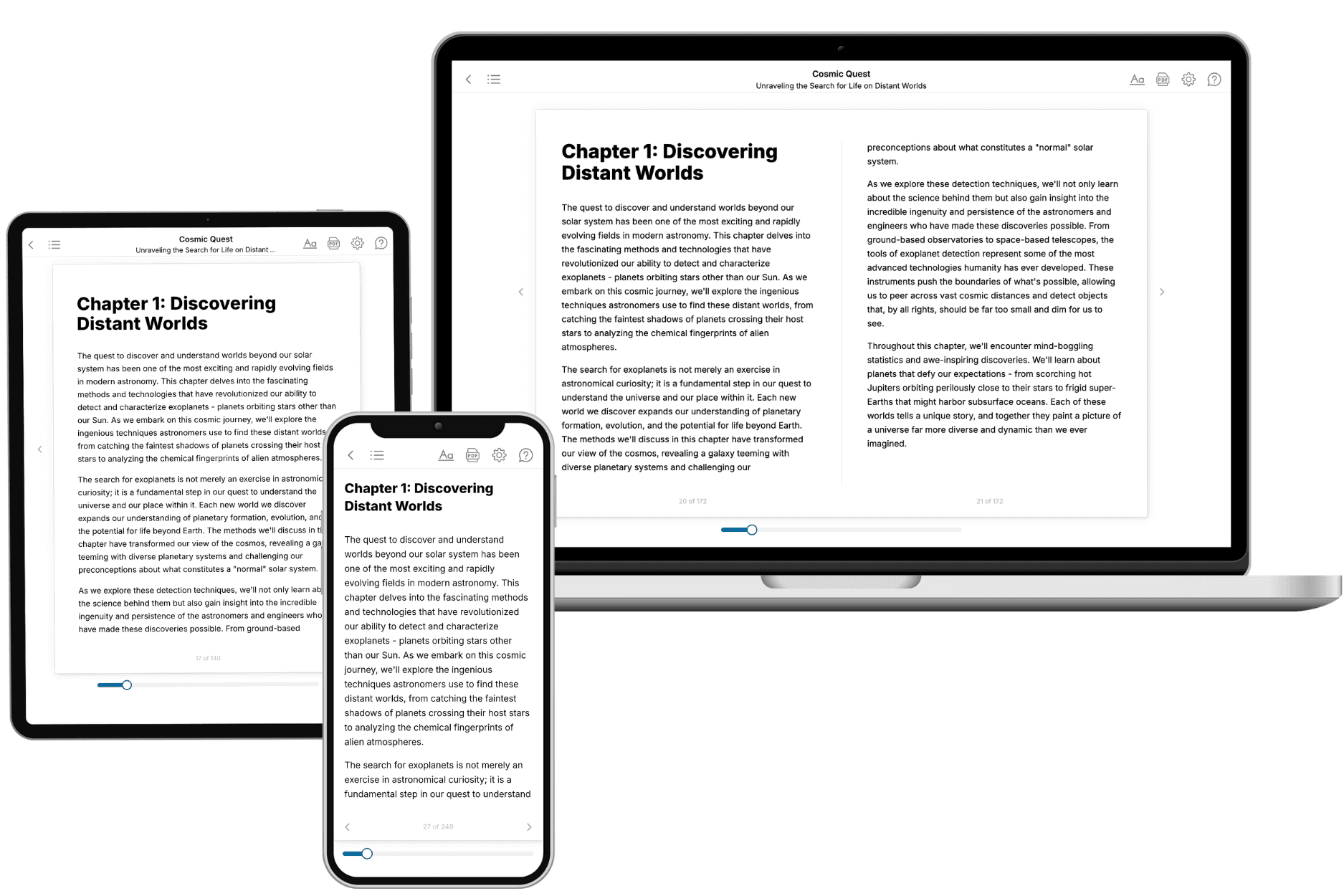
Your book is ready in 10 minutes. Read it online, download as EPUB or PDF, or send to Kindle.
Frequently asked questions
- What is TailoredRead?
TailoredRead creates complete, full-length nonfiction ebooks, written specifically for you. Tell us what you want to learn and why, and TailoredRead writes you a complete ebook on it, with charts, tables, and diagrams throughout. Read it online, on Kindle, or on any e-reader, or download it as a PDF or EPUB. Every book is written fresh the day you order it.
- How is the book tailored to me?
Before anything is written, you answer a few short questions about your goals, your background, and the topics you care about. Your book is then planned around your answers: written at your level, focused on your goals, and covering the topics you chose, instead of the one-size-fits-all book a store sells everyone.
- Will it read like generic AI content?
No. Your book isn't a chat transcript: it's planned chapter by chapter before a single word is written, told in a clear book voice, and explains ideas visually with charts, tables, and diagrams. After writing, every book goes through an editorial pass that polishes chapters so the book reads consistent from start to finish. Judge for yourself: browse thousands of sample books on our Explore Books page.
- How accurate is the content?
Our AI first checks whether your subject needs live research. Niche and fast-moving subjects are researched before writing, and the book plan and chapters are grounded in what it finds. After writing, every book goes through a quality pass that checks its facts and consistency, and researched books list their sources in a Notes section at the back.
- How long is the book?
You choose the length: Comprehensive (250-300 pages), Detailed (150-200 pages), Essential (70-100 pages), or Short (30-50 pages).
- Does the book include visuals?
Yes. Every book includes charts, tables, and diagrams: timelines, checklists, step-by-step guides, decision trees, comparison tables, matrices, and bar charts. A typical book includes dozens of these visual elements.
- Can I read it on Kindle? What formats can I download?
Yes. Every book can be read in our online reader or downloaded as a PDF or EPUB. The EPUB can be opened with Kindle, Apple Books, Kobo, and any e-reader. The Commercial and Author licenses also include an editable Word (DOCX) and Markdown download.
- How much does it cost?
About the price of a regular ebook. The exact price depends on your book's length and complexity, from $2 for the shortest books to $35 for the most comprehensive, and it's shown when you review your book, before you commit to anything. Each book is a one-time purchase, yours to keep, no subscription. Licenses that let you share, teach, or publish your book range from $35.99 to $49.99.
- Can I preview the book before purchasing?
Before you pay, you'll see what your book will cover: the title, a detailed description, the estimated length, and the complete chapter-by-chapter table of contents, so you know what you're getting before you decide. The full text itself is written after you purchase.
- How long does it take to create a book?
About 10 minutes. You can start reading the opening chapters while the rest is still being written.