The Presentation Slide Master
Professional Templates and Design Strategies for Impactful Business Communication
Creating presentations that truly resonate with your audience is challenging when you're starting from a blank slide.
191 pages9 chaptersFeb 20, 2026Presentation
About this book
Many professionals struggle with design decisions, inconsistent formatting, and the time investment required to build polished decks from scratch. This comprehensive guide transforms how you approach presentation design by teaching you to leverage templates strategically while maintaining creative control and visual impact. You'll discover how to select, customize, and master slide templates that work for your specific needs—whether you're pitching to investors, reporting quarterly results, training teams, or telling compelling stories. Learn the design principles that make slides memorable, explore template structures for different presentation types, and master the tools that let you work faster without sacrificing quality. This book provides practical frameworks, real-world examples, and actionable strategies that turn templates from generic starting points into powerful communication assets. Whether you're presenting weekly or quarterly, you'll develop the skills to create presentations that engage, persuade, and inspire action.
Table of contents
- IntroductionWhy Templates Matter in Modern Presentations, What You'll Learn in This Book, How to Use This Guide for Maximum ImpactRead below
- Chapter 1: Understanding Presentation TemplatesTemplate Fundamentals and Core Components, The Real Benefits of Using Templates, Debunking Common Template Myths
- Chapter 2: Design Principles for Effective SlidesContrast, Alignment, and Visual Hierarchy, The Power of White Space and Simplicity, Creating Visual Consistency Across Slides
- Chapter 3: Color, Typography, and ImageryColor Psychology and Palette Selection, Typography Choices That Enhance Readability, Selecting and Using Imagery Effectively
- Chapter 4: Template Types for Different ContextsSales and Pitch Presentation Templates, Business Report and Analysis Templates, Training and Storytelling Templates
- Chapter 5: Data Visualization and Information DesignChart and Graph Templates for Data, Infographic Design and Visual Storytelling, Simplifying Complex Data for Audiences
- Chapter 6: Customizing Templates for Your BrandAligning Templates with Brand Guidelines, Modification Techniques Without Losing Consistency, Building Your Own Custom Template Library
- Chapter 7: Tools and Software for Template ManagementMastering PowerPoint Template Features, Google Slides, Keynote, and Alternative Platforms, Finding and Evaluating Template Resources
- Chapter 8: Accessibility and Inclusive DesignAccessibility Standards and Best Practices, Inclusive Design Principles for All Audiences, Testing and Validating Slide Accessibility
- Chapter 9: Workflow Optimization and ProductivityOrganizing and Managing Your Template Collection, Creating Presentations Rapidly Without Sacrificing Quality, Using Templates for Team Collaboration
- ConclusionKey Takeaways and Next Steps, Continuous Improvement in Your Presentation Skills
- Appendix: Template Checklist and ResourcesTemplate Evaluation Checklist, Design Principles Quick Reference, Recommended Tools and Resources
Introduction
Picture this: you have 48 hours before a major presentation to your company's leadership team. The content is solid, the data is compelling, and you know your material inside and out. But when you open a blank slide deck, something happens. The cursor blinks. The white canvas stares back. Suddenly, you're spending more time debating font sizes and background colors than refining the message that actually matters. Sound familiar? This experience is more common than most professionals admit, and it's the exact problem this book was built to solve.
Presentations are one of the most powerful communication tools available in any professional setting. They shape decisions, win clients, align teams, and move organizations forward. Yet the gap between a presentation that truly lands and one that gets politely forgotten is often not about the quality of the ideas. It's about how those ideas are packaged, structured, and delivered visually. Design decisions that seem minor, like font choice, color contrast, or slide layout, can dramatically affect whether your audience absorbs your message or tunes out after the third slide.
This is where templates become genuinely transformative. A well-designed template is not a shortcut or a creative compromise. It's a professional framework that handles the structural and visual decisions upfront, freeing you to focus entirely on your content and your audience. The best presenters in business, from startup founders pitching investors to senior executives presenting quarterly results, rely on templates not because they lack creativity, but because they understand that consistency, clarity, and speed are competitive advantages. This book will show you exactly how to harness those advantages for yourself.
What you'll find in these pages is a practical, grounded guide to mastering presentation templates and the design principles behind them. This isn't a theoretical design textbook, and it's not a software manual. It's a working guide built for professionals who present regularly and want to do it better, faster, and with more confidence. Every chapter is built around real-world application, with concrete examples, actionable frameworks, and strategies you can put to work immediately. Whether you're building a sales pitch, a training module, a data-heavy report, or a compelling story for your stakeholders, this book has a path forward for you.
Why Templates Matter in Modern Presentations
The modern professional presents more than ever before. Remote work, distributed teams, and digital-first communication have made slide decks a primary medium for sharing ideas, reporting progress, and driving decisions. According to research from Prezi, 70% of employed Americans who give presentations agree that presentation skills are critical to their success at work.[1] Yet most professionals receive little to no formal training in visual communication or slide design. The result is a massive gap between how often people present and how effectively they do it.
Templates exist to close that gap. At their core, templates are pre-built design systems that establish the visual rules for a presentation before a single word of content is written. They define the layout grid, the color palette, the typography hierarchy, and the spacing conventions. When you work within a well-constructed template, every slide you create automatically inherits those rules. The result is a deck that looks cohesive, professional, and intentional, even if you built it in two hours the night before a meeting.
The time savings alone make templates worth mastering. Research from the Nielsen Norman Group suggests that users spend a significant portion of their cognitive effort on formatting decisions when working without structured systems.[2] Every minute spent adjusting margins or debating whether a heading should be 28pt or 32pt is a minute not spent sharpening your argument or anticipating audience questions. Templates eliminate those micro-decisions by making them once, correctly, and then applying them consistently across every slide.
Beyond efficiency, templates enforce a kind of visual discipline that most people struggle to maintain on their own. When you're building a deck from scratch, it's easy for slide 12 to look nothing like slide 3. Fonts drift. Colors shift. Alignment becomes inconsistent. Audiences notice this, even if they can't articulate why. Inconsistency creates a subtle sense of disorder that undermines your credibility as a presenter. A strong template prevents this entirely by keeping every slide anchored to the same visual system.
Templates also serve a critical function in team environments. When multiple people contribute to a single presentation, design chaos is almost inevitable without a shared template. One person uses Arial, another uses Calibri. One section has dark backgrounds, another has white. The final deck looks like it was assembled by five different people who never spoke to each other, because it was. A shared template acts as a design contract that keeps every contributor working within the same visual language, regardless of their individual design instincts.
It's also worth noting what templates are not. They are not creative straitjackets. The best templates are flexible systems that accommodate a wide range of content types while maintaining visual coherence. A great template gives you a strong foundation and then gets out of your way. The chapters ahead will show you how to find that balance, customizing templates to fit your brand, your content, and your audience without losing the consistency that makes them valuable in the first place.
A real-world example: McKinsey & Company, one of the world's most respected consulting firms, is famous for its presentation style. Their decks are instantly recognizable: clean layouts, consistent typography, data-forward slides, and a disciplined use of color. This isn't accidental. It's the result of a rigorous internal template system that every consultant learns to work within. The template doesn't limit their thinking. It amplifies it by ensuring that every insight is presented with maximum clarity and professionalism.
The takeaway is straightforward. Templates matter because presentations matter. In a world where attention is scarce and first impressions are formed in seconds, the visual quality of your slides is not a cosmetic concern. It's a communication strategy. Mastering templates is one of the highest-leverage skills a modern professional can develop, and this book will walk you through every step of that process.
What You'll Learn in This Book
This book is organized as a progressive learning journey. Each chapter builds on the one before it, moving from foundational concepts to advanced application. You don't need to be a designer to benefit from this material. You do need to be willing to look at your presentations differently and apply what you learn with intention. Here's a clear picture of what each section covers and why it matters to your work.
Chapter 1: Understanding Presentation Templates lays the groundwork. Before you can use templates effectively, you need to understand what they actually are at a structural level. This chapter breaks down the core components of any template, from slide masters and layout grids to placeholder systems and theme settings. It also addresses the most common myths about templates, including the idea that they make all presentations look the same, and replaces those myths with a more accurate and empowering perspective.
Chapters 2 and 3 cover the design principles that make slides work visually. Chapter 2 focuses on contrast, alignment, visual hierarchy, and the strategic use of white space. These are the foundational rules of visual communication, and understanding them will change how you evaluate every slide you create. Chapter 3 goes deeper into color psychology, typography selection, and imagery choices. You'll learn why certain color combinations build trust while others create anxiety, and how font pairing affects the perceived professionalism of your entire deck.
Chapter 4 is where the book gets highly practical. Different presentation contexts require fundamentally different template structures. A sales pitch needs to build urgency and tell a story. A business report needs to organize data clearly and support decision-making. A training presentation needs to guide learners through a logical sequence. This chapter provides specific template frameworks for each major presentation type, with concrete examples of what works and why.
Chapter 5 tackles data visualization, one of the most challenging and most important aspects of modern business presentations. You'll learn how to choose the right chart type for your data, how to design infographics that communicate rather than decorate, and how to simplify complex information without losing accuracy or nuance. This chapter includes specific templates for common data scenarios, from quarterly performance reviews to market analysis slides.
The remaining chapters cover the full ecosystem of professional template use:
- Chapter 6 shows you how to customize templates to align with your organization's brand guidelines without breaking the design system.
- Chapter 7 provides a practical guide to the major presentation tools, including PowerPoint, Google Slides, and Keynote, with specific guidance on template management features in each platform.
- Chapter 8 covers accessibility and inclusive design, explaining how to make your slides readable and usable for all audiences, including those with visual impairments or cognitive differences.
- Chapter 9 focuses on workflow optimization, showing you how to organize your template library, create presentations faster, and collaborate effectively with teams using shared template systems.
Throughout every chapter, you'll find concrete examples drawn from real presentation scenarios. These aren't hypothetical situations. They're the kinds of challenges that come up in actual professional settings, from a marketing manager building a campaign results deck to a project manager presenting a status update to stakeholders. The examples are specific enough to be genuinely useful and flexible enough to apply across industries and roles.
By the time you finish this book, you'll have a complete toolkit for professional presentation design. You'll understand the principles behind great slide design, know how to select and customize templates for any context, and have practical workflows that let you create polished decks in a fraction of the time it used to take. More importantly, you'll have the confidence that comes from knowing your presentations will look as strong as the ideas they contain.
One thing worth noting upfront: this book is deliberately tool-agnostic in its principles. Whether you work primarily in PowerPoint, Google Slides, Keynote, or another platform, the design principles and template strategies covered here apply universally. Chapter 7 does address platform-specific features, but the core frameworks in every other chapter work regardless of which software you use. The goal is to build skills that travel with you, not skills that are locked to a single application.
How to Use This Guide for Maximum Impact
There's a right way and a wrong way to use a book like this. The wrong way is to read it passively, nodding along at the concepts without ever opening your presentation software. The right way is to treat each chapter as a workshop session, reading the material and then immediately applying it to a real presentation you're working on or a practice deck you build specifically for this purpose. The gap between knowing and doing is where most professional development efforts fail. This guide is designed to help you close that gap.
If you're new to thinking about presentation design systematically, start at the beginning and work through the chapters in order. The book is structured so that each chapter builds on the previous one. Jumping ahead to Chapter 6 on brand customization without understanding the design principles in Chapters 2 and 3 will leave you with techniques but no framework for applying them well. The sequence matters, especially for the first five chapters.
If you already have a solid foundation in design basics and are primarily looking for practical template strategies, you can move more selectively. Here's a suggested path based on your most pressing needs:
- If your biggest challenge is inconsistency across slides: Focus on Chapters 1, 2, and 6.
- If you struggle with data-heavy presentations: Prioritize Chapter 5, then come back to Chapters 2 and 3.
- If you need to build presentations faster: Start with Chapter 9, then read Chapters 1 and 7 for the supporting context.
- If you're preparing for a specific high-stakes presentation: Go directly to Chapter 4 for the relevant template type, then use the design principles chapters to refine your approach.
- If you're building a team template system: Chapters 6, 7, and 9 are your primary focus.
Each chapter ends with a set of key takeaways and practical action steps. These are not optional extras. They're the most important part of each chapter because they translate the concepts into specific things you can do right now. Treat them as a checklist. Work through them before moving to the next chapter. If you complete every action step in this book, you will have built a complete, professional template system by the time you reach the conclusion.
The appendix at the back of the book is a working reference tool, not just supplementary reading. It contains a template evaluation checklist you can use whenever you're assessing a new template, a quick-reference guide to the core design principles, and a curated list of recommended tools and resources. Keep the appendix accessible. You'll find yourself returning to it regularly as you apply these skills in your day-to-day work.
It's also worth building a dedicated practice folder on your computer as you work through this book. Create a folder called something like Presentation Templates - In Progress and use it to store the templates and slide examples you build while reading. By the end of the book, this folder will be the beginning of your personal template library, a collection of ready-to-use designs that reflect your brand, your style, and the specific presentation contexts you encounter most often.
A practical starting point: Before reading Chapter 1, open one of your recent presentations and spend five minutes looking at it critically. Ask yourself: Do all the slides feel like they belong to the same deck? Is the typography consistent? Does the color usage feel intentional? Are the layouts helping the content or fighting it? Write down two or three specific things that feel off. These observations will give you a personal reference point as you work through the design principles ahead, and they'll make the material feel immediately relevant to your actual work.
One final thought before you dive in. Great presentations are not made by great designers. They're made by great communicators who understand how visual design supports their message. You don't need to become a graphic designer to create slides that look professional and communicate clearly. You need to understand a handful of core principles, apply them consistently through well-chosen templates, and keep your audience's experience at the center of every decision you make. That's exactly what this book will teach you to do.
The skills you build here will compound over time. The first presentation you redesign using these principles will take longer than usual because you're learning new habits. The second will be faster. By the tenth, the principles will feel natural, and the templates you've built will make the process genuinely efficient. Professionals who invest in these skills consistently report that their presentations become not just better-looking, but more persuasive, more memorable, and more effective at driving the outcomes they're designed to achieve.[3] That's the real payoff, and it starts on the next page.
This is the end of the free sample. The full book has 9 chapters.
Want this book written for you?
Tell us your goals and background, and get your own version of this book, tailored by AI to you.


Benefits of AI-tailored books
- Read one book, not ten:
- all the Presentation knowledge you need, gathered into a single book.
- Save days of learning:
- tell us your goals, choose your topics, and the whole book is built around them.
- Learn effortlessly:
- Presentation book written for your specific background and expertise.
- Understand at a glance:
- includes charts, tables, timelines, checklists, decision trees, and more.
- Stay current:
- written the day you order it, not years ago.
- Trust what you read:
- every book is checked for accuracy, with real research when your subject needs it.
Create your unique book in 3 steps
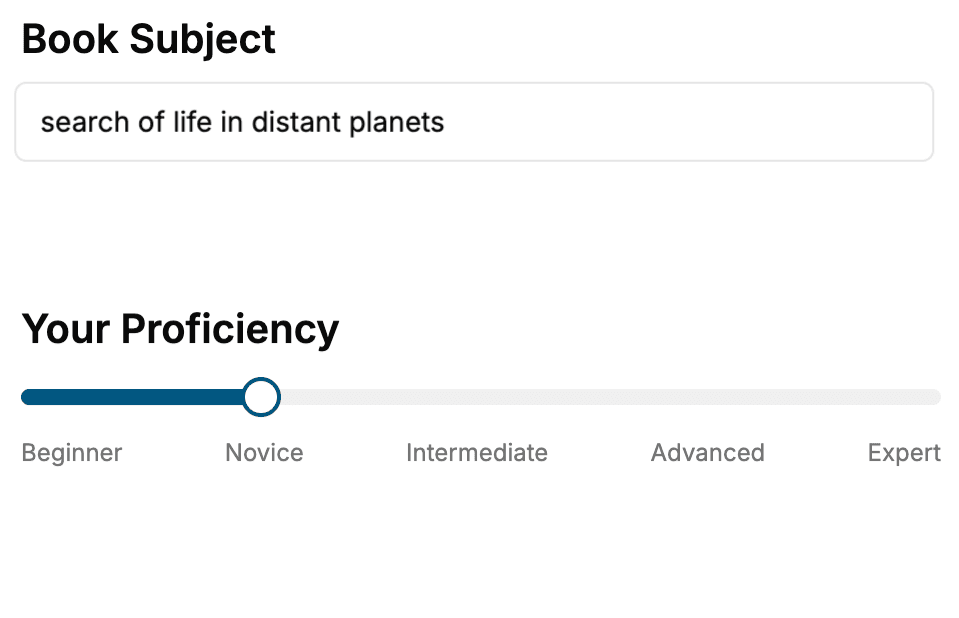
- 1. Select your focus
Select the focus of your Presentation book and share your background
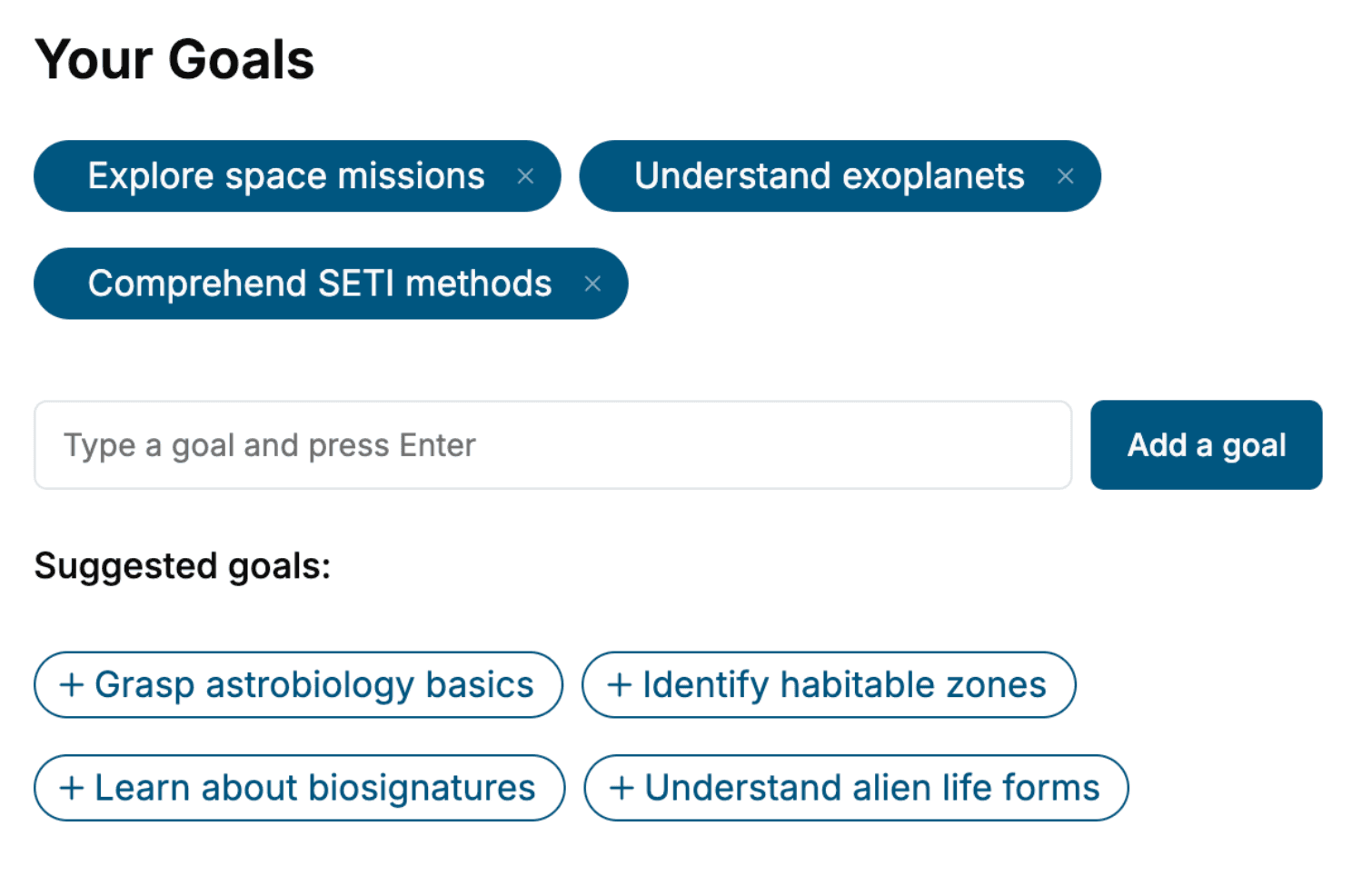
- 2. Personalize your book
Specify your goals and choose sub-topics to include
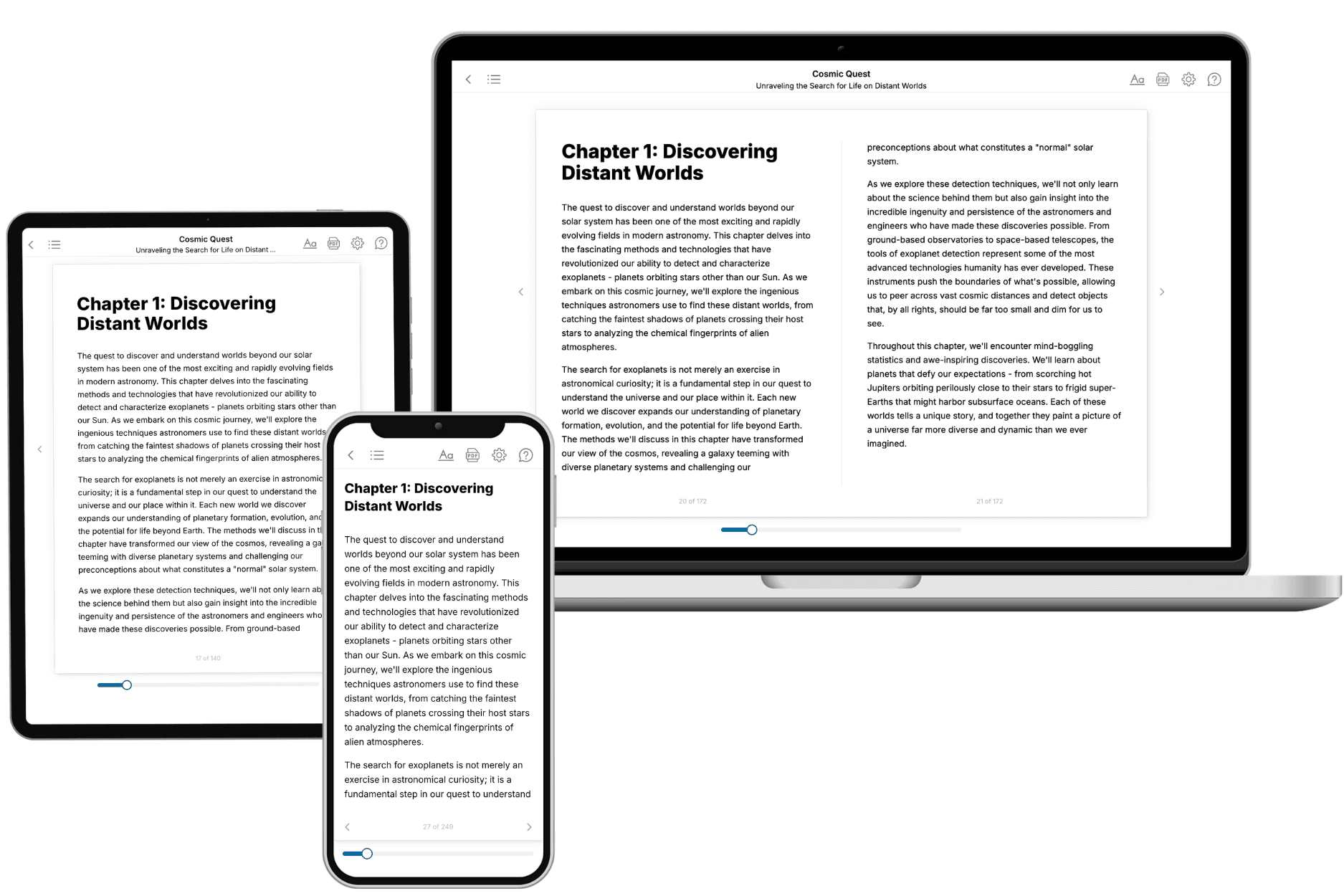
- 3. Get your tailored book
Your book is ready in 10 minutes. Read it online, download as EPUB or PDF, or send to Kindle.
Frequently asked questions
- What is TailoredRead?
TailoredRead creates complete, full-length nonfiction ebooks, written specifically for you. Tell us what you want to learn and why, and TailoredRead writes you a complete ebook on it, with charts, tables, and diagrams throughout. Read it online, on Kindle, or on any e-reader, or download it as a PDF or EPUB. Every book is written fresh the day you order it.
- How is the book tailored to me?
Before anything is written, you answer a few short questions about your goals, your background, and the topics you care about. Your book is then planned around your answers: written at your level, focused on your goals, and covering the topics you chose, instead of the one-size-fits-all book a store sells everyone.
- Will it read like generic AI content?
No. Your book isn't a chat transcript: it's planned chapter by chapter before a single word is written, told in a clear book voice, and explains ideas visually with charts, tables, and diagrams. After writing, every book goes through an editorial pass that polishes chapters so the book reads consistent from start to finish. Judge for yourself: browse thousands of sample books on our Explore Books page.
- How accurate is the content?
Our AI first checks whether your subject needs live research. Niche and fast-moving subjects are researched before writing, and the book plan and chapters are grounded in what it finds. After writing, every book goes through a quality pass that checks its facts and consistency, and researched books list their sources in a Notes section at the back.
- How long is the book?
You choose the length: Comprehensive (250-300 pages), Detailed (150-200 pages), Essential (70-100 pages), or Short (30-50 pages).
- Does the book include visuals?
Yes. Every book includes charts, tables, and diagrams: timelines, checklists, step-by-step guides, decision trees, comparison tables, matrices, and bar charts. A typical book includes dozens of these visual elements.
- Can I read it on Kindle? What formats can I download?
Yes. Every book can be read in our online reader or downloaded as a PDF or EPUB. The EPUB can be opened with Kindle, Apple Books, Kobo, and any e-reader. The Commercial and Author licenses also include an editable Word (DOCX) and Markdown download.
- How much does it cost?
About the price of a regular ebook. The exact price depends on your book's length and complexity, from $2 for the shortest books to $35 for the most comprehensive, and it's shown when you review your book, before you commit to anything. Each book is a one-time purchase, yours to keep, no subscription. Licenses that let you share, teach, or publish your book range from $35.99 to $49.99.
- Can I preview the book before purchasing?
Before you pay, you'll see what your book will cover: the title, a detailed description, the estimated length, and the complete chapter-by-chapter table of contents, so you know what you're getting before you decide. The full text itself is written after you purchase.
- How long does it take to create a book?
About 10 minutes. You can start reading the opening chapters while the rest is still being written.