Python Regex Mastery
Extract, Transform, and Automate Text Processing Like a Pro
Master the art of text processing with Python regex and transform how you work with data.
52 pages2 chaptersJun 3, 2026Python
About this book
You'll progress from regex fundamentals to building production-ready text analysis tools that extract, filter, and transform data automatically. This book teaches you to write efficient patterns that handle real-world scenarios—from cleaning CSV files and scraping web content to processing natural language text. Through hands-on coding examples, you'll learn metacharacter mastery, character classes, word boundaries, and advanced techniques like lookahead assertions and backreferences. By the end, you'll confidently build custom text filters, search tools, and automation scripts that save hours of manual work. Whether you're processing logs, extracting structured data, or analyzing text at scale, regex becomes your most powerful text processing weapon.
Table of contents
- Chapter 1: Regex Foundations and Pattern Matching BasicsWhy Regex Matters: Real-World Text Processing Challenges, Metacharacter Essentials: Building Your First Patterns, Python's Regex Module: Setup and Core FunctionsRead below
- Chapter 2: Advanced Pattern Techniques and Text ExtractionCharacter Classes and Escape Sequences: Precision Matching, Word Boundaries and Lookahead/Lookbehind Assertions, Backreferences and Complex Find-and-Replace Operations
- Conclusion
Chapter 1: Regex Foundations and Pattern Matching Basics
Every developer eventually hits the same wall. You have a file full of messy text, and you need to pull out phone numbers, email addresses, or product codes buried inside it. You could write a loop with a dozen if statements and string slicing operations. You could spend an afternoon on it. Or you could write a single regular expression and be done in five minutes. That gap between hours and minutes is exactly what regex mastery delivers, and it starts here.
Regular expressions, commonly called regex or regexp, are sequences of characters that define a search pattern. They are not a Python-specific invention. The concept dates back to the 1950s, when mathematician Stephen Kleene formalized the theory of regular languages.[1] Since then, regex has become a universal tool embedded in nearly every programming language, text editor, and command-line utility. Python's re module brings this power directly into your scripts with a clean, consistent interface.
This chapter builds the foundation you need before tackling advanced techniques. You will learn why regex solves problems that plain string methods cannot, how to read and write the core metacharacters that give regex its expressive power, and how Python's re module works in practice. By the end of this chapter, you will be writing real patterns against real text, not just memorizing syntax in the abstract. Every concept here connects directly to the practical work covered in later chapters.
One important mindset shift before diving in: regex is a language within a language. It has its own grammar, its own logic, and its own way of thinking about text. Learning it feels awkward at first, the same way any new language does. But the patterns you learn here are not throwaway knowledge. They transfer directly to JavaScript, Java, Ruby, command-line tools like grep and sed, and database query languages. Investing time in regex fundamentals pays dividends across your entire career as a developer.
Why Regex Matters: Real-World Text Processing Challenges
Consider a realistic scenario: you receive a 50,000-line server log file and need to extract every IP address that triggered a 404 error. Without regex, you might split each line by spaces, check whether a segment looks like an IP address, and validate it with nested conditionals. That approach works, but it is brittle. Change the log format slightly and the whole script breaks. With regex, you write one pattern, apply it to every line, and collect results in seconds. The pattern adapts to variations in spacing or formatting far more gracefully than hand-coded string logic.
Text processing challenges appear constantly in real development work. Here are the most common categories where regex provides a decisive advantage over plain string methods:
- Data extraction: Pulling emails, phone numbers, URLs, or dates from unstructured text documents
- Data validation: Checking whether user input matches an expected format before storing it
- Data cleaning: Removing unwanted characters, normalizing whitespace, or stripping HTML tags from scraped content
- Log analysis: Filtering and parsing structured log entries to find errors, warnings, or specific events
- Find-and-replace: Transforming text patterns across large files, such as reformatting dates from MM/DD/YYYY to YYYY-MM-DD
- Tokenization: Splitting text into meaningful units for natural language processing pipelines
Python's built-in string methods handle simple cases well. The str.find(), str.replace(), and str.split() methods are fast and readable for fixed patterns. But they fall apart when the pattern varies. An email address can have many valid forms. A phone number can appear with dashes, dots, spaces, or parentheses. A date can be written in dozens of formats. String methods require you to handle each variation explicitly. Regex handles all of them with a single, compact expression.
To make this concrete, imagine you need to find all dates in a document. The dates might appear as 2024-01-15, 01/15/2024, or January 15, 2024. Writing separate string-matching logic for each format would take dozens of lines. A well-crafted regex pattern can match all three formats in one pass. That is not just a convenience. At scale, processing millions of records, the difference between one regex pass and multiple string-method passes has measurable performance implications.
Regex also shines in automation pipelines. When you build a script that processes files automatically, you cannot predict every edge case in the input. Regex patterns are more tolerant of variation than rigid string logic. A pattern that matches phone numbers with optional country codes, optional spaces, and optional parentheses will handle real-world data far better than code that expects a single fixed format. This robustness is one of the core reasons regex remains a fundamental tool after decades of software development evolution.
There is also a professional dimension worth acknowledging. Regex fluency is a skill that distinguishes developers who can handle messy, real-world data from those who can only work with clean, structured inputs. Data scientists, backend engineers, DevOps professionals, and security analysts all rely on regex regularly. Understanding it deeply makes you more effective across a wide range of technical roles and projects.
That said, regex is not always the right tool. For very simple fixed-string searches, str.find() is faster and more readable. For complex structured data like JSON or XML, a dedicated parser is more appropriate than regex. The skill is knowing when regex adds value and when it adds unnecessary complexity. This chapter helps you develop that judgment alongside the technical knowledge.
Metacharacter Essentials: Building Your First Patterns
Metacharacters are the building blocks of every regex pattern. They are special characters that carry meaning beyond their literal value. A plain letter like a matches only the letter "a." But a metacharacter like . matches almost any character. Understanding metacharacters is the single most important step in learning regex, because every pattern you will ever write is built from combinations of these symbols.
Here is a reference table of the core metacharacters you will use most often:
.(dot): Matches any single character except a newline^: Matches the start of a string (or line in multiline mode)$: Matches the end of a string (or line in multiline mode)*: Matches zero or more repetitions of the preceding element+: Matches one or more repetitions of the preceding element?: Matches zero or one repetition (makes the preceding element optional){n,m}: Matches between n and m repetitions of the preceding element[]: Defines a character class, matching any one character inside the brackets|: Acts as an OR operator between two patterns(): Groups patterns together and captures the matched text\: Escapes a metacharacter to treat it as a literal character
Start with the dot and quantifiers, because they appear in almost every pattern. The dot matches any character, so c.t matches "cat," "cut," "cot," and even "c3t." Add a quantifier and the power multiplies. The pattern c.+t matches "cat," "cart," "carpet," and any string that starts with "c" and ends with "t" with at least one character in between. The + quantifier means "one or more," so it requires at least one character between "c" and "t."
Anchors are equally important. The ^ and $ metacharacters pin your pattern to the start or end of a string. Without anchors, a pattern can match anywhere inside a longer string. With anchors, you control exactly where the match must occur. For example, the pattern ^\d{5}$ matches a string that contains exactly five digits and nothing else. This is useful for validating US ZIP codes. Without the anchors, the same pattern would match the five-digit sequence inside a longer string like "My ZIP is 90210 and more text."
Quantifiers deserve special attention because they control how "greedy" your pattern is. By default, quantifiers are greedy: they match as much text as possible. Consider the pattern <.+> applied to the string <b>Hello</b>. A greedy match returns the entire string <b>Hello</b> because the .+ expands as far as it can. Adding a ? after the quantifier makes it lazy, matching as little as possible. The pattern <.+?> returns just <b>, which is usually what you want when parsing HTML-like content.
Greedy vs. Lazy Example:
String:<b>Hello</b>
Greedy pattern<.+>matches:<b>Hello</b>
Lazy pattern<.+?>matches:<b>
The alternation operator | works like a logical OR. The pattern cat|dog matches either "cat" or "dog." Combine it with grouping parentheses and you get more precise control. The pattern (cat|dog)s? matches "cat," "cats," "dog," or "dogs." The parentheses group the alternation, and the s? makes the trailing "s" optional. This kind of compact expression would take many lines of conditional logic to replicate with plain string methods.
Escaping is a concept that trips up many beginners. Because metacharacters have special meaning, you need to escape them with a backslash when you want to match them literally. To match a literal dot (as in a file extension or IP address), write \. instead of .. To match a literal parenthesis, write \(. In Python, this creates a complication because the backslash is also a special character in Python strings. The standard solution is to use raw strings, prefixed with r, so that r"\." passes the backslash directly to the regex engine without Python interpreting it first.
Practice is the fastest way to internalize metacharacters. A useful exercise is to take a sample text, identify a pattern you want to match, and build the regex incrementally. Start with a literal match, then add quantifiers, then add anchors. Tools like [2] regex101.com let you test patterns interactively and see exactly which parts of your text match. Using a visual tester alongside Python accelerates learning significantly.
Python's Regex Module: Setup and Core Functions
Python's re module is part of the standard library, so there is nothing to install. You simply import it at the top of your script and start using it. The module provides a small set of core functions that cover the vast majority of regex use cases. Learning these functions well is more valuable than memorizing obscure options, because you will use them in nearly every regex task you encounter.
import re

# Basic usage: search for a pattern in a string
text = "The order number is 48291 and was placed on 2024-03-15."
match = re.search(r"\d+", text)
if match:
    print(match.group())  # Output: 48291
The four most important functions in the re module are re.search(), re.match(), re.findall(), and re.sub(). Each serves a distinct purpose, and choosing the right one for the job makes your code cleaner and more efficient.
re.search(pattern, string): Scans through the string and returns the first location where the pattern matches. Returns a match object, orNoneif no match is found.re.match(pattern, string): Checks for a match only at the beginning of the string. Useful for validating that a string starts with a specific pattern.re.findall(pattern, string): Returns a list of all non-overlapping matches. This is the go-to function for extracting multiple values from a text.re.sub(pattern, replacement, string): Replaces all matches of the pattern with the replacement string. Essential for data cleaning and transformation.
The difference between re.search() and re.match() is a common source of confusion. The key distinction is position. re.match() only checks the very beginning of the string, while re.search() scans the entire string. If you use re.match(r"\d+", "Order 12345"), it returns None because the string does not start with a digit. But re.search(r"\d+", "Order 12345") returns a match object for "12345" because it finds the digits anywhere in the string.
import re

emails = "Contact us at support@example.com or sales@company.org for help."

# Extract all email addresses
found = re.findall(r"[a-zA-Z0-9._%+-]+@[a-zA-Z0-9.-]+\.[a-zA-Z]{2,}", emails)
print(found)
# Output: ['support@example.com', 'sales@company.org']
Match objects returned by re.search() and re.match() carry useful information beyond just the matched text. The .group() method returns the full matched string. The .start() and .end() methods return the character positions of the match within the original string. The .span() method returns both positions as a tuple. These details are valuable when you need to know not just what matched, but where it appeared in the source text.
import re

text = "Invoice date: 2024-07-22"
match = re.search(r"\d{4}-\d{2}-\d{2}", text)

if match:
    print(match.group())   # 2024-07-22
    print(match.start())   # 14
    print(match.end())     # 24
    print(match.span())    # (14, 24)
Compiling patterns with re.compile() is a best practice when you apply the same pattern multiple times. Compilation converts the pattern string into a regex object, which the engine can reuse without re-parsing the pattern on each call. For scripts that process thousands or millions of strings, this optimization matters. The compiled object exposes the same methods as the module-level functions, so the interface stays consistent.
import re

# Compile once, use many times
date_pattern = re.compile(r"\d{4}-\d{2}-\d{2}")

log_lines = [
    "Error on 2024-01-10: disk full",
    "Warning on 2024-01-11: low memory",
    "Info on 2024-01-12: backup complete",
]

for line in log_lines:
    match = date_pattern.search(line)
    if match:
        print(match.group())
Regex flags modify how the engine interprets your pattern. The most commonly used flags are re.IGNORECASE (or re.I), which makes matching case-insensitive, and re.MULTILINE (or re.M), which makes ^ and $ match the start and end of each line rather than the entire string. The re.DOTALL flag makes the dot metacharacter match newline characters as well, which is essential when your pattern needs to span multiple lines.
import re

text = """Hello World
hello python
HELLO REGEX"""

# Case-insensitive search across all lines
matches = re.findall(r"^hello", text, re.IGNORECASE | re.MULTILINE)
print(matches)
# Output: ['Hello', 'hello', 'HELLO']
Error handling is an important part of working with the re module in production code. If you pass an invalid pattern, Python raises a re.error exception. Wrapping your regex calls in a try-except block protects your script from crashing when patterns are constructed dynamically from user input or configuration files. Always validate dynamically generated patterns before applying them to large datasets.
import re

def safe_search(pattern, text):
    try:
        result = re.search(pattern, text)
        return result.group() if result else None
    except re.error as e:
        print(f"Invalid regex pattern: {e}")
        return None

# Valid pattern
print(safe_search(r"\d+", "Order 99"))   # 99

# Invalid pattern (unmatched bracket)
print(safe_search(r"[invalid", "test"))  # Prints error message, returns None
One final concept to internalize before moving forward is the use of raw strings in Python regex. When you write a regex pattern as a regular Python string, backslashes are interpreted by Python before the regex engine sees them. The sequence "\n" becomes a newline character, and "\d" becomes just "d" because \d is not a recognized Python escape sequence. Using raw strings with the r prefix prevents this. The string r"\d+" passes the characters backslash, d, and plus directly to the regex engine, which interprets \d as the digit shorthand. Make raw strings a habit from the start, and you will avoid a whole category of subtle bugs.
This is the end of the free sample. The full book has 2 chapters.
Want this book written for you?
Tell us your goals and background, and get your own version of this book, tailored by AI to you.


Benefits of AI-tailored books
- Read one book, not ten:
- all the Python knowledge you need, gathered into a single book.
- Save days of learning:
- tell us your goals, choose your topics, and the whole book is built around them.
- Learn effortlessly:
- Python book written for your specific background and expertise.
- Understand at a glance:
- includes charts, tables, timelines, checklists, decision trees, and more.
- Stay current:
- written the day you order it, not years ago.
- Trust what you read:
- every book is checked for accuracy, with real research when your subject needs it.
Create your unique book in 3 steps
- 1. Select your focus
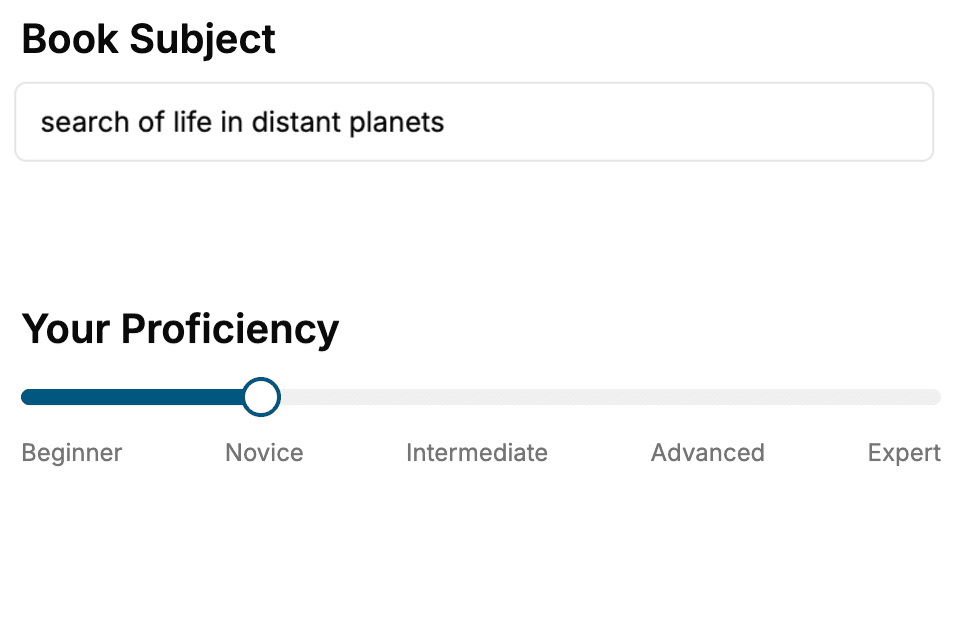
Select the focus of your Python book and share your background
- 2. Personalize your book
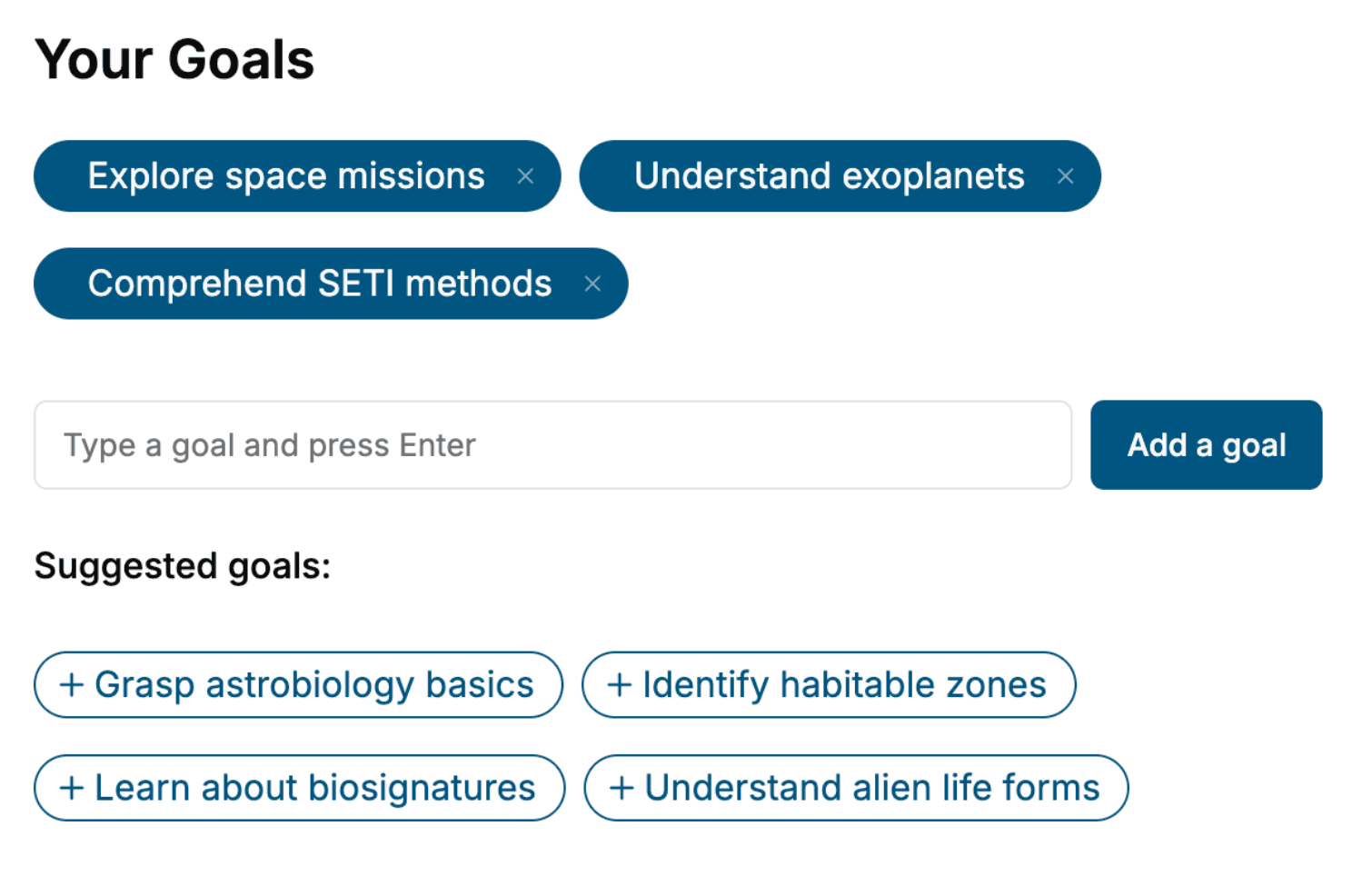
Specify your goals and choose sub-topics to include
- 3. Get your tailored book
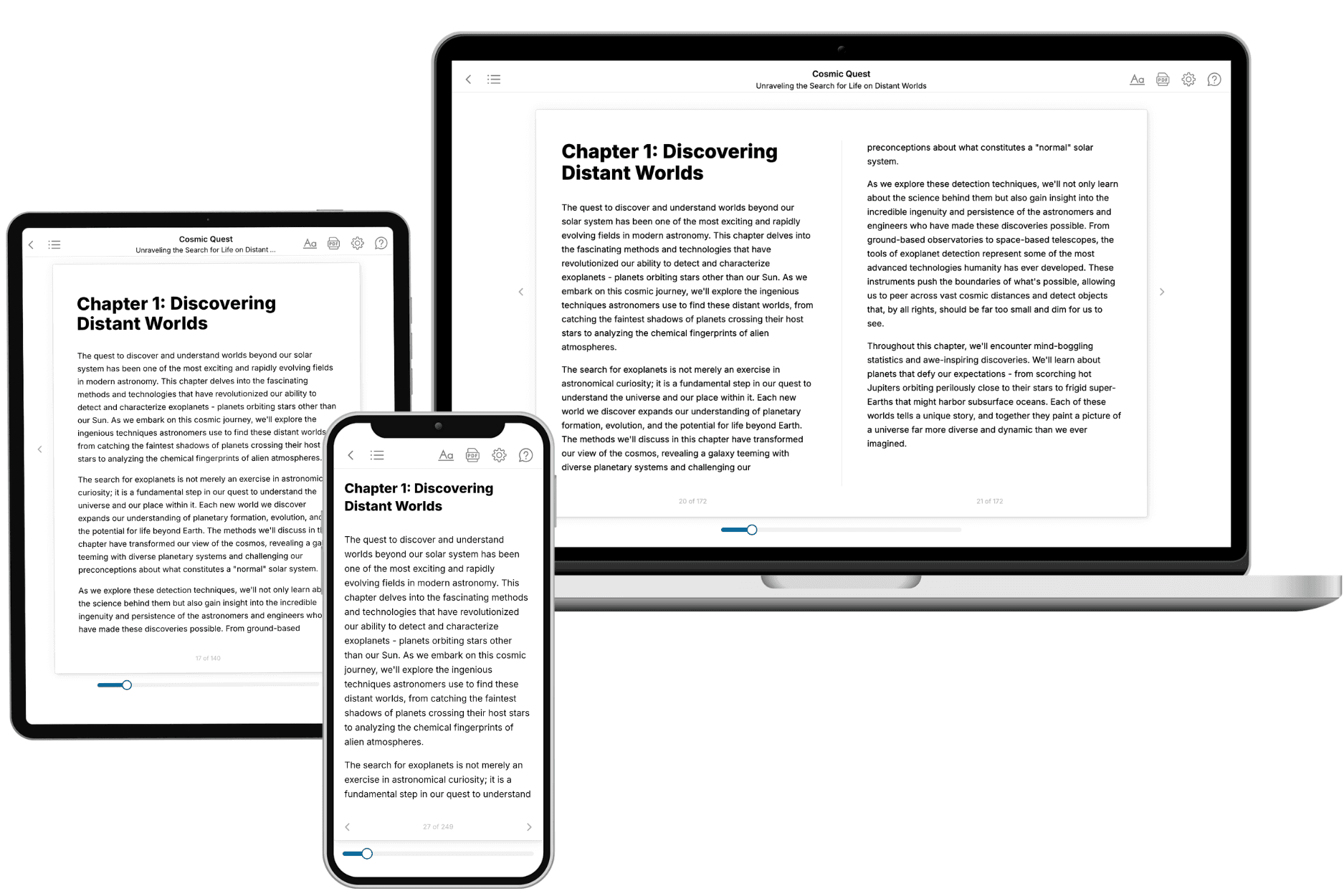
Your book is ready in 10 minutes. Read it online, download as EPUB or PDF, or send to Kindle.
Frequently asked questions
- What is TailoredRead?
TailoredRead creates complete, full-length nonfiction ebooks, written specifically for you. Tell us what you want to learn and why, and TailoredRead writes you a complete ebook on it, with charts, tables, and diagrams throughout. Read it online, on Kindle, or on any e-reader, or download it as a PDF or EPUB. Every book is written fresh the day you order it.
- How is the book tailored to me?
Before anything is written, you answer a few short questions about your goals, your background, and the topics you care about. Your book is then planned around your answers: written at your level, focused on your goals, and covering the topics you chose, instead of the one-size-fits-all book a store sells everyone.
- Will it read like generic AI content?
No. Your book isn't a chat transcript: it's planned chapter by chapter before a single word is written, told in a clear book voice, and explains ideas visually with charts, tables, and diagrams. After writing, every book goes through an editorial pass that polishes chapters so the book reads consistent from start to finish. Judge for yourself: browse thousands of sample books on our Explore Books page.
- How accurate is the content?
Our AI first checks whether your subject needs live research. Niche and fast-moving subjects are researched before writing, and the book plan and chapters are grounded in what it finds. After writing, every book goes through a quality pass that checks its facts and consistency, and researched books list their sources in a Notes section at the back.
- How long is the book?
You choose the length: Comprehensive (250-300 pages), Detailed (150-200 pages), Essential (70-100 pages), or Short (30-50 pages).
- Does the book include visuals?
Yes. Every book includes charts, tables, and diagrams: timelines, checklists, step-by-step guides, decision trees, comparison tables, matrices, and bar charts. A typical book includes dozens of these visual elements.
- Can I read it on Kindle? What formats can I download?
Yes. Every book can be read in our online reader or downloaded as a PDF or EPUB. The EPUB can be opened with Kindle, Apple Books, Kobo, and any e-reader. The Commercial and Author licenses also include an editable Word (DOCX) and Markdown download.
- How much does it cost?
About the price of a regular ebook. The exact price depends on your book's length and complexity, from $2 for the shortest books to $35 for the most comprehensive, and it's shown when you review your book, before you commit to anything. Each book is a one-time purchase, yours to keep, no subscription. Licenses that let you share, teach, or publish your book range from $35.99 to $49.99.
- Can I preview the book before purchasing?
Before you pay, you'll see what your book will cover: the title, a detailed description, the estimated length, and the complete chapter-by-chapter table of contents, so you know what you're getting before you decide. The full text itself is written after you purchase.
- How long does it take to create a book?
About 10 minutes. You can start reading the opening chapters while the rest is still being written.