React Native Navigation for Desktop
Build Seamless Multi-Platform Apps with Advanced Navigation Patterns
Building desktop applications with React Native presents unique navigation challenges that differ fundamentally from mobile development.
253 pages12 chaptersNov 6, 2025React Native
About this book
You need to handle multi-window workflows, keyboard-driven interactions, and platform-specific conventions—but most React Native resources focus on mobile. This book bridges that gap by teaching you how to architect and implement sophisticated navigation systems specifically designed for desktop environments. You'll learn how to leverage React Navigation's powerful abstractions while customizing them for Windows, macOS, and Linux. Discover practical patterns for managing complex navigation hierarchies, implementing deep linking for desktop workflows, optimizing performance for responsive user experiences, and integrating native desktop features seamlessly. Whether you're building productivity tools, creative applications, or enterprise software, this guide provides the patterns, best practices, and real-world solutions you need to create professional desktop applications that users will love.
Table of contents
- IntroductionWhy Desktop Navigation Matters, Desktop vs. Mobile: Key Differences, What You'll Learn in This Book, How to Use This GuideRead below
- Chapter 1: React Native Navigation FundamentalsCore Navigation Concepts, React Navigation Architecture, Desktop-Specific Considerations
- Chapter 2: Setting Up Your Desktop Development EnvironmentProject Setup and Dependencies, Configuring for Windows, macOS, and Linux, Essential Development Tools
- Chapter 3: Stack Navigation for Desktop WorkflowsStack Navigation Basics, Implementing Smooth Screen Transitions, Handling Back Navigation and History
- Chapter 4: Tab and Drawer Navigation PatternsTab Navigation Implementation, Drawer Navigation for Desktop, Combining Multiple Navigation Patterns
- Chapter 5: Advanced Navigation Patterns for DesktopImplementing Split-View Navigation, Multi-Window Navigation Architecture, Modal Dialogs and Overlays
- Chapter 6: Deep Linking and State ManagementDeep Linking Fundamentals, Persisting Navigation State, Custom URL Schemes for Desktop
- Chapter 7: Keyboard Navigation and AccessibilityImplementing Keyboard Shortcuts, Focus Management and Tab Order, Meeting Accessibility Standards
- Chapter 8: Performance Optimization and RenderingOptimizing Navigation Performance, Lazy Loading and Code Splitting, Memory Management in Navigation
- Chapter 9: Integrating Native Desktop FeaturesIntegrating System Menus, File Dialogs and Navigation, System Tray and Background Navigation
- Chapter 10: Testing Navigation LogicUnit Testing Navigation Reducers, Integration Testing Navigation Flows, End-to-End Testing Desktop Navigation
- Chapter 11: Real-World Desktop Application ExamplesBuilding a Productivity Application, Creating a Media Player Interface, Enterprise Dashboard Navigation
- Chapter 12: Debugging and TroubleshootingNavigation Debugging Tools, Common Navigation Issues and Solutions, Performance Profiling and Optimization
- ConclusionKey Takeaways, Next Steps in Your Journey
- Glossary
- Further Reading and Resources
Introduction
Desktop application development with React Native represents a significant opportunity for developers who want to leverage their existing skills across new platforms. While React Native has proven itself in the mobile space, its expansion to desktop environments opens doors to building productivity tools, creative applications, and enterprise software that run natively on Windows, macOS, and Linux. However, this transition isn't simply about running your mobile code on a larger screen. Desktop applications demand fundamentally different navigation patterns, interaction models, and user experience considerations that mobile developers rarely encounter.
Navigation sits at the heart of every successful desktop application. It determines how users move through your application, access features, manage multiple tasks simultaneously, and maintain their workflow efficiency. Unlike mobile apps where users typically focus on one task at a time within a constrained screen space, desktop users expect to work with multiple windows, switch between contexts rapidly using keyboard shortcuts, and maintain complex workflows across sessions. Your navigation architecture must support these expectations while remaining intuitive, performant, and accessible to all users regardless of their abilities or preferred interaction methods.
This book addresses the specific challenges you'll face when building desktop applications with React Native. You'll discover how to implement navigation patterns that feel native to each platform, manage application state across multiple windows, integrate with operating system features like menus and file dialogs, and optimize performance for the demanding expectations of desktop users. Whether you're transitioning from mobile development, expanding your React Native expertise, or building your first cross-platform desktop application, this guide provides the practical knowledge and real-world patterns you need to succeed.
Desktop vs. Mobile: Key Differences
Screen real estate fundamentally changes how users interact with applications and what navigation patterns make sense. Mobile devices constrain you to a single focused view where users typically complete one task before moving to another. Desktop applications, however, can display multiple contexts simultaneously through split views, side panels, and multi-window layouts. This abundance of space means you're not just adapting mobile navigation to a bigger screen—you're rethinking how users access and interact with information. A mobile app might use a drawer to hide secondary navigation, but a desktop app can keep that navigation persistently visible without sacrificing content space.
Input methods create profound differences in navigation design. Mobile users primarily interact through touch gestures—taps, swipes, and pinches that work well for direct manipulation but limit the complexity of available interactions. Desktop users have access to precise mouse control, keyboard shortcuts, right-click context menus, hover states, and multi-key combinations that enable far more sophisticated interaction patterns. Your desktop navigation must leverage these capabilities while remaining discoverable to users who might not know all available shortcuts. For example, a mobile app might require users to long-press an item to access additional options, while a desktop app can reveal those options through hover states, right-click menus, or keyboard shortcuts like Ctrl+Shift+O.
Window management represents an entirely new dimension of navigation that doesn't exist in mobile contexts. Desktop users expect to open multiple windows of your application simultaneously, compare information across windows, drag content between windows, and maintain independent navigation states in each window. Consider a code editor where users might have one window showing their main project, another displaying documentation, and a third comparing different file versions. Each window maintains its own navigation stack, but they share application state and can communicate with each other. Implementing this multi-window architecture requires careful state management and coordination that mobile developers rarely encounter.
Operating system integration differs dramatically between mobile and desktop platforms. Desktop applications integrate with system menus, toolbars, and keyboard shortcuts that follow platform-specific conventions. Windows applications use Alt-key menu navigation and expect File, Edit, View, and Help menus in specific orders. macOS applications follow different conventions with application menus and Command-key shortcuts. Linux applications might need to support both GNOME and KDE conventions. Your navigation system must accommodate these platform differences while maintaining a consistent core experience. This contrasts sharply with mobile development where platform conventions are more limited and standardized.
User expectations around performance and responsiveness are significantly higher on desktop platforms. Mobile users understand they're working with constrained hardware and accept occasional delays or loading states. Desktop users, working on powerful machines with abundant memory and processing power, expect instant responsiveness. Navigation transitions should complete in under 100 milliseconds, keyboard shortcuts should trigger immediately, and the application should never freeze or become unresponsive during navigation operations. Meeting these expectations requires careful performance optimization, efficient rendering strategies, and thoughtful architecture that prevents navigation operations from blocking the main thread.
Session persistence and state management take on greater importance in desktop contexts. Mobile apps often get suspended or terminated by the operating system, so users expect to restart tasks when reopening apps. Desktop users, however, expect their applications to maintain state across sessions, remember window positions and sizes, restore their last working context, and preserve complex workflows. A desktop application might need to restore a user's workspace with specific windows open, particular files loaded, and navigation state positioned exactly where they left off. This requires sophisticated state serialization, deep linking support, and careful consideration of what state should persist versus what should reset between sessions.
Accessibility requirements expand significantly on desktop platforms. While mobile accessibility focuses primarily on screen readers and touch target sizes, desktop accessibility encompasses keyboard navigation, focus management, screen magnification, high contrast modes, and integration with various assistive technologies. Desktop users with disabilities often rely on specialized input devices, voice control systems, or screen readers that require applications to provide comprehensive keyboard access and proper semantic markup. Your navigation system must support these technologies while maintaining efficiency for power users who navigate primarily through keyboard shortcuts. This dual requirement—supporting both assistive technologies and power user workflows—demands careful architectural planning from the start.
The development and testing workflow for desktop navigation differs substantially from mobile development. Desktop applications run directly on your development machine, enabling faster iteration cycles and easier debugging. However, you must test across multiple operating systems with different window managers, screen configurations, and input devices. A navigation pattern that works perfectly on macOS might feel awkward on Windows due to different keyboard conventions. Multi-monitor setups introduce edge cases that don't exist in mobile development. Your testing strategy must account for these platform variations while maintaining development velocity, requiring careful balance between comprehensive testing and practical development timelines.
What You'll Learn in This Book
This book provides comprehensive coverage of React Native navigation specifically tailored for desktop application development. You'll start with fundamental navigation concepts and React Navigation architecture, then progress through increasingly sophisticated patterns and techniques. Each chapter builds upon previous knowledge while remaining accessible to developers with intermediate React Native experience. The content focuses on practical implementation rather than theoretical concepts, with extensive code examples, real-world scenarios, and specific solutions to common challenges you'll encounter when building desktop applications.
The early chapters establish your foundation by covering core navigation concepts and setting up your development environment for desktop platforms. You'll learn how to configure React Native projects for Windows, macOS, and Linux, install necessary dependencies, and set up development tools that streamline your workflow. These chapters address the practical challenges of desktop development, including platform-specific build configurations, debugging tools, and development environment optimization. You'll understand how React Navigation's architecture adapts to desktop contexts and what desktop-specific considerations you need to account for from the project's inception.
Middle chapters dive deep into specific navigation patterns essential for desktop applications. You'll implement stack navigation with smooth transitions optimized for desktop performance, create tab and drawer navigation that follows platform conventions, and combine multiple navigation patterns into cohesive user experiences. Advanced patterns like split-view navigation, multi-window management, and modal dialogs receive detailed coverage with complete implementation examples. Each pattern includes discussion of when to use it, how to implement it efficiently, and how to customize it for different platforms while maintaining code reusability across Windows, macOS, and Linux.
Specialized chapters address critical aspects of desktop navigation that mobile developers rarely encounter. You'll master deep linking and state management, learning how to implement custom URL schemes that enable users to bookmark application states, share links to specific content, and restore complex workflows across sessions. Keyboard navigation and accessibility receive comprehensive treatment, covering keyboard shortcut implementation, focus management, tab order optimization, and meeting accessibility standards like WCAG. These chapters provide specific techniques for making your navigation system both powerful for expert users and accessible to users with disabilities.
Performance optimization receives dedicated attention with practical techniques for ensuring your navigation remains responsive even in complex applications. You'll learn how to profile navigation performance, identify bottlenecks, implement lazy loading and code splitting, and manage memory efficiently as users navigate through your application. These chapters include specific metrics to target, tools for measuring performance, and optimization strategies that maintain code maintainability while delivering the instant responsiveness desktop users expect. You'll understand the performance implications of different navigation patterns and how to make informed architectural decisions based on your application's specific requirements.
Integration with native desktop features forms another crucial component of the book. You'll learn how to bridge React Native navigation with platform-specific APIs for system menus, file dialogs, system tray integration, and other desktop-specific features. These chapters provide complete examples of integrating navigation with native functionality while maintaining cross-platform code reusability. You'll understand when to use platform-specific code versus cross-platform abstractions, how to structure your codebase for maximum code sharing, and how to test platform-specific navigation features efficiently.
Testing strategies for desktop navigation receive thorough coverage with practical examples of unit testing navigation reducers, integration testing navigation flows, and end-to-end testing complete user workflows. You'll learn how to test keyboard interactions, verify window state management, simulate multi-window scenarios, and ensure your navigation works correctly across different platforms. The testing chapters provide specific tools, frameworks, and patterns that make navigation testing maintainable and reliable, helping you catch issues before they reach users while maintaining rapid development velocity.
Real-world application examples demonstrate how to apply the patterns and techniques from earlier chapters to complete applications. You'll see how to architect navigation for a productivity application with complex workflows, implement a media player interface with specialized navigation requirements, and build an enterprise dashboard with sophisticated multi-window navigation. These examples tie together concepts from throughout the book, showing how different navigation patterns combine in production applications and how to make architectural decisions that balance user experience, performance, and maintainability.
The final chapters provide debugging and troubleshooting guidance, covering navigation debugging tools, common issues and their solutions, and performance profiling techniques. You'll learn how to diagnose navigation problems efficiently, use React Navigation's debugging features effectively, and resolve platform-specific issues that arise during development. This practical troubleshooting knowledge helps you maintain development momentum when encountering challenges and provides strategies for resolving issues that aren't covered explicitly in documentation or tutorials.
How to Use This Guide
This book is designed for progressive learning, with each chapter building upon concepts introduced in previous chapters. If you're new to desktop development with React Native, reading chapters sequentially provides the most effective learning path. The early chapters establish foundational knowledge that later chapters assume you understand. However, if you're already familiar with React Native and React Navigation basics, you can skip directly to chapters covering specific topics you need to implement. Each chapter includes cross-references to related content, making it easy to navigate to prerequisite information when needed.
Code examples throughout the book are complete and practical, designed to be copied into your projects and adapted to your specific needs. Rather than showing minimal snippets that demonstrate concepts in isolation, examples include error handling, TypeScript types, and production-ready patterns you can use immediately. All code examples are tested and verified to work with current versions of React Native and React Navigation. When platform-specific code is necessary, examples clearly indicate which platforms require specific implementations and provide alternatives for maintaining cross-platform compatibility where possible.
Each chapter follows a consistent structure that facilitates both learning and reference use. Chapters begin with an overview of what you'll learn and why it matters, followed by detailed explanations of concepts with accompanying examples. Practical implementation sections show you exactly how to build features, while troubleshooting sections address common issues you might encounter. This structure allows you to read chapters thoroughly when learning new concepts or quickly scan for specific implementation details when you need reference information during development.
Hands-on practice is essential for mastering desktop navigation patterns. As you read each chapter, create small test projects to experiment with the concepts and patterns presented. Try implementing examples in your own code, modify them to explore variations, and test them across different platforms to understand how platform differences affect navigation behavior. This active learning approach helps solidify your understanding and reveals edge cases or platform-specific behaviors that aren't immediately obvious from reading alone. The book's examples provide starting points, but your own experimentation will deepen your expertise.
Platform-specific considerations appear throughout the book, clearly marked to help you understand when and why different platforms require different approaches. When a navigation pattern works identically across Windows, macOS, and Linux, the text presents a unified approach. When platform differences matter, specific guidance for each platform appears with clear explanations of why the differences exist and how to handle them in your code. This approach helps you build truly cross-platform applications while respecting platform conventions that users expect.
The book assumes you have intermediate React Native knowledge, including familiarity with React components, hooks, state management, and basic React Native APIs. You should be comfortable reading TypeScript code, though deep TypeScript expertise isn't required. If you're new to React Native, consider working through introductory React Native tutorials before diving into this book. The content focuses specifically on navigation challenges rather than teaching React Native fundamentals, allowing more depth on desktop-specific topics without rehashing basic concepts covered thoroughly in other resources.
Reference materials including the glossary and further reading section provide additional support for your learning journey. The glossary defines technical terms and concepts used throughout the book, serving as a quick reference when you encounter unfamiliar terminology. The further reading section points you to official documentation, community resources, and advanced topics beyond this book's scope. These resources help you continue learning after completing the book and provide authoritative sources for staying current as React Native and React Navigation evolve.
Consider keeping this book accessible during your development work as a reference guide. While reading it cover-to-cover provides comprehensive knowledge, you'll likely return to specific chapters when implementing particular features or troubleshooting specific issues. The detailed table of contents and consistent chapter structure make it easy to find relevant information quickly. Bookmark chapters you reference frequently, annotate sections with your own notes about how concepts apply to your specific projects, and use the book as a living resource throughout your desktop application development journey.
Finally, remember that mastering desktop navigation is an iterative process. Your first implementations might not be perfect, and that's expected. Use this book as a guide to understand best practices and proven patterns, but don't hesitate to experiment and adapt approaches to your specific application requirements. Desktop navigation involves balancing multiple concerns—user experience, performance, accessibility, and maintainability—and the right balance varies by application. The patterns and techniques in this book provide a solid foundation, but your judgment and experience will guide you in applying them effectively to your unique challenges.
This is the end of the free sample. The full book has 12 chapters.
Want this book written for you?
Tell us your goals and background, and get your own version of this book, tailored by AI to you.


Benefits of AI-tailored books
- Read one book, not ten:
- all the React Native knowledge you need, gathered into a single book.
- Save days of learning:
- tell us your goals, choose your topics, and the whole book is built around them.
- Learn effortlessly:
- React Native book written for your specific background and expertise.
- Understand at a glance:
- includes charts, tables, timelines, checklists, decision trees, and more.
- Stay current:
- written the day you order it, not years ago.
- Trust what you read:
- every book is checked for accuracy, with real research when your subject needs it.
Create your unique book in 3 steps
- 1. Select your focus
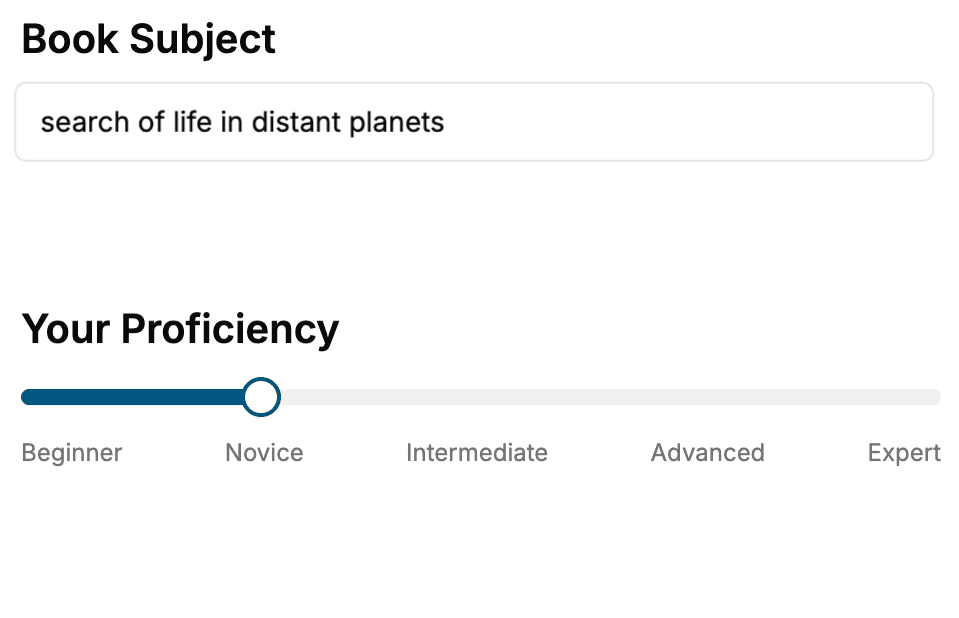
Select the focus of your React Native book and share your background
- 2. Personalize your book
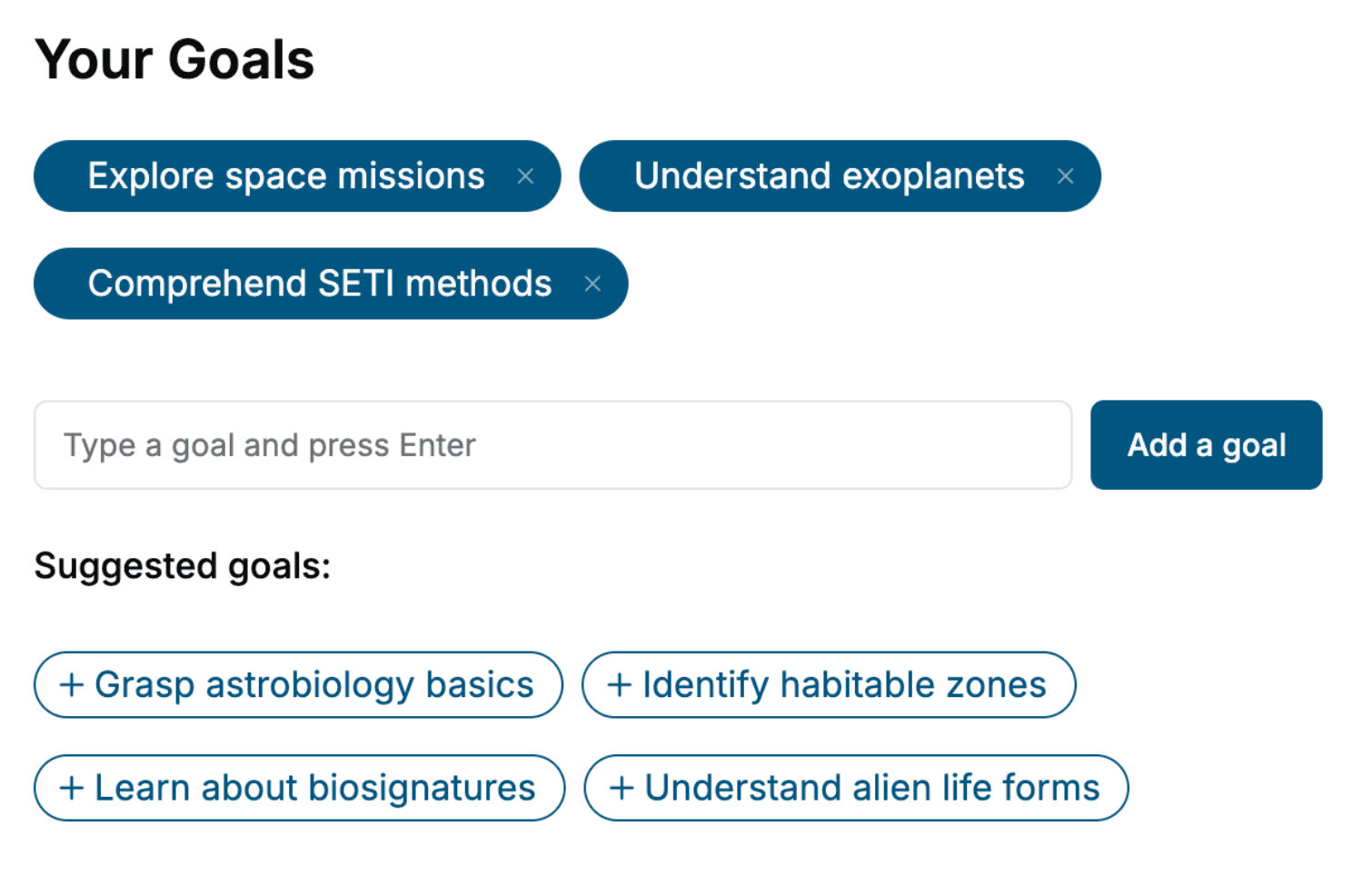
Specify your goals and choose sub-topics to include
- 3. Get your tailored book
Your book is ready in 10 minutes. Read it online, download as EPUB or PDF, or send to Kindle.
Frequently asked questions
- What is TailoredRead?
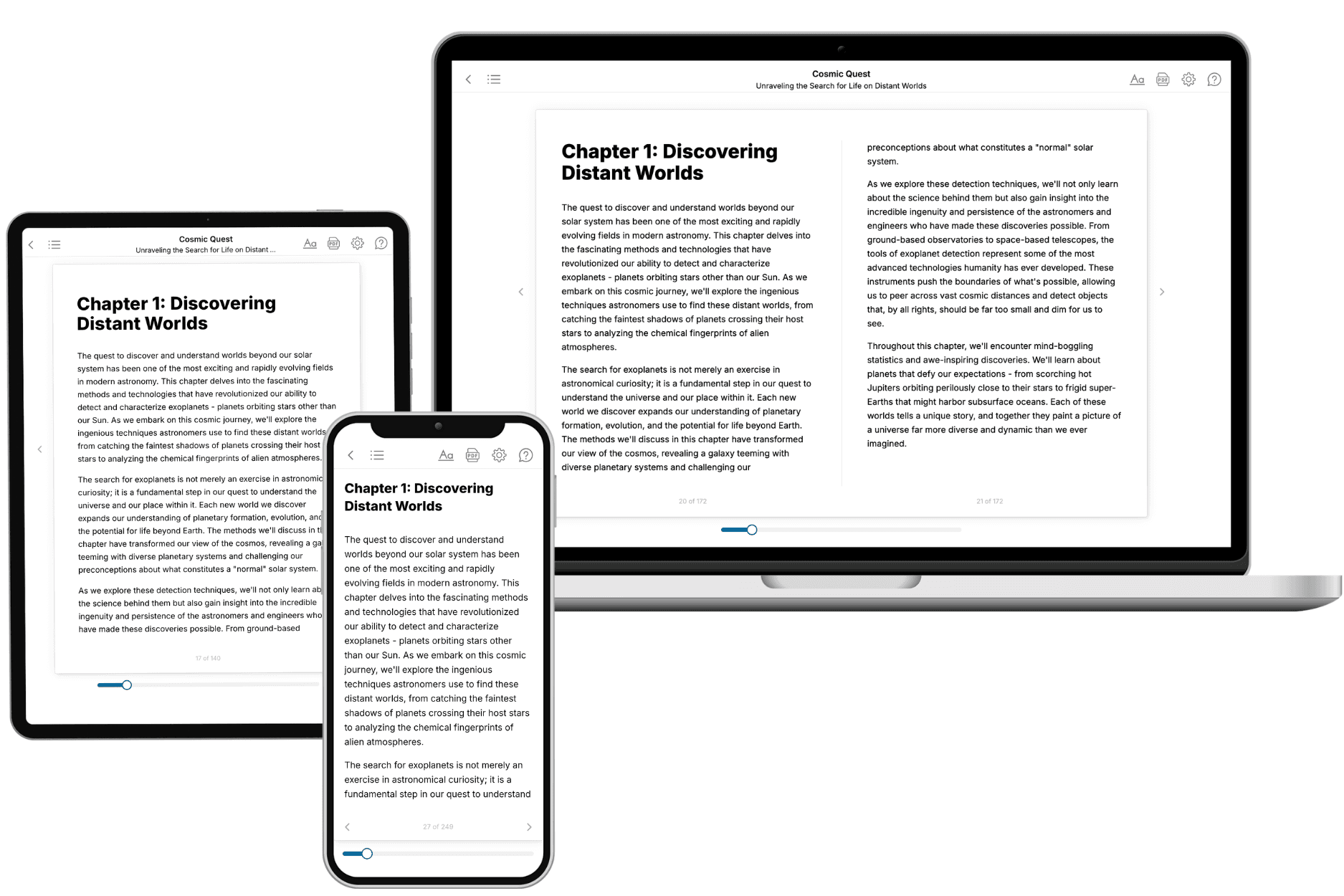
TailoredRead creates complete, full-length nonfiction ebooks, written specifically for you. Tell us what you want to learn and why, and TailoredRead writes you a complete ebook on it, with charts, tables, and diagrams throughout. Read it online, on Kindle, or on any e-reader, or download it as a PDF or EPUB. Every book is written fresh the day you order it.
- How is the book tailored to me?
Before anything is written, you answer a few short questions about your goals, your background, and the topics you care about. Your book is then planned around your answers: written at your level, focused on your goals, and covering the topics you chose, instead of the one-size-fits-all book a store sells everyone.
- Will it read like generic AI content?
No. Your book isn't a chat transcript: it's planned chapter by chapter before a single word is written, told in a clear book voice, and explains ideas visually with charts, tables, and diagrams. After writing, every book goes through an editorial pass that polishes chapters so the book reads consistent from start to finish. Judge for yourself: browse thousands of sample books on our Explore Books page.
- How accurate is the content?
Our AI first checks whether your subject needs live research. Niche and fast-moving subjects are researched before writing, and the book plan and chapters are grounded in what it finds. After writing, every book goes through a quality pass that checks its facts and consistency, and researched books list their sources in a Notes section at the back.
- How long is the book?
You choose the length: Comprehensive (250-300 pages), Detailed (150-200 pages), Essential (70-100 pages), or Short (30-50 pages).
- Does the book include visuals?
Yes. Every book includes charts, tables, and diagrams: timelines, checklists, step-by-step guides, decision trees, comparison tables, matrices, and bar charts. A typical book includes dozens of these visual elements.
- Can I read it on Kindle? What formats can I download?
Yes. Every book can be read in our online reader or downloaded as a PDF or EPUB. The EPUB can be opened with Kindle, Apple Books, Kobo, and any e-reader. The Commercial and Author licenses also include an editable Word (DOCX) and Markdown download.
- How much does it cost?
About the price of a regular ebook. The exact price depends on your book's length and complexity, from $2 for the shortest books to $35 for the most comprehensive, and it's shown when you review your book, before you commit to anything. Each book is a one-time purchase, yours to keep, no subscription. Licenses that let you share, teach, or publish your book range from $35.99 to $49.99.
- Can I preview the book before purchasing?
Before you pay, you'll see what your book will cover: the title, a detailed description, the estimated length, and the complete chapter-by-chapter table of contents, so you know what you're getting before you decide. The full text itself is written after you purchase.
- How long does it take to create a book?
About 10 minutes. You can start reading the opening chapters while the rest is still being written.