Secure Your Gmail
The Complete Guide to Two-Factor Authentication and Email Protection
Your Gmail account is a gateway to your entire digital life—from banking and shopping to social media and work communications.
191 pages8 chaptersApr 12, 2026Cyber Security
About this book
This guide walks you through the process of securing that gateway with two-factor authentication, the most effective defense against account takeovers. You'll discover why a simple password is no longer enough, explore the different authentication methods Google offers, and learn exactly how to set each one up. Beyond setup, you'll understand how to manage backup codes, configure recovery options, and maintain your security as your digital life evolves. Whether you're protecting personal correspondence or managing professional communications, this book provides the knowledge and confidence to implement security measures that actually work. Real-world scenarios show you what happens when 2FA saves the day, while practical checklists ensure you don't miss critical steps.
Table of contents
- IntroductionWhy Gmail Security Matters, The Password Problem, What You'll Learn in This BookRead below
- Chapter 1: Understanding Two-Factor AuthenticationWhat Is Two-Factor Authentication?, How 2FA Protects Your Account, Common Myths About 2FA
- Chapter 2: Authentication Methods Google OffersAuthenticator Apps: The Gold Standard, Security Keys: Maximum Protection, SMS and Voice Calls: Convenient but Limited, Comparing Methods: Which Is Right for You?
- Chapter 3: Setting Up Authenticator AppsChoosing an Authenticator App, Step-by-Step Setup Process, Testing Your Setup
- Chapter 4: Using Security KeysWhat Are Security Keys?, Registering Security Keys with Gmail, Managing Multiple Keys
- Chapter 5: Backup Codes and Recovery OptionsUnderstanding Backup Codes, Storing Codes Securely, Recovery Email and Phone Numbers
- Chapter 6: Managing Your Security SettingsAccessing Your Security Settings, Reviewing Connected Apps and Devices, Removing Untrusted Access
- Chapter 7: Troubleshooting Common IssuesWhen You're Locked Out of Your Account, What to Do If You Lose Your Authentication Device, When Your App Isn't Generating Codes
- Chapter 8: Advanced Security PracticesPasskeys: The Future of Authentication, Conducting Regular Security Audits, Staying Ahead of Emerging Threats
- ConclusionYour Security Journey Starts Now
- Frequently Asked QuestionsGeneral Questions About 2FA, Technical Questions, Recovery and Access Questions
- GlossaryKey Security Terms
Introduction
Think about everything connected to your Gmail account for a moment. Your bank sends statements there. Your employer sends contracts there. Your doctor's office sends appointment reminders, prescription details, and test results there. Your social media accounts, your streaming services, your online shopping history, your tax documents — all of it flows through or connects back to that single email address. Gmail is not just a place to send messages. For most people, it is the master key to their entire digital life.
That makes it an extraordinarily attractive target. Cybercriminals know exactly how valuable an email account is. Once someone gains access to your Gmail, they can reset passwords on every other account you own, intercept sensitive communications, impersonate you to colleagues or family members, and quietly monitor your activity for months without you ever noticing. The damage from a compromised email account can take years to fully undo, and in some cases, the consequences — financial loss, reputational harm, stolen identity — are permanent.
The good news is that protecting your Gmail account does not require a computer science degree or hours of complicated configuration. The single most effective step you can take is enabling two-factor authentication, commonly called 2FA. This one change makes your account dramatically harder to break into, even if someone already knows your password. Google's own data shows that adding a second factor blocks the overwhelming majority of automated account takeover attempts.[1] This book will show you exactly how to set it up, manage it, and keep it working reliably over time.
This guide is written for people who use Gmail regularly and want to take their security seriously without getting lost in technical jargon. Whether you are protecting personal correspondence or managing communications for a small business, the steps here are practical, clear, and immediately actionable. By the time you finish reading, you will have the knowledge and confidence to lock down your account in a way that genuinely works.
Why Gmail Security Matters
Gmail is the world's most widely used email service, with over 1.8 billion active users as of recent estimates.[2] That scale makes it a prime target for attackers. When criminals look for high-value accounts to compromise, Gmail addresses are near the top of the list precisely because so many critical services are tied to them. The sheer volume of accounts also means that even automated, low-effort attacks can succeed at scale if users have weak defenses.
Consider what a real account compromise looks like in practice. In 2020, a small business owner in Ohio had her Gmail account accessed by an attacker who had purchased her password from a data breach database. Within 48 hours, the attacker had reset her PayPal password, accessed her business banking portal, and sent fraudulent invoices to three of her clients. She did not discover the breach until a client called to ask about an unusual payment request. By then, the attacker had already moved on. The total financial damage exceeded $14,000, and rebuilding client trust took considerably longer.
Stories like this are not rare. The Identity Theft Resource Center reported over 1,800 data compromises in the United States in 2022 alone, affecting hundreds of millions of records.[3] Many of those compromises began with a single email account. Email is the entry point because it is the recovery mechanism for almost everything else online. Attackers understand this chain of access better than most users do.
Beyond financial harm, there is the matter of privacy. Your email contains conversations you would never want a stranger to read. Medical discussions, relationship details, financial negotiations, personal struggles — all of it sits in your inbox, often unencrypted at rest on your device. When someone gains access to your Gmail, they gain access to years of your most private communications. That is a violation that goes far beyond the inconvenience of changing a password.
There is also a professional dimension to consider. If you use Gmail for work, a compromised account can expose your employer, clients, or colleagues to risk. Many data breach incidents that affect organizations begin with a single employee's personal email account being compromised and used as a stepping stone into corporate systems. Security is not just a personal concern. It has real consequences for the people and organizations around you.
The encouraging reality is that most Gmail account compromises are entirely preventable. Attackers generally pursue the path of least resistance. When your account has strong authentication in place, they move on to easier targets. You do not need to be impenetrable — you just need to be significantly harder to breach than the average account. Two-factor authentication accomplishes exactly that, and this book will show you how to implement it properly.
The Password Problem
Most people understand, at least in theory, that strong passwords matter. Yet the reality of how people actually manage passwords tells a different story. A 2023 survey by NordPass found that 123456
remained the most commonly used password globally for the fourth consecutive year.[4] Even among users who create genuinely strong passwords, the habit of reusing the same password across multiple sites is nearly universal. That habit is one of the most dangerous things you can do online.
Here is why password reuse is so dangerous. Every week, somewhere on the internet, a company suffers a data breach. Their user database, which contains email addresses and passwords, gets stolen and eventually sold or published on criminal forums. Attackers then take those email-and-password combinations and automatically test them against Gmail, banking sites, and other high-value services. This technique is called credential stuffing, and it is extraordinarily effective because so many people use the same password everywhere. If your password was exposed in a breach at a shopping site you used three years ago, that same password might still be opening your Gmail today.
You can check whether your email address has appeared in known data breaches by visiting haveibeenpwned.com, a free service maintained by security researcher Troy Hunt. The results are often sobering. Many users discover their email address has appeared in five, ten, or even twenty separate breaches. Each one of those breaches is a potential key that an attacker could try against your Gmail account right now.
A concrete example of the scale of the problem: The 2021 RockYou2021 compilation, a massive collection of leaked passwords assembled from multiple breaches, contained approximately 8.4 billion unique password entries. That collection is freely available to anyone who knows where to look. Attackers do not need to be sophisticated to use it. Automated tools can test thousands of password combinations per second against login systems that do not have strong protections in place.
Even if you use a unique, complex password for Gmail specifically, passwords alone have other vulnerabilities. Phishing attacks trick you into typing your password into a fake login page that looks identical to the real one. Malware on your device can capture keystrokes and send your password to an attacker without you ever knowing. Someone looking over your shoulder in a coffee shop can memorize what you type. Passwords are a single point of failure, and a single point of failure is never enough protection for something as important as your email account.
The fundamental problem with passwords is that they are a knowledge-based factor. They rely entirely on something you know. Once someone else knows that same thing, your protection is gone. Two-factor authentication solves this by adding a second category of proof: something you have (like your phone or a physical security key) or something you are (like a biometric). An attacker who steals your password still cannot get in without also having physical access to your second factor. That combination is what makes 2FA so powerful.
It is worth being honest about one thing: passwords are not going away entirely, at least not yet. But the security landscape is shifting. Google has been actively promoting passkeys, a newer technology that replaces passwords entirely with cryptographic authentication tied to your device. This book covers passkeys in a later chapter. For now, the most important step is understanding that your password alone is not enough, and that adding a second factor is the single highest-impact security improvement you can make today.
The practical takeaway from all of this is straightforward. Do not wait for a breach to motivate you. The cost of setting up two-factor authentication is about ten minutes of your time. The cost of not having it, if your account is ever compromised, can be measured in thousands of dollars, weeks of recovery work, and a level of stress that is genuinely difficult to describe until you have experienced it. The math here is not complicated.
What You'll Learn in This Book
This book is organized to take you from understanding to action as efficiently as possible. It does not assume you have a background in cybersecurity, but it also does not talk down to you. The goal is to give you exactly what you need to secure your Gmail account properly, with enough context to understand why each step matters. Here is a clear picture of what each part of the book covers.
Chapter 1 builds the foundation. It explains what two-factor authentication actually is, how it works at a conceptual level, and why it is so effective at stopping the most common types of account attacks. It also addresses the myths and misconceptions that cause many people to delay setting up 2FA, including the idea that it is too complicated or too inconvenient to be worth the effort.
Chapter 2 walks through the different authentication methods Google supports. Not all 2FA is created equal. SMS text messages, authenticator apps, and physical security keys each offer different levels of protection and suit different types of users. This chapter gives you a clear comparison so you can make an informed choice about which method fits your situation best.
Chapters 3 and 4 are where the hands-on setup happens. Chapter 3 covers authenticator apps in detail, including how to choose one, how to link it to your Gmail account, and how to test that everything is working correctly. Chapter 4 covers physical security keys, which offer the highest level of protection available and are worth understanding even if you do not plan to use one immediately.
Chapter 5 covers something that many guides overlook: backup codes and recovery options. Setting up 2FA without a solid recovery plan is like installing a high-security lock and then losing the spare key. This chapter ensures you have a safety net in place so that a lost phone or broken device does not lock you out of your own account permanently.
The remaining chapters address the ongoing work of account security. Here is a summary of what they cover:
- Chapter 6 shows you how to review and manage your security settings, including how to identify and remove apps or devices that have access to your account but should not.
- Chapter 7 provides practical troubleshooting guidance for the most common problems people encounter with 2FA, including what to do if you are locked out or if your authenticator app stops generating codes.
- Chapter 8 looks ahead to advanced security practices, including passkeys, regular security audits, and how to stay informed about emerging threats without becoming overwhelmed.
At the back of the book, you will find a Frequently Asked Questions section that addresses the most common concerns people have about 2FA, a Glossary of key security terms, and a Conclusion that ties everything together and gives you a clear action plan for moving forward. The FAQ section in particular is worth bookmarking, because questions tend to come up after you have started using 2FA and run into real-world situations that were not covered in the initial setup.
Throughout the book, you will find concrete examples drawn from realistic scenarios. These are not hypothetical edge cases. They are the kinds of situations that real Gmail users encounter regularly, and understanding them in advance will help you respond calmly and effectively if something similar happens to you. Security knowledge is most valuable when it is practical, not theoretical.
One thing this book will not do is overwhelm you with every possible security measure that exists. There are entire libraries of cybersecurity literature out there, and most of it is not relevant to the specific goal of securing your Gmail account with two-factor authentication. The focus here is deliberate and narrow. By the end of this book, you will have done the one thing that matters most for Gmail security, and you will have done it correctly.
A few practical notes before you begin. The screenshots and menu descriptions in this book are based on Gmail's interface as it existed at the time of writing. Google updates its interface periodically, so the exact location of some settings may shift slightly over time. The underlying process, however, remains consistent. If a menu item appears to have moved, look for it under Google Account settings and then Security. That path has remained stable across multiple interface updates and is your reliable starting point for everything covered in this book.
You do not need to read this book in a single sitting. Each chapter is designed to stand on its own, so you can work through the setup steps at your own pace. That said, the chapters do build on each other in a logical sequence, and reading them in order will give you the clearest overall picture. If you are eager to get started immediately, you can jump directly to Chapter 3 for the authenticator app setup, then come back to the earlier chapters for context. Either approach works. What matters most is that you finish with a properly secured account and the confidence to maintain it.
Notes
Introduction
- 1. Google Security Blog, "New research: How effective is basic account hygiene at preventing hijacking," security.googleblog.com, 2019
- 2. Statista, "Number of Gmail users worldwide," statista.com, 2023
- 3. Identity Theft Resource Center, "2022 Annual Data Breach Report," idtheftcenter.org, 2023
- 4. NordPass, "Top 200 Most Common Passwords," nordpass.com, 2023
This is the end of the free sample. The full book has 8 chapters.
Want this book written for you?
Tell us your goals and background, and get your own version of this book, tailored by AI to you.






Benefits of AI-tailored books
- Read one book, not ten:
- all the Cyber Security knowledge you need, gathered into a single book.
- Save days of learning:
- tell us your goals, choose your topics, and the whole book is built around them.
- Learn effortlessly:
- Cyber Security book written for your specific background and expertise.
- Understand at a glance:
- includes charts, tables, timelines, checklists, decision trees, and more.
- Stay current:
- written the day you order it, not years ago.
- Trust what you read:
- every book is checked for accuracy, with real research when your subject needs it.
Create your unique book in 3 steps
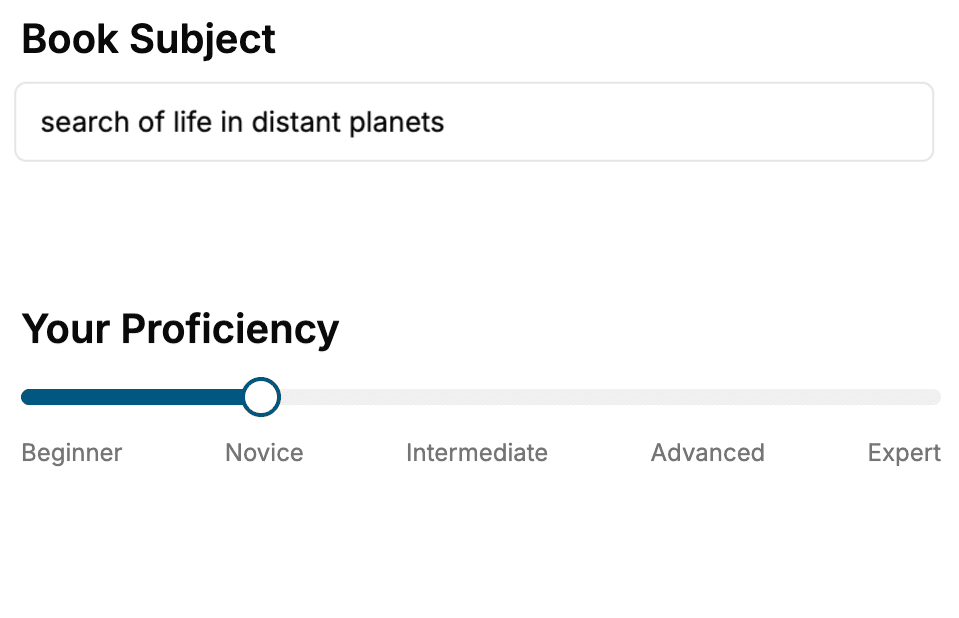
- 1. Select your focus
Select the focus of your Cyber Security book and share your background
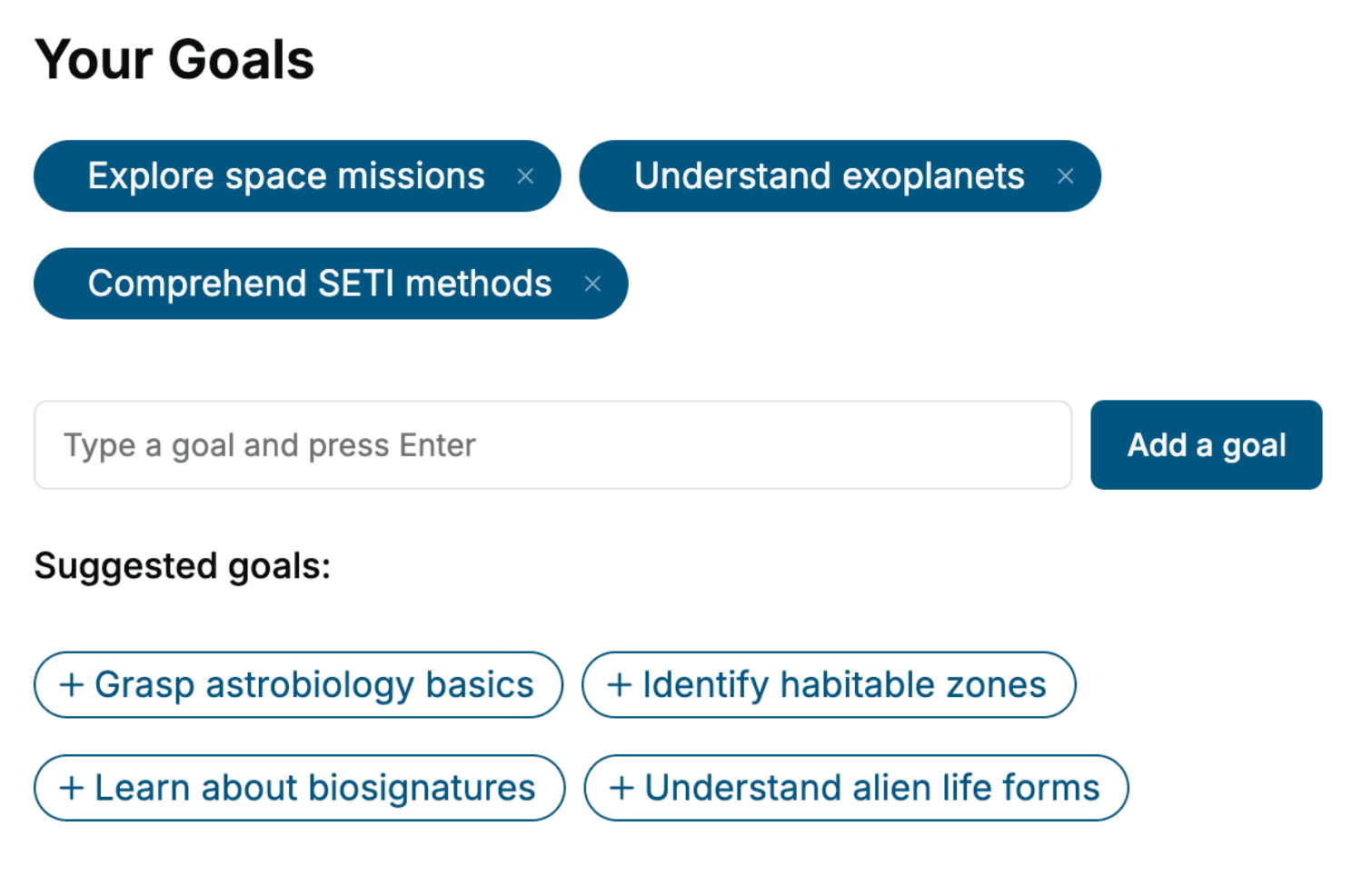
- 2. Personalize your book
Specify your goals and choose sub-topics to include
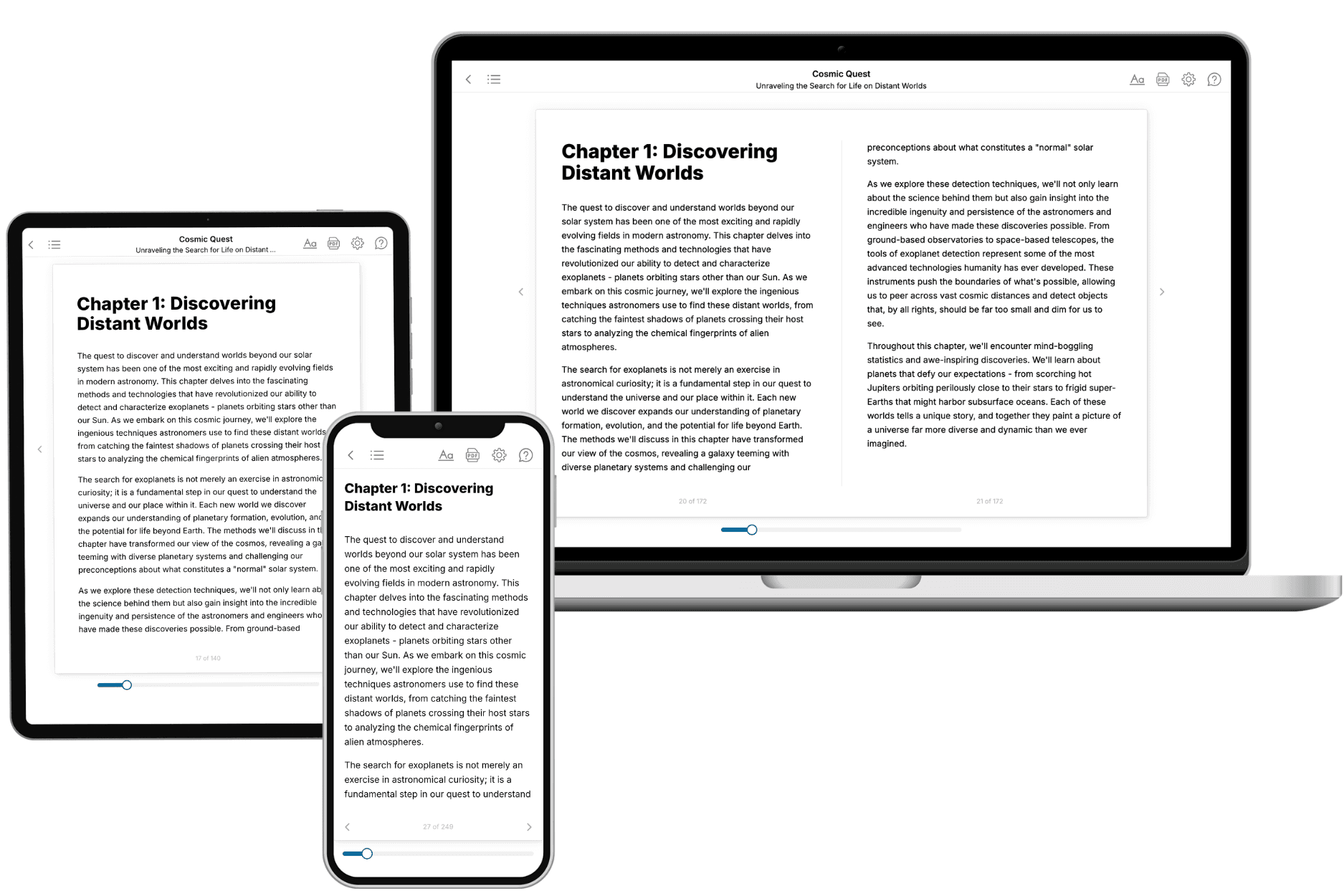
- 3. Get your tailored book
Your book is ready in 10 minutes. Read it online, download as EPUB or PDF, or send to Kindle.
Frequently asked questions
- What is TailoredRead?
TailoredRead creates complete, full-length nonfiction ebooks, written specifically for you. Tell us what you want to learn and why, and TailoredRead writes you a complete ebook on it, with charts, tables, and diagrams throughout. Read it online, on Kindle, or on any e-reader, or download it as a PDF or EPUB. Every book is written fresh the day you order it.
- How is the book tailored to me?
Before anything is written, you answer a few short questions about your goals, your background, and the topics you care about. Your book is then planned around your answers: written at your level, focused on your goals, and covering the topics you chose, instead of the one-size-fits-all book a store sells everyone.
- Will it read like generic AI content?
No. Your book isn't a chat transcript: it's planned chapter by chapter before a single word is written, told in a clear book voice, and explains ideas visually with charts, tables, and diagrams. After writing, every book goes through an editorial pass that polishes chapters so the book reads consistent from start to finish. Judge for yourself: browse thousands of sample books on our Explore Books page.
- How accurate is the content?
Our AI first checks whether your subject needs live research. Niche and fast-moving subjects are researched before writing, and the book plan and chapters are grounded in what it finds. After writing, every book goes through a quality pass that checks its facts and consistency, and researched books list their sources in a Notes section at the back.
- How long is the book?
You choose the length: Comprehensive (250-300 pages), Detailed (150-200 pages), Essential (70-100 pages), or Short (30-50 pages).
- Does the book include visuals?
Yes. Every book includes charts, tables, and diagrams: timelines, checklists, step-by-step guides, decision trees, comparison tables, matrices, and bar charts. A typical book includes dozens of these visual elements.
- Can I read it on Kindle? What formats can I download?
Yes. Every book can be read in our online reader or downloaded as a PDF or EPUB. The EPUB can be opened with Kindle, Apple Books, Kobo, and any e-reader. The Commercial and Author licenses also include an editable Word (DOCX) and Markdown download.
- How much does it cost?
About the price of a regular ebook. The exact price depends on your book's length and complexity, from $2 for the shortest books to $35 for the most comprehensive, and it's shown when you review your book, before you commit to anything. Each book is a one-time purchase, yours to keep, no subscription. Licenses that let you share, teach, or publish your book range from $35.99 to $49.99.
- Can I preview the book before purchasing?
Before you pay, you'll see what your book will cover: the title, a detailed description, the estimated length, and the complete chapter-by-chapter table of contents, so you know what you're getting before you decide. The full text itself is written after you purchase.
- How long does it take to create a book?
About 10 minutes. You can start reading the opening chapters while the rest is still being written.