SharePoint Mastery
Advanced Techniques for Enterprise Collaboration and Productivity
In today's fast-paced digital workplace, even seasoned SharePoint professionals struggle to keep up with the platform's evolving capabilities and best practices.
269 pages14 chaptersAug 5, 2025Software DevelopmentCreated by jiří
About this book
SharePoint Mastery: Advanced Techniques for Enterprise Collaboration and Productivity is your comprehensive guide to overcoming these challenges and taking your SharePoint expertise to the next level. This book delves deep into the intricacies of SharePoint, offering you cutting-edge strategies to optimize your organization's collaboration infrastructure. You'll discover how to leverage SharePoint's latest features to streamline workflows, enhance data management, and boost overall productivity. From advanced site architecture to sophisticated automation techniques, SharePoint Mastery equips you with the tools and knowledge to transform your SharePoint environment into a powerhouse of efficiency and innovation. By the end of this book, you'll be able to implement advanced solutions that drive tangible business value and position yourself as a true SharePoint authority within your organization.
Table of contents
- IntroductionThe Evolution of SharePoint in Enterprise Environments, Overview of the Book's Advanced Concepts, How to Use This Book for Maximum BenefitRead below
- Chapter 1: Advanced SharePoint ArchitectureDesigning for Scalability and Performance, Multi-Farm Architectures, Hybrid SharePoint Environments, High Availability and Disaster Recovery Strategies
- Chapter 2: Advanced Workflow AutomationLeveraging Power Automate for Complex Workflows, Creating Custom Actions and Activities, Implementing Sophisticated Approval Processes, Integrating Workflows with External Systems
- Chapter 3: Maximizing SharePoint's Latest Collaboration FeaturesSharePoint and Microsoft Teams Integration, Advanced Co-Authoring and Version Control, Leveraging Communication Sites for Organizational Communication, Enhancing Collaboration with Social Features
- Chapter 4: Optimizing SharePoint Search CapabilitiesImplementing Custom Search Verticals, Leveraging Managed Metadata for Improved Search, Utilizing Search Analytics for Content Optimization, Creating Custom Result Types and Display Templates
- Chapter 5: Integrating SharePoint with Microsoft 365 ServicesSeamless Integration with OneDrive for Business, Leveraging Exchange Online Integration, Enhancing Social Collaboration with Yammer Integration, Utilizing the Power Platform with SharePoint
- Chapter 6: Implementing Advanced Security MeasuresConfiguring Data Loss Prevention Policies, Implementing Information Rights Management, Setting Up Conditional Access Policies, Enforcing Multi-Factor Authentication
- Chapter 7: Leveraging SharePoint for Business IntelligenceIntegrating Power BI with SharePoint, Creating Advanced Data Visualizations, Implementing Real-Time Analytics Dashboards, Exploring Predictive Analytics in SharePoint
- Chapter 8: Advanced User Interface CustomizationCustomizing the Modern SharePoint UI, Developing with SharePoint Framework (SPFx), Creating Advanced Custom Web Parts, Implementing Enterprise Branding Techniques
- Chapter 9: Developing Effective Governance StrategiesDesigning a Scalable Information Architecture, Implementing Content Lifecycle Management, Automating Site Provisioning and Management, Measuring and Improving SharePoint Adoption
- Chapter 10: SharePoint Migration and Upgrade StrategiesPlanning Complex Migration Projects, Conducting Thorough Content Assessments, Leveraging Advanced Migration Tools and Techniques, Post-Migration Optimization and User Adoption
- Chapter 11: Advanced Performance OptimizationImplementing Effective Caching Strategies, Optimizing SharePoint Databases, Network Optimization for SharePoint, Utilizing Advanced Monitoring and Diagnostic Tools
- Chapter 12: Compliance and Records ManagementImplementing Advanced Retention Policies, Configuring eDiscovery and Legal Hold, Addressing Data Residency and Sovereignty, Leveraging Audit Logging and Reporting
- Chapter 13: SharePoint Extensibility and DevelopmentMastering SharePoint REST API, Leveraging Microsoft Graph API for SharePoint, Integrating Azure Functions with SharePoint, Advanced PowerShell Scripting for SharePoint
- Chapter 14: Future Trends and Emerging TechnologiesAI and Machine Learning in SharePoint, IoT Integration Possibilities, Virtual and Augmented Reality in Collaboration, Blockchain Technology and SharePoint
- ConclusionKey Takeaways and Best Practices, The Future of SharePoint and Enterprise Collaboration
- AppendixUseful Resources and Tools, Glossary of Advanced SharePoint Terms
Introduction
Welcome to "SharePoint Mastery: Advanced Techniques for Enterprise Collaboration and Productivity." This comprehensive guide is designed to elevate your SharePoint expertise to new heights, providing you with cutting-edge strategies and in-depth knowledge to optimize your organization's collaboration infrastructure. As an experienced IT professional or SharePoint administrator, you're already familiar with the platform's core functionalities. However, in today's rapidly evolving digital landscape, staying ahead of the curve is crucial. This book will equip you with the advanced skills and insights needed to leverage SharePoint's full potential in enterprise environments.
Throughout this book, you'll discover how to implement sophisticated solutions that drive tangible business value, streamline workflows, enhance data management, and boost overall productivity. From advanced site architecture to complex automation techniques, "SharePoint Mastery" covers a wide range of topics that will transform your SharePoint environment into a powerhouse of efficiency and innovation. By the end of this journey, you'll be well-positioned as a true SharePoint authority within your organization, capable of tackling even the most challenging enterprise collaboration scenarios.
Before we delve into the advanced concepts and techniques, let's take a moment to explore the evolution of SharePoint in enterprise environments, provide an overview of the book's content, and discuss how you can maximize your learning experience. These introductory sections will set the stage for the in-depth exploration of SharePoint's advanced capabilities that follows.
Overview of the Book's Advanced Concepts
"SharePoint Mastery: Advanced Techniques for Enterprise Collaboration and Productivity" is structured to provide a comprehensive exploration of SharePoint's most advanced features and capabilities. Each chapter delves deep into a specific aspect of SharePoint, offering detailed insights, practical strategies, and real-world examples to help you master these complex topics. This overview will give you a glimpse of what to expect from each chapter, helping you navigate the book effectively and focus on the areas most relevant to your needs.
Chapter 1, "Advanced SharePoint Architecture," sets the foundation for the entire book by exploring sophisticated architectural designs that ensure scalability, performance, and reliability in large-scale SharePoint deployments. You'll learn about multi-farm architectures, hybrid environments, and strategies for high availability and disaster recovery. This chapter is crucial for understanding how to design SharePoint infrastructures that can support thousands of users and terabytes of data without compromising performance or reliability.
In Chapter 2, "Advanced Workflow Automation," we dive into the intricacies of creating complex, multi-stage workflows using tools like Power Automate (formerly Microsoft Flow). You'll discover how to design and implement sophisticated approval processes, integrate workflows with external systems, and create custom actions and activities. This chapter will equip you with the skills to automate even the most complex business processes, significantly enhancing organizational efficiency.
Chapter 3, "Maximizing SharePoint's Latest Collaboration Features," explores the cutting-edge tools and functionalities that make SharePoint a powerhouse for enterprise collaboration. You'll learn how to leverage the deep integration between SharePoint and Microsoft Teams, master advanced co-authoring and version control techniques, and utilize communication sites for effective organizational communication. This chapter also covers how to enhance collaboration using SharePoint's social features, ensuring that your organization is taking full advantage of the platform's collaborative capabilities.
In Chapter 4, "Optimizing SharePoint Search Capabilities," we delve into advanced techniques for enhancing information discovery within your SharePoint environment. You'll learn how to implement custom search verticals, leverage managed metadata for improved search results, utilize search analytics for content optimization, and create custom result types and display templates. By the end of this chapter, you'll be able to transform SharePoint's search functionality into a powerful tool for knowledge management and information retrieval.
Chapter 5, "Integrating SharePoint with Microsoft 365 Services," focuses on creating a cohesive digital workplace by seamlessly connecting SharePoint with other Microsoft 365 tools. You'll explore advanced integration techniques with services like OneDrive for Business, Exchange Online, Yammer, and the Power Platform. This chapter will show you how to create a unified digital ecosystem that enhances productivity and streamlines information flow across your organization.
Security is a critical concern for any enterprise, and Chapter 6, "Implementing Advanced Security Measures," addresses this by exploring sophisticated security features and best practices. You'll learn how to configure Data Loss Prevention policies, implement Information Rights Management, set up Conditional Access policies, and enforce Multi-Factor Authentication. This chapter will equip you with the knowledge to protect your organization's sensitive data while maintaining user productivity.
Chapter 7, "Leveraging SharePoint for Business Intelligence," delves into the platform's powerful data analysis and visualization capabilities. You'll discover how to integrate Power BI with SharePoint, create advanced data visualizations, implement real-time analytics dashboards, and explore predictive analytics. This chapter will show you how to transform SharePoint into a robust business intelligence platform, enabling data-driven decision-making across your organization.
In Chapter 8, "Advanced User Interface Customization," we explore techniques for tailoring SharePoint's look and feel to meet your organization's specific needs. You'll learn how to customize the modern SharePoint UI, develop with SharePoint Framework (SPFx), create advanced custom web parts, and implement enterprise branding techniques. This chapter will give you the skills to create a unique, branded SharePoint experience that enhances user adoption and reflects your organization's identity.
Chapter 9, "Developing Effective Governance Strategies," addresses the critical task of managing and governing large-scale SharePoint deployments. You'll learn how to design scalable information architectures, implement content lifecycle management, automate site provisioning and management, and measure and improve SharePoint adoption. This chapter provides the strategies you need to ensure that your SharePoint environment remains manageable, compliant, and aligned with organizational goals as it grows.
Chapter 10, "SharePoint Migration and Upgrade Strategies," offers advanced techniques for planning and executing complex migration projects. You'll learn how to conduct thorough content assessments, leverage advanced migration tools and techniques, and optimize your SharePoint environment post-migration. This chapter is essential for organizations looking to upgrade to newer versions of SharePoint or migrate from other platforms.
In Chapter 11, "Advanced Performance Optimization," we delve into sophisticated techniques for ensuring that your SharePoint environment operates at peak efficiency. You'll explore effective caching strategies, learn how to optimize SharePoint databases and network configurations, and discover how to use advanced monitoring and diagnostic tools. This chapter will equip you with the skills to maintain high performance even in the most demanding SharePoint deployments.
Chapter 12, "Compliance and Records Management," addresses the critical areas of regulatory compliance and information governance. You'll learn how to implement advanced retention policies, configure eDiscovery and legal hold processes, address data residency and sovereignty issues, and leverage audit logging and reporting. This chapter is crucial for organizations operating in regulated industries or those dealing with sensitive information.
Chapter 13, "SharePoint Extensibility and Development," explores advanced development techniques for extending SharePoint's capabilities. You'll master the SharePoint REST API, learn how to leverage the Microsoft Graph API for SharePoint, integrate Azure Functions, and develop advanced PowerShell scripts. This chapter will equip you with the skills to create custom solutions that address your organization's unique needs.
Finally, Chapter 14, "Future Trends and Emerging Technologies," looks ahead to the future of SharePoint and enterprise collaboration. We'll explore how technologies like AI, machine learning, IoT, virtual and augmented reality, and blockchain might shape the future of SharePoint. This forward-looking chapter will help you anticipate and prepare for the next wave of innovations in enterprise collaboration.
By covering this wide range of advanced topics, "SharePoint Mastery" aims to provide you with a comprehensive understanding of SharePoint's most sophisticated features and capabilities. Whether you're looking to optimize performance, enhance security, streamline workflows, or push the boundaries of what's possible with SharePoint, this book will equip you with the knowledge and skills you need to succeed.
How to Use This Book for Maximum Benefit
"SharePoint Mastery: Advanced Techniques for Enterprise Collaboration and Productivity" is designed to be a comprehensive resource for experienced SharePoint professionals looking to deepen their expertise. To get the most out of this book, it's important to approach it strategically. This section will provide you with guidance on how to use this book effectively, ensuring that you can apply the advanced concepts and techniques to your specific SharePoint environment and organizational needs.
First and foremost, it's crucial to understand that this book is not meant to be read cover-to-cover in a single sitting. Each chapter covers complex topics that require time to digest and apply. Instead, consider this book as a reference guide and a learning journey. Start by reviewing the table of contents and identifying the chapters that are most relevant to your current projects or challenges. This targeted approach will allow you to immediately apply what you learn to real-world scenarios, reinforcing your understanding and providing tangible benefits to your organization.
As you read through each chapter, take the time to reflect on how the concepts and techniques can be applied in your specific SharePoint environment. Consider your organization's current SharePoint setup, business needs, and future goals. Ask yourself questions like: How can this feature or technique solve a current problem we're facing? How might this approach improve our existing processes? What potential challenges might we encounter when implementing this solution, and how can we overcome them? This reflective practice will help you contextualize the information and develop practical strategies for implementation.
Don't hesitate to experiment with the techniques and features described in the book. SharePoint's flexibility allows for extensive customization and configuration, and the best way to truly understand its capabilities is through hands-on experience. If possible, set up a test environment where you can safely try out new features, workflows, or customizations without affecting your production environment. This practical approach will not only reinforce your learning but also help you anticipate and overcome potential challenges before implementing changes in your live SharePoint environment.
Throughout the book, you'll find code examples, step-by-step instructions, and best practices. Take the time to work through these examples, adapting them to your specific needs. The code samples provided are meant to be starting points; don't be afraid to modify and expand upon them. As you gain confidence, try combining techniques from different chapters to create more complex solutions tailored to your organization's unique requirements.
Collaboration is at the heart of SharePoint, and the same principle applies to learning. Consider forming a study group with colleagues or connecting with other SharePoint professionals through online forums or local user groups. Discussing the concepts presented in the book with others can provide new perspectives, help clarify difficult topics, and inspire innovative applications of SharePoint's features. Sharing your own experiences and challenges can also lead to valuable insights and solutions.
As you progress through the book, keep a record of your learnings, ideas, and questions. This can be in the form of notes, diagrams, or even a personal SharePoint site where you document your journey. This practice will not only help reinforce your understanding but also serve as a valuable resource for future reference. It can also be the foundation for developing your own custom SharePoint solutions or best practices tailored to your organization's needs.
Remember that SharePoint is a constantly evolving platform. While this book covers the most current advanced features and best practices at the time of writing, it's important to stay informed about new updates and changes. Use the knowledge gained from this book as a foundation, but continue to explore Microsoft's official documentation, attend webinars, and participate in SharePoint communities to stay up-to-date with the latest developments.
Don't be discouraged if you encounter concepts or techniques that seem challenging at first. SharePoint's advanced features can be complex, and mastering them takes time and practice. If you find yourself struggling with a particular topic, take a step back and review the foundational concepts. Often, a solid understanding of the basics can help clarify more advanced topics. Additionally, don't hesitate to seek out supplementary resources or ask for help in SharePoint communities when needed.
As you apply the knowledge gained from this book, pay close attention to the impact on your SharePoint environment and your organization as a whole. Keep track of improvements in efficiency, user adoption, or any challenges encountered. This information will be valuable for refining your approach and demonstrating the value of your advanced SharePoint skills to stakeholders in your organization.
Finally, consider this book as a starting point for your advanced SharePoint journey. The field of enterprise collaboration is vast and constantly evolving. Use the knowledge and skills gained from this book to identify areas where you want to further specialize or explore. Whether it's delving deeper into SharePoint development, focusing on advanced security measures, or exploring the integration of emerging technologies, let your curiosity and your organization's needs guide your continued learning and growth as a SharePoint professional.
By approaching "SharePoint Mastery" with a strategic, hands-on, and collaborative mindset, you'll be well-equipped to leverage SharePoint's most advanced features and capabilities. This book is your guide to becoming a true SharePoint expert, capable of designing, implementing, and optimizing sophisticated SharePoint solutions that drive your organization's success in the digital age.
This is the end of the free sample. The full book has 14 chapters.
Want this book written for you?
Tell us your goals and background, and get your own version of this book, tailored by AI to you.


Benefits of AI-tailored books
- Read one book, not ten:
- all the Software Development knowledge you need, gathered into a single book.
- Save days of learning:
- tell us your goals, choose your topics, and the whole book is built around them.
- Learn effortlessly:
- Software Development book written for your specific background and expertise.
- Understand at a glance:
- includes charts, tables, timelines, checklists, decision trees, and more.
- Stay current:
- written the day you order it, not years ago.
- Trust what you read:
- every book is checked for accuracy, with real research when your subject needs it.
Create your unique book in 3 steps
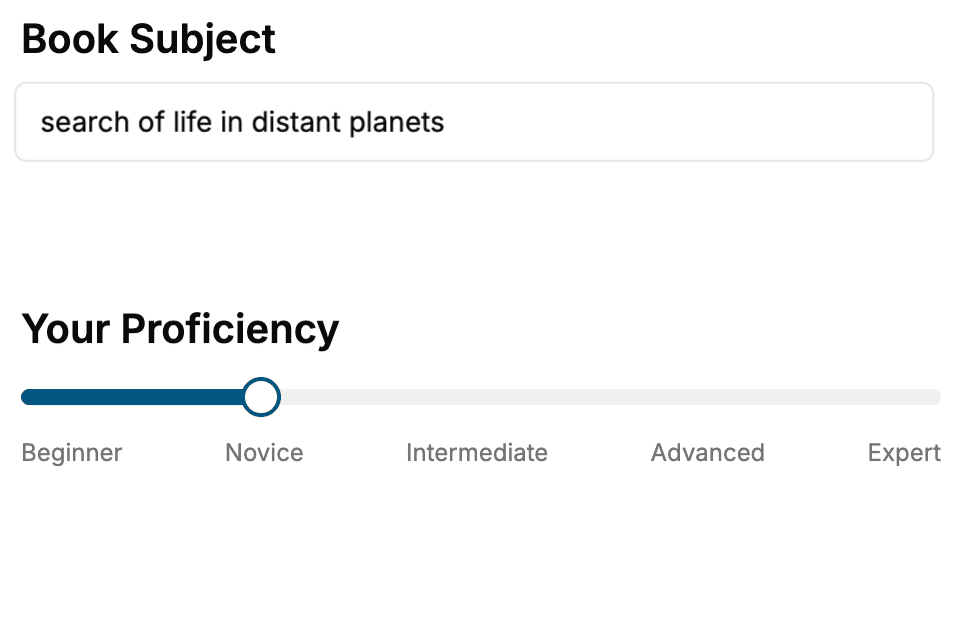
- 1. Select your focus
Select the focus of your Software Development book and share your background
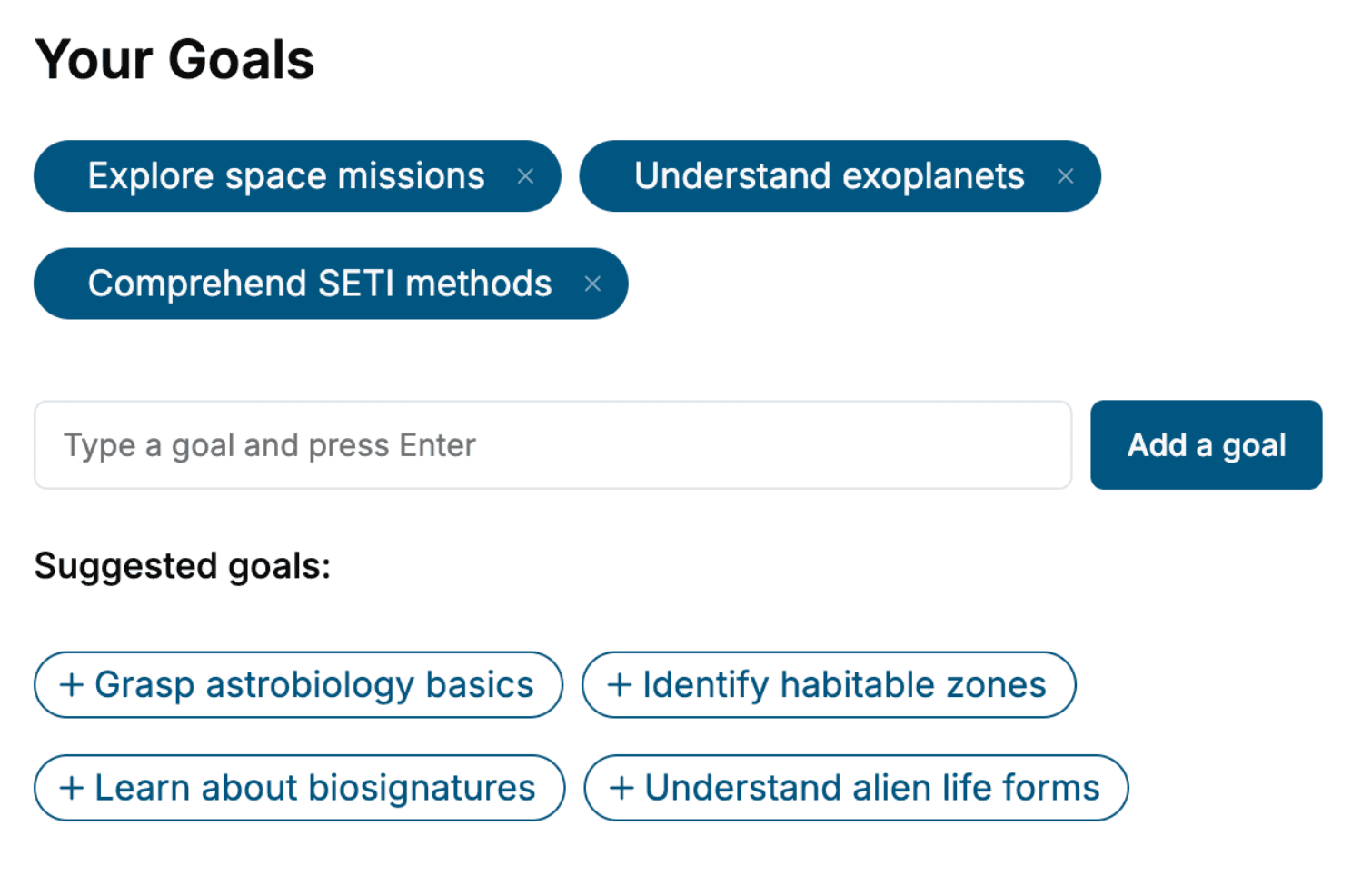
- 2. Personalize your book
Specify your goals and choose sub-topics to include
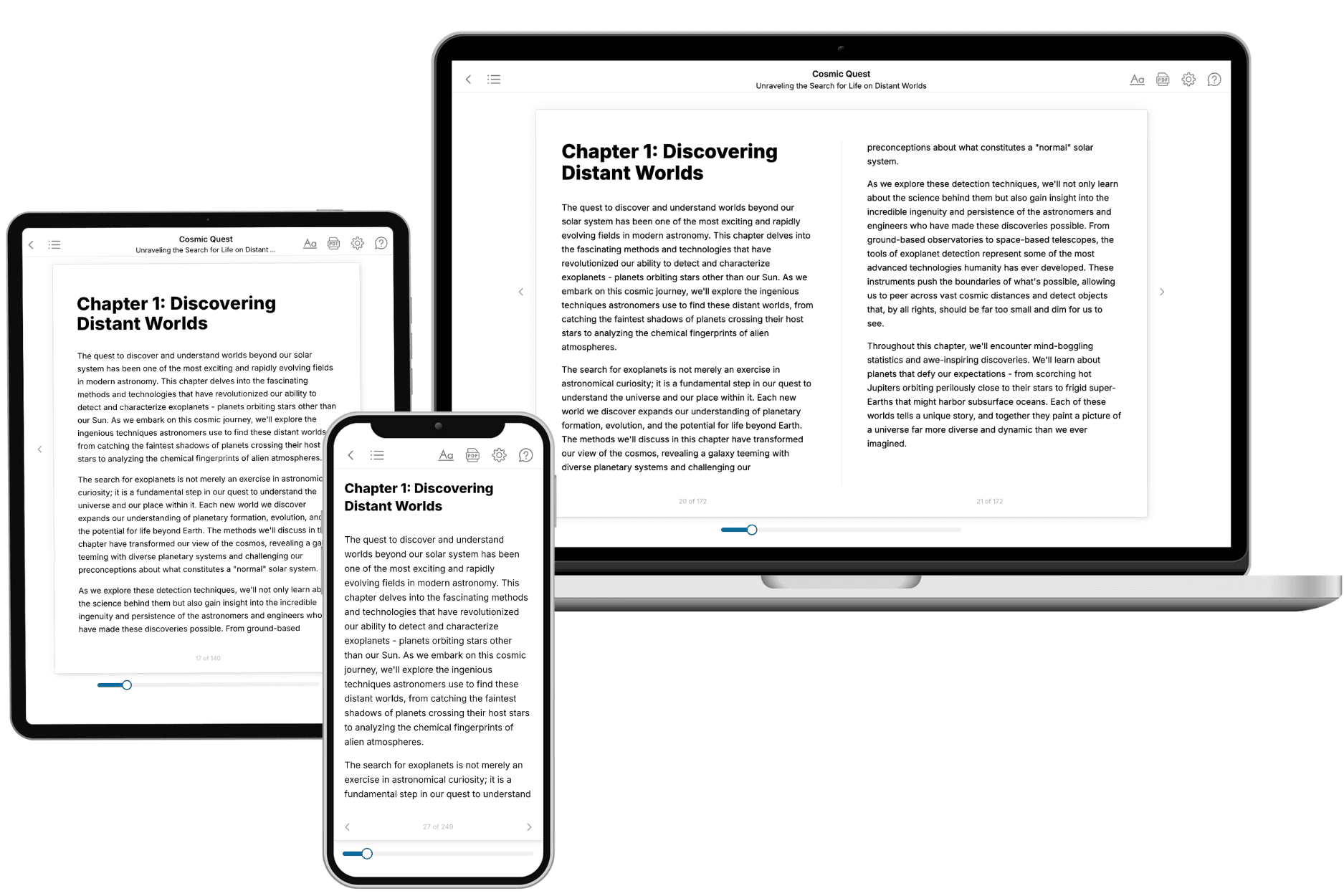
- 3. Get your tailored book
Your book is ready in 10 minutes. Read it online, download as EPUB or PDF, or send to Kindle.
Frequently asked questions
- What is TailoredRead?
TailoredRead creates complete, full-length nonfiction ebooks, written specifically for you. Tell us what you want to learn and why, and TailoredRead writes you a complete ebook on it, with charts, tables, and diagrams throughout. Read it online, on Kindle, or on any e-reader, or download it as a PDF or EPUB. Every book is written fresh the day you order it.
- How is the book tailored to me?
Before anything is written, you answer a few short questions about your goals, your background, and the topics you care about. Your book is then planned around your answers: written at your level, focused on your goals, and covering the topics you chose, instead of the one-size-fits-all book a store sells everyone.
- Will it read like generic AI content?
No. Your book isn't a chat transcript: it's planned chapter by chapter before a single word is written, told in a clear book voice, and explains ideas visually with charts, tables, and diagrams. After writing, every book goes through an editorial pass that polishes chapters so the book reads consistent from start to finish. Judge for yourself: browse thousands of sample books on our Explore Books page.
- How accurate is the content?
Our AI first checks whether your subject needs live research. Niche and fast-moving subjects are researched before writing, and the book plan and chapters are grounded in what it finds. After writing, every book goes through a quality pass that checks its facts and consistency, and researched books list their sources in a Notes section at the back.
- How long is the book?
You choose the length: Comprehensive (250-300 pages), Detailed (150-200 pages), Essential (70-100 pages), or Short (30-50 pages).
- Does the book include visuals?
Yes. Every book includes charts, tables, and diagrams: timelines, checklists, step-by-step guides, decision trees, comparison tables, matrices, and bar charts. A typical book includes dozens of these visual elements.
- Can I read it on Kindle? What formats can I download?
Yes. Every book can be read in our online reader or downloaded as a PDF or EPUB. The EPUB can be opened with Kindle, Apple Books, Kobo, and any e-reader. The Commercial and Author licenses also include an editable Word (DOCX) and Markdown download.
- How much does it cost?
About the price of a regular ebook. The exact price depends on your book's length and complexity, from $2 for the shortest books to $35 for the most comprehensive, and it's shown when you review your book, before you commit to anything. Each book is a one-time purchase, yours to keep, no subscription. Licenses that let you share, teach, or publish your book range from $35.99 to $49.99.
- Can I preview the book before purchasing?
Before you pay, you'll see what your book will cover: the title, a detailed description, the estimated length, and the complete chapter-by-chapter table of contents, so you know what you're getting before you decide. The full text itself is written after you purchase.
- How long does it take to create a book?
About 10 minutes. You can start reading the opening chapters while the rest is still being written.