SharePoint Mastery
A Developer's Guide to Workflow Optimization, Process Automation, and Custom Solutions
Embark on a transformative journey into the world of SharePoint development with "SharePoint Mastery: A Developer's Guide to Workflow Optimization, Process Automation, and Custom Solutions." This comprehensive guide is tailored for developers looking to elevate their SharePoint skills from basic to advanced levels.
269 pages13 chaptersOct 10, 2024Software DevelopmentCreated by Bruce
About this book
Within these pages, you'll discover the intricacies of SharePoint workflow optimization, learning how to streamline processes and boost efficiency. Dive deep into the realm of process automation, unlocking the full potential of SharePoint to reduce manual tasks and increase productivity. Master the art of custom form design, enabling you to create intuitive and powerful interfaces that enhance user experience and data collection. From enhancing search functionality to managing complex metadata, this book covers a wide array of essential SharePoint development topics. You'll gain hands-on experience with Power Automate, learn to create dynamic dashboards, and explore advanced techniques in list management and document library enhancement. Whether you're looking to optimize existing SharePoint solutions or develop custom applications from scratch, this guide provides the knowledge and practical insights you need to succeed. Written in a clear, accessible, and engaging style, "SharePoint Mastery" combines authoritative expertise with a conversational tone, making complex concepts easy to grasp. With its analytical approach and pragmatic focus, this book will inspire you to push the boundaries of what's possible with SharePoint, equipping you with the skills to tackle real-world challenges and drive innovation in your organization.
Table of contents
- IntroductionSharePoint Overview, Book Structure and How to Use It, Setting Up Your SharePoint Development Environment, Your SharePoint Mastery Learning PathRead below
- Chapter 1: SharePoint FundamentalsSharePoint Architecture, Site Collections and Site Hierarchy, Lists and Libraries Basics, Permissions and Security Model
- Chapter 2: SharePoint Workflow BasicsIntroduction to SharePoint Workflows, Types of SharePoint Workflows, Workflow Components and Actions, Using SharePoint Designer for Workflows
- Chapter 3: SharePoint Workflow OptimizationPlanning and Designing Efficient Workflows, Optimizing Workflow Triggers, Mastering Workflow Conditions, Advanced Workflow Actions, Effective Use of Workflow Variables
- Chapter 4: Process Automation in SharePointDeveloping an Automation Strategy, Creating Approval Workflows, Document Processing Automation, List Management Automation, Automated Email Notifications
- Chapter 5: SharePoint and Power AutomateIntroduction to Power Automate, Power Automate Connectors for SharePoint, Creating Flows in Power Automate, Advanced Flow Techniques, Integrating Power Automate with SharePoint Workflows
- Chapter 6: Custom SharePoint Form DesignSharePoint Form Basics, Customizing Forms with PowerApps, Optimizing Form Layout and Design, Implementing Form Validation, Adding Conditional Logic to Forms
- Chapter 7: Advanced Form TechniquesCreating Cascading Forms, Designing Multi-Step Forms, JavaScript Customization in Forms, Integrating Forms with External Data Sources
- Chapter 8: SharePoint Search EnhancementUnderstanding SharePoint Search Architecture, Configuring the Search Schema, Creating and Managing Query Rules, Customizing Search Result Types, Implementing and Optimizing Search Refiners
- Chapter 9: SharePoint List ManagementCreating and Configuring Lists, Understanding Column Types and Usage, Customizing List Views, Advanced List Formatting Techniques, Managing List View Thresholds
- Chapter 10: Enhancing SharePoint Document LibrariesSetting Up Effective Document Libraries, Implementing Version Control, Content Approval Processes, Working with Document Sets, Document Library-specific Workflows
- Chapter 11: SharePoint Metadata ManagementIntroduction to SharePoint Metadata, Creating and Managing Content Types, Implementing Managed Metadata, Configuring the Term Store, Metadata-driven Navigation
- Chapter 12: SharePoint Dashboard CreationPlanning Your SharePoint Dashboard, Using Web Parts for Dashboards, Integrating Power BI with SharePoint, Setting Up KPI Tracking, Creating Responsive Dashboards
- Chapter 13: Developing Custom SharePoint SolutionsTypes of Custom SharePoint Solutions, Introduction to SharePoint Framework (SPFx), Developing Custom Web Parts, Creating SharePoint Extensions, Integrating with External APIs
- ConclusionFuture Trends in SharePoint Development, Strategies for Continuous Learning, Final Thoughts and Next Steps
- AppendixCommon SharePoint Development Issues and Solutions, Additional Resources and Communities
- Glossary
Introduction
Welcome to "SharePoint Mastery: A Developer's Guide to Workflow Optimization, Process Automation, and Custom Solutions." This comprehensive guide is designed to take you on a transformative journey through the intricate world of SharePoint development. Whether you're a seasoned developer looking to expand your SharePoint expertise or a newcomer eager to dive into this powerful platform, this book will equip you with the knowledge and skills needed to create efficient, powerful, and tailored SharePoint solutions.
In today's fast-paced digital landscape, organizations are constantly seeking ways to streamline their processes, enhance collaboration, and improve productivity. SharePoint, with its robust features and flexibility, has emerged as a go-to platform for achieving these goals. However, to truly harness the power of SharePoint, one must go beyond its out-of-the-box capabilities and delve into the realm of custom development and optimization. This is where our journey begins.
Throughout this book, we will explore various aspects of SharePoint development, focusing on key areas such as workflow optimization, process automation, form customization, and search enhancement. By mastering these elements, you'll be able to create SharePoint solutions that not only meet but exceed the expectations of your organization or clients. Our goal is to provide you with a solid foundation in SharePoint development principles, coupled with advanced techniques and best practices that will set you apart in the field.
As we embark on this learning adventure, it's important to note that SharePoint is a vast and ever-evolving platform. While this book covers a wide range of topics, it's designed to be a starting point for your SharePoint mastery journey. We encourage you to approach each chapter with curiosity and a willingness to experiment. The skills and knowledge you gain here will serve as building blocks for your continued growth and innovation in SharePoint development.
Now, let's dive into the core components of our introduction, which will set the stage for your SharePoint mastery journey.
Book Structure and How to Use It
To make the most of your learning experience, it's important to understand how this book is structured and how to navigate through its contents effectively. "SharePoint Mastery" is designed to provide a comprehensive and logical progression through various aspects of SharePoint development, from foundational concepts to advanced techniques. Each chapter builds upon the knowledge gained in previous sections, creating a cohesive learning journey.
The book is divided into several key sections, each focusing on a crucial aspect of SharePoint development. We begin with SharePoint Fundamentals, which lays the groundwork for understanding the platform's architecture, core components, and basic functionalities. This section is essential for those new to SharePoint development and serves as a refresher for more experienced developers. It covers topics such as site collections, lists and libraries, and the SharePoint security model.
Following the fundamentals, we dive into SharePoint Workflow Basics and Optimization. These chapters are crucial for understanding how to automate business processes within SharePoint. We start with an introduction to SharePoint workflows, exploring different types and components. As we progress, we delve into advanced techniques for optimizing workflows, including efficient design, trigger optimization, and mastering conditions and actions. This section lays the foundation for creating powerful, efficient workflows that can significantly enhance business operations.
The next major section focuses on Process Automation in SharePoint. Here, we expand on the workflow concepts, exploring how to develop comprehensive automation strategies. We cover topics such as approval workflows, document processing automation, and list management automation. This section also introduces Power Automate (formerly known as Microsoft Flow) and its integration with SharePoint, opening up new possibilities for advanced process automation across various Microsoft and third-party services.
Custom Form Design is another critical area we explore in depth. Forms are often the primary interface between users and SharePoint, and mastering form customization can greatly enhance user experience and data collection efficiency. We start with SharePoint form basics and progress to advanced techniques using PowerApps, covering topics like form layout optimization, validation, and conditional logic.
The Search Enhancement section is dedicated to improving one of SharePoint's most powerful yet often underutilized features. We delve into the SharePoint search architecture, explore techniques for configuring the search schema, and discuss how to create and manage query rules. This section aims to equip you with the skills to create highly effective and tailored search experiences within SharePoint.
List Management and Document Library Enhancement are covered in separate chapters, focusing on best practices for creating, configuring, and optimizing these fundamental SharePoint components. We explore advanced formatting techniques, discuss strategies for managing large lists, and cover important topics like version control and content approval processes.
The Metadata Management chapter is crucial for understanding how to effectively organize and retrieve information in SharePoint. We cover content types, managed metadata, and the term store, providing you with the knowledge to create sophisticated information architectures.
Towards the latter part of the book, we explore Dashboard Creation, teaching you how to create compelling and informative SharePoint dashboards using various tools and techniques, including Power BI integration.
The final major section focuses on Developing Custom SharePoint Solutions. This is where we tie together all the knowledge gained throughout the book, exploring how to create fully customized solutions using the SharePoint Framework (SPFx), developing custom web parts and extensions, and integrating with external APIs.
Each chapter is designed to be both comprehensive and practical. You'll find detailed explanations of concepts, step-by-step guides, best practices, and real-world examples. To get the most out of this book, we recommend the following approach:
- Read sequentially: While chapters can be read independently, they are designed to build upon each other. Reading from start to finish will provide the most cohesive learning experience.
- Hands-on practice: Set up a SharePoint development environment (as described in the next section) and try out the techniques and examples as you read. Practical experience is invaluable in cementing your understanding.
- Reflect and apply: After each chapter, take some time to think about how the concepts could be applied to real-world scenarios you've encountered or might encounter in your work.
- Explore further: Use the additional resources provided at the end of each chapter to deepen your understanding of specific topics.
- Revisit and reference: Don't hesitate to come back to relevant sections as you work on SharePoint projects. This book is designed to be a valuable reference as you apply your skills in real-world scenarios.
Remember, SharePoint development is a vast field, and mastery comes with practice and continuous learning. This book provides a solid foundation and advanced techniques, but the real learning happens when you apply these concepts to solve real-world problems. As you progress through the book, challenge yourself to think creatively about how you can apply these skills to enhance SharePoint solutions in your organization or for your clients.
Now that you understand the structure and how to use this book effectively, let's move on to setting up your SharePoint development environment, which will be crucial for your hands-on learning experience.
Setting Up Your SharePoint Development Environment
Before we dive into the intricacies of SharePoint development, it's crucial to set up a proper development environment. A well-configured environment will allow you to practice the concepts and techniques discussed in this book, experiment with code, and develop your SharePoint solutions efficiently. In this section, we'll walk through the process of setting up a SharePoint development environment, covering both on-premises and cloud-based options.
First, let's consider the two main types of SharePoint environments you might work with: SharePoint Server (on-premises) and SharePoint Online (part of Microsoft 365). Your choice will depend on your specific needs, the projects you'll be working on, and potentially, your organization's preferences. Many modern SharePoint development techniques, especially those using the SharePoint Framework (SPFx), are compatible with both environments, but there are some differences to be aware of.
For SharePoint Online development, which is increasingly common and offers the most up-to-date features, you'll need the following:
- Office 365 Developer Tenant: Microsoft offers free developer tenants that provide access to SharePoint Online and other Office 365 services. You can sign up for one at the Microsoft 365 Developer Program website[2].
- Modern Web Development Tools: You'll need Node.js, npm (Node Package Manager), and a code editor like Visual Studio Code. These tools are essential for modern SharePoint development, especially when working with SPFx.
- SharePoint Framework (SPFx): This is Microsoft's current recommended approach for SharePoint customization and extension. You'll install it via npm once you have Node.js set up.
- Git: Version control is crucial in development. Install Git for source code management.
For SharePoint Server (on-premises) development, you'll need:
- A development machine: Ideally, this should be a powerful machine capable of running virtual machines, with at least 16GB of RAM and a multi-core processor.
- Virtualization software: Such as Hyper-V (included with Windows 10 Pro and above) or VMware Workstation.
- SharePoint Server: Install this on a virtual machine. You can download a trial version from Microsoft's website.
- Visual Studio: The full version of Visual Studio (not just Code) is typically used for on-premises SharePoint development, especially for farm solutions.
- SQL Server: Required for SharePoint Server installation.
Regardless of which environment you're working with, you'll also want to install some additional tools:
- SharePoint Online Management Shell: For PowerShell-based management of SharePoint Online.
- PnP PowerShell: A powerful set of PowerShell cmdlets for managing SharePoint.
- Postman: Useful for testing and interacting with SharePoint REST APIs.
- Browser Developer Tools: Familiarize yourself with the developer tools in your preferred browser (Chrome, Firefox, or Edge) for debugging and inspecting web elements.
Once you have these tools installed, the next step is to configure your development environment. Here's a step-by-step guide:
- Install Node.js and npm: Download and install the latest LTS version of Node.js, which includes npm.
- Install Yeoman and Gulp: These are used for scaffolding SPFx projects. Run
npm install -g yo gulpin your command prompt or terminal. - Install the SharePoint Framework: Run
npm install -g @microsoft/generator-sharepoint. - Set up Visual Studio Code: Install extensions like "SharePoint Framework Extension Pack" for enhanced SharePoint development support.
- Configure your Office 365 Developer Tenant: If you're using SharePoint Online, set up your developer site collection in your tenant.
- Install Git: Download and install Git, then configure it with your name and email.
For SharePoint Server development, you'll need to set up your virtual machine with Windows Server, install SQL Server, and then install SharePoint Server. This process is more complex and time-consuming, so consider whether you really need an on-premises environment for your learning and development needs.
Once your environment is set up, it's a good practice to create a simple SPFx web part to ensure everything is working correctly. You can do this by following these steps:
- Open a command prompt and navigate to the directory where you want to create your project.
- Run
yo @microsoft/sharepointto start the SPFx project generator. - Follow the prompts to create a new web part project.
- Once the project is created, navigate into the project directory and run
gulp serveto start the local workbench. - If everything is set up correctly, you should see your web part in the local workbench.
Remember, setting up your development environment is just the first step. As you progress through this book and your SharePoint development journey, you may need to install additional tools or update your environment. Always refer to Microsoft's official documentation for the most up-to-date information on SharePoint development tools and practices.
With your development environment now set up, you're ready to begin your journey into SharePoint mastery. In the next section, we'll outline the learning path ahead and provide some guidance on how to make the most of your SharePoint development education.
Your SharePoint Mastery Learning Path
Embarking on the journey to SharePoint mastery is an exciting endeavor that requires dedication, practice, and a structured approach to learning. This book is designed to guide you through this journey, providing a comprehensive path from foundational concepts to advanced techniques. In this section, we'll outline the learning path ahead and offer strategies to help you make the most of your SharePoint development education.
Your SharePoint mastery learning path can be broken down into several key stages:
- Foundation Building: Start by solidifying your understanding of SharePoint's core concepts, architecture, and basic functionalities. This includes familiarizing yourself with site collections, lists, libraries, and the SharePoint security model.
- Workflow and Automation: Next, delve into SharePoint's workflow capabilities, learning how to create, optimize, and extend workflows to automate business processes.
- Form Customization: Master the art of creating intuitive and powerful custom forms to enhance data collection and user experience.
- Search and Information Architecture: Learn to optimize SharePoint's search capabilities and design effective information architectures using metadata and content types.
- Advanced Development: Explore custom solution development using modern techniques like the SharePoint Framework (SPFx) and integration with other technologies.
- Best Practices and Optimization: Throughout your journey, focus on learning and applying best practices for performance, security, and user experience in SharePoint development.
To make the most of this learning path, consider the following strategies:
- Hands-on Practice: Theory is important, but practical experience is invaluable. Set up a development environment as described in the previous section and work through the examples and exercises provided in each chapter.
- Project-Based Learning: As you progress through the book, start working on a personal project that incorporates the concepts you're learning. This could be a simple intranet site, a custom workflow solution, or a SharePoint app that solves a real-world problem.
- Continuous Exploration: SharePoint is a vast and evolving platform. Make a habit of regularly exploring Microsoft's official documentation, community forums, and blogs to stay updated on new features and best practices.
- Peer Learning: If possible, join or form a study group with other SharePoint developers. Discussing concepts, sharing experiences, and solving problems together can significantly enhance your learning.
- Real-World Application: Look for opportunities to apply your skills in real-world scenarios. This could be through volunteer work, internships, or projects at your current workplace.
- Certification Path: Consider pursuing Microsoft certifications related to SharePoint development. While not mandatory, certifications can provide structure to your learning and validate your skills.
As you progress through your learning path, it's important to remember that SharePoint development is not just about technical skills. It also requires:
- Business Process Understanding: Develop the ability to analyze and understand business processes, as this is crucial for creating effective SharePoint solutions.
- User Experience Design: Learn to design solutions with the end-user in mind, focusing on usability and accessibility.
- Problem-Solving Skills: Cultivate your ability to approach complex problems methodically and creatively.
- Communication Skills: Practice explaining technical concepts to non-technical stakeholders, as this is often necessary when working on SharePoint projects.
Your learning path should also include exploring the integration of SharePoint with other Microsoft technologies and third-party tools. This includes:
- Power Platform: Understand how to leverage Power Apps, Power Automate, and Power BI in conjunction with SharePoint.
- Microsoft Teams: Learn how SharePoint integrates with Teams and how to develop solutions that span both platforms.
- Azure Services: Explore how Azure services can be used to extend and enhance SharePoint solutions.
Remember, mastery is an ongoing process. Even after completing this book, continue to challenge yourself, stay curious, and keep learning. The field of SharePoint development is constantly evolving, and staying up-to-date is key to your success.
As you embark on this learning journey, approach each chapter with enthusiasm and an open mind. Don't be afraid to experiment, make mistakes, and learn from them. SharePoint development offers a world of possibilities, and with dedication and practice, you'll be well on your way to becoming a SharePoint master.
In the next chapter, we'll begin our deep dive into SharePoint fundamentals, laying the groundwork for your journey to SharePoint mastery. Get ready to explore the core concepts that will form the foundation of your SharePoint development expertise!
This is the end of the free sample. The full book has 13 chapters.
Want this book written for you?
Tell us your goals and background, and get your own version of this book, tailored by AI to you.


Benefits of AI-tailored books
- Read one book, not ten:
- all the Software Development knowledge you need, gathered into a single book.
- Save days of learning:
- tell us your goals, choose your topics, and the whole book is built around them.
- Learn effortlessly:
- Software Development book written for your specific background and expertise.
- Understand at a glance:
- includes charts, tables, timelines, checklists, decision trees, and more.
- Stay current:
- written the day you order it, not years ago.
- Trust what you read:
- every book is checked for accuracy, with real research when your subject needs it.
Create your unique book in 3 steps
- 1. Select your focus
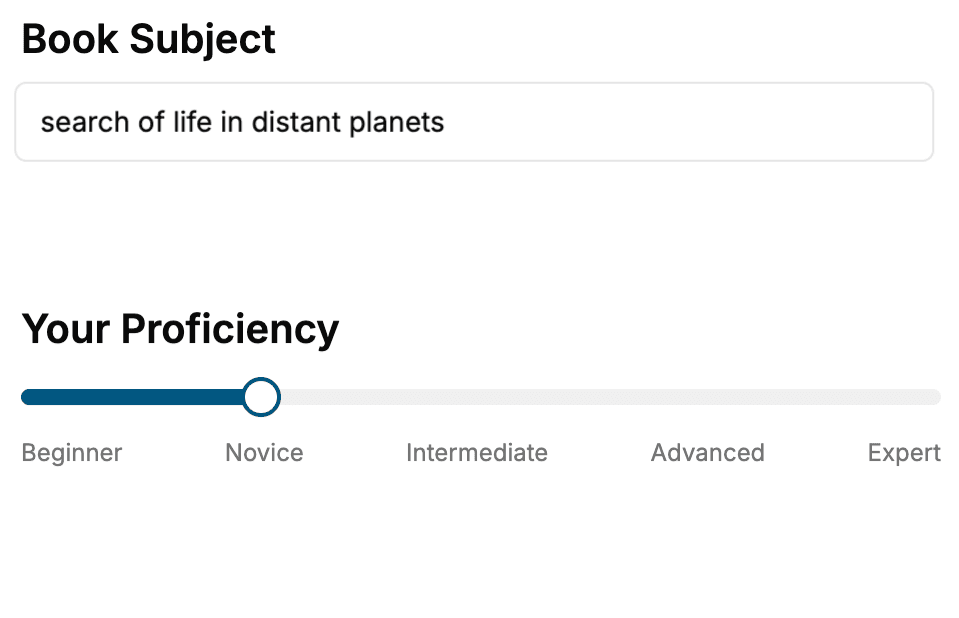
Select the focus of your Software Development book and share your background
- 2. Personalize your book
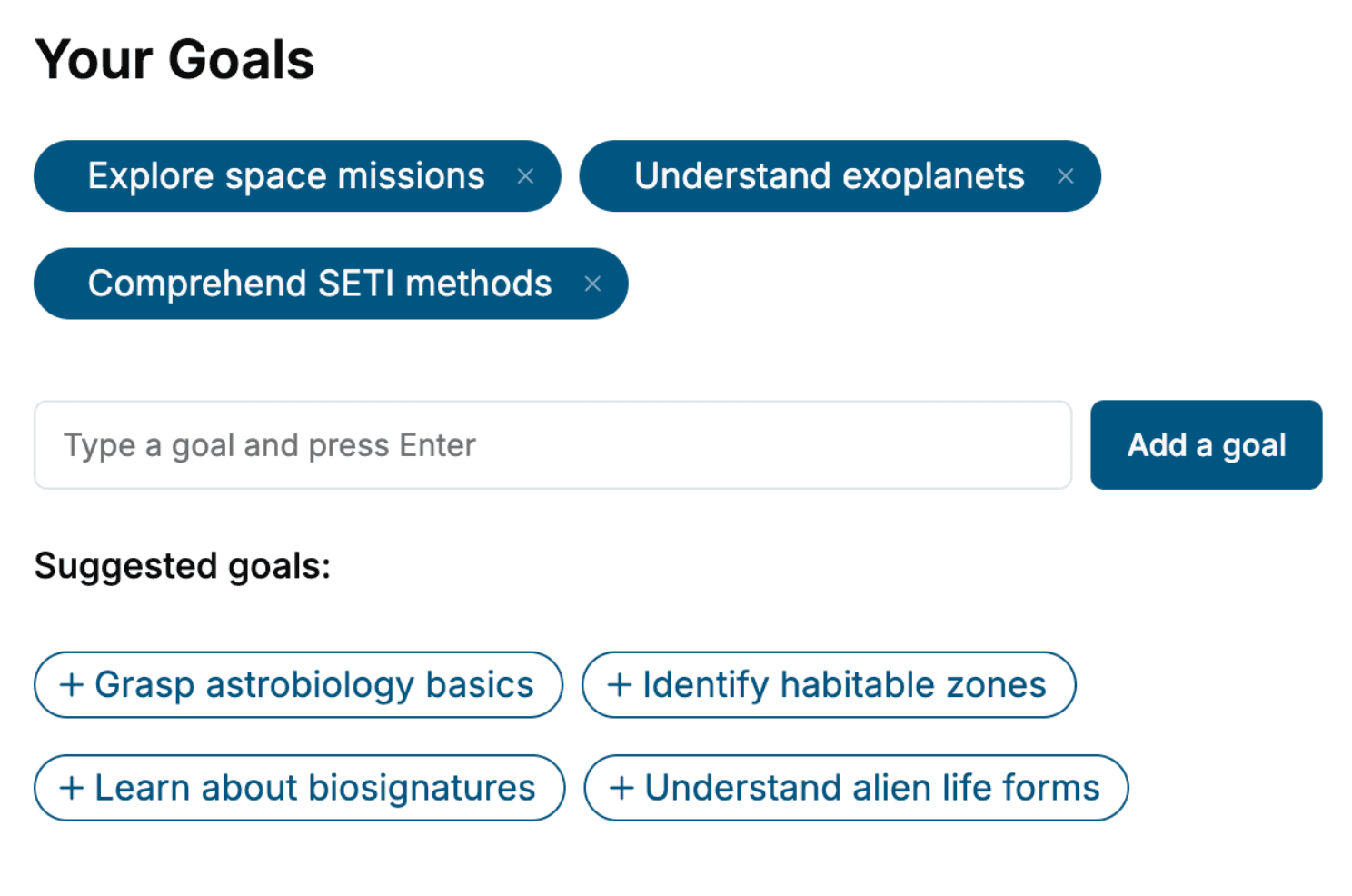
Specify your goals and choose sub-topics to include
- 3. Get your tailored book
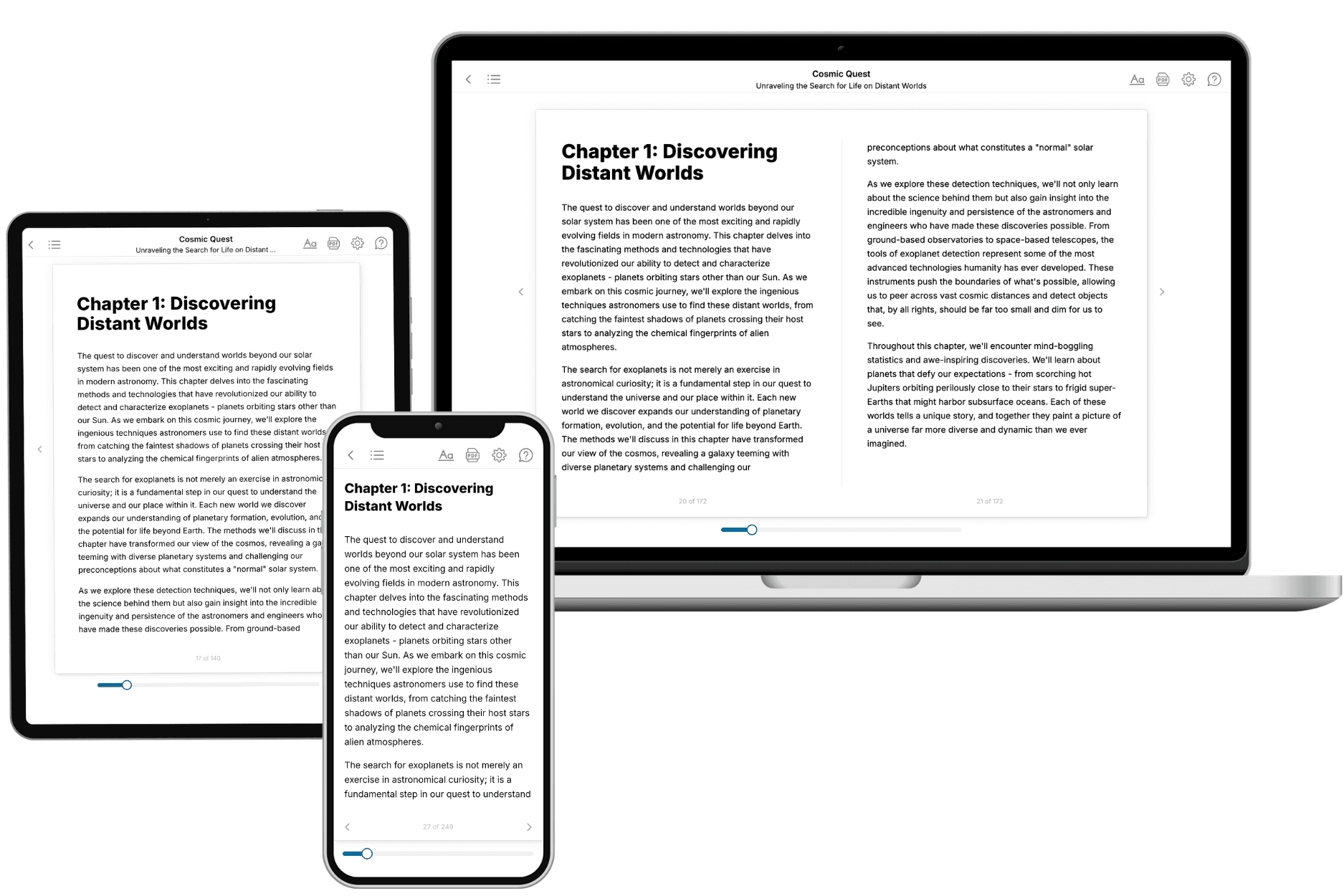
Your book is ready in 10 minutes. Read it online, download as EPUB or PDF, or send to Kindle.
Frequently asked questions
- What is TailoredRead?
TailoredRead creates complete, full-length nonfiction ebooks, written specifically for you. Tell us what you want to learn and why, and TailoredRead writes you a complete ebook on it, with charts, tables, and diagrams throughout. Read it online, on Kindle, or on any e-reader, or download it as a PDF or EPUB. Every book is written fresh the day you order it.
- How is the book tailored to me?
Before anything is written, you answer a few short questions about your goals, your background, and the topics you care about. Your book is then planned around your answers: written at your level, focused on your goals, and covering the topics you chose, instead of the one-size-fits-all book a store sells everyone.
- Will it read like generic AI content?
No. Your book isn't a chat transcript: it's planned chapter by chapter before a single word is written, told in a clear book voice, and explains ideas visually with charts, tables, and diagrams. After writing, every book goes through an editorial pass that polishes chapters so the book reads consistent from start to finish. Judge for yourself: browse thousands of sample books on our Explore Books page.
- How accurate is the content?
Our AI first checks whether your subject needs live research. Niche and fast-moving subjects are researched before writing, and the book plan and chapters are grounded in what it finds. After writing, every book goes through a quality pass that checks its facts and consistency, and researched books list their sources in a Notes section at the back.
- How long is the book?
You choose the length: Comprehensive (250-300 pages), Detailed (150-200 pages), Essential (70-100 pages), or Short (30-50 pages).
- Does the book include visuals?
Yes. Every book includes charts, tables, and diagrams: timelines, checklists, step-by-step guides, decision trees, comparison tables, matrices, and bar charts. A typical book includes dozens of these visual elements.
- Can I read it on Kindle? What formats can I download?
Yes. Every book can be read in our online reader or downloaded as a PDF or EPUB. The EPUB can be opened with Kindle, Apple Books, Kobo, and any e-reader. The Commercial and Author licenses also include an editable Word (DOCX) and Markdown download.
- How much does it cost?
About the price of a regular ebook. The exact price depends on your book's length and complexity, from $2 for the shortest books to $35 for the most comprehensive, and it's shown when you review your book, before you commit to anything. Each book is a one-time purchase, yours to keep, no subscription. Licenses that let you share, teach, or publish your book range from $35.99 to $49.99.
- Can I preview the book before purchasing?
Before you pay, you'll see what your book will cover: the title, a detailed description, the estimated length, and the complete chapter-by-chapter table of contents, so you know what you're getting before you decide. The full text itself is written after you purchase.
- How long does it take to create a book?
About 10 minutes. You can start reading the opening chapters while the rest is still being written.