SolidWorks Mastery Blueprint
Complete Guide to 3D Design, Assembly, and Manufacturing Excellence
As an aircraft mechanic, you understand that precision matters—a miscalculation in component design can compromise safety and performance.
222 pages10 chaptersNov 26, 2025SolidWorksCreated by James
About this book
The challenge is that SolidWorks has a steep learning curve, and generic tutorials don't address the specific needs of aerospace professionals. You need a practical guide that bridges the gap between basic modeling and the advanced techniques required for aircraft component design. This comprehensive blueprint walks you through SolidWorks mastery in a structured, goal-oriented way. Starting with core fundamentals tailored to your physics background, you'll progress through 3D modeling, assembly creation, and sheet metal design—all with real-world aircraft applications in mind. You'll learn parametric sketching methods that ensure design intent, master assembly relationships that prevent costly errors, and discover workflow optimization techniques that cut design time significantly. Whether you're designing replacement components, modifying existing parts, or preparing for SolidWorks certification, this guide provides the targeted learning paths you need. Each chapter builds on previous concepts, with practical exercises and validation techniques that ensure your designs meet aerospace manufacturing standards. By the end, you'll have the skills and confidence to handle complex aircraft design projects efficiently and accurately.
Table of contents
- IntroductionWhy SolidWorks Matters for Aircraft Mechanics, Your Personalized Learning Path, How to Use This Guide Effectively, What You'll Achieve by the EndRead below
- Chapter 1: SolidWorks Fundamentals and Interface MasteryUnderstanding the SolidWorks Interface, Setting Up Your Workspace for Efficiency, Navigation and View Control Techniques, File Management and Project Organization
- Chapter 2: Parametric Sketching MasterySketch Fundamentals and Constraint Types, Using Construction Geometry and Reference Planes, Building Parametric Relationships and Equations, Optimizing Sketches for Design Intent
- Chapter 3: 3D Modeling and Feature CreationFeature Basics: Extrude, Pad, and Pocket Operations, Advanced Features: Loft, Sweep, and Rib, Managing Feature Order and Design Tree Structure, Modifying and Suppressing Features Effectively
- Chapter 4: Assembly Techniques and Part RelationshipsAssembly Basics and Part Insertion, Understanding Mate Types and Constraints, Building Efficient Assembly Structures, Validating Assemblies and Detecting Conflicts
- Chapter 5: Sheet Metal Design for Aircraft ComponentsSheet Metal Fundamentals and Bend Allowances, Creating Flat Patterns and Unfolding Geometry, Applying Manufacturing Specifications and Tolerances, Optimizing Sheet Metal Designs for Production
- Chapter 6: Surface Modeling and Complex GeometrySurface Modeling Fundamentals, Creating and Editing Surfaces, Designing Complex Aircraft Components with Surfaces
- Chapter 7: Technical Drawing Creation and AnnotationSetting Up Drawings and View Projection, Annotations, Dimensions, and GD&T Principles, Aerospace Drawing Standards and Best Practices, Creating Complete Technical Documentation
- Chapter 8: Design Validation and SimulationSimulation Basics and Stress Analysis, Validation Techniques for Aircraft Components, Design Verification and Tolerance Analysis
- Chapter 9: Workflow Optimization and EfficiencyCreating and Using Templates and Part Libraries, Automation Tools and Macro Development, Efficiency Strategies for Repetitive Tasks, Time Management and Project Planning
- Chapter 10: Certification Preparation and Professional DevelopmentSolidWorks Certification Overview and Requirements, Exam Strategies and Practice Techniques, Advanced Topics for Professional Excellence
- ConclusionYour SolidWorks Mastery Achieved, Next Steps in Your Professional Journey
- Glossary of SolidWorks Terms
- Further Reading and Resources
Introduction
The aircraft maintenance hangar presents unique challenges that demand precision, technical expertise, and increasingly, advanced design capabilities. As an aircraft mechanic, you've likely encountered situations where a replacement component isn't readily available, where modifications need careful planning, or where understanding the original design intent becomes critical to proper maintenance. Traditional 2D drawings and manual calculations have their place, but modern aerospace work increasingly requires three-dimensional modeling skills. SolidWorks has become the industry standard for mechanical design, yet most training materials treat it as a generic tool rather than addressing the specific needs of aviation professionals who work with complex assemblies, tight tolerances, and safety-critical components.
Your physics background gives you a significant advantage in mastering SolidWorks. You already understand the principles of force, stress, material properties, and geometric relationships that underpin effective design. What you need now is a structured path that connects those theoretical foundations to practical software skills. This guide bridges that gap by focusing on the parametric modeling techniques, assembly strategies, and validation methods that matter most in aircraft component design. Rather than overwhelming you with every feature SolidWorks offers, this blueprint concentrates on the capabilities that directly impact your work—from creating accurate replacement parts to documenting modifications that meet regulatory standards.
The journey from intermediate to advanced SolidWorks proficiency isn't about memorizing commands or following generic tutorials. It's about developing a systematic approach to design that ensures accuracy, maintains design intent, and produces manufacturing-ready models efficiently. This introduction establishes the framework for that journey, explaining why SolidWorks mastery matters for your career, outlining the personalized learning path ahead, providing guidance on how to extract maximum value from this guide, and clarifying the specific competencies you'll develop. By understanding these foundational elements before diving into technical content, you'll approach each chapter with clear purpose and realistic expectations about the skills you're building.
Why SolidWorks Matters for Aircraft Mechanics
The aviation industry has undergone a fundamental transformation in how components are designed, documented, and manufactured. Twenty years ago, aircraft mechanics primarily worked from 2D engineering drawings and paper manuals. Today, maintenance facilities increasingly use 3D models for everything from planning complex repairs to fabricating custom brackets and fittings. SolidWorks dominates this landscape because it combines powerful parametric modeling with intuitive workflows and robust assembly management. For aircraft mechanics, this shift represents both a challenge and an opportunity. Those who develop SolidWorks proficiency gain the ability to create accurate replacement parts, document modifications properly, and communicate design intent clearly to fabrication teams and regulatory authorities.
Consider a common scenario in aircraft maintenance: you need to replace a corroded bracket that's no longer manufactured. With traditional methods, you'd take measurements, create hand sketches, and work with a machine shop to fabricate the part through an iterative process of trial and error. With SolidWorks, you can create a precise 3D model that captures all dimensions, tolerances, and material specifications. You can generate flat patterns for sheet metal components, validate that the part fits within the assembly without interference, and produce manufacturing drawings that meet aerospace standards. This capability reduces fabrication time, minimizes errors, and provides documentation that satisfies regulatory requirements. The time investment in learning SolidWorks pays dividends through increased efficiency and reduced rework.
Beyond immediate practical applications, SolidWorks proficiency opens career advancement opportunities that weren't previously accessible to aircraft mechanics. Maintenance facilities increasingly seek personnel who can bridge the gap between hands-on mechanical work and engineering design. Your combination of practical aircraft experience and CAD skills makes you uniquely valuable for roles involving:
- Modification design and approval: Creating engineering packages for aircraft modifications that require regulatory approval
- Tooling and fixture development: Designing specialized tools and work-holding fixtures for maintenance procedures
- Technical documentation: Producing illustrated parts catalogs and maintenance manuals with 3D exploded views
- Reverse engineering: Creating CAD models from existing components when original drawings are unavailable
- Quality assurance: Validating that manufactured parts meet design specifications through dimensional analysis
The parametric nature of SolidWorks aligns particularly well with the systematic thinking that physics training develops. When you create a parametric model, you're not just drawing shapes—you're defining relationships, constraints, and design intent that persist through modifications. This approach mirrors how you already think about aircraft systems: understanding how components interact, how forces transfer through structures, and how changes in one area affect the entire assembly. A properly constructed SolidWorks model behaves like a mathematical system where adjusting one dimension automatically updates all related features. This capability proves invaluable when designing families of similar parts or adapting existing designs to new requirements.
Manufacturing integration represents another critical advantage of SolidWorks mastery. Modern fabrication equipment—CNC mills, laser cutters, waterjet systems, and 3D printers—all work directly from CAD models. When you design a component in SolidWorks, you can export it in formats that drive these machines with minimal additional programming. For sheet metal work, SolidWorks automatically calculates bend allowances and generates flat patterns that account for material thickness and bend radius. For machined parts, you can add manufacturing features like chamfers, fillets, and threaded holes that communicate your intent clearly to machinists. This direct connection between design and manufacturing reduces the translation errors that occur when working from 2D drawings alone.
The aerospace industry's regulatory environment makes accurate documentation essential, and SolidWorks excels at producing the technical drawings and bills of materials that regulatory authorities require. When you modify an aircraft component, you need to demonstrate that the change maintains structural integrity and doesn't compromise safety. SolidWorks enables you to create professional engineering drawings with proper projection views, section cuts, detail callouts, and geometric dimensioning and tolerancing (GD&T) symbols. You can generate assembly drawings that show how components fit together, parts lists that specify materials and quantities, and revision histories that track design changes over time. This documentation capability ensures that your work meets the standards of organizations like the FAA, EASA, and Transport Canada.
Finally, SolidWorks proficiency enhances your ability to understand and work with designs created by others. Aircraft manufacturers, parts suppliers, and engineering firms increasingly provide 3D models alongside traditional drawings. Being able to open these models, examine their construction, and extract the information you need for maintenance work makes you more effective in your current role. You can identify potential interference issues before disassembly, plan tool access for difficult installations, and verify that replacement parts will fit properly. This capability to work fluently with 3D data has become as fundamental to modern aircraft maintenance as the ability to read engineering drawings was for previous generations.
Your Personalized Learning Path
This guide follows a carefully structured progression that builds from foundational concepts to advanced techniques, with each chapter preparing you for the next. Unlike generic SolidWorks tutorials that jump randomly between topics, this learning path recognizes that you already possess intermediate skills and focuses on filling specific knowledge gaps while advancing your capabilities systematically. The sequence mirrors how professional designers actually work: starting with interface mastery and workspace setup, progressing through sketching and modeling fundamentals, then advancing to assemblies, specialized techniques like sheet metal design, and finally covering validation, optimization, and professional development. This structure ensures you're never learning techniques you can't immediately apply or encountering concepts that depend on skills you haven't yet developed.
The early chapters establish the foundation that everything else builds upon. Chapter 1 covers interface mastery and workspace optimization—skills that might seem basic but dramatically affect your efficiency. Many intermediate users struggle with SolidWorks not because they lack design knowledge but because they haven't configured their workspace effectively or learned the navigation shortcuts that professionals use instinctively. Chapter 2 dives deep into parametric sketching, which is arguably the most critical skill in SolidWorks. Every 3D feature starts with a sketch, and the quality of that sketch determines whether your model behaves predictably when you make changes. You'll learn to create sketches that capture design intent through proper constraints, construction geometry, and parametric relationships rather than just matching dimensions.
The middle chapters focus on core modeling and assembly skills that form the bulk of practical SolidWorks work. Chapter 3 covers 3D modeling and feature creation, teaching you not just how to create features but how to organize them logically in the design tree, manage feature order to avoid rebuild errors, and use suppression strategies for design variations. Chapter 4 addresses assembly techniques—a topic where many intermediate users struggle because they approach assemblies as collections of parts rather than systems of relationships. You'll learn to think about mate types, assembly structure, and constraint strategies that create robust assemblies that don't break when components change. Chapter 5 focuses specifically on sheet metal design, which is particularly relevant for aircraft mechanics who frequently work with aluminum and composite panels, brackets, and fairings.
Advanced chapters introduce specialized techniques and professional workflows that distinguish expert users from competent ones. Chapter 6 covers surface modeling, which becomes necessary when solid modeling techniques can't create the complex curved geometries found in aircraft components like fairings, cowlings, and aerodynamic surfaces. Chapter 7 addresses technical drawing creation with emphasis on aerospace standards and GD&T principles—critical knowledge for producing documentation that meets regulatory requirements. Chapter 8 introduces design validation and simulation, teaching you to verify that your designs will perform as intended before committing to manufacturing. These chapters assume you've mastered the foundational skills from earlier sections and are ready to tackle more sophisticated design challenges.
The final chapters focus on efficiency and professional development. Chapter 9 covers workflow optimization through templates, libraries, and automation—techniques that can reduce design time by 40-60% for repetitive tasks. This chapter recognizes that as you become more proficient, your bottleneck shifts from figuring out how to create features to managing the volume of work you can handle. Chapter 10 addresses certification preparation and professional development, providing a roadmap for validating your skills through official SolidWorks certification and continuing your growth beyond this guide. The conclusion synthesizes everything you've learned and provides guidance on next steps in your professional journey.
Throughout this learning path, the content maintains focus on aircraft-specific applications rather than generic examples. When discussing assembly techniques, examples involve aircraft components like control surface hinges and inspection panels rather than consumer products. When covering sheet metal design, the focus is on aluminum alloys and bend allowances relevant to aircraft fabrication rather than general manufacturing. When addressing drawing creation, the emphasis is on aerospace documentation standards and the regulatory context you work within. This targeted approach ensures that every concept you learn connects directly to your professional work, making the knowledge immediately applicable and easier to retain.
The progression also accounts for your physics background by building on concepts you already understand. When discussing parametric relationships, the guide connects them to mathematical equations you're familiar with. When covering simulation and validation, it references stress analysis and material properties from your physics training. When explaining assembly constraints, it relates them to the kinematic principles you already know. This approach accelerates your learning by anchoring new software skills to existing theoretical knowledge rather than treating SolidWorks as an isolated tool you're learning from scratch. Your technical foundation becomes an asset that speeds your progress rather than something separate from your CAD training.
How to Use This Guide Effectively
Maximum benefit from this guide requires active engagement rather than passive reading. Each chapter is designed for hands-on practice, with concepts explained in context of specific modeling tasks you should complete as you progress. The most effective approach is to have SolidWorks open while reading, immediately applying each technique to a practice model. This active learning approach creates muscle memory and helps you internalize workflows rather than just understanding them intellectually. When a chapter introduces a new sketching technique, pause and create several sketches using that method. When it explains a feature creation process, build that feature multiple times with different parameters. This repetition transforms theoretical knowledge into practical skill.
The guide's structure supports multiple learning strategies depending on your current skill level and immediate needs. If you're systematically building your skills, work through chapters sequentially from beginning to end. Each chapter assumes knowledge from previous sections, so this linear approach ensures you don't encounter gaps in understanding. However, if you face an immediate work challenge—perhaps you need to create a sheet metal bracket tomorrow—you can jump directly to Chapter 5 for targeted guidance. The chapter introductions identify prerequisite knowledge, allowing you to assess whether you need to review earlier material first. Cross-references throughout the text point you to related concepts in other chapters when deeper understanding would be helpful.
Pay particular attention to the examples and case studies, which demonstrate how concepts apply to real aircraft maintenance scenarios. These aren't generic illustrations but specific situations you're likely to encounter:
- Designing a replacement bracket for a corroded engine mount
- Creating a custom inspection panel that maintains structural integrity
- Modeling a sheet metal fairing with proper bend allowances for aluminum fabrication
- Assembling a control surface hinge with appropriate clearances and constraints
- Generating manufacturing drawings that meet FAA documentation requirements
The guide includes specific actionable steps and frameworks that you should implement immediately in your work. When a chapter presents a workflow optimization technique, don't just note it for future reference—implement it in your current projects. When it introduces a template structure, create that template in your SolidWorks installation. When it describes a quality check process, add that check to your design routine. These immediate applications create habits that persist beyond your initial learning period. The goal isn't just to know about efficient techniques but to make them your default approach to design work. Small improvements in workflow compound over time, eventually resulting in dramatic increases in productivity.
Use the troubleshooting guidance and common pitfalls sections to avoid mistakes that slow intermediate users. These sections draw from typical errors that aircraft mechanics make when transitioning to advanced SolidWorks work—issues like over-constraining sketches, creating assemblies with circular references, or organizing feature trees in ways that make modifications difficult. When you encounter a problem in your own work, consult the relevant troubleshooting section before spending hours trying random solutions. Understanding why something doesn't work and how to fix it systematically builds deeper knowledge than simply following steps that happen to produce correct results.
Create a practice project that you develop throughout your progression through the guide. Choose a moderately complex aircraft component you're familiar with—perhaps a landing gear door bracket, an inspection panel assembly, or a custom tool you've wanted to design. As you complete each chapter, add new techniques to this project. After the sketching chapter, refine your project's sketches with proper constraints. After the assembly chapter, create an assembly that incorporates your part. After the drawing chapter, generate complete manufacturing documentation. This continuous project provides context for each new skill and results in a portfolio piece that demonstrates your capabilities to employers or certification evaluators.
Finally, recognize that mastery develops through iteration and reflection, not just initial exposure. After completing a chapter, return to it a week later and review the key concepts. Attempt the exercises again without referring to the detailed instructions, testing whether you've internalized the workflows. When you encounter difficulties in your actual work, revisit relevant sections to deepen your understanding. The guide is designed as a reference you'll return to repeatedly, not a book you read once and shelve. Different concepts will resonate at different stages of your development—techniques that seem abstract initially often become clear once you've encountered the problems they solve in your own projects.
What You'll Achieve by the End
By completing this guide and applying its techniques consistently, you'll develop a comprehensive skill set that positions you as an advanced SolidWorks user capable of handling complex aircraft design challenges. Your sketching skills will transform from creating basic geometry to building parametric sketches that capture design intent through proper constraints, construction geometry, and mathematical relationships. You'll be able to create sketches that update predictably when dimensions change, that maintain symmetry and alignment automatically, and that communicate your design logic clearly to anyone who examines your models. This foundational skill improvement alone will reduce modeling time and eliminate the frustration of sketches that break when you modify them.
Your 3D modeling capabilities will advance from creating simple parts to designing complex components with sophisticated feature relationships. You'll understand how to organize features logically in the design tree, how to use suppression and configurations to manage design variations, and how to structure models so that modifications don't cause rebuild errors. You'll be comfortable with advanced features like lofts, sweeps, and surface modeling techniques that enable you to create the complex geometries found in aircraft components. When you encounter a design challenge, you'll have multiple approaches available and the judgment to select the most appropriate technique for the specific situation.
Assembly skills will progress from simply inserting parts and adding mates to creating robust assembly structures that behave predictably and perform well even with hundreds of components. You'll understand the different mate types and when to use each one, how to create sub-assemblies that simplify complex products, and how to use assembly features and in-context design when appropriate. You'll be able to detect and resolve interference issues, validate that assemblies move correctly through their range of motion, and create exploded views that clearly communicate assembly sequences. These skills are particularly valuable for aircraft mechanics who need to understand how components interact within larger systems.
Your sheet metal design capabilities will enable you to create manufacturing-ready models of brackets, panels, and fairings with proper bend allowances, flat pattern generation, and manufacturing specifications. You'll understand how material thickness, bend radius, and K-factor affect the final part geometry. You'll be able to create sheet metal parts that unfold correctly for laser cutting or brake forming, and you'll know how to add manufacturing features like hem edges, jogs, and relief cuts. This knowledge directly translates to your ability to design and fabricate custom aircraft components that meet structural and regulatory requirements.
Technical drawing creation will become a strength rather than an afterthought. You'll be able to generate professional engineering drawings with proper projection views, section cuts, detail callouts, and annotations. You'll understand GD&T principles and how to apply them appropriately to aircraft components. You'll know how to create drawing templates that match your organization's standards and how to generate bills of materials that integrate with your documentation systems. This capability ensures that your designs include the complete documentation package required for regulatory approval and manufacturing execution.
Workflow efficiency will improve dramatically through your mastery of templates, libraries, and automation techniques. You'll create part and assembly templates that include your standard materials, units, and document properties. You'll build libraries of frequently used components and features that you can insert with a few clicks rather than modeling from scratch each time. You'll understand how to use design tables for creating part families and how to record macros for repetitive tasks. These efficiency improvements compound over time—a workflow that saves five minutes per part becomes hours of saved time across dozens of projects.
Design validation skills will enable you to verify that your components meet performance requirements before manufacturing. You'll understand how to set up basic stress analysis simulations, how to interpret results, and how to identify potential failure modes. You'll know how to perform tolerance stack-up analysis to ensure that assemblies will fit properly despite manufacturing variations. You'll be able to validate that your designs meet the structural and safety requirements specific to aircraft applications. This validation capability reduces costly manufacturing errors and provides confidence that your designs will perform as intended.
Perhaps most importantly, you'll develop the problem-solving mindset that distinguishes advanced users from those who merely know the software commands. You'll approach design challenges systematically, breaking complex problems into manageable steps. You'll recognize when a modeling approach isn't working and know how to pivot to alternative techniques. You'll understand the trade-offs between different design strategies and make informed decisions based on your specific requirements. This professional judgment, combined with technical proficiency, makes you valuable not just as someone who can operate SolidWorks but as someone who can solve real engineering problems using the software as a tool.
These capabilities position you for SolidWorks certification, which validates your expertise and opens doors to advanced career opportunities. Whether you pursue the Certified SolidWorks Associate (CSWA) or Certified SolidWorks Professional (CSWP) designation, you'll have the knowledge and skills needed to pass the examinations. More importantly, you'll have the practical competence to apply SolidWorks effectively in your daily work, improving your efficiency, expanding your responsibilities, and increasing your value to your organization. The investment you make in mastering SolidWorks through this guide pays dividends throughout your career as aircraft maintenance and modification work continues to rely increasingly on 3D modeling and digital design tools.
This is the end of the free sample. The full book has 10 chapters.
Want this book written for you?
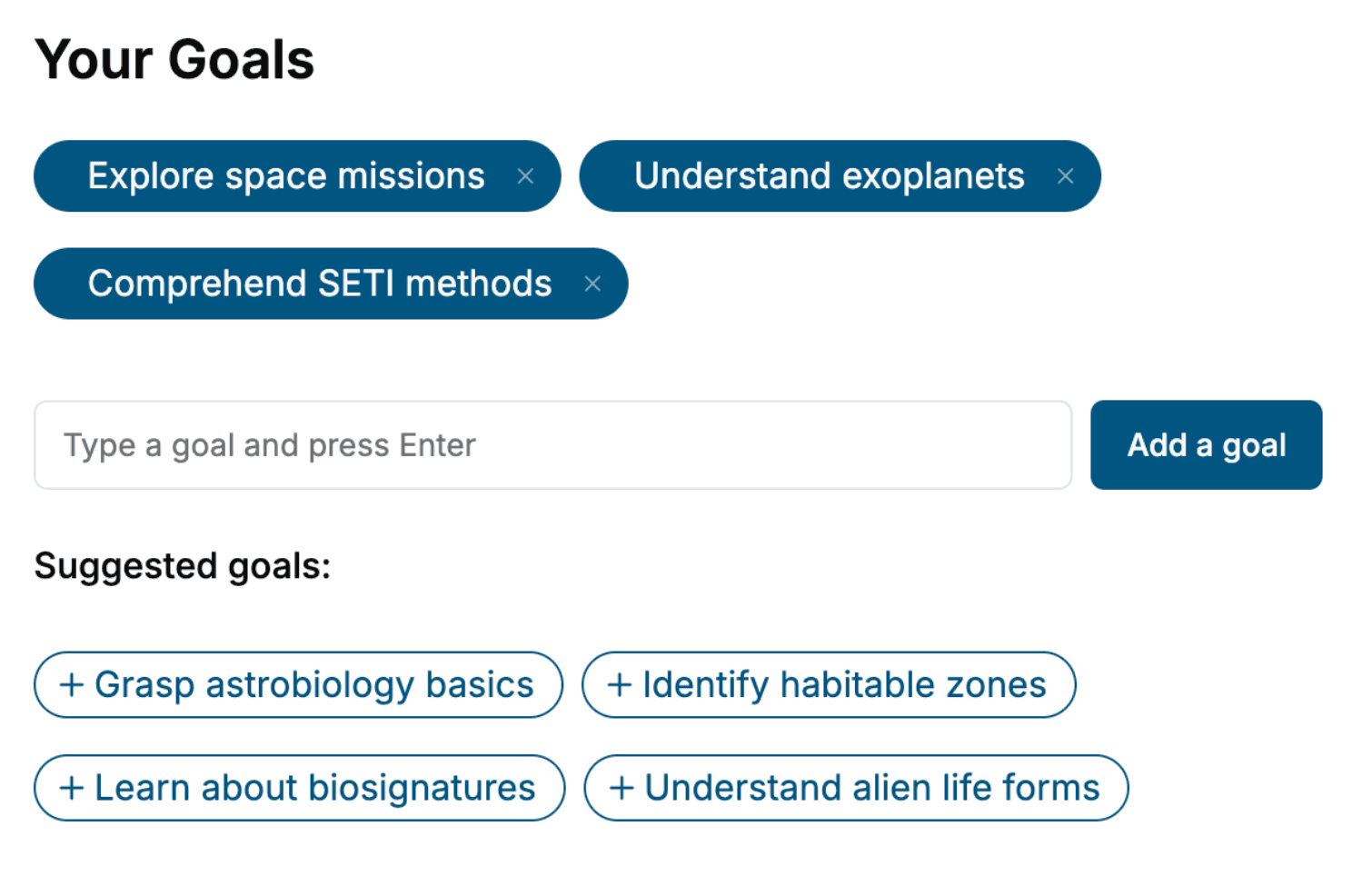
Tell us your goals and background, and get your own version of this book, tailored by AI to you.


Benefits of AI-tailored books
- Read one book, not ten:
- all the SolidWorks knowledge you need, gathered into a single book.
- Save days of learning:
- tell us your goals, choose your topics, and the whole book is built around them.
- Learn effortlessly:
- SolidWorks book written for your specific background and expertise.
- Understand at a glance:
- includes charts, tables, timelines, checklists, decision trees, and more.
- Stay current:
- written the day you order it, not years ago.
- Trust what you read:
- every book is checked for accuracy, with real research when your subject needs it.
Create your unique book in 3 steps
- 1. Select your focus
Select the focus of your SolidWorks book and share your background
- 2. Personalize your book
Specify your goals and choose sub-topics to include
- 3. Get your tailored book
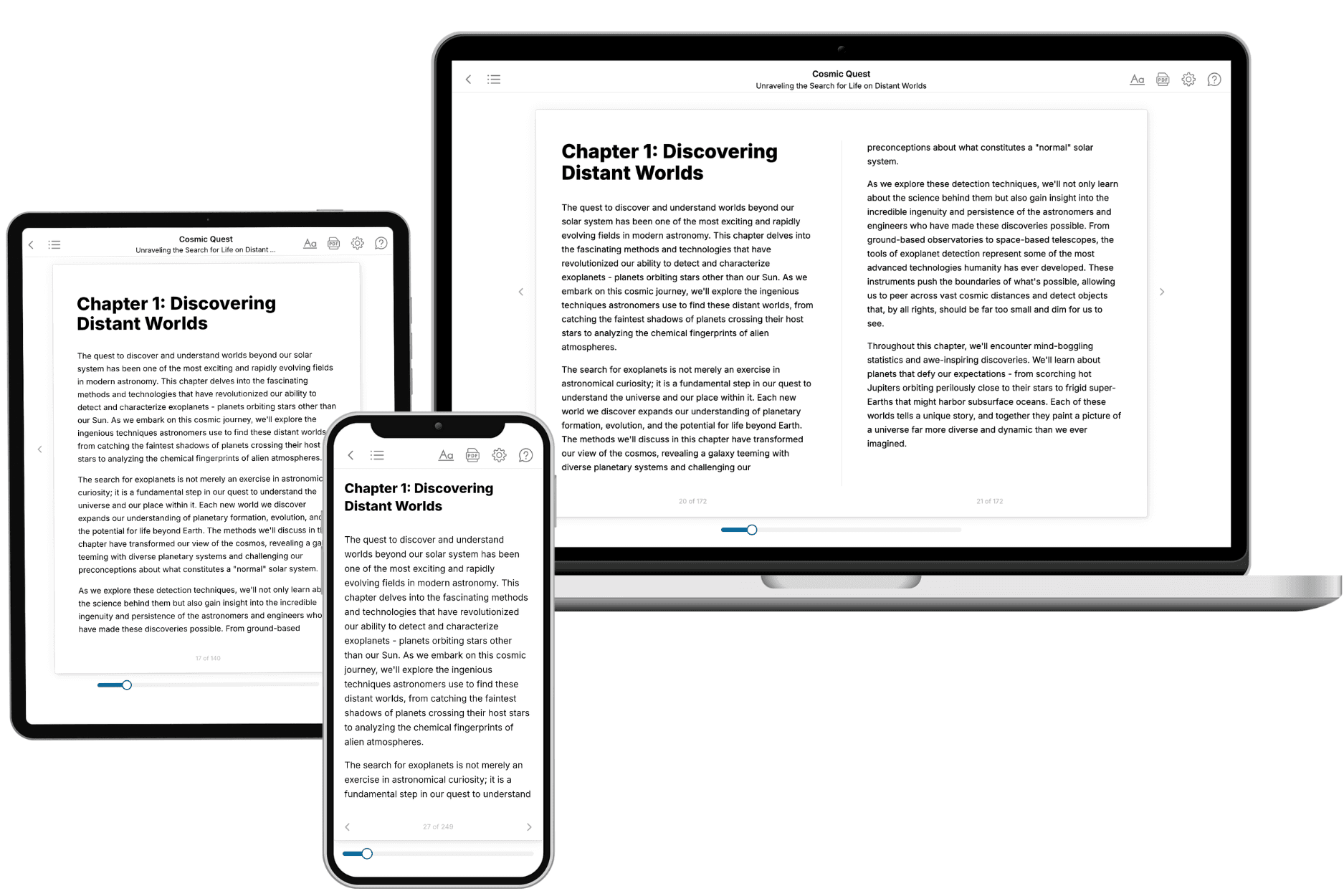
Your book is ready in 10 minutes. Read it online, download as EPUB or PDF, or send to Kindle.

Frequently asked questions
- What is TailoredRead?
TailoredRead creates complete, full-length nonfiction ebooks, written specifically for you. Tell us what you want to learn and why, and TailoredRead writes you a complete ebook on it, with charts, tables, and diagrams throughout. Read it online, on Kindle, or on any e-reader, or download it as a PDF or EPUB. Every book is written fresh the day you order it.
- How is the book tailored to me?
Before anything is written, you answer a few short questions about your goals, your background, and the topics you care about. Your book is then planned around your answers: written at your level, focused on your goals, and covering the topics you chose, instead of the one-size-fits-all book a store sells everyone.
- Will it read like generic AI content?
No. Your book isn't a chat transcript: it's planned chapter by chapter before a single word is written, told in a clear book voice, and explains ideas visually with charts, tables, and diagrams. After writing, every book goes through an editorial pass that polishes chapters so the book reads consistent from start to finish. Judge for yourself: browse thousands of sample books on our Explore Books page.
- How accurate is the content?
Our AI first checks whether your subject needs live research. Niche and fast-moving subjects are researched before writing, and the book plan and chapters are grounded in what it finds. After writing, every book goes through a quality pass that checks its facts and consistency, and researched books list their sources in a Notes section at the back.
- How long is the book?
You choose the length: Comprehensive (250-300 pages), Detailed (150-200 pages), Essential (70-100 pages), or Short (30-50 pages).
- Does the book include visuals?
Yes. Every book includes charts, tables, and diagrams: timelines, checklists, step-by-step guides, decision trees, comparison tables, matrices, and bar charts. A typical book includes dozens of these visual elements.
- Can I read it on Kindle? What formats can I download?
Yes. Every book can be read in our online reader or downloaded as a PDF or EPUB. The EPUB can be opened with Kindle, Apple Books, Kobo, and any e-reader. The Commercial and Author licenses also include an editable Word (DOCX) and Markdown download.
- How much does it cost?
About the price of a regular ebook. The exact price depends on your book's length and complexity, from $2 for the shortest books to $35 for the most comprehensive, and it's shown when you review your book, before you commit to anything. Each book is a one-time purchase, yours to keep, no subscription. Licenses that let you share, teach, or publish your book range from $35.99 to $49.99.
- Can I preview the book before purchasing?
Before you pay, you'll see what your book will cover: the title, a detailed description, the estimated length, and the complete chapter-by-chapter table of contents, so you know what you're getting before you decide. The full text itself is written after you purchase.
- How long does it take to create a book?
About 10 minutes. You can start reading the opening chapters while the rest is still being written.